PRODUCT DESCRIPTION
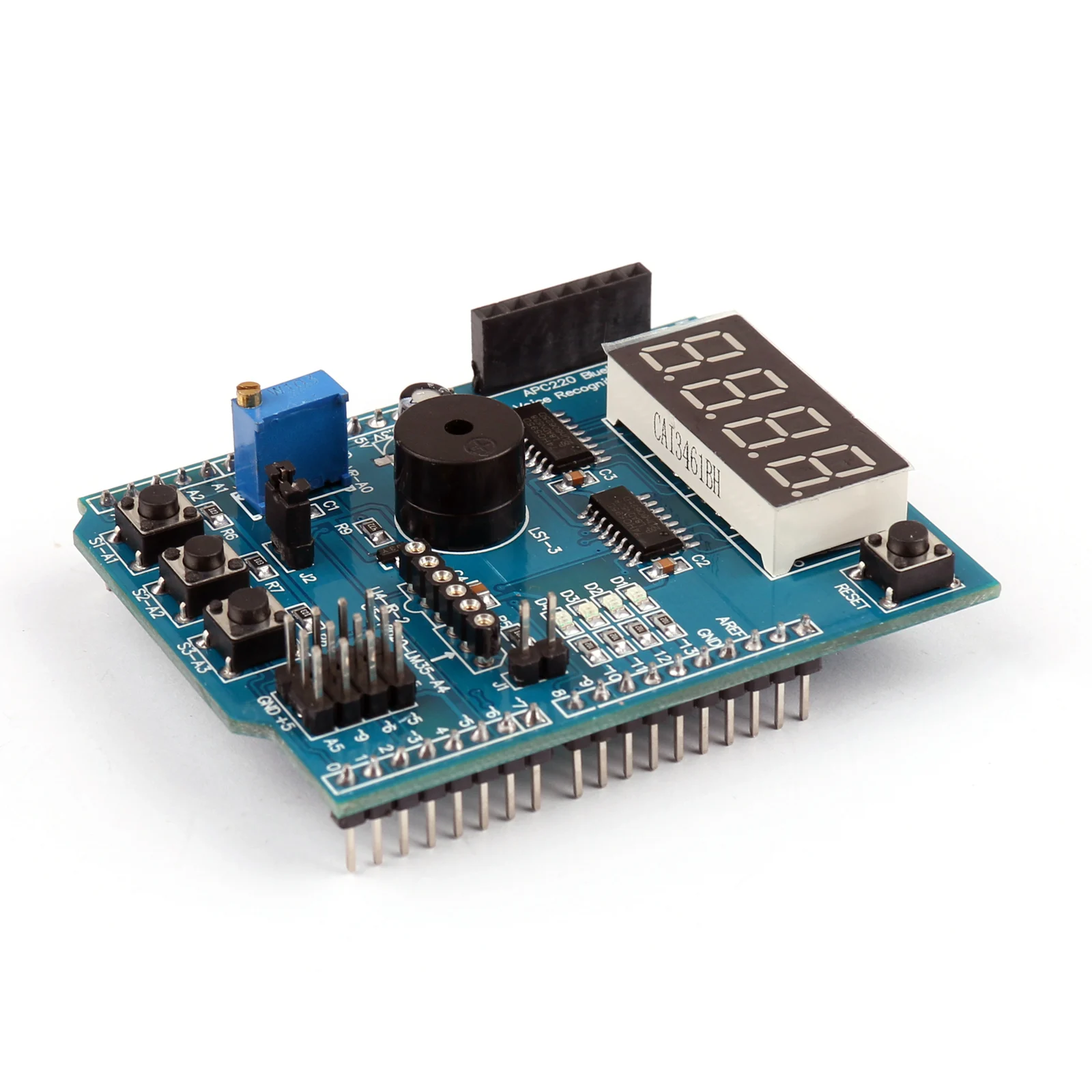
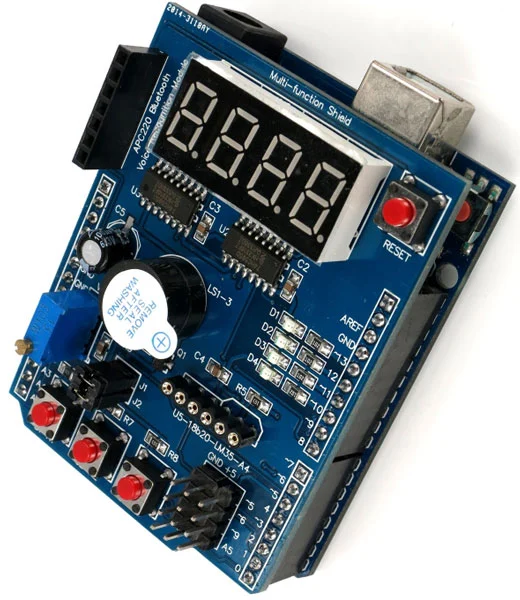
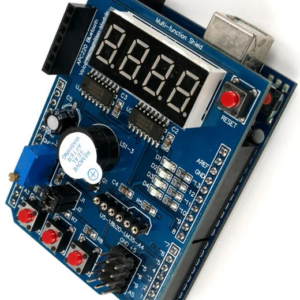
This multifunctional Shield is designed for compatibility with Arduino Uno and Leonardo boards, making it an excellent choice for both beginners and advanced users. Whether you’re just starting with Arduino or working on more complex projects, this shield offers the flexibility and features needed to enhance your creations.
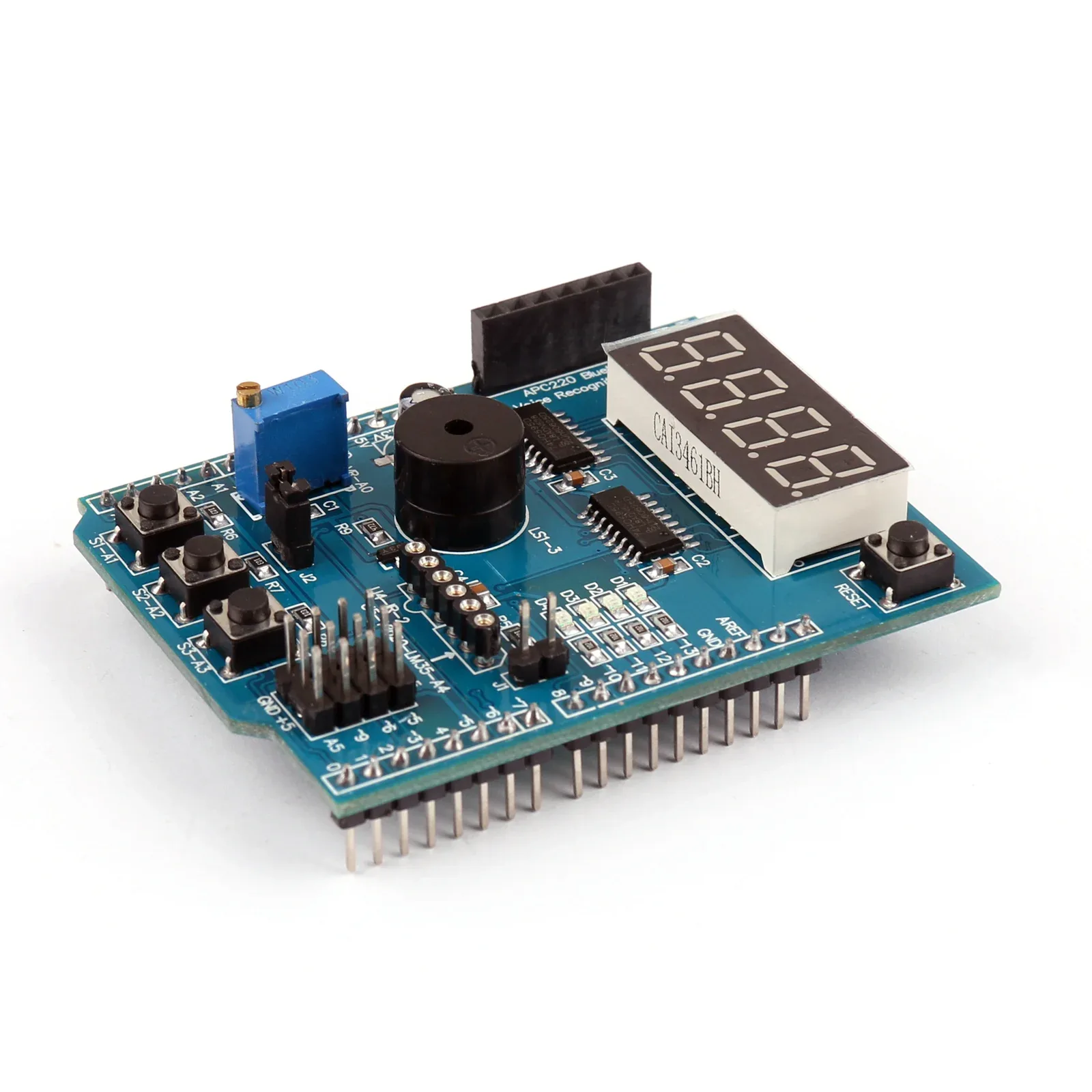
Equipped with a range of components such as LEDs, buttons, buzzers, and potentiometers, the Shield supports various applications and experiments. It also includes expansion headers for easy connection to external modules and components. Specifically designed for R3 type Arduino boards, it’s important to verify compatibility with your board if it’s not an R3 model before purchasing.
Note:
Before applying power to your Arduino board check that other than the header pins, no part of the underside of this shield is in contact with the host board
This module is compatible with Arduino UNO and Arduino Leonardo, to buy them click on the respective name below
Features:
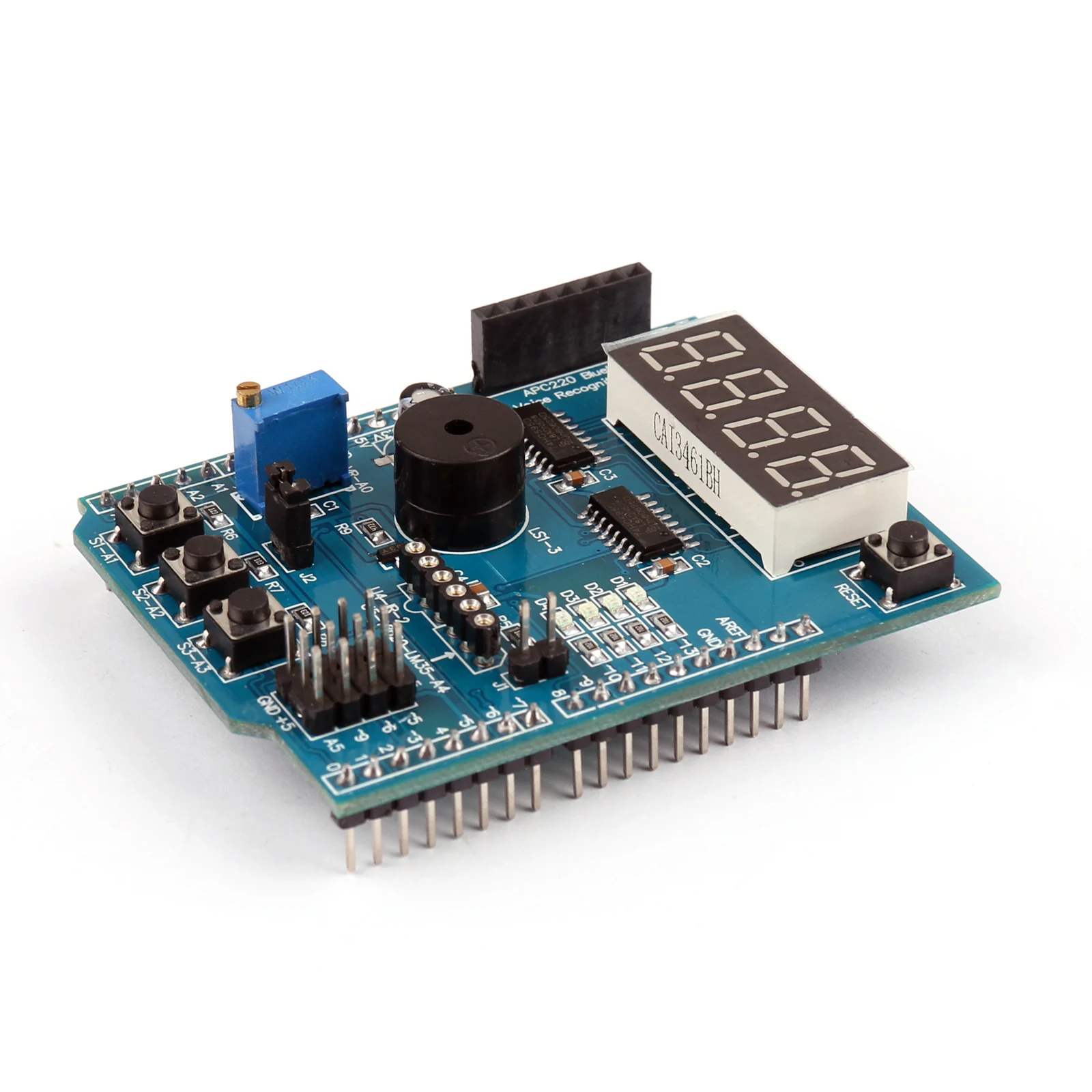
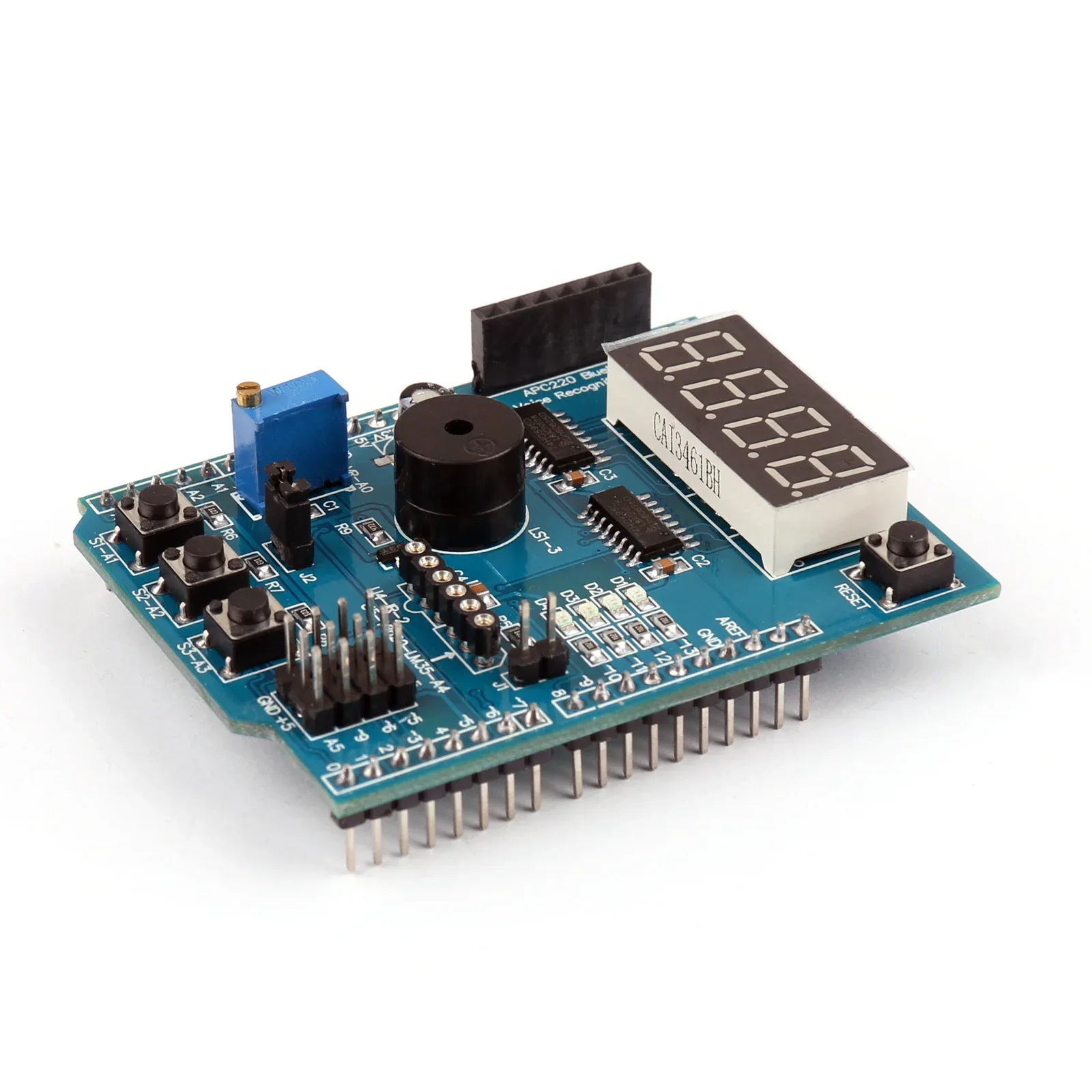
This module has a 4-digit 7-segment LED display that is controlled by two 74HC595 serial chips.
It also has 4 surface mount LEDs that are connected in parallel. Other features include:
-A 10K precision potentiometer that can be adjusted.
– Three independent push buttons.
– A piezo buzzer.
– An interface for the DS18B20 temperature sensor.
– An interface for the LM35 temperature sensor.
– An interface for the infrared receiver.
– A serial interface header that can be easily connected to various serial modules, such as Bluetooth, wireless, voice, or voice recognition modules.
Specification:
| Input Supply voltage (V) | 5 |
|---|---|
| Length (mm): | 66 |
| Width (mm) | 53.5 |
| Height (mm) | 21 |
| Weight (gm) | 22 |
| Shipping Weight | 0.025 kg |
| Shipping Dimensions | 8 × 6 × 4 cm |

Multifunction Shield For Arduino Uno / Leonardo Overview
The Multifunction Shield for Arduino Uno / Leonardo is an add-on board that stacks directly on an R3-compatible Uno or Leonardo. It integrates a precision potentiometer, push buttons, temperature sensor interfaces, buzzer and IR receiver to accelerate prototyping and learning.
Key Features of Multifunction Shield For Arduino Uno / Leonardo
- 10K adjustable precision potentiometer for analog input adjustments
- Three independent push buttons for user input and menu navigation
- Built-in piezo buzzer for tone generation and alerts
- Dedicated DS18B20 and LM35 temperature sensor interfaces for single-wire or analog readings
- Infrared receiver interface for remote control experiments
- Expansion headers for easy connection of external modules or jumper wires
- Genuine product with fast shipping from Zbotic
Applications and Use Cases
- Interactive menu systems using push buttons and display modules
- Temperature logging projects with DS18B20 or LM35 sensors
- Alarm and notification systems driven by the piezo buzzer
- IR remote-controlled robotics or appliance prototypes
- Analog control interfaces such as motor speed or LED brightness via potentiometer
- Educational experiments in sensor interfacing and digital I/O
How to Use Multifunction Shield For Arduino Uno / Leonardo
Align and stack the shield onto the 2×3 and 1×8 R3 headers of your Arduino Uno or Leonardo. Plug a DS18B20 sensor into its dedicated port or attach an LM35 to the analog socket. Use Arduino IDE libraries (OneWire for DS18B20) to read temperature, digitalRead for buttons, analogRead for the potentiometer, tone() for the buzzer and IRremote for the IR receiver.
Why Buy from Zbotic?
- Genuine Products: All items sourced from authorized distributors
- Fast Shipping: Orders ship within 24 hours with tracking (non backordered products)
- Free Shipping: Free delivery on qualifying orders
- COD Available: Cash on Delivery, UPI, cards, net banking
- Technical Support: Expert help for setup and troubleshooting
- Easy Returns: Hassle-free replacement for defective products
Frequently Asked Questions
Is this shield compatible with Arduino Mega?
This shield is designed specifically for the R3 headers on Arduino Uno and Leonardo. It will not align properly on a Mega’s header layout without custom jumper wiring.
How do I connect and read the DS18B20 temperature sensor?
Simply plug the DS18B20 sensor into the labeled port on the shield. The built-in pull-up resistor is included. Use the OneWire and DallasTemperature libraries in Arduino IDE to read values on the assigned digital pin.
Can I generate different tones on the piezo buzzer?
Yes. Call the Arduino tone(pin, frequency, duration) function on the buzzer pin defined by the shield to produce various beeps and melodies for alerts or feedback.

Best Arduino Starter Kits in India 2026: Complete Comparison
Arduino starter kit India searches spike every year as more students, hobbyists, and engineers pick up microcontroller-based prototyping....
Read More →
ESP32-CAM Face Recognition: Door Entry System
Esp32 Cam Face Recognition — this practical project guide shows you how to build a complete working system...
Read More →
Arduino Fingerprint Attendance System with LCD Display
Table of ContentsIntroductionComponents and Hardware SetupWiring Diagram and ConnectionsComplete Code with ExplanationCustomization and ImprovementsTroubleshooting Common IssuesAdvanced Features and...
Read More →Technical Specifications
| Brand | Arduino |
|---|---|
| SKU | AI3428 |
| Weight | 0.03 kg |
| Availability | Out of Stock |
Applications & Use Cases
The Multifunction Shield For Arduino Uno / Leonardo is a versatile shield for arduino used across a wide range of applications including electronics projects, DIY builds, prototyping, and educational experiments.
Common use cases:
- Integrating into a custom electronics project
- Learning and experimenting with circuits
- Replacing or upgrading components in existing setups
This product is ideal for electronics enthusiasts, engineers, and students.
Technical Tip: Always verify voltage and current requirements before connecting to your circuit. Check datasheets for detailed specifications and pin configurations.
Shipping & Delivery
- Free shipping on orders above ₹999 across India
- Dispatched within 1-3 business days
- Expected delivery: 3-7 business days depending on location
- Secure packaging to ensure safe transit of electronic components
- Genuine Arduino product sourced from authorized channels