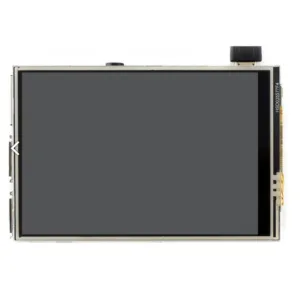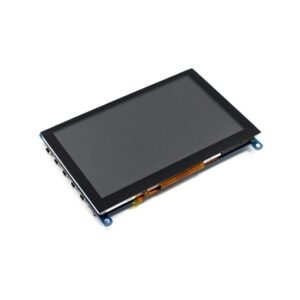
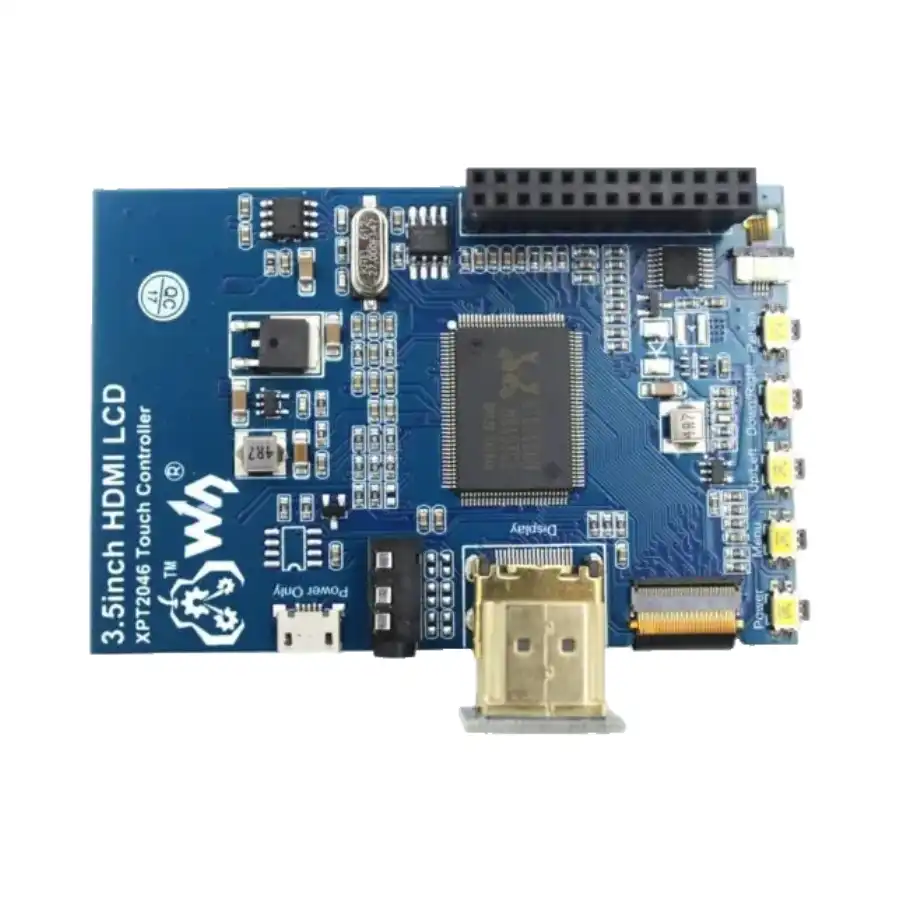
Looking for Waveshare 3.5 Inch Display? Waveshare 3.5 Inch Resistive HDMI LCD Display 480×320 is available at Zbotic with fast shipping across India.
Features:
- Resistive touch control.
- 480×320 hardware resolution, software configurable up to 1920×1080.
- IPS technology, high quality, and perfect displaying from a very wide viewing angle.
- Compatible and Direct-connect with any revision of Raspberry Pi.
- Drivers provided (works with your own Raspbian/Ubuntu/Kali/Retropie).
- Supports the FBCP software driver as well, allows to config software resolution, and set up dual-display.
- Also works as a computer monitor, in this case, the touch panel is unavailable and an HDMI cable is required.
- HDMI interface for displaying, no I/Os required (however, the touch panel still needs I/Os).
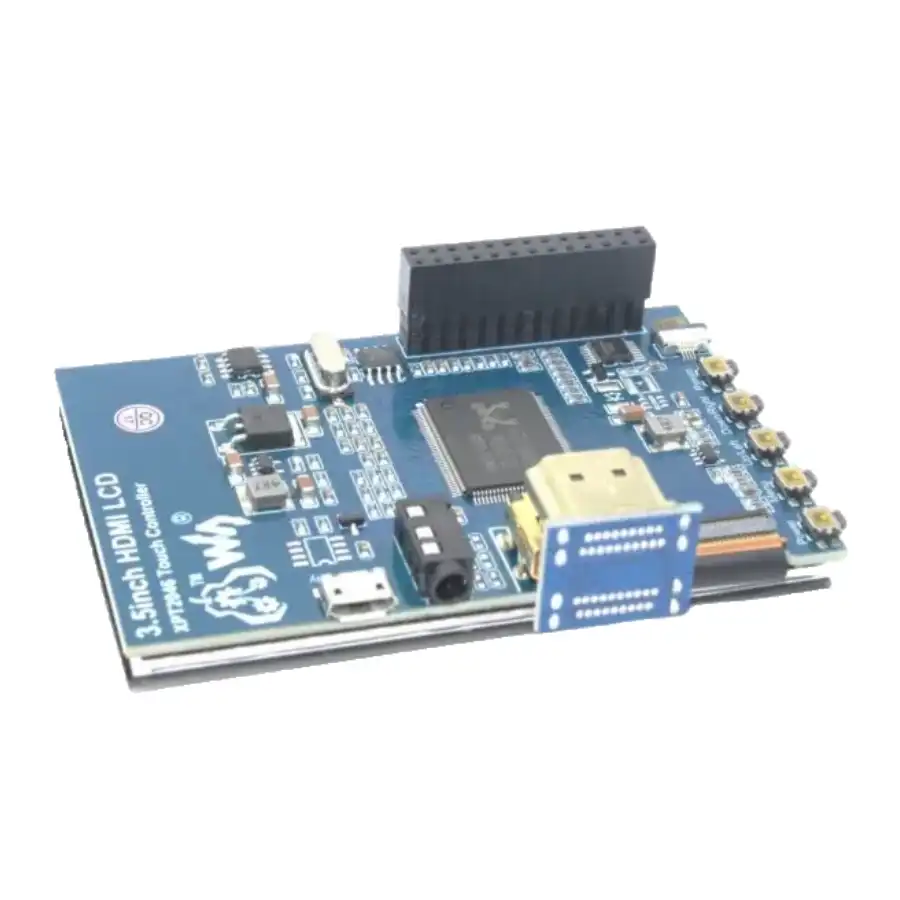
- Multi-language OSD menu, for power management, brightness adjustment, contrast adjustment, etc.
- Supports 100-level backlight adjustment.
- Supports HDMI audio output.
Specifications:
| Display Size (inch) | 3.5 |
|---|---|
| HDMI Port | Yes |
| View Angle | 170º |
| Touch type | Resistive |
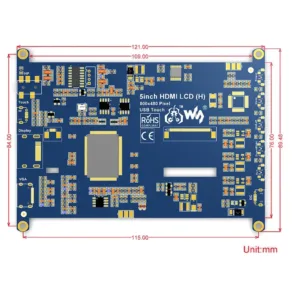
| Length (mm): | 85 |
| Width (mm): | 56.5 |
| Weight (g): | 75 |
Useful link:
To do Hardware and Software setup, please follow this tutorial.
Package Includes:
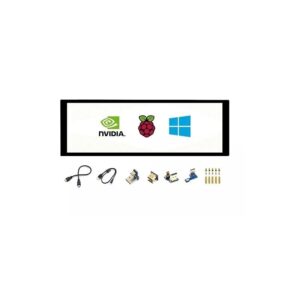
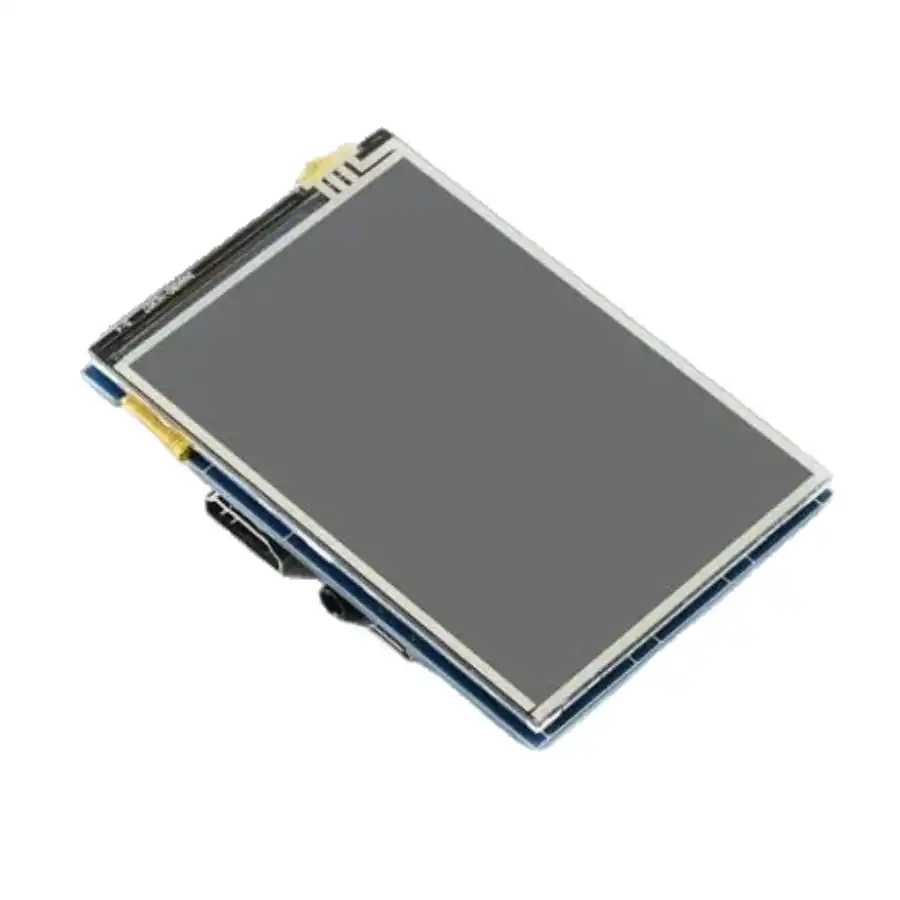
1 x 3.5inch HDMI LCD
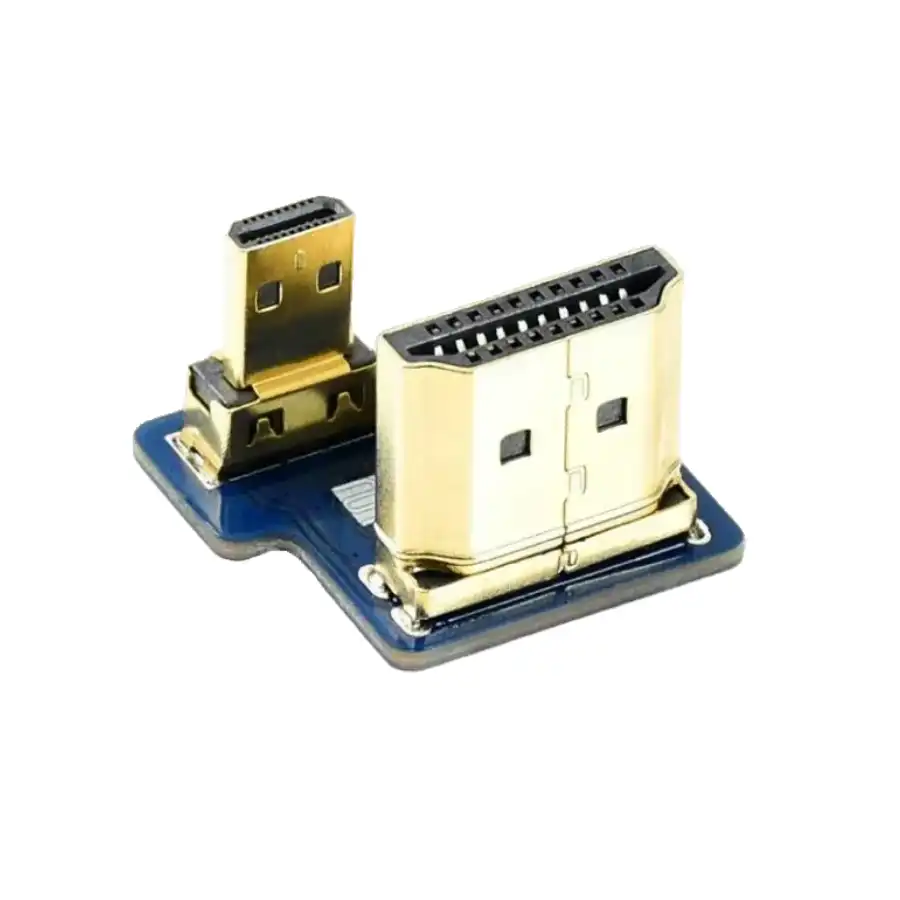
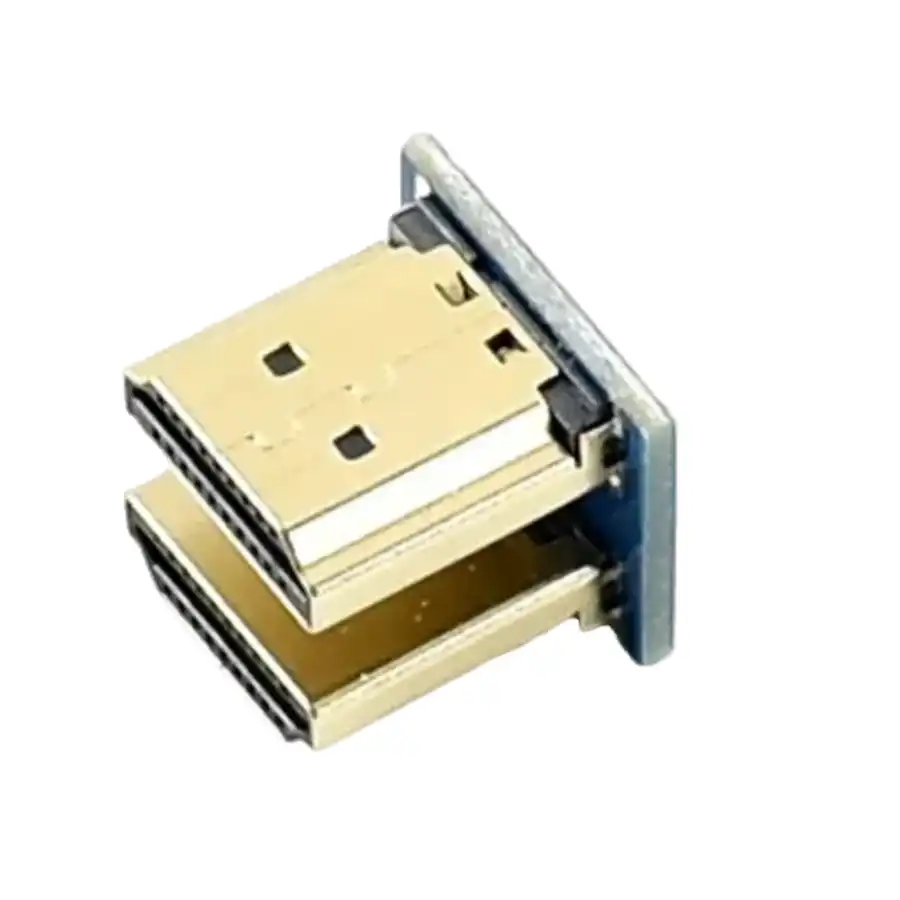
1 x HDMI connector
1 x HDMI to micro HDMI connector
1 x Touch pen
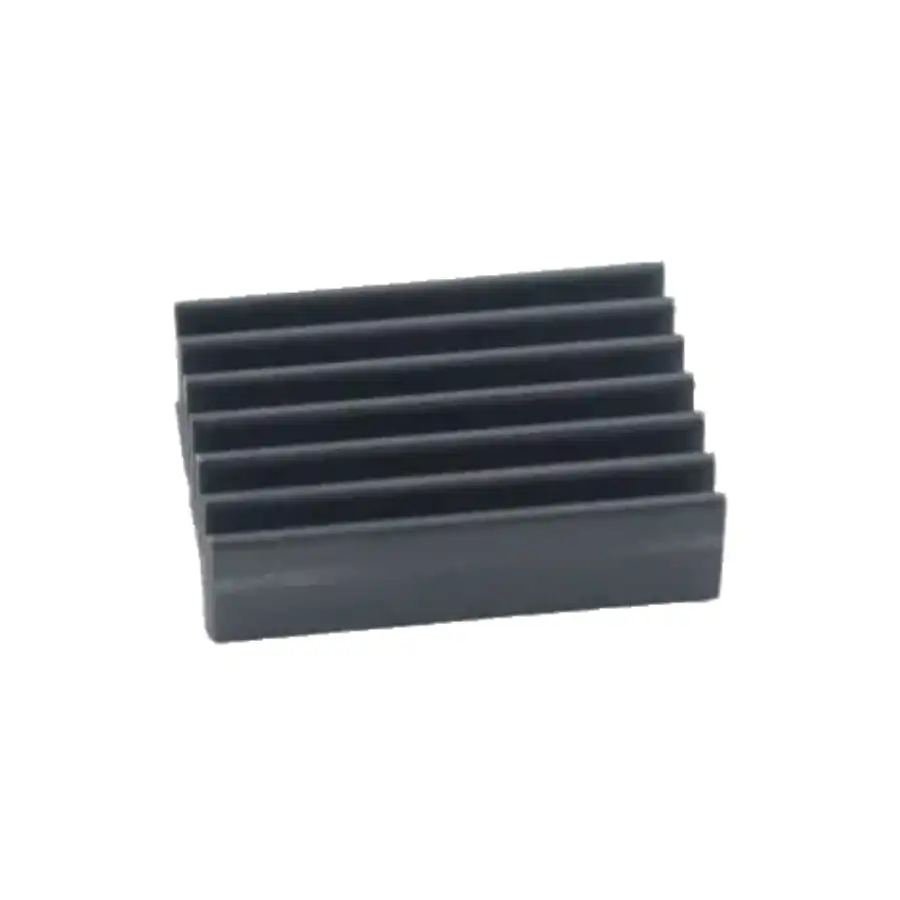
1 x Aluminium heat sink
1 x Quick start sheet
Waveshare 3.5 Inch Resistive HDMI LCD Display 480×320 Overview
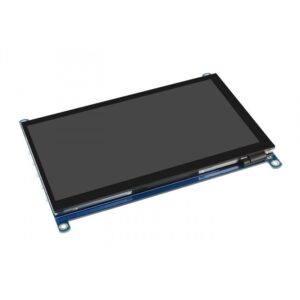
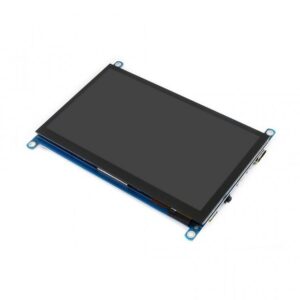
The Waveshare 3.5 Inch Resistive HDMI LCD Display 480×320 is a compact IPS touchscreen designed for embedded projects and single-board computers. Its resistive touch panel and HDMI interface make it ideal for Raspberry Pi setups, Retropie gaming consoles, or as a secondary PC monitor.
Key Features of Waveshare 3.5 Inch Resistive HDMI LCD Display 480×320
- 3.5″ IPS LCD with native 480×320 hardware resolution (software-configurable up to 1920×1080)
- Resistive touch control for precise stylus or finger input
- HDMI connectivity with support for audio output
- Compatible drivers for Raspbian, Ubuntu, Kali Linux and Retropie systems
- Multi-language On-Screen Display (OSD) menu for power management, brightness and contrast adjustment
- No extra GPIO or SPI pins occupied when used as a pure HDMI monitor
- Genuine product with fast shipping from Zbotic across India
Applications and Use Cases
- Portable Raspberry Pi touch interfaces for IoT dashboards
- Retropie-based handheld gaming consoles
- Mini PC monitor for Windows or Linux via HDMI (display only)
- On-field industrial control panels or data loggers
- Prototype user interfaces in robotics and instrumentation
- Vehicle infotainment screens or reversing camera displays
How to Use Waveshare 3.5 Inch Resistive HDMI LCD Display 480×320
Simply connect the display to your host device via the HDMI cable and USB for touch input on Raspberry Pi or Linux systems. Install the supplied driver package on Raspbian, Ubuntu, Kali or Retropie, adjust resolution in the system settings or config.txt, then calibrate the resistive touch through the provided utility. Use the OSD buttons to fine-tune brightness, contrast and power settings.
Why Buy from Zbotic?
- Genuine Products: All items sourced from authorized distributors
- Fast Shipping: Orders ship within 24 hours with tracking (non backordered products)
- Free Shipping: Free delivery on qualifying orders
- COD Available: Cash on Delivery, UPI, cards, net banking
- Technical Support: Expert help for setup and troubleshooting
- Easy Returns: Hassle-free replacement for defective products
Frequently Asked Questions
Does the touch function work when connected to a Windows PC?
No. When used as a standard HDMI monitor on Windows or macOS, the display shows video only; the resistive touch panel is unsupported outside of Linux-based drivers.
Which operating systems can I use the touchscreen with?
This display includes drivers for Raspbian, Ubuntu, Kali Linux and Retropie distributions. Simply install the provided driver files on your SD card or Linux partition to enable touch functionality.
How do I change the display resolution beyond 480×320?
After installing the driver on Raspbian or another supported Linux system, edit your /boot/config.txt (for Raspberry Pi) or display settings file to specify a higher HDMI mode. The screen will scale up to 1920×1080 in software.

Arduino Shift Register 74HC595: Expand Output Pins Cheaply
Running out of digital output pins on your Arduino? The 74HC595 shift register is the classic solution. With...
Read More →
Arduino Nano 33 IoT: WiFi and BLE in One Small Package
The Arduino Nano 33 IoT is one of the most capable compact boards Arduino has ever released, packing...
Read More →
Arduino Liquid Crystal I2C: Reduce Wiring to Just 2 Pins
Standard 16×2 LCD displays require up to 12 Arduino pins for a full parallel connection — a nightmare...
Read More →Technical Specifications
| Brand | WAVESHARE |
|---|---|
| Display Size | 3.5" |
| Interface / Protocol | HDMI |
| Resolution | 480x320 |
| Package Quantity | 320 pcs |
| SKU | AI0791 |
| Weight | 0.180001 kg |
| Availability | Out of Stock |
Applications & Use Cases
The Waveshare 3.5 Inch Resistive HDMI LCD Display 480×320 is a versatile tft lcd displays used across a wide range of applications including embedded HMI interfaces, Raspberry Pi touchscreen projects, Arduino display projects, industrial control panels, and information kiosks.
Common use cases:
- Adding a touch display to a Raspberry Pi project
- Building a portable game console
- Creating a dashboard for sensor data
This product is ideal for embedded developers, IoT makers, and industrial engineers.
Technical Tip: Check interface type (SPI, I2C, HDMI, RGB) and driver IC compatibility with your development board. IPS panels offer better viewing angles than TN.
Shipping & Delivery
- Free shipping on orders above ₹999 across India
- Dispatched within 1-3 business days
- Expected delivery: 3-7 business days depending on location
- Secure packaging to ensure safe transit of electronic components
- Genuine WAVESHARE product sourced from authorized channels