
Multi-Material 3D Printing: Bambu AMS vs Prusa MMU3 Guide
Multi-material 3D printing has moved from an exotic luxury to an accessible feature for hobbyists and professionals alike. Whether you want to print dual-colour logos, functional parts with soluble supports, or vibrant multi-colour figurines, two systems dominate the conversation in 2025: the Bambu Lab Automatic Material System (AMS) and the Prusa Multi-Material Upgrade 3 (MMU3). This guide breaks down every angle — hardware, software, reliability, filament compatibility, and total cost — so Indian makers can make an informed choice.
1. What Is Multi-Material 3D Printing?
Standard FDM printers extrude a single filament throughout the print. Multi-material systems allow the printer to automatically switch between two or more filament spools mid-print, opening up possibilities like:
- Multi-colour prints — logos, figures, and decorative objects with vivid colour separation
- Dissolvable supports — use PVA or HIPS as support material that dissolves in water or limonene, leaving complex overhangs clean
- Functional composites — rigid outer shell with flexible TPU core, or engineering materials with easy-to-peel support
- Dual-property parts — combine ABS strength with PETG chemical resistance in a single component
The challenge is managing filament changes quickly and cleanly without cross-contamination or jams. AMS and MMU3 tackle this problem in very different ways.
2. Bambu Lab AMS — Overview & How It Works
The Bambu Lab AMS (Automatic Material System) ships standard with the X1C and X1E, and as an add-on for the P1S and P1P. It supports up to 4 spools per AMS unit, and you can daisy-chain up to 4 AMS units for a staggering 16 materials simultaneously.
How the AMS Works
Each spool slot has its own motorised feed roller. When a colour change is required, the current filament is retracted back into the AMS hub, the new filament is fed forward, and a purge cycle cleans the hotend inside a dedicated wipe tower. The entire process is handled automatically by Bambu Studio slicer without manual intervention.
The AMS also includes a filament runout detection system — it monitors filament remaining and can pause or switch to a backup spool. A built-in desiccant compartment helps keep moisture-sensitive filaments (PA, TPU) dry during printing.
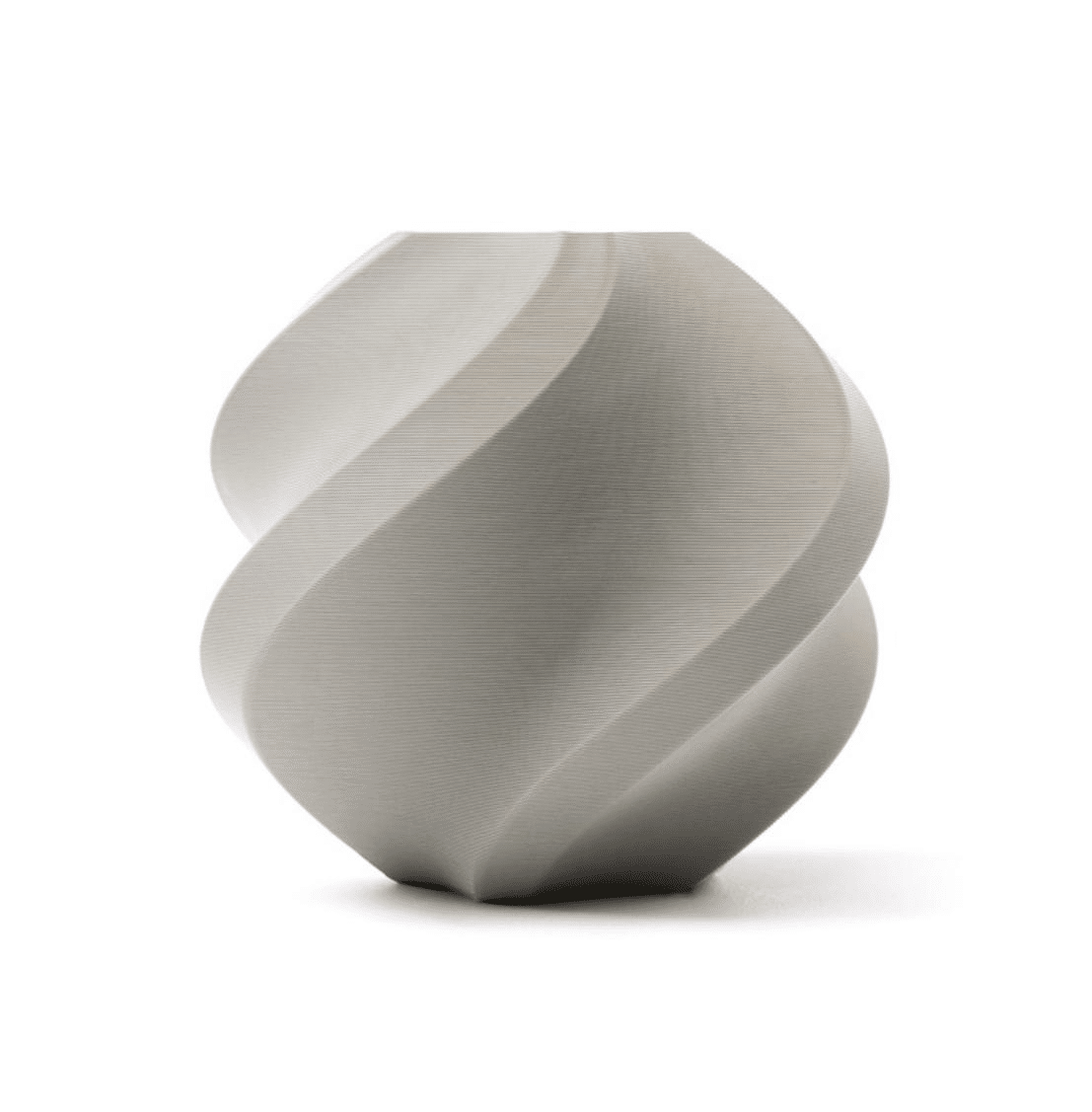
Bambu Lab PLA Filament Grey – 1.75mm with Reusable Spool
Official Bambu Lab PLA optimised for AMS feeding. Consistent diameter ensures reliable automatic material switching without jams.
3. Prusa MMU3 — Overview & How It Works
The Prusa MMU3 is an upgrade kit for the MK4 (and compatible with MK3S+ via additional adapters). It supports 5 filament slots mounted in a buffer unit above or behind the printer. Prusa’s approach differs fundamentally from Bambu’s: the MMU3 is a selector-based system.
How the MMU3 Works
All five filaments are pre-loaded up to the selector. When a colour change is needed, the selector moves to the new filament position, feeds it through the Bowden tube to the hotend, and retracts the old filament back to its pre-loaded position. Purging happens into a wipe tower or directly onto the print bed edge (waste object).
The MMU3 is a mechanical upgrade — no independent compute. It communicates with the MK4’s Buddy board via the MMU port. Calibration and troubleshooting require more hands-on involvement compared to the AMS, but the open-source nature means you can deeply customise it.
Bambu Lab PLA Filament Silver – 1.75mm with Reusable Spool
Metallic silver PLA that pairs beautifully with grey or black for multi-colour prints. Works perfectly with AMS for automatic colour switching.
4. Head-to-Head: Hardware Comparison
| Feature | Bambu AMS | Prusa MMU3 |
|---|---|---|
| Max Materials | 16 (4 AMS × 4 slots) | 5 |
| Mechanism | Individual motorised rollers + hub | Selector bar + shared Bowden |
| Filament Runout | Yes — can auto-switch | Yes — pauses, manual swap |
| Humidity Control | Built-in desiccant compartment | None (use dry box separately) |
| Enclosure Required | No (but X1C/P1S are enclosed) | No (MK4 is open frame) |
| Setup Complexity | Plug and play | Moderate (mechanical assembly) |
| Open Source | Partial (closed firmware) | Fully open source |
5. Slicing Software & Workflow
Bambu Studio
Bambu Studio (based on PrusaSlicer/OrcaSlicer) has native AMS support baked in. You assign materials to objects or faces with a few clicks. The slicer automatically generates the wipe tower, calculates purge volumes per colour-pair, and sends everything to the printer over LAN or cloud. The entire workflow from model to print can be accomplished in under 10 minutes for a typical 4-colour part.
PrusaSlicer with MMU3
PrusaSlicer has had MMU support since MMU2S. With MMU3, you assign extruder numbers (1–5) to objects or faces. Purge volumes, single-extruder printing mode (SEP), and wipe tower options are configurable. The open-source nature means community profiles are plentiful. However, calibrating purge volumes and tip shaping settings takes significantly more time.
6. Filament Compatibility & Material Options
Both systems support PLA, PETG, ABS, and TPU with varying degrees of difficulty. However, there are important distinctions:
Bambu AMS: Works best with PLA, PETG, and PLA-CF. TPU is not supported by default in the AMS hub (must use AMS Lite or load directly). ABS/ASA require the X1C’s enclosure for consistent results. The AMS motor tension is optimised for standard 1.75mm filament — exotic diameters or very flexible materials cause feed issues.
Prusa MMU3: Handles PLA, PETG excellently. ABS works on MK4 with enclosure mod. TPU is possible but tricky due to the Bowden path length. PVA (soluble support) is one of MMU3’s strongest use cases — PrusaSlicer’s interface material settings make PVA/PLA combos straightforward.
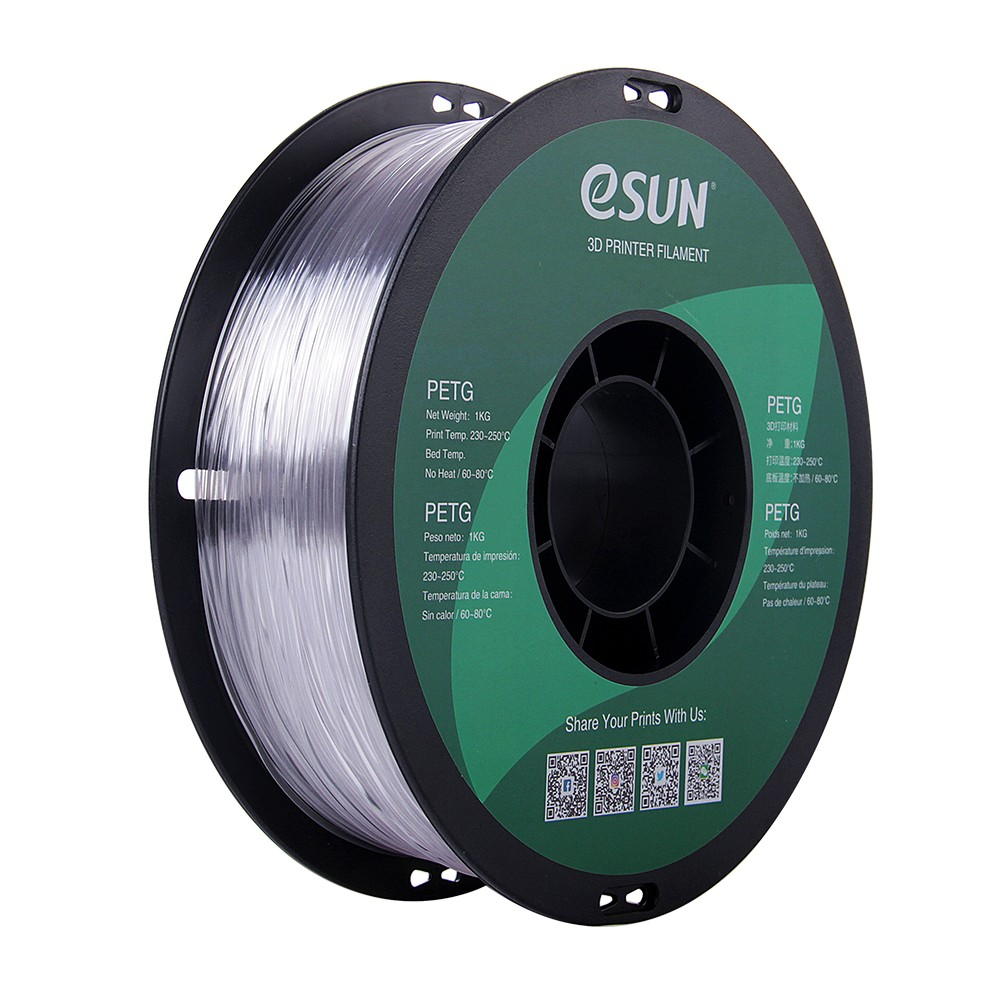
eSun PETG 1.75mm 3D Printing Filament 1kg – Clear
Clear PETG ideal as a structural or semi-transparent layer in multi-material prints. Excellent layer adhesion and minimal stringing.
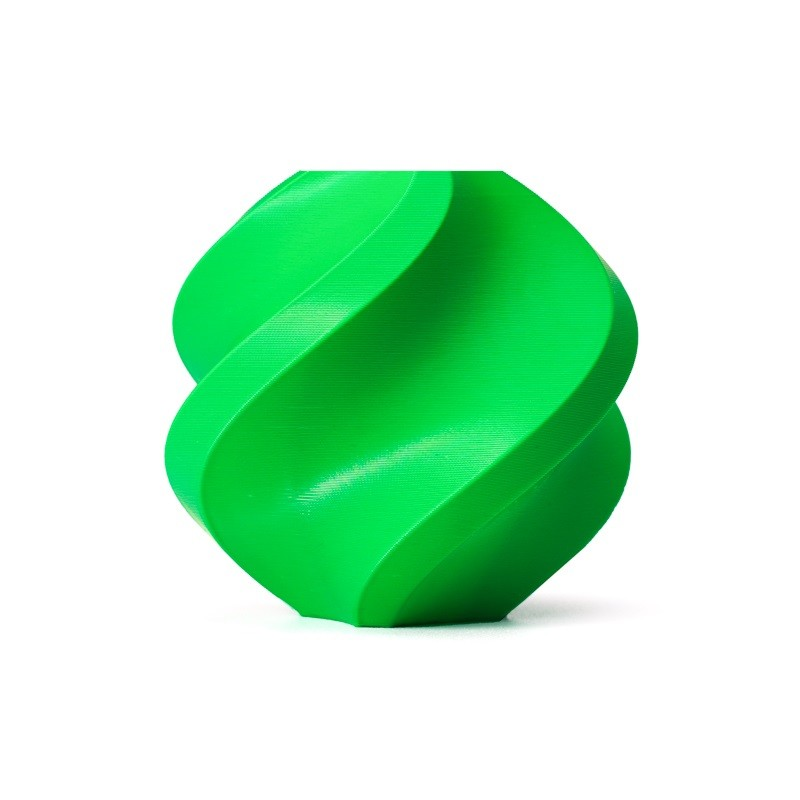
Bambu Lab ABS Filament – Bambu Green 1.75mm with Reusable Spool
High-quality ABS filament engineered for Bambu’s enclosed printers. Excellent for functional multi-material parts needing heat resistance.
7. Purge Towers & Filament Waste
This is where both systems take a hit. Colour changes require purging the old filament out of the hotend, and that purged filament is wasted. Understanding and minimising this waste is critical for cost-conscious Indian makers.
Wipe Tower Strategy
Both slicers use a wipe/purge tower — a sacrificial object printed alongside your model that absorbs the purge material. Key parameters:
- Purge volume per transition — typically 40–120mm³. Higher volume = cleaner colour change but more waste.
- Colour order optimisation — printing light-to-dark colours reduces purge volume needed when transitioning from dark back to light.
- Tip shaping — critical for MMU3. The tip of the retracted filament must be clean for reliable re-loading. Bambu’s closed-loop system handles this automatically.
Bambu Studio offers flush volume optimisation with a colour-pair matrix — you can set different purge amounts between each colour pair. PrusaSlicer offers similar controls but requires more manual tuning. Both slicers support a prime tower that can be recycled into infill in some configurations, reducing waste.
8. Reliability & Maintenance
Bambu AMS Reliability
The AMS has earned a generally positive reputation for reliability on first-party Bambu filament. Third-party filament with diameter inconsistencies above ±0.03mm can cause hub jams. Common issues include:
- Buffer ball jams in the AMS Lite
- PTFE tube wear at the hub connector
- Spool tangling when filament is not properly secured after a session
Bambu’s closed ecosystem means firmware updates frequently address AMS issues, and the built-in diagnostics make troubleshooting faster.
Prusa MMU3 Reliability
MMU3 significantly improved over MMU2S — the new selector design reduced the notorious tip-pulling failures. However, it still demands:
- Precise tip shaping calibration per filament
- Regular PTFE tube inspection (the long Bowden path is a wear point)
- Filament buffer fine-tuning to prevent tangling
The community is very active — Printables and Prusa forums have extensive troubleshooting resources. Being fully open-source means you can print replacement parts yourself.
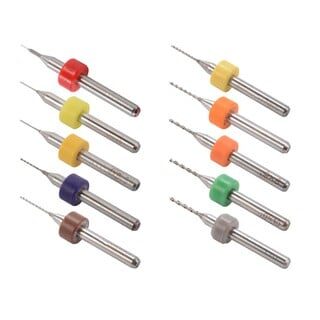
0.1–1.0mm Mixed Nozzle Cleaning Drill Bit Kit – 10Pcs
Essential for multi-material printers where colour transitions can cause partial clogs. Clears residue between different filament types quickly.
9. Cost in India — Hardware + Filament
For Indian buyers, import duties and shipping significantly affect the real cost. Here is a rough breakdown as of early 2026:
| Cost Item | Bambu AMS Path | Prusa MMU3 Path |
|---|---|---|
| Base Printer | X1C combo ~₹1,10,000+ | MK4 ~₹55,000+ |
| Multi-material Unit | Included in combo | MMU3 kit ~₹12,000 |
| Filament (1kg PLA) | Bambu branded ~₹2,200 | Third-party eSun ~₹1,200 |
| Filament waste/month | 200–400g (wipe tower) | 150–350g (wipe tower) |
Prusa’s open ecosystem means you can use affordable Indian third-party filaments like eSun without voiding warranties or fighting proprietary RFID tags (though Bambu is easing restrictions). For high-volume prototyping studios in India, the filament cost difference across a year is substantial.
10. Which System Should You Choose?
Choose Bambu AMS if:
- You want maximum automation and minimum tinkering
- You need to scale up to 8–16 simultaneous materials
- Time-to-print matters more than per-print cost
- You are a design studio or product team wanting reliability without a dedicated technician
- You plan to primarily use PLA and PETG
Choose Prusa MMU3 if:
- You want full control and open-source flexibility
- PVA soluble supports are a priority for complex engineering parts
- Budget is a consideration (especially filament long-term)
- You enjoy tinkering and community-driven improvements
- You already own an MK4 or MK3S+
11. Pro Tips for Multi-Material Success
- Dry your filament before every multi-material session — moisture causes stringing and tip failures during retraction, the #1 cause of jams in both systems.
- Optimise colour order — always transition from lightest to darkest colours where possible; it cuts purge volume by up to 40%.
- Print a wipe tower test before a long multi-colour job to dial in purge volumes.
- Use a filament filter/cleaner — debris accumulation causes inconsistent extrusion, especially in multi-material long prints.
- Keep spare PTFE tubes and couplers — both systems use PTFE-lined paths that wear with abrasive materials.
- For MMU3 specifically: calibrate tip shaping per filament brand. Generic profiles rarely work out of the box.
- Enable single-colour printing (SEP) mode on MMU3 when only one material is needed — it bypasses the MMU electronics and reduces failure points.
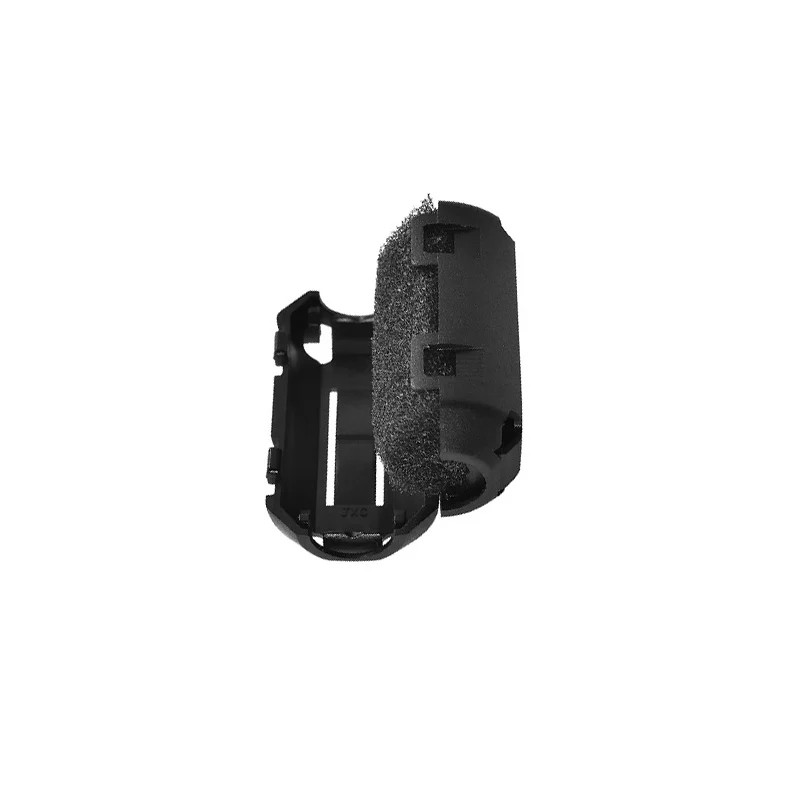
PLA PETG ABS Filament Filter Cleaner Dust Removal Block for 3D Printer
Keeps filament dust-free before it enters the extruder. Essential for multi-material setups where contamination during transitions causes clogs.
Frequently Asked Questions
Can I use third-party filament with Bambu AMS?
Yes, but you need to set up a custom material profile in Bambu Studio and calibrate flow/temperature manually. Bambu’s RFID-locked spools auto-configure settings; third-party spools require manual input. Diameter consistency matters more with the AMS motor feed — eSun, Polymaker, and eSun all work well.
Does MMU3 work with Klipper?
Not officially. MMU3 communicates via the Prusa Buddy board protocol. There are experimental community projects (Happy Hare firmware) that bring MMU-style multi-material support to Klipper-based printers, but MMU3 hardware itself is designed for Prusa’s stock firmware.
How much filament is wasted in multi-material printing?
Expect 15–30% of total filament consumed to go to the wipe tower in a typical 4-colour print. On a 200g print, that is 30–60g of waste. Optimising purge volumes and colour order can bring this closer to 10–15%.
Can I print flexible filament (TPU) in multi-material mode?
With Bambu AMS: only via the AMS Lite or by loading TPU directly without the AMS hub — it is too flexible for the standard AMS rollers. With MMU3: possible but very challenging due to the long Bowden path; requires a direct-drive extruder conversion for reliability.
Is multi-material printing available in India without importing?
Bambu Lab printers are now available via authorised Indian distributors. Prusa printers ship internationally with reasonable lead times. Filament, nozzles, and consumables are readily available through Zbotic.in.
Which is better for beginners?
Bambu AMS is significantly more beginner-friendly. The automated workflow, Bambu Studio’s intuitive interface, and closed-loop reliability mean you can achieve impressive multi-colour prints within hours of unboxing. MMU3 rewards patience and a willingness to learn the system deeply.
Ready to Start Multi-Material Printing?
Whether you go with Bambu AMS or Prusa MMU3, quality filament and accessories make all the difference. Zbotic.in stocks Bambu Lab PLA, ABS, and eSun PETG filaments, plus hotends, nozzles, and maintenance kits to keep your multi-material printer running flawlessly.







Add comment