
Among the most elegant circuits in analog electronics, the integrator and differentiator op-amp configurations literally perform calculus in hardware. An op-amp integrator produces an output proportional to the mathematical integral of the input signal over time, while a differentiator produces an output proportional to the rate of change (derivative) of the input. These circuits form the backbone of analog computers, waveform shapers, PID controllers, function generators, and signal processing systems. In this tutorial, we will break down both circuits completely — with formulas, waveform analysis, and practical design advice for hobbyists and students across India.
The Op-Amp Integrator Circuit
The op-amp integrator replaces the feedback resistor in the standard inverting amplifier with a capacitor. The circuit consists of:
- An input resistor R connected from the input signal Vin to the inverting input (−) of the op-amp
- A capacitor C connected from the output to the inverting input (feedback path)
- The non-inverting input (+) connected to ground through a resistor equal to R (to compensate for bias current)
Transfer Function
The output voltage of an ideal op-amp integrator is:
Vout(t) = −(1/RC) × ∫ Vin(t) dt + Vout(0)
where RC is the time constant (in seconds), the integral is from time 0 to t, and Vout(0) is the initial output voltage (determined by the initial charge on the capacitor). The negative sign comes from the inverting configuration.
In the frequency domain (using the Laplace transform), the transfer function is:
H(jω) = −1 / (jωRC)
The magnitude decreases at −20 dB/decade as frequency increases — identical to a first-order low-pass filter but with a phase shift of −90° (rather than −45° at the cutoff of an LPF). The unity-gain crossover frequency is:
f0 = 1 / (2π × R × C)
At frequencies above f0, the integrator attenuates the signal. Below f0, it amplifies — which is why ideal integrators are unstable in practice (DC component grows unbounded, saturating the op-amp output).
Example Design
For a 1 kHz integrator: choose R = 10 kΩ, C = 15.9 nF ≈ 16 nF (standard: use 15 nF or 22 nF). Unity gain at f0 = 1/(2π × 10k × 16n) ≈ 995 Hz ≈ 1 kHz. A 1V peak, 1 kHz sine wave input produces a 1/(2π) ≈ 0.159V peak output sine wave (phase shifted −90°).

0.1µF Ceramic Capacitor (Pack of 50)
The key component in op-amp integrators and differentiators. Keep a stock of 100nF ceramic caps — they are the most-used capacitor value in analog circuit design.
Integrator Input/Output Waveforms
The integrator’s mathematical action transforms input waveforms in predictable ways:
Square Wave → Triangle Wave
A square wave switches between +V and −V. During the positive half-cycle, the integrator ramps the output linearly downward (because of the inverting configuration) at a rate of V/(RC) volts per second. During the negative half-cycle, it ramps upward at the same rate. The result is a triangle wave at the output. This is the most common use of integrators in function generators — generate a square wave, integrate it to get a triangle wave.
Triangle Wave → Sine Wave (Approximation)
Integrating a triangle wave produces a waveform that approximates a sine wave (due to the smoothing effect of integration). This is not a perfect sine, but it is good enough for many applications and is used in simple function generator circuits.
Constant (DC) → Linear Ramp
A constant DC input voltage V produces a linear ramp output: Vout = −(V/RC) × t. This ramp continues until the op-amp output saturates at its supply voltage. Integrators are used as ramp generators in sweep circuits, CRO time-base generators, and DAC circuits.
Sine Wave → Cosine Wave (90° Phase Shift)
Integrating a sine wave produces a cosine wave (integral of sin is −cos), with amplitude reduced by the factor 1/(ωRC). This property is used in phase-shifting circuits and quadrature oscillators.
Practical Integrator with Reset
The ideal integrator has a catastrophic problem: any DC offset at the input (even the op-amp’s own input offset voltage Vos of a few millivolts) is integrated over time, ramping the output until it saturates. In practice, two modifications are essential:
1. Reset Resistor (Rf in parallel with C)
Adding a large resistor Rf in parallel with the feedback capacitor C creates a finite DC gain: at DC (f = 0), the capacitor is an open circuit, and the circuit acts as an inverting amplifier with gain −Rf/R. This prevents DC saturation. The integrator action only occurs for frequencies above fc = 1/(2π × Rf × C). Choose Rf to be 10–100× larger than R — large enough that the integrator behaviour dominates over the frequency range of interest, but finite enough to prevent saturation.
Example: R = 10 kΩ, C = 100 nF, Rf = 1 MΩ. Integration cutoff: fc = 1/(2π × 1M × 100n) = 1.59 Hz — below this, the circuit acts as an amplifier. Above 1.59 Hz, it integrates.
2. Reset Switch
For precision measurement applications (like charge amplifiers or analog computers), a FET or CMOS switch across the feedback capacitor resets the integrator to zero on command. The switch is opened to begin integration and closed (briefly) to discharge C and reset the output to 0V. A 2N7002 N-channel MOSFET or 4066 CMOS switch IC handles this.
The Op-Amp Differentiator Circuit
The differentiator swaps R and C compared to the integrator: the capacitor goes at the input and the resistor is the feedback element. The circuit:
- A capacitor C connected from input signal Vin to the inverting input (−)
- A feedback resistor Rf from output to the inverting input
- The non-inverting input (+) connected to ground
Transfer Function
The output of the ideal differentiator is:
Vout(t) = −Rf × C × (dVin/dt)
The output is proportional to the time derivative of the input — the rate of change. In the frequency domain:
H(jω) = −jωRfC
The magnitude increases at +20 dB/decade as frequency increases — a high-pass characteristic. At the unity-gain frequency f0 = 1/(2π × Rf × C), the output amplitude equals the input amplitude.
Example Design
For a differentiator with f0 = 1 kHz: Rf = 10 kΩ, C = 15.9 nF ≈ 16 nF. For a 100 Hz triangle wave input of 1V peak, the derivative is a square wave with amplitude = 2π × 100 × Rf × C × 1V = 2π × 100 × 10k × 16n × 1 = 0.1 V peak (inverted).
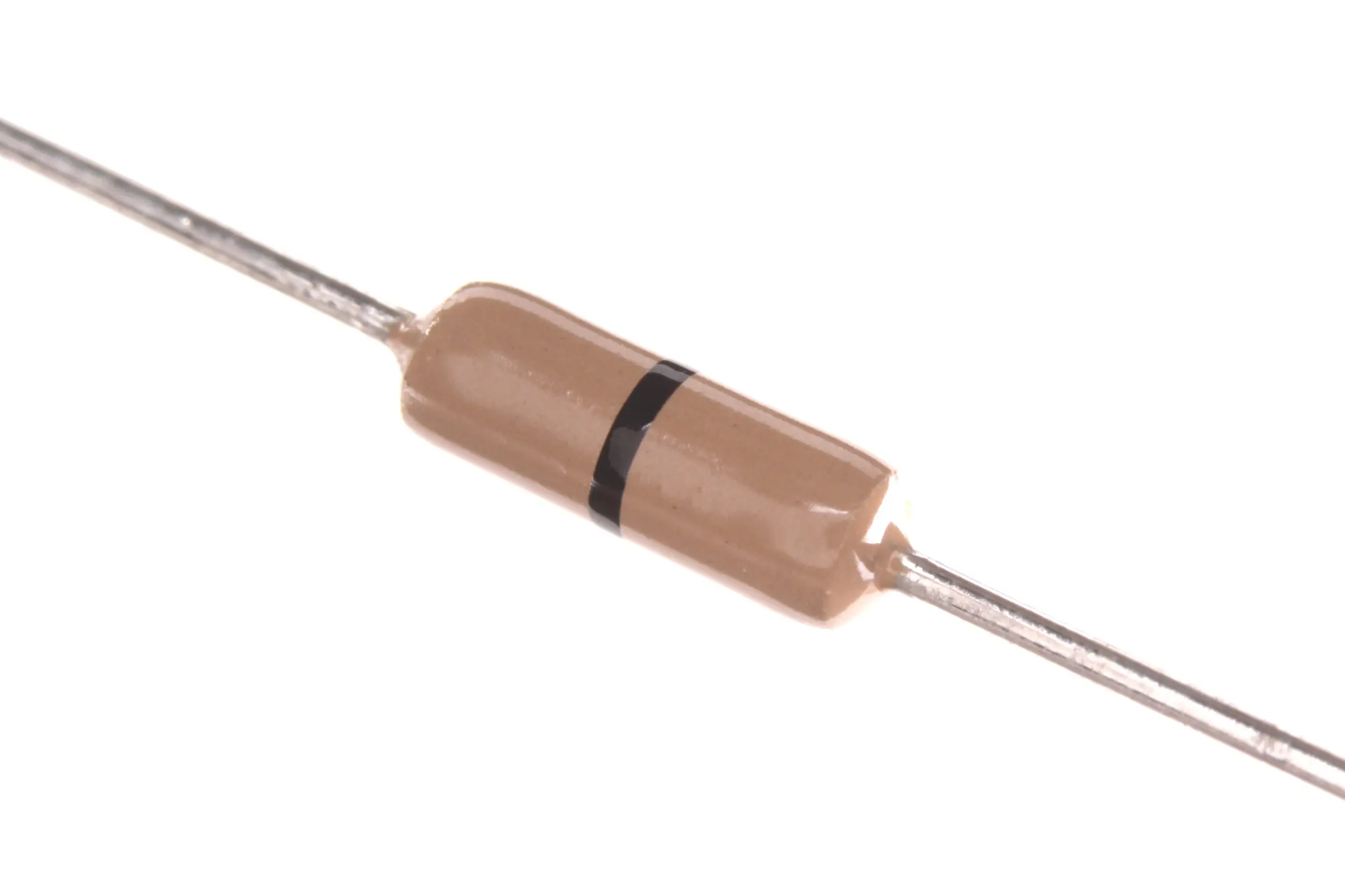
Carbon Film Resistor Pack (Pack of 100)
Feedback resistors are critical in op-amp differentiator circuits. Build up your resistor kit to have the right values on hand when prototyping analog designs.
Differentiator Input/Output Waveforms
The differentiator produces outputs based on the rate of change of the input:
Triangle Wave → Square Wave
A triangle wave has a constant positive slope during the rising portion and a constant negative slope during the falling portion. The derivative of a constant slope is a constant — so the output is a square wave. The amplitude of the output square wave is proportional to the slope of the triangle wave.
Square Wave → Narrow Pulses (Spikes)
A perfect square wave has infinitely fast edges — the derivative is theoretically infinite (a Dirac delta function). In practice, a square wave has finite rise time, and the differentiator output is narrow voltage spikes at each edge. Positive spikes at rising edges, negative spikes at falling edges. This is used for edge detection in digital timing circuits and synchronisation systems.
Sine Wave → Cosine Wave (90° Phase Lead)
The derivative of sin(ωt) is ω×cos(ωt). The differentiator output is a cosine (90° phase advance) with amplitude ωRfC × (input amplitude). Unlike the integrator, the differentiator increases amplitude with frequency — which is why noise control is critical.
Practical Differentiator with Noise Reduction
The ideal differentiator has a serious problem: its gain increases linearly with frequency. Even tiny high-frequency noise (which is inherent in any real circuit) is amplified enormously, making the output noisy and unstable. The op-amp’s own gain rolls off with frequency too — at the transition frequency where the op-amp’s open-loop gain crosses the differentiator’s ideal gain curve, the circuit can oscillate.
Solution: Input Series Resistor (Rin)
Add a small resistor Rin in series with the input capacitor C. This limits the high-frequency gain by creating a zero and a pole:
- Below f1 = 1/(2π × Rin × C): pure differentiator action
- Above f1: gain is flat at −Rf/Rin (acts as an inverting amplifier) — noise gain is limited
Choose Rin to be 1/10 of Rf, so the flat gain is 10× and differentiation works up to f1 = 1/(2π × Rin × C).
Example: Rf = 10 kΩ, Rin = 1 kΩ, C = 100 nF. Differentiator range: 0 to f1 = 1/(2π × 1k × 100n) = 1.59 kHz. Above 1.59 kHz, gain is flat at 10×. High-frequency noise is no longer amplified without limit.
Solution: Feedback Capacitor (Cf)
Add a small capacitor Cf in parallel with the feedback resistor Rf. This creates a pole that rolls off gain at high frequencies. Choose Cf so that RfCf = RinC — this creates a phase-stable design. At f2 = 1/(2π × Rf × Cf), the gain begins to fall at −20 dB/decade, ensuring the op-amp does not oscillate.
Applications of Integrators and Differentiators
PID Controllers
The proportional-integral-derivative (PID) controller is the most common feedback control algorithm in industry. The integral term eliminates steady-state error; the derivative term improves transient response. Analog PID controllers built from op-amp integrators and differentiators are found in motor speed controllers, temperature regulators, and process control systems.
Function Generators
Classic triangle-and-square function generators use a comparator/Schmitt trigger to produce a square wave and an integrator to convert it to a triangle wave. Adjusting the RC time constant changes the frequency. This forms the core of the XR-2206 and ICL8038 function generator ICs.
Analog Computers
Before digital computers, analog computers used banks of op-amp integrators and summing amplifiers to solve differential equations in real time. Aerospace, military, and nuclear applications relied on these systems in the 1950s–1970s. Today, analog computing principles are making a comeback in neuromorphic computing and ultra-low-power signal processing.
Charge Amplifiers
Piezoelectric sensors (used in vibration, pressure, and force measurement) produce a charge proportional to the applied force — not a voltage. A charge amplifier is an integrator connected to the sensor: the input charge flows into the feedback capacitor, producing a voltage output proportional to charge. This is the standard interface for piezoelectric sensors in accelerometers and vibration monitors.
Edge Detection in Signal Processing
Differentiators highlight sharp transitions in a signal. In image processing, edge detection algorithms are the digital equivalent. In analog circuits, differentiators extract edge timing information from slowly varying signals — used in zero-crossing detectors, event timing circuits, and neural spike detection.
10CM Female To Female Breadboard Jumper Wires 2.54MM – 40Pcs
Build and prototype your integrator and differentiator op-amp circuits easily with quality breadboard jumper wires. Flexible, colour-coded, and essential for every analog electronics workbench.
Frequently Asked Questions
Why does the ideal integrator saturate with a DC input?
A DC input is integrated as a linear ramp: Vout = −(Vdc/RC) × t. This ramp has no limit — it grows indefinitely until the op-amp output hits the supply rail (saturates). Even the tiny input offset voltage of the op-amp (Vos ≈ 1–7 mV) is integrated over time and eventually saturates the output. This is why practical integrators always include a large feedback resistor or a reset mechanism.
What is the difference between an integrator and a low-pass filter?
Both attenuate high frequencies at −20 dB/decade. The key difference is phase: a first-order LPF has −45° phase shift at the cutoff frequency and approaches −90° asymptotically. An integrator maintains exactly −90° phase shift at all frequencies. Also, an LPF has a defined gain at DC (determined by the resistor ratio), while an ideal integrator has infinite gain at DC.
How do I choose the RC time constant for an integrator?
The time constant τ = RC determines the integration rate. For a square wave input of amplitude V and frequency f, the triangle wave output has a peak amplitude of V/(4fRC). Set RC so that the output amplitude stays within the op-amp’s linear range. If the output clips, increase RC (use a larger R or C). Typical starting values: R = 10 kΩ, C = 100 nF gives τ = 1 ms and f0 = 159 Hz.
Why is the practical differentiator unstable without modification?
The ideal differentiator’s gain increases with frequency (20 dB/decade). At some high frequency, this gain curve crosses the op-amp’s open-loop gain curve — at this crossover point, the total loop gain is 1 with 180° phase shift, which is the Barkhausen stability criterion for oscillation. The circuit becomes an unintentional oscillator. Adding a series input resistor Rin limits the high-frequency gain, pushing the crossover point to a safe frequency where the op-amp has enough phase margin to remain stable.
Can I simulate integrator and differentiator circuits before building them?
Yes — use free SPICE simulators: LTspice (free from Analog Devices), Falstad Circuit Simulator (browser-based, excellent for beginners), or KiCad’s integrated simulator. For LTspice, add a standard SPICE op-amp model (LM741 or TL071 are available free), add the R and C, run a transient simulation with a square wave input, and observe both the input and output waveforms on the same plot. Always simulate before building — it saves time and components.
Op-amp integrators and differentiators need just a handful of components to build. Get your resistors, capacitors, and prototyping supplies from Zbotic — India’s trusted electronics component store. Explore our Electronics Basics range and start experimenting today.


Add comment