
When shopping for an ESP32 module in India, you will quickly notice that Espressif offers multiple variants — and the choice between ESP32 WROVER and ESP32 WROOM confuses a lot of makers. Both carry the same ESP32 chip, both support WiFi and Bluetooth, and they look almost identical. So what is the difference, and which one should you buy? This guide breaks it all down.
Module Overview
Espressif manufactures both the WROOM and WROVER as complete, FCC/CE-certified modules that designers can drop into their products without having to design their own RF circuitry. Both modules use the same ESP32 chip family, the same WiFi and Bluetooth stack, and the same programming toolchain. They share the same Arduino and ESP-IDF firmware support.
The main ESP32 WROOM variants are:
- ESP32-WROOM-32E: Standard module with 4 MB flash, PCB antenna (the most common)
- ESP32-WROOM-32UE: Same as above but with an IPEX/u.FL connector for an external antenna
The main ESP32 WROVER variants are:
- ESP32-WROVER-E: 4 MB flash + 8 MB PSRAM, PCB antenna
- ESP32-WROVER-IE: Same but with IPEX/u.FL connector for external antenna
The WROVER is slightly larger (18×31.4 mm vs 18×25.5 mm) to accommodate the additional PSRAM chip that sits beneath the shielding can.
The Key Difference: PSRAM
The defining difference between the ESP32 WROVER and WROOM is the addition of 8 MB of pseudo-static RAM (PSRAM) in the WROVER. The PSRAM is connected to the ESP32 over a high-speed QSPI interface and is accessible transparently by the firmware as additional heap memory.
Why does this matter? The ESP32 chip itself has 520 KB of internal SRAM, which is the memory available for your program’s variables, stack and heap. While 520 KB is generous for simple IoT tasks, it becomes a bottleneck when you need to:
- Buffer a full JPEG frame from a camera (a 320×240 JPEG is around 30–80 KB; 800×600 is 150–350 KB)
- Store a large web page in memory for a complex HTTP server
- Perform in-memory processing of audio buffers
- Run a TensorFlow Lite model for on-device inference
- Display full-colour graphics on a high-resolution TFT screen (800×480 pixels at 16-bit colour requires 750 KB framebuffer)
- Parse large JSON or XML payloads from APIs
With 8 MB of PSRAM, the WROVER extends the ESP32’s effective memory by more than 15x, making these demanding applications not just possible but practical. The PSRAM operates at lower speed than internal SRAM (due to the QSPI interface overhead), but for most buffering and data storage tasks this is completely acceptable.
In firmware, you access PSRAM using the standard heap_caps_malloc() with the MALLOC_CAP_SPIRAM flag in ESP-IDF, or simply by enabling PSRAM in the Arduino IDE and using ps_malloc() instead of malloc().
Specs Comparison
| Feature | ESP32-WROOM-32E | ESP32-WROVER-E |
|---|---|---|
| Core Chip | ESP32-D0WD-V3 | ESP32-D0WD-V3 |
| Internal SRAM | 520 KB | 520 KB |
| PSRAM | None | 8 MB (QSPI interface) |
| SPI Flash | 4 MB | 4 MB (16 MB optional) |
| CPU | Dual-core Xtensa LX6, 240 MHz | Dual-core Xtensa LX6, 240 MHz |
| WiFi | 802.11 b/g/n | 802.11 b/g/n |
| Bluetooth | Classic BT 4.2 + BLE | Classic BT 4.2 + BLE |
| GPIO Pins | 34 | 34 (GPIO 16/17 used by PSRAM) |
| Module Size | 18 × 25.5 × 3.1 mm | 18 × 31.4 × 3.3 mm |
| Price (India approx.) | ₹250–400 | ₹400–650 |
| Best For | General IoT, sensors, BLE | Camera, display, audio, ML |
Pinout Differences
The WROVER module has the same physical pin count as the WROOM, but there is a critical difference: GPIO 16 and GPIO 17 are internally used by the PSRAM on the WROVER and must not be used as general-purpose I/O. On the WROOM, these pins are freely available.
This means the WROVER effectively has 2 fewer usable GPIO pins than the WROOM (32 vs 34 usable). For most projects, this is not a meaningful constraint since you rarely need all available GPIO pins simultaneously. But if your design specifically requires GPIO 16 or 17 — for example, a second hardware UART — you will need to remap it or use the WROOM instead.
Both modules use the same physical footprint pattern for the remaining pins, so they are pin-compatible for most purposes. A PCB designed for the WROOM can often accommodate the WROVER with minor design adjustments for the module length difference.
Use Cases: When to Choose Each
Choose ESP32 WROOM when:
- Your project is a simple IoT node: MQTT sensor, smart switch, BLE peripheral, web server for a few clients
- RAM is not the bottleneck — 520 KB internal SRAM is sufficient for your application
- You want the lowest cost and smallest form factor
- You need GPIO 16 and 17 for peripherals
- You are building a high-volume product and every rupee of BOM cost counts
Choose ESP32 WROVER when:
- You are streaming JPEG images from a camera (requires large frame buffers)
- You are driving a high-resolution TFT or OLED display with a large framebuffer
- You need to parse large JSON/XML data from APIs
- You are running an on-device ML model with TensorFlow Lite
- You want to buffer audio data for processing or playback
- You are building a web server that serves dynamic pages with significant data
WROVER and ESP32-CAM Projects
The ESP32-CAM module — which is a complete camera module with an OV2640 2MP sensor, microSD card slot and ESP32 chip — is effectively an ESP32 WROVER-based design. It includes 4 MB of PSRAM, which is what allows it to buffer JPEG frames in memory for WiFi streaming. Without PSRAM, the internal 520 KB SRAM would be completely consumed by even a small JPEG frame, leaving nothing for the WiFi stack or your application code.
If you are building a custom camera module or a video doorbell, budget for a WROVER-based design from the start. Trying to retrofit camera functionality onto a WROOM-based board will result in severe memory constraints and poor performance.
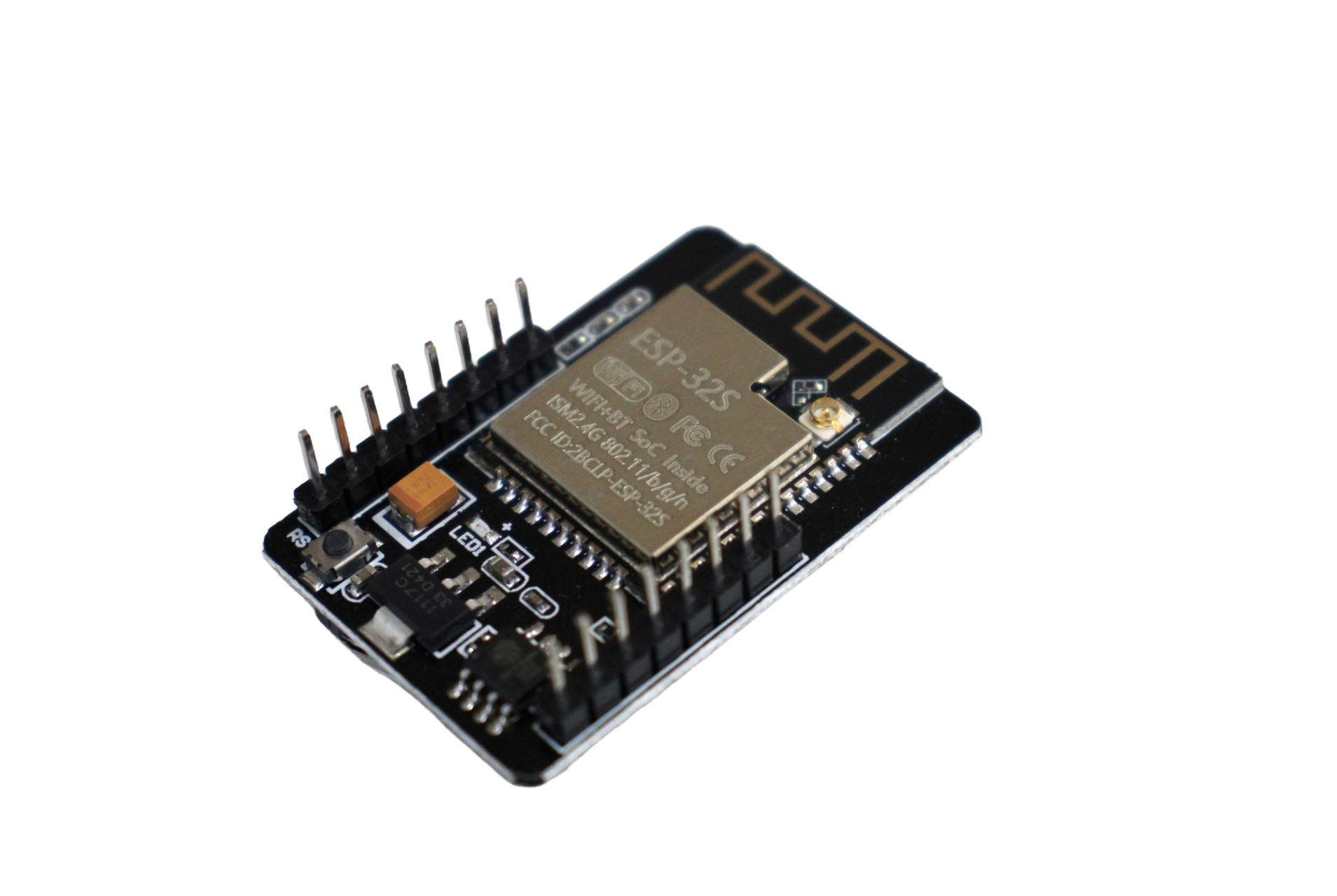
ESP32 CAM WiFi Module Bluetooth with OV2640 Camera Module 2MP
The popular ESP32-CAM with PSRAM, OV2640 sensor and microSD slot. A WROVER-based design that handles face recognition and video streaming with ease.
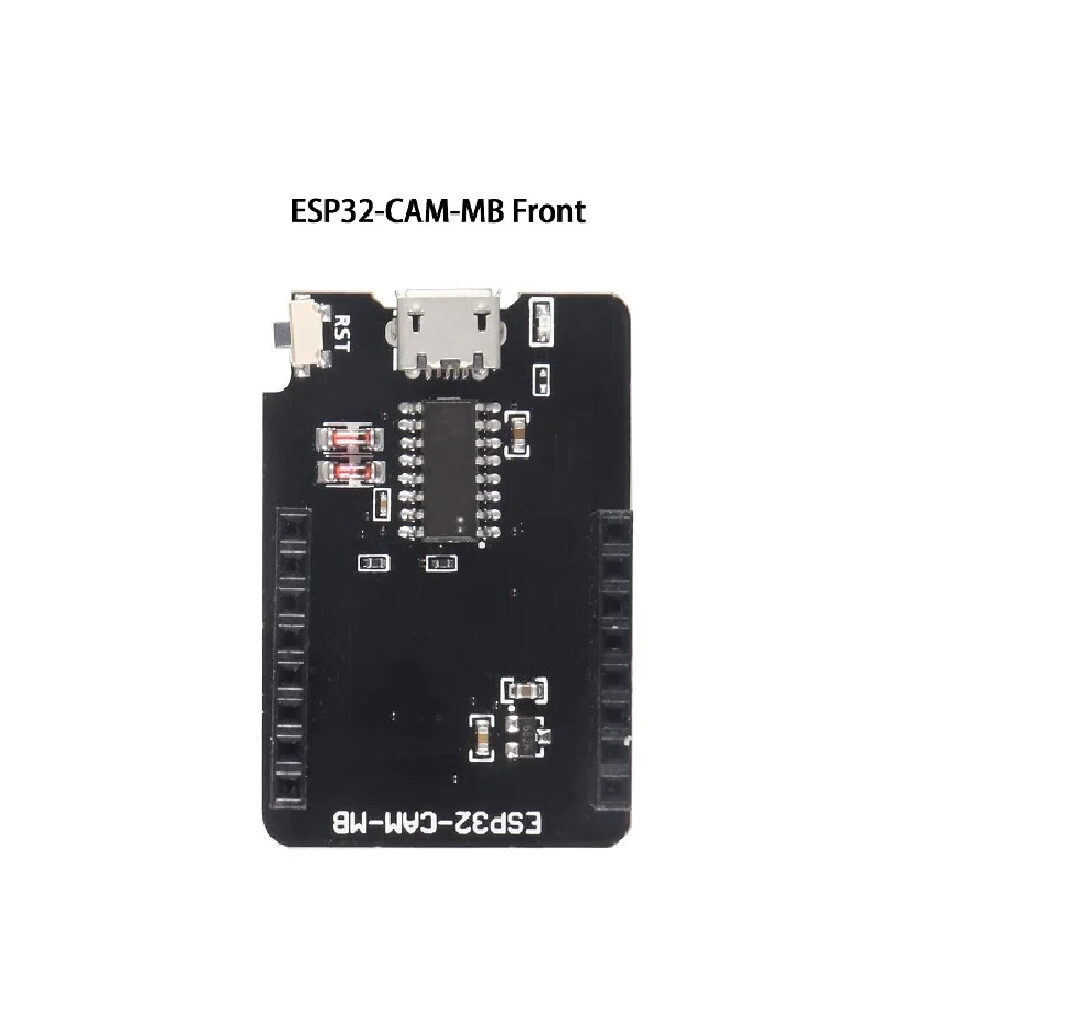
ESP32-CAM-MB MICRO USB Download Module for ESP32 CAM
Makes programming the ESP32-CAM effortless — plug in Micro USB and upload code directly without wiring an external USB-to-serial adapter every time.
WROVER for Display Projects
Another area where the WROVER’s PSRAM shines is high-resolution display projects. A 480×320 TFT display at 16-bit colour requires a 307 KB framebuffer — more than half of the WROOM’s entire SRAM. On the WROOM, you either have to use partial-screen updates (slow, flickery) or limit yourself to low-resolution displays.
With the WROVER’s 8 MB PSRAM, you can maintain a full-screen framebuffer even for 800×480 displays, enabling smooth animations, double-buffering and high-quality graphics. This is why WROVER-based boards are popular for building digital instrument clusters, smart home control panels and handheld gaming consoles.
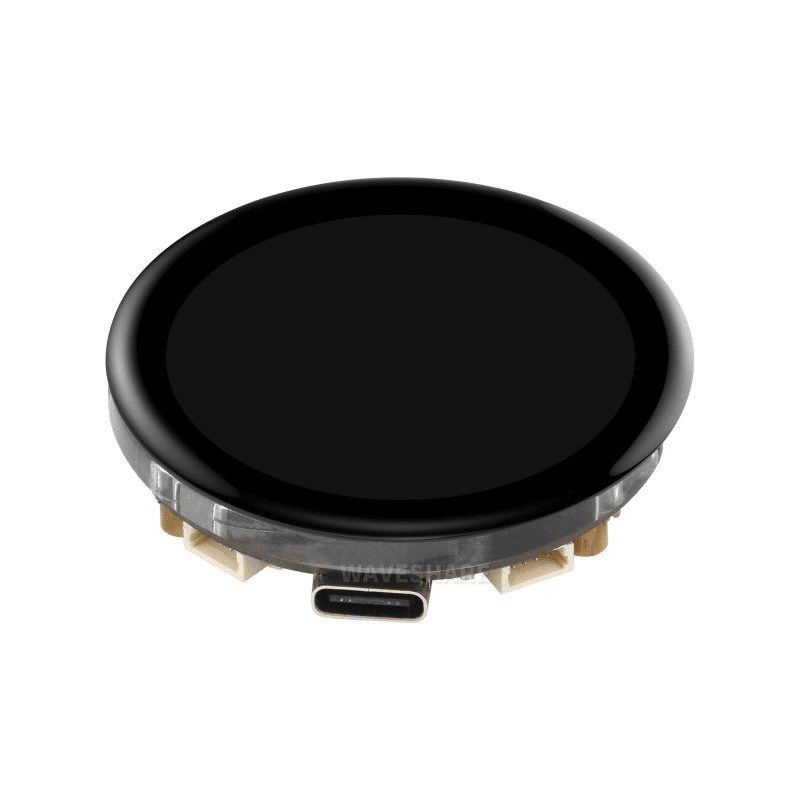
Waveshare ESP32-S3 1.43inch AMOLED Display Development Board, 466×466
An ESP32-S3 board (which also has PSRAM) with a stunning AMOLED display. Ideal for wearables and compact smart displays requiring a high-quality screen.
Frequently Asked Questions
Is the ESP32 WROVER pin-compatible with the WROOM?
Mostly yes, but with two important caveats. First, the WROVER is physically longer (31.4 mm vs 25.5 mm), so the PCB footprint needs to accommodate this extra length. Second, GPIO 16 and GPIO 17 are used internally by the PSRAM on the WROVER and cannot be used as external I/O. Code and circuit designs that use these pins on a WROOM will need modification for the WROVER.
How do I enable PSRAM in Arduino IDE for ESP32 WROVER?
In the Arduino IDE, go to Tools and ensure “PSRAM” is set to “Enabled”. Then in your code, use ps_malloc() instead of malloc() to allocate memory in PSRAM, or define large buffers with the IRAM_ATTR attribute. You can check if PSRAM is available at runtime with ESP.getPsramSize(), which should return 8388608 (8 MB) on a valid WROVER.
Can I use the ESP32-CAM without PSRAM?
Technically possible at very low resolutions (96×96 pixels), but not practically useful. The camera driver requires frame buffers that exceed the internal SRAM at any meaningful resolution. The ESP32-CAM is designed around the assumption that PSRAM is present. Without it, the firmware will fail to allocate the frame buffer and the camera will not initialise.
Does PSRAM slow down the ESP32?
PSRAM is accessed over a QSPI bus at 80 MHz, which is slower than the internal SRAM. For sequential, bulk memory operations (like filling a framebuffer), the throughput is adequate. However, PSRAM is not suitable for storing time-critical variables like interrupt service routine (ISR) data or frequently-accessed lookup tables. Keep performance-critical data in internal SRAM and use PSRAM for large buffers and caches.
Is there an ESP32-C3 WROVER equivalent?
No. The ESP32-C3 does not have a PSRAM variant. For PSRAM support in the newer Espressif ecosystem, look at the ESP32-S3, which is available with up to 8 MB of integrated PSRAM and is now the recommended platform for display and camera projects that previously used the ESP32 WROVER.
Conclusion
The choice between ESP32 WROVER and WROOM comes down to one question: does your project need more than 520 KB of RAM? If yes, get the WROVER. If no, save money and space with the WROOM.
For camera streaming, high-resolution displays, large data buffering or machine learning — WROVER. For smart switches, sensor nodes, BLE peripherals and most standard IoT applications — WROOM is perfectly sufficient and costs less.
Explore Zbotic’s complete range of ESP32 modules and development boards — including ESP32-CAM, ESP32 with PSRAM, display-equipped boards and sensor modules shipped across India.





Add comment