
Table of Contents
- Understanding Build Volume
- Understanding Print Speed
- The Core Trade-off: Why Bigger Printers Are Often Slower
- How Speed Affects Print Quality
- What Build Volume Do You Actually Need?
- 3D Printer Categories: India Buyer’s Perspective
- Optimizing Speed Without Sacrificing Quality
- Filament Choice for High-Speed Printing
- Real-World Use Cases: Indian Makers and Engineers
- FAQ
When shopping for a 3D printer in India, two specifications dominate every product listing: build volume and print speed. Sellers advertise massive 300×300×400mm build volumes and blazing 500mm/s print speeds, but rarely explain how these two properties interact — and why maximizing both simultaneously is often physically impossible without spending a significant amount of money.
This guide breaks down the build volume vs print speed trade-off in plain language, helps you determine what your actual projects need, and explains how to make the most of whatever printer you already own or are planning to buy.
Understanding Build Volume
Build volume is the maximum three-dimensional space your printer can print within, expressed as Width × Depth × Height in millimeters. A printer with a 220×220×250mm build volume can print any object that fits within that box.
Why Build Volume Matters
- Single-piece prints: A larger build volume means you can print bigger objects in one piece, without splitting and gluing.
- Batch printing: A large bed lets you print multiple small parts simultaneously in a single job — great for production runs of brackets, enclosures, or drone parts.
- Practical footprint: A large printer occupies more desk or floor space, requires more energy to heat the bed, and takes longer to reach temperature.
Build Volume vs. Usable Volume
Important: the advertised build volume is rarely the fully usable volume. Subtract:
- 5–10mm on each edge where bed adhesion is poor (bed clips, uneven heating zone)
- 10–20mm on Z if the printer uses a manual Z stop without precise calibration
- Any dead zones caused by the gantry design
A printer advertised as 220×220mm typically gives you a reliably usable area of about 200×200mm at the center.
Understanding Print Speed
Print speed seems simple — millimeters per second (mm/s) that the print head travels. But it is far more nuanced than a single number.
Speed Components
- Print speed: The speed of the nozzle when extruding material (drawing walls, infill, etc.)
- Travel speed: The speed of the nozzle during non-print moves (moving between features)
- Infill speed: Often higher than perimeter speed since internal infill quality matters less than wall quality
- Perimeter/shell speed: Usually 50–70% of infill speed for better surface quality
- First layer speed: Always significantly slower (typically 20–30mm/s) for bed adhesion
Advertised vs. Real Speed
When a printer is marketed as “500mm/s,” that is the theoretical maximum travel or infill speed, not the practical perimeter speed you would use for quality prints. Realistic print speeds for quality output:
| Printer Class | Advertised Speed | Practical Quality Speed |
|---|---|---|
| Budget (Ender 3, etc.) | 100–150mm/s | 40–60mm/s |
| Mid-range (Bambu A1, Prusa MK4) | 300–500mm/s | 150–250mm/s |
| High-end CoreXY (Bambu X1C, Voron) | 500–600mm/s | 250–400mm/s |
The Core Trade-off: Why Bigger Printers Are Often Slower
This is the central tension: large printers generally cannot print as fast as smaller printers of the same budget. Here is why.
Physics of Moving Mass
Print speed is fundamentally limited by how quickly the motion system can accelerate and decelerate. On a large Cartesian printer (like a CR-10 or Ender 5 Plus), the print bed moves in Y and the gantry in X and Z. A larger, heavier bed requires more time to accelerate and decelerate — forcing lower practical print speeds to avoid ringing (ghosting) and layer shifting.
CoreXY vs. Cartesian Architecture
Modern high-speed printers use CoreXY motion systems, where the print head moves in X and Y while the bed only moves in Z. This dramatically reduces moving mass and enables much higher speeds. However, large-format CoreXY printers (300mm+ bed) still need robust frames and more powerful motors, increasing cost significantly.
Conclusion: A 220×220mm CoreXY printer (like a Bambu A1 Mini) can realistically print 3–5x faster than a 300×300mm bed-slinger (Cartesian) at the same budget level, purely because of physics.
Hotend Throughput Limit
Even if your motion system can move at 500mm/s, the hotend can only melt filament so fast. Volumetric flow rate (mm³/s) is the true bottleneck. A standard V6 hotend maxes out at about 8–12mm³/s. High-flow hotends (Dragon, Volcano, Bambu hardened nozzle assemblies) push 20–30mm³/s. Exceed this limit and you get underextrusion regardless of motion speed.
Large Volume = Long Print Times Regardless
Even at high speeds, filling a large volume takes time. A 300×300×300mm block of PLA at 15% infill and 200mm/s print speed would still take over 80 hours. Large build volume printers are typically used for occasional large prints, not daily speed-optimized production.
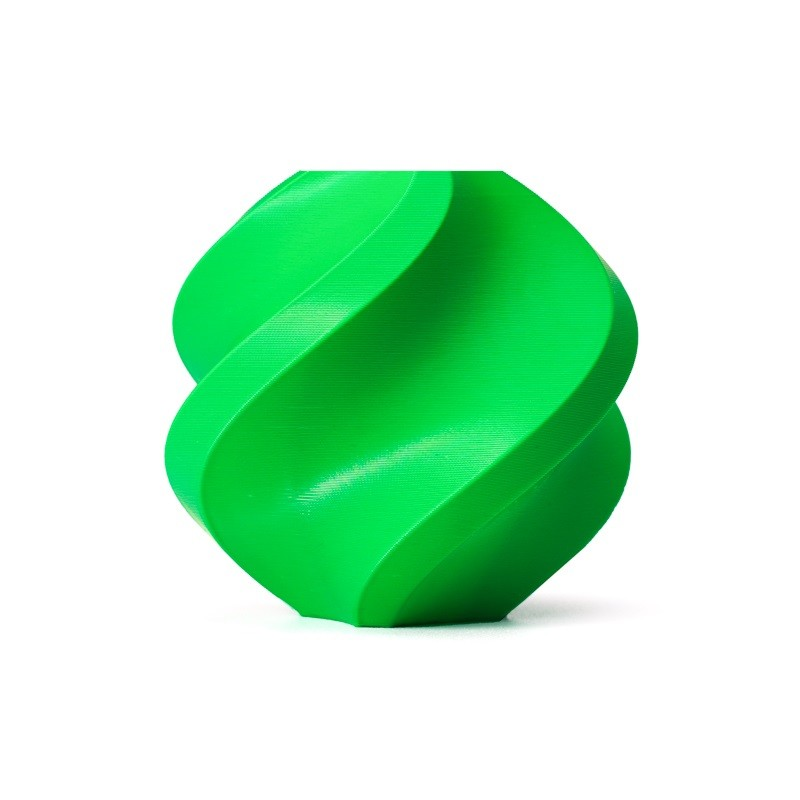
Bambu Lab ABS Filament Bambu Green – 1.75mm
High-quality ABS filament optimized for high-speed printing on modern CoreXY printers. Excellent layer adhesion and minimal warping with proper enclosure.
How Speed Affects Print Quality
Speed is not free — it comes with quality trade-offs that are important to understand before chasing the highest possible mm/s number.
Ringing / Ghosting
At high speeds, the sudden direction changes at corners cause the printer frame to vibrate. These vibrations appear as wavy ripple patterns on the print surface near sharp features. Modern printers address this with Input Shaping (also called Resonance Compensation) — a feature that dynamically adjusts acceleration profiles to cancel frame vibrations. Without input shaping, practical speed limits on budget printers are much lower.
Stringing and Oozing
High travel speeds during non-print moves can reduce stringing (less time for the nozzle to ooze during travel). However, very high speeds with insufficient retraction cause increased stringing. Balance travel speed with retraction distance and speed.
Layer Adhesion
At very high print speeds, the nozzle deposits filament slightly faster than it fully fuses to the previous layer, potentially reducing interlayer bond strength. For structural or mechanical parts, printing at 70–80% of maximum speed often produces measurably stronger parts.
Overhangs and Bridges
Higher speeds on overhangs give the filament less time to cool before sagging. Slow down overhangs and bridges (slicers do this automatically with good overhang detection settings).
What Build Volume Do You Actually Need?
Most Indian hobbyists and students overestimate the build volume they need. Here is a realistic breakdown by project type:
- Arduino / Raspberry Pi enclosures: 100×80×60mm is usually enough. Any printer works.
- Drone components (mounts, motor guards, landing gear): 150×150×100mm covers most components. A standard 220×220mm printer is more than adequate.
- Full quadcopter frames (5-inch FPV): The motor-to-motor diagonal of a 5″ frame is ~230mm. You need at least a 230×230mm build plate, or print in two halves and join them.
- Robot arm segments: 200×150×100mm typically. Standard printer sufficient.
- Figurines and artistic prints: Highly variable. Print in sections for large figures.
- Automotive / industrial scale models: Large build volume (300mm+) is genuinely needed here.
- Small production runs (multiple small parts at once): Large bed (300×300mm) significantly improves throughput by running overnight batch jobs.
3D Printer Categories: India Buyer’s Perspective
Budget Bed-Slingers (₹12,000–₹20,000): Ender 3, Kobra, similar
Build volume: 220×220×250mm typical. Speed: 40–60mm/s practical. Best for: beginners, students, occasional use. Limitation: slow, require calibration, noisy.
Mid-range CoreXY (₹35,000–₹70,000): Bambu A1 Mini, Bambu P1S
Build volume: 180–256mm. Speed: 150–300mm/s practical. Best for: daily printing, quality production, enthusiasts. These printers cost more but pay back in time saved.
Large-Format Budget (₹25,000–₹45,000): CR-10, Ender 5 Plus
Build volume: 300–400mm+. Speed: 40–80mm/s practical. Best for: users who genuinely need large single-piece prints and can accept slower speed. Not for daily small-part production.
High-End CoreXY (₹1,20,000+): Bambu X1C, Prusa XL, Voron builds
Build volume: 256×256mm to 355×355mm. Speed: 250–500mm/s practical. Best for: professional use, high-volume production, multi-material. Significant investment justified only for serious users.
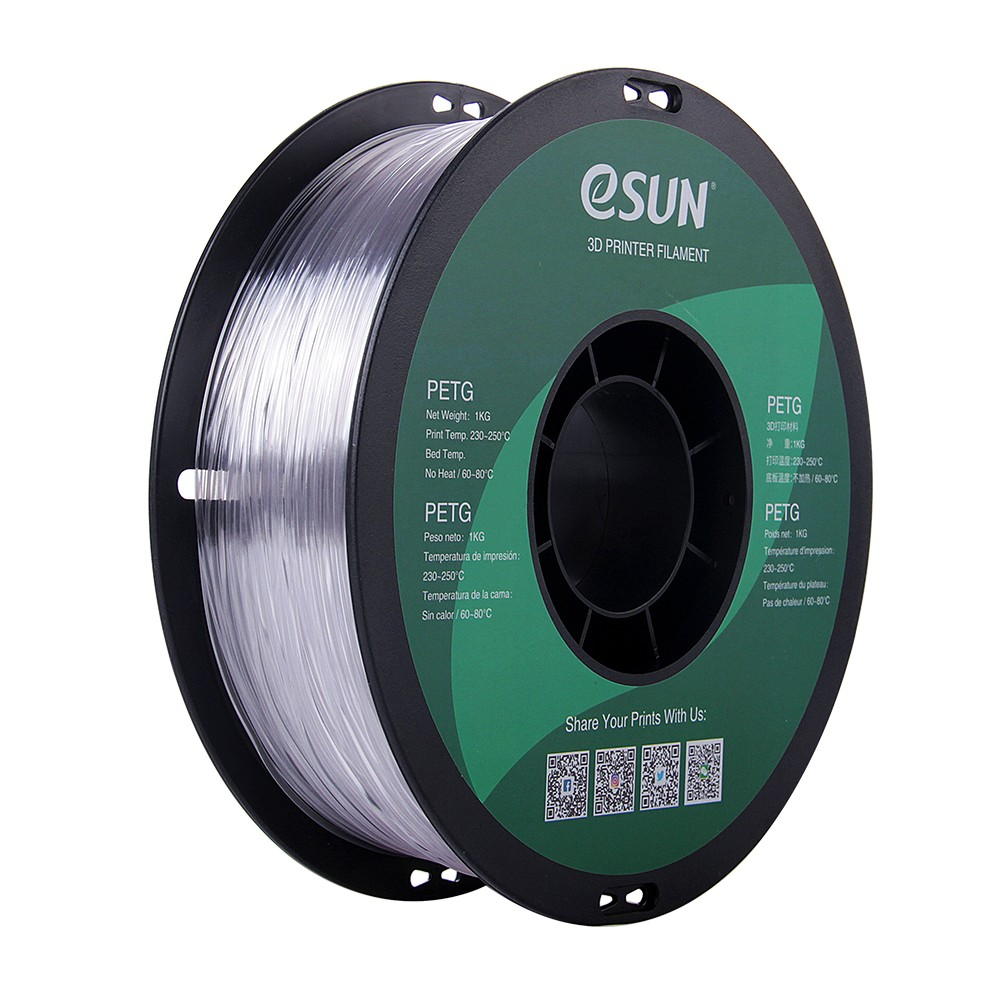
eSun PETG 1.75mm 3D Printing Filament 1kg – Clear
PETG filament that performs well across a wide speed range — suitable for both standard bed-slinger speeds and higher-speed CoreXY printing. 1kg spool for serious makers.
Optimizing Speed Without Sacrificing Quality
If you have a budget bed-slinger and want to get the most speed from it, here are evidence-based upgrades and settings:
Firmware Upgrades
Enable Input Shaping / Resonance Compensation in Marlin 2.x or switch to Klipper. This alone can allow 30–50% speed increase on budget printers without quality loss.
Direct Drive Conversion
Moving the extruder to the print head (direct drive) reduces Bowden tube length, improves retraction performance, and allows faster speed changes. This is a popular ₹1,500–₹3,000 upgrade for Ender 3 users.
Linear Advance / Pressure Advance
These firmware features pre-compensate for the elasticity of the filament path. They dramatically improve corner quality at higher speeds, allowing you to print faster without corner bulging or rounding.
Nozzle Size
A 0.6mm or 0.8mm nozzle can flow more material per second at the same speed, effectively increasing print speed for infill and structural parts without increasing motion speed.
Print Temperature
Higher nozzle temperature (within filament spec) reduces viscosity and increases volumetric throughput. Printing PLA at 220°C vs 200°C can allow 20–30% higher speed before underextrusion begins.
Filament Choice for High-Speed Printing
Not all filaments are created equal when it comes to high-speed performance. PLA is the most forgiving — it melts quickly, cools fast, and adheres well across a wide speed range. PETG requires slightly slower speeds at perimeters due to its oozing tendency. ABS needs slower speeds and enclosure to prevent warping at high speed (rapid cooling).
For batch production on a large-format printer, running overnight at 60–80mm/s with standard PLA is often more productive than pushing a smaller printer at 150mm/s for the same throughput of parts.
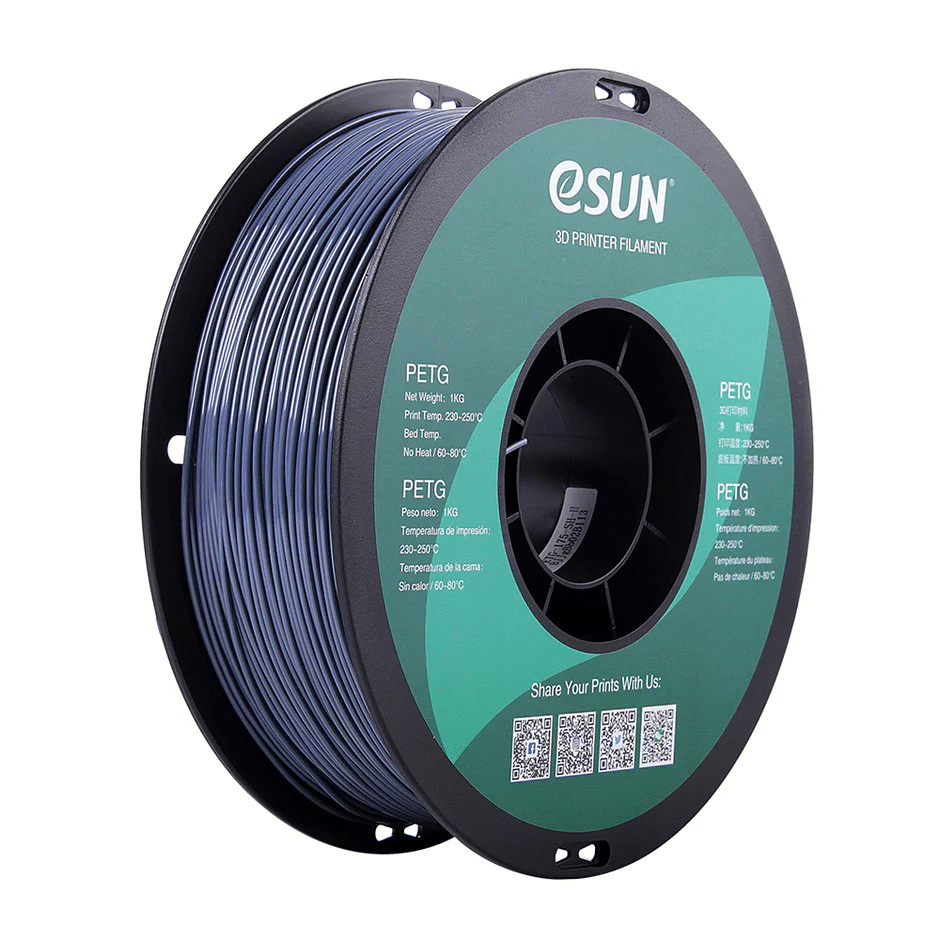
eSUN PETG 1.75mm 3D Printing Filament 1kg – Grey
Durable grey PETG filament with excellent thermal stability. Great for printing functional parts on both budget and high-speed printers. 1kg spool.
Real-World Use Cases: Indian Makers and Engineers
IIT/NIT Students Building Competition Robots
Recommendation: Mid-range CoreXY (Bambu A1 or similar). You need speed for rapid iteration during competition season, not massive build volume. Most robot parts fit in 180×180mm. Printing prototypes in hours, not days, is the competitive advantage.
FPV Drone Hobbyists
Recommendation: Standard 220×220mm printer (Ender 3, Kobra) is adequate for most 3–5″ frame components. For 7″+ frames or full-frame printing in one piece, step up to a 300mm+ bed. Print in ABS or PETG for vibration resistance.
Small Product Designers / Startups
Recommendation: Two printers — one high-speed CoreXY for rapid prototyping and one large-format for production and oversized components. Or a single large CoreXY if budget allows (Bambu X1C with 256mm bed handles 80% of use cases).
Home Makers and Hobbyists
Recommendation: A 220×220mm budget printer upgraded with direct drive and Klipper firmware will serve most home project needs adequately. Upgrade to a larger or faster machine only when you consistently bump against actual limitations, not theoretical ones.
Frequently Asked Questions
Is a bigger build volume always better?
No. Bigger build volumes mean heavier, slower motion systems (on Cartesian printers), larger power supplies, longer bed heating times, more energy consumption, and higher cost. If you rarely need to print objects larger than 200mm, a large build volume printer is wasted cost and added inconvenience.
What is the fastest consumer 3D printer available in India?
As of 2025–2026, Bambu Lab printers (A1, P1S, X1C) are the fastest consumer-grade printers available in India, with practical print speeds of 200–350mm/s at quality settings. Creality K1C and similar CoreXY printers are also in this range and are more affordable.
Can I increase my Ender 3’s speed with upgrades?
Yes, significantly. Adding Klipper firmware with input shaping, upgrading to direct drive, and installing a high-flow hotend can push practical speeds from 60mm/s to 100–150mm/s on an Ender 3. Beyond that, the frame rigidity becomes the limiting factor.
Does layer height affect speed?
Yes. A 0.3mm layer height is approximately 50% faster than 0.2mm for the same object (fewer layers to print). Quality is slightly reduced for fine features but acceptable for structural or functional parts. Draft mode at 0.3–0.4mm is ideal for large, low-detail prints.
What is volumetric flow rate and why does it matter more than mm/s?
Volumetric flow rate (mm³/s) is the actual amount of melted plastic your hotend can deliver per second. It is calculated as: nozzle width × layer height × print speed. If your hotend maxes out at 12mm³/s, printing at 200mm/s with a 0.4mm nozzle at 0.2mm layers (= 16mm³/s required) will cause underextrusion. Understanding this limit helps you choose the right balance of speed, nozzle size, and layer height.
Find the Right Filament for Your Printer’s Sweet Spot
Whether you are pushing a budget bed-slinger to its limits or running a high-speed CoreXY, the right filament makes all the difference. Browse Zbotic’s range of PLA, ABS, PETG and specialty filaments — with fast delivery to all Indian cities.







Add comment