
Resin 3D printing delivers surface finish and detail that FDM filament printers simply cannot match. Dental models, jewellery masters, tabletop miniatures, engineering prototypes with fine features — all of these are resin’s domain. In 2026, the Indian market has dramatically more resin printer options than even two years ago, with prices for capable machines starting under ₹20,000.
This guide covers every major resin printer category available in India, what to look for when buying, and honest recommendations for different budgets and use cases.
Resin Printer Types: MSLA vs DLP vs LCD
Not all resin printers work the same way. Understanding the core technologies helps you evaluate specs honestly.
LCD / MSLA (Masked Stereolithography Apparatus)
The most common and affordable type in India. Uses a UV LCD panel to mask light from a UV LED array. Each layer is exposed in one shot — the LCD masks out the areas that shouldn’t cure. Pros: affordable, large build areas possible, constant exposure time per layer. Cons: LCD panels degrade over time (typically 2,000–4,000 hours), UV uniformity varies across the panel.
DLP (Digital Light Processing)
Uses a DLP projector chip (like Texas Instruments DLP) to project each layer. Advantages: faster than MSLA, more uniform UV distribution, longer light source life. Disadvantages: more expensive, build area is determined by projector resolution so large area = lower XY resolution. Mainly found in professional/dental machines.
SLA (Stereolithography)
The original resin technology — a laser traces each layer. Highest resolution possible (25–100 micron XY) but very slow (laser traces every point individually). Formlabs Form series is the most common SLA printer. Very expensive — not commonly found in the Indian budget market.
Key Specs to Understand Before Buying
XY Resolution
The XY pixel size determines how fine the detail in each layer is. Common values in 2026:
- 18–25 microns: Ultra-high detail (8K panels) — jewellery, dental, miniatures
- 35–50 microns: High detail (6K/4K panels) — models, prototypes
- 60–100 microns: Standard detail — functional parts, general use
Z Resolution (Layer Height)
Typically 10–100 microns, user-selectable. Most prints use 50 microns. Finer layers mean better surface finish but longer print times.
Build Volume
Resin printers come in a wide range of sizes. Standard mono LCD machines have ~130×80mm to 200×125mm build plates. Large-format machines like the Elegoo Saturn 4 Ultra reach 218×123mm or larger.
Mono vs RGB LCD
Mono (monochrome) LCDs are standard now. They allow much shorter exposure times (1–3 seconds vs 6–10 seconds for older RGB panels), dramatically reducing print time. All serious printers in 2026 use mono panels.
Tilt Speed and Peeling Mechanism
After each layer cures, the build plate must peel away from the FEP film. Faster, gentler peeling means faster prints and less print failure. Look for ACF film (Advanced Crystal Film) or tilt/swing mechanisms for the best results.
Budget Resin Printers Under ₹25,000
Elegoo Mars 4 (₹18,000–₹22,000)
The Mars series is one of the most trusted entry-level resin printer lines. The Mars 4 Ultra features a 9.1-inch 12K mono panel with 19×24 micron XY resolution — exceptional for the price. Build volume is 153.36×77.04×165mm.
- Pros: Exceptional detail for the price, excellent Elegoo community support, standard parts widely available in India.
- Cons: Small-medium build volume, no integrated wash/cure.
- Best for: Miniatures, small jewellery masters, detailed figurines, first-time resin buyers.
AnyCubic Photon Mono M5s (₹20,000–₹26,000)
AnyCubic’s mid-small option with a 10.1-inch 12K panel and a build volume of 218×123×260mm — notably taller than most competitors at this price. Includes the innovative Photon Workshop slicer with auto-support generation.
- Pros: Very tall build volume (260mm Z), 12K resolution, AnyCubic’s LighTurbo light source is very uniform.
- Cons: Narrower than Saturn-class machines, AnyCubic slicer less polished than Chitubox.
- Best for: Tall models, character busts, architectural components requiring height.
Creality Halot One Plus (₹17,000–₹21,000)
Creality’s entry into resin. The Halot One Plus uses a 7.9-inch 4K panel with a proprietary integral light source that promises better uniformity than standard UV LED arrays. Build volume: 172×102×160mm.
- Pros: Good uniformity claims, Creality brand support in India, affordable.
- Cons: Lower resolution 4K panel vs competitors’ 8K/12K at same price, smaller community.
- Best for: Budget-conscious buyers already invested in the Creality ecosystem.
Mid-Range Resin Printers ₹25,000–₹60,000
Elegoo Saturn 4 Ultra (₹35,000–₹45,000)
The Saturn series is Elegoo’s large-format line, and the Saturn 4 Ultra is arguably the best mid-range resin printer available in India in 2026. It features a massive 10-inch 12K mono panel, a 218.88×123.12×220mm build volume, and uses ACF film for fast, reliable layer separation.
- Pros: Large build volume, 12K panel, ACF film means faster prints with fewer failures, tilt mechanism for smoother peeling, very strong Elegoo community support globally and in India.
- Cons: Heavy resin consumption for large prints (more expensive), requires a bigger wash/cure station.
- Best for: Professionals needing large prints, batch production of smaller parts, studio environments.
AnyCubic Photon Mono X2 (₹30,000–₹40,000)
A solid large-format option at 9.6 inches with a build volume of 196×122×260mm. Uses AnyCubic’s LighTurbo 2.0 uniform light source.
- Pros: Good tall build volume (260mm Z), reliable light uniformity, established AnyCubic support ecosystem.
- Cons: 9K resolution slightly behind Saturn 4 Ultra’s 12K at comparable pricing.
- Best for: Buyers who need height more than width in their builds.
Phrozen Sonic Mini 8K S (₹28,000–₹38,000)
Phrozen is a Taiwanese brand known for pushing resolution. The Sonic Mini 8K S has a 22×28 micron XY resolution — among the finest available in this price range — though the build area is smaller (165×72×180mm).
- Pros: Best-in-class XY resolution, excellent for dental, jewellery, miniatures requiring extreme detail.
- Cons: Smaller build area, harder to source in India (mostly import), pricier resins recommended.
- Best for: Professionals who need maximum XY detail on small parts — dental labs, jewellery casters.
Professional and Large-Format Printers ₹60,000+
Elegoo Saturn 4 Max / Pro
The Saturn 4 Max takes large-format to its extreme with a 15.1-inch panel and 310×175×220mm build volume. This is a genuine production-scale resin printer. Used by dental labs, jewellery houses, and model-making studios in India.
Formlabs Form 4 (₹3,00,000+)
The gold standard for professional SLA resin printing. Formlabs’ proprietary LFS (Low Force Stereolithography) technology produces consistently exceptional prints with minimal failures. Used in engineering, medical, and product design applications where print quality justifies cost.
SprintRay Pro (₹5,00,000+)
Dental-specific DLP printer. Used by dental clinics and labs in India for surgical guides, aligners, temporary crowns, and model printing. Requires SprintRay’s certified dental resins.
Resin Types for Indian Conditions
India’s climate — particularly high temperatures in summer (35–45°C in many regions) and high humidity in coastal areas — affects resin storage and printing.
Standard ABS-Like Resin
Most beginner resins. Good detail, brittle when thin. Suitable for display models, not functional parts. Store below 30°C, away from sunlight.
ABS-Like High Toughness / Impact-Resistant Resin
Formulated to be less brittle. Better for parts that need some flex or impact resistance. Popular brands: Elegoo ABS-Like Pro, AnyCubic Tough Resin, Siraya Tech Blu.
Water-Washable Resin
Cleans up with water instead of IPA. Very convenient, especially in India where isopropyl alcohol (99%) can be difficult to source at reasonable prices. Slightly softer final parts than standard resin. Good for general use.
Castable Resin
Burns out cleanly in a lost-wax casting process. Used by jewellery makers in India — print the master in castable resin, invest in plaster, burn out, cast in gold/silver. Brands: Castable Wax 40, Elegoo Standard Castable.
Dental Resins
Class I/II/III biocompatible resins for temporary crowns, surgical guides, models. Require specific certified printers and UV wavelength matching.
Heat and Humidity Tips for India
- Store resin bottles in a cool, dark cupboard or mini-fridge (not main fridge — too cold causes separation).
- In monsoon season, dehumidify your print space — excess humidity causes resin to absorb moisture, leading to surface stickiness and reduced mechanical properties.
- Never leave an open resin vat exposed to sunlight, even briefly.
- In summer, bring resin to room temperature (25°C) before printing — cold resin is thicker and prints poorly.
Safety: Critical Information for Indian Homes
Resin printing involves hazardous chemicals. This is not optional reading:
- Ventilation is mandatory: Resin fumes are harmful when inhaled continuously. Print in a room with an exhaust fan or open window, ideally with the printer in a sealed enclosure with a carbon filter.
- Nitrile gloves: Always wear nitrile gloves when handling liquid resin, washing prints, or touching the FEP film. Latex gloves are insufficient — resin permeates latex.
- UV eye protection: The curing light is harmful to eyes. Never look directly into a curing printer or UV curing station without UV-protective glasses.
- IPA disposal: Used IPA wash solvent cannot be poured down drains. Expose it to sunlight in a clear container — the UV cures the suspended resin, which settles out. Dispose of the cured resin with solid waste, then the clear IPA can be reused.
- Children and pets: Keep liquid resin and IPA completely inaccessible to children and pets. Resin is acutely toxic if ingested and a skin sensitiser with repeated exposure.
Post-Processing Workflow
A resin print is not complete when it comes off the printer. All MSLA/LCD prints require post-processing:
- Remove supports: Do this immediately after printing while the resin is still slightly flexible — after curing, supports are harder to remove cleanly.
- Wash: Submerge prints in IPA (isopropyl alcohol 90%+) or water (for water-washable resin) and agitate for 2–5 minutes. A Wash & Cure station (like Elegoo Mercury Plus) makes this much easier.
- Inspect and dry: Check for uncured resin in recesses. Dry completely before UV curing — IPA left on the surface can cause cloudiness after curing.
- UV cure: Expose to a UV curing station (or direct sunlight) for 2–10 minutes depending on resin type. Under-cured resin remains weak and tacky; over-curing causes brittleness.
- Finish: Sand with wet/dry sandpaper starting at 400 grit. Prime and paint, or polish for clear resins.
Products from Zbotic
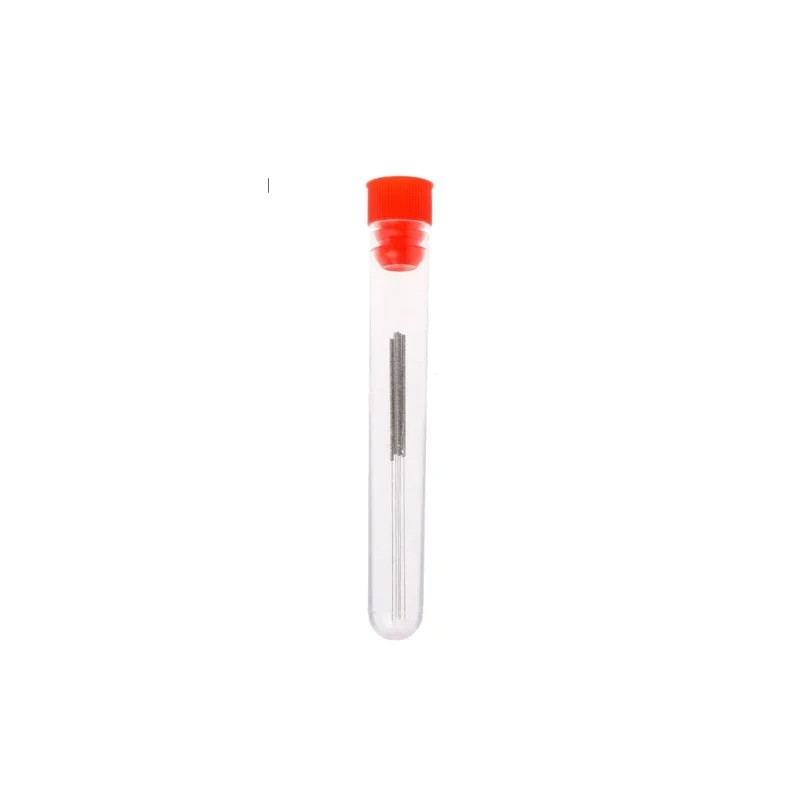
0.4mm Stainless Steel Nozzle Cleaning Needle (Pack of 10)
Resin printers don’t use nozzles, but if you also run an FDM printer alongside your resin setup, these cleaning needles are essential maintenance tools to keep your filament printer running perfectly.
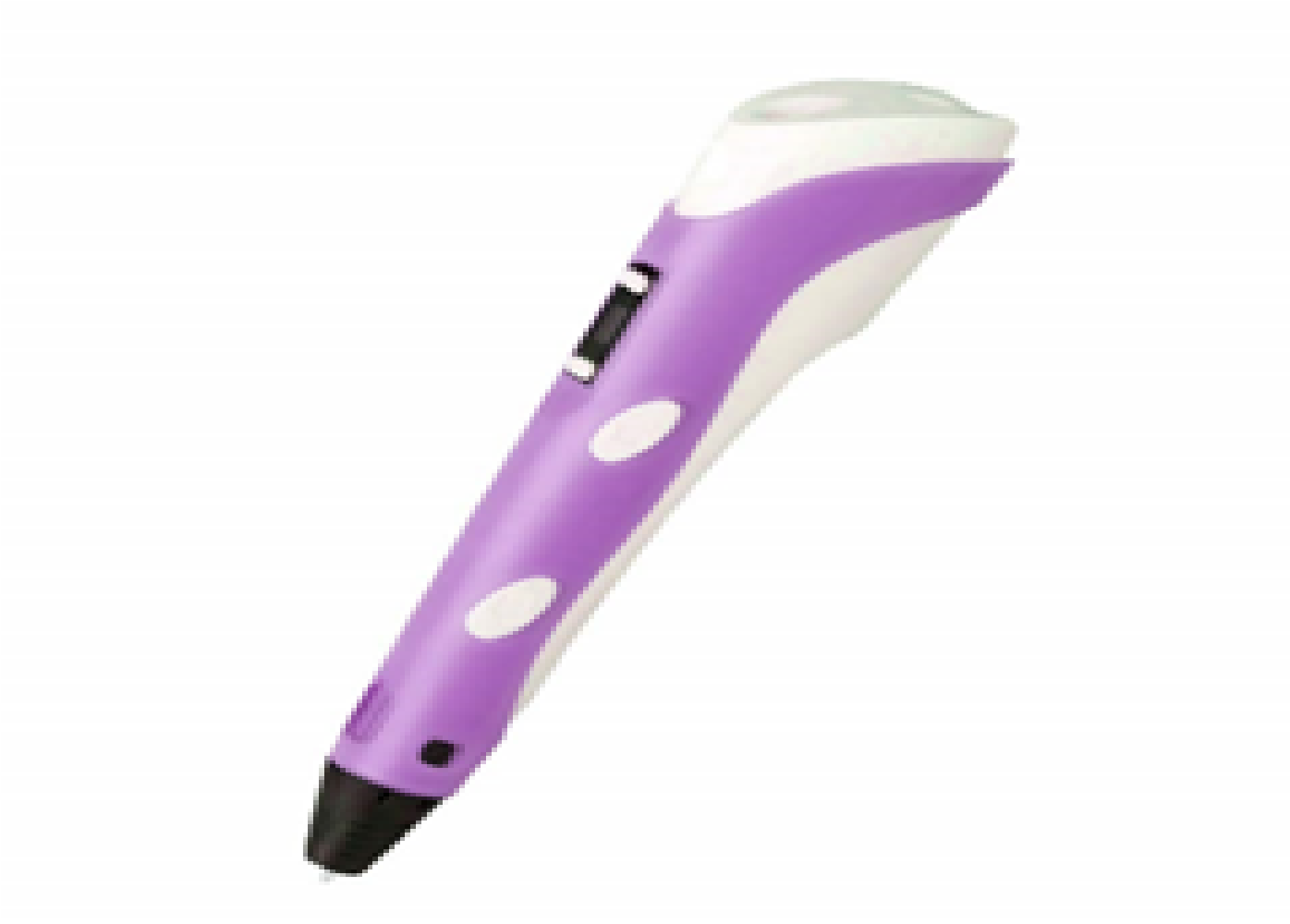
3D Printer Pen with Filament and USB Cable
A 3D printer pen complements your resin printer perfectly — use it to add structural supports, repair resin prints, or freehand details that are hard to slice and print.
Bambu Lab PLA Filament Grey – 1.75mm
Many makers run both resin and FDM printers. Bambu PLA is the ideal complement — use resin for detail, FDM for structural parts. Grey PLA is the go-to colour for prototyping.
Frequently Asked Questions
What is the best budget resin printer to buy in India in 2026?
The Elegoo Mars 4 Ultra is our top recommendation for under ₹25,000. It offers 12K resolution with 19×24 micron XY accuracy — detail quality that was unheard of at this price just two years ago. For a larger build volume at mid-range, the Elegoo Saturn 4 Ultra is the best value.
Is IPA available in India for resin washing?
Yes — Isopropyl Alcohol (IPA) at 90%+ is available from chemical suppliers, some medical supply shops, and online marketplaces. 99% IPA gives better results than 70% (which contains too much water). 1-litre bottles are most practical for hobbyist use. Alternatively, use water-washable resin to avoid IPA entirely.
How long does a resin printer LCD last?
Modern mono LCDs from 2024–2026 are rated for 2,000–4,000 hours of UV exposure. At typical hobby use (2 hours/day), that’s 3–5 years. Replacement LCDs for Elegoo and AnyCubic machines are readily available online in India for ₹3,000–₹8,000.
Can I print jewellery with a budget resin printer?
Yes for master patterns intended for casting. Use castable resin (Elegoo Standard Castable or similar) and the correct lost-wax casting process. For direct-wear jewellery prints in standard resin, the resin itself is not safe for skin contact long-term. Use dedicated biocompatible resins for skin-contact applications.
Is resin printing legal and safe in India?
Resin printing is completely legal in India. The safety considerations are the same worldwide — use ventilation, nitrile gloves, UV eyewear, and proper disposal. There are no special Indian regulations governing hobby resin use, though commercial facilities may need standard chemical handling compliance.
What slicers work with resin printers?
Chitubox (free and Pro versions), Lychee Slicer (freemium, highly recommended), and Photon Workshop (for AnyCubic). Lychee Slicer has the best auto-support generation in 2026 and supports virtually all LCD resin printers including Elegoo, AnyCubic, Phrozen, Creality, and more.
Start Your Resin Printing Journey
Zbotic stocks quality 3D printing supplies and accessories to support your FDM and resin printing workshop. From filaments to hotend parts and tools — everything in one place.







Add comment