
Ask any experienced 3D printing enthusiast what separates a successful print from a failed one, and most will give you the same answer: the first layer. The first layer is the foundation of every print. Get it wrong and the rest of the model is guaranteed to fail — warped, delaminated, or peeled off the bed mid-print. Get it right and most prints will complete without issue.
In this comprehensive guide, we cover every aspect of first layer calibration for FDM 3D printers: bed levelling, Z offset, flow rate calibration, print speed, temperature, and surface preparation. Whether you are using a Creality Ender 3, Bambu Lab P1S, Prusa MK4, or any other FDM printer, these principles apply universally. We have also included specific tips for Indian makers dealing with humidity and temperature variations.
1. Why the First Layer Is Everything
The first layer of a 3D print serves several critical functions simultaneously:
- Foundation: All subsequent layers stack on top of it. A non-flat or poorly adhered first layer means the entire structure is unstable.
- Adhesion anchor: The first layer must bond strongly enough to the bed to resist the forces of printing: nozzle drag, thermal contraction, and the weight of accumulated layers.
- Dimension accuracy: If the first layer is too thick or too thin, it shifts the Z position of every subsequent layer, affecting the overall height accuracy of your part.
- Warp prevention: On materials prone to warping (ABS, ASA, Nylon), the first layer’s grip on the bed is the only thing preventing the edges from lifting.
The first layer should ideally look like a slightly squished ribbon of filament — wide, flat, and uniformly bonded to the surface without gaps between extrusion lines and without being so squished that material overflows sideways.
2. Bed Levelling: Manual vs Automatic
What Is Bed Levelling?
Bed levelling (or bed tramming, to be precise) is the process of making the print bed surface parallel to the XY plane of motion of your printer. If one corner of the bed is higher than another, the nozzle-to-bed gap varies across the build area, causing inconsistent first layers.
Manual Bed Levelling
Most entry-level printers (Ender 3, CR-10, Artillery, etc.) use manual levelling with four adjustment knobs under the bed corners. The standard procedure:
- Preheat the bed to your printing temperature (PLA: 60°C, PETG: 80°C, ABS: 100°C)
- Home all axes
- Disable steppers (so you can move the head by hand)
- Move the nozzle to each corner and adjust the knob until a sheet of A4 paper slides underneath with slight resistance
- Repeat the process 2–3 times (adjusting one corner changes the others slightly)
- Check the centre of the bed — most beds are slightly bowed, and the centre may differ from corners
The paper trick is a classic but has limitations. A 0.1 mm feeler gauge gives more consistent results. Most experienced makers use the paper trick for rough levelling and then fine-tune with Z offset during a live print.
Automatic Bed Levelling (ABL)
Modern printers use probe-based automatic bed levelling. Common systems:
- BLTouch / CRTouch — a servo-based probe that physically touches the bed at a grid of points (typically 9 to 25 points) and stores a mesh of the actual bed height. Marlin firmware then compensates the Z position in real time during printing.
- Klicky / Voron Tap — used on Voron and other CoreXY printers. Magnetic probe system with excellent repeatability.
- Bambu Lab Lidar + Force Sensor — used in Bambu X1C and P1S. Combines a Lidar sensor for bed scan and a load cell for actual nozzle contact detection. Extremely accurate and fast.
- Prusa SuperPINDA — temperature-compensated inductive probe used in Prusa MK4. Very reliable.
Even with ABL, you still need to set the Z offset correctly. ABL compensates for bed tilt and waviness, but it does not set the absolute nozzle-to-bed gap — that is still your job.
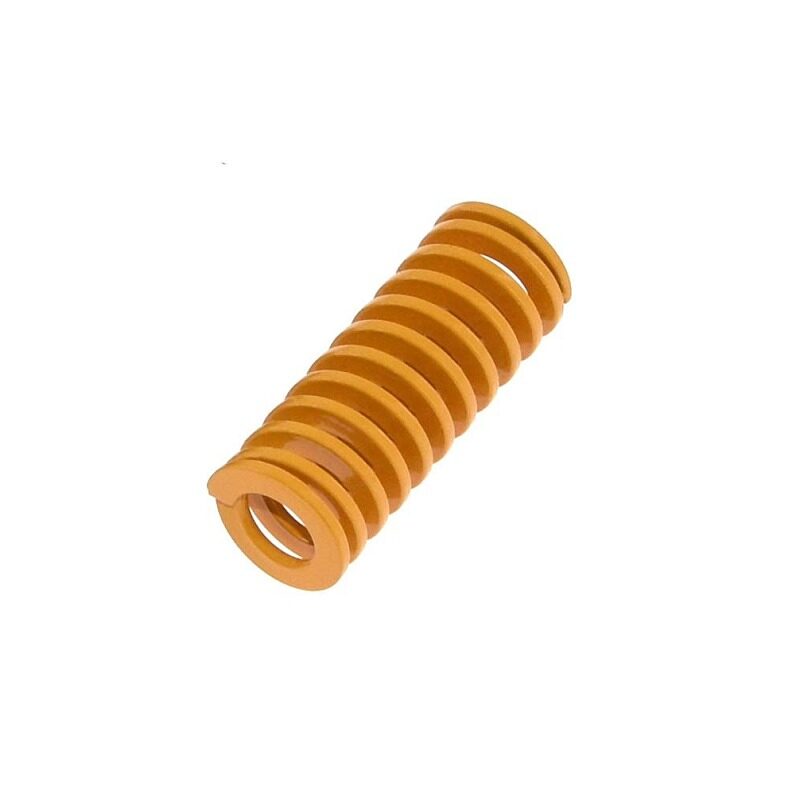
3D Printer Parts Spring for Heated Bed MK3 CR-10 Hotbed
Worn or uneven bed springs cause first layer calibration to drift between prints. Upgrade to fresh springs for stable, consistent Z offset across your entire bed.
View on Zbotic3. Z Offset: The Single Most Critical Setting
Z offset is the distance between the nozzle tip and the bed surface at the home position. It is the most impactful single setting for first layer quality.
How to Set Z Offset
Most modern printers have a Z offset adjustment accessible through the LCD menu or via slicer startup G-code. The procedure:
- Start a print — use a first-layer calibration print (a large flat square or circle that covers most of the bed)
- Watch the first layer extrusion as it prints
- Adjust Z offset live: negative = nozzle closer to bed, positive = nozzle further from bed
- Aim for the extrusion lines to just touch each other and appear slightly flattened on the bottom
Reading the First Layer
Here is how to interpret what you see:
| What You See | Problem | Fix |
|---|---|---|
| Lines widely spaced / spaghetti | Nozzle too high | Decrease Z offset (more negative) |
| Filament not sticking, curling up | Nozzle too high OR bed too cold | Lower Z, increase bed temp |
| Lines very squished, translucent | Nozzle too close, blocking flow | Increase Z offset (less negative) |
| Nozzle scratching the bed | Way too close / negative Z | Increase Z significantly, check spring tension |
| Lines flat but with slight gaps | Slightly too high | Decrease Z by 0.05 mm steps |
| Lines perfectly touching, good bond | Correct! | Save this Z offset value |
Saving Z Offset
Once you find the correct Z offset, save it in your printer’s EEPROM (Menu → Store Settings on Marlin printers, or it saves automatically on Bambu/Prusa printers). Note the value down physically — it is the first thing to restore after firmware updates or bed swaps.
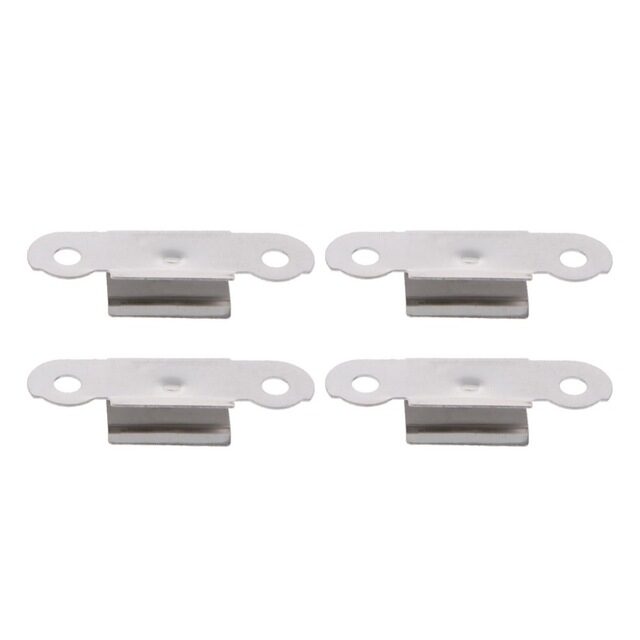
3D Printer Build Platform Glass Retainer Heated Bed Clip – Pack of 4
A glass bed that shifts during printing ruins first layer calibration. These stainless steel clips hold your glass build plate firmly in place for consistent Z offset every print.
View on Zbotic4. Flow Rate / Extrusion Multiplier Calibration
Even with perfect bed levelling and Z offset, a mis-calibrated flow rate (extrusion multiplier) will cause first layer problems. Too high a flow rate causes over-extrusion — material overflows the gaps, creates bumps, and can cause the nozzle to scrape on the second pass. Too low causes under-extrusion — gaps between lines and poor bed adhesion.
Calibrating Flow Rate
- Print a single-wall cube (20 × 20 mm, 1 perimeter, no infill, no top/bottom layers)
- Measure the wall thickness with digital calipers at multiple heights
- Your target is: nozzle diameter × 1.1 (e.g. for 0.4 mm nozzle → target 0.44 mm wall)
- Actual / Target × Current flow rate = New flow rate
- Example: measured 0.48 mm wall, target 0.44 mm → 0.44/0.48 × 100% = 91.7% flow rate
Set the new flow rate in your slicer (Filament settings → Flow / Extrusion Multiplier). Reprint and re-measure until your wall thickness matches the target consistently.
5. First Layer Speed and Temperature
Print Speed
Print the first layer significantly slower than the rest of the print. A good starting value is 50% of your normal print speed or 20–30 mm/s, whichever is slower. Slow speed gives the molten filament more time to bond to the bed surface and reduces the chance of the nozzle dragging already-deposited material.
Most slicers have a dedicated “First Layer Speed” setting. PrusaSlicer and OrcaSlicer call it “First layer speed” (expressed as mm/s or % of normal speed). Bambu Studio calls it “Initial layer speed”.
Bed Temperature
First layer bed temperature is typically 5–10°C higher than subsequent layers for many materials. This maximises adhesion on the first layer, then backing off reduces warping risk as the print builds height.
| Filament | First Layer Bed | Subsequent Layers Bed | Nozzle Temp |
|---|---|---|---|
| PLA | 60–65°C | 60°C | 200–220°C |
| PETG | 80–85°C | 75–80°C | 230–245°C |
| ABS | 100–110°C | 100–105°C | 230–250°C |
| ASA | 100–110°C | 100°C | 240–260°C |
Nozzle Temperature for First Layer
Some makers print the first layer 5–10°C hotter than subsequent layers. Hotter material flows better and wets the bed surface more effectively. For PLA, printing the first layer at 220°C instead of 210°C can noticeably improve adhesion on glass or PEI beds.
6. Bed Surface Guide: Which to Use When
PEI (Polyetherimide) Spring Steel Sheets
The current gold standard for FDM printing surfaces. PLA, PETG, and many other materials adhere well to PEI when the bed is at temperature, and release easily when cooled. Available in textured (matte finish on bottom of parts) and smooth (glossy finish) variants. Used on Bambu Lab, Prusa MK4, Bambu, and many aftermarket upgrades.
Glass Beds
Glass gives an ultra-smooth bottom surface on prints. PLA adheres well to glass at 60°C without any treatment. PETG can over-adhere to glass (especially borosilicate glass) — use a release agent like Magigoo or hairspray. Glass is easy to clean but lacks the self-releasing property of PEI.
BuildTak / Frosted Adhesive Sheets
Adhesive-backed textured PEI-like sheets. Good adhesion for most filaments and give a matte texture to the print bottom. Replace when surface shows deep gouges or adhesion degrades.
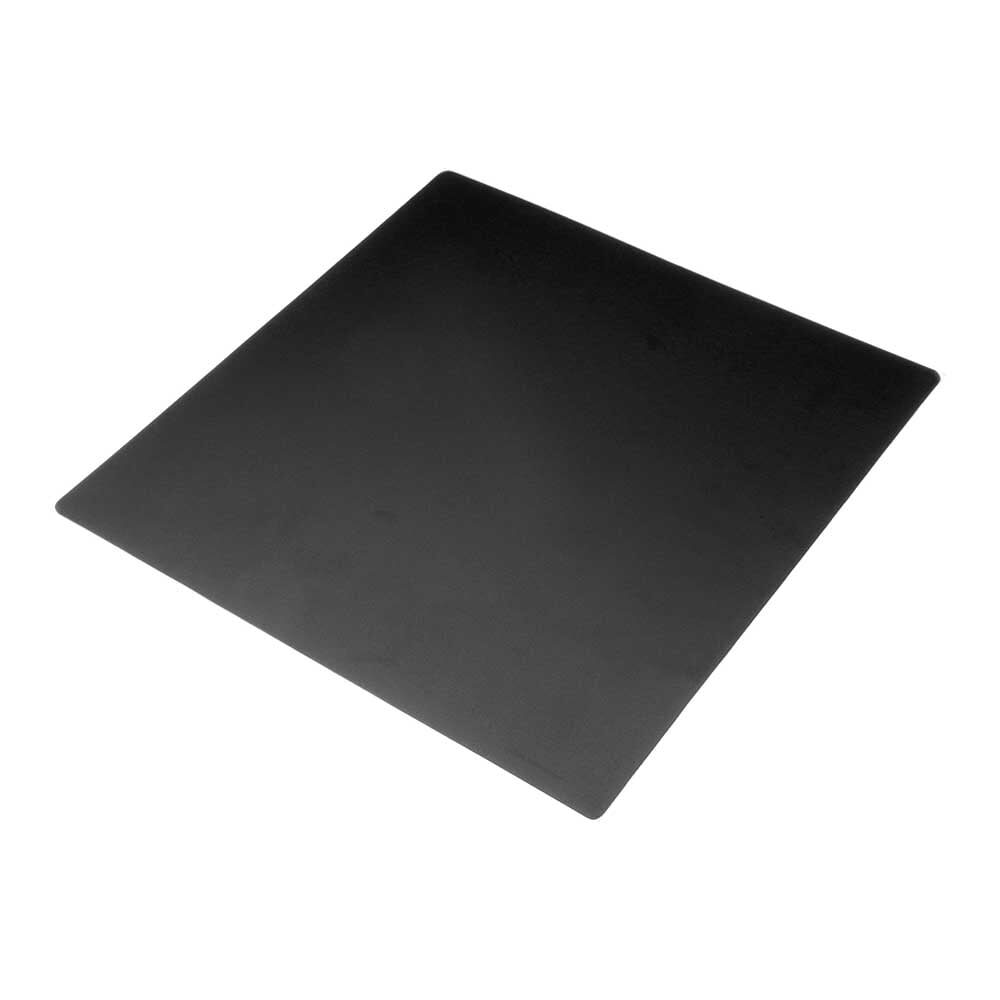
Frosted Heated Bed Sticker Build Plate Tape with Adhesive Backing – 220×220mm
Restore first layer adhesion on an old or damaged bed surface. This frosted textured sticker provides excellent grip for PLA and PETG on Ender 3, CR-10, and similar printers.
View on Zbotic7. Adhesion Tips for Indian Climate
India’s climate presents unique challenges for 3D printing adhesion:
Humidity and Filament Moisture
High humidity in coastal cities (Mumbai, Chennai, Kolkata) and during monsoon season causes filament to absorb moisture. Wet filament pops and hisses during extrusion, creates bubbles in the first layer, and dramatically reduces adhesion. Always store filament in airtight containers with silica gel desiccant. Dry filament at 45–65°C in a food dehydrator or oven before printing if you notice symptoms.
Hot Ambient Temperature
In Indian summers, ambient temperature can reach 40–45°C. This helps ABS printing (less thermal shock) but can cause PLA parts to warp slightly after removal as they cool from 60°C bed temp in a hot room. If your PLA parts warp post-print, let them cool on the bed naturally to room temperature before removing.
Using Glue Stick
Glue stick (Fevistik in India) on a glass bed is a time-tested adhesion trick. Apply a thin layer, let it dry, and PLA will grip well at 60°C and release cleanly when cold. Wash off with water. Do not use too much — thick glue causes an uneven surface.
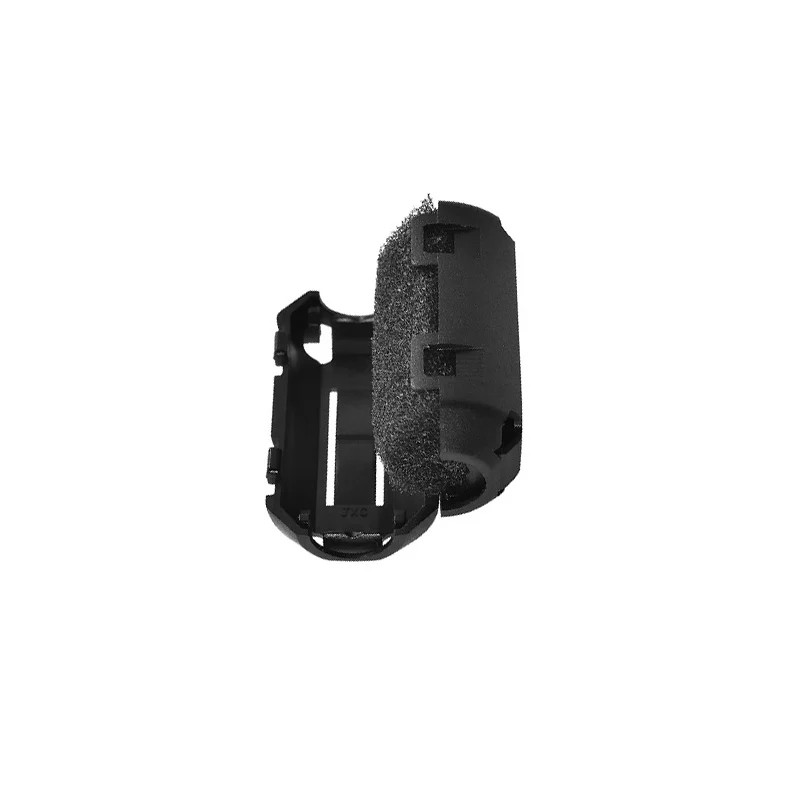
ABS PLA PETG 1.75mm Filament Filters Cleaner – Dust Removal for Ender 3 / CR-10
Prevent dust and debris on your filament from causing first layer blobs and adhesion failures. Essential during Indian monsoon season when indoor dust levels spike.
View on Zbotic8. Reading Your First Layer: Visual Diagnostic Guide
Experienced 3D printer users can diagnose calibration issues just by watching the first layer print. Here is a pattern-based guide:
Perfect First Layer
Lines are slightly wider than the nozzle diameter, touching the adjacent line with no visible gap, slightly flattened on the surface. The surface has a uniform matte texture. The material bonds to the bed with a faint squishing sound if you listen closely.
Elephant Foot
The first 1–2 layers flare outward, making the base of the print wider than designed. Cause: Z offset too low (nozzle too close) or bed too hot. Fix: increase Z offset slightly and check bed temperature. Also check for over-extrusion on the first layer (some slicers have a separate first layer extrusion multiplier).
Corner Lifting
Corners of the print peel up from the bed. Cause: thermal contraction pulling edges up faster than the adhesion can resist. Most common with ABS. Fix: increase bed temperature, add brim in the slicer, use an enclosure to reduce draft, apply adhesion promoter.
First Layer Over Existing Levelling Mesh
If using ABL but your first layer looks perfect in the centre and poor at the edges, your bed mesh grid resolution is too low. Increase the mesh grid to 5×5 or 7×7 probe points in your firmware settings to capture more of the bed geometry.
9. First Layer Tips by Filament Type
PLA
The easiest to calibrate. 60°C bed, 210°C nozzle, PEI or glass. Z offset can be more forgiving. Part cooling fan at 0% for first layer, 100% from layer 2 onward. If adhesion is poor, increase bed temp to 65°C or add glue stick.
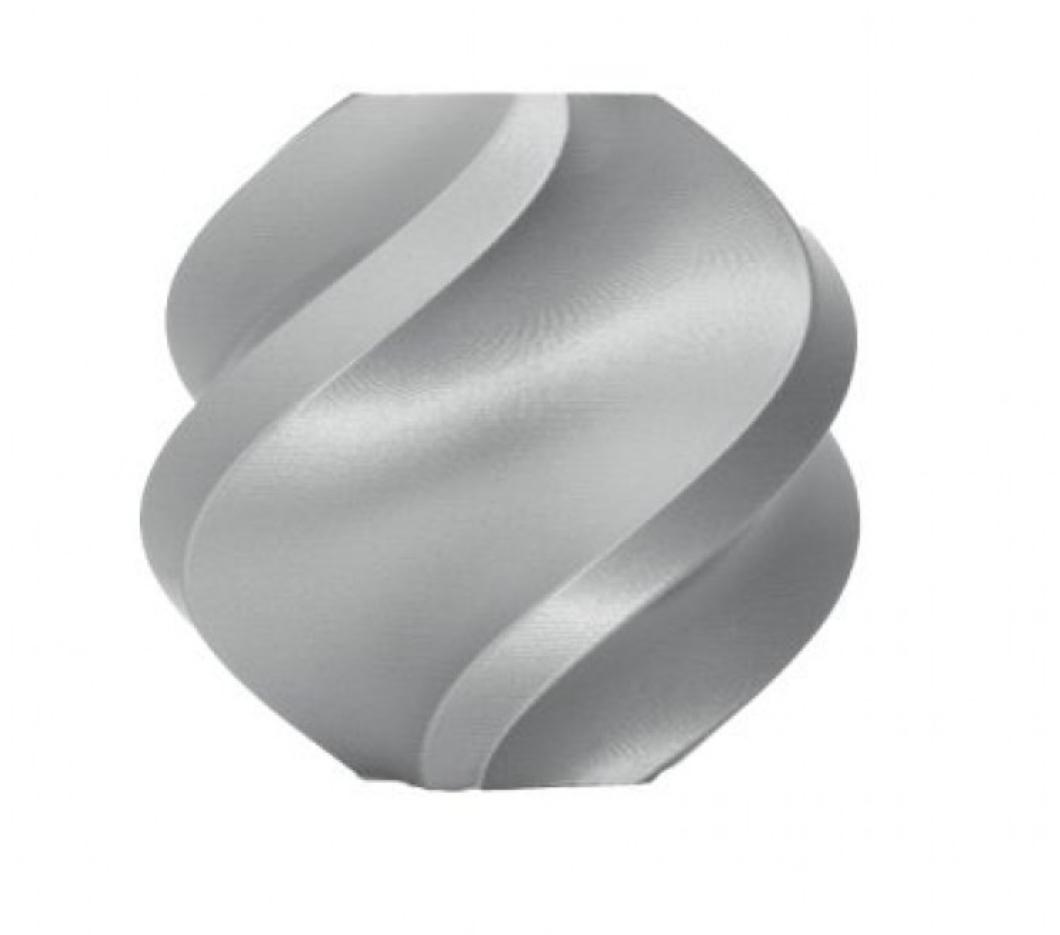
Bambu Lab PLA 3D Printer Filament Silver – 1.75mm
Consistent diameter PLA with excellent bed adhesion properties. Run first layer calibration once and get repeatable results print after print with this premium filament.
View on ZboticPETG
PETG can over-adhere to PEI. Always use a thin layer of glue stick on PEI beds for PETG, or use a textured PEI sheet (PETG releases more easily from textured surfaces). Z offset should be slightly higher than PLA — PETG needs slightly more gap to prevent tearing chunks off the PEI surface when removing prints.
ABS
ABS requires an enclosure for consistent first layers. Without enclosure, drafts cause warping that lifts corners even before the second layer starts. Bed at 100–110°C, nozzle 240–250°C, ABS slurry or Magigoo on bed surface. Part cooling fan OFF for entire print. Print slowly (30–40 mm/s first layer).
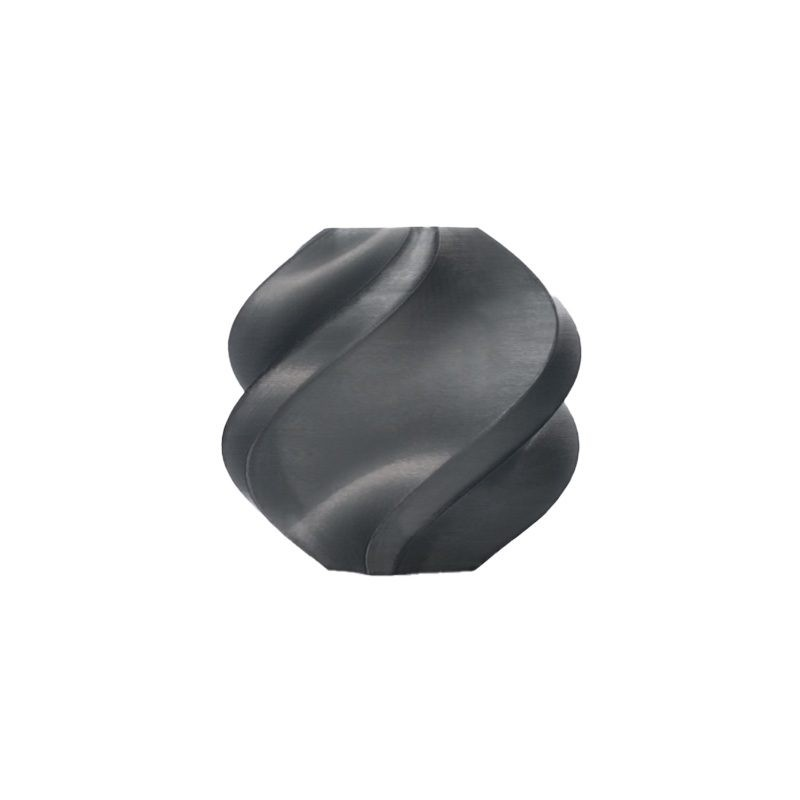
Bambu Lab ABS 3D Printer Filament Black – 1.75mm
Low-warp Bambu Lab ABS formulation — engineered to maintain first layer adhesion and reduce corner warping even on printers without full enclosures.
View on ZboticFrequently Asked Questions
Q: How often do I need to re-level my bed?
On printers with rigid frames (Bambu Lab, Prusa MK4), rarely — maybe once a month or after moving the printer. On spring-bed printers (Ender 3, CR-10), bed level can drift over many prints due to vibration loosening the knobs. Check every 10–20 prints, or whenever you notice first layer issues.
Q: My first layer looks great in the centre but poor at the edges. Why?
Your bed is bowed — higher in the centre than the edges, or vice versa. This is very common and cannot be fixed by manual levelling alone. You need automatic mesh bed levelling (BLTouch/CRTouch upgrade) to compensate for bed curvature.
Q: Should I use a skirt, brim, or raft?
Skirt (a loop around the print that does not touch it): good for priming the nozzle, no adhesion benefit. Brim (attached to the print’s edges): excellent for improving adhesion of parts with small footprints and for preventing warp. Raft (full platform under the part): maximum adhesion, useful for ABS on glass, but creates a rough bottom surface and wastes filament. Use brim for most cases.
Q: Can I print without a heated bed using PLA?
Yes, but results are inconsistent. PLA can print on non-heated beds with painter’s tape, hairspray, or glue stick. In the Indian climate where ambient temperatures are higher, unheated bed printing works better than in cold climates. Still, a heated bed at 55–60°C gives significantly better results and is worth the investment.
Q: My first layer is good but prints still warp later. Why?
Mid-print warping after a good first layer is caused by thermal gradient — the hot upper layers want to contract while the cooler lower layers resist. Solutions: print in an enclosure, reduce cooling fan speed, increase infill to tie layers together, and/or try ASA instead of ABS (less prone to warping).
Perfect Your First Layer, Perfect Your Prints
First layer calibration is a one-time investment of 30–60 minutes that pays dividends on every single print thereafter. Work through the steps in this guide systematically — bed level, Z offset, flow rate, speed, temperature — and you will achieve consistent, successful first layers. Stock up on quality filament and bed accessories from Zbotic to set yourself up for printing success.
Shop 3D Printer Beds, Filament & Accessories at Zbotic






Add comment