
Home safety is a growing concern, and building an IoT gas smoke alert system with ESP32 and WhatsApp is one of the most practical and potentially life-saving projects you can make. Using an MQ2 gas and smoke sensor, an ESP32 microcontroller, and the free Callmebot API, you can receive instant WhatsApp notifications on your phone the moment smoke, LPG, or carbon monoxide is detected — from anywhere in the world. In this step-by-step project guide, we’ll walk through everything from wiring to code to setting up your WhatsApp alerts.
How the MQ2 Sensor Works
The MQ2 is a metal oxide semiconductor (MOS) gas sensor that can detect a wide range of combustible gases and smoke. It is sensitive to:
- LPG (Liquefied Petroleum Gas) — most critical for Indian kitchens
- Smoke (from fire or burning materials)
- Methane (CH4) — natural gas
- Hydrogen
- Carbon Monoxide (CO) — partially
Inside the MQ2, a tin dioxide (SnO2) sensing element is heated by a small coil. When target gases are present, they react with the surface of the SnO2, reducing its electrical resistance. The sensor module outputs both a digital signal (high/low based on a threshold set by the onboard potentiometer) and an analog voltage proportional to gas concentration.
The MQ2 requires a pre-heat time of 20–30 seconds when powered on before readings stabilise. For a safety system that should always be ready, this means keeping the sensor powered continuously (it consumes about 150mW during heating).
Components Required
- ESP32 development board
- MQ2 Gas Sensor Module
- Active buzzer module (3.3V compatible)
- Jumper wires and breadboard
- USB power adapter (always-on power supply for the gas detector)
- A smartphone with WhatsApp installed
- Wi-Fi router with 2.4GHz network

Ai Thinker NodeMCU-32S ESP32 Development Board
The brain of this gas alert system — dual-core Wi-Fi/Bluetooth enabled ESP32 with sufficient GPIO pins for the MQ2 sensor, buzzer, and optional display.
Circuit Wiring Diagram
Connect the components as follows:
| Component | Pin | ESP32 GPIO |
|---|---|---|
| MQ2 Sensor | VCC | 5V (Vin) |
| MQ2 Sensor | GND | GND |
| MQ2 Sensor | AO (Analog) | GPIO 34 |
| MQ2 Sensor | DO (Digital) | GPIO 35 |
| Active Buzzer | + | GPIO 26 |
| Active Buzzer | – | GND |
Note: The MQ2 module operates at 5V for its heater circuit. Connect VCC to Vin (the 5V USB input rail) on the ESP32 board, not to 3.3V. The output pins (AO/DO) are safe for the ESP32’s 3.3V ADC.
Setting Up Callmebot for WhatsApp
Callmebot is a free service that lets you send WhatsApp messages via an HTTP API — no developer account or WhatsApp Business API needed. Here’s how to set it up:
- Open WhatsApp on your phone and add the contact: +34 644 65 90 11 (save as “Callmebot”).
- Send this exact message to that contact:
I allow callmebot to send me messages - Within a few seconds, you’ll receive a reply: “API Activated for your phone number. Your APIKEY is XXXXXXXX”
- Copy your API key — you’ll need it in the ESP32 code.
The API call format is:
https://api.callmebot.com/whatsapp.php?phone=91XXXXXXXXXX&text=Your+Message+Here&apikey=XXXXXXXXReplace 91XXXXXXXXXX with your Indian mobile number (with country code 91, no +).
ESP32 Arduino Code
Install the Arduino IDE with ESP32 board support. No additional libraries are needed — we’ll use the built-in WiFi.h and HTTPClient.h.
#include <WiFi.h>
#include <HTTPClient.h>
#include <UrlEncode.h>  // Install via Library Manager: URLEncode by Masayuki Sugahara

// Wi-Fi credentials
const char* ssid     = "YourWiFiSSID";
const char* password = "YourWiFiPassword";

// Callmebot settings
const String phoneNumber = "919XXXXXXXXX";  // Your number with country code
const String apiKey      = "XXXXXXXX";      // Your Callmebot API key

// Pins
#define MQ2_ANALOG_PIN  34
#define MQ2_DIGITAL_PIN 35
#define BUZZER_PIN      26

// Threshold for analog reading (adjust after calibration)
#define GAS_THRESHOLD 1500

bool alertSent = false;
unsigned long lastAlertTime = 0;
const unsigned long ALERT_COOLDOWN = 300000; // 5 minutes between alerts

void sendWhatsAppAlert(String message) {
  if (WiFi.status() != WL_CONNECTED) return;

  String url = "https://api.callmebot.com/whatsapp.php?phone="
               + phoneNumber
               + "&text=" + urlEncode(message)
               + "&apikey=" + apiKey;

  HTTPClient http;
  http.begin(url);
  int httpCode = http.GET();

  if (httpCode == 200) {
    Serial.println("WhatsApp alert sent successfully!");
  } else {
    Serial.print("Failed to send alert. HTTP code: ");
    Serial.println(httpCode);
  }
  http.end();
}

void setup() {
  Serial.begin(115200);
  pinMode(MQ2_DIGITAL_PIN, INPUT);
  pinMode(BUZZER_PIN, OUTPUT);
  digitalWrite(BUZZER_PIN, LOW);

  Serial.print("Connecting to WiFi");
  WiFi.begin(ssid, password);
  while (WiFi.status() != WL_CONNECTED) {
    delay(500);
    Serial.print(".");
  }
  Serial.println("nConnected! IP: " + WiFi.localIP().toString());

  // Pre-heat delay for MQ2 sensor
  Serial.println("Warming up MQ2 sensor (30 seconds)...");
  delay(30000);
  Serial.println("System ready. Monitoring for gas/smoke.");
}

void loop() {
  int analogValue  = analogRead(MQ2_ANALOG_PIN);
  int digitalValue = digitalRead(MQ2_DIGITAL_PIN);

  Serial.print("MQ2 Analog: "); Serial.print(analogValue);
  Serial.print(" | Digital: "); Serial.println(digitalValue);

  bool gasDetected = (analogValue > GAS_THRESHOLD) || (digitalValue == LOW);
  unsigned long now = millis();

  if (gasDetected) {
    // Sound buzzer
    for (int i = 0; i  ALERT_COOLDOWN)) {
      String msg = "ALERT! Gas or Smoke Detected at Home!n";
      msg += "Sensor Reading: " + String(analogValue) + "n";
      msg += "Please check immediately and ventilate the area.";
      sendWhatsAppAlert(msg);
      alertSent = true;
      lastAlertTime = now;
    }
  } else {
    alertSent = false;
    digitalWrite(BUZZER_PIN, LOW);
  }

  delay(2000); // Check every 2 seconds
}
Upload the code, open the Serial Monitor at 115200 baud, and wait 30 seconds for the sensor to warm up. You’ll see analog readings printed. To test, hold a lighter (without lighting it, just releasing gas) near the sensor — the buzzer should sound and a WhatsApp message should arrive on your phone within seconds.
Enhancements: Buzzer, LCD Display, and Multi-Gas Detection
Adding a PIR-Triggered Alert Mode
Combine the gas detector with a PIR sensor to also send a WhatsApp alert if motion is detected when gas is present (indicating someone is in the danger zone). Connect a PIR sensor to GPIO 27 and add the motion status to your WhatsApp message.
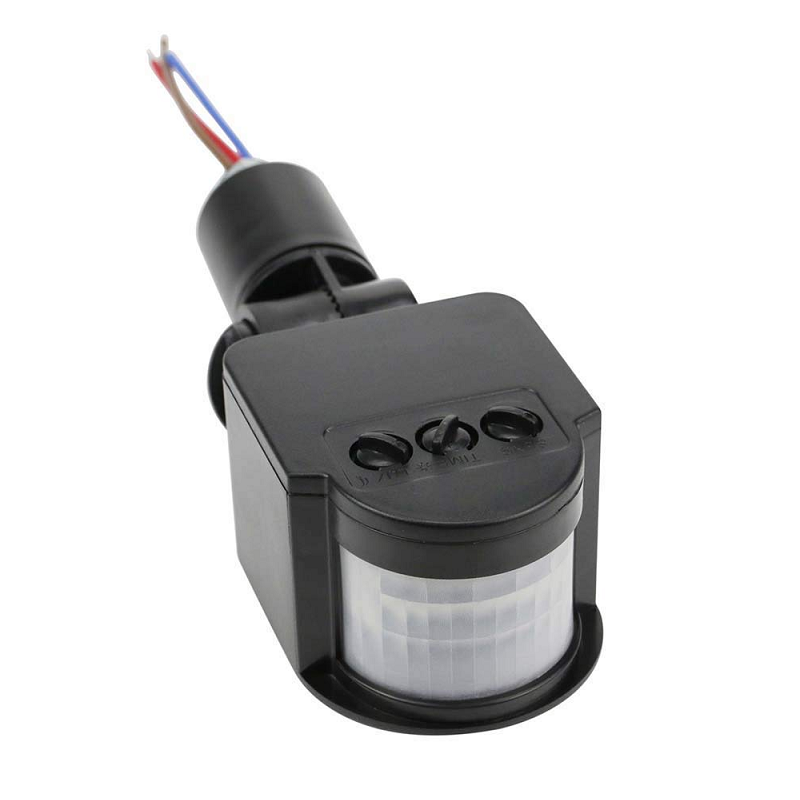
PIR Human Body Motion Sensor Detector
Add occupancy detection to your gas alert system — know if someone is in the room when gas is detected and include this critical info in your WhatsApp alert.
Sending to Multiple Contacts
To alert multiple family members, call sendWhatsAppAlert() multiple times with different phone numbers, each with their own API key. Each person must activate the Callmebot service separately on their number.
Logging to Google Sheets
Add a secondary HTTP call to Google Sheets via Google Apps Script to log every gas detection event with a timestamp. This creates an audit trail useful for rental properties, factories, or school labs.
Adding a BME280 for Environmental Context
Include temperature, humidity, and pressure readings in your WhatsApp alert to give a fuller picture of the environment when gas was detected.
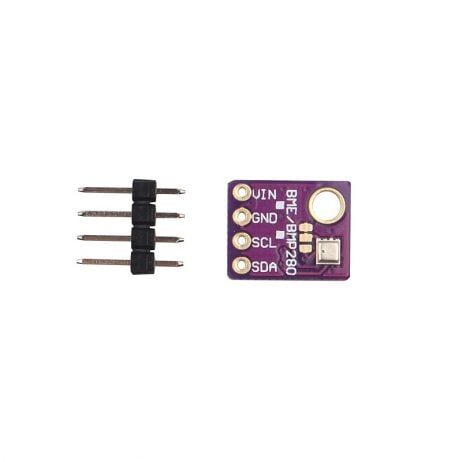
GY-BME280-5V Temperature, Humidity and Pressure Sensor
Add comprehensive environmental monitoring to your safety system — include temperature and humidity readings in WhatsApp alerts for better context.
Using ESP32-CAM for Visual Alerts
Mount an ESP32-CAM near the sensor. When gas is detected, capture a photo and upload it to a Telegram bot or Firebase Storage. Your WhatsApp alert can include a link to the live camera feed.
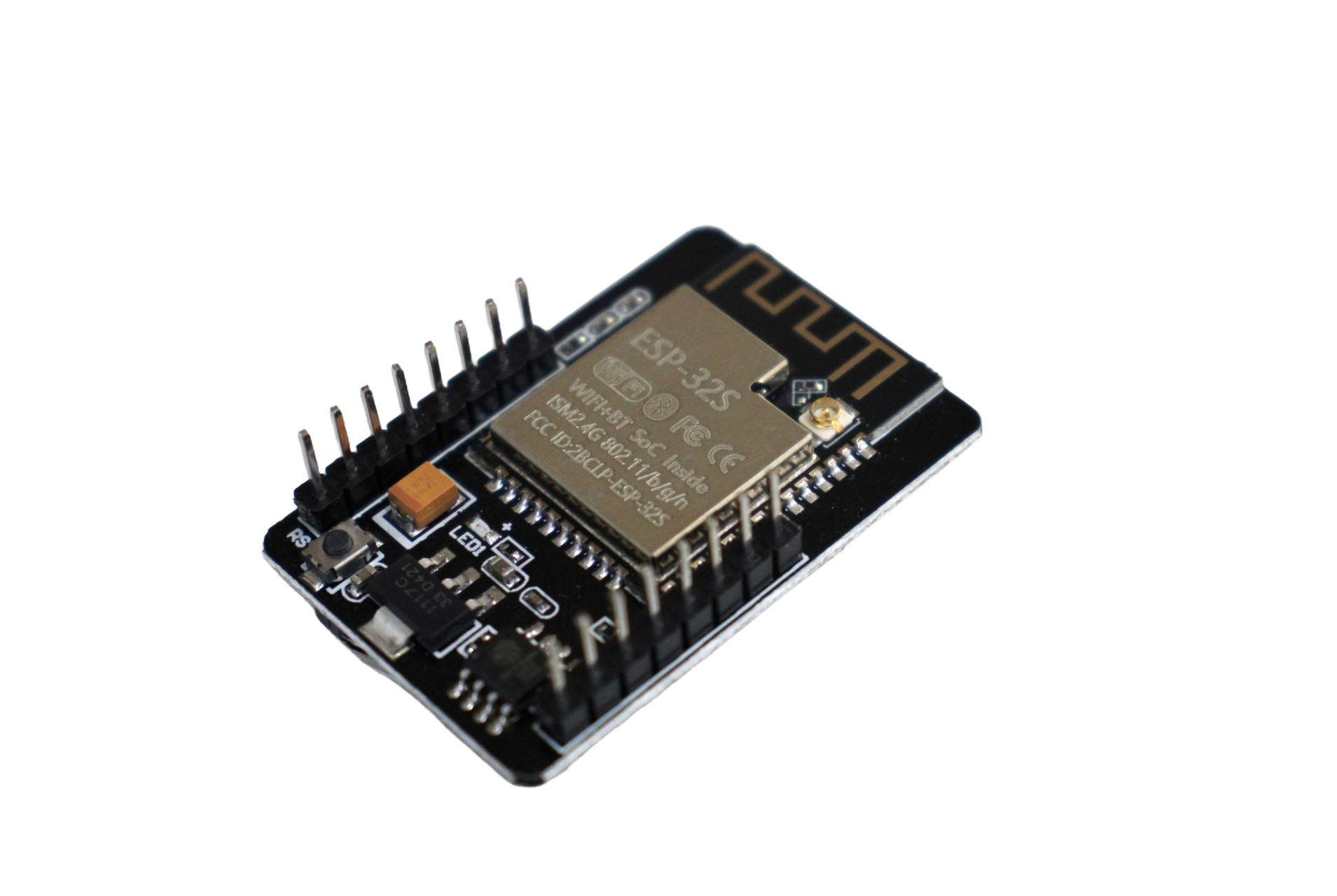
ESP32-CAM WiFi Module with OV2640 2MP Camera
Enhance your gas alert system with visual confirmation — capture a photo when gas is detected and include it with your remote alert notification.
Frequently Asked Questions
Is the MQ2 sensor accurate enough for a real safety application?
The MQ2 is suitable as an early warning system and for DIY projects, but it is NOT a certified safety device. For life-critical applications (commercial kitchens, factories, hospitals), always use BIS-certified gas detectors from approved manufacturers. This project is best used as a supplementary alert system alongside proper certified detectors.
Is Callmebot free? Are there any limits?
Callmebot is free for personal use. There is a soft limit of about 2 messages per minute per phone number to prevent abuse. For our gas alert system, we’ve built in a 5-minute cooldown between alerts, which is well within Callmebot’s limits. For commercial or high-frequency use, consider Twilio WhatsApp API (paid) or Telegram Bot API (free with no message limits).
How do I calibrate the MQ2 threshold value?
Calibration should be done in clean air first. Note the baseline analog reading (typically 200–400). Then expose the sensor to a small amount of LPG (briefly open a lighter) and note the reading spike (typically 800–2000+). Set your threshold to about 500–700 as a sensitive but stable trigger point. Adjust the onboard potentiometer on the MQ2 module to set the digital output threshold separately.
What Wi-Fi range can the ESP32 cover?
The ESP32 typically has a Wi-Fi range of 50–150 metres in open space, and 10–30 metres through walls in a typical Indian apartment. If the sensor location is far from the router, use a Wi-Fi range extender or consider using the ESP-NOW protocol to relay data through intermediate ESP32 nodes.
Can I use this system without internet if the Wi-Fi goes down?
Yes — the local buzzer will still sound when gas is detected even without internet connectivity. However, the WhatsApp alert obviously requires an internet connection. Consider adding an LTE module (like the SIM800L) as a fallback for SMS alerts when Wi-Fi is unavailable.
Build Your IoT Safety System Today
Get ESP32 boards, gas sensors, and all electronics components for your home safety project at Zbotic.in. Genuine components, competitive prices, and fast delivery across India.







Add comment