
Voltage Divider Calculator: Resistor Network Design Guide
The voltage divider calculator and resistor network design is an essential skill for every electronics enthusiast. Whether you need to drop 12 V down to 5 V for a microcontroller, create a reference voltage for a comparator, or read a sensor with a different voltage range than your ADC, the voltage divider is your go-to tool. This comprehensive guide covers the formula, worked examples, calculator methodology, loading effects, and dozens of real-world applications — everything an Indian hobbyist needs to design reliable voltage dividers the first time, every time.
The Voltage Divider Formula Explained
A voltage divider uses two resistors in series across a supply voltage. The output voltage is taken from the junction between the two resistors:
V_out = V_in × R2 / (R1 + R2)
Where:
- V_in = input (supply) voltage
- R1 = top resistor (connected to V_in)
- R2 = bottom resistor (connected to GND)
- V_out = output voltage (taken across R2)
Key relationships:
- V_out is always less than V_in (for positive resistances)
- If R1 = R2, V_out = V_in / 2
- Current through divider: I = V_in / (R1 + R2)
- Voltage across R1: V_R1 = V_in − V_out
- Resistor ratio: R1/R2 = (V_in − V_out) / V_out
Voltage Divider Calculator: Step-by-Step Method
When using a voltage divider calculator (or doing it by hand), follow this systematic approach:
Step 1: Define your requirements
Specify V_in, V_out, and the maximum current you can draw from the source (this determines total resistance).
Step 2: Calculate the resistor ratio
Ratio = R2/R1 = V_out / (V_in − V_out)
Step 3: Choose total resistance
R_total = R1 + R2 = V_in / I_divider. For a 1 mA divider current (good general purpose value): R_total = V_in / 0.001. Higher current = better accuracy but more power waste.
Step 4: Calculate individual resistor values
R2 = R_total × V_out / V_in
R1 = R_total − R2
Step 5: Round to nearest standard value
Use the E24 series (5% tolerance) or E96 (1%) and recalculate actual V_out.
Step 6: Verify loading effect
Load resistance should be at least 10× R2 for less than 10% error, or 100× for less than 1% error.
Worked Examples: 12 Common Design Scenarios
Example 1: 12V to 5V (Arduino 5V input protection)
V_in = 12V, V_out = 5V, target I_divider = 1 mA
R_total = 12/0.001 = 12 kΩ
R2 = 12k × 5/12 = 5 kΩ → use 4.7 kΩ
R1 = 12k − 4.7k = 7.3 kΩ → use 6.8 kΩ
Actual V_out = 12 × 4700/(6800+4700) = 12 × 4700/11500 = 4.9 V ✓
Example 2: 5V to 3.3V (3.3V logic from 5V source)
Ratio R2/R1 = 3.3/(5−3.3) = 3.3/1.7 = 1.94
Use R1 = 10 kΩ, R2 = 19.4 kΩ → use 18 kΩ
Actual V_out = 5 × 18/(10+18) = 5 × 18/28 = 3.21 V (acceptable for most 3.3V inputs)
Example 3: Battery voltage monitor (12V → 5V Arduino ADC)
V_in = 12.6V (full charge LiPo 3S), V_out = 4.2V (Arduino ADC max 5V)
R1 = 10 kΩ, R2 = R1 × V_out/(V_in−V_out) = 10k × 4.2/8.4 = 5 kΩ
Use R2 = 4.7 kΩ, actual V_out = 12.6 × 4700/14700 = 4.03 V ✓
Arduino reads: analogRead() × 5V/1023 × (14700/4700) = voltage × scale factor
Example 4: LM35 temperature sensor bias
LM35 outputs 10 mV/°C. At 100°C it outputs 1 V. Arduino ADC reads this fine without division. But if you need a 2.5V reference for a comparator, use a 10 kΩ + 10 kΩ divider from 5V → 2.5V.
Example 5: LED dimming reference
Need 1.25V reference from 5V supply (for adjustable regulator like LM317):
R2/R1 = 1.25/(5−1.25) = 1.25/3.75 = 0.333
R1 = 3.3 kΩ, R2 = 1.1 kΩ → use R1 = 3.3 kΩ, R2 = 1 kΩ
Actual: 5 × 1000/4300 = 1.16 V (close enough for many applications)
Examples 6–12 (Quick Reference)
| V_in | V_out | R1 | R2 | Actual V_out | Use Case |
|---|---|---|---|---|---|
| 3.3V | 1.65V | 10kΩ | 10kΩ | 1.65V | Mid-rail reference |
| 5V | 2.5V | 10kΩ | 10kΩ | 2.5V | Comparator reference |
| 9V | 5V | 8.2kΩ | 10kΩ | 5.05V | 9V battery → 5V logic |
| 24V | 5V | 39kΩ | 10kΩ | 4.88V | Industrial → Arduino |
| 5V | 1.8V | 18kΩ | 10kΩ | 1.79V | 5V → 1.8V logic level |
| 3.3V | 1.0V | 22kΩ | 10kΩ | 1.03V | ADC reference scale |
| 12V | 3.3V | 27kΩ | 10kΩ | 3.24V | 12V → 3.3V ESP32 |
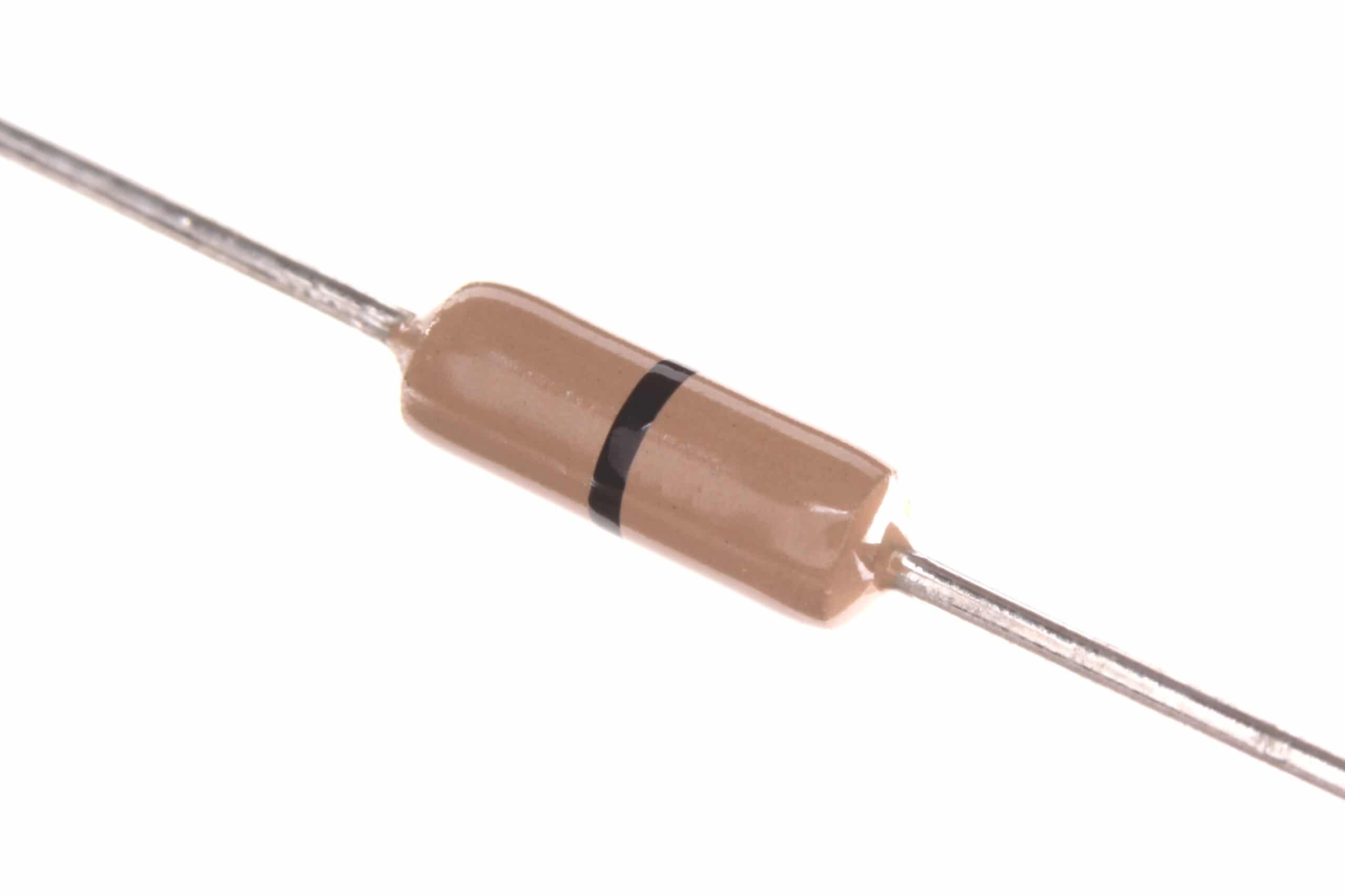
0 Ohm 0.25W Carbon Film Resistor (Pack of 100)
0-ohm jumper resistors are invaluable for PCB routing — use them as wire bridges in voltage divider networks on single-layer boards.
Choosing Standard Resistor Values
Resistors come in standard value series. The most common for hobbyists are:
E12 series (10% tolerance): 10, 12, 15, 18, 22, 27, 33, 39, 47, 56, 68, 82 (and ×10, ×100, ×1k, ×10k, ×100k multiples)
E24 series (5% tolerance): Adds 11, 13, 16, 20, 24, 30, 36, 43, 51, 62, 75, 91 between E12 values
E96 series (1% tolerance): 96 values per decade — used for precision circuits
Finding the Best Standard Value Pair
Given a required ratio R2/R1 = K, choose a base value for R2 and find R1 = R2/K. Then round both to the nearest E24 values and recalculate V_out to confirm it is within your tolerance.
For voltage dividers feeding ADC inputs, ±2% of desired V_out is usually acceptable. For precision references feeding op-amp comparators, aim for ±0.5% using E96 metal film resistors.
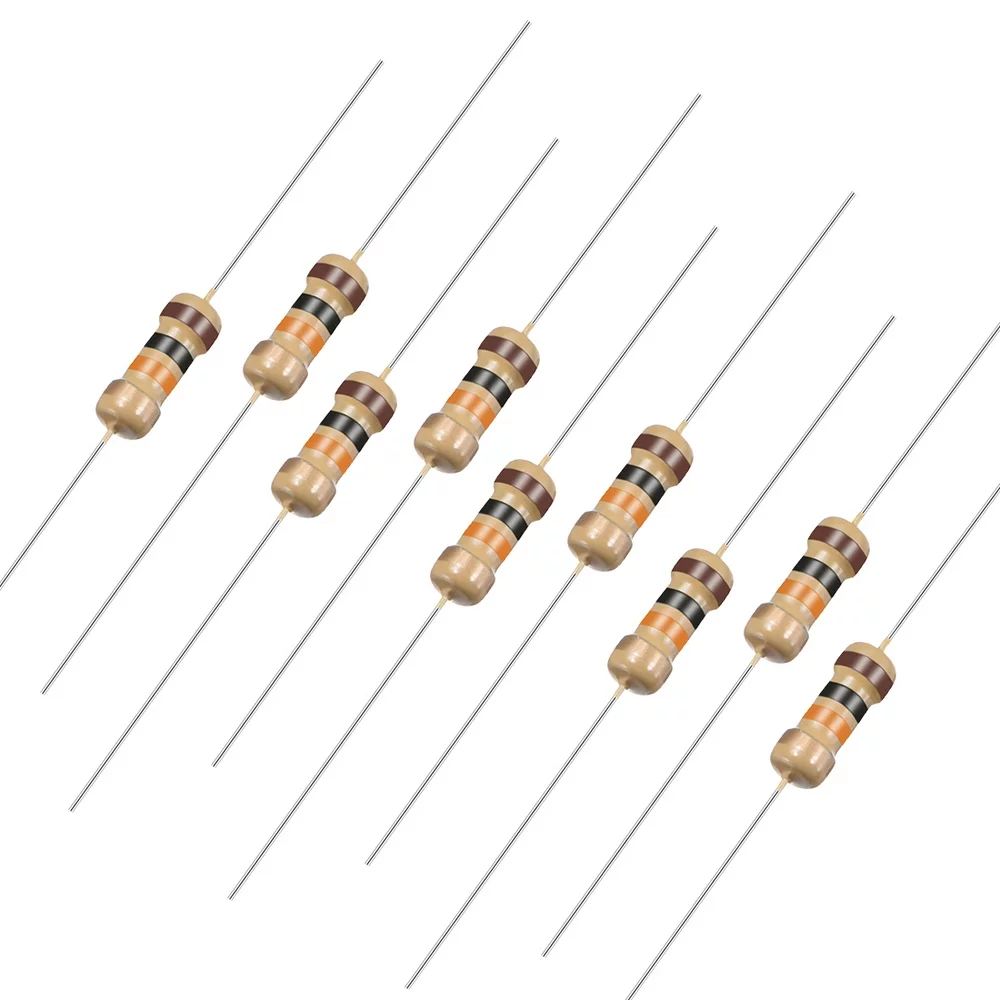
10 Ohm 0.25W Carbon Film Resistor (Pack of 50)
Build and test voltage divider networks with these versatile 10Ω resistors. Perfect base value for learning series-parallel combinations and ratio calculations.
The Loading Effect: Why Your Measured Voltage Is Wrong
The biggest practical mistake beginners make is ignoring the loading effect. When you connect a load (a microcontroller input, another resistor, a sensor) to the output of a voltage divider, that load appears in parallel with R2. This changes the effective R2 and shifts V_out.
Example: Loading a 10kΩ / 10kΩ Divider with 10kΩ Load
Without load: V_out = 5 × 10/(10+10) = 2.5 V
With 10kΩ load: R2_effective = 10kΩ ∥ 10kΩ = 5 kΩ
V_out = 5 × 5/(10+5) = 5 × 5/15 = 1.67 V — a 33% error!
Rule of Thumb
For less than 10% loading error: R_load ≥ 10 × R2
For less than 1% loading error: R_load ≥ 100 × R2
Arduino ADC inputs have very high impedance (>100 MΩ input impedance) so they don’t load dividers. But if you’re driving an op-amp input, transistor base, or another resistor, calculate the loading effect.
Fix: Add an Op-Amp Buffer
If you need to drive a low-impedance load from a voltage divider without changing V_out, add a unity-gain op-amp buffer (voltage follower). The op-amp input draws almost zero current, and the output can drive loads down to tens of ohms.
Practical Applications in Real Circuits
1. Level Shifting for Sensors
Connecting a 5V sensor output to a 3.3V ESP32 input: use a 10kΩ (R1) and 20kΩ (R2) divider. V_out = 5 × 20/30 = 3.33V — safe for ESP32 GPIO input (maximum 3.6V).
2. Thermistor Temperature Reading
NTC thermistors change resistance with temperature. In a voltage divider with a fixed reference resistor, V_out changes with temperature. Use the Steinhart-Hart equation to convert the voltage reading to temperature. Standard configuration: 10kΩ NTC in series with 10kΩ fixed resistor, from 3.3V to GND, read midpoint with ADC.
3. Battery Level Monitoring
Scale any battery voltage down to 0–5V range for Arduino ADC. A 12V LiFePO4 battery (max 14.6V): use 22kΩ + 10kΩ divider. V_out_max = 14.6 × 10/32 = 4.56V — within Arduino 5V ADC range.
4. Potentiometer as Analog Input
A potentiometer is a mechanically adjustable voltage divider. Connect ends to V+ and GND, wiper to ADC input. Rotating the knob adjusts V_out from 0V to V+.
5. Pull-Up and Pull-Down Resistors
A pull-up resistor creates a voltage divider between V+ and the driving circuit’s output (which has its own impedance). A 10kΩ pull-up on a 3.3V rail draws 0.33mA when pulled to GND — well within GPIO source/sink capability.

LM35 Temperature Sensors
Apply voltage divider knowledge in real projects — the LM35 outputs a voltage proportional to temperature, ideal for ADC reading with proper biasing via a voltage divider circuit.
Potentiometers as Adjustable Voltage Dividers
A potentiometer (pot) is a three-terminal resistor with a sliding or rotating contact. It functions as an adjustable voltage divider where the wiper position sets the output voltage ratio. Common values: 1kΩ, 10kΩ, 100kΩ.
Types commonly used in hobbyist projects:
- Rotary trim pot (3296W): For one-time calibration adjustments on PCBs
- Rotary panel pot (B10K): For user-adjustable controls like volume, brightness
- Linear slide pot: For faders in audio mixers or sensor substitution experiments
Important: when using a pot as a voltage divider feeding an ADC, select pot resistance 10–100× lower than any load for accuracy. A 10kΩ pot driving a 100kΩ ADC input: loading error = 10k/(100k+10k) ≈ 9% — acceptable. A 100kΩ pot into 100kΩ load: 50% error — not acceptable.
Frequently Asked Questions
Q1: Can a voltage divider replace a voltage regulator?
No, for powering circuits. A voltage divider’s output voltage shifts dramatically with load current (loading effect). A voltage regulator maintains a stable output regardless of load. Use voltage dividers for signal scaling and references only — never as a power supply for current-hungry loads.
Q2: How do I minimise power waste in a voltage divider?
Increase the resistance values. A 1MΩ + 1MΩ divider from 5V draws only 2.5 µA — negligible even in battery circuits. The trade-off is susceptibility to loading effects — any load above ~100kΩ will significantly affect V_out. Balance quiescent current vs loading error based on your specific requirements.
Q3: What is the Thevenin equivalent of a voltage divider?
The Thevenin voltage = V_out (the unloaded divider output). The Thevenin resistance = R1 ∥ R2. This is the output impedance your load sees. For accurate voltage transfer, the load impedance must be much greater than the Thevenin resistance.
Q4: Can I use a voltage divider with AC signals?
Yes, for purely resistive dividers the AC voltage is divided the same way as DC. However, if any capacitance is present (even stray capacitance from PCB traces), the frequency response changes. For audio or high-frequency AC dividers, use the impedance formula with complex numbers.
Q5: How precise are 5% carbon film resistors for voltage dividers?
With 5% tolerance, worst-case error in a matched pair can be up to 10% (one at +5%, the other at −5%). For precision applications, use 1% metal film resistors, or measure and select matched pairs with a component tester.
Get your resistors and start dividing! Shop carbon film and metal film resistors in all standard values at Zbotic.in. We stock E24 series packs ideal for voltage divider design, with fast delivery to all major Indian cities. Your next circuit is just a calculation away.







Add comment