
Surface Mount Soldering for Beginners: Paste and Iron Tips
Surface mount soldering might look intimidating at first — tiny components, no through-holes, and pads that seem impossibly small. But with the right technique, even absolute beginners can hand-solder SMD (surface mount device) components reliably. This guide focuses specifically on the two most accessible methods for Indian hobbyists: using solder paste with a regular soldering iron, and using a soldering iron alone with solder wire. By the end, you’ll understand pad preparation, paste application, component placement, and inspection — all the skills you need to start your SMD journey today.
SMD vs Through-Hole: Why Learn SMD?
Most modern electronics are built entirely with SMD components — your smartphone, your router, your smartwatch. Through-hole (TH) components are still great for breadboarding and certain high-current or mechanical-stress applications, but SMD offers real advantages:
- Smaller boards: SMD components can be 10× smaller than their TH equivalents, making compact designs possible.
- Both sides of the board: SMD can be placed on top and bottom of a PCB, doubling usable area.
- Cheaper at scale: Machine pick-and-place assembly is cost-effective for production runs.
- Access to more parts: Many modern ICs are only available in SMD packages. Learning SMD opens up the full component catalogue.
For beginners, start with 0805 or 1206 size resistors and capacitors — these are large enough to handle with tweezers and visible enough to solder without magnification.
Tools You Need for SMD Soldering
You don’t need expensive rework stations to get started. Here’s what works for a beginner:
Essential Tools
- Soldering iron: A temperature-controlled iron is ideal. Set it to 320–350°C for lead-free solder, or 280–300°C for leaded. A fine chisel or conical tip (0.5–1mm) works best for small pads.
- Solder: 0.3mm or 0.5mm diameter is easier to control on small pads than standard 1mm solder. Lead-free 63/37 or 60/40 leaded solder both work.
- Tweezers: Fine-tipped, anti-magnetic stainless steel tweezers for picking and placing components.
- Flux: No-clean rosin flux is your best friend for SMD soldering. It improves solder flow and prevents oxidation.
- Solder paste (optional): For the paste-and-iron method. Keep refrigerated after opening.
- Copper braid (solder wick): For removing excess solder from bridged pads.
- Magnification: A 10× jeweller’s loupe, USB microscope, or illuminated magnifier. You cannot inspect SMD joints without magnification.
Helpful Extras
- Third-hand / PCB holder (Helping Hands)
- Hot air station (for 0402 and smaller, or IC packages like QFN)
- Isopropyl alcohol (99%) + soft brush for flux residue cleanup
- Blue tack / PCB vise to hold the board steady
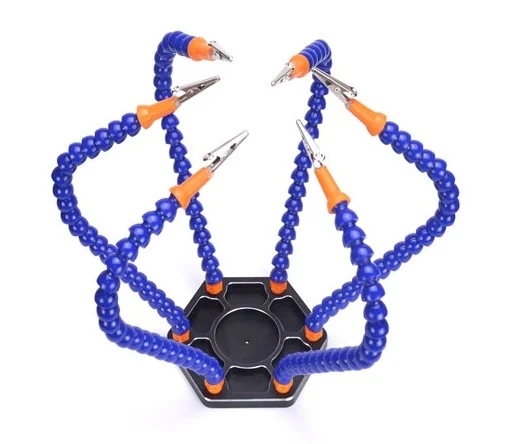
6 Flexible Arms Soldering Station With Swiveling Alligator Clip
Hold your PCB steady while soldering SMD components with this 6-arm helping hands station. Swivelling alligator clips securely grip boards of any size at any angle — essential for SMD work.
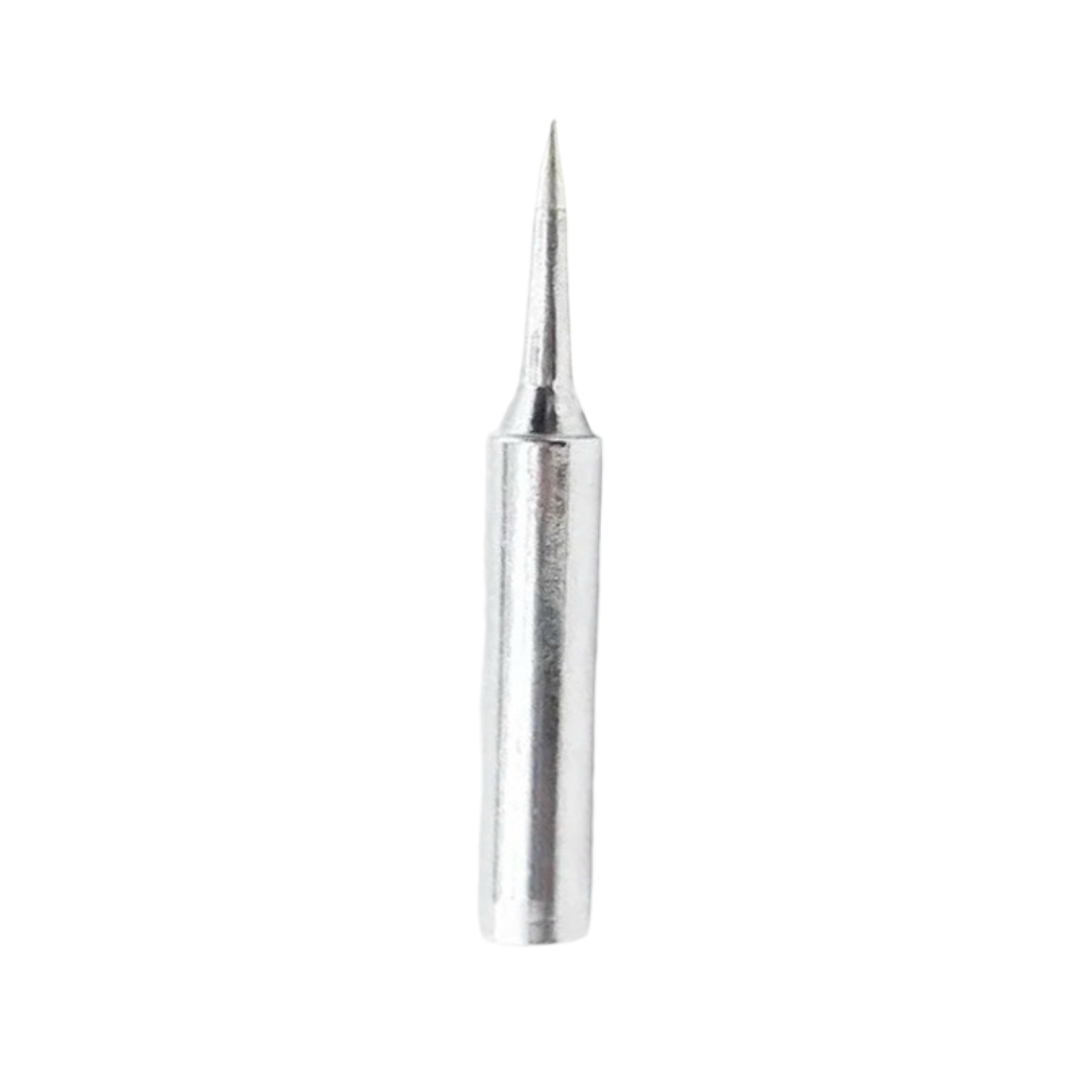
BAKON Soldering Iron Tip 900M-T-I
A precision I-shape (chisel) soldering tip for the 900M series iron. The fine 1mm chisel tip is ideal for SMD pad soldering — providing excellent thermal contact and control on small pads.
Understanding SMD Component Sizes
SMD components are labelled by a standard size code. The numbers represent the length and width in hundredths of an inch (imperial) or tenths of a millimetre (metric):
| Imperial Code | Metric Code | Size (mm) | Difficulty for Beginners |
|---|---|---|---|
| 2512 | 6432 | 6.3 × 3.2 | Very Easy |
| 1206 | 3216 | 3.2 × 1.6 | Easy — start here |
| 0805 | 2012 | 2.0 × 1.25 | Beginner-friendly |
| 0603 | 1608 | 1.6 × 0.8 | Intermediate |
| 0402 | 1005 | 1.0 × 0.5 | Advanced — use hot air |
| 0201 | 0603 | 0.6 × 0.3 | Expert only |
For ICs, SOIC-8 (1.27mm pitch) and SOT-23 are beginner-friendly. QFP packages with 0.5mm pitch require a drag-soldering technique. QFN and BGA packages generally need hot air or a reflow oven.
Method 1: Solder Paste + Iron
This method works best for discrete components (resistors, capacitors, small SOT transistors) and gives you practice in paste application — a skill directly transferable to stencil-and-reflow work.
Step 1 — Apply Solder Paste
Use a syringe-type solder paste applicator. Apply a small amount to one pad of your component’s footprint — roughly the size of the pad itself, no more. Too much paste = solder bridges. Too little = cold joints or missing connections. Solder paste contains tiny solder spheres suspended in flux gel.
Step 2 — Place the Component
Using tweezers, pick up the component and set it on the pads. The paste is sticky enough to hold the component in place. For polarised components (capacitors, diodes, transistors), confirm orientation before proceeding. Many 0805 capacitors have no marking — for polarised ones, the cathode bar or the dot on an IC’s pin 1 are your reference.
Step 3 — Reflow with the Iron
Touch the hot iron tip to the solder paste on one pad, close to the component. The paste will melt within 1–2 seconds. Don’t push the iron into the component. Once that pad is reflowed, move to the other pad. The component self-centres slightly as surface tension in the molten solder pulls it into alignment.
Step 4 — For Multi-Leg ICs
Apply paste across the entire row of pads on one side. Place the IC, ensuring pin 1 alignment. Reflow one corner pin first, then verify alignment. Reflow the rest of the pads in sequence. If bridges form, clean with solder wick after cooling.
Method 2: Iron + Solder Wire (Hand Drag)
This is the go-to method for experienced soldering hands and works without any paste.
For Passive Components (0805 and Larger)
- Tin one pad: Add a tiny amount of solder to one of the two component pads and let it solidify.
- Place and hold: Hold the component with tweezers, touch the iron to the pre-tinned pad while holding the component in position. The solder melts and grips the component’s lead.
- Solder the other side: Release tweezers. Touch the iron and fresh solder wire to the second pad. A clean, shiny joint should form in under 2 seconds.
- Touch up the first side: Reheat the first joint with fresh flux for a clean finish.
Drag Soldering ICs (SOIC, TSSOP)
- Tack down pin 1 and the diagonally opposite corner pin.
- Apply no-clean liquid flux generously to all pins.
- Apply a small amount of solder to the iron tip (not on the board).
- Drag the iron tip slowly along the row of pins in one smooth motion. Surface tension does the work — solder wicks to each pin and the flux-covered pad.
- Any bridges? Apply more flux and drag again. Flux thins the solder and pulls bridges apart via surface tension.
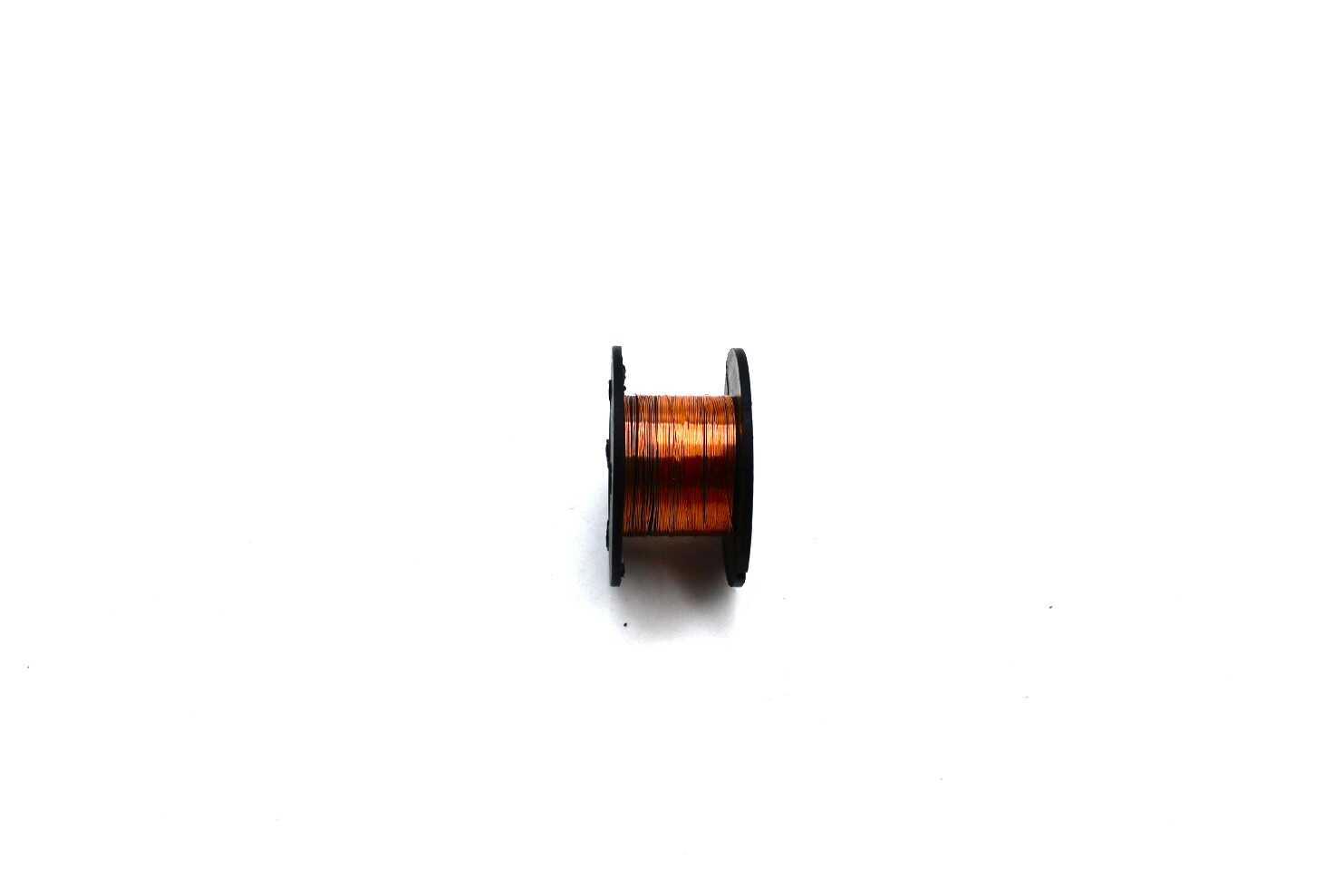
0.1MM Copper Soldering Solder PPA Enamelled Repair Reel Wire
Ultra-fine 0.1mm enamelled copper wire for SMD rework, jumper wire repairs, and magnet wire coil winding. Thin enough to repair damaged PCB traces or bridge tiny SMD pads.
Common Defects and How to Fix Them
| Defect | Cause | Fix |
|---|---|---|
| Solder bridge | Too much solder or paste, insufficient flux | Add flux, drag iron across bridge; or use solder wick |
| Tombstoning | One pad heats faster; component stands on end | Reheat both pads simultaneously; push component flat with tweezers |
| Cold joint | Iron too cold, moved too fast, or insufficient flux | Add flux, reheat joint until solder flows and shines |
| Component shifted | Component moved before solder solidified | Reflow and reposition; ensure board is on stable surface |
| Missing solder | Insufficient paste or solder wire applied | Add tiny amount of solder and flux; reheat |
Inspection and Testing
Never power on a board before inspecting solder joints under magnification. Look for:
- Good joints: Shiny, concave fillet between pad and component termination. The solder wets the entire pad and wraps up the component lead.
- Cold joints: Dull, grainy, or convex surface. High-resistance connection — reheat.
- Bridges: Visible solder connection between adjacent pads. Use a multimeter in continuity mode across adjacent pads to catch non-visible bridges.
- Tombstones and shifts: Visible with the naked eye. Component is lifted or misaligned.
After visual inspection, use a multimeter to check resistance across critical nets or use a boundary scan tool if available. For simple boards, powering with a current-limited supply (set to 50mA) will reveal short circuits immediately (current will max out the limit before damage occurs).
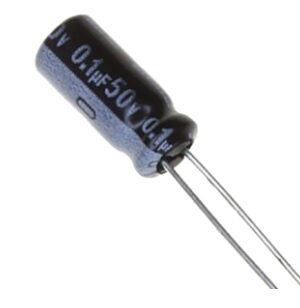
0.1µF 50V Capacitor (Pack of 50)
Through-hole 0.1µF capacitors ideal for bypass/decoupling on SMD IC power pins when adding them as through-hole alongside SMD boards during prototyping and rework.
Frequently Asked Questions
Q: Do I absolutely need solder paste for SMD soldering?
No. Solder paste makes the process faster and is necessary for reflow oven or hot plate assembly, but for hand soldering with an iron, ordinary thin solder wire (0.3mm or 0.5mm) combined with liquid flux works excellently. Many experienced SMD solderers prefer wire + flux over paste for hand work.
Q: What temperature should I set my iron for SMD soldering?
For leaded solder (60/40 or 63/37), set the iron to 300–320°C. For lead-free solder, 340–360°C. Always tin the tip and wipe it clean before touching SMD pads. A contaminated tip transfers heat poorly and increases dwell time, risking pad damage.
Q: How do I hold tiny SMD components without losing them?
Use reverse-action (self-closing) tweezers — they grip by default and you open them by squeezing, reducing the chance of launching components across the room. Work on a light-coloured surface or anti-static mat. Keep a magnifying glass ready. Many Indian hobbyists also use a small piece of blue tack on the tip of the tweezers to pick up very tiny components.
Q: Can I use a regular 25W soldering iron for SMD work?
A basic 25W unregulated iron can work for larger SMD sizes (1206, 0805) if it has the right tip, but temperature control is strongly recommended. Unregulated irons run too hot (400°C+) when not loaded, which burns flux and damages pads. A basic temperature-controlled station (₹800–₹1500) is a worthwhile investment for consistent SMD results.
Q: Is SMD solder paste safe to use at home?
Most no-clean solder paste is safe when used in a ventilated area. Avoid breathing the fumes — work near an open window or use a small fume extractor. Lead-based paste (Sn63Pb37) requires extra care: wash hands thoroughly after handling and avoid touching food or face. Lead-free paste is safer but more expensive.
Get Your SMD Soldering Kit Ready
From precision soldering tips and helping hands stations to fine solder wire and capacitors, Zbotic.in stocks everything Indian makers need to start SMD soldering. Browse our electronics tools and components today — with fast delivery across India.







Add comment