
If you are looking to set up a network-wide ad blocker at home, Pi-hole and AdGuard Home are the two most popular choices — both run beautifully on a Raspberry Pi. Whether you are tired of intrusive ads on every device in your home, or want to protect your family from malicious domains without installing extensions on every browser, a Raspberry Pi running one of these DNS sinkholes is the most elegant solution available today.
In this detailed comparison, we pit Pi-hole vs AdGuard Home head-to-head across installation, performance, user interface, features, and more — so you can make the best choice for your Indian home network in 2024.
What Are Pi-hole and AdGuard Home?
Both Pi-hole and AdGuard Home are DNS-based ad blockers that operate at the network level. Instead of blocking ads only in one browser on one device, they intercept DNS queries for known ad, tracker, and malware domains across your entire home network — every phone, laptop, smart TV, and IoT device benefits simultaneously.
Pi-hole is the veteran of the two. It was first released in 2014 and has amassed a massive community following. Pi-hole works as a DNS sinkhole: when a device on your network tries to resolve an ad domain, Pi-hole simply returns a null response, effectively blocking the request before it even leaves your network.
AdGuard Home is a newer entrant from AdGuard — the well-known browser extension company — released as open source in 2019. It combines DNS-level blocking with additional capabilities like DNS-over-HTTPS (DoH), DNS-over-TLS (DoT), and built-in parental controls, all in a single binary.
Both are completely free, open source, and run perfectly on a Raspberry Pi. The question is: which one suits your needs better?
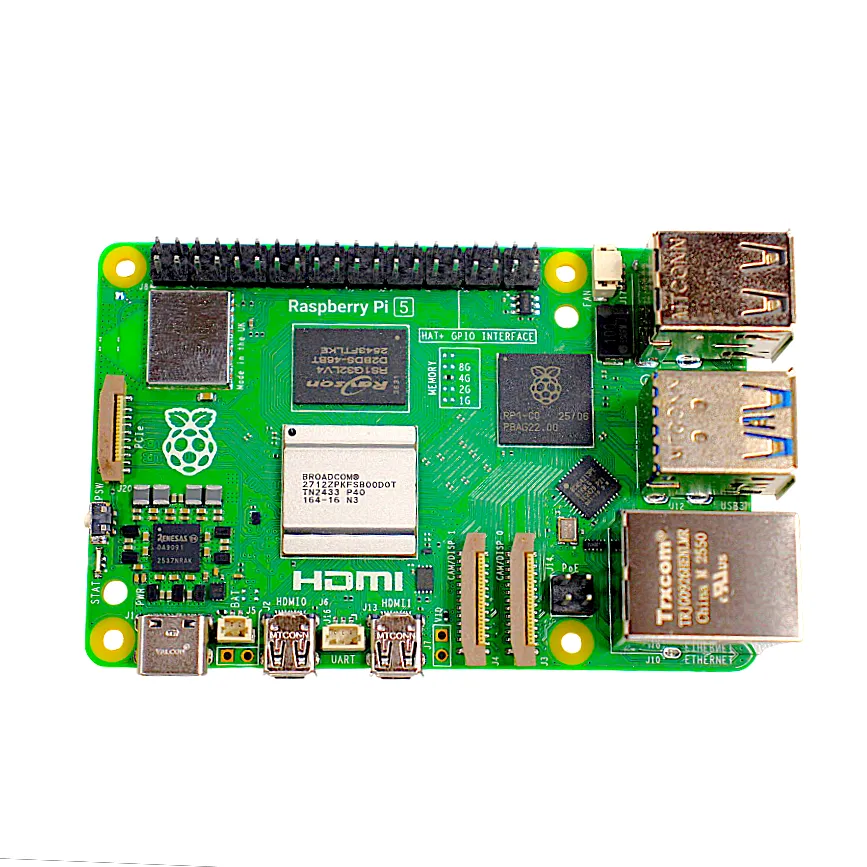
Raspberry Pi 5 Model 4GB RAM
The ideal board for running Pi-hole or AdGuard Home — fast enough for whole-home DNS filtering with plenty of headroom for additional services.
Installation and Setup
Installing Pi-hole
Pi-hole installation is famously simple. A single curl-bash command downloads and runs an interactive installer:
curl -sSL https://install.pi-hole.net | bashThe installer walks you through selecting a network interface, choosing an upstream DNS provider (Google, Cloudflare, OpenDNS, etc.), and setting up a static IP. It takes about 5–10 minutes on a Raspberry Pi. Pi-hole installs a web server (lighttpd by default) to serve its admin dashboard.
Installing AdGuard Home
AdGuard Home is distributed as a single binary. You download it, run it, and complete setup through a web-based wizard on port 3000:
curl -s -S -L https://raw.githubusercontent.com/AdguardTeam/AdGuardHome/master/scripts/install.sh | sh -s -- -vAdGuard Home is slightly more self-contained since it does not need a separate web server — the binary serves both the DNS resolver and the admin UI. However, the initial setup wizard requires you to manually configure your router or device DNS settings to point to the Pi.
Verdict on installation: Pi-hole wins slightly for its guided, interactive installer that handles more configuration automatically. AdGuard Home’s single-binary approach is simpler to understand but demands more manual network configuration.
User Interface and Dashboard
Pi-hole Dashboard
Pi-hole’s admin UI (served at http://pi.hole/admin) is functional and information-dense. You get a real-time dashboard showing:
- Total DNS queries today
- Percentage of queries blocked
- Domains on blocklist
- Top blocked domains and top clients
- Query log with filtering options
The UI is clean and responsive but follows a more traditional Bootstrap design. It is not the most visually modern interface, but it gets the job done efficiently.
AdGuard Home Dashboard
AdGuard Home features a more modern, React-based dashboard that feels significantly more polished. Key advantages include:
- A cleaner, card-based layout that looks great on mobile
- Real-time query log with more filtering options (by type, domain, client)
- Built-in client management with per-device settings
- Dark mode support
- More intuitive blocklist management
Verdict on UI: AdGuard Home wins convincingly. Its modern interface is easier to navigate, especially for users less familiar with Linux server administration.
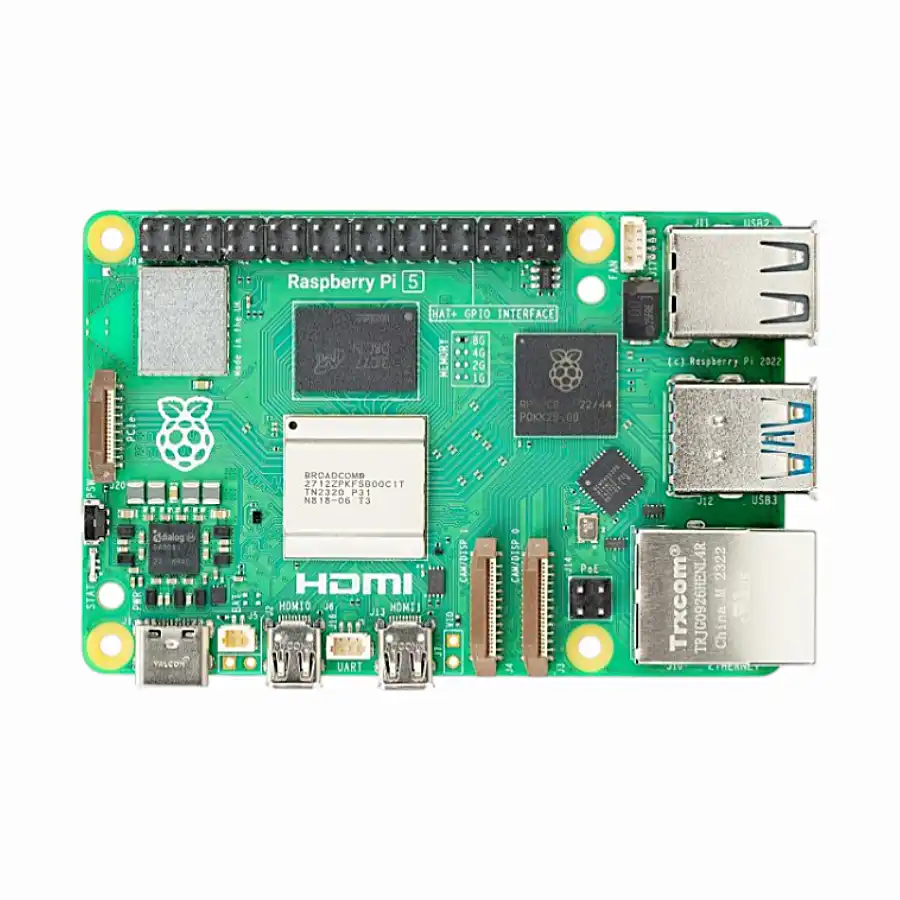
Raspberry Pi 5 Model 2GB RAM
A budget-friendly option for running Pi-hole or AdGuard Home — 2GB RAM is more than sufficient for DNS-level ad blocking on a home network.
Blocking Performance and Accuracy
Both tools use blocklists — curated lists of known ad, tracker, and malware domains. The quality of blocking depends heavily on the blocklists you choose.
Pi-hole Blocking
Pi-hole ships with the default StevenBlack hosts list containing around 130,000 domains. The community maintains a rich ecosystem of additional lists (Firebog tick lists are especially popular in India). Pi-hole supports regex-based custom rules and has a whitelist/blacklist system.
Pi-hole also supports Gravity — its list aggregation and deduplication engine. Running pihole -g updates all your blocklists and rebuilds the gravity database.
AdGuard Home Blocking
AdGuard Home uses its own AdGuard DNS filter by default, plus supports all the same community blocklists. It adds one critical advantage: element hiding rules via its browser extensions. At the DNS level alone, both tools are comparable, but AdGuard Home additionally supports blocking HTTPS filtering and can intercept DNS-over-HTTPS queries from apps trying to bypass your local DNS server — something Pi-hole cannot do by default.
AdGuard Home also supports Safe Search enforcement (forcing Google, Bing, YouTube to use restricted modes) and Safe Browsing via its cloud-based threat database.
Verdict on blocking: AdGuard Home edges ahead due to DoH/DoT interception, Safe Search, and Safe Browsing — features particularly useful for families with children.
Advanced Features Comparison
| Feature | Pi-hole | AdGuard Home |
|---|---|---|
| DNS-over-HTTPS (DoH) | Via Cloudflared (separate install) | Built-in |
| DNS-over-TLS (DoT) | Via Unbound (separate install) | Built-in |
| DHCP Server | Yes (built-in) | Yes (built-in) |
| Per-client settings | Limited (groups in v5) | Full per-device control |
| Parental Controls | Via blocklists only | Built-in (SafeSearch + lists) |
| Regex blocking | Yes | Yes (+ filter syntax) |
| Rewrite rules (custom DNS) | Yes (local DNS records) | Yes |
| Community support | Very large (10+ years) | Growing fast |
| Telegram/JLPT integration | Via third-party | Via third-party |
| Update mechanism | pihole -up |
Web UI or CLI |
Hardware Requirements on Raspberry Pi
One of the best aspects of both tools is their minimal resource usage — making them perfect for Raspberry Pi deployment.
Pi-hole Resource Usage
Pi-hole is extremely lightweight. On a Raspberry Pi Zero 2 W or Pi 3B+, it typically uses:
- RAM: ~60–100 MB
- CPU: <1% at idle, spikes to 5–10% during heavy query loads
- Storage: ~500 MB (including Raspbian OS)
AdGuard Home Resource Usage
AdGuard Home is slightly heavier due to its more feature-rich processing:
- RAM: ~100–200 MB (varies with query log size)
- CPU: ~1–3% at idle
- Storage: ~600 MB
Both tools run comfortably on a Raspberry Pi 2, 3, or 4 with even 1 GB of RAM. For a dedicated DNS server that also runs other services (VPN, NAS, home automation), we recommend the Raspberry Pi 5 with 4 GB or more RAM.

Raspberry Pi 5 Model 16GB RAM
The most powerful Raspberry Pi available — perfect if you want to run Pi-hole or AdGuard Home alongside other services like a VPN server, NAS, or home automation hub.
Which Should You Choose?
After examining both tools in depth, here is our recommendation for different use cases:
Choose Pi-hole if you:
- Are comfortable with Linux and command-line tools
- Want the most mature, battle-tested solution with the largest community
- Already use Unbound or Cloudflared for encrypted DNS and just need blocking on top
- Prefer a lighter resource footprint for older Raspberry Pi hardware
- Are running a small home with few devices and simple needs
Choose AdGuard Home if you:
- Want everything in one package — DNS blocking + encrypted DNS + parental controls
- Have children and need per-device parental control settings
- Prefer a modern, mobile-friendly admin interface
- Want to block DNS-over-HTTPS bypass attempts from smart TVs and apps
- Are new to self-hosted DNS tools and want a gentler learning curve
For most Indian home users in 2024, AdGuard Home is the better all-round choice — it packs more features into an easier interface. Pi-hole remains the go-to for power users and those who prefer deep customisation through a rich plugin ecosystem.

Acrylic Case for Raspberry Pi 4 with 3.5 inch LCD
A neat enclosure for your always-on Raspberry Pi DNS server — protects your board and looks great on a shelf or router rack.
Frequently Asked Questions
Can I run Pi-hole and AdGuard Home at the same time on one Raspberry Pi?
Technically yes, but they cannot both listen on port 53 (the DNS port) simultaneously. You would need to change the port of one of them. In practice, there is no benefit to running both — pick one and commit to it. If you want to test both, use a virtual machine or a second Raspberry Pi.
Does Pi-hole or AdGuard Home slow down my internet?
Neither tool meaningfully slows down your internet. DNS resolution is extremely fast — typically under 1 millisecond on a local network. Both tools actually speed up browsing by blocking ad requests before they even happen, reducing the number of HTTP connections your browser needs to make.
Will Pi-hole or AdGuard Home block ads on YouTube?
This is a common question and the honest answer is: not reliably. YouTube serves ads from the same domains as its regular content (e.g., googlevideo.com), so blocking the ad domain would also break YouTube videos. Neither Pi-hole nor AdGuard Home can block YouTube ads at the DNS level. For YouTube ad blocking, you still need uBlock Origin in a browser or a client like Vanced/ReVanced on Android.
Do I need a static IP for my Raspberry Pi to use as a DNS server?
Yes, you should give your Raspberry Pi a static local IP address (either by setting it on the Pi itself or by configuring a DHCP reservation on your router). If the Pi’s IP changes, all devices on your network will lose DNS resolution. This is a one-time setup step in both the Pi-hole installer and the router configuration panel.
Is my data private with Pi-hole or AdGuard Home?
Both tools keep your DNS queries on your own hardware — no data is sent to third-party servers by default. For maximum privacy, pair either tool with an encrypted upstream resolver: use Cloudflared (DoH) with Pi-hole, or use AdGuard Home’s built-in DoH/DoT support to connect to Cloudflare 1.1.1.1 or AdGuard DNS over encrypted channels.
Ready to Build Your Own Network Ad Blocker?
Get a Raspberry Pi from Zbotic and set up Pi-hole or AdGuard Home today — protect every device in your home from ads and trackers with a one-time setup.




Add comment