
ESP32 mDNS: Access Devices by Name Instead of IP Address
Every maker who has worked with ESP32 web servers knows the frustration: you check the serial monitor for the IP address, type it into the browser, and a week later the router assigns a different IP and your bookmark is broken. ESP32 mDNS (Multicast DNS) for local name resolution solves this elegantly — give your device a hostname like esp32.local and access it by name from any device on your network, forever, without touching a router or DNS server. This guide explains how mDNS works, how to set it up on ESP32 in under 10 lines of code, and how to use it for web servers, OTA updates, and service discovery.
What Is mDNS and How Does It Work?
mDNS (Multicast DNS, RFC 6762) is a zero-configuration networking protocol that allows devices on a local network to resolve hostnames without a central DNS server. When your browser requests esp32.local, instead of querying a DNS server, it sends a multicast UDP query to the special link-local address 224.0.0.251 on port 5353. Any device on the same network segment that has registered the name esp32.local responds directly with its IP address.
The .local domain suffix is reserved for mDNS and never appears in public DNS. Devices use it exclusively for local network discovery. mDNS is part of the Zeroconf suite (alongside DNS-SD for service discovery) and is built into macOS, iOS, Android (4.1+), and most modern Linux distributions. Windows supports it via the Bonjour service (installed with iTunes or Apple devices) or natively in Windows 10 version 1511 and later.
mDNS vs DNS-SD
mDNS handles hostname-to-IP resolution (mydevice.local → IP). DNS-SD (DNS Service Discovery, RFC 6763) builds on top of mDNS to advertise services — for example, announcing that mydevice.local offers an HTTP server on port 80, or an OTA server on port 3232. Both are supported by the ESP32’s MDNS library.
mDNS vs Traditional DNS
| Feature | Traditional DNS | mDNS |
|---|---|---|
| Requires a DNS server | Yes (router or ISP) | No (peer-to-peer multicast) |
| Works across subnets/internet | Yes | No (local network only) |
| Configuration needed | Router/DNS admin required | Zero — device self-registers |
| Works with DHCP dynamic IPs | Not automatically | Yes — hostname stays constant |
| Service advertising | No (SRV records manually) | Yes (DNS-SD built in) |
For local IoT projects, mDNS eliminates the need to configure static IP assignments on your router, hunt down IP addresses after power cycles, or maintain a hosts file on your PC. Just use esp32.local everywhere.
Setting Up mDNS on ESP32 (Arduino)
The Arduino ESP32 core includes the ESPmDNS library — no additional installation required. Here is the minimal setup:
#include <WiFi.h>
#include <ESPmDNS.h>

const char* ssid = "YOUR_WIFI_SSID";
const char* password = "YOUR_WIFI_PASSWORD";
const char* hostname = "esp32sensor"; // Access as esp32sensor.local

void setup() {
  Serial.begin(115200);
  WiFi.begin(ssid, password);
  while (WiFi.status() != WL_CONNECTED) { delay(500); Serial.print("."); }
  Serial.println("nWiFi connected. IP: " + WiFi.localIP().toString());

  // Start mDNS
  if (!MDNS.begin(hostname)) {
    Serial.println("Error starting mDNS!");
  } else {
    Serial.println("mDNS started. Access at http://" + String(hostname) + ".local");
  }
}

void loop() { delay(10); }
That is all it takes. From this point, any device on the same WiFi network (phone, laptop, tablet) can reach your ESP32 at http://esp32sensor.local. The name resolves correctly even when the router assigns a new IP after a restart.
Hostname Rules
- Only lowercase letters, numbers, and hyphens are valid in hostnames.
- Do not use underscores or spaces — they are invalid in DNS labels.
- Keep names short and descriptive:
bedroom-sensor,gate-cam,garden-pump. - If two ESP32s on the same network use the same hostname, mDNS conflict resolution adds a suffix automatically (e.g.,
esp32sensor-2.local). Give each device a unique name.
Running a Web Server Accessible by Hostname
Combine mDNS with the AsyncWebServer library for a fully named HTTP endpoint:
#include <WiFi.h>
#include <ESPmDNS.h>
#include <AsyncTCP.h>
#include <ESPAsyncWebServer.h>
AsyncWebServer server(80);
void setup() {
Serial.begin(115200);
WiFi.begin("YOUR_SSID", "YOUR_PASSWORD");
while (WiFi.status() != WL_CONNECTED) delay(500);
MDNS.begin("mydevice"); // Access at http://mydevice.local
MDNS.addService("http", "tcp", 80); // Advertise HTTP service via DNS-SD
server.on("/", HTTP_GET, [](AsyncWebServerRequest *request) {
float temp = 28.5; // Replace with real sensor read
String html = "<h1>ESP32 Sensor</h1><p>Temperature: " + String(temp) + " °C</p>";
request->send(200, "text/html", html);
});
server.on("/api/temp", HTTP_GET, [](AsyncWebServerRequest *request) {
request->send(200, "application/json", "{"temp":28.5}");
});
server.begin();
Serial.println("Server at http://mydevice.local");
}
void loop() { delay(10); }The MDNS.addService("http", "tcp", 80) call does two things: it registers the hostname and also advertises the HTTP service over DNS-SD, so tools like the Bonjour Browser app (Android/iOS) or avahi-browse (Linux) can discover all HTTP-capable ESP32 devices on the network without knowing their names in advance.
OTA Firmware Updates via mDNS
The Arduino OTA library uses mDNS to advertise the OTA service. The Arduino IDE automatically discovers ESP32 boards on the network and lists them as network ports when OTA is enabled:
#include <WiFi.h>
#include <ESPmDNS.h>
#include <WiFiUdp.h>
#include <ArduinoOTA.h>

void setup() {
  WiFi.begin("YOUR_SSID", "YOUR_PASSWORD");
  while (WiFi.status() != WL_CONNECTED) delay(500);

  ArduinoOTA.setHostname("mydevice"); // Same name as MDNS.begin()
  ArduinoOTA.setPassword("ota-password"); // Strongly recommended

  ArduinoOTA.onStart([]() { Serial.println("OTA Start"); });
  ArduinoOTA.onEnd([]() { Serial.println("nOTA End"); });
  ArduinoOTA.onProgress([](unsigned int progress, unsigned int total) {
    Serial.printf("Progress: %u%%r", (progress / (total / 100)));
  });
  ArduinoOTA.onError([](ota_error_t error) {
    Serial.printf("OTA Error[%u]n", error);
  });

  ArduinoOTA.begin(); // Internally calls MDNS.begin() and registers _arduino._tcp service
  Serial.println("OTA ready at mydevice.local:3232");
}

void loop() {
  ArduinoOTA.handle();
  // Your application code
}
ArduinoOTA.begin() automatically registers the _arduino._tcp DNS-SD service, which the Arduino IDE 2.x discovers on your network. In the IDE, go to Tools → Port and select the network port named mydevice to upload wirelessly. This is an enormous productivity boost for any project where the ESP32 is physically difficult to access — mounted in a ceiling, inside a cabinet, or outdoors.
mDNS Service Discovery: Advertising Custom Services
DNS-SD lets you advertise any custom service on your ESP32. This is useful when you have multiple devices and need a master controller to find them automatically:
// On each sensor node:
MDNS.begin("node1"); // node1.local, node2.local, etc.
MDNS.addService("zbotic-sensor", "tcp", 8080); // Custom service type
MDNS.addServiceTxt("zbotic-sensor", "tcp", "room", "bedroom"); // Metadata
MDNS.addServiceTxt("zbotic-sensor", "tcp", "type", "temperature");

// On the master controller ESP32:
int n = MDNS.queryService("zbotic-sensor", "tcp");
for (int i = 0; i < n; ++i) {
  Serial.print("Found: ");
  Serial.print(MDNS.hostname(i)); // e.g. "node1"
  Serial.print(" IP: ");
  Serial.print(MDNS.IP(i).toString());
  Serial.print(" Port: ");
  Serial.println(MDNS.port(i));
  // Read TXT record metadata:
  // MDNS.txt(i, "room") → "bedroom"
}
This pattern enables a self-organising sensor network where the master controller automatically discovers new nodes as they come online — no manual IP configuration or device registry file needed. Ideal for home automation systems, factory floor monitoring, or a smart greenhouse.
Recommended Modules for mDNS Projects
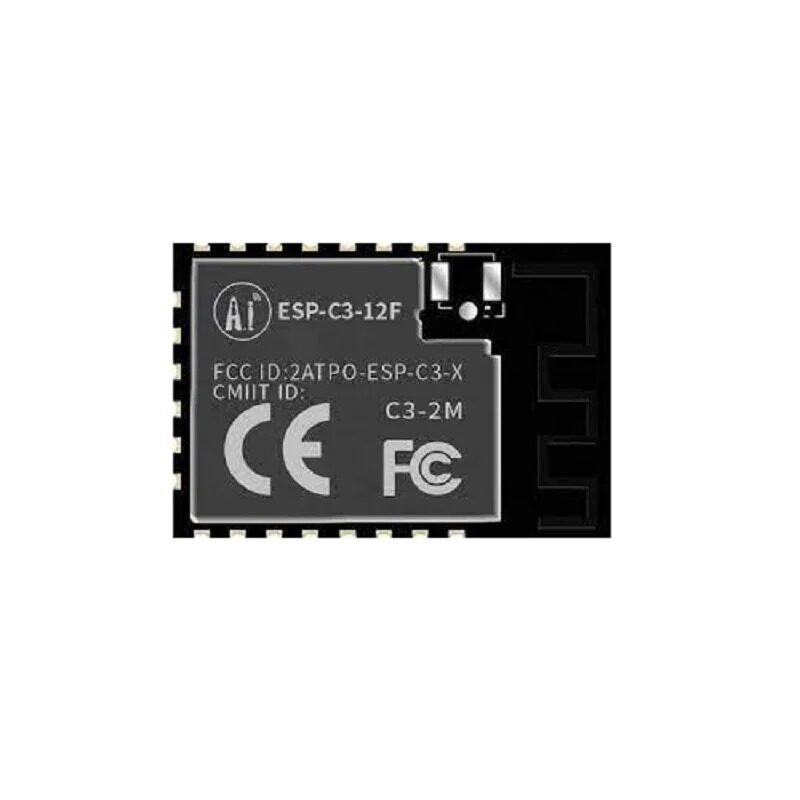
Ai-Thinker ESP32-C3-12F Wi-Fi + BLE Module
4MB flash ESP32-C3 with PCB antenna — run mDNS web server + OTA + BLE provisioning together. A complete IoT node in one tiny module for sensor networks.
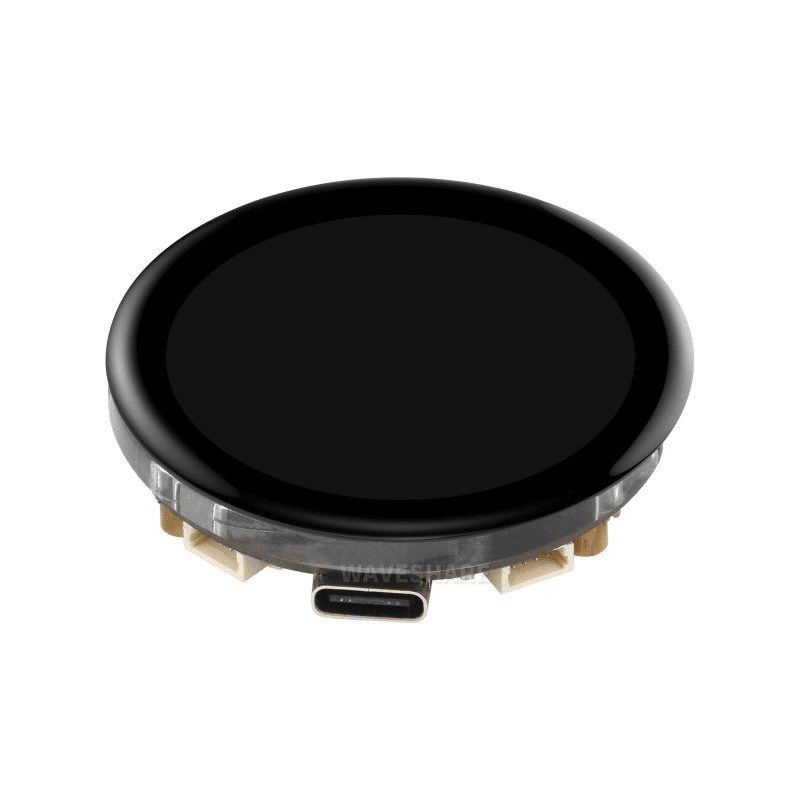
Waveshare ESP32-S3 1.43inch AMOLED Display Development Board
ESP32-S3 with AMOLED display — build a beautiful mDNS network dashboard that shows all discovered nodes, their IPs, hostnames, and sensor readings in real time.
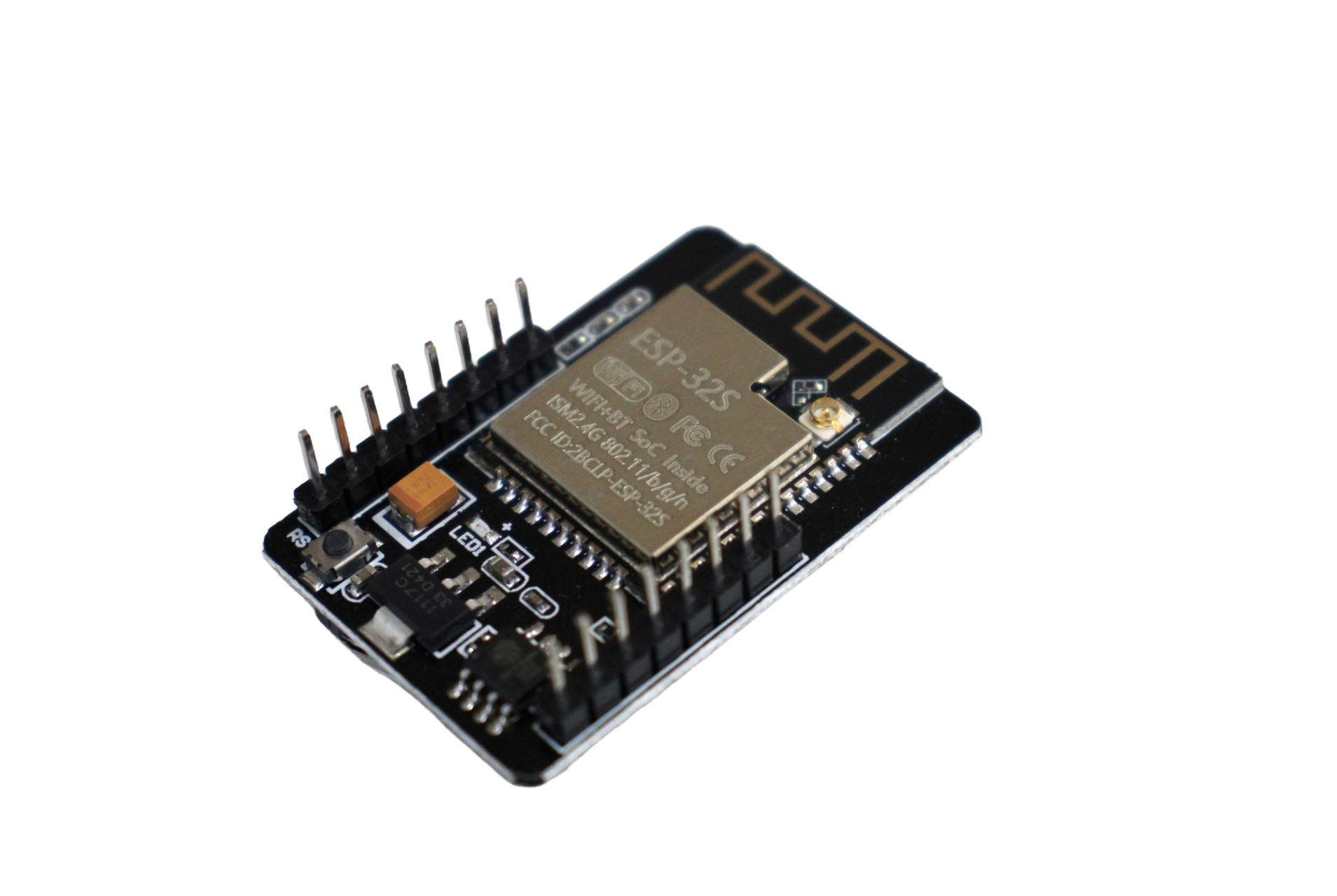
ESP32-CAM WiFi Module with OV2640 Camera 2MP
Set up mDNS on ESP32-CAM and access your video stream at camera.local instead of hunting for a changing IP. Add OTA for wireless firmware updates on mounted cameras.

0.96 Inch I2C OLED LCD Module SSD1306
Display the mDNS hostname and IP address on boot so you always know the device address. A 4-wire I2C OLED is the quickest way to add local status info to any ESP32 project.

Ai Thinker ESP32-C3-01M Wi-Fi + BLE Module
Tiny ESP32-C3 sensor node with mDNS + BLE provisioning + OTA all fitting in minimal BOM. Deploy multiple units throughout home or office and discover them all by name.
Frequently Asked Questions
Why does esp32.local not resolve on my Windows laptop?
Windows requires the Bonjour service (mDNS resolver) to handle .local domains. It is installed automatically with iTunes, Apple TV, or any Bonjour-enabled software. On Windows 10 version 1511+ and Windows 11, it is available natively. If resolution fails, install Bonjour Print Services for Windows from Apple, or use the nslookup workaround: ping esp32.local from Command Prompt to verify it resolves.
Can I use a custom TLD instead of .local?
The .local suffix is the only IANA-reserved TLD for link-local mDNS. While you technically could configure your router’s DNS to resolve custom names, that defeats the zero-configuration purpose of mDNS. Always use .local for mDNS hostnames.
Does mDNS work if the ESP32 and my laptop are on different VLANs?
No. mDNS uses multicast packets with TTL=1, meaning they are never forwarded across routers or VLAN boundaries. All devices must be on the same Layer 2 broadcast domain (same WiFi network segment). If you use VLANs in your network, you need an mDNS repeater/proxy (like Avahi on a Linux server) to bridge mDNS between segments.
What happens when two ESP32s on the same network have the same mDNS hostname?
mDNS includes a conflict detection mechanism (RFC 6762 Section 9). When the second device comes online and detects the conflict, it automatically renames itself by appending a number (e.g., esp32sensor-2.local). Always assign unique hostnames to avoid this — use a serial number or room name in the hostname.
Can I use mDNS from an ESP32 sketch to discover other mDNS devices?
Yes. Use MDNS.queryService("http", "tcp") to find all HTTP servers on the network, or MDNS.queryHost("otheresp") to resolve a hostname to an IP. This allows ESP32 devices to find each other on a local network without any hardcoded IP addresses — perfect for multi-node projects like a sensor mesh reporting to a local hub.
Build Smarter IoT Networks
Shop ESP32, ESP32-C3, and ESP32-S3 modules from Zbotic — fast delivery across India, trusted by thousands of student and professional makers.






Add comment