
Choosing between a CoreXY and a Cartesian 3D printer is one of the first big decisions you’ll face when upgrading or building your own machine. Both motion systems have their loyal communities in India, and for good reason — each brings genuine advantages to the table depending on what you print, how fast you want to print it, and how comfortable you are with tuning and calibration.
In this guide, we break down every important difference between CoreXY and Cartesian kinematics — from speed and print quality to cost, noise, and maintenance — so you can make an informed decision before spending your hard-earned rupees.
What Is a Cartesian 3D Printer?
A Cartesian 3D printer moves along three independent linear axes — X, Y, and Z — each driven by its own motor and belt or lead screw system. The most iconic example is the Creality Ender 3, which is arguably the most popular FDM printer ever sold. In a typical bed-slinger Cartesian design, the print bed moves along the Y-axis (front to back), the hotend moves along the X-axis (left to right), and the Z-axis raises or lowers the gantry.
Because each axis is mechanically independent, Cartesian printers are relatively easy to design, build, calibrate, and repair. The firmware logic is straightforward — move X by this many steps, move Y by this many steps — which means even budget boards can run a Cartesian machine effectively.
There is also a fixed-bed Cartesian design (like the Prusa MK4) where the bed only moves on the Z-axis and the printhead moves on both X and Y. This variant offers better print quality at higher speeds because the heavy print bed never accelerates, but it is mechanically more complex and harder to enclose.
What Is a CoreXY 3D Printer?
CoreXY is a motion system where two motors work together simultaneously to move the printhead in both X and Y directions. Instead of one motor controlling the X belt and another controlling the Y belt independently, both motors contribute to every diagonal move. When both motors turn in the same direction, the head moves along one axis; when they turn in opposite directions, it moves along the other axis. Diagonal moves require both motors spinning at different speeds.
Popular CoreXY printers include the Bambu Lab X1C, Voron 2.4, Voron Trident, RatRig V-Core, and the BambuLab P1S. The Bambu Lab machines in particular have made CoreXY accessible to Indian hobbyists who want speed without building from scratch.
Because the printhead carries only the hotend (and in some designs a lightweight direct drive extruder), the moving mass is dramatically lower than a bed-slinger. This is the key reason CoreXY can accelerate so aggressively without ringing artifacts.
How the Motion Systems Work
Understanding the belt routing is critical to understanding why these two systems behave differently under real printing conditions.
Cartesian (bed-slinger): The print bed is attached to a Y-axis carriage. As speed increases, the bed must accelerate and decelerate rapidly. For large, heavy prints, this mass causes momentum issues — the print can wobble, leading to ringing or ghosting artifacts in the final part. The Y-axis motor must work harder and harder as the print grows taller and heavier.
CoreXY: Both motors are mounted to the frame, stationary. The belt system transmits motion to the lightweight printhead carriage. The moving mass is minimal and constant throughout the print — it does not matter how tall or heavy the print becomes because the bed only moves on Z (usually by a lead screw, not during active printing). This means CoreXY can run input shaping (resonance compensation) much more aggressively, enabling higher speeds with clean output.
The trade-off is belt tension balance. In CoreXY, both belts must be tensioned equally, or the head will pull diagonally when it should move in a straight line. Mis-tensioned CoreXY belts result in skewed rectangles and non-square calibration objects. Diagnosing this takes more experience than diagnosing a Cartesian machine.
Speed Comparison
This is where CoreXY wins decisively for most users.
A stock Ender 3 V3 SE (Cartesian) prints acceptably at 150–180 mm/s. Push it beyond 200 mm/s and you’ll see ringing artifacts, especially on overhangs and sharp corners. The heavy moving bed simply cannot reverse direction fast enough without introducing resonance into the print.
A Bambu Lab P1P (CoreXY) ships from the factory configured for 500 mm/s with acceleration up to 20,000 mm/s². It achieves this because input shaping (specifically Klipper’s ADXL345-based resonance compensation) can be tuned much more aggressively on a low-mass CoreXY head than on a bed-slinger.
For Indian makers printing functional parts in volume — brackets, enclosures, jigs, fixtures — the time savings are significant. A print that takes 4 hours on an Ender 3 at 150 mm/s might take 45–60 minutes on a Bambu P1P at 400 mm/s. Over weeks and months, this compounds dramatically.
That said, raw speed does not always translate to faster usable prints. At very high speeds, layer adhesion, bridging, and overhang quality can degrade if cooling cannot keep up. The Bambu machines address this with powerful auxiliary fans, but DIY CoreXY builds need careful cooling system design to realise their speed potential.
Accuracy and Print Quality
Both systems can produce excellent quality when well-tuned. The differences emerge at speed extremes and in specific print geometries.
Dimensional accuracy: Both CoreXY and Cartesian printers achieve ±0.1–0.2 mm dimensional accuracy when properly calibrated. For most mechanical parts printed in India — motor mounts, enclosures, jigs — this is more than sufficient.
Ringing/ghosting: Cartesian bed-slingers are more prone to ringing at higher speeds because of bed momentum. CoreXY machines are much more resistant to ringing at speed, especially with input shaping enabled.
Surface finish: A well-tuned Cartesian printer (like a Prusa MK4) can match CoreXY surface finish at moderate speeds. The Prusa fixed-bed design eliminates bed momentum entirely. However, at speeds above 200 mm/s, CoreXY consistently produces smoother surfaces.
Tall prints: CoreXY wins significantly here. As a Cartesian print grows taller, the resonance frequency drops and ringing gets worse. CoreXY is immune to this because the bed is stationary during printing.
Calibration retention: CoreXY machines with enclosed rigid frames (Voron, Bambu) hold calibration better over time. Open-frame Cartesian printers can drift as printed plastic parts age or fasteners loosen.
Cost and Build Complexity
For the Indian market, cost is a real differentiator.
Entry-level Cartesian: Creality Ender 3 V3 SE starts around ₹12,000–15,000. The Ender 3 S1 Pro is around ₹20,000–25,000. These are complete, ready-to-print machines requiring minimal assembly.
Entry-level CoreXY: Bambu Lab P1P (the most accessible quality CoreXY in India) starts at approximately ₹70,000–85,000 depending on import pricing and exchange rates. DIY CoreXY builds like the Voron 0.2 require self-sourcing parts (often imported) and significant build time — expect to spend ₹25,000–45,000 on a Voron 0.2 mini build.
DIY complexity: Building a Voron from scratch is a weekend-plus project requiring soldering, crimping, wiring, and careful assembly. Cartesian kits like the Ender 3 assemble in an afternoon. If you are new to 3D printing, starting with a Cartesian machine is almost always the right call — you will learn the fundamentals without fighting CoreXY-specific belt geometry issues.
Running costs: Both systems use the same filaments and most of the same consumables. CoreXY enclosed printers are often better for engineering filaments (PC, ABS, ASA) because the enclosure maintains temperature, potentially saving on failed prints and wasted filament over time.
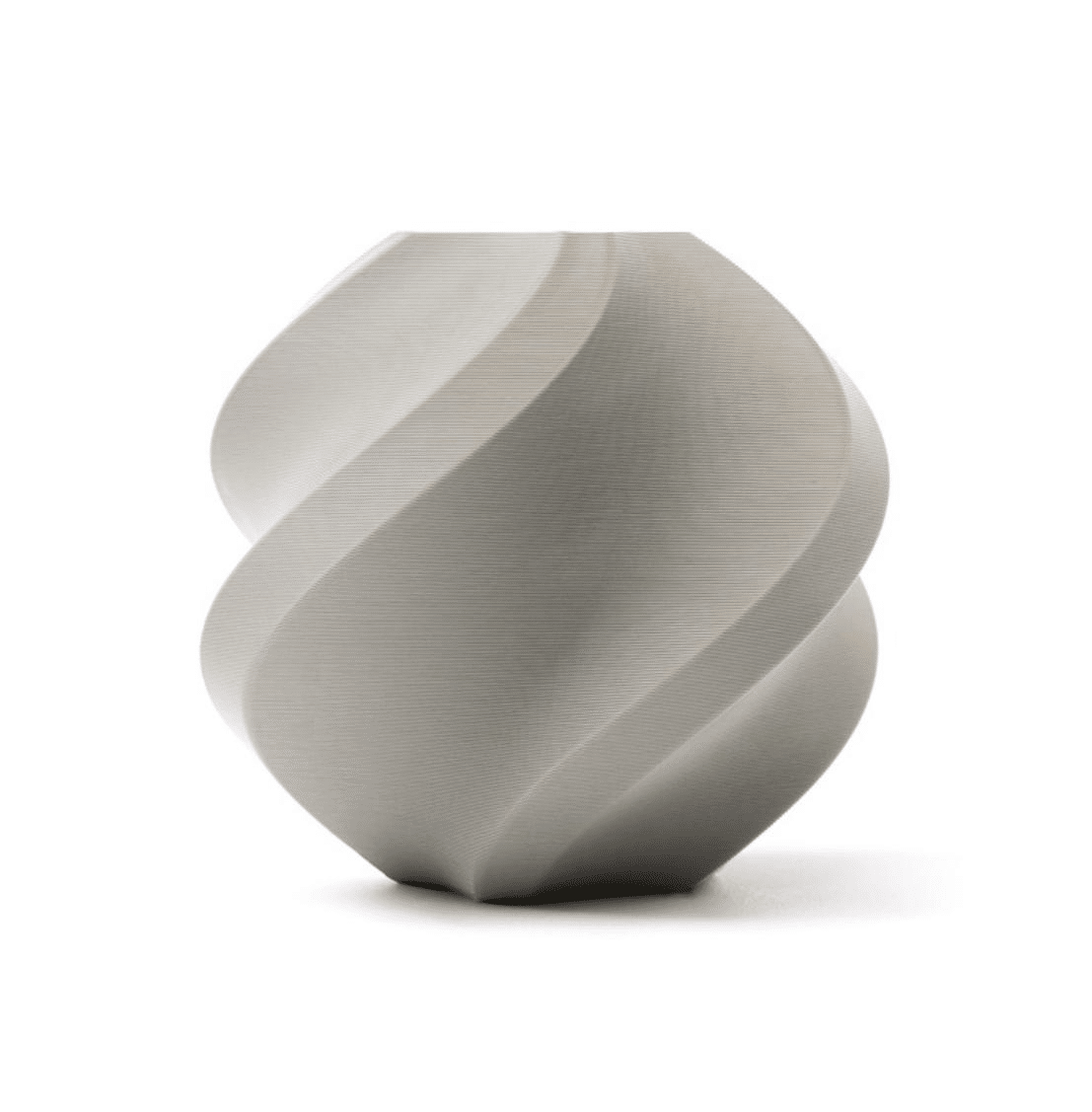
Bambu Lab PLA 3D Printer Filament – Grey 1.75mm with Reusable Spool
Premium Bambu Lab PLA optimised for high-speed CoreXY printing. Consistent diameter and low moisture absorption ensure reliable prints at 300+ mm/s.
View on Zbotic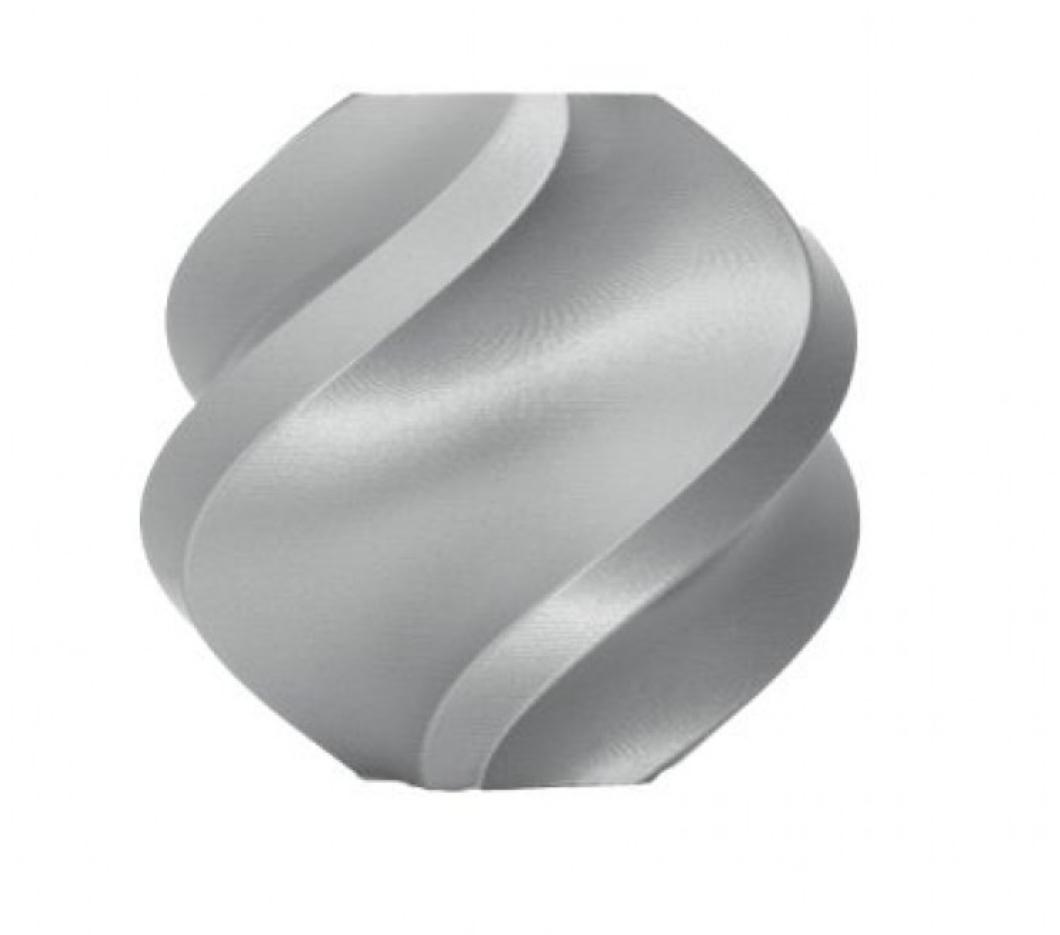
Bambu Lab PLA 3D Printer Filament – Silver 1.75mm with Reusable Spool
Bambu Lab Silver PLA with a clean metallic finish. Great for aesthetic parts on CoreXY and Cartesian printers alike. Eco-friendly reusable spool included.
View on ZboticNoise and Vibration
If you print in a shared apartment or office — which is common in Indian cities — noise matters a great deal.
Cartesian bed-slingers: The moving bed creates significant vibration and noise, especially at higher speeds. The bed’s mass transfers vibration to the table and to the floor. At 150 mm/s+ on an Ender 3, the machine can rattle loudly enough to be disruptive in the next room.
Enclosed CoreXY: The Bambu Lab P1S and X1C have acoustic foam insulation and panels that significantly reduce noise. The lower moving mass also means less vibration transmitted to the frame. Many users report that a Bambu enclosed machine is quieter than a stock Ender 3 even when printing faster.
DIY CoreXY open frames (Voron 2.4): These are not quiet machines. Without an enclosure and without careful stepper driver tuning (TMC2209 in StealthChop mode), they can be quite loud. Adding enclosure panels and tuning your Klipper config helps significantly.
Maintenance and Reliability
Long-term ownership experience differs significantly between the two architectures.
Cartesian: Straightforward to maintain. The Y-axis belt and eccentric nuts/wheels are easy to access and replace. Common failure points — Z-axis lead screw wobble, X-axis eccentric nut loosening — are well-documented with cheap spare parts widely available on Amazon India and from local suppliers.
CoreXY: Belt tensioning is more complex and must be balanced between two belts. Bearing carriages on linear rails (common on CoreXY) require periodic lubrication with PTFE-compatible grease. Enclosed machines need fan maintenance. That said, CoreXY machines with quality linear rails (like MGN12H) are very durable and require less frequent adjustment once properly set up.
Firmware: Klipper is increasingly used on both types, but CoreXY configurations are more complex to write from scratch. Cartesian Klipper configs are simpler. For beginners, Marlin-based firmware on a standard Cartesian is the lowest barrier to entry.
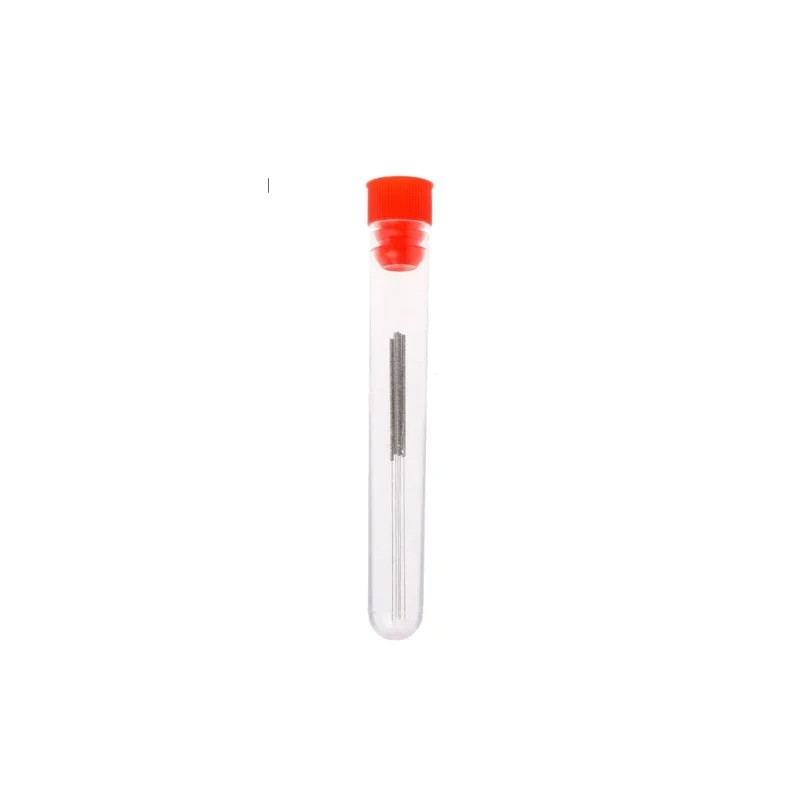
0.4mm Stainless Steel Nozzle Cleaning Needles – Pack of 10
Keep your hotend clear with these stainless steel cleaning needles. Essential maintenance tool for both Cartesian and CoreXY printers, compatible with 0.4mm nozzles.
View on ZboticBest Use Cases for Each
Choose Cartesian if:
- You are new to 3D printing and want an easy start
- Your budget is under ₹25,000
- You print mostly PLA, PETG, or TPU at moderate speeds
- You want a large build volume (300×300mm+) without spending a fortune
- You value large community support and cheap spare parts
- You print hobby models, cosplay props, or home utility items
Choose CoreXY if:
- Print speed is a priority — you need many parts fast
- You print engineering filaments (ABS, ASA, PC, PA) that need an enclosure
- You want excellent tall-print quality without resonance artifacts
- You have experience with 3D printing and want to level up
- You are building a small print farm or production workflow
- You want a self-contained, quiet, enclosure machine (Bambu Lab)
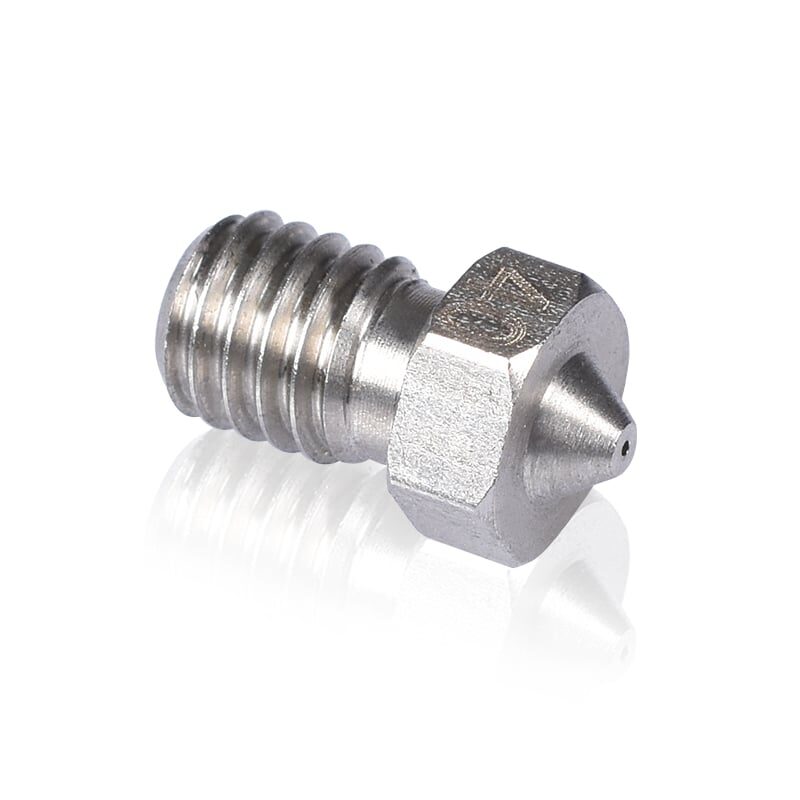
3D Printer Stainless Steel Nozzle – 0.4mm
Durable stainless steel 0.4mm nozzle compatible with V6-style hotends. A reliable upgrade for both Cartesian and CoreXY printers printing abrasive filaments.
View on ZboticFinal Verdict
The CoreXY vs Cartesian debate does not have a universal winner — it depends entirely on your priorities and budget.
If you are just starting out in India and want to learn 3D printing without a steep learning curve or high upfront cost, a Cartesian machine like the Ender 3 V3 or the Creality Ender 3 S1 Pro is the smart choice. The community support is enormous, parts are cheap and locally available, and the print quality at moderate speeds is perfectly fine for most projects.
If you already know your way around a 3D printer, print functional parts regularly, or need to print fast, the CoreXY architecture — especially in a Bambu Lab machine — delivers a dramatically better experience. The speed advantage is real, the enclosed environment opens up new materials, and the print quality at high speed genuinely exceeds what a bed-slinger can achieve.
The smartest path for many Indian makers is to start with a Cartesian, master the fundamentals, then upgrade to CoreXY when the speed and material limitations become frustrating. That frustration is the best signal that you are ready for the next level.
Upgrade Your 3D Printing Setup
Browse filaments, nozzles, hotends, and accessories for both Cartesian and CoreXY printers — sourced and stocked in India.
Shop 3D Printing Supplies at ZboticFrequently Asked Questions
Is CoreXY better than Cartesian for beginners?
Not necessarily. CoreXY requires more calibration knowledge, particularly belt tensioning and input shaping tuning. Most beginners do better starting with a Cartesian printer like the Ender 3 series before moving to CoreXY.
Can a CoreXY printer print PLA?
Absolutely. CoreXY printers print PLA perfectly well. In fact, an enclosed CoreXY machine can also print PC, ABS, and Nylon that a Cartesian without an enclosure cannot handle consistently.
Why is CoreXY faster than Cartesian?
CoreXY moves only a lightweight printhead, while a Cartesian bed-slinger moves the entire print bed along the Y-axis. Less moving mass means higher acceleration is possible without resonance artifacts, resulting in genuinely faster print speeds with clean output.
What are the best CoreXY printers available in India in 2026?
The Bambu Lab P1P and P1S are the top commercially available CoreXY printers accessible to Indian buyers. For DIY builders, the Voron 0.2, Voron Trident, and RatRig V-Core 3 are popular choices with active communities.
Does CoreXY have more calibration steps?
Yes. CoreXY requires balanced belt tension between two belts, XY squareness calibration, and (for best results) input shaping calibration using an accelerometer. Cartesian printers have simpler calibration requirements — typically just bed levelling and Z-offset.
Which motion system is better for printing large objects?
For very large objects, CoreXY (with a stationary bed) generally produces better results because the bed mass does not increase vibration as the print grows taller. Bed-slinger Cartesian printers can struggle with tall, heavy prints due to increasing Y-axis resonance.







Add comment