
Choosing a 3D printer in 2026 is no longer a simple decision. Walk into any makerspace or scroll through online communities and you’ll find passionate debates about FDM, SLA, and MSLA technologies. Each has its champions, its ideal use cases, and its frustrating limitations. This guide cuts through the noise to help you make an informed decision based on what you actually want to create.
What Is FDM 3D Printing?
Fused Deposition Modelling (FDM) is the most widespread consumer 3D printing technology in the world. An FDM printer works by melting a thermoplastic filament — typically 1.75 mm in diameter — and extruding it layer by layer onto a build platform. Each layer bonds with the previous one as the material cools, gradually building up a three-dimensional object.
The process was patented by Scott Crump in 1989 and commercialised by Stratasys. When the key patents expired around 2009, the RepRap open-source movement exploded, giving birth to printers like the Prusa i3, Creality Ender series, and hundreds of clones. Today FDM machines range from under ₹10,000 to professional systems costing several lakhs.
FDM printers are mechanically straightforward: a heated nozzle (hotend) moves in X and Y while the build plate moves in Z (or vice versa in CoreXY designs). The extruder pushes filament into the hotend at a precisely controlled rate. Because the technology is mechanical rather than optical, parts are easy to service and upgrade.
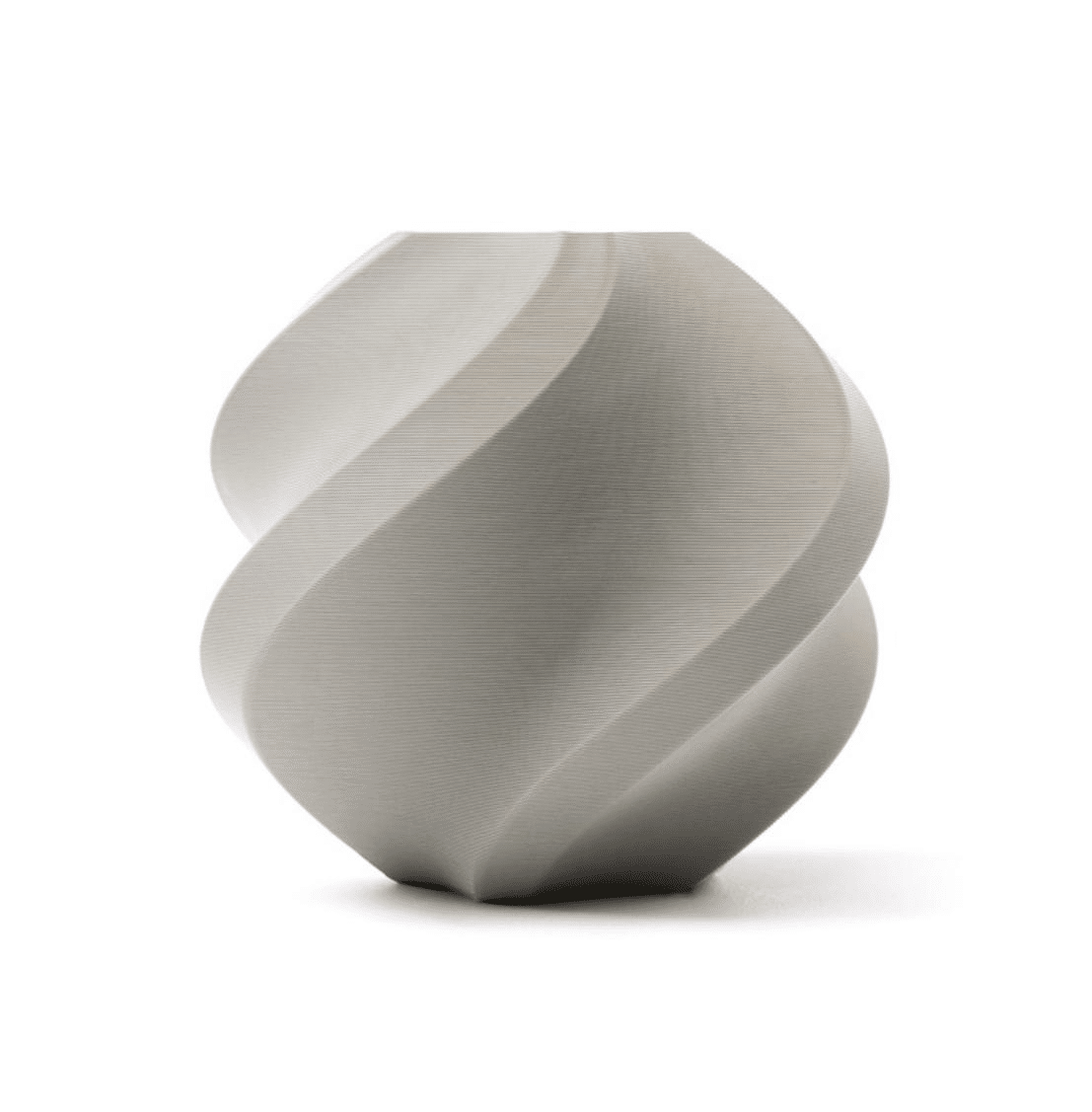
Bambu Lab PLA 3D Printer Filament – Grey 1.75mm
High-quality PLA from Bambu Lab on a reusable spool — perfect for FDM printers. Consistent diameter for reliable extrusion and vibrant, clean results.
What Is SLA 3D Printing?
Stereolithography (SLA) is the oldest 3D printing technology, invented by Chuck Hull in 1986. SLA printers cure photosensitive liquid resin using an ultraviolet laser. A laser beam traces each cross-section of the model on the surface (or bottom) of a resin vat, solidifying the resin precisely where it hits. The build platform lifts between layers, allowing fresh resin to fill the gap.
Because a single-point laser traces the entire layer, SLA is inherently a serial process — larger or more complex layers take longer to expose. However, the laser spot size can be very small (often 85–140 µm), producing extremely fine surface detail and smooth curved surfaces that FDM simply cannot match.
Consumer SLA printers like the Formlabs Form series are inverted (bottom-up) systems where the build platform hangs from above and the laser shines up through a transparent FEP film at the bottom of the vat. This inverted design dramatically reduces the required resin volume. Professional top-down SLA systems are still used in industrial settings for very large parts.
After printing, SLA parts must be washed in isopropyl alcohol (IPA) to remove uncured resin, then post-cured under UV light to fully harden the material. This two-step post-processing is mandatory and adds 20–40 minutes to every print job.
What Is MSLA 3D Printing?
Masked Stereolithography (MSLA) — often called LCD or resin printing in consumer contexts — uses a UV light source (originally a single LED, now a matrix of parallel LEDs) and an LCD panel as a mask to cure an entire layer simultaneously. Because the whole layer is exposed at once regardless of complexity, print time scales only with height, not with surface area or part count.
This parallel exposure makes MSLA dramatically faster than laser SLA for many prints, especially when the build plate is packed with multiple small parts. Modern monochrome LCD panels (used in virtually all current MSLA printers) transmit far more UV light than older RGB panels, reducing typical layer exposure times to 1.5–3 seconds.
MSLA resolution is determined by the LCD pixel pitch — current 8K mono panels on 150 × 84 mm build areas achieve ~19 µm XY resolution, close to or exceeding consumer SLA laser spot size. The Z-axis resolution (layer height) is the same as SLA: typically 25–100 µm.
The workflow for MSLA is identical to SLA: print → IPA wash → UV post-cure. The same wide variety of photopolymer resins works in both technologies. Machines like the Elegoo Saturn, Anycubic Photon, and Bambu series have made MSLA extremely accessible, with capable printers available for under ₹20,000 in India.
Head-to-Head Comparison
Before diving into each dimension individually, here is a quick-reference comparison table:
| Feature | FDM | SLA | MSLA |
|---|---|---|---|
| Surface Finish | Visible layer lines | Very smooth | Smooth, slight pixelation |
| Detail Resolution | 200–300 µm XY | 85–140 µm XY | 19–47 µm XY |
| Build Volume | Large (220×220×250 mm+) | Medium (145×145×175 mm) | Medium–Large (up to 218×123×220 mm) |
| Print Speed | 40–300 mm/s | Slow (area-dependent) | Fast (height-dependent only) |
| Material Variety | Excellent (PLA, ABS, PETG, TPU, CF…) | Good (photopolymers) | Good (photopolymers) |
| Entry Cost (India) | ₹8,000–₹15,000 | ₹35,000–₹80,000 | ₹12,000–₹25,000 |
| Material Cost | ₹700–₹2,500/kg | ₹3,000–₹8,000/kg | ₹1,500–₹4,000/kg |
| Post-Processing | Minimal (support removal) | Wash + UV cure required | Wash + UV cure required |
| Toxicity / Safety | Low (PLA), moderate (ABS) | High (uncured resin) | High (uncured resin) |
| Maintenance | Regular (nozzle, bed leveling) | Moderate (FEP film, resin vat) | Moderate (FEP film, LCD wear) |
Print Quality and Detail
Print quality is where resin technologies (SLA and MSLA) clearly outshine FDM. In FDM, the minimum feature size is limited by nozzle diameter (typically 0.4 mm) and layer height (typically 0.1–0.3 mm). Layer lines are visible to the naked eye on vertical surfaces and must be sanded or filled to achieve a smooth finish. Overhangs beyond 45–50 degrees require support structures that leave marks on the surface.
SLA can produce near-injection-mould quality surfaces straight off the printer. The laser traces each feature with a spot size of 85–140 µm, enabling fine text, delicate jewellery details, and miniature figurines that would be impossible in FDM. The isotropy (equal strength in all directions) of cured resin also means SLA parts are stronger in the Z-axis than FDM parts, which have weak interlayer bonds.
MSLA in 2026 rivals or surpasses SLA for consumer applications. With 8K mono LCD panels achieving 19–22 µm XY pixel pitch, MSLA printers resolve details that even SLA lasers can’t beat. The limitation of MSLA is slight pixel aliasing on angled surfaces at certain angles — curved surfaces show a faint staircase effect under high magnification, but this is invisible to casual inspection and disappears entirely after light sanding or polishing.
If print quality is your primary concern and you need the finest possible detail for miniatures, dental models, jewellery, or engineering prototypes, MSLA is the winner in 2026 due to its combination of very high resolution and faster print times than laser SLA.
Materials and Filaments
FDM dominates on material variety. The range of thermoplastic filaments available in India is enormous: PLA (biodegradable, easy to print), ABS (heat-resistant, tough), PETG (chemical-resistant, food-safe grades available), TPU (flexible), Nylon (wear-resistant), HIPS, PC (polycarbonate), and composite materials including carbon fibre, glass fibre, wood-fill, metal-fill, and more. You can also find specialty filaments for specific applications — glow-in-the-dark, colour-changing, conductive, and UV-reactive options.
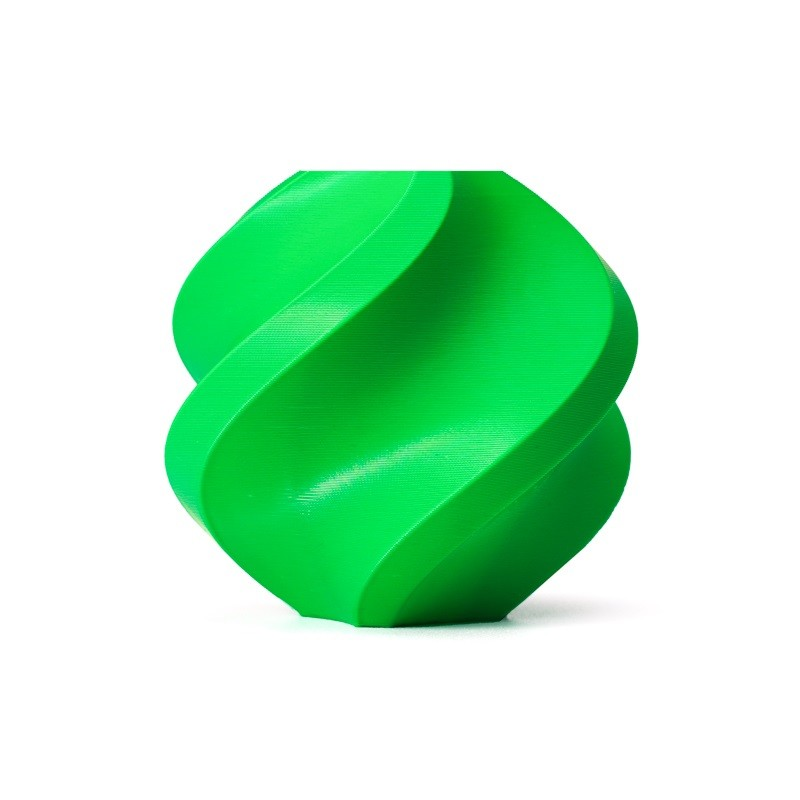
Bambu Lab ABS 3D Printer Filament – Bambu Green 1.75mm
Premium ABS filament for functional parts needing heat resistance. Works on any enclosed FDM printer with a heated bed. Reusable eco-friendly spool.
Resin materials for SLA and MSLA have improved dramatically. Standard resins are brittle compared to FDM thermoplastics, but the market now offers ABS-like resins, engineering resins with high impact resistance, flexible resins, castable resins for jewellery, bio-compatible dental resins, high-temperature resins, and even transparent resins that can be polished to optical clarity. Specialty resins are expensive — often ₹3,000–8,000 per kg — but you use far less material per part due to high detail and hollow printing practices.
For functional parts that must withstand real-world use — brackets, housings, mechanical components, outdoor applications — FDM with PETG or ABS is almost always the practical choice. Resins remain somewhat brittle and UV-sensitive in the long term (outdoor resin prints can yellow and become brittle over months of sun exposure), though UV-stable resins are improving this situation.
Cost Analysis for Indian Buyers
Budget is often the deciding factor for Indian hobbyists and small businesses. Let’s break down the realistic total cost of ownership over two years:
FDM — Budget Entry (e.g., Ender 3-class printer): Machine ₹8,000–₹12,000, filament at ₹1,000–₹1,500/kg, nozzle replacements ₹200–₹500 each, bed surface ₹300–₹500 per year. Total 2-year ownership for moderate use: ₹20,000–₹35,000.
FDM — Mid-Range (e.g., Bambu Lab A1): Machine ₹45,000–₹65,000, premium filament ₹1,500–₹2,500/kg. Higher upfront but fewer failures, faster speeds, less tuning time. Total 2-year: ₹65,000–₹1,00,000.
MSLA — Entry (e.g., Elegoo Mars 4): Machine ₹12,000–₹18,000, resin ₹1,500–₹2,500/litre, FEP film replacement ₹300–₹500 every 3–6 months, IPA wash solution, UV cure station ₹2,000–₹5,000. Total 2-year: ₹30,000–₹55,000.
SLA — Consumer (e.g., Formlabs Form 3): Machine ₹2,50,000+, proprietary resin cartridges ₹6,000–₹10,000 each. Extremely high quality but the total cost is prohibitive for most Indian hobbyists. Best evaluated for professional or commercial use only.
The hidden cost in resin printing is time and consumables. FEP films need replacement after 1–3 litres of printing. Resin vats crack. LCD panels in MSLA wear out after 2,000–4,000 hours of UV exposure. Always factor these replacement costs in when comparing.
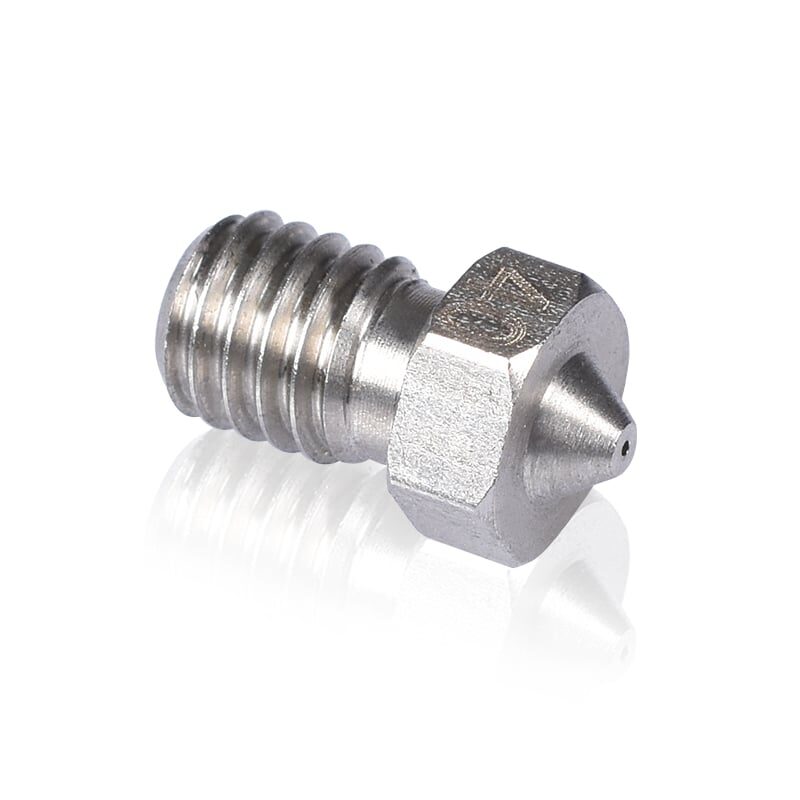
3D Printers Stainless Steel Nozzle 0.4mm
Durable stainless steel replacement nozzle for FDM printers. Compatible with most MK8/V6-style hotends — an essential spare for every FDM printer owner.
Best Use Cases for Each Technology
FDM Excels At:
- Functional prototypes and mechanical parts — brackets, enclosures, jigs, gears, and anything that must be strong and impact-resistant
- Large objects — FDM’s build volume (typically 220×220×250 mm or more) is hard to match in resin printing
- Education and beginner learning — PLA is non-toxic, easy to print, and mistakes are cheap
- Drone frames and RC parts — lightweight, strong TPU bumpers and PETG structural parts
- Cosplay and props — large wearables, armour pieces, weapon props
- Engineering with specialty materials — CF-reinforced, heat-resistant PC, chemical-resistant materials only available for FDM
SLA Excels At:
- Dental and medical models — biocompatible resins, precision fit requirements
- Jewellery and casting — castable resin for investment casting workflows
- Very large format resin parts — industrial SLA systems can print full-sized automotive body panels
- Organisations already invested in Formlabs ecosystem — validated materials, professional support
MSLA Excels At:
- Miniatures and figurines — tabletop gaming pieces, D&D miniatures, anime figures
- Intricate architectural models — ultra-fine detail not possible in FDM
- Jewellery prototyping — same castable resin workflow as SLA at a fraction of the cost
- Batch production of small parts — pack the build plate with many identical parts
- High-resolution engineering prototypes — verify form-fit before tooling investment
Which Technology Should You Buy?
Here’s the straightforward recommendation matrix for Indian buyers in 2026:
Buy FDM if: You are a beginner, you need functional parts, you want to print large objects, you have a limited budget, or you work with schools and workshops where material safety matters. An FDM printer will serve 80% of all hobbyist and maker needs. Start with a mid-range machine from a reputable brand and learn proper slicing and bed adhesion techniques.
Buy MSLA if: You want to print miniatures, jewellery prototypes, dental models, or high-detail artistic objects. You must accept the resin workflow: gloves, ventilation, IPA washing, UV curing. The technology is fantastic and the entry cost is now reasonable, but it should generally be a second printer — buy FDM first to understand the hobby, then add MSLA for specific applications.
Buy SLA (laser) if: You are a professional with specific validated material requirements (dental, engineering), or you need the scale of an industrial system. For the vast majority of Indian users, consumer SLA at ₹80,000+ does not offer enough advantage over MSLA at ₹15,000–20,000 to justify the cost difference.
The honest answer for most Indian hobbyists: Start with FDM. Learn to print well. Then, if you find yourself wanting finer detail for specific projects, add an MSLA printer as a complement — not a replacement.
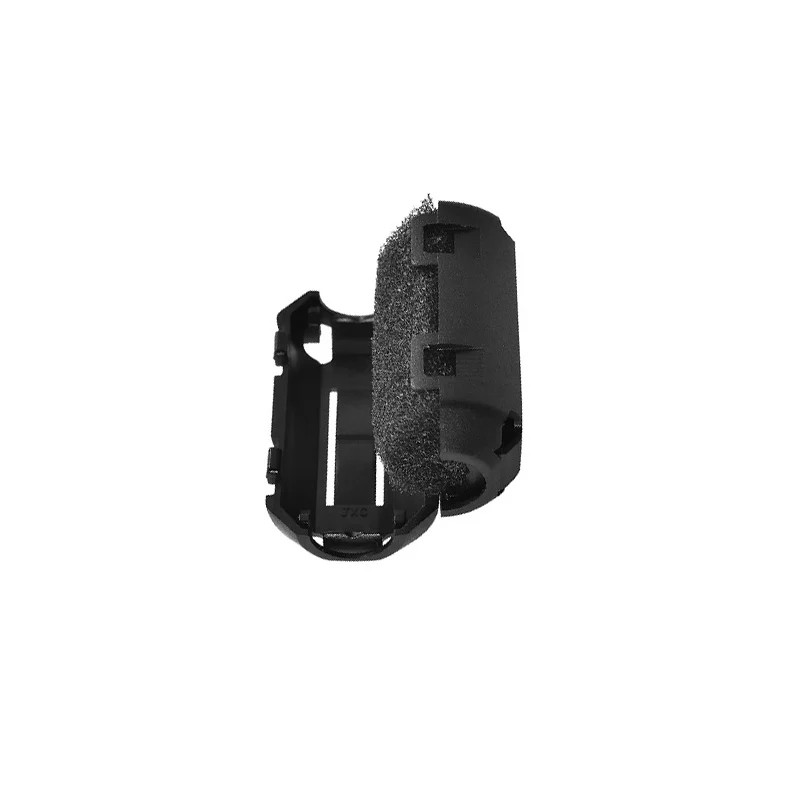
Filament Dust Filter and Cleaner for 3D Printers
Removes dust and debris from filament before it enters your hotend — extends nozzle life and reduces clogs on any FDM printer using 1.75mm filament.
Frequently Asked Questions
Can I print with both FDM and resin on the same machine?
No. FDM and resin (SLA/MSLA) are fundamentally different technologies requiring entirely different hardware. There is no consumer printer that does both. You would need separate machines.
Is MSLA the same as resin printing?
“Resin printing” is a colloquial term that usually refers to MSLA printers (LCD-based), though technically both SLA and MSLA use photopolymer resin. The term stuck because MSLA machines popularised affordable resin printing.
Which technology is safer to use indoors in India?
FDM with PLA is the safest option for indoor use in India without dedicated ventilation. PLA emits low levels of particulates and minimal volatile organic compounds. ABS and ASA require ventilation. Resin printing (both SLA and MSLA) requires consistent ventilation, nitrile gloves, and safe disposal of waste resin and IPA. In Indian homes with limited cross-ventilation, resin printing should only be done near an open window with a fan exhausting air outward.
What is the minimum investment to try MSLA printing in India?
A complete starter MSLA setup including printer (₹12,000–₹18,000), resin (₹1,500–₹2,000), IPA for washing, a UV cure lamp, nitrile gloves, and spare FEP film will cost approximately ₹18,000–₹28,000 total. Budget-conscious buyers sometimes skip the dedicated wash-and-cure station and use a UV nail lamp plus a glass jar for washing, reducing the setup cost.
Can resin prints be painted and finished like FDM prints?
Yes, and resin prints are often easier to paint due to their smoother surface. They accept primer directly without sanding. Acrylic paints, spray paints, and airbrush paints all work well. The key step is ensuring the print is fully post-cured before painting, as uncured resin can remain tacky and will reject paint.
Which technology is better for printing drone parts?
FDM with PETG, TPU, or ABS is far better for drone parts. Resin parts are brittle and will shatter on crash impact. FDM PETG is flexible enough to absorb vibration and impact without breaking. TPU is the preferred material for bumpers and motor mounts on racing and freestyle drones.
Ready to Start 3D Printing?
Zbotic stocks a wide range of 3D printing filaments, spare nozzles, hotend components, and accessories for FDM printers. Whether you’re just getting started or upgrading an existing machine, our curated selection has everything you need.






Add comment