
Building a 3D printed RC car from scratch is one of the most satisfying projects a maker can undertake. You get the thrill of RC driving combined with the creative satisfaction of designing and printing your own chassis, body, and custom parts. Unlike buying a ready-to-run RC car, a printed build lets you iterate, repair, and upgrade every single component yourself.
This guide covers a complete 1/10-scale 4WD RC car build using 3D printed structural parts combined with standard RC electronics — a proven recipe that balances printability with performance.
Design Philosophy: What to Print vs Buy
The golden rule for 3D printed RC cars: print structural parts, buy anything that spins fast or needs to withstand high heat. Here is a practical breakdown:
Print These Parts
- Main chassis plate and upper deck
- Suspension arms (front and rear, upper and lower)
- Steering knuckles and hubs
- Motor mount and diff case housings
- Body shell and wings
- Battery tray and electronics mount
- Shock towers
Buy These Parts
- Drive shafts and CVDs (metal only — printed ones snap under load)
- Ball bearings (cheap and critical for smooth running)
- Shocks / dampers (oil-filled metal shocks from any budget RC brand)
- Diff gears and pinion/spur gears (metal or hardened plastic)
- Tyres and wheels (RC-specific foam or rubber tyres)
- All electronics (motor, ESC, servo, receiver, battery)
Best Open-Source RC Car Designs
Three designs stand out for printability and community support:
- 3DSets Lemur / Jeep: Excellent detail, good suspension, Indian makers have had great success with this one. Download from printables.com or 3dsets.com (paid but worth it).
- Tarmo5: Fully open-source, community-proven, excellent suspension geometry, very well documented. Free on Printables.
- OpenRC 1:10: The original popular open-source RC car, still excellent for a first build. Requires fewer purchased hardware parts.
Complete Parts List and Costs in India
| Component | Specification | Cost (₹) |
|---|---|---|
| PLA+ / ABS filament (2 spools) | 1.75mm, 1kg each | 1,200–2,400 |
| Brushless motor | 3300KV, 540-size | 800–1,500 |
| ESC | 60A–80A, brushless | 1,000–2,000 |
| Servo | 17g–25g, metal gear | 400–800 |
| Transmitter + Receiver | 2.4GHz, 2-channel | 1,000–2,500 |
| LiPo battery | 7.4V 3000mAh 2S 30C | 1,000–2,000 |
| LiPo charger | Balance charger | 500–1,500 |
| Ball bearings (set) | Various sizes (5×11, 6×13, etc.) | 300–600 |
| Drive shafts / CVDs | Metal, 1/10 scale | 400–900 |
| Oil shocks | Aluminium body, 60–70mm | 400–1,000 |
| Tyres + wheels | 1/10 scale, rubber | 400–900 |
| Hardware (screws, nuts, rods) | M3/M4 stainless | 300–600 |
| Total | ₹7,700–₹17,700 |
Print Settings for RC Car Parts
Print settings make or break structural RC car components. These are the settings that have been validated by the RC printing community for durable, impact-resistant parts:
Material Choice
- PLA+ or PLA-CF (Carbon Fibre PLA): Best for indoor/mild-use cars. Stiff, dimensionally accurate, easy to print. Avoid standard PLA — it deforms in warm conditions and in high-stress suspension areas.
- ABS or ASA: Better impact resistance and heat tolerance. Recommended for outdoor use in India’s summer heat. Requires an enclosure to print without warping.
- PETG: A middle ground — easier than ABS but tougher than PLA. Good for chassis parts and battery trays.
Key Print Settings
| Setting | Structural Parts | Body / Non-Structural |
|---|---|---|
| Layer height | 0.15–0.2mm | 0.2–0.3mm |
| Infill density | 40–60% | 20–30% |
| Infill pattern | Gyroid or Cubic | Grid or Lightning |
| Wall count | 4–6 perimeters | 2–3 perimeters |
| Top/bottom layers | 5–6 layers | 3–4 layers |
| Print speed | 40–60 mm/s | 60–80 mm/s |
Critical tip: Print suspension arms with the arm oriented flat on the bed, not standing up. Layer orientation is everything for impact resistance — you want layers running parallel to the long axis of the arm so impacts stress the layers in compression/shear rather than pulling them apart.
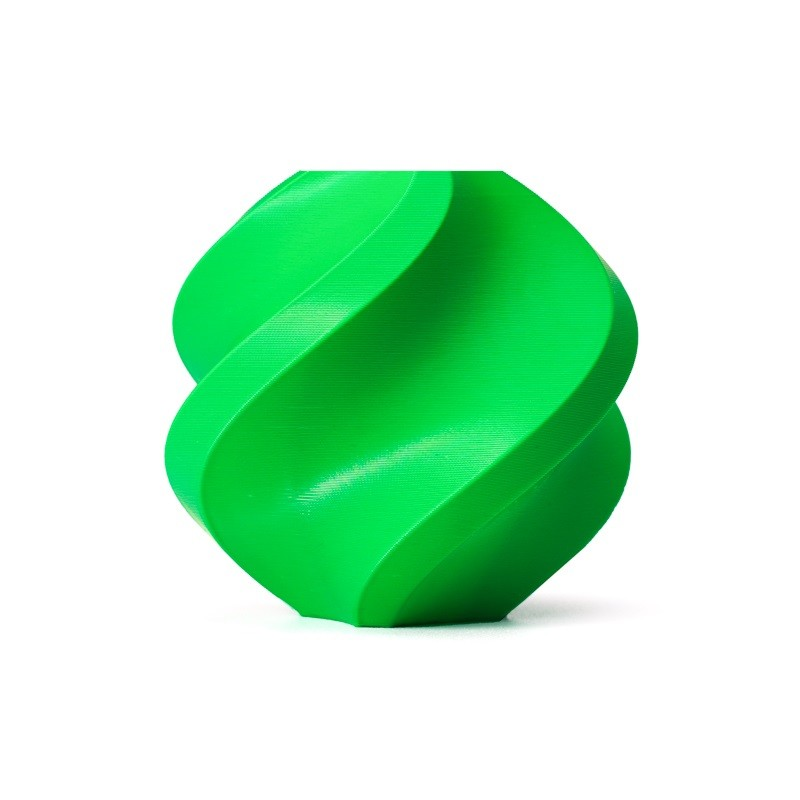
Bambu Lab ABS Filament – Bambu Green 1.75mm
ABS is the top choice for RC car structural parts in India’s climate — superior heat tolerance vs PLA and excellent impact resistance. This premium Bambu Lab ABS delivers consistent quality with minimal warping.
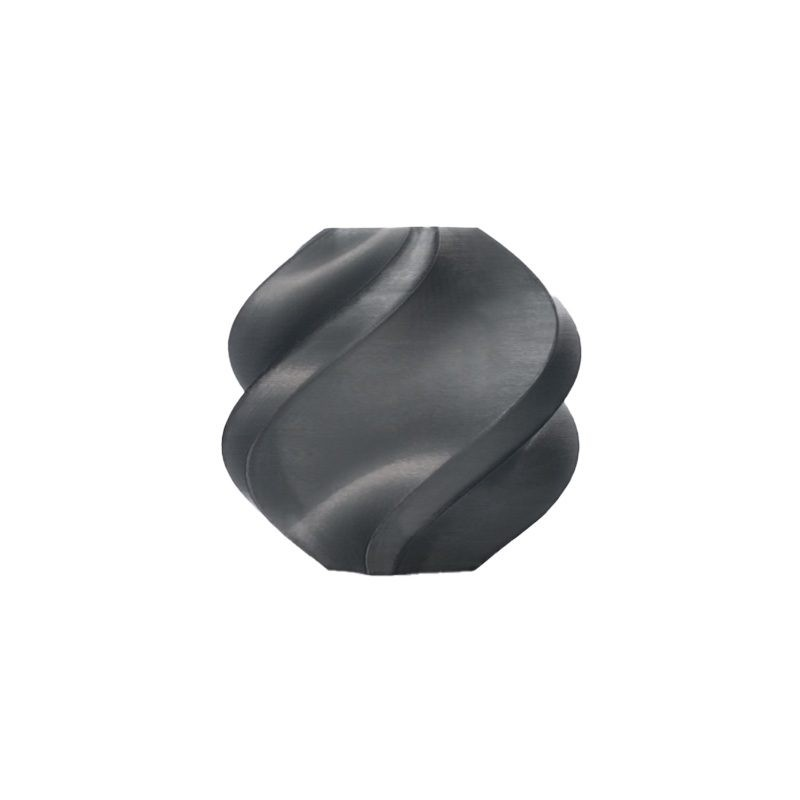
Bambu Lab ABS Filament – Black 1.75mm
Classic black for chassis and structural RC car parts. Bambu Lab ABS offers excellent layer adhesion and minimal shrinkage compared to generic ABS — critical for tight-tolerance RC components.
Printing the Chassis and Suspension
A typical 1/10 RC car has 20–40 printed parts. Print time for a full build is 30–60 hours on a standard Ender 3-class machine. Here is the recommended print order:
- Main chassis plate — the foundation. Print first and verify fit of all mounting holes before continuing.
- Suspension arms (all 4 lower, all 4 upper) — most critical structural parts. Print at high infill (50%+).
- Steering knuckles and wheel hubs — require accurate dimensions for bearing press-fit.
- Diff housings — print in ABS or PETG for heat resistance near the motor.
- Shock towers and motor mount
- Battery tray and electronics plate
- Upper deck and body mounts
- Body shell and wing — print last, aesthetic only
Post-process the bearing seats: wrap sandpaper around a bearing and rotate it in the printed hole to ensure a smooth, perpendicular seating surface. Bearings that sit crooked will wear out quickly and cause binding.
Electronics: Motor, ESC, Servo, Receiver
Brushless Motor
A 540-size brushless motor in 3300KV is the standard for 1/10 4WD on 2S LiPo (7.4V). This gives a speed of roughly 40–55 km/h on standard gearing — fast enough to be exciting, controlled enough to be drivable. In India, budget motors from brands like Surpass Hobby or RC Devil are available at ₹800–₹1,500 and work well for beginners.
Electronic Speed Controller (ESC)
Use a 60A or 80A brushless ESC. Look for one with a built-in BEC (Battery Eliminator Circuit) at 6V 3A so it can power the servo and receiver without a separate regulator. The ESC programming card (an inexpensive accessory) lets you adjust brake strength, reverse, punch control, and LiPo protection without a computer — very useful for tuning driving feel.
Servo
A metal-gear servo of 17–25g size with at least 3.5 kg·cm torque is the minimum. Plastic-gear servos strip within minutes on an RC car that crashes into kerbs. In India, Tower Pro MG996R (₹300–₹500) is the most common budget metal-gear servo and works fine for a beginner build.
Transmitter and Receiver
FlySky FS-GT2B (₹1,500–₹2,000) is the best value 2.4GHz 3-channel radio for RC car use in India. The pistol-grip design is ergonomic for car control and includes a wheel and trigger for natural steering/throttle inputs. The paired receiver is small and light enough for 1/10 scale cars.
LiPo Battery
A 7.4V 2S LiPo at 3000mAh with 30C or higher discharge rating gives 15–25 minutes of runtime. Always use a balance charger and never discharge below 3.0V per cell (6.0V total) — LiPo batteries are damaged permanently by over-discharge. Store at 3.8V per cell (storage charge) if not using for more than a few days.
Wiring the Electronics
RC car electronics wiring is straightforward — three main connections:
- Battery → ESC: Connect battery leads (XT60 or Deans connector) to ESC power input. Match polarity — reversed polarity destroys ESC instantly.
- ESC → Motor: Three wires from ESC to motor (phase wires). Sequence determines rotation direction — swap any two wires to reverse motor direction if needed.
- ESC → Receiver (Channel 2): ESC servo cable to throttle channel on receiver
- Servo → Receiver (Channel 1): Servo cable to steering channel on receiver
Most RC receivers use the standard servo plug colour code: brown/red/orange = ground/power/signal. The ESC’s BEC supplies 5–6V on the red wire — do not connect an external power source to the receiver if the ESC has a BEC (double power kills receivers).
Final Assembly
Assembly sequence matters. Follow this order to avoid having to disassemble later:
- Press-fit all bearings into suspension arms and knuckles first
- Install drive shafts and CVDs into diff/axle assemblies before sealing diff cases
- Bolt suspension arms to chassis — check that all arms move freely through full travel range without binding
- Install motor and spur/pinion gear — set mesh gap (0.1–0.15mm clearance between pinion and spur)
- Mount ESC and receiver to electronics tray — secure with zip ties and double-sided foam tape
- Route all wiring away from drivetrain and suspension pivot points
- Install servo in servo mount — center servo mechanically before attaching servo horn
- Adjust steering turnbuckle length so wheels are at 0° toe when servo is centred
- Attach shocks — set pre-load equal on left and right for neutral handling
Tuning and Setup
After the first drive, most builds need minor adjustments. Common issues and solutions:
- Car pulls left/right: Adjust steering trim on the transmitter or set steering end points so servo centres properly
- Braking is too harsh: Reduce brake force in ESC programming
- Rear end breaks loose on throttle: Lower pinion gear (reduce top speed, increase torque), move battery weight forward, or increase rear droop
- Understeer (front pushes wide): Add front negative camber (1–2°), reduce rear droop, or move battery rearward
- Drivetrain noise: Check gear mesh, verify all bearings are properly seated, check for binding in CVDs
Upgrade Path
Once the base build is running well, here is a logical upgrade progression:
- Servo upgrade: Upgrade to a higher-torque digital servo (5–7 kg·cm) for sharper steering response
- 3S LiPo: Step up from 2S to 3S (11.1V) for significantly higher top speed — motor and ESC must be rated for 3S
- Hop-up parts: Aluminium shock towers, titanium CVDs, hardened diff gears
- Custom body: Design and print a scale body with detailed panel lines and window masks
- Brushless motor upgrade: Higher KV rating or larger motor size for more power
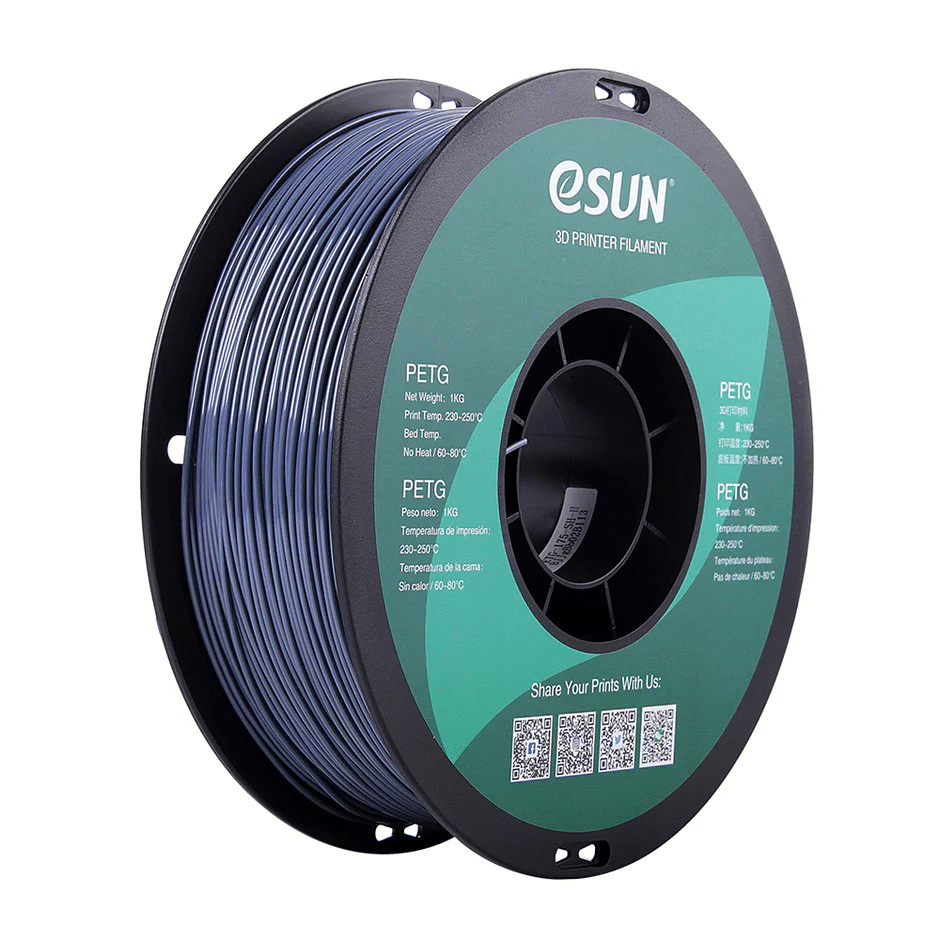
eSUN PETG 1.75mm Filament 1kg – Grey
PETG is a great all-rounder for RC car parts — tougher than PLA, easier to print than ABS. Grey colour works beautifully for realistic chassis and underbody components.
Frequently Asked Questions
What 3D printer do I need to build an RC car?
Any printer with a 220×220mm or larger build plate works for most 1/10 scale RC car parts. An Ender 3 or similar is perfectly capable. For ABS parts, an enclosure is needed — either buy one or build a simple cardboard/foam board tent around the printer.
Is PLA strong enough for an RC car chassis?
PLA+ (not regular PLA) can work for indoor driving on carpet or smooth surfaces. For outdoor driving on gravel, dirt, or in warm temperatures, ABS or ASA is strongly recommended. PLA softens above 60°C, which can happen in a car boot or in direct sunlight in India.
How fast does a 3D printed RC car go?
A typical 1/10 4WD brushless build on 2S LiPo runs 40–55 km/h. Upgrade to 3S and a higher KV motor for 60–80 km/h. The limiting factor is usually the chassis rigidity and tyre traction, not electronics.
Where do I find RC car parts in India?
RC electronics (motors, ESCs, servos, radios) are available on Robu.in, HobbyKing India, Amazon India, and specialty RC shops in major cities. Bearings and hardware are available at any industrial hardware supplier. LiPo batteries are on Amazon — check the cell brand and C rating carefully.
Do I need to worry about the motor getting hot?
Yes. A motor temperature above 70°C (measured with a IR thermometer or motor temperature sticker) indicates you need to change gearing (lower KV, larger pinion) or reduce run time. Printed motor mounts can deform if motor heat is excessive — use PETG or ABS for motor-adjacent parts, not PLA.
Get Your Filament for the RC Car Build
Browse premium ABS, PETG, and PLA filaments from Bambu Lab and eSun — trusted by Indian makers for high-performance RC and functional prints.






Add comment