
Tri-Color E-Paper Display: Red, Black & White ESP32 Project
A tri-color e-paper display with ESP32 combining red, black, and white is one of the most striking display technologies available to hobbyists in India today. Unlike regular LCD or OLED screens, e-paper (also called e-ink) displays retain their image with zero power consumption — perfect for battery-powered IoT devices, smart labels, digital noticeboards, and indoor dashboards. In this guide, we cover everything Indian makers need to know to get a tri-color e-paper display working with an ESP32, from wiring and libraries to complete project ideas.
What is a Tri-Color E-Paper Display?
E-paper displays (electronic paper or e-ink) use millions of microcapsules containing charged black and white particles suspended in a fluid. Applying a voltage moves the particles to the top or bottom, creating black or white pixels. The image persists even after power is removed — similar to how ink on paper stays.
Tri-color e-paper adds a red layer to the standard black-and-white e-ink panel. This allows three colors — red, black, and white — to be displayed simultaneously. The red pixels are typically a separate layer that takes longer to update than the black/white layer, which is why tri-color refresh cycles are slower (typically 15–20 seconds vs 2–5 seconds for monochrome e-paper).
The key advantages of tri-color e-paper for Indian maker projects:
- Ultra-low power: Draws current only during refresh. A coin cell can power a static display for months.
- High visibility: Excellent contrast in bright sunlight — far better than any LCD or OLED.
- Eye-friendly: Reflective display, no backlight, zero flicker.
- Striking visuals: The red-black-white palette looks professional and clean for labels, badges, and dashboards.
Why Use ESP32 with E-Paper?
The ESP32 is the perfect microcontroller for tri-color e-paper projects in India because it combines WiFi connectivity, Bluetooth, low-power deep sleep modes, and enough RAM to handle e-paper image buffers. Key reasons:
- Deep Sleep: ESP32 can sleep between display updates, consuming as little as 10–20µA. Combined with e-paper’s zero-power image retention, you get extremely long battery life.
- WiFi: Download fresh content (news headlines, weather, stock prices) from the internet before each display update.
- SPI Speed: ESP32’s hardware SPI runs at up to 80 MHz, which speeds up the display refresh process.
- Memory: 320KB SRAM is enough to hold a full e-paper image buffer (e.g., 2.13″ at 250×122 requires about 30KB for each color layer).
Components Required
- ESP32 Development Board (any 38-pin or 30-pin variant)
- Tri-color E-Paper Display module (2.13″, 2.9″, or 4.2″ with SPI interface — red/black/white)
- Jumper wires
- USB cable for programming
- Optional: LiPo battery + TP4056 charging module for portable builds
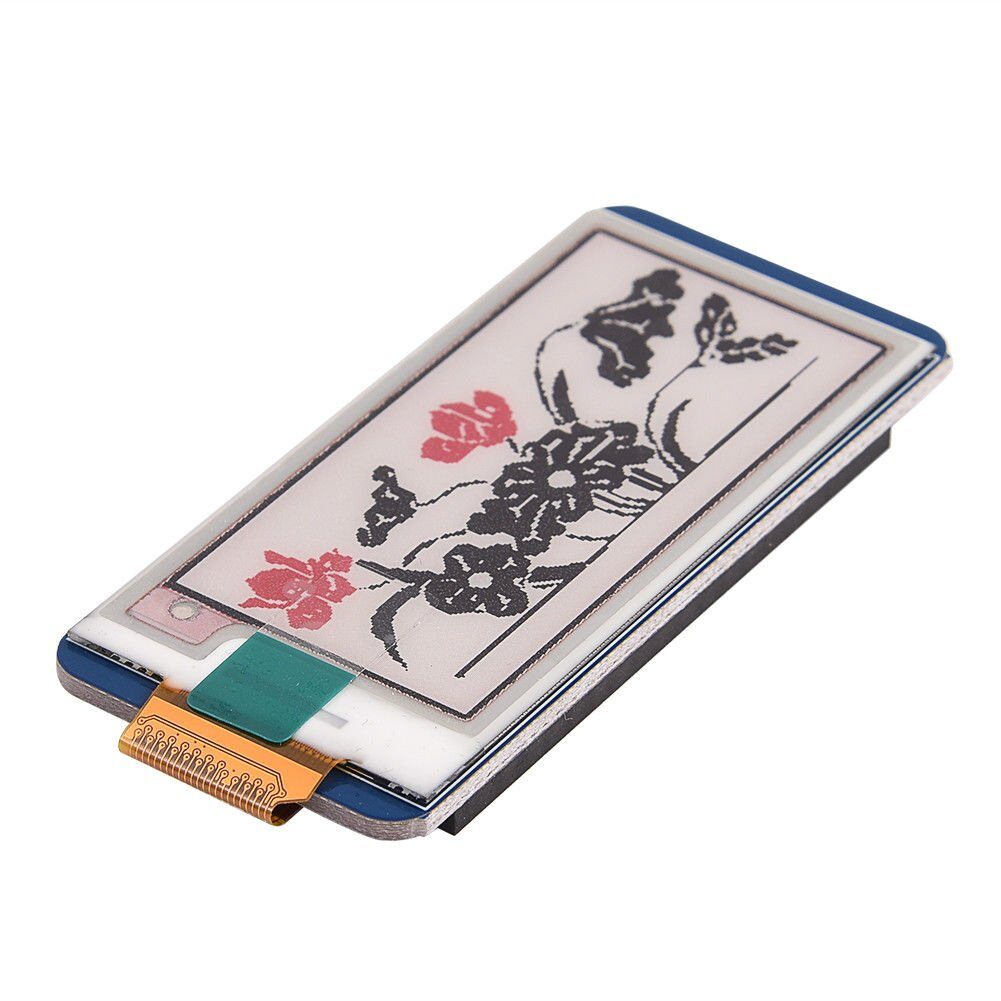
Waveshare 2.13-Inch E-Ink Paper Display HAT — Three-Color (Red/Black/White)
A 250×122 pixel tri-color e-paper display from Waveshare. Works via SPI and is directly supported by the GxEPD2 and epd2in13b libraries. HAT form factor also fits Raspberry Pi.
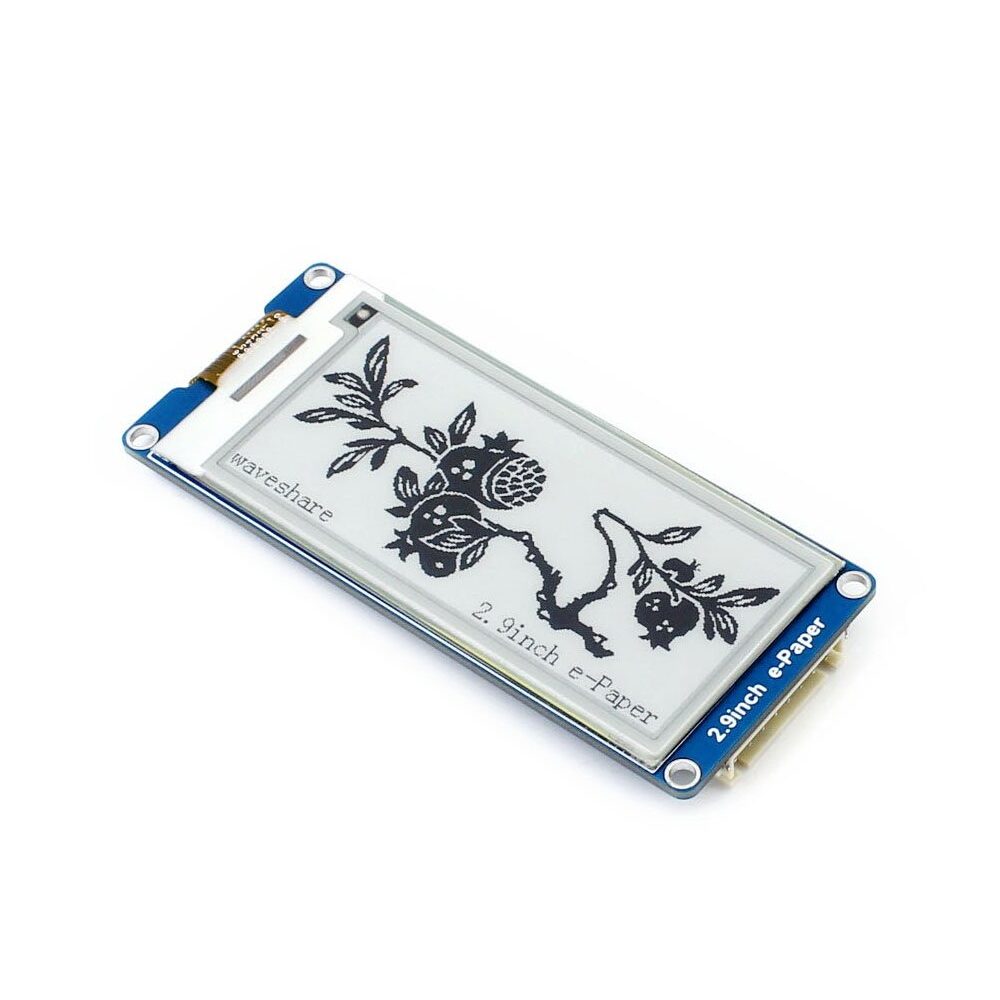
Waveshare 2.9-Inch E-Ink Paper Display Module with SPI Interface
A 296×128 e-paper display with SPI interface. Compact, low-power, and compatible with ESP32. Great for digital name badges and shelf labels.
Wiring: Connecting E-Paper to ESP32
Tri-color e-paper modules use SPI with these typical pins (verify with your specific module’s datasheet):
| E-Paper Pin | ESP32 GPIO | Function |
|---|---|---|
| VCC | 3.3V | Power (3.3V only!) |
| GND | GND | Ground |
| DIN (MOSI) | GPIO 23 | SPI Data In |
| CLK (SCK) | GPIO 18 | SPI Clock |
| CS | GPIO 15 | Chip Select |
| DC | GPIO 27 | Data/Command |
| RST | GPIO 26 | Reset |
| BUSY | GPIO 25 | Busy Signal (important!) |
Important: E-paper displays are strictly 3.3V. Connecting 5V will permanently damage the display. Use a 3.3V ESP32 board — do not use 5V Arduino directly without a level shifter.
Libraries and Setup in Arduino IDE
The best Arduino library for Waveshare and other e-paper displays is GxEPD2 by Jean-Marc Zingg. Install it via Library Manager:
- Open Arduino IDE → Sketch → Include Library → Manage Libraries
- Search for GxEPD2 and install it
- Also install Adafruit GFX Library (required by GxEPD2)
- In the ESP32 board manager, ensure you have the ESP32 core installed (by Espressif Systems)
GxEPD2 supports dozens of Waveshare displays. For the 2.13″ tri-color (red/black/white), look for the class GxEPD2_213_B73 or similar in the GxEPD2 documentation and match it to your module’s model number.
Sample Code: Drawing Red, Black & White
This example draws a red banner, black text, and white background — the classic tri-color e-paper palette:
#include <GxEPD2_3C.h>
#include <Fonts/FreeMonoBold9pt7b.h>

// For Waveshare 2.13" tri-color (red/black/white)
#define EPD_CS   15
#define EPD_DC   27
#define EPD_RST  26
#define EPD_BUSY 25

GxEPD2_3C<GxEPD2_213_B73, GxEPD2_213_B73::HEIGHT>
  display(GxEPD2_213_B73(EPD_CS, EPD_DC, EPD_RST, EPD_BUSY));

void setup() {
  Serial.begin(115200);
  display.init(115200);
  display.setRotation(1);
  display.setFont(&FreeMonoBold9pt7b);

  display.setFullWindow();
  display.firstPage();
  do {
    // Fill background white
    display.fillScreen(GxEPD_WHITE);

    // Draw a red header bar
    display.fillRect(0, 0, display.width(), 30, GxEPD_RED);

    // White text on red bar
    display.setTextColor(GxEPD_WHITE);
    display.setCursor(5, 20);
    display.print("ZBOTIC.IN");

    // Black text on white
    display.setTextColor(GxEPD_BLACK);
    display.setCursor(5, 55);
    display.print("Hello India!");
    display.setCursor(5, 75);
    display.print("E-Paper Demo");

    // Draw a red rectangle border
    display.drawRect(2, 35, display.width()-4,
                     display.height()-38, GxEPD_RED);
  } while (display.nextPage());

  Serial.println("Done! Display updated.");
  // Put display to sleep (saves power)
  display.hibernate();
}

void loop() {
  // Use deep sleep for battery-powered builds
  esp_deep_sleep(30 * 1000000ULL); // Sleep 30 seconds
}
The display.hibernate() call puts the e-paper into its low-power state. Combined with ESP32’s deep sleep, this configuration can run for weeks on a single 18650 battery if updates happen infrequently.
Project Ideas for Indian Makers
Here are practical tri-color e-paper projects well-suited to Indian conditions:
- WiFi Weather Dashboard: Fetch weather data from OpenWeatherMap API for your city (Mumbai, Delhi, Bengaluru) and display temperature, humidity, and a weather icon in red/black/white on the e-paper. Update every 15 minutes.
- Smart Price Tag: For small retail shops — show product name, MRP, and offer price. Use the red color for prices and offers. Battery-powered, no wiring needed.
- Digital Name Badge: Program your name, designation, and QR code onto a wearable e-paper badge. Lasts days on a coin cell battery.
- Library Book Label: Display book title, author, and Dewey number. Update wirelessly when books are moved.
- Power Outage Clock: An RTC-based clock that shows time even during power cuts — the e-paper retains the last displayed time indefinitely.
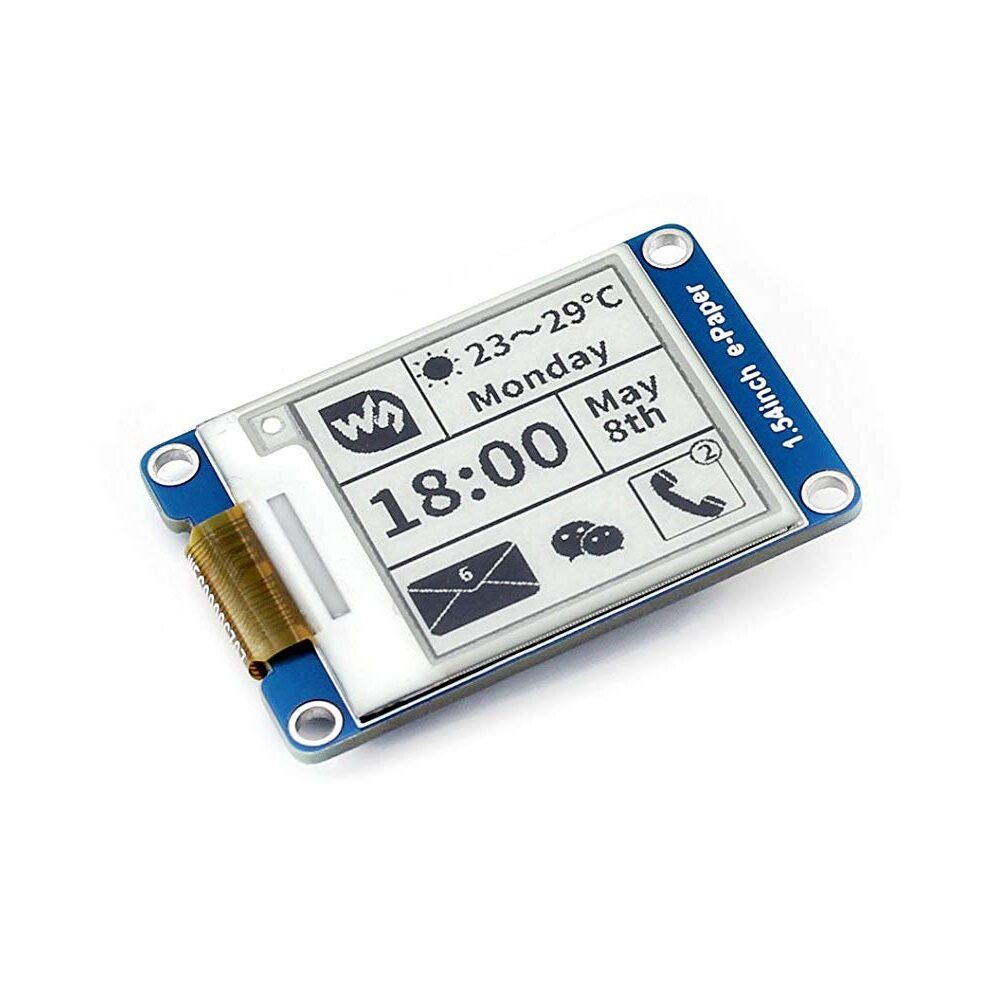
Waveshare 1.54-Inch E-Ink Paper Display Module with SPI Interface
A compact 200×200 pixel e-paper display. Great for wearable badges and small IoT devices. Supported by GxEPD2 library for easy ESP32 integration.
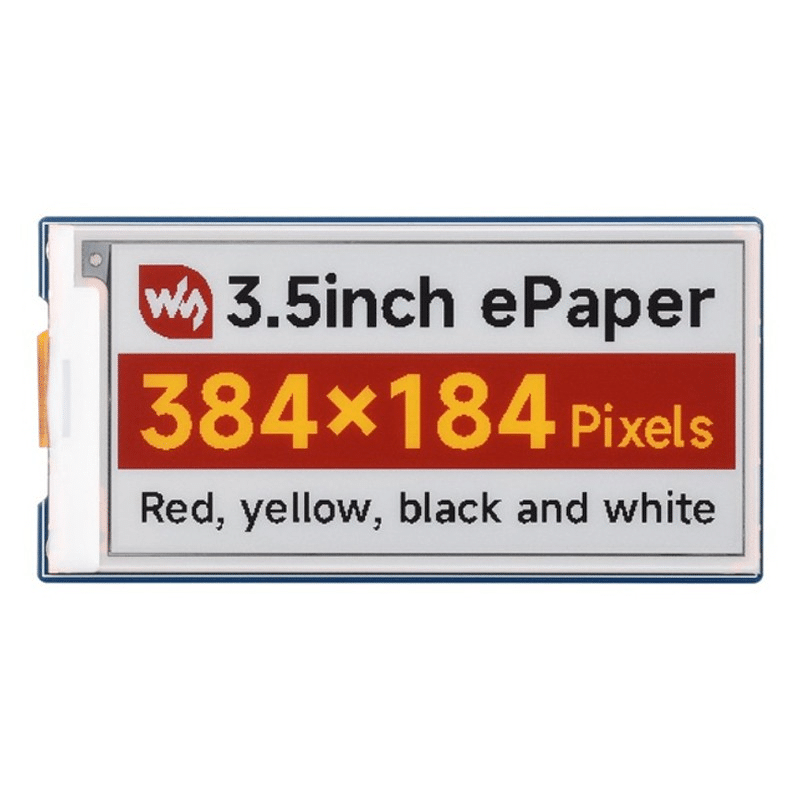
Waveshare 3.5-Inch E-Paper Display — Red/Yellow/Black/White (G)
A 4-color e-paper display (red, yellow, black, white) at 384×184 resolution. Perfect for eye-catching dashboards and retail signage projects.
Tips and Limitations for Tri-Color E-Paper
- Slow refresh: Tri-color displays take 15–20 seconds to fully refresh. This is normal — do not try to animate them. Plan for infrequent, meaningful updates only.
- No grey shades: Standard tri-color e-paper supports only red, black, and white — no grey levels. If you need greyscale, choose a dedicated greyscale e-paper (4-level or 16-level).
- Temperature sensitivity: E-paper refresh behavior changes significantly below 0°C and above 40°C. For Indian summer conditions (above 45°C), keep the display out of direct sunlight.
- Ghosting: If the same image stays for very long periods, slight ghosting may occur. Run a full white refresh cycle periodically.
- Power during refresh only: Connect a capacitor (100µF) across power supply to handle the current spike during display refresh, especially in battery-powered designs.
Frequently Asked Questions
Does the tri-color e-paper display work with Arduino Uno?
Yes, but with limitations. Arduino Uno has only 2KB SRAM, which is not enough to hold a full-screen buffer for most e-paper displays. ESP32 with 320KB SRAM is highly recommended. If you must use Arduino, use an Arduino Mega or pair an Uno with an external SRAM chip.
How long does a battery last with an ESP32 and tri-color e-paper?
With ESP32 deep sleep between updates, a 1000mAh LiPo battery can power the display for several weeks if updates happen once per hour. If updates happen once per day, battery life can extend to months. The e-paper itself consumes zero power between refreshes.
Can I display images (bitmaps) on tri-color e-paper with ESP32?
Yes. Convert your image to a 1-bit BMP or use an online tool like Waveshare’s image converter to generate C arrays. The GxEPD2 library supports bitmap rendering with drawBitmap() for both black and red layers separately.
What is the difference between the Waveshare tri-color HAT and a raw e-paper module?
The HAT format has a 40-pin GPIO connector for direct Raspberry Pi attachment. Raw modules have individual breakout pins for SPI connection to any microcontroller including ESP32. Both work with ESP32; the HAT just needs jumper wires instead of direct connection.
Is tri-color e-paper suitable for outdoor use in India?
E-paper has excellent sunlight readability — far better than any backlit display. However, the display itself is not weatherproof. For outdoor Indian conditions, house it in a sealed, UV-resistant enclosure. Avoid direct sunlight above 40°C which can degrade performance.
Shop E-Paper Displays in India
Explore our full range of Waveshare e-paper modules — monochrome, tri-color, and 4-color — with fast delivery across India from Zbotic.







Add comment