
TPU (Thermoplastic Polyurethane) is one of the most versatile and useful materials in the FDM 3D printing world. If you have ever wanted to print phone cases, flexible hinges, drone bumpers, RC car tyres, or any part that needs to bend without breaking, TPU is your answer. However, TPU is also one of the trickiest filaments to dial in — especially for beginners. This guide covers everything you need to know about TPU filament printing settings, from selecting the right printer to troubleshooting common failures.
1. What Is TPU Filament?
TPU is a semi-flexible elastomeric thermoplastic that bridges the gap between rigid plastics and full rubbers. It has a Shore hardness typically ranging from 85A to 98A — meaning it can be squeezed, stretched, and compressed repeatedly without cracking or deforming permanently.
Key properties of TPU include:
- Flexibility and elasticity — It can stretch up to 500–600% before breaking, depending on grade.
- Abrasion resistance — Exceptional wear resistance, better than ABS or PLA for mechanical parts.
- Chemical resistance — Resists oils, greases, and many solvents.
- Impact absorption — Used for protective cases, bumpers, and shock mounts.
- Layer adhesion — Excellent inter-layer bonding once settings are dialled in.
In India, TPU has become popular among drone builders (for motor mounts and props guards), RC hobbyists (tyres, bumpers), phone case makers, and product designers prototyping ergonomic grips and gaskets.
2. Printer Requirements for TPU
Direct Drive vs Bowden Extruder
This is the most critical factor when printing TPU. Because TPU is flexible, it tends to buckle and coil inside a long Bowden tube rather than being pushed cleanly into the hotend.
- Direct Drive extruder — Strongly recommended. The short path from extruder to hotend gives the flexible filament no room to buckle. Printers like the Creality Ender 3 S1, Bambu Lab A1, and Prusa MK4 all use direct drive.
- Bowden extruder — Possible, but requires extra care. You must slow down to 15–20 mm/s, disable retraction, and use a tight-fitting Bowden tube with no gap between the tube and nozzle. Ender 3 V2 users printing TPU with Bowden need a proper Capricorn PTFE tube and patience.
Hotend Requirements
Standard all-metal hotends work perfectly with TPU at typical temperatures (220–240°C). PTFE-lined hotends are fine up to 240°C — well within TPU range — but ensure the PTFE tube is pushed flush against the nozzle seat with no gap, as flexible filament loves to sneak into gaps and cause jams.
Extruder Gear
A dual-drive extruder (like BMG or Orbiter) provides much better grip on flexible filament than a single-drive unit. If your extruder has sharp teeth, consider switching to a bondtech-style dual-drive to reduce filament compression during extrusion.
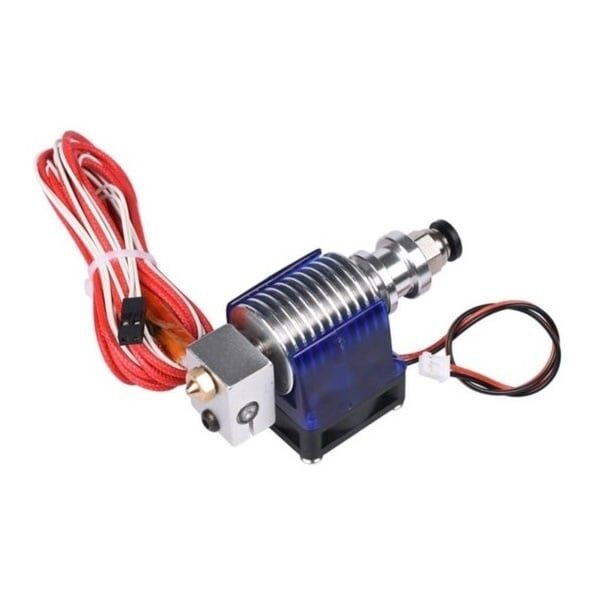
All Complete Bowden V6 with Fan Cable – 1.75mm / 0.2mm Nozzle
A quality V6 hotend assembly ensures a gap-free PTFE path, which is essential for feeding flexible TPU filament without buckling or jamming.
3. Recommended TPU Printing Settings
Here is a proven baseline settings table for 95A TPU (the most common hardness sold in India). These settings work on most FDM printers:
| Setting | Recommended Value | Notes |
|---|---|---|
| Nozzle Temperature | 220–240°C | Start at 230°C, tune by ±5°C |
| Bed Temperature | 30–60°C | 50°C works well for most beds |
| Print Speed | 20–35 mm/s | Never exceed 40 mm/s for direct drive |
| Layer Height | 0.2–0.3 mm | 0.2mm for details, 0.3mm for strength |
| Infill | 20–40% | Gyroid or honeycomb for flexibility |
| Walls / Perimeters | 3–4 | More walls = stiffer part |
| Fan Speed | 30–50% | Low-medium; TPU bonds best with some heat |
| Retraction Distance | 0–1 mm (direct drive) | See retraction section below |
| Retraction Speed | 20–25 mm/s | Slow retraction prevents filament stretching |
| Flow Rate | 95–105% | Calibrate with a flow test cube |
Infill Pattern Selection
For flexible parts, Gyroid infill is the gold standard. It distributes stress evenly in all directions and compresses uniformly, making it ideal for impact-absorbing parts. Honeycomb also works well. Avoid rectilinear or grid infill for anything that needs to flex — they create stress concentration points.
4. Retraction Settings for TPU
Retraction is where most people struggle with TPU. The filament is elastic — if you retract too much or too fast, you stretch it inside the extruder and create a low-pressure zone that causes under-extrusion after the retraction move.
Recommended Retraction Values
- Direct Drive: 0–1 mm at 20–25 mm/s. Many users find 0.5 mm works best. Some use 0 mm retraction entirely and rely on coasting and wipe instead.
- Bowden: 3–5 mm at 20 mm/s. More retraction than direct drive, but keep speed low to avoid stretching.
Coasting and Wipe
Enable coasting in Cura (or equivalent in other slicers) — this stops extrusion slightly before the end of each wall segment, using residual pressure to finish the line. This reduces blobs without needing aggressive retraction. Set coasting volume to 0.064 mm³ as a starting point.
Enable wipe on retraction — the nozzle wipes across the part before lifting, smearing any ooze back onto the model where it is less visible.
5. Print Speed: Why Slower Is Better
Speed is the number one killer of TPU prints. Printing too fast causes the extruder to over-stress the flexible filament, resulting in grinding, under-extrusion, and spaghetti-like failures.
- Print speed: 20–35 mm/s maximum. On Bambu Lab printers with their precision direct drive, you can push to 50 mm/s, but 35 mm/s is safe for all printers.
- Travel speed: Can be 120–150 mm/s since no filament is extruded.
- First layer speed: 15–20 mm/s for excellent bed adhesion.
- Outer wall speed: Slightly slower than inner walls — try 25 mm/s outer, 30 mm/s inner.
If you own an Ender 3 with a Bowden extruder, print at 15–20 mm/s and be patient. The results are worth it — TPU prints are virtually indestructible.
6. Bed Adhesion and Surface Prep
TPU adheres well to most print surfaces, but it can be too sticky on some, making part removal difficult.
Surface Recommendations
- PEI spring steel sheets: The best surface for TPU. Prints stick firmly when warm and release easily when cool. No additional adhesive needed.
- Glass bed: Use a thin layer of glue stick or hairspray. TPU can bond permanently to bare glass if over-squished.
- BuildTak or textured PEI: Excellent adhesion and natural release. The texture imprints on the bottom surface, which can actually look great on phone cases.
- Blue painter’s tape: Works as a fallback. Replace between prints as TPU can lift the tape.
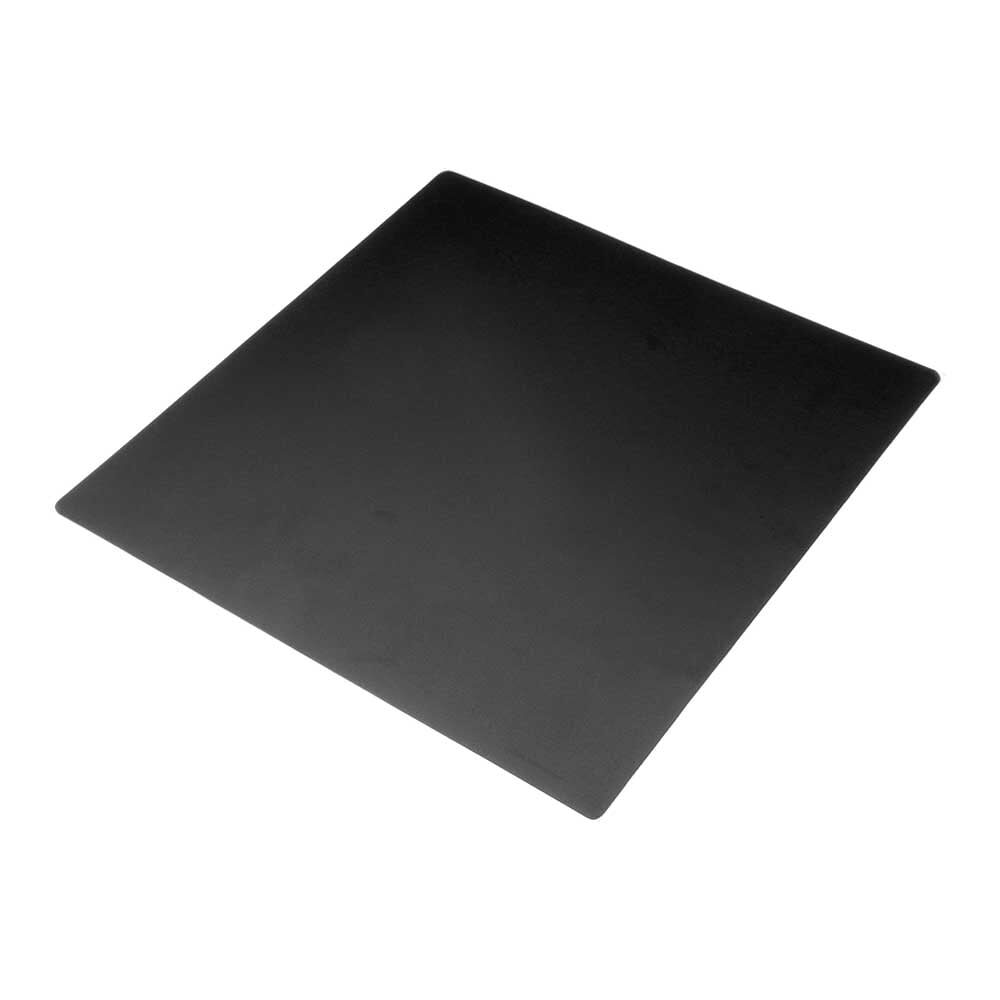
Frosted Heated Bed Sticker Build Plate – 220×220mm
A frosted bed surface gives TPU excellent first-layer adhesion and releases cleanly after cooling — no glue stick required.
First Layer Z-Offset
TPU needs a slightly higher Z-offset (less squish) compared to PLA. If you over-squish the first layer, the nozzle drags through the soft TPU and creates ridges. Aim for the first layer to be just barely touching — you should see it bond without being flattened excessively.
7. Moisture Control and Filament Storage
India’s high ambient humidity (especially during monsoons, June–September) is the biggest enemy of TPU. TPU is hygroscopic — it absorbs moisture from the air and prints with popping sounds, surface bubbles, and poor layer adhesion when wet.
Signs of Wet TPU
- Popping or crackling sounds during extrusion
- Tiny bubbles on the print surface
- Stringy, inconsistent extrusion
- Poor layer adhesion and weak parts
Drying Protocol
- Food dehydrator: 55–60°C for 4–6 hours. Best option for Indian hobbyists — affordable and effective.
- Oven: 55°C for 4–5 hours. Keep the door slightly ajar for moisture to escape.
- Filament dryer box: Commercial units like the Sunlu S2 work well and can print directly from the dryer box.
Storage
Store opened TPU spools in zip-lock bags or airtight containers with silica gel desiccant packets. Reseal the bag immediately after every print session. This is especially critical in Mumbai, Chennai, Kolkata, and other coastal cities.
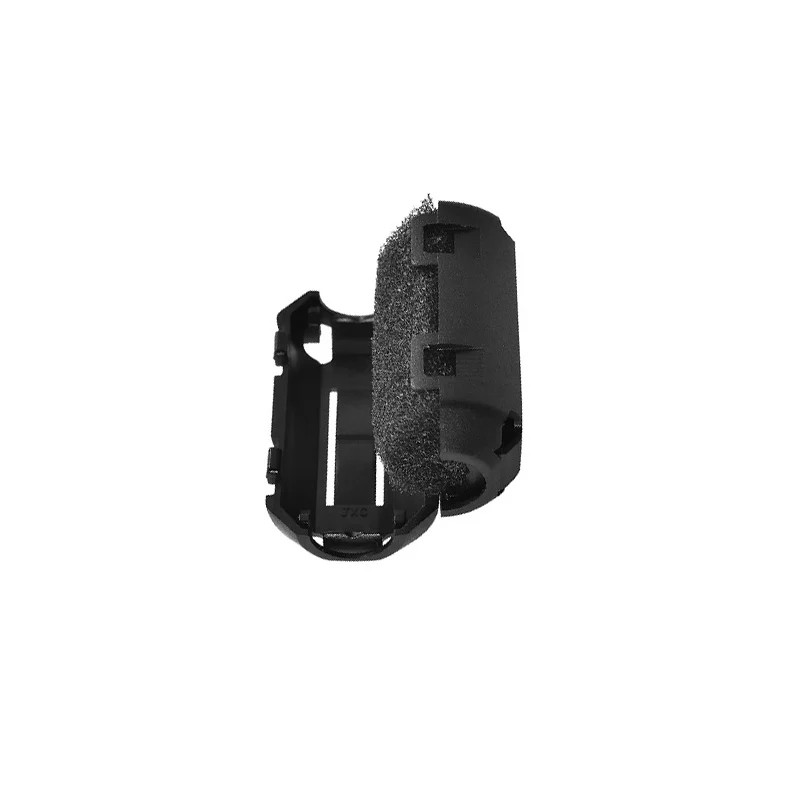
Filament Dust Filter / Cleaner Block for 1.75mm Filament
A filament filter removes dust and particles before they reach your hotend — essential for TPU, which is prone to picking up debris that causes jams.
8. Troubleshooting Common TPU Problems
Problem: Filament Grinding / Extruder Clicking
Cause: Print speed too high, causing the extruder to struggle pushing the flexible filament.
Fix: Reduce print speed to 20–25 mm/s. Check for partial jams in the hotend. Ensure there is no gap between PTFE tube and nozzle.
Problem: Heavy Stringing
Cause: Temperature too high, retraction too low, or travel speed too slow.
Fix: Lower nozzle temp by 5°C. Increase travel speed to 150 mm/s. Try coasting instead of retraction. Enable wipe on retraction.
Problem: Under-Extrusion Mid-Print
Cause: Wet filament, partial clog, or over-retraction stretching the filament.
Fix: Dry the filament. Reduce retraction distance. Do a cold pull to clear the hotend.
Problem: Spaghetti / Print Fails After First Few Layers
Cause: Part detaching from bed, or extruder completely losing grip on filament.
Fix: Ensure first layer is well-adhered. Reduce speed. Check extruder tension — not too tight (compresses filament) or too loose (slips).
Problem: Brittle Prints
Cause: Temperature too low, infill too low, or poor layer adhesion.
Fix: Increase nozzle temp by 5–10°C. Add more walls. Reduce cooling fan speed.
9. Slicer-Specific Tips
Cura Settings
- Enable Combing Mode: Within Infill to reduce travel moves across open areas (and hence stringing).
- Set Max Comb Distance With No Retract to 30 mm.
- Enable Z Hop at 0.2 mm — lifts the nozzle during travel to prevent dragging.
- Set Print Thin Walls to enabled for phone cases with thin features.
PrusaSlicer / BambuStudio
- Use the built-in TPU profile as your starting point and tune from there.
- Set Avoid crossing perimeters to enabled.
- Reduce Wipe Before Layer Change to off — it can cause over-extrusion blobs with TPU.
10. Best Applications for TPU in India
Here is where Indian makers are using TPU most creatively:
- Smartphone cases: Custom grip-textured cases for popular Indian handsets. TPU phone cases are drop-resistant and can be printed in any colour.
- Drone motor guards and bumpers: FPV racers and freestyle drones benefit enormously from TPU motor mounts and frame protectors that absorb crash energy.
- RC car tyres: Scale tyres, truck tyres, and crawler tyres. Infill percentage and hardness selection determine grip and stiffness.
- Cable strain relief: Print custom strain reliefs for electronics cables — a very common need in electronics workshops.
- Gaskets and seals: Custom gaskets for water pumps, enclosures, and mechanical systems.
- Wearables and prosthetics: Soft interfaces for brackets worn on the body.
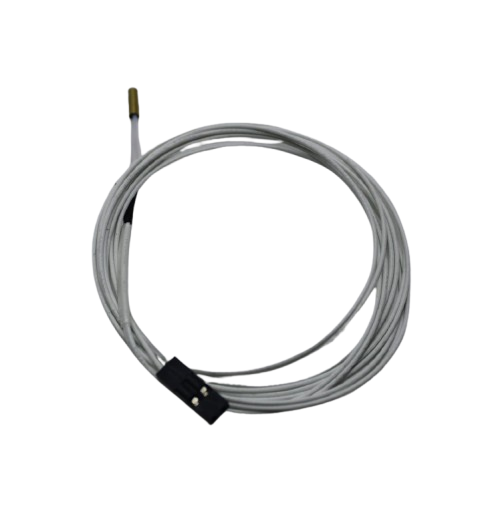
100k NTC Thermistor with Copper Tip for MK8 Extruder
Accurate temperature control is critical when printing TPU — a quality thermistor ensures your hotend maintains the precise temperature needed for consistent flexible filament extrusion.
Frequently Asked Questions
Can I print TPU on an Ender 3 with a stock Bowden extruder?
Yes, but it requires significant tuning. Print at 15–20 mm/s, disable retraction entirely, use a tight-fitting Capricorn PTFE tube, and ensure the tube is flush against the nozzle. A direct drive upgrade (like the Creality Sprite extruder) is a much easier path to reliable TPU printing on an Ender 3.
What is the best TPU hardness for phone cases?
95A Shore hardness is ideal for phone cases — firm enough to hold its shape, flexible enough to snap on and absorb drops. 85A is too soft and tends to deform on the printer. 98A is stiffer and easier to print but less drop-protective.
Why does my TPU print have lots of strings?
Stringing in TPU is usually caused by high temperature, slow travel speed, or insufficient retraction. Try lowering your nozzle temperature by 5°C, increasing travel speed to 150 mm/s, and enabling coasting (0.064 mm³) in your slicer. TPU will never be as clean as PLA, but these adjustments minimize stringing significantly.
How do I dry TPU filament in India during monsoon?
Dry TPU at 55–60°C for 4–6 hours in a food dehydrator or oven. Store it in an airtight container with silica gel immediately after. During monsoon months (June–September), even a few hours of exposure to open air can absorb enough moisture to cause popping and bubbling during prints.
What infill pattern is best for flexible TPU parts?
Gyroid infill is the best pattern for flexible TPU parts because it distributes compression stress evenly in all three dimensions. Honeycomb is a good alternative. Avoid grid or rectilinear infill for parts that need to flex, as these patterns create stress risers that cause premature fatigue cracking.
Ready to Start Printing with TPU?
Zbotic stocks quality 3D printing accessories, hotend components, and bed surfaces to help you get the best results from flexible filaments like TPU. Explore our full range of printer parts and consumables.






Add comment