
One of the most fundamental architectural decisions in embedded firmware is whether to use interrupt vs polling to handle events in your microcontroller. Both methods let your MCU respond to external signals and internal conditions, but they differ dramatically in how they use CPU time, power, and responsiveness. Getting this choice right is what separates robust, efficient embedded systems from ones that drop events or waste battery. This guide explains both techniques from first principles and gives you a clear framework for choosing the right one.
What Is Polling?
Polling is the simplest approach: your program repeatedly checks whether an event has occurred. Think of it like repeatedly asking “Has the button been pressed yet? Has the button been pressed yet? Has the button been pressed yet?” in an infinite loop.
In code, a polling loop on Arduino looks like this:
void loop() {
  if (digitalRead(BUTTON_PIN) == LOW) {
    // Button pressed — do something
    handleButtonPress();
  }
  // Other tasks...
}
The CPU is actively checking (polling) the pin state on every pass through the loop. It is simple to understand and debug, but the CPU is constantly busy even when nothing is happening.
What Is an Interrupt?
An interrupt is a hardware mechanism that lets a peripheral or external pin pause the CPU’s current execution and immediately jump to a special function called an Interrupt Service Routine (ISR). Once the ISR completes, the CPU resumes exactly where it left off.
Think of it like a phone call. Polling would be you checking your phone every second to see if someone called. Interrupts let the phone ring and notify you — so you can be doing other things (or sleeping) and only respond when a call actually comes in.
On Arduino, you set up an interrupt like this:
volatile bool buttonPressed = false;

void buttonISR() {
  buttonPressed = true;
}

void setup() {
  attachInterrupt(digitalPinToInterrupt(BUTTON_PIN), buttonISR, FALLING);
}

void loop() {
  if (buttonPressed) {
    buttonPressed = false;
    handleButtonPress();
  }
  // CPU free to do other work or sleep
}
How Interrupts Work Inside the MCU
Understanding the internal mechanism helps you use interrupts safely. When an interrupt event occurs (e.g., a pin goes from HIGH to LOW), the following sequence happens in hardware:
- The CPU completes the current instruction (most instructions are atomic).
- The current Program Counter (PC) and CPU register state are pushed onto the stack.
- The CPU jumps to the ISR vector address stored in the interrupt vector table.
- The ISR executes. During this time, other interrupts may be masked (disabled) depending on configuration.
- When the ISR returns (
RETIinstruction on AVR), the CPU restores the saved state from the stack and resumes normal execution.
Types of interrupts commonly available on microcontrollers:
- External interrupts (INT0, INT1): Triggered by edge (rising/falling) or level on a dedicated pin. On Arduino Uno, these are pins 2 and 3.
- Pin Change Interrupts (PCINT): Available on any GPIO pin on AVR MCUs; fires on any change on an entire PORT.
- Timer interrupts: Fire at regular intervals set by a hardware timer — used for PWM, scheduling, and real-time operations.
- USART interrupt: Fires when a byte is received or transmitted by the UART peripheral.
- ADC interrupt: Fires when an A/D conversion completes.
- SPI/I2C interrupts: For communication peripheral events.
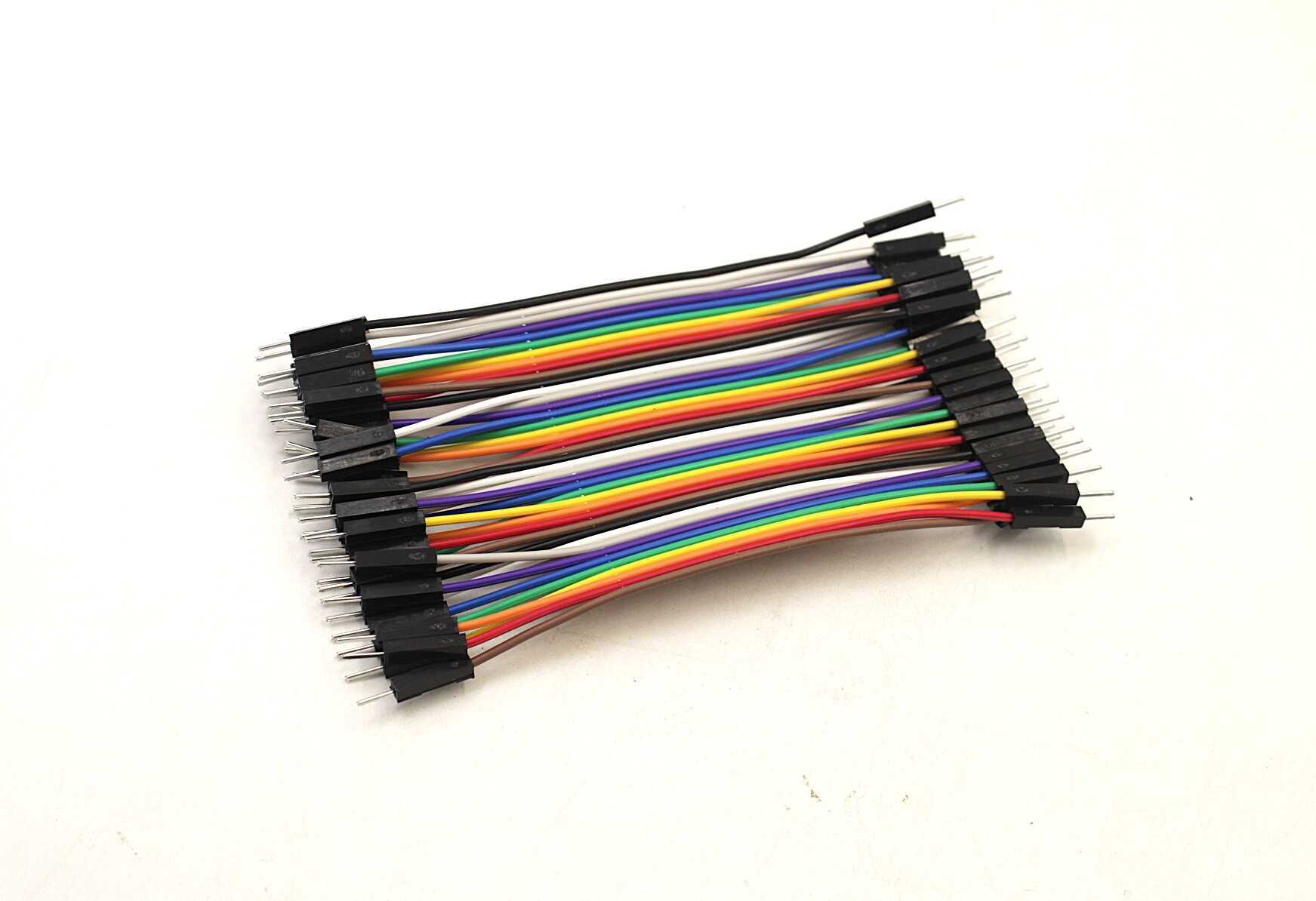
10CM Male To Male Breadboard Jumper Wires – 40Pcs
Connect button modules, sensors and other peripherals to your Arduino to practice interrupt and polling techniques on a breadboard.
Polling: Advantages and Disadvantages
Advantages of Polling
- Simple to understand and debug: The entire program flow is sequential and predictable. No race conditions, no shared data issues.
- Deterministic timing: You know exactly when in the loop the check happens. Useful when the order of event processing matters.
- No ISR context issues: You do not need to worry about reentrant code, volatile variables, or critical sections.
- Works for slow events: If the event changes at a rate much slower than your loop (e.g., a button debounced at 50ms intervals), polling is perfectly adequate.
Disadvantages of Polling
- CPU wasted on checking: The CPU burns cycles checking a condition that may rarely be true. Energy inefficient.
- Latency: If loop() takes 100ms to complete and the event occurs just after the check, the response is delayed by up to 100ms.
- Cannot sleep: Polling requires the CPU to stay awake and running continuously. Very bad for battery-powered designs.
- Missed events: A very brief pulse (shorter than the polling interval) will be missed entirely.
Interrupts: Advantages and Disadvantages
Advantages of Interrupts
- Instant response: The CPU responds within microseconds of the event, regardless of what else it is doing.
- CPU efficiency: The CPU can do other work — or sleep — between events, only waking when needed.
- Catch brief events: Even a 1 µs pulse will trigger an interrupt. Polling at 1ms loop rate would miss it entirely.
- Real-time capability: Timer interrupts give you precise timing for tasks like PWM generation, motor control, or RTOS tick.
- Power saving: Combine with CPU sleep modes for ultra-low power IoT devices. The MCU sleeps until an interrupt wakes it up.
Disadvantages of Interrupts
- Complexity: You must use
volatilefor shared variables, handle critical sections, and avoid blocking inside ISRs. - ISR rules: ISRs must be short and fast. No
delay(), no Serial.print(), no heavy computation inside an ISR. - Debugging is harder: Non-sequential execution makes bugs harder to reproduce and trace.
- Interrupt priority: On MCUs with multiple interrupt sources, priority management can become complex.

DHT11 Digital Temperature and Humidity Sensor Module
A popular sensor for Arduino projects. Use polling for DHT11 reads (timed protocol) and see the difference vs interrupt-driven sensor designs.
Which One to Choose?
Here is a practical decision framework based on the nature of your event and system requirements:
| Situation | Use |
|---|---|
| Button press / edge detection | Interrupt (catches brief pulses, low latency) |
| UART/serial data reception | Interrupt (never miss a byte) |
| Slow sensor reads (DHT11, once per 2s) | Polling is fine (event is slow, predictable) |
| Battery-powered sleep wake-up | Interrupt (wake from sleep, save power) |
| PWM / precise timing | Timer interrupt |
| Simple LED blink / state machine | Polling (millis() based) — simple and works |
| Encoder counting (fast shaft) | Interrupt (would miss pulses with polling) |
| I2C/SPI sensor read (blocking) | Polling in loop() is typical; DMA for advanced |
Practical Arduino Examples
Example 1: Counting Pulses from a Hall Effect Sensor (Interrupt)
A Hall effect sensor on a motor shaft produces pulses at hundreds of Hz. Polling at 1ms loop rate would miss many pulses. An interrupt is the right tool:
volatile unsigned long pulseCount = 0;

void hallISR() {
  pulseCount++;
}

void setup() {
  attachInterrupt(digitalPinToInterrupt(2), hallISR, RISING);
}

void loop() {
  unsigned long count;
  noInterrupts();
  count = pulseCount;
  interrupts();
  Serial.println(count); // Safe to print outside ISR
  delay(1000);
}
Note the noInterrupts() / interrupts() pair around the 32-bit variable read — on AVR, 32-bit reads are not atomic and could be corrupted if the ISR fires mid-read.
Example 2: Polling a Temperature Sensor Every 2 Seconds (millis())
Polling works well here — the sensor updates slowly and there is no risk of missing the event:
unsigned long lastRead = 0;

void loop() {
  if (millis() - lastRead >= 2000) {
    lastRead = millis();
    float temp = readDHT11();
    Serial.println(temp);
  }
  // Other tasks run freely in the gap
}
LM35 Precision Temperature Sensor
Analog temperature sensor ideal for ADC interrupt-driven reads on Arduino. Great for low-power data logger projects where you want to sleep between samples.
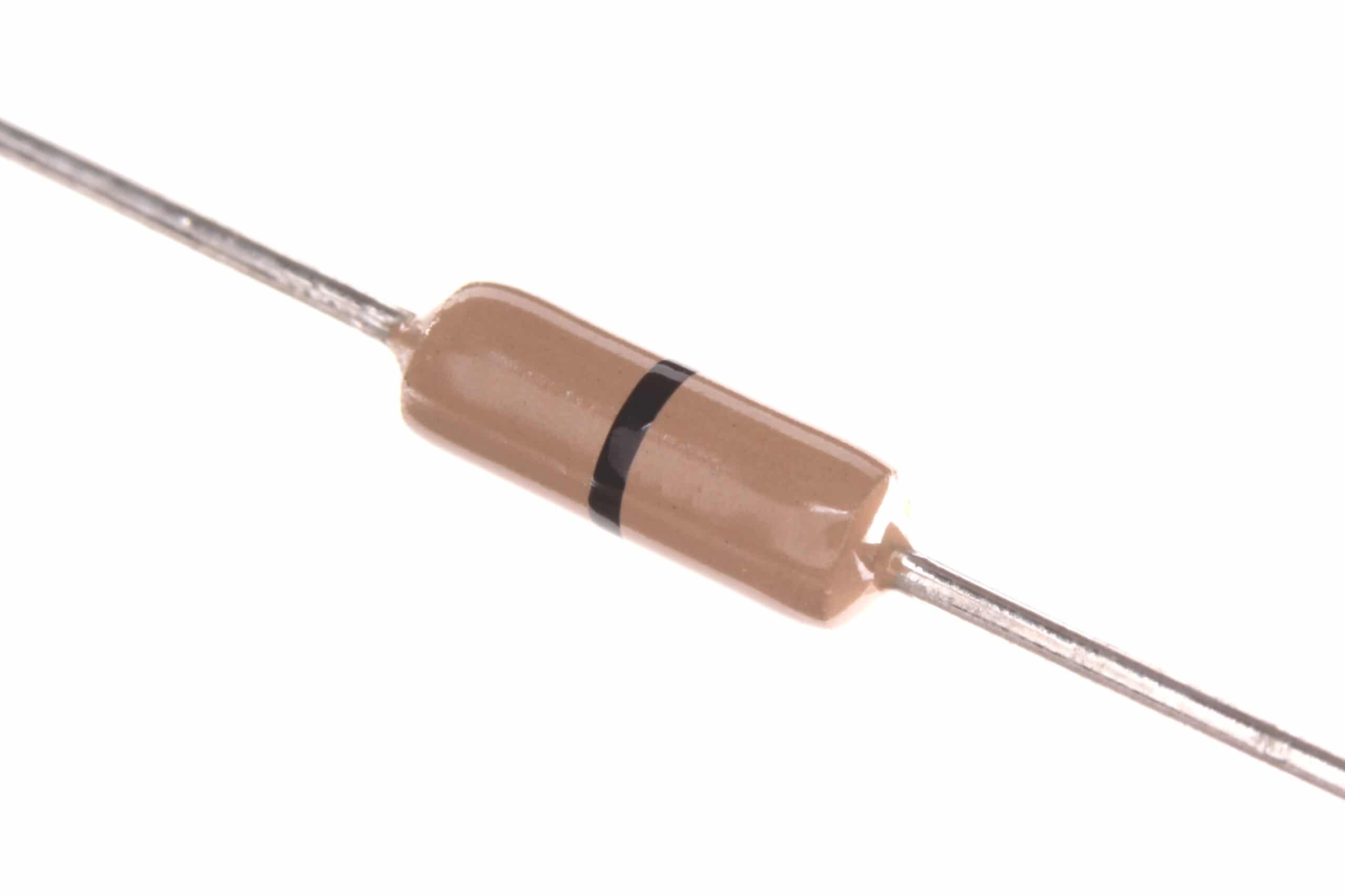
0 Ohm 0.25W Carbon Film Resistor (Pack of 100)
Useful as PCB jumpers for routing interrupt-sensitive signal traces cleanly on prototype boards. Essential for any component stock.
Frequently Asked Questions
Q1: Can I use both interrupts and polling in the same project?
Absolutely — and most real projects do exactly this. A common pattern is to use interrupts to set a flag (volatile bool eventOccurred = true;) and polling in the main loop to check that flag and process the event. This keeps ISRs short and lets you handle the event in a safe, non-interrupt context.
Q2: Why can’t I use delay() inside an ISR?
On Arduino, delay() depends on the timer0 overflow interrupt to count milliseconds. When you are inside an ISR, other interrupts are typically disabled (on AVR by default). So calling delay() from an ISR will block forever because the timer interrupt it depends on can never fire. Always keep ISRs short — set a flag, increment a counter, and return.
Q3: What does volatile mean in the context of interrupts?
The volatile keyword tells the C compiler not to cache a variable in a CPU register. Without it, the compiler might optimise your code so it reads the variable once and never checks it again — missing any changes made by the ISR. Any variable shared between an ISR and the main code must be declared volatile.
Q4: What is interrupt debouncing?
Mechanical buttons produce multiple rapid voltage transitions (bounces) when pressed. Without debouncing, a single button press can fire an ISR 20–50 times in a few milliseconds. Software debouncing in ISR context typically involves checking elapsed time (micros()) and ignoring events within a 5–20ms window of the previous event.
Q5: Are interrupts available on all GPIO pins of an Arduino?
Not external interrupts — on the Arduino Uno (ATmega328P), only pins 2 and 3 support external interrupts (INT0, INT1). However, Pin Change Interrupts (PCINT) are available on all digital pins, though they fire on any change in an entire 8-pin PORT, requiring software to determine which specific pin changed.
From sensors and displays to resistors and jumper wires — Zbotic stocks everything an Indian maker needs. Shop Microcontroller Components at Zbotic with fast delivery across India.






Add comment