
Building an ESP32 secure WebSocket with TLS and HTTPS is the professional way to expose real-time sensor data in 2024. Without TLS, your sensor readings and control commands travel across the network in plain text — readable by anyone on the same WiFi. With TLS, all data is encrypted end-to-end, just like a banking website. This tutorial shows Indian IoT makers how to generate self-signed certificates, configure the ESP32 as an HTTPS WebSocket server, and build a live dashboard that updates sensor data in the browser every second — completely secured.
Why TLS Matters for ESP32 IoT Projects
Many ESP32 projects skip TLS because it seems complex. However, consider these real threats on a typical Indian home or office WiFi network:
- ARP spoofing: A device on the same WiFi network can intercept HTTP traffic and read or modify your sensor data and relay control commands in real time.
- Network sniffing: In apartments, offices, and public WiFi, packet capture tools can read plain HTTP WebSocket frames effortlessly.
- Smart home takeover: An attacker who reads your HTTP control frames can spoof commands — turning off pumps, unlocking doors, or triggering alarms.
- Browser blocking: Modern Chrome and Firefox show security warnings for mixed content (HTTP WebSocket on an HTTPS page) and will soon block them by default.
TLS solves all of these issues. The ESP32’s hardware-accelerated AES and SHA instructions make TLS fast enough for real-time sensor streaming with minimal performance penalty.
Generating Self-Signed TLS Certificates
For local home network use, self-signed certificates are perfectly adequate. You do not need to pay for or configure a CA-signed certificate. Generate the certificate and key using OpenSSL (available on Linux, macOS, and Windows via WSL or Git Bash):
# Generate 2048-bit RSA key and self-signed certificate (valid 10 years)
openssl req -x509 -newkey rsa:2048 -keyout server_key.pem -out server_cert.pem
  -days 3650 -nodes
  -subj "/C=IN/ST=Maharashtra/L=Mumbai/O=Zbotic/CN=192.168.1.100"

# Convert certificate to C header format for ESP32
xxd -i server_cert.pem > server_cert.h
xxd -i server_key.pem  > server_key.h
Replace 192.168.1.100 with your ESP32’s static IP address. The xxd tool converts the PEM files to C byte arrays that you embed directly in your sketch — no filesystem access needed.
Including Certificates in Your Sketch
After running xxd, open server_cert.h and ensure the array is declared as const uint8_t server_cert_pem[]. Then include it in your main sketch:
#include "server_cert.h"
#include "server_key.h"

// These are now available as:
// server_cert_pem[],  server_cert_pem_len
// server_key_pem[],   server_key_pem_len
Setting Up the HTTPS WebSocket Server
This example uses the ESPAsyncWebServer library combined with AsyncTCP and the SSL variant. Install these via Arduino Library Manager or PlatformIO:
ESPAsyncWebServerby lacamera or me-no-devAsyncTCPby me-no-devesp32_https_serverby fhessel (for native TLS)
#include <WiFi.h>
#include <SPIFFS.h>
#include <ESPAsyncWebServer.h>
#include <AsyncTCP.h>
#include "server_cert.h"
#include "server_key.h"

const char* WIFI_SSID = "YourWiFi";
const char* WIFI_PASS = "YourPassword";

// HTTPS on port 443, WSS on same port
AsyncWebServer  server(443);
AsyncWebSocket  ws("/ws");

// Simulated sensor
float temperature = 27.3;
float humidity    = 68.5;

void onWsEvent(AsyncWebSocket* server, AsyncWebSocketClient* client,
               AwsEventType type, void* arg, uint8_t* data, size_t len) {
  if (type == WS_EVT_CONNECT) {
    Serial.printf("WS client #%u connectedn", client->id());
  } else if (type == WS_EVT_DISCONNECT) {
    Serial.printf("WS client #%u disconnectedn", client->id());
  }
}

void setup() {
  Serial.begin(115200);

  WiFi.begin(WIFI_SSID, WIFI_PASS);
  while (WiFi.status() != WL_CONNECTED) { delay(500); Serial.print("."); }
  Serial.println();
  Serial.println(WiFi.localIP());

  // Mount LittleFS for HTML/CSS/JS files
  LittleFS.begin(true);

  // Attach WebSocket handler
  ws.onEvent(onWsEvent);
  server.addHandler(&ws);

  // Serve static files
  server.serveStatic("/", LittleFS, "/").setDefaultFile("index.html");

  // Start with TLS certificate and key
  // Note: SSL support requires esp32_https_server or mbedTLS configuration
  // Full SSL setup shown in the esp32_https_server example below

  server.begin();
  Serial.println("HTTPS server started");
}

void loop() {
  ws.cleanupClients();

  // Broadcast sensor data every 1 second
  static unsigned long lastBroadcast = 0;
  if (millis() - lastBroadcast > 1000) {
    lastBroadcast = millis();
    // Update with real sensor reads here
    temperature += random(-5, 5) * 0.1;
    humidity    += random(-3, 3) * 0.1;

    char json[64];
    snprintf(json, sizeof(json),
      "{"t":%.1f,"h":%.1f}", temperature, humidity);
    ws.textAll(json);
  }
}
Using esp32_https_server for Full TLS
For true TLS, the esp32_https_server library wraps the ESP32’s mbedTLS implementation cleanly:
#include <WiFi.h>
#include <HTTPSServer.hpp>
#include <SSLCert.hpp>
#include <HTTPRequest.hpp>
#include <HTTPResponse.hpp>
#include <WebsocketHandler.hpp>

using namespace httpsserver;

// Include your generated certificate bytes
static const uint8_t CERT[]  = { /* paste server_cert_pem array here */ };
static const uint8_t PKEY[]  = { /* paste server_key_pem array here */ };

SSLCert cert((uint8_t*)CERT, sizeof(CERT), (uint8_t*)PKEY, sizeof(PKEY));
HTTPSServer secureServer(&cert);

class SensorWSHandler : public WebsocketHandler {
public:
  static WebsocketHandler* create() { return new SensorWSHandler(); }

  void onMessage(WebsocketInputStreambuf* input) {
    // Handle incoming messages from browser
  }

  void broadcastSensorData(float t, float h) {
    char json[64];
    snprintf(json, sizeof(json), "{"t":%.1f,"h":%.1f}", t, h);
    send(json, SEND_TYPE_TEXT);
  }
};

void setup() {
  Serial.begin(115200);
  WiFi.begin("SSID", "PASSWORD");
  while (WiFi.status() != WL_CONNECTED) delay(500);

  WebsocketNode* wsNode = new WebsocketNode("/ws", SensorWSHandler::create);
  secureServer.registerNode(wsNode);
  secureServer.start();
  Serial.println("Secure WSS server running at wss://" + WiFi.localIP().toString());
}

void loop() {
  secureServer.loop();
}
Browser Client: Real-Time Dashboard
Store this as /data/index.html and upload with the LittleFS Data Uploader. The page connects via wss:// (secure WebSocket) and updates the dashboard in real time:
<!DOCTYPE html>
<html>
<head>
  <meta charset="UTF-8">
  <meta name="viewport" content="width=device-width, initial-scale=1">
  <title>ESP32 Secure Sensor Dashboard</title>
  <style>
    body { font-family: sans-serif; background: #1a1a2e; color: #eee; text-align: center; padding: 30px; }
    .card { background: #16213e; border-radius: 16px; padding: 25px; margin: 15px auto;
            max-width: 250px; display: inline-block; box-shadow: 0 4px 20px rgba(0,0,0,.4); }
    .value { font-size: 3em; font-weight: bold; color: #ff6b00; }
    .label { color: #aaa; margin-top: 8px; }
    #status { margin: 20px; padding: 8px; border-radius: 8px; display: inline-block; }
    .connected { background: #1a472a; color: #4caf50; }
    .disconnected { background: #4a1a1a; color: #f44; }
  </style>
</head>
<body>
  <h1>Live Sensor Data</h1>
  <div id="status" class="disconnected">Connecting...</div>
  <div class="card">
    <div class="value" id="temp">--</div>
    <div class="label">Temperature (°C)</div>
  </div>
  <div class="card">
    <div class="value" id="hum">--</div>
    <div class="label">Humidity (%)</div>
  </div>
  <script>
    const host = location.hostname;
    const ws = new WebSocket(`wss://${host}/ws`);

    ws.onopen = () => {
      document.getElementById('status').textContent = 'Connected';
      document.getElementById('status').className = 'connected';
    };

    ws.onclose = () => {
      document.getElementById('status').textContent = 'Disconnected — Reconnecting...';
      document.getElementById('status').className = 'disconnected';
      setTimeout(() => location.reload(), 3000);
    };

    ws.onmessage = (e) => {
      const data = JSON.parse(e.data);
      document.getElementById('temp').textContent = data.t.toFixed(1);
      document.getElementById('hum').textContent  = data.h.toFixed(1);
    };
  </script>
</body>
</html>
Memory Management and Heap Optimisation
TLS has a RAM cost. On the ESP32, each TLS session uses approximately 35–50 KB of heap. With 320 KB of DRAM available, you can realistically handle 4–6 simultaneous secure connections. Here are tips to maximise headroom:
- Use RSA-2048 not RSA-4096: RSA-4096 certificates are secure but use 2× RAM for key operations. RSA-2048 is sufficient for local IoT use.
- Enable PSRAM if available: ESP32-WROVER modules include 8 MB PSRAM. TLS buffers can be moved to PSRAM with mbedTLS configuration, freeing internal DRAM for application code.
- Limit concurrent connections: Call
ws.cleanupClients(8)to enforce a maximum of 8 clients, freeing stale connection memory automatically. - Use ECDSA over RSA: An ECDSA-256 certificate uses the same security level as RSA-3072 but with much smaller keys. Generate with
openssl ecparam -genkey -name prime256v1instead of the RSA command above. - Disable legacy TLS versions: In your mbedTLS config, disable TLS 1.0 and 1.1 — they require additional cipher code loaded into RAM.
Production Tips for Indian Deployments
When deploying ESP32 HTTPS WebSocket devices in real Indian environments, keep these points in mind:
- Static IP assignment: The certificate’s CN (Common Name) must match the IP you connect to. Assign a DHCP reservation on your router so the ESP32 always gets the same IP. Most Indian Airtel/BSNL routers support DHCP reservations by MAC address.
- Browser certificate warning: Self-signed certificates trigger a “Not Secure” warning in browsers. Click “Advanced” → “Proceed” to accept it once per browser. This is normal for local IoT devices and does not affect security.
- mDNS + certificate CN: Use mDNS to give the ESP32 a hostname like
sensor.localand set the certificate CN tosensor.local. Devices on the same network can then accesshttps://sensor.localwithout remembering IP addresses. mDNS is supported on most Android 12+, iOS, macOS, and Linux (not Windows without Bonjour). - Certificate expiry: The 10-year validity in the OpenSSL command above ensures you will not face unexpected expiry in the field. For a 5-year max, change
-days 3650to-days 1825. - Watchdog integration: Enable the ESP32 task watchdog (
esp_task_wdt_init()) so that a TLS handshake hang (common during brief WiFi drops) triggers a clean reset instead of a permanent freeze.
Recommended ESP32 Hardware from Zbotic
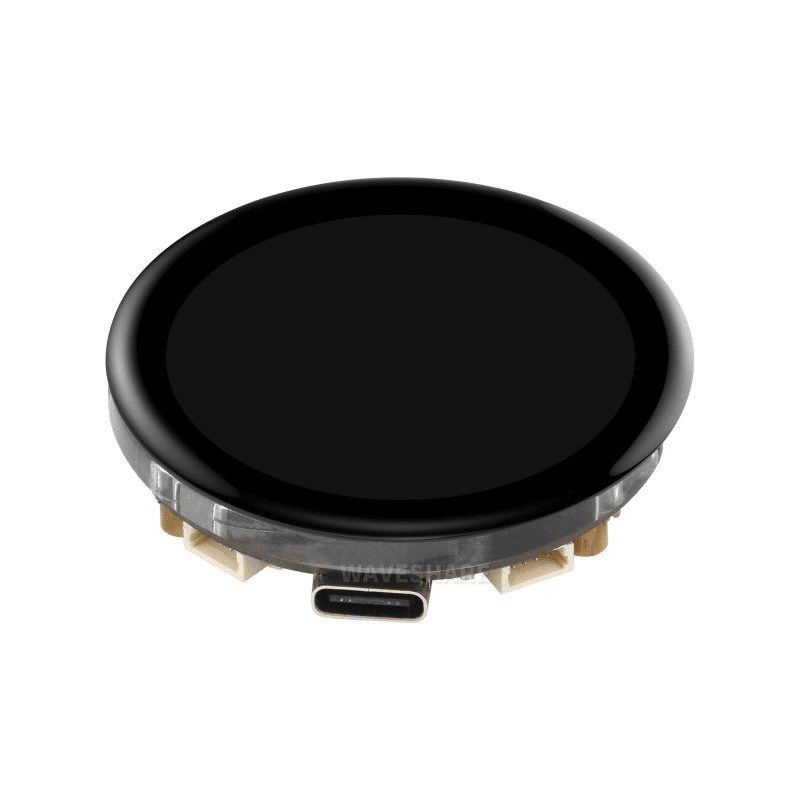
Waveshare ESP32-S3 1.43inch AMOLED Display Development Board
ESP32-S3 with 512KB SRAM and 8MB PSRAM — ideal for running a TLS WebSocket server with plenty of RAM headroom. The AMOLED display can show TLS handshake status and connection count locally.
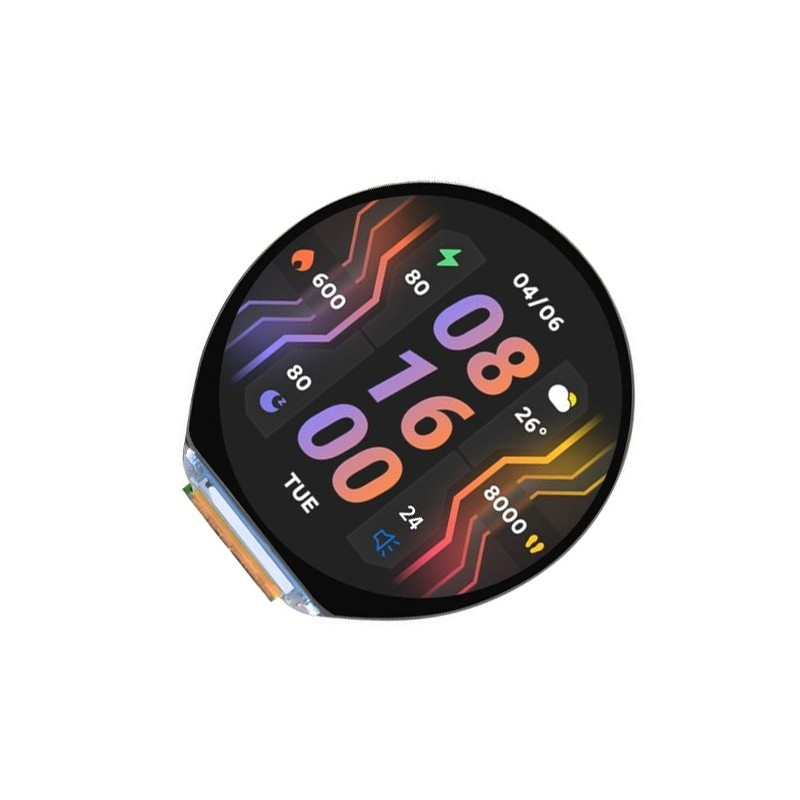
Waveshare ESP32-S3 1.46inch Round Display Development Board
Compact ESP32-S3 with round display, accelerometer, gyroscope, speaker and microphone — run a secure WebSocket server while displaying real-time sensor graphs on the beautiful circular UI.
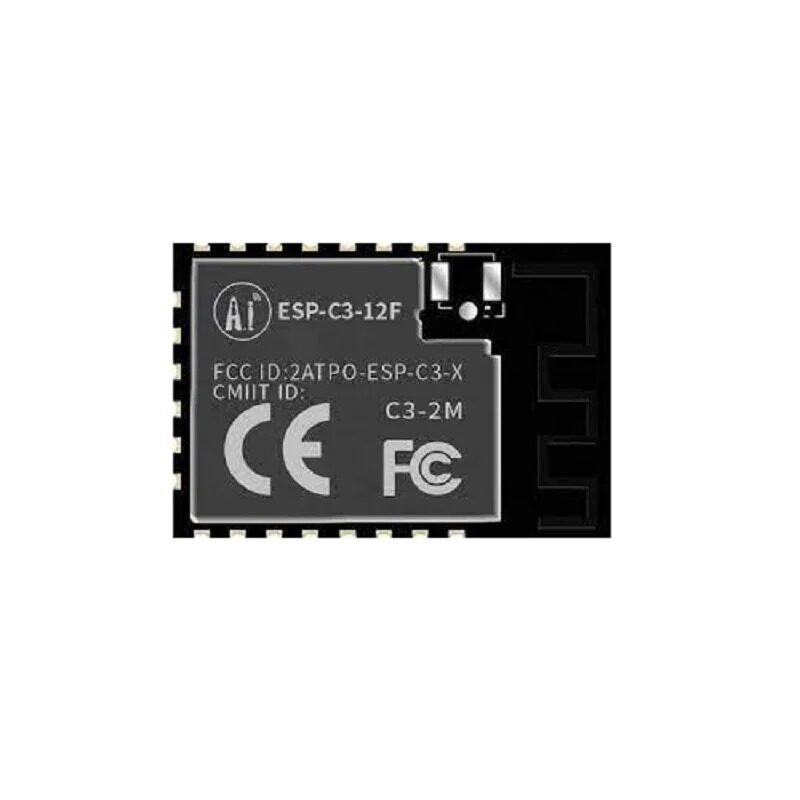
Ai-Thinker ESP32-C3-12F Wi-Fi + BLE Module
ESP32-C3 supports TLS/HTTPS WebSocket with mbedTLS just like the classic ESP32. More affordable for battery-powered IoT nodes where you still need encrypted communications.
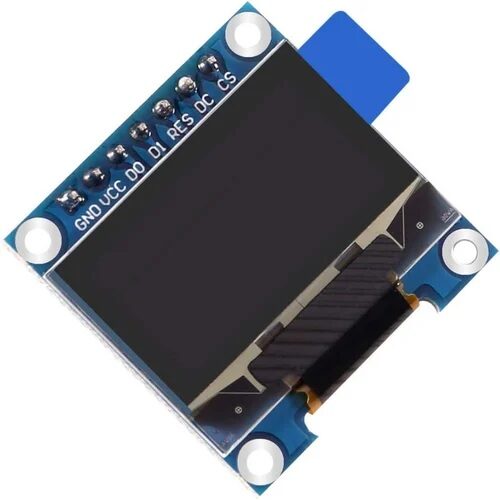
0.96 Inch SPI OLED LCD Module + CSpin 7pin (White, SSD1306)
Add a local OLED display to your secure WebSocket server — show the ESP32 IP address, number of connected clients, and TLS handshake success indicator without needing a browser.
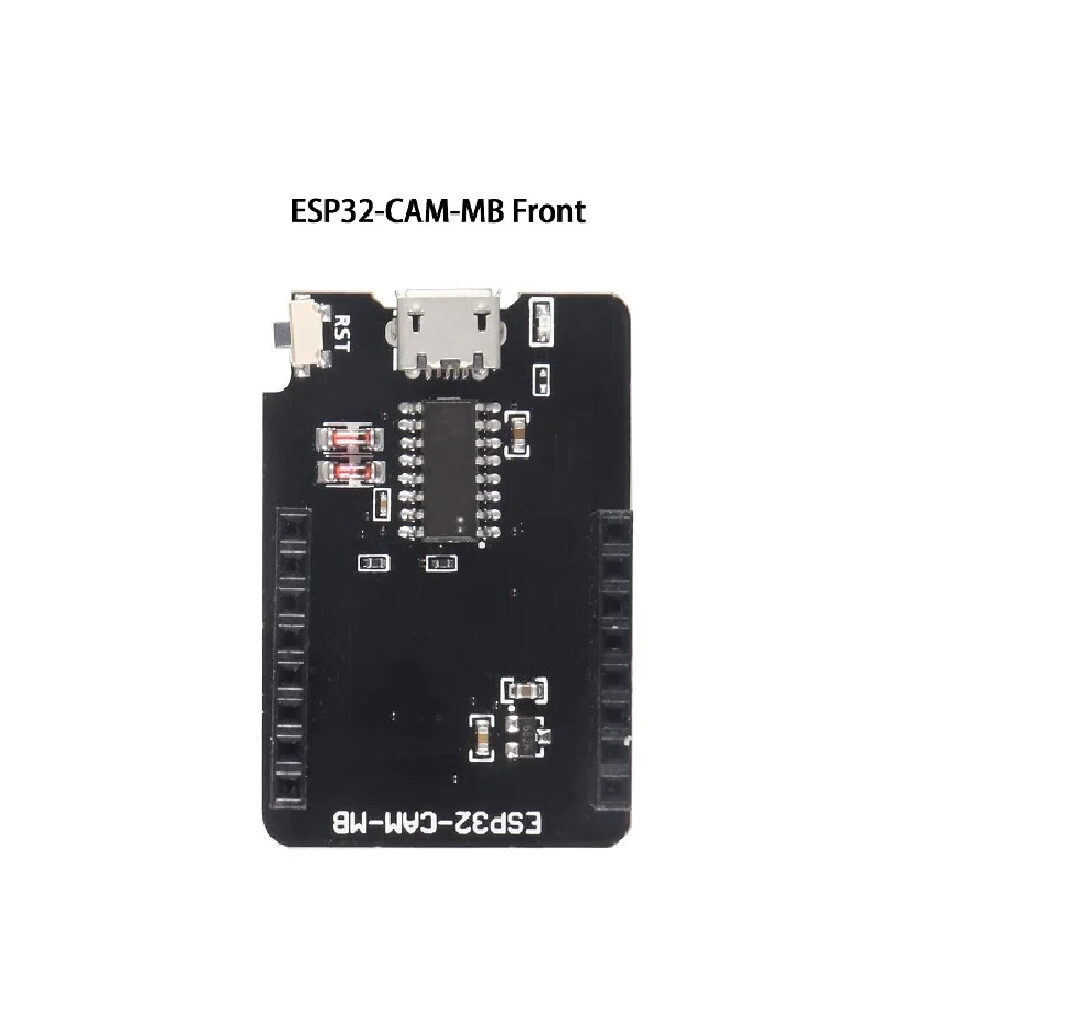
ESP32-CAM-MB Micro USB Download Module for ESP32 CAM
Program your ESP32-CAM over USB without a separate FTDI programmer. Essential for developing the ESP32-CAM as a secure HTTPS camera streaming server — no awkward GPIO0 wiring needed.
Frequently Asked Questions
Does TLS on ESP32 significantly slow down WebSocket data delivery?
After the initial TLS handshake (which takes 1–3 seconds), subsequent WebSocket frames are encrypted in hardware by the ESP32’s AES accelerator. For small sensor JSON payloads (under 256 bytes), the encryption overhead is under 1 ms per frame — imperceptible in a 1-second update interval dashboard. The handshake cost is one-time per browser session.
Can I use a Let’s Encrypt certificate on ESP32?
Yes, but with constraints. Let’s Encrypt certificates are valid for only 90 days and require automated renewal (Certbot). For this to work, your ESP32 must have a public domain name and be reachable from the internet — not typical for home IoT. For local network use, self-signed certificates are the standard practice and just as secure for your use case.
My browser shows a certificate warning for the ESP32 — is this normal?
Yes, completely normal for self-signed certificates. The browser cannot verify the certificate against a known Certificate Authority because you generated it yourself. Click “Advanced” and “Proceed to [IP] (unsafe)” once — the browser stores the exception and will not show the warning again for that IP. All communication is still encrypted.
How many WebSocket clients can connect to an ESP32 with TLS simultaneously?
Standard ESP32 (without PSRAM): 3–5 TLS WebSocket clients simultaneously before heap exhaustion at ~300 KB. ESP32-S3 with 8 MB PSRAM: 8–12 clients comfortably. For dashboards accessed by a single mobile phone or laptop, the standard ESP32 is fully sufficient. Add PSRAM if you need multi-user concurrent access.
Should I use WSS (WebSocket Secure) or MQTT over TLS for IoT sensor data?
For browser-based real-time dashboards, WSS is ideal — browsers have native WebSocket support and no extra library is needed. For machine-to-machine communication (sensor → cloud server → mobile app), MQTT over TLS is more efficient: it uses a persistent connection with minimal protocol overhead, supports QoS levels, and handles intermittent connectivity better. Use WSS for the browser dashboard and MQTT+TLS for cloud uplink in the same project if needed.
Build Your Secure ESP32 Dashboard Today
Get ESP32, ESP32-S3, and ESP32-C3 modules with fast shipping anywhere in India from Zbotic. All modules support mbedTLS out of the box — start building secure IoT projects right away.






Add comment