
When building robust IoT projects with the ESP32 multiple WiFi networks fallback system, one of the most critical challenges is maintaining a stable internet connection even when the primary network fails. Whether you are deploying a smart home sensor in Pune, an industrial monitor in Surat, or an agricultural IoT node in rural Maharashtra, WiFi connectivity interruptions can bring your entire system to a halt. This tutorial walks you through implementing a multi-network fallback connection strategy on the ESP32, ensuring your device stays online even when one network goes down.
Why Fallback WiFi Matters for IoT Deployments
India’s IoT landscape is growing at a breakneck pace. With smart meters, agricultural sensors, and factory automation all riding on WiFi connectivity, the stakes for a dropped connection are higher than ever. Here is why implementing ESP32 multiple WiFi fallback is not just a nice-to-have but a necessity:
- Power outages reset routers: Common in tier-2 and tier-3 cities, a power cut can reset a router to a different SSID or password state.
- ISP redundancy: Many industrial facilities in India maintain two ISP connections — your ESP32 should be able to switch between them automatically.
- Mobile hotspot backup: In rural deployments, a 4G hotspot from a Jio or Airtel SIM can serve as a secondary network.
- Signal strength variability: ESP32 nodes placed at the edge of WiFi range may intermittently lose connectivity and need to fall back to a stronger network.
Without a fallback mechanism, a device that loses its primary WiFi connection simply stops reporting data — sometimes for days — until someone physically resets it. With proper fallback logic, the device recovers automatically, which is essential for unattended deployments.
ESP32 WiFi Architecture Basics
The ESP32 features a dual-core Xtensa LX6 processor with an integrated WiFi (802.11 b/g/n) and Bluetooth stack. Its WiFi subsystem operates in several modes:
- STA (Station) Mode: Connects to an existing access point.
- AP (Access Point) Mode: Creates its own WiFi network.
- STA+AP Mode: Simultaneously connects to a network and creates one — useful for provisioning.
For fallback logic, we primarily use STA mode. The ESP32’s WiFi library (based on the esp-idf WiFi stack) gives us several event callbacks that are critical for implementing robust reconnection:
WIFI_EVENT_STA_DISCONNECTED: Fires when the device loses its WiFi connection.WIFI_EVENT_STA_CONNECTED: Fires on successful association.IP_EVENT_STA_GOT_IP: Fires when the device receives a valid IP address from DHCP — the true indicator of a working connection.
Understanding this event architecture is key to building reliable fallback logic that does not simply try to reconnect to a dead network indefinitely.
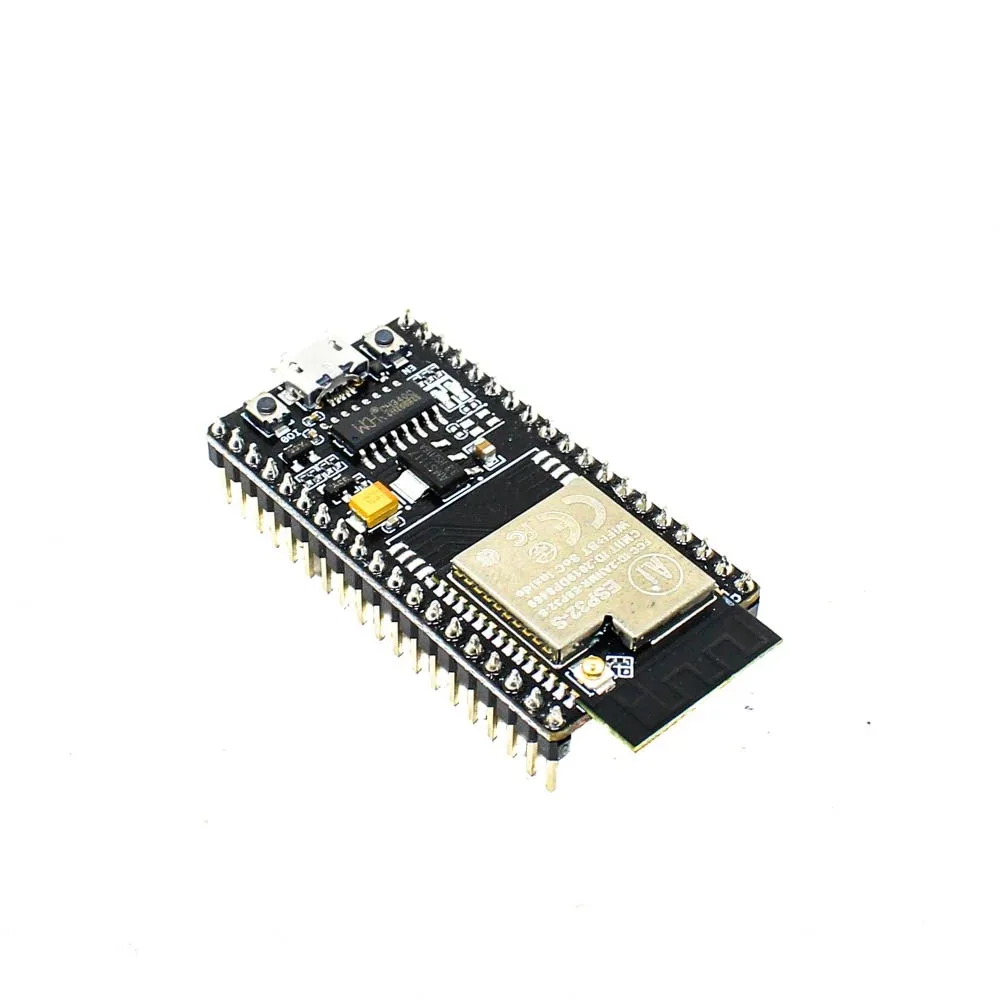
Ai Thinker NodeMCU-32S-ESP32 Development Board – IPEX Version
The IPEX version is ideal for multi-network projects where you need an external antenna to reliably reach multiple access points across your deployment area.
Implementing Multi-Network Fallback in Code
The simplest approach is to define a list of networks and iterate through them when a connection fails. Here is a complete Arduino sketch demonstrating ESP32 multiple WiFi fallback:
#include <WiFi.h>

// Define multiple networks in order of preference
struct NetworkCredentials {
  const char* ssid;
  const char* password;
};

NetworkCredentials networks[] = {
  {"HomeNetwork_5G",   "password123"},
  {"HomeNetwork_2.4G", "password123"},
  {"Jio_Hotspot",      "hotspotpass"},
  {"Airtel_Backup",    "airtelpass"}
};

const int NUM_NETWORKS = sizeof(networks) / sizeof(networks[0]);
const int CONNECT_TIMEOUT_MS = 10000; // 10 seconds per attempt
const int RETRY_DELAY_MS = 5000;      // 5 seconds between full cycles

int currentNetworkIndex = 0;

bool connectToNetwork(int index) {
  Serial.printf("Trying network: %sn", networks[index].ssid);
  WiFi.begin(networks[index].ssid, networks[index].password);

  unsigned long startTime = millis();
  while (WiFi.status() != WL_CONNECTED) {
    if (millis() - startTime > CONNECT_TIMEOUT_MS) {
      WiFi.disconnect(true);
      Serial.println("Timeout. Moving to next network.");
      return false;
    }
    delay(500);
    Serial.print(".");
  }

  Serial.printf("nConnected to %s | IP: %sn",
    networks[index].ssid,
    WiFi.localIP().toString().c_str());
  return true;
}

void connectWithFallback() {
  WiFi.mode(WIFI_STA);
  WiFi.disconnect(true);
  delay(100);

  for (int attempt = 0; attempt < NUM_NETWORKS; attempt++) {
    int idx = (currentNetworkIndex + attempt) % NUM_NETWORKS;
    if (connectToNetwork(idx)) {
      currentNetworkIndex = idx; // Remember the working network
      return;
    }
  }

  Serial.println("All networks failed. Will retry after delay.");
  delay(RETRY_DELAY_MS);
}

void setup() {
  Serial.begin(115200);
  connectWithFallback();
}

void loop() {
  if (WiFi.status() != WL_CONNECTED) {
    Serial.println("WiFi lost! Initiating fallback...");
    connectWithFallback();
  }

  // Your main IoT logic here
  delay(5000);
  Serial.printf("Running on: %s | RSSI: %d dBmn",
    WiFi.SSID().c_str(), WiFi.RSSI());
}
This code cycles through all defined networks if the current one fails. The currentNetworkIndex variable ensures the device starts with the last known working network on subsequent reconnects, which is an important optimization for systems that briefly lose connectivity.
Using the WiFiMulti Library
Arduino’s ESP32 core includes a built-in WiFiMulti library that simplifies multi-network management. It scans available networks and connects to the strongest one from your list, which is smarter than simple sequential fallback:
#include <WiFi.h>
#include <WiFiMulti.h>

WiFiMulti wifiMulti;

// Minimum signal strength to consider connecting
const int MIN_RSSI = -80; // dBm

void setup() {
  Serial.begin(115200);

  // Add networks - WiFiMulti picks strongest available
  wifiMulti.addAP("HomeNetwork_5G",   "password123");
  wifiMulti.addAP("HomeNetwork_2.4G", "password123");
  wifiMulti.addAP("Jio_Hotspot",      "hotspotpass");
  wifiMulti.addAP("OfficeWiFi",       "officepass");

  Serial.println("Connecting to best available network...");

  // Wait up to 20 seconds for initial connection
  unsigned long t = millis();
  while (wifiMulti.run() != WL_CONNECTED && millis() - t < 20000) {
    delay(500);
    Serial.print(".");
  }

  if (WiFi.status() == WL_CONNECTED) {
    Serial.printf("nConnected! SSID: %s | IP: %s | RSSI: %dn",
      WiFi.SSID().c_str(),
      WiFi.localIP().toString().c_str(),
      WiFi.RSSI());
  } else {
    Serial.println("nNo networks available. Will keep retrying.");
  }
}

void loop() {
  if (wifiMulti.run() != WL_CONNECTED) {
    Serial.println("Connection lost - WiFiMulti reconnecting...");
    delay(1000);
  }

  // Your IoT application code
  delay(5000);
}
WiFiMulti internally performs a WiFi scan and then ranks your configured networks by signal strength, attempting the best one first. This is particularly useful in environments where multiple of your configured networks may be available simultaneously.

Ai Thinker ESP32-C3-01M Wi-Fi + BLE Module
A compact WiFi+BLE module perfect for battery-powered IoT nodes that need multi-network fallback without the bulk of a full development board.
Advanced Reconnect and Watchdog Logic
For production IoT deployments, you need more than just fallback — you need a watchdog that detects and recovers from edge cases like the WiFi driver hanging, IP address not being assigned even though the radio is associated, or DHCP timeouts:
#include <WiFi.h>
#include <WiFiMulti.h>
#include <esp_task_wdt.h>

WiFiMulti wifiMulti;

// Hardware watchdog: reboot if stuck for 30 seconds
const int WDT_TIMEOUT_S = 30;

// Track last successful data send
unsigned long lastSuccessfulSend = 0;
const unsigned long MAX_IDLE_MS = 300000; // 5 minutes

void setupWatchdog() {
  esp_task_wdt_init(WDT_TIMEOUT_S, true); // panic on timeout
  esp_task_wdt_add(NULL); // watch current task
}

void resetWatchdog() {
  esp_task_wdt_reset();
}

void checkConnectivity() {
  wl_status_t status = (wl_status_t)wifiMulti.run();

  if (status != WL_CONNECTED) {
    Serial.println("WiFi not connected, attempting fallback...");
    // wifiMulti.run() already handles reconnection attempts
    delay(2000);
    return;
  }

  // Even if WiFi is connected, verify we can reach the internet
  unsigned long now = millis();
  if (now - lastSuccessfulSend > MAX_IDLE_MS) {
    Serial.println("No successful send in 5 min. Forcing WiFi reset.");
    WiFi.disconnect(true);
    delay(1000);
    // wifiMulti will reconnect on next run() call
  }
}

void sendData() {
  // Your MQTT/HTTP publish code here
  lastSuccessfulSend = millis();
  resetWatchdog(); // Feed watchdog on success
}
The combination of a hardware watchdog timer (which reboots the chip if it locks up) and an application-level connectivity check creates a robust, self-healing IoT node.
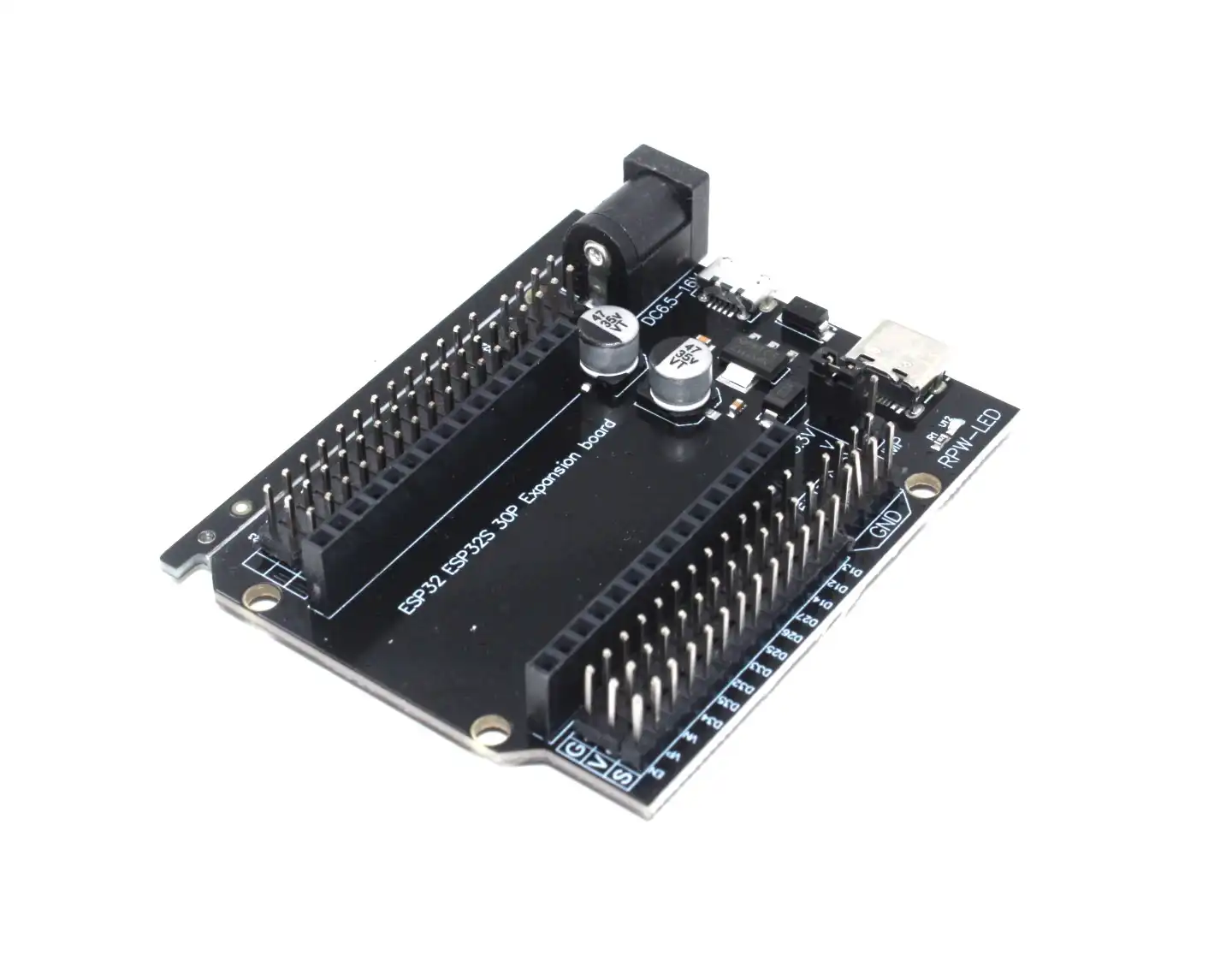
30Pin ESP32 Expansion Board with Type-C USB and Micro USB
Makes prototyping multi-network WiFi systems easy with convenient breakout pins for antennas, sensors, and power connections.
Real-World Deployment Tips for India
Here are practical considerations when deploying ESP32 multi-network systems in Indian conditions:
1. Power Supply Stability
Voltage fluctuations are common in India. An unstable power supply causes random ESP32 resets that look like WiFi failures. Always use a quality regulated 3.3V supply or a 18650 battery shield as a buffer. This ensures the ESP32 itself is stable before blaming the WiFi.
2. ISP Redundancy in Industrial Settings
For factory floors in Pune’s Pimpri-Chinchwad or Rajkot’s industrial areas, configure two ISP connections on separate routers with different SSIDs. Your ESP32 fallback list should include both. Many factories now use Jio leased lines as backup — adding the hotspot SSID costs nothing.
3. Channel Congestion
In dense residential areas in Mumbai or Bangalore, WiFi channels are often congested. When adding multiple networks to your list, prefer 5GHz networks (if your ESP32 variant supports it) or networks on less congested 2.4GHz channels (1, 6, or 11).
4. Storing Credentials in NVS
For field-deployable devices, hardcoding WiFi credentials is impractical. Use the ESP32’s NVS (Non-Volatile Storage) to store network lists that can be updated via BLE provisioning or a captive portal — without reflashing the firmware.
5. Signal Strength Thresholds
Do not just check if WiFi is connected — check RSSI. A connection with -90 dBm RSSI will drop packets constantly. Add a check: if WiFi.RSSI() < -80, actively switch to a better network even if the current one technically is still connected.

2 x 18650 Lithium Battery Shield for ESP32/ESP8266
Essential for Indian deployments where power cuts are common. Keeps your ESP32 running during outages so the fallback WiFi logic actually has a chance to kick in.
Frequently Asked Questions
Can ESP32 connect to two WiFi networks simultaneously?
No, in STA mode the ESP32 can only be associated with one access point at a time. However, using the STA+AP mode, it can connect to one network as a station while simultaneously acting as an access point for other devices. True dual-band concurrent connections are not supported. The fallback approach connects to one network and switches only if that connection is lost.
How fast does ESP32 switch between WiFi networks with WiFiMulti?
The switching time depends on the scan time and connection negotiation. Typically, it takes 3–10 seconds to scan available networks and connect to the best one. If you need sub-second failover, consider using a dedicated router with VRRP/HSRP and presenting a single SSID to the ESP32.
What happens to data in transit when WiFi switches?
Any MQTT messages or HTTP requests in-flight at the time of disconnection will be lost. The MQTT QoS 1/2 protocol handles this by requiring acknowledgment and retransmitting unacknowledged messages once reconnected. Always use QoS 1 or higher for critical IoT data, and implement local data buffering on the ESP32 using SPIFFS or SD card for high-value telemetry.
Does sleep mode affect WiFi fallback logic?
Yes. In deep sleep, the ESP32’s WiFi radio is powered off. On wakeup, the device attempts to reconnect using the cached WiFi credentials. To implement fallback after deep sleep, your setup() function should call connectWithFallback() every time, not just on cold boot. Use RTC memory to persist the last-known-good network index across deep sleep cycles.
Is WiFiMulti suitable for battery-powered ESP32 deployments?
WiFiMulti performs a full WiFi scan each time run() is called, which is power-expensive. For battery-powered nodes, use the sequential fallback approach instead and cache the working network index in RTC memory. Only perform a full scan if the cached network fails multiple times in a row.
Build Reliable IoT Projects with ESP32
Ready to build your own multi-network ESP32 system? Zbotic.in stocks a wide range of ESP32 development boards, modules, and accessories for the Indian maker community. From the full-featured NodeMCU-32S to compact C3 modules, we have the right hardware for your project.


Add comment