
Elegoo Neptune 4 Pro vs Anycubic Kobra 3: Budget Race
The sub-₹30,000 segment of 3D printers has never been more competitive. Two machines that have captured the attention of Indian makers, engineers, and hobbyists are the Elegoo Neptune 4 Pro and the Anycubic Kobra 3. Both promise high-speed CoreXY-inspired performance at a price that was unthinkable even two years ago. But which one deserves your hard-earned rupees?
In this detailed comparison, we evaluate both printers across every dimension that matters to Indian buyers: print speed and quality, build volume, software ecosystem, noise levels, upgrade potential, after-sales support, and long-term running costs. We also factor in India-specific considerations like monsoon filament storage, summer heat effects, and the availability of spare parts.
Quick Overview: Neptune 4 Pro vs Kobra 3
The Elegoo Neptune 4 Pro is a bed-slinger (Cartesian) printer with a direct-drive extruder, Klipper firmware, and an emphasis on speed without sacrificing quality. Released in mid-2023, it brought Klipper’s Input Shaping capability to a mass-market price point, allowing print speeds of 500mm/s on its specification sheet — though real-world quality speeds are lower.
The Anycubic Kobra 3 is Anycubic’s flagship for 2024, featuring their in-house multi-colour system compatibility (ACE Pro), a CoreXZ motion system for higher rigidity, and their own smart levelling system called LeviQ 3.0. It’s positioned as a feature-rich machine for users who want a polished, integrated experience.
Both machines target the same Indian buyer: someone who has moved past basic sub-₹15,000 entry-level machines and is ready for a serious upgrade, but doesn’t want to spend Bambu Lab prices.
Side-by-Side Specifications
| Specification | Elegoo Neptune 4 Pro | Anycubic Kobra 3 |
|---|---|---|
| Motion System | Cartesian (bed slinger) | CoreXZ |
| Firmware | Klipper | Anycubic OS (Marlin-based) |
| Build Volume | 225 × 225 × 265mm | 220 × 220 × 250mm |
| Max Print Speed (rated) | 500mm/s | 500mm/s |
| Practical Print Speed | 150–250mm/s | 120–200mm/s |
| Extruder | Direct drive | Direct drive |
| Max Hot End Temp | 300°C | 260°C |
| Max Bed Temp | 110°C | 110°C |
| Auto Levelling | CR Touch (25-point) | LeviQ 3.0 (25-point) |
| Display | 4.3-inch touch screen | 4.3-inch touch screen |
| Connectivity | USB, Wi-Fi (Klipper API) | USB, Wi-Fi (Anycubic app) |
| Input Shaping | Yes (built-in, ADXL345) | Limited (software-based) |
Print Speed and Acceleration
Both machines advertise 500mm/s maximum speeds, but the real-world story is more nuanced.
The Neptune 4 Pro’s Klipper firmware with Input Shaping (resonance compensation) allows it to genuinely print at 150–250mm/s with good quality, which is remarkable for a bed-slinger. Klipper’s Input Shaping measures the printer’s resonant frequencies using an accelerometer and automatically generates compensation parameters. The result is significantly reduced ringing/ghosting artefacts even at high speeds.
The Kobra 3’s CoreXZ motion system is theoretically more rigid since the gantry moves only in the X and Z directions while the bed moves in Y. However, with a bed-mass of ~1.5kg, the Kobra 3’s practical speed advantage over a well-tuned Neptune 4 Pro is minimal. Without hardware-based Input Shaping, the Kobra 3 tends to show more resonance artefacts at speeds above 150mm/s.
Winner for speed: Neptune 4 Pro — Klipper’s Input Shaping gives it a decisive edge for quality at speed. For those who want to print as fast as possible without tuning, the Neptune wins comfortably.
Print Quality Comparison
At moderate speeds (80–100mm/s), both printers produce excellent quality that rivals machines twice their price. At normal benchmarking conditions, the differences are minor. However, several areas set them apart:
First layer adhesion: Both have excellent auto-levelling. The Neptune 4 Pro’s Klipper mesh levelling is highly customisable, while the Kobra 3’s LeviQ 3.0 is more plug-and-play. Indian users in humid areas will appreciate that both handle minor bed warping well due to their 25-point mesh.
Stringing and oozing: The Neptune 4 Pro’s higher retraction control via Klipper macros gives experienced users more fine-tuning ability. Kobra 3 uses preset profiles that work well but are harder to customise.
Overhangs: Kobra 3 performs slightly better on overhangs due to its CoreXZ stability and better part-cooling fan arrangement. Neptune 4 Pro’s single part-cooling fan sometimes struggles with aggressive overhangs above 60°.
Surface finish: At 100mm/s and below, both produce surfaces that are smooth enough for display models. The Neptune 4 Pro tends to win on wall surfaces thanks to Input Shaping reducing ripple effects.
Winner for quality: Draw — Neptune for walls and resonance control; Kobra 3 for overhangs and out-of-box consistency.
Build Volume and Bed
The Neptune 4 Pro offers a marginally larger build volume at 225 × 225 × 265mm versus the Kobra 3’s 220 × 220 × 250mm. Neither difference is significant for most prints, but the Neptune’s extra 15mm of height is useful for tall objects like vases, figurines, and electronic enclosures.
Both use PEI spring-steel magnetic beds that are excellent for print adhesion and removal. PLA releases on its own when the bed cools to room temperature. PETG and ABS may need slight flexing. The PEI surface is replaceable on both machines — always good to have a spare.
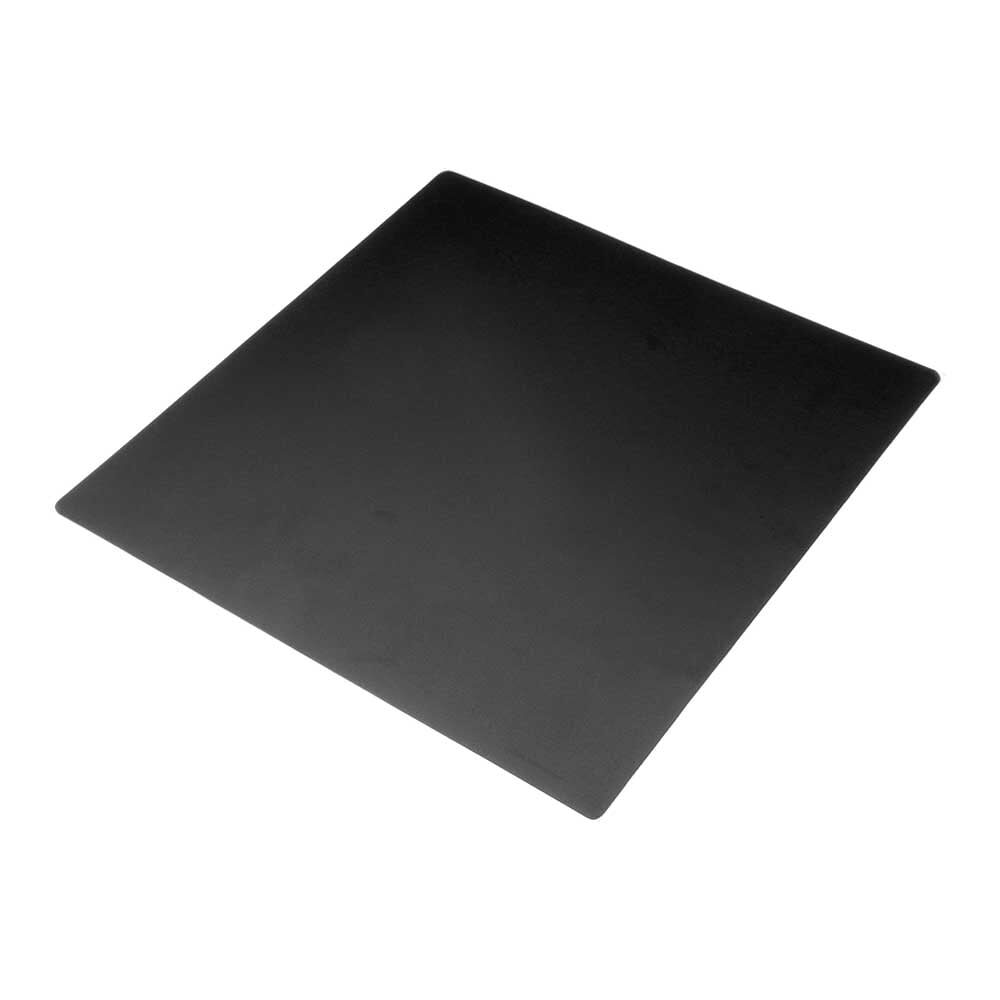
Frosted Heated Bed Sticker Build Plate Tape 220×220mm
High-quality frosted adhesive build plate tape for 220mm beds. Compatible with both Neptune 4 Pro and Kobra 3. Provides excellent first-layer adhesion for PLA, PETG, and ABS.
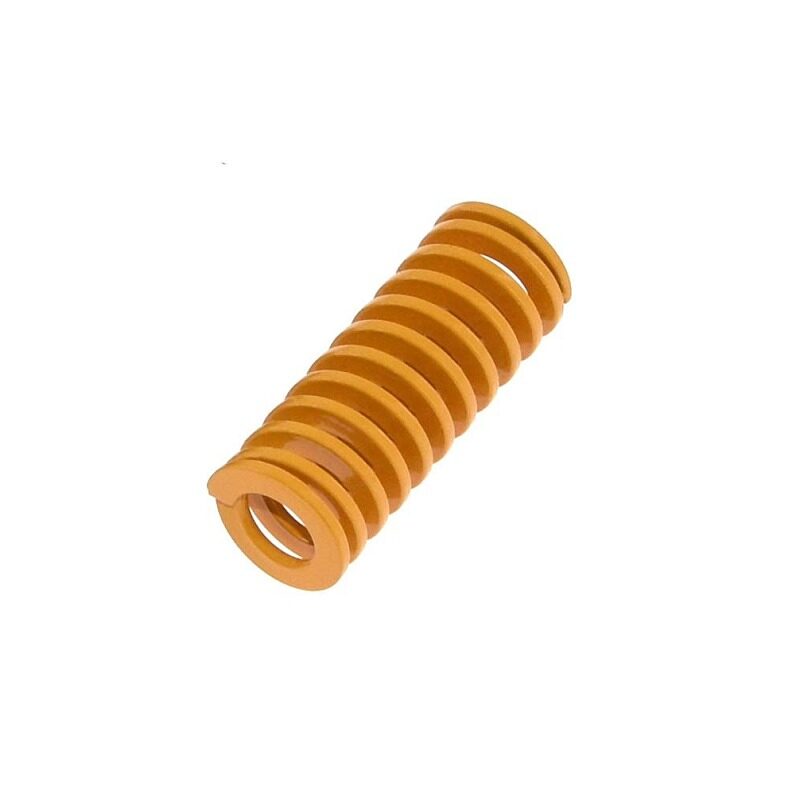
Spring Set for Heated Bed – MK3 / CR-10 Compatible
Replacement levelling springs for heated beds. Stronger springs maintain bed tramming better than stock, reducing the frequency of re-levelling — useful on both Neptune and Kobra.
Hot End and Extruder System
The Neptune 4 Pro’s hot end reaches 300°C, making it compatible with engineering-grade materials like PA (Nylon), PC (Polycarbonate), and high-temp PETG — provided you also add an enclosure for these materials. This 300°C ceiling is a significant advantage for Indian engineers and product designers who work with functional prototypes.
The Kobra 3 maxes out at 260°C, which is adequate for PLA, PETG, TPU, and standard ABS, but rules out nylon and polycarbonate without modifications. For hobbyists who stick to standard materials, this is rarely a limitation. For industrial prototype users in India, the Neptune wins here.
Both use direct-drive extruders, which means shorter filament path from the motor to the nozzle. This improves retraction performance compared to Bowden systems and makes flexible materials like TPU dramatically easier to print.
Software and Slicing
This is where the machines differ most philosophically.
The Neptune 4 Pro runs Klipper, a Linux-based firmware that runs on a Raspberry Pi-class embedded computer. Klipper is controlled via a web browser (Mainsail or Fluidd), supports custom macros, allows live tuning of parameters mid-print, and has a massive community of Indian and global users. The learning curve is steeper, but the ceiling is essentially unlimited.
The Kobra 3 runs Anycubic’s proprietary OS based on Marlin with a polished UI. The companion Anycubic app provides remote monitoring and control. For beginners, this is the more approachable option. However, it locks you into Anycubic’s ecosystem and has fewer customisation options than Klipper.
Both work with standard slicers: Cura, PrusaSlicer, Orca Slicer (recommended by most Indian communities). The Neptune 4 Pro has excellent Orca Slicer profiles including Input Shaping presets.
Winner for software: Neptune 4 Pro (for advanced users) / Kobra 3 (for beginners and those who want a hassle-free setup).
Noise Levels
For Indian households where the printer often runs in a bedroom, study, or shared space, noise matters enormously.
Both machines have reduced their noise output compared to older models. The Neptune 4 Pro’s Klipper firmware can run Input Shaping at lower acceleration values, which reduces mechanical vibration noise. The Kobra 3’s CoreXZ motion is inherently quieter during XZ moves since only the lightweight toolhead moves (not the heavy bed).
In practice, at typical print speeds of 100–150mm/s, both machines produce 45–50 dB — roughly comparable to a quiet desk fan. The Kobra 3 has a slight edge for very quiet operation during long overnight prints due to the reduced bed movement.
Filament Compatibility
Both machines handle the common trio of PLA, PETG, and ABS well. For Indian users, PETG is particularly recommended for functional parts because it handles India’s climate better than PLA (which can deform at temperatures above 60°C — reachable in a car parked in Indian summer sun).
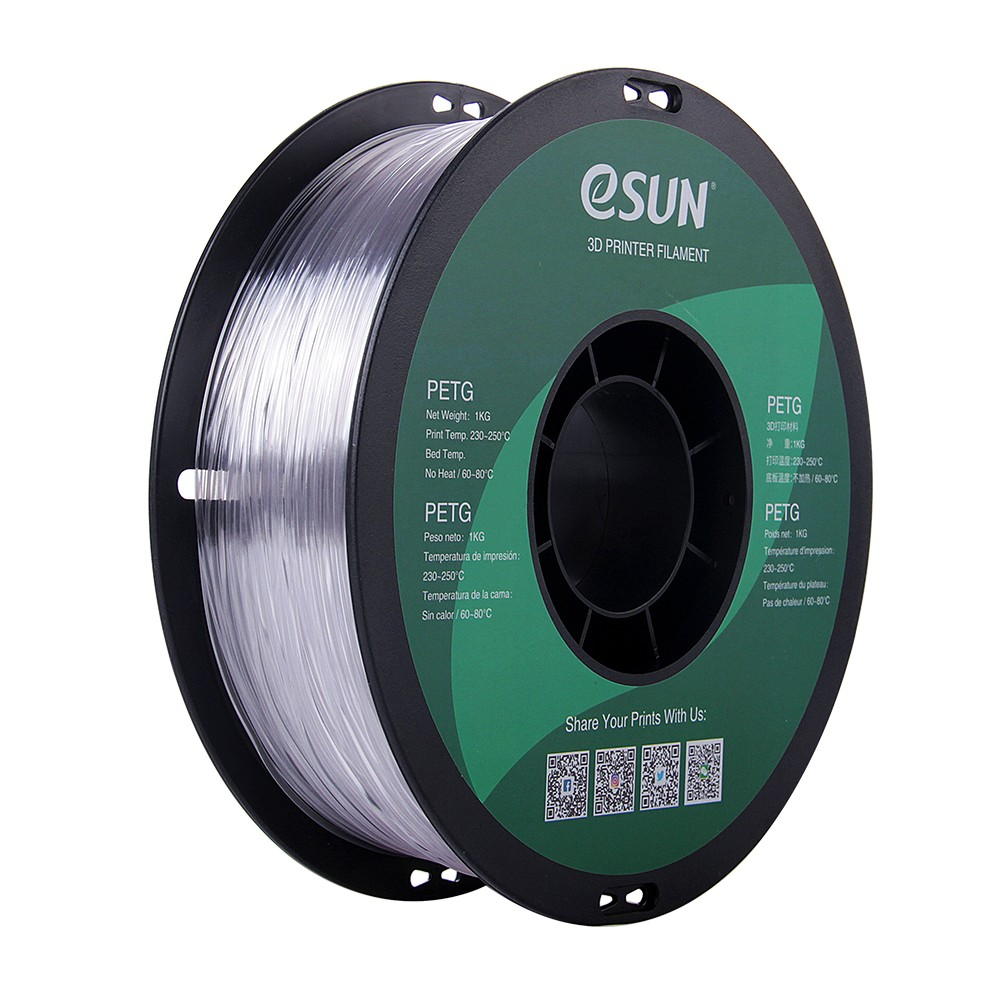
eSUN PETG 1.75mm 3D Printing Filament 1kg – Clear
Premium eSUN PETG filament with tight ±0.02mm diameter tolerance. Excellent layer adhesion and heat resistance make it the go-to choice for functional parts on both Neptune and Kobra.
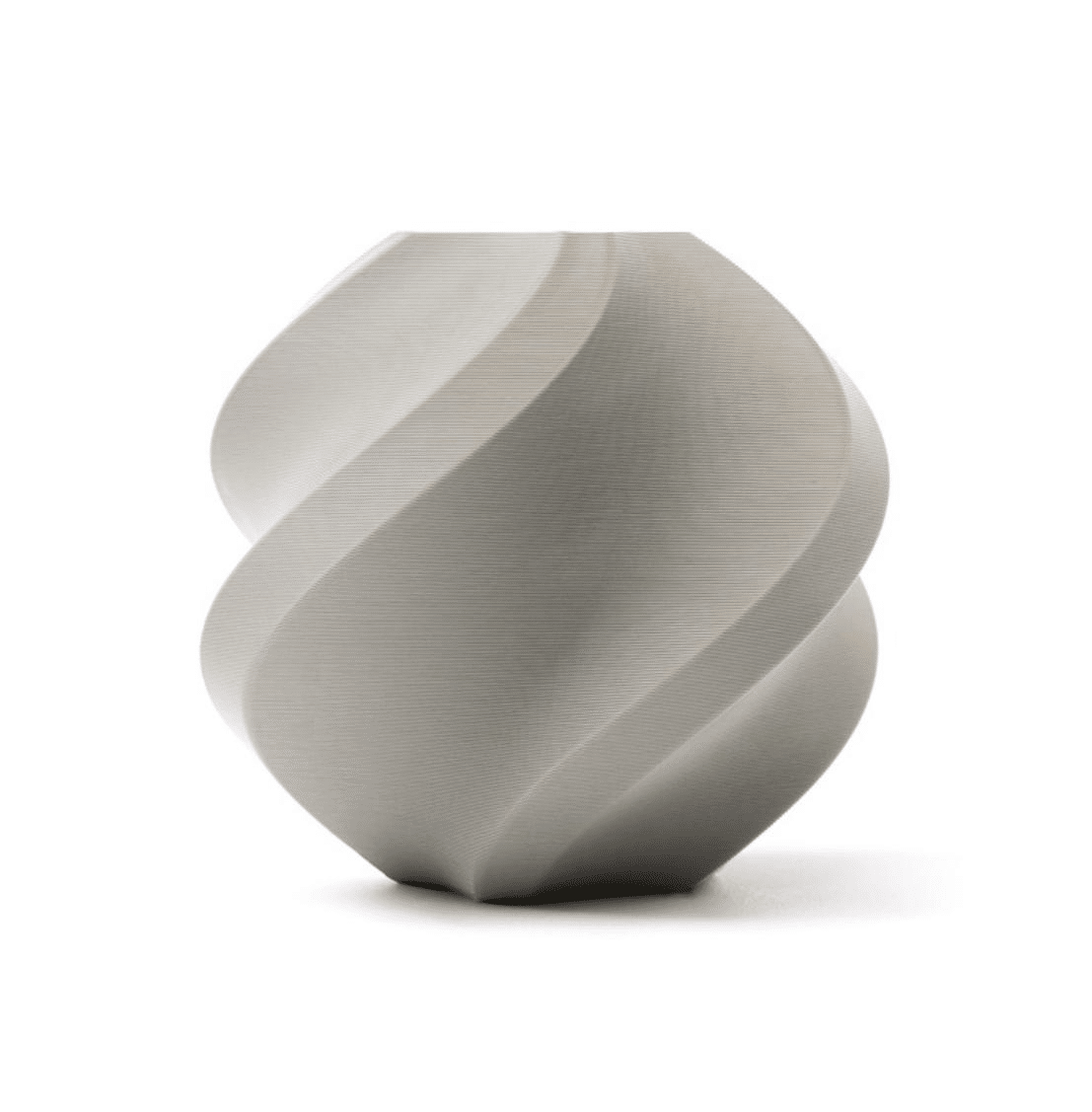
Bambu Lab PLA Filament Grey – 1.75mm with Reusable Spool
Bambu Lab’s premium PLA with exceptional consistency and minimal moisture absorption. The reusable spool is an eco-conscious choice that also makes storage easier in humid Indian conditions.
Upgrade Potential
The Neptune 4 Pro has a thriving mod community. Common upgrades include:
- Direct-mount camera for Klipper’s Crowsnest monitoring
- Fan duct improvements for better part cooling
- Dual Z-axis leadscrew upgrade
- Enclosure additions for ABS/ASA printing
Because it runs Klipper, advanced users can also add filament runout sensors, power loss recovery improvements, and automated bed tramming macros.
The Kobra 3 has a more proprietary architecture that limits third-party modifications, though Anycubic does officially support their ACE Pro multi-colour system as a future upgrade path.
Winner for upgrades: Neptune 4 Pro — Klipper’s open architecture enables a much broader upgrade path.
Long-Term Reliability
Elegoo has been refining the Neptune line through versions 1, 2, 3, and 4. The Neptune 4 Pro benefits from this iterative improvement and has a large, established user base. Spare parts are widely available through global suppliers.
The Kobra 3 is a newer design with less long-term field data, but Anycubic’s warranty and support record in India has improved significantly in recent years. The LeviQ 3.0 levelling system has proven reliable in early-adopter reports.
Both machines use widely available 1.75mm filament and standard V-slot extrusions, meaning structural parts can be sourced or printed locally in India.
India-Specific Considerations
Price and availability: Both machines are available through online import channels (Amazon India, AliExpress delivery, or specialty stores). Import duty on 3D printers falls under the electronics category. Budget an additional 15–20% over the base price for shipping, customs, and GST.
Power consumption: Both consume approximately 200–350W during active printing (with heated bed). On a typical Indian household circuit, this is negligible. However, during summer when air conditioning is also running, ensure your circuit can handle the combined load.
Support community: Klipper (Neptune) has several active Indian Facebook groups and Discord communities. The Anycubic community is more global, with less India-specific content — though general troubleshooting is still excellent.
Spare parts: Neptune 4 Pro uses mostly standard V6-compatible or MK8-style parts available on Zbotic and other Indian suppliers. Kobra 3 uses more proprietary parts from Anycubic directly.
Final Verdict: Which One to Buy?
Choose the Elegoo Neptune 4 Pro if:
- You want maximum customisation and control
- You’re comfortable with a learning curve (Klipper)
- You’ll eventually print engineering materials above 260°C
- You want the most active community support and modding options
- Print speed quality ratio is your top priority
Choose the Anycubic Kobra 3 if:
- You want a polished, app-connected experience from day one
- You’re a beginner or returning hobbyist who wants to start printing fast
- You might want to add multi-colour printing in future (ACE Pro system)
- Quieter overnight printing is important in your home setup
- You prefer Anycubic’s warranty and customer support structure
For the majority of Indian makers — students, freelance designers, electronics hobbyists, and small workshop owners — the Neptune 4 Pro offers better long-term value thanks to Klipper’s flexibility and the broader ecosystem of compatible parts available locally.
Recommended Accessories from Zbotic
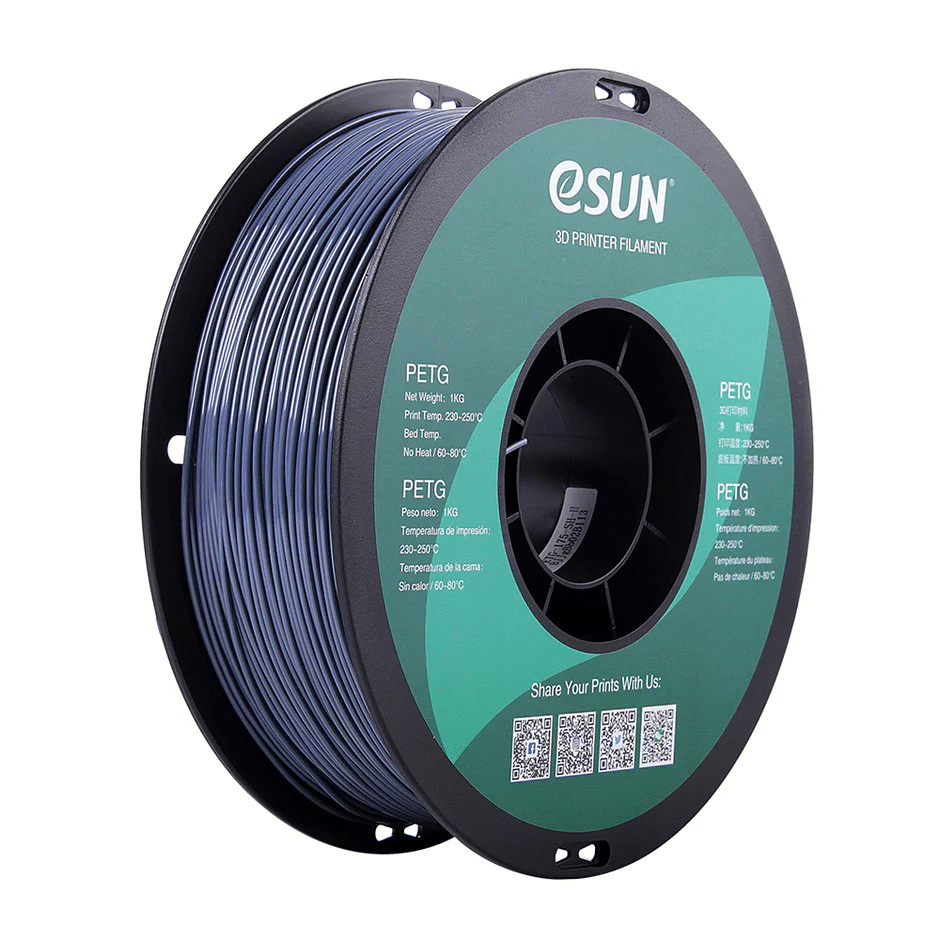
eSUN PETG 1.75mm 3D Printing Filament 1kg – Grey
eSUN’s grey PETG is ideal for functional parts that need heat resistance in Indian conditions. Excellent layer adhesion and low warping makes it beginner-friendly on any printer.
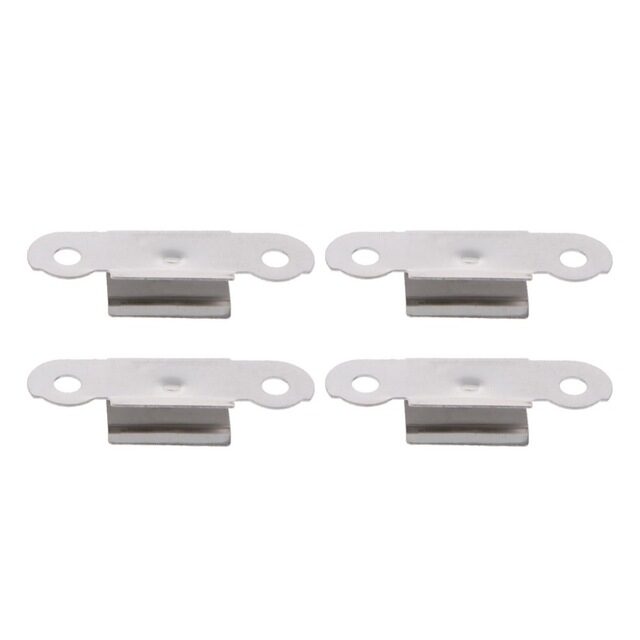
3D Printer Build Platform Glass Retainer Heated Bed Clip (Pack of 4)
Stainless steel bed clips for securing glass or spring-steel build plates. Compatible with both Neptune 4 Pro and Kobra 3 bed sizes. Essential spare for any 3D printing workshop.
Frequently Asked Questions
Is the Elegoo Neptune 4 Pro good for beginners in India?
It can be, but Klipper has a steeper learning curve than Marlin-based machines. If you’re a complete beginner, spend a few days with YouTube tutorials on Klipper basics before your printer arrives. The effort pays off significantly in long-term control and quality.
Can both printers handle the Indian summer (40°C+ ambient)?
Yes, both operate within their rated specs at Indian summer temperatures. However, heat creep and PLA deformation on the bed after print completion are more common. Use PETG for functional parts, and consider a small enclosure tent to maintain consistent internal temperature for ABS printing.
Which printer is better for printing phone cases and consumer products?
Both are excellent. For smooth surfaces on consumer products, PETG or PLA at moderate speed (100mm/s) produces professional results. The Neptune 4 Pro’s Input Shaping makes it slightly better at higher speeds without visible ringing.
Do these printers need an enclosure for ABS in India?
Yes, ABS warps badly without an enclosure — regardless of country. You can 3D print an enclosure for either machine or buy a commercial kit. ABS is less necessary for most Indian hobbyists since PETG provides similar strength with far better printing ease.
Where can I buy spare parts for these printers in India?
Neptune 4 Pro parts (nozzles, thermistors, heater blocks, PTFE tubes) are available from Zbotic and other Indian electronics suppliers. Kobra 3 proprietary parts are best sourced from Anycubic’s India-authorised distributors or imported directly.
Stock Up Your 3D Printer Workshop
Whether you choose the Neptune 4 Pro or Kobra 3, keep your printer running at its best with quality filaments, nozzles, and spare parts from Zbotic — India’s trusted 3D printing components store.






Add comment