
2.4GHz Interference: WiFi, Bluetooth & NRF24L01 Coexistence
If you have ever built a wireless project using an NRF24L01 module alongside a WiFi router or a Bluetooth device and wondered why your data keeps dropping, you are experiencing the classic 2.4GHz interference problem. The 2.4GHz band is shared by WiFi (802.11b/g/n), Bluetooth, NRF24L01 transceivers, Zigbee, microwave ovens, and even baby monitors — all competing for the same airspace. Understanding how these technologies coexist (or fail to) is essential for any Indian maker working on drone controllers, RC cars, home automation, or IoT sensor networks. This guide walks you through the root causes, diagnostic steps, and practical fixes to achieve stable WiFi, Bluetooth & NRF24L01 coexistence.
Why the 2.4GHz Band Is So Crowded
The 2.4GHz ISM (Industrial, Scientific, and Medical) band spans roughly 2.400GHz to 2.4835GHz — just 83.5MHz of spectrum. In India, this band is unlicensed, meaning anyone can use it without a licence as long as they stay within TRAI power limits. The result? Your apartment building’s dozen WiFi routers, your neighbour’s Bluetooth speaker, your own NRF24L01-based RC car, and even the microwave in the kitchen all compete in this tiny slice of radio spectrum.
The interference problem is not simply about signal strength. It is about timing collisions: when two transmitters fire at the same frequency at the same moment, both packets are corrupted and must be retransmitted. In a dense urban environment like Mumbai or Bangalore, this can happen hundreds of times per second, causing noticeable lag, dropped commands, and RSSI instability.
How WiFi, Bluetooth & NRF24L01 Use the Spectrum
WiFi (802.11b/g/n)
WiFi in the 2.4GHz band has 13 channels in India (channels 1–13), each 22MHz wide with 5MHz spacing. Only channels 1, 6, and 11 are non-overlapping. A WiFi transmission can occupy up to 40MHz in HT40 mode (802.11n), effectively blanketing the entire 2.4GHz band with a single router in wide-channel mode.
Bluetooth Classic & BLE
Bluetooth uses frequency hopping spread spectrum (FHSS) — it hops across 79 channels (1MHz wide each) up to 1600 times per second. BLE uses only 40 channels (2MHz wide). Because Bluetooth hops so rapidly, it is inherently more tolerant of interference, but it still degrades WiFi throughput and can interfere with fixed-frequency protocols like NRF24L01.
NRF24L01
The NRF24L01 operates on any of 125 channels between 2.400GHz and 2.525GHz (1MHz spacing). It uses Enhanced ShockBurst — a fixed-frequency protocol with automatic acknowledgement and retransmission. Because it does not hop frequencies, it is highly vulnerable to persistent interference on its chosen channel. A WiFi router on channel 6 (centered at 2.437GHz) occupies roughly 2.426–2.448GHz, wiping out NRF24L01 channels 26–48 entirely.

Ai Thinker ESP32 CAM Development Board WiFi+Bluetooth
ESP32-based board with onboard WiFi and Bluetooth — ideal for testing coexistence scenarios with camera streaming projects.
Symptoms of 2.4GHz Interference
- NRF24L01 drops packets randomly even at short range (under 2 metres)
- Auto-acknowledgement failures:
radio.write()returnsfalseintermittently - Servo jitter on RC receivers when your phone’s WiFi hotspot is active nearby
- Bluetooth audio glitches whenever someone downloads a file on the same WiFi network
- RSSI fluctuates widely even when transmitter is stationary
- Latency spikes on ESP32 WiFi when an NRF24L01 is transmitting on a conflicting channel
A quick sanity check: if turning off your WiFi router (or moving away from it) immediately fixes your NRF24L01 reliability, interference is your culprit.
Channel Selection Strategy
This is your single most impactful fix. The goal is to place your NRF24L01 on a channel that does not overlap with active WiFi channels.
Step 1: Scan Your WiFi Environment
Use a free Android app like WiFi Analyzer to see which WiFi channels are occupied in your area. In most Indian apartments, channels 1, 6, and 11 are heavily used.
Step 2: Calculate Safe NRF24L01 Channels
WiFi channel frequencies and their 22MHz footprint:
- WiFi CH 1 (2.412GHz): occupies NRF channels 2–23
- WiFi CH 6 (2.437GHz): occupies NRF channels 27–48
- WiFi CH 11 (2.462GHz): occupies NRF channels 52–73
Safe NRF24L01 channels: 76–100 (2.476–2.500GHz). These are above all standard WiFi channels. Channels 100–124 are also available but check if your country allows that sub-band.
Step 3: Set the Channel in Code
#include <RF24.h>
RF24 radio(7, 8); // CE, CSN

void setup() {
  radio.begin();
  radio.setChannel(100); // Safe channel above WiFi band
  radio.setPALevel(RF24_PA_HIGH);
  radio.setDataRate(RF24_250KBPS); // Lower rate = better sensitivity
}
Hardware Fixes for NRF24L01 Stability
1. Decouple the Power Supply
The NRF24L01 is notorious for power supply noise issues. Its 3.3V rail must be rock-solid. Add a 10µF electrolytic capacitor in parallel with a 100nF ceramic capacitor between VCC and GND, placed as close to the module as possible. Many packet loss issues attributed to interference are actually power supply noise.
2. Use the NRF24L01+PA+LNA Version
The version with an external PA (power amplifier) and LNA (low-noise amplifier) has significantly better sensitivity and range. The higher transmit power also means your signal can overcome background noise more reliably.
3. Antenna Orientation
For the chip-antenna version, the antenna plane should be perpendicular to the ground. For PA+LNA versions with a whip antenna, vertical polarisation (antenna pointing up) gives the best omnidirectional coverage. Avoid placing the antenna parallel to metal surfaces or PCB ground planes.
4. Physical Separation
Keep your NRF24L01 at least 20–30cm away from ESP32 or ESP8266 modules running WiFi. The ESP module’s onboard antenna radiates aggressively at 2.4GHz even during receive mode.

Ai Thinker ESP32-C3-01M Wi-Fi + BLE Module
Compact ESP32-C3 module with WiFi and BLE — useful for coexistence testing and IoT gateway projects.
Software: Retransmit & Power Settings
The RF24 library gives you fine-grained control over how the module handles interference at the protocol level.
Auto Retry Configuration
// Retry delay: 1500µs (higher = avoids collision with periodic interference)
// Retry count: 15 (max, important in noisy environments)
radio.setRetries(15, 15);

// Lower data rate improves sensitivity by ~6dB
radio.setDataRate(RF24_250KBPS);

// Reduce PA level to minimum needed — prevents your OWN module from
// causing interference on nearby NRF24L01 receivers
radio.setPALevel(RF24_PA_LOW); // adjust based on range needed
Dynamic Payloads
Enable dynamic payloads so that the receiver does not discard packets with unexpected lengths — useful when slight timing differences cause length mismatches during retransmission bursts.
radio.enableDynamicPayloads();
radio.enableAckPayload();
ESP32 WiFi Coexistence (Built-in)
If you are using an ESP32 with both WiFi and Bluetooth active simultaneously, the ESP-IDF coexistence mechanism helps. In Arduino IDE, set WiFi.setSleep(true) to allow the radio to share the antenna more efficiently between WiFi and BLE tasks. The ESP32’s coexistence scheduler allocates time slots to each radio — enabling modem sleep reduces the proportion of time WiFi occupies the antenna.
Coexistence Best Practices for Indian Makers
- Survey before building: Run a WiFi scan of your workspace before choosing your NRF24L01 channel. In Indian cities, WiFi density is high.
- Use 5GHz WiFi where possible: If your router supports 5GHz, move your laptop and phone to the 5GHz band. This frees up 2.4GHz for your NRF24L01 and Bluetooth devices.
- Stagger transmission timing: If you have multiple NRF24L01 pairs, use different channels AND stagger their transmit times using interrupts or a scheduler. Collision probability drops drastically.
- Implement application-level CRC: Even with hardware CRC, add a simple sequence number to your packets so you can detect duplicates and gaps at the application layer.
- Shield the module: A small copper tape shield around the NRF24L01 (grounded on one side) can reduce susceptibility to nearby radiated interference by 3–6dB.
- Test at different times of day: Interference in residential buildings peaks in evenings when everyone is home. A project that works fine at 11am may struggle at 8pm.
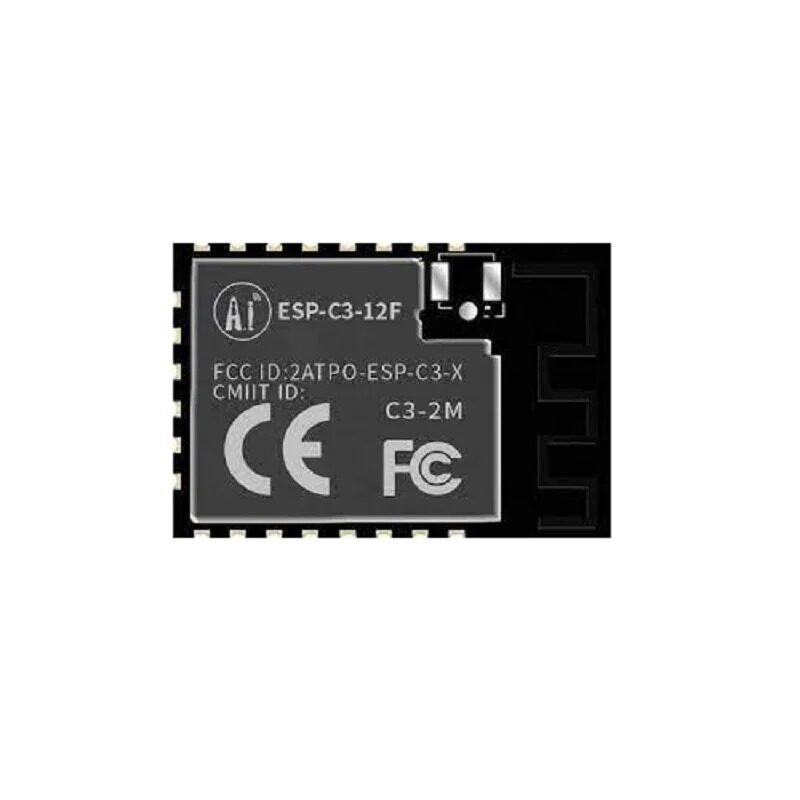
Ai-Thinker ESP32-C3-12F Wi-Fi + BLE Module
ESP32-C3 module with external antenna support for improved coexistence in high-interference environments.
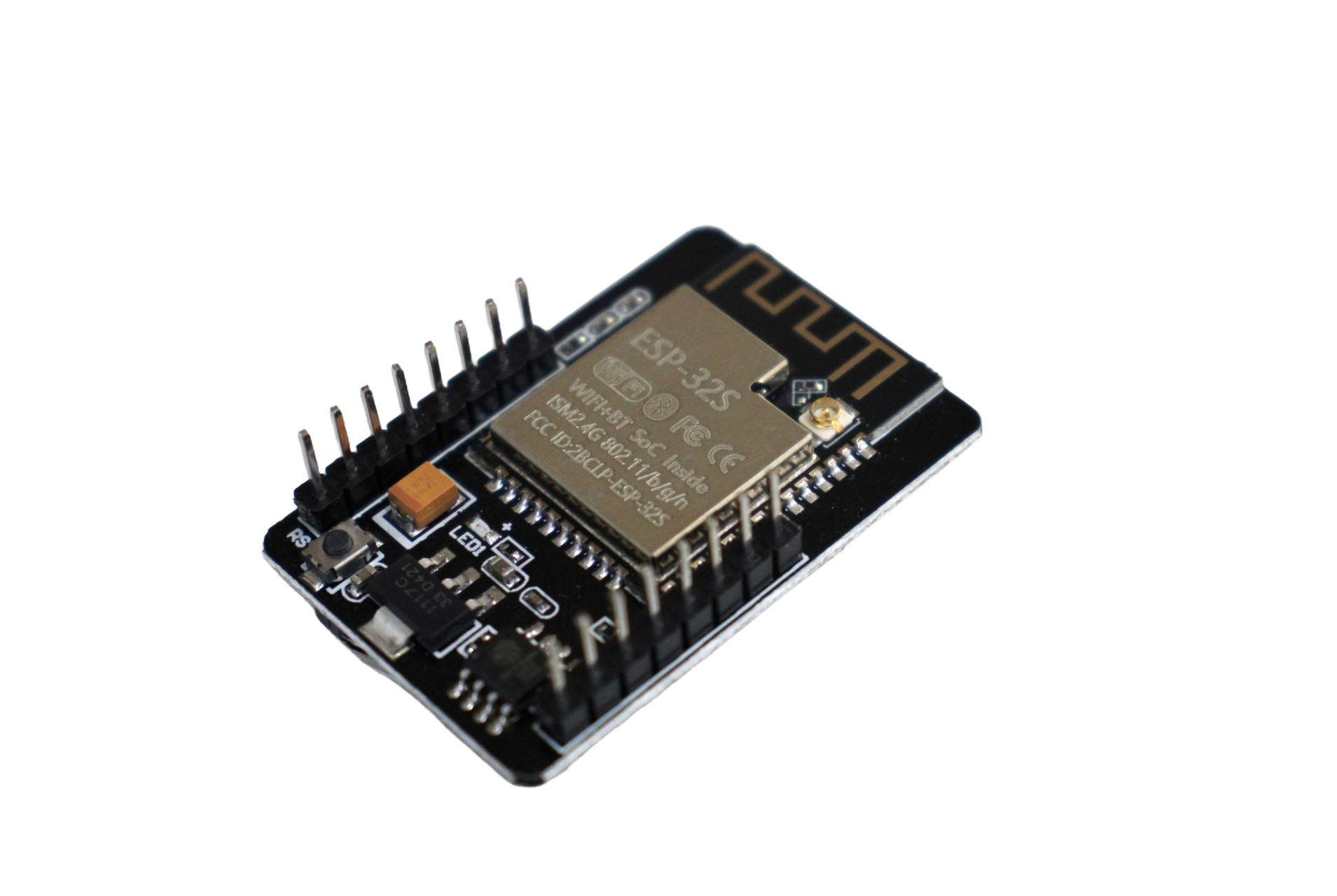
ESP32 CAM WiFi Module Bluetooth with OV2640 Camera
Dual-mode ESP32 module for projects requiring simultaneous WiFi and Bluetooth with camera functionality.
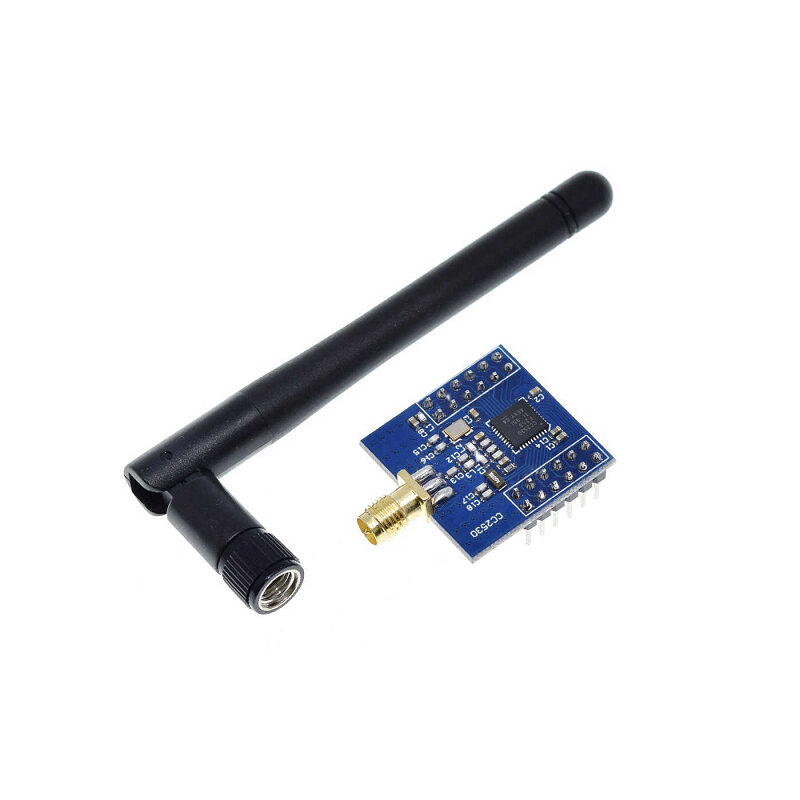
CC2530F256 Zigbee UART Wireless Core Development Board
Zigbee module that uses frequency agility to coexist better with WiFi — a good NRF24L01 alternative for mesh networks.
Frequently Asked Questions
Q: What is the best NRF24L01 channel to avoid WiFi interference in India?
Channels 90–100 (2.490–2.500GHz) are generally safest as they lie above all standard 2.4GHz WiFi channels (which max out at about 2.484GHz on channel 13). Always verify with a WiFi scanner first since channel 13 is permitted in India.
Q: Can Bluetooth and NRF24L01 work together on the same Arduino project?
Yes, but they will interfere with each other since both are in the 2.4GHz band. The best approach is to place NRF24L01 on channel 90+ and rely on Bluetooth’s FHSS to handle the coexistence — Bluetooth is much more robust to fixed-frequency interference than vice versa. Alternatively, use time-division: transmit NRF24L01 packets in the gaps between Bluetooth connection intervals.
Q: Why does my NRF24L01 work fine at home but fail in the lab/makerspace?
Makerspaces have dense WiFi infrastructure (access points on multiple channels) plus many other 2.4GHz devices. Your home might have only 1–2 WiFi networks. Try switching to a higher NRF24L01 channel (80+) and increasing the retry count to 15 in your code.
Q: Does adding a capacitor to the NRF24L01 power supply really fix interference problems?
A 10µF + 100nF decoupling capacitor fixes power-supply-induced packet loss, which mimics interference symptoms. It is not a true interference fix, but it eliminates a major source of false-positives when diagnosing 2.4GHz problems. Always add the capacitors first before blaming RF interference.
Q: Should I use NRF24L01 250Kbps or 2Mbps mode for better coexistence?
Use 250Kbps. The lower data rate improves receiver sensitivity by approximately 6dB, meaning the module can decode weaker signals correctly even in the presence of background noise. The trade-off is slightly lower throughput, which is acceptable for most control/sensor applications.
Ready to Build a Reliable Wireless Project?
Explore Zbotic’s full range of wireless modules — from NRF24L01 to ESP32 and LoRa — to find the right combination for your project’s range, power, and coexistence requirements.





Add comment