
If you want oscilloscope capability on a budget and already have a laptop or PC, a USB oscilloscope like the Hantek 6022BE is an attractive proposition. No bench space, no separate power supply, and a price that often undercuts traditional standalone scopes. But is the Hantek 6022BE actually good enough for real work? This review and buying guide will tell you everything you need to know before spending your money.
What Is a USB Oscilloscope?
A USB oscilloscope is a hardware module that digitises electrical signals and streams the data to a host computer for display and analysis. Unlike a standalone oscilloscope, it has no built-in display, no knobs for direct control, and relies entirely on the host PC’s processing power and software for rendering waveforms, triggering, and measurements.
This architecture has clear trade-offs: lower hardware cost (no display, no front-panel CPU), but dependence on PC software quality and USB bandwidth. For students, makers, and field engineers who already carry a laptop, a compact USB scope can be a remarkably practical tool.
The Hantek 6022BE is arguably the most popular entry-level USB oscilloscope sold in India and globally, thanks to its extremely low price and surprisingly decent hardware inside.
Hantek 6022BE Specifications
| Parameter | Value |
|---|---|
| Channels | 2 |
| Bandwidth | 20 MHz |
| Max Sample Rate | 48 MSa/s (single channel), 48 MSa/s total |
| Vertical Resolution | 8-bit |
| Input Impedance | 1 MΩ ∥ 20 pF |
| Vertical Sensitivity | 10 mV/div – 5 V/div |
| Interface | USB 2.0 |
| Power | USB Bus Powered |
| Max Input Voltage | ±50 V (with 10x probe) |
| Dimensions | 88 × 59 × 17 mm |
| Weight | ~100 g |
On paper, 20 MHz and 48 MSa/s is modest. But for the typical use cases — audio signals, slow sensor outputs, I2C/SPI on microcontrollers, and power supply ripple measurements — it is genuinely adequate. The 48 MSa/s sample rate satisfies the Nyquist criterion for signals up to 20 MHz with some margin.
Software Options — Official and Open-Source
This is where the 6022BE story gets interesting. Hantek ships the device with their own Windows-only Hantek6022BE.exe software, which is functional but somewhat dated. Triggering is basic, the FFT mode is limited, and there is no meaningful serial decode capability.
However, the community has produced far better alternatives:
OpenHantek6022 (Recommended)
OpenHantek6022 is an open-source, cross-platform (Windows, Linux, macOS) oscilloscope application specifically designed for Hantek 6022BE and related devices. It has a proper trigger system, spectrum analyser mode, calibration support, and a much cleaner UI. This is what you should use.
sigrok / PulseView
The 6022BE is supported by the sigrok ecosystem via the hantek-6xxx driver. PulseView (sigrok’s GUI) gives you protocol decoding for I2C, SPI, UART, 1-Wire, and dozens of other protocols — turning the 6022BE into a basic mixed-signal instrument. This works on Linux without proprietary drivers.
Bitscope DSO (Alternative)
Bitscope’s software also supports some Hantek devices and is polished but less community-maintained for this specific model.
Real-World Performance and Limitations
The 6022BE uses a Cypress EZ-USB FX2 USB interface chip combined with an AD9288 dual 8-bit ADC. This is a well-documented chipset and the reason for strong open-source support. Here is what to expect in practice:
Strengths:
- Genuine 20 MHz analogue bandwidth — adequate for microcontroller projects, audio, and slow sensors
- Bus-powered operation — works from a laptop USB port, no mains required
- Tiny form factor — fits in a shirt pocket
- Excellent Linux support via sigrok (no proprietary drivers)
- Very low price — often 4-6× cheaper than entry standalone scopes
Limitations:
- No hardware triggering — triggering is done in software, leading to occasional missed events
- Waveform update rate is limited by USB bandwidth and PC performance
- Noise floor is higher than standalone scopes at the same bandwidth
- No standalone operation — cannot use it without a connected PC
- 20 MHz cap means you cannot view signal integrity on fast SPI, high-speed UART, or PWM above ~5 MHz cleanly
- The supplied probes are of basic quality — upgrade to 10x probes for serious work
The key insight: the 6022BE is not a replacement for a proper standalone oscilloscope; it is a complement for mobile use or a starting point for beginners who cannot yet afford a DS1054Z.
USB Scope vs Standalone Scope
The comparison most buyers wrestle with: spend ₹3,000–₹5,000 on a 6022BE, or save up more and buy a proper standalone scope? The answer depends heavily on your situation:
Choose the 6022BE if: You are an absolute beginner needing to see your first waveforms and cannot afford a standalone scope yet. You travel frequently and need portable measurement capability. You primarily use Linux and want plug-and-play sigrok support.
Choose a standalone scope if: You plan to do serious embedded debugging with trigger conditions. You need to measure signals above 20 MHz. You want to disconnect from the PC and leave the scope running while you work on code. You need better sensitivity and lower noise for precision measurements.
Many experienced electronics engineers own both — a standalone scope as their primary instrument and a 6022BE (or similar) for fieldwork or teaching.
Best Use Cases for the 6022BE
The Hantek 6022BE shines in several specific scenarios:
- Arduino / ESP8266 / ESP32 debugging: Viewing PWM outputs, I2C clock lines, UART data, and ADC outputs — all well within the 20 MHz limit.
- Audio electronics: Amplifier frequency response, microphone output, speaker crossover analysis — audio is below 20 kHz, so the 6022BE is massively overspecified here.
- Power supply ripple measurement: Checking output ripple on an LDO or SMPS at audio frequencies is straightforward.
- Student lab work: Learning basic oscilloscope concepts — triggering, time/div, volts/div, FFT — before using more expensive equipment in class.
- Field service: Portable measurement in situations where a bench scope cannot be carried.
Accessories to Use With Your USB Oscilloscope
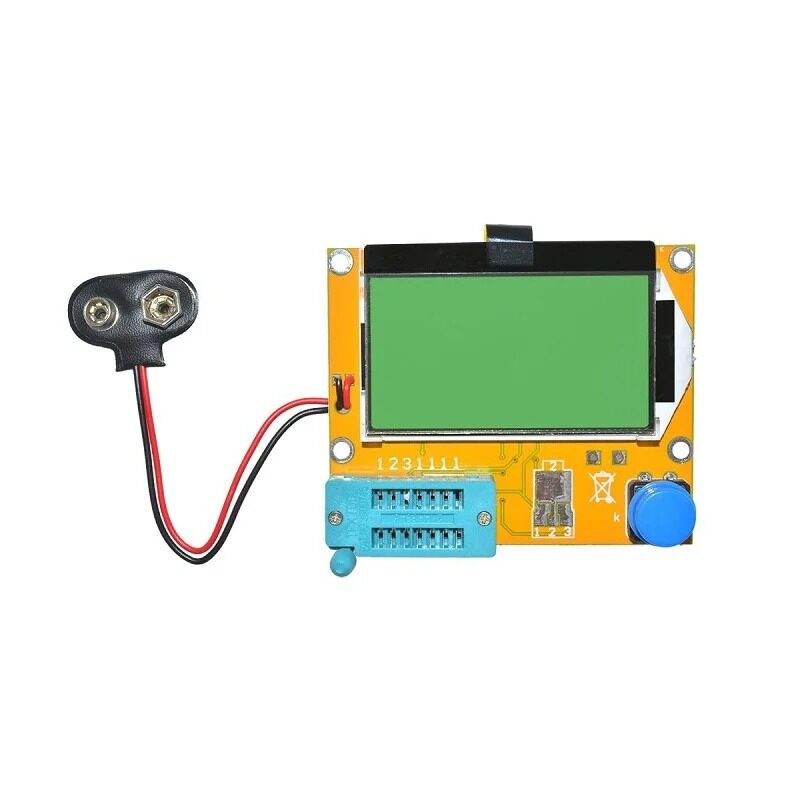
LCR-T4 Component Tester
Identify unknown transistors, capacitors, and resistors before probing them — pairs perfectly with a USB scope for rapid component characterisation.

Male to Female Jumper Wires 40Pcs
Connect scope probe ground clips directly to breadboard ground rails for clean, interference-free measurements.
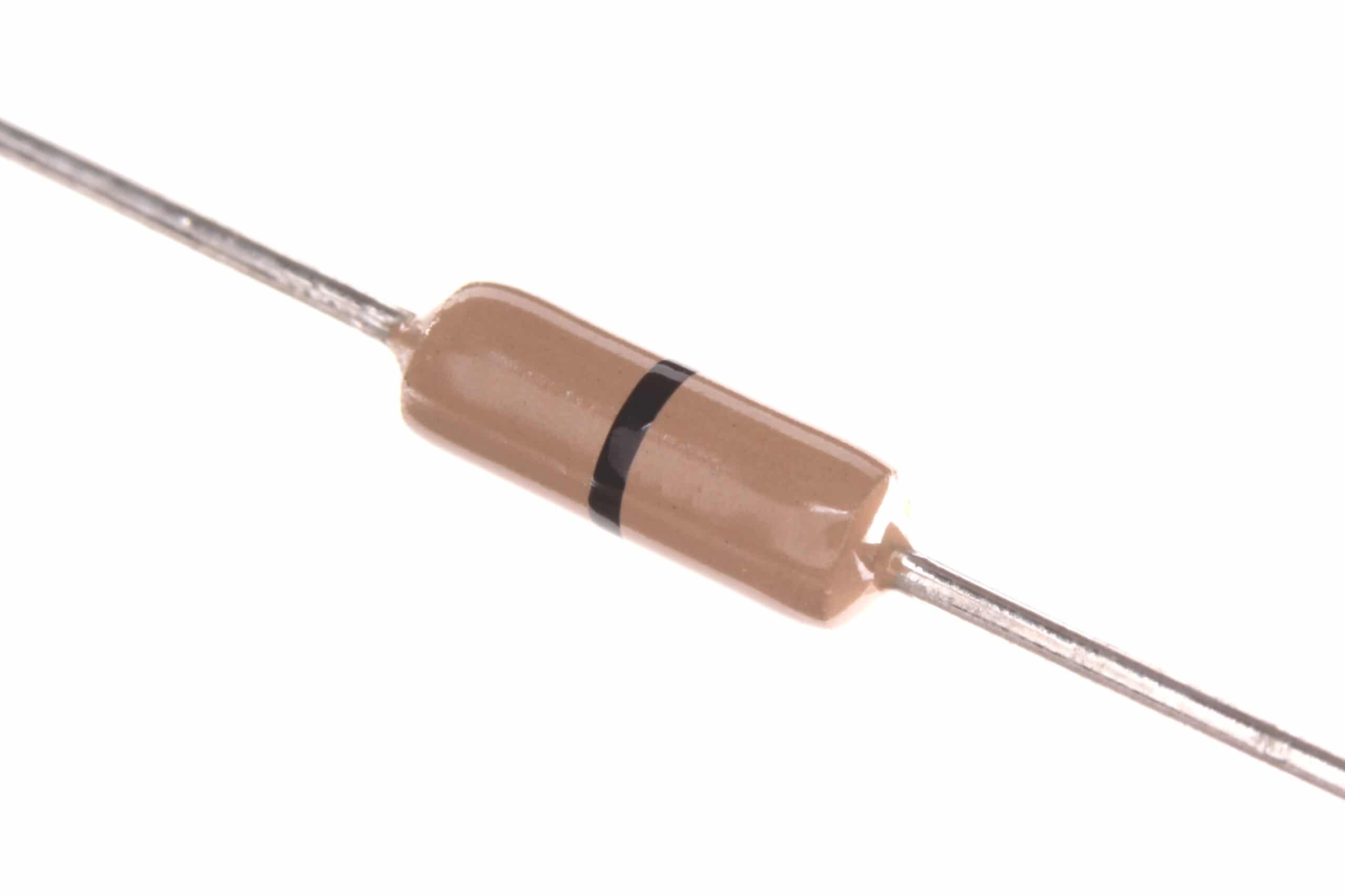
0 Ohm Carbon Film Resistors (Pack of 100)
Use as jumper links and test nodes on prototype boards — handy for creating signal injection points for scope measurements.
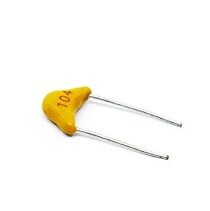
100nF Multilayer Ceramic Capacitors (Pack of 50)
Decoupling capacitors are essential near any IC you are probing — clean power means clean waveforms on your oscilloscope.
Final Verdict and Buying Advice
The Hantek 6022BE is a legitimate electronics tool — not a toy — but only if you understand what it can and cannot do. For microcontroller hobby work, audio electronics, and beginners learning oscilloscope fundamentals, it delivers real value at a price that removes all financial barriers to entry.
The real-world recommendation for Indian buyers:
- Tight budget (under ₹4,000): The 6022BE is an excellent starting point. Pair it with OpenHantek6022 software and you will have a genuinely functional instrument.
- Budget up to ₹15,000: Stretch to a Rigol DS1054Z or Siglent SDS1202 for a dramatically better experience — hardware triggering, deeper memory, standalone operation.
- Already own a standalone scope: The 6022BE makes a great portable backup or laptop-connected tool for fieldwork.
The open-source driver and software ecosystem around the 6022BE is a strong long-term advantage — this scope will work on whatever OS you use today and in the future.
Frequently Asked Questions
Does the Hantek 6022BE work on Linux without proprietary drivers?
Yes. The sigrok project provides fully open-source drivers for the 6022BE via the hantek-6xxx driver module. No proprietary software is needed — PulseView or sigrok-cli work out of the box on any major Linux distribution.
Can the 6022BE be used without a PC?
No. It requires an active USB connection to a host computer for all operation. There is no standalone mode.
Is 20 MHz enough for ESP32 debugging?
For most tasks — UART, I2C, SPI at standard speeds, GPIO toggling, PWM — yes. The 20 MHz limit only becomes a constraint if you are looking at very fast SPI clocks (above ~5 MHz effective) or clock signal edges on the ESP32’s 240 MHz core.
How does the 6022BE compare to the Hantek 6022BL?
The 6022BL adds a 16-channel logic analyser to the same hardware form factor. If you need logic analysis alongside oscilloscope capability, the BL is a better buy at a modest price premium.
Does the 6022BE work on macOS?
Yes, via the OpenHantek6022 application which is compiled for macOS. USB driver support is included.
Start your electronics lab journey today. Zbotic has everything you need — from components and modules to tools and accessories. Shop Tools & Equipment →




Add comment