
The term robotic process automation means different things to different communities. In enterprise software, RPA refers to software bots that mimic human clicks and keystrokes to automate repetitive digital tasks. In the electronics and DIY robotics world, it means something far more hands-on: using microcontrollers, sensors, motors, and custom code to automate physical processes. This introduction bridges both worlds so you understand where each fits, and shows electronics beginners in India exactly how to start building real automation systems from the ground up.
Table of Contents
- What Is Robotic Process Automation?
- Software RPA vs Physical Automation
- Core Components of a Physical Automation System
- Beginner Automation Projects to Try Right Now
- Choosing the Right Microcontroller for Automation
- Essential Sensors and Actuators
- From Hobby to Industry: The Crossover Skills
- Frequently Asked Questions
What Is Robotic Process Automation?
At its core, robotic process automation is the idea of replacing human manual effort in a repetitive, rules-based process with an automated system that can perform the same task faster, more accurately, and without fatigue. The “robot” in RPA does not always mean a physical machine — in enterprise software it means a software agent. In electronics, it means a physical system with actuators that can move, grip, measure, and respond to the environment.
For an electronics beginner, thinking about automation through this lens is powerful: every time you write an Arduino sketch that turns on a relay when a sensor threshold is exceeded, you have implemented a basic form of RPA. The logic is the same as a ₹10 crore industrial robot — sense, decide, act.
Software RPA vs Physical Automation
Understanding the distinction helps you know which direction to grow your skills:
| Dimension | Software RPA | Physical Automation (Electronics) |
|---|---|---|
| What it controls | Screen elements, APIs, databases | Motors, relays, valves, lights |
| Primary tools | UiPath, Automation Anywhere, Python | Arduino, ESP32, Raspberry Pi, PLCs |
| Learning entry point | Programming background helps | Electronics + basic coding |
| Physical world interaction | None directly | Core purpose |
| Career paths | IT automation, finance, HR processes | Manufacturing, robotics, IoT |
The exciting convergence point is cyber-physical systems — automated machines that bridge both worlds. A smart factory robot that reads a database to decide which product variant to assemble combines software RPA logic with physical automation hardware. This convergence is the future of Indian manufacturing (Industry 4.0).
Core Components of a Physical Automation System
Every physical automation project, from a simple conveyor sorter to a robotic arm, contains the same three functional blocks:
1. Sensing
Sensors convert physical reality into electrical signals. Common types for beginners:
- Proximity/distance — ultrasonic (HC-SR04), IR distance sensors
- Position — encoder discs, limit switches, hall effect sensors
- Environmental — temperature (DHT22), humidity, light (LDR), gas (MQ-series)
- Vision — camera modules, OpenCV on Raspberry Pi
2. Decision / Processing
The microcontroller reads sensor data, applies your programmed logic, and decides what action to take. Complexity ranges from a simple if/else statement on Arduino to a trained neural network running on Raspberry Pi.
3. Actuation
Actuators convert electrical signals into physical motion or state changes:
- DC motors — wheels, conveyor belts, fans
- Servo motors — precise angular position control for arms, grippers
- Stepper motors — exact step-count positioning for CNC, 3D printers
- Relays/solenoids — switching high-power loads, valves
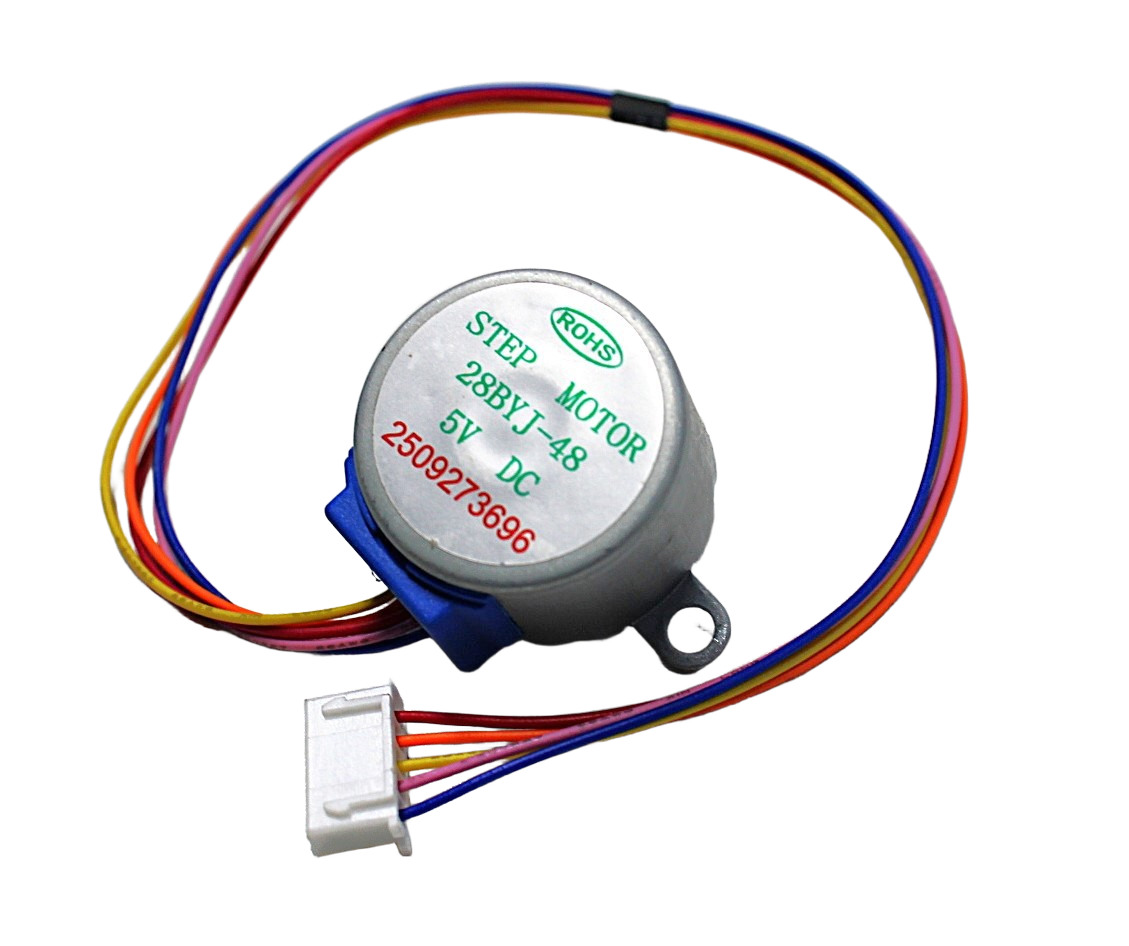
28BYJ-48 5V Stepper Motor
The most beginner-friendly stepper motor available. Includes ULN2003 driver board, runs on 5V, and is perfect for your first automation project involving precise angular positioning.

TowerPro SG90 180 Degree Servo Motor
9g micro servo with 180° rotation range. Ideal for grippers, door locks, camera mounts, and any automation project that needs precise angular actuation.
Beginner Automation Projects to Try Right Now
The best way to learn automation is to build. Here are five projects ordered by increasing complexity:
- Automatic LED Dimmer — LDR reads ambient light; Arduino adjusts PWM to LED accordingly. Teaches analog sensing and PWM output.
- Automatic Plant Watering — soil moisture sensor triggers a relay + mini pump. Teaches threshold-based actuation.
- Conveyor Belt Sorter — IR or colour sensor detects object on belt; servo arm diverts to left or right bin based on colour. Teaches multi-sensor logic.
- Robotic Arm Sequence Player — pre-program a series of joint angles; the arm replays the sequence on button press. Teaches servo arrays and sequence memory.
- Vision-Based Pick and Place — OpenCV detects coloured objects on a conveyor; Raspberry Pi sends coordinates to Arduino; robot arm picks and places. Teaches full cyber-physical integration.
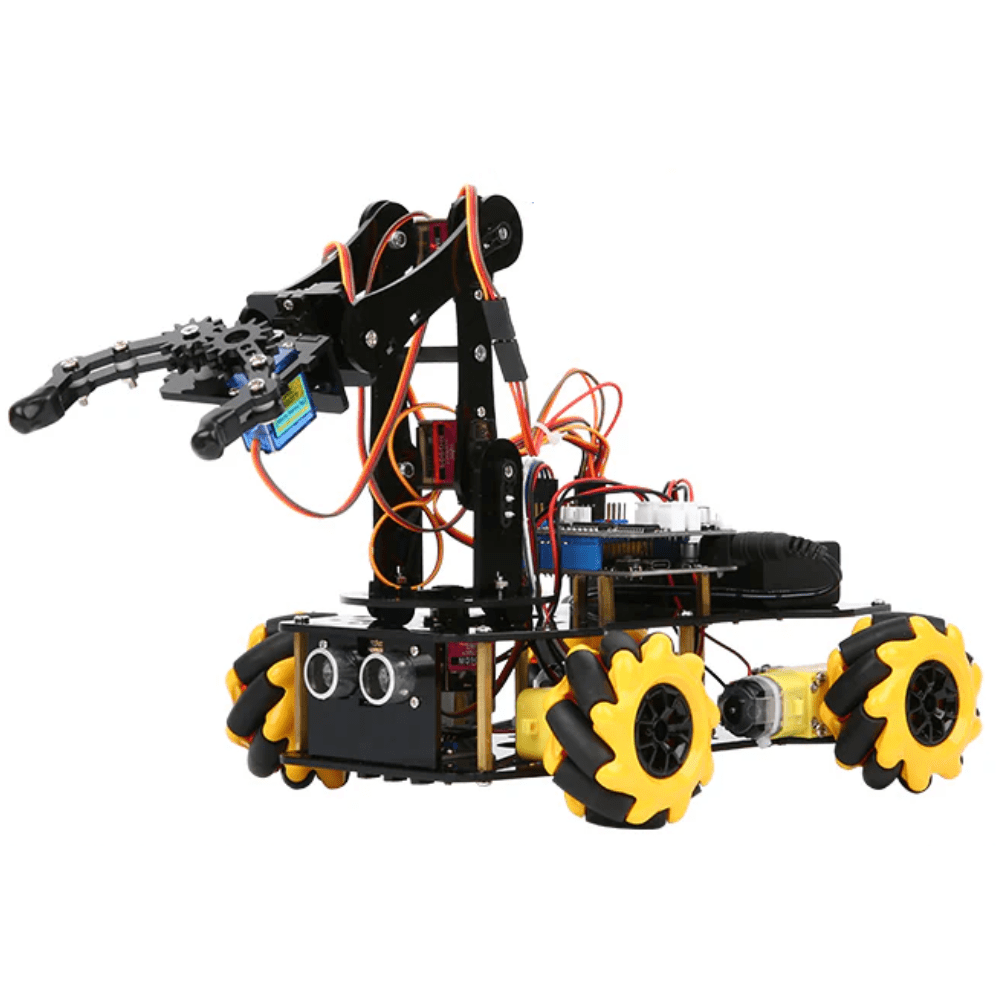
ACEBOTT ESP32 5-DOF Robot Arm Kit
Five degrees of freedom robot arm expansion pack driven by ESP32. Perfect for learning pick-and-place automation with Wi-Fi control capability built-in.
Choosing the Right Microcontroller for Automation
Your microcontroller choice defines the complexity of automation you can achieve:
- Arduino UNO — best for single-sensor, single-actuator projects. Limited RAM (2 KB) and processing power. Ideal for pure learning.
- Arduino Mega — more I/O pins and more memory. Good for multi-servo robot arms (6–8 servos).
- ESP32 — dual-core, Wi-Fi + Bluetooth, 520 KB RAM. The sweet spot for intermediate automation projects that need connectivity.
- Raspberry Pi — Linux SBC, runs Python, OpenCV, TensorFlow. Required for vision-based automation.
- PLC (Programmable Logic Controller) — industrial-grade automation, ladder logic programming, extremely reliable. Overkill for hobby but the standard in factories.
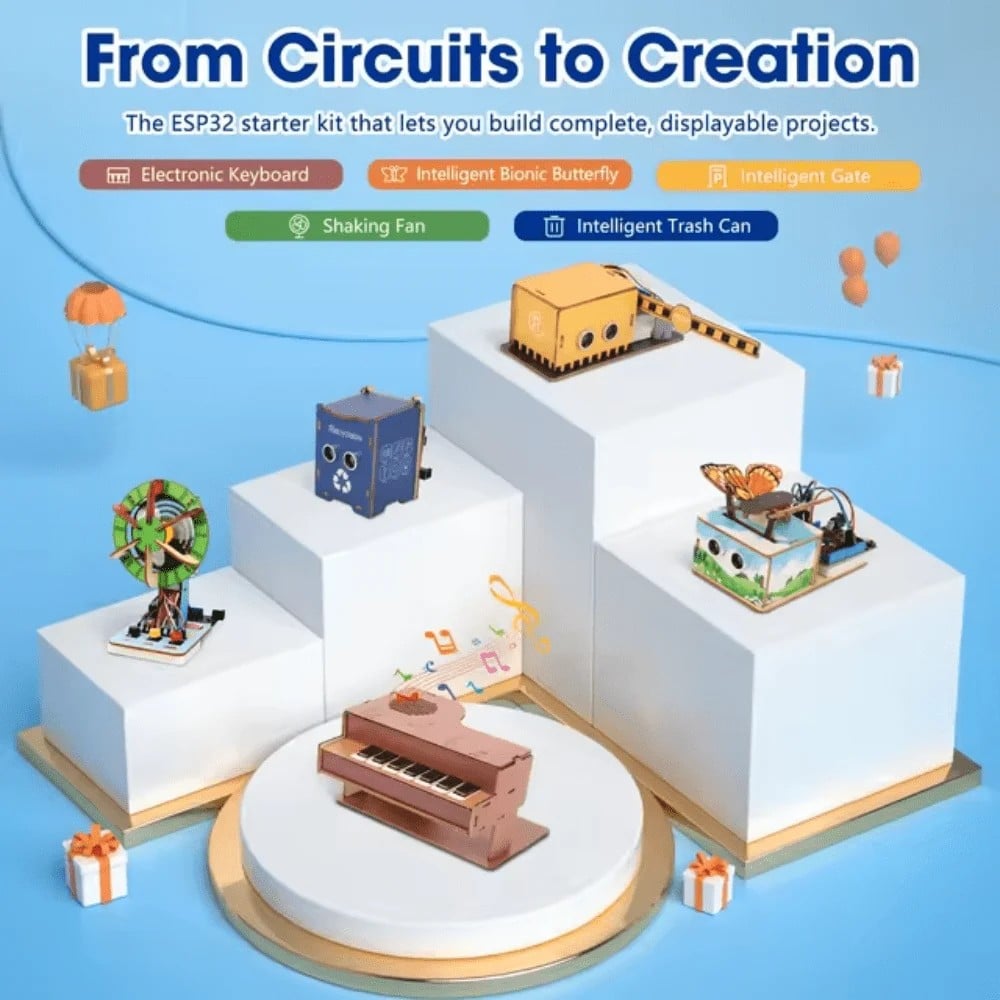
ACEBOTT ESP32 Basic Starter Kit – QE201
All-in-one ESP32 starter kit with sensors, actuators, and expansion board. The fastest way to start building connected automation projects — no component hunting required.
Essential Sensors and Actuators
Build a starter toolkit around these essentials and you can implement most beginner and intermediate automation projects:
- HC-SR04 ultrasonic sensor (distance measurement, obstacle detection)
- IR line sensors (conveyor position tracking, line following)
- DHT22 temperature and humidity sensor (environmental automation)
- Servo motors SG90/MG996R (grippers, valves, flaps)
- NEMA 17 stepper motor + A4988 driver (precision linear motion)
- 5V relay module (switching AC loads, solenoid valves, pumps)
- Optical encoder (wheel speed and position feedback)
From Hobby to Industry: The Crossover Skills
The gap between hobby automation and industrial robotics is narrower than most beginners think. These skills transfer directly:
- PID control — you learn this building a line follower; it runs inside every industrial servo drive.
- Sensor fusion — combining encoder + IMU data on a hobby bot is the same principle as industrial machine vision + encoder systems.
- State machines — programming robot modes in Arduino teaches the same design pattern used in PLC ladder logic.
- Safety interlocks — adding limit switches to your hobby arm teaches the same philosophy as industrial emergency stop circuits.
In India, with the government’s focus on Make in India and production-linked incentive (PLI) schemes in electronics manufacturing, practical automation skills are increasingly valued by employers in Pune, Chennai, Hyderabad, and Bengaluru manufacturing hubs.
Frequently Asked Questions
Is robotic process automation the same as robotics?
Not exactly. RPA in enterprise IT means software bots. In electronics and manufacturing, “robotic automation” means physical machines. The underlying logic — sense, decide, act — is shared. This guide focuses on physical automation with electronics.
Do I need to know coding to start with electronics automation?
Basic coding (if/else, loops, functions) is sufficient to start with Arduino. The Arduino IDE uses a simplified C++ syntax. Most beginner automation projects require fewer than 100 lines of code.
What is the best first automation project for a complete beginner?
An automatic LED brightness controller using an LDR (photoresistor) and Arduino is the simplest genuine automation project. It teaches analog sensing, decision logic, and PWM output in under an hour.
How much does it cost to start learning electronics automation in India?
A solid starter kit — Arduino UNO clone, breadboard, sensor pack, servo, jumper wires — costs ₹800–1,200 from Indian electronics suppliers. This is enough for the first 5–10 projects.
Can automation skills lead to a career in robotics engineering in India?
Absolutely. Companies like Tata Advanced Systems, ISRO, and dozens of manufacturing automation firms actively recruit engineers with hands-on robotics and embedded systems experience. College projects using real hardware carry significant weight in campus recruitment.
Start automating today! Browse Zbotic’s Robotics & Automation category for motors, sensors, microcontrollers, and complete kits — all shipped fast across India. Your first automation project is just a few components away.





Add comment