
GPS Rescue Mode in Betaflight: Complete Setup Guide for Return-to-Home Safety
Losing your FPV quad in a tree, on a rooftop, or worst of all in open water is every pilot’s nightmare. Whether it is a momentary signal loss, video feed cut-out, or disorientation in turbulent conditions, the ability for your drone to autonomously navigate back home and land safely is invaluable. Betaflight’s GPS Rescue Mode does exactly this — and setting it up correctly could save your drone’s life multiple times over.
This comprehensive tutorial covers everything you need to configure GPS Rescue Mode in Betaflight: the required hardware, wiring, firmware settings, parameter tuning, and a step-by-step testing protocol that lets you verify the system works before you actually need it in an emergency. This guide is written for Indian FPV pilots who want to fly confidently knowing their quad can find its way home.
1. What Is GPS Rescue Mode and How Does It Work?
GPS Rescue Mode is Betaflight’s implementation of Return-to-Home (RTH) functionality. When activated — either manually via a switch or automatically on RC signal loss — the flight controller:
- Records the current GPS position as the new “home” position (or uses the position recorded on arming)
- Increases altitude to a configured minimum rescue altitude
- Rotates the quad to face the home point
- Flies toward home at a configured rescue speed
- Descends toward the home point once it arrives
- Either disarms upon landing or returns control to the pilot if RC link is restored
It is important to understand what GPS Rescue is NOT. It is not as sophisticated as DJI’s Return-to-Home — it does not have obstacle avoidance, it cannot handle complex terrain between the quad and home point, and it requires a good GPS lock to function. Think of it as an emergency safety net rather than an autonomous navigation system.
That said, for the vast majority of emergency situations (video loss, signal interference, disorientation), GPS Rescue is enormously effective and has saved thousands of quads worldwide.
2. Hardware Requirements: GPS Modules and Antennas
GPS Rescue requires a compatible GPS module connected to your flight controller. Here is what you need:
Recommended GPS Modules
The most popular GPS modules for Betaflight FPV builds use the UBlox GPS chipsets:
- NEO-6M: Entry-level, adequate for GPS Rescue. 8–12 satellite lock typical in India. Cheapest option.
- NEO-7M: Faster lock time, slightly better accuracy. Good value mid-range option.
- NEO-8M: Better multi-constellation support (GPS + GLONASS). Recommended for serious builds.
- NEO-M8N: Best accuracy, fastest lock, fully multi-constellation. The top choice for any build where GPS Rescue matters.
All UBlox NEO series modules communicate via UART serial (at 9600 baud default, upgradeable to 115200 for better refresh rate) and power from 3.3V or 5V depending on the module version.
GPS Antenna Quality
The patch antenna on your GPS module is the single biggest factor in satellite acquisition speed and signal quality. A 25x25mm ceramic patch antenna with 28dB or higher gain makes a significant difference in low-signal urban environments (common in Indian cities). External antennas placed on top of the drone away from carbon fibre and RF interference perform much better than antennas tucked inside frames.
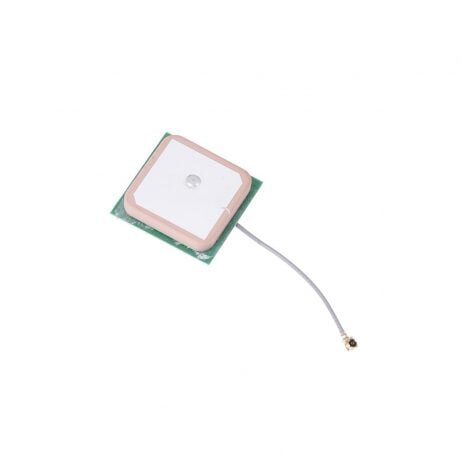
25x25x8mm 28dB High Gain Ceramic Active GPS Antenna
High-gain active ceramic GPS antenna compatible with NEO-6M, NEO-7M, and NEO-8M modules — essential for reliable GPS lock in Indian conditions.
View on ZboticMounting Considerations
- Mount GPS on a mast at least 30mm above the top of the frame to clear carbon fibre interference
- Keep GPS wiring away from video transmitter and ESC wires (RF interference sources)
- Ensure the GPS patch antenna faces upward — the flat ceramic face must have a clear view of the sky
- Use vibration-dampening mounts if possible — GPS modules dislike vibration
3. Wiring Your GPS to the Flight Controller
GPS modules connect via UART (serial). Most have a 4 or 6-pin connector:
- VCC: 3.3V or 5V (check your module’s rating)
- GND: Common ground
- TX: GPS transmit → FC RX pin
- RX: GPS receive → FC TX pin (needed for UBlox configuration commands)
TX and RX are from the GPS module’s perspective — this is a common source of confusion. Remember: GPS TX connects to FC RX, and GPS RX connects to FC TX.
Choose a UART that is not already used for other purposes (VTX, ESC telemetry, receiver). On most F7 flight controllers, UART3 or UART6 is commonly available for GPS.
4. Betaflight Configuration: Enabling GPS and Rescue Mode
Step 1: Enable GPS Feature
- Open Betaflight Configurator → Configuration tab
- Scroll to Other Features → enable GPS
- Hit Save and Reboot
Step 2: Configure GPS UART
- Go to Ports tab
- Find the UART you connected GPS to
- Under Sensor Input, set it to GPS
- Set baud rate to 57600 (or 115200 for NEO-M8N)
- Save and reboot
Step 3: GPS Settings
- Go to Configuration tab → scroll to GPS section
- Protocol: UBLOX (for NEO series modules)
- Ground Assistance Type: Auto Detect
- Enable GPS for navigation and telemetry
Step 4: Verify GPS Lock
In the top right of Betaflight Configurator, you will see a GPS satellite icon. Wait for it to show 6+ satellites before arming. In the OSD tab, add the GPS Sats and GPS Coordinates elements to your OSD layout.
CLI Verification
gps status
# Should show: GPS: OK, Fix: YES, Sats: X, Lat: XX.XXXX, Lon: XX.XXXX
5. GPS Rescue Parameters Explained
Navigate to Failsafe tab → GPS Rescue section. Here are all the key parameters and recommended starting values:
Minimum Rescue Altitude (m)
The altitude GPS Rescue will climb to before flying home. Default: 30m. Set this higher than any obstacles between your usual flying spots and home. In urban India with buildings, 50m is safer. For open field flying, 20–30m is fine.
Return Altitude (m)
The altitude it maintains while flying home. Typically same as or slightly higher than minimum rescue altitude.
Ascent Rate (m/s)
How fast the quad climbs to rescue altitude. Default: 5 m/s. Keep this moderate — too fast causes GPS hold issues while climbing.
Ground Speed (cm/s)
Maximum horizontal speed during rescue flight. Default: 1000 cm/s (10 m/s = 36 km/h). For a build that works well, 800–1200 cm/s is the practical range.
Descent Speed (m/s)
How fast the quad descends once it arrives over the home point. Default: 1.5 m/s. Keep this slow — a too-fast descent can destabilise the GPS hold.
Throttle Minimum
Minimum throttle during GPS Rescue. This should be high enough to maintain altitude when the quad is at full speed. Default: 1100.
Throttle Maximum
Maximum throttle during GPS Rescue. Should not be so high that the quad overshoots home on approach. Default: 1600.
Minimum Satellites Required
GPS Rescue will not activate unless this many satellites are locked. Default: 8. Do not lower this below 6 — fewer satellites means unacceptably high position uncertainty.
Sanity Checks
Keep sanity checks ON. These prevent GPS Rescue from activating if conditions are unsafe (e.g., not enough satellites, GPS position jump detected).
# Example GPS Rescue CLI settings
set gps_rescue_min_sats = 8
set gps_rescue_min_rescue_dth = 30
set gps_rescue_ascend_rate = 500
set gps_rescue_descend_rate = 150
set gps_rescue_return_alt = 30
set gps_rescue_ground_speed = 1000
set gps_rescue_throttle_min = 1100
set gps_rescue_throttle_max = 1600
set gps_rescue_sanity_checks = RESCUE_SANITY_ON
save
6. GPS Rescue PID Tuning
GPS Rescue has its own separate PID values that control how aggressively the quad tracks the home heading and altitude target. These are different from your normal flight PIDs.
Velocity PID
Controls how precisely the quad holds the target ground speed. Too high = oscillating speed. Too low = quad drifts past home point.
Yaw PID
Controls how quickly the quad turns to face home. Too high = oscillating heading. Default values work well for most builds.
Throttle PID
Controls altitude hold during rescue. Increase if the quad drifts up/down during level flight in rescue mode.
The best approach is to start with defaults, do your test rescue (see Section 9), and adjust based on observed behaviour. Document your settings — they differ between builds.
7. Switch Setup: Manual Trigger and Failsafe Trigger
Manual Trigger Switch
Assign GPS Rescue to a 3-position switch on your transmitter in the Betaflight Modes tab. Using a 3-position switch lets you have:
- Position 1: Normal flight
- Position 2: GPS Rescue manually activated
- Position 3: Angle mode or another mode (optional)
Failsafe Trigger
Go to Failsafe tab → set Stage 2 Failsafe to GPS Rescue. This means if RC signal is lost for more than the configured failsafe delay, GPS Rescue activates automatically. Set the failsafe delay to 1–2 seconds to avoid false triggers from momentary glitches.
set failsafe_delay = 4  # 4 * 0.1 = 0.4 seconds
set failsafe_off_delay = 200  # 20 seconds before disarm
set failsafe_procedure = GPS-RESCUE
save
8. Pre-Flight GPS Rescue Checks
Before every flight where you intend to rely on GPS Rescue, verify these items:
- GPS lock confirmed: 8+ satellites minimum. Check OSD satellite count before arming.
- Home point set: Betaflight records home point on arm. Let the quad sit armed (props off!) for 15–30 seconds before your first flight to improve home position accuracy.
- GPS Rescue switch tested: Activate and deactivate the rescue switch while the quad is held firmly on the ground (props OFF). Verify the mode is toggling in the Betaflight Modes tab.
- Rescue altitude set appropriately for today’s location — if flying in a new area with taller obstacles, update the rescue altitude.
- Battery fully charged — GPS Rescue draws significant current climbing and navigating. A partially flat battery may not have enough capacity to complete the rescue journey.
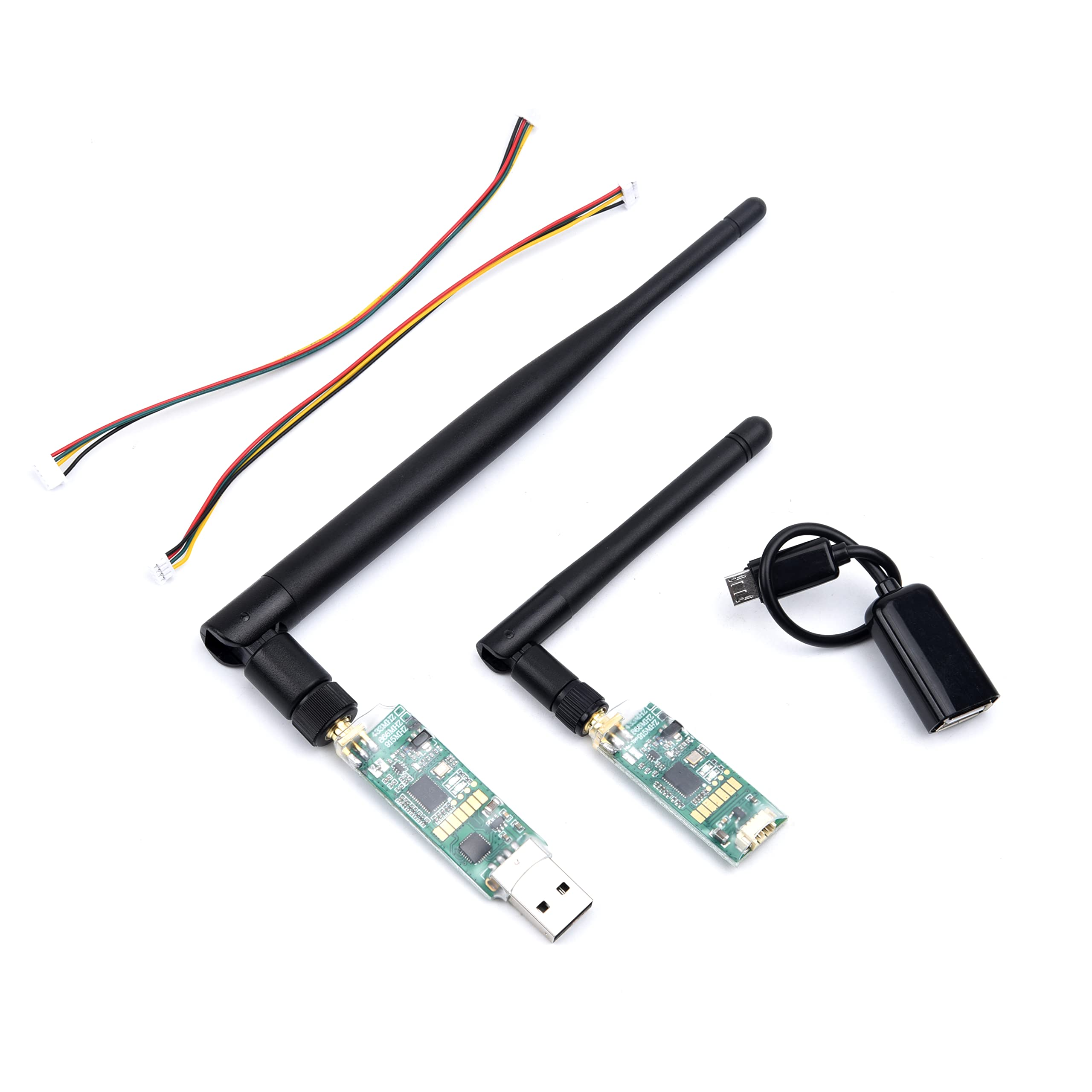
3DR Single TTL MINI Radio Telemetry 433MHz 500mW
433MHz telemetry radio for APM/Pixhawk builds — monitor GPS fix quality and position in real time from a ground station during GPS Rescue tests.
View on Zbotic9. How to Test GPS Rescue Safely
Never assume GPS Rescue works until you have tested it. Here is a safe testing protocol:
Test 1: Ground Verification (No Props)
- Power drone with props removed, arm it.
- Wait for strong GPS lock (10+ satellites, 5 minutes sitting still).
- Walk 30–50 metres away from the drone (with transmitter).
- Activate GPS Rescue mode via switch.
- The drone should not crash or panic — it will merely try to spin up motors toward home. Without props and on the ground, nothing dramatic will happen but you can verify the mode activates correctly in the Betaflight OSD/CLI.
Test 2: Low Altitude Manual Activation
- Fly to 30–40 metres altitude, 100 metres distance from home point in a clear area.
- Maintain awareness of the drone’s position throughout.
- Activate GPS Rescue via switch.
- The drone should climb to rescue altitude if needed, rotate toward home, and begin flying back.
- When it is clearly navigating correctly, deactivate Rescue mode and resume normal flight.
- Do NOT let it complete a full landing on the first test — resume control once you are confident it is navigating correctly.
Test 3: Failsafe Test (Advanced, Flat Open Field Only)
- Fly to 50 metres altitude, 150 metres distance.
- Turn off the transmitter briefly (have a spotter watch the drone).
- After failsafe delay, the drone should activate GPS Rescue automatically.
- Turn transmitter back on once you see it ascending and turning toward home.
- Resume control or let it complete the rescue — your call.
10. Troubleshooting GPS Rescue Issues
GPS Rescue Activates But Quad Flies Wrong Direction
This almost always means the home point was not recorded correctly, or GPS drift occurred. Always wait for stable GPS lock before arming. If it consistently flies the wrong direction, check if your FC’s compass (magnetometer) is calibrated — or disable compass and rely on GPS velocity heading instead.
GPS Rescue Activates Then Immediately Disarms
Sanity checks are failing. Check: satellite count at time of activation (must meet minimum), home distance (must be above minimum_rescue_dth), battery voltage (must be above minimum for ESC operation).
Altitude Hold Oscillates During Rescue
Increase the GPS Rescue throttle PID. Also check that your barometer (if present) is not being disturbed by prop wash — shield it with foam.
Quad Overshoots Home Point
Reduce ground speed. The quad may also be fighting wind — increase the velocity PID I-term slightly.
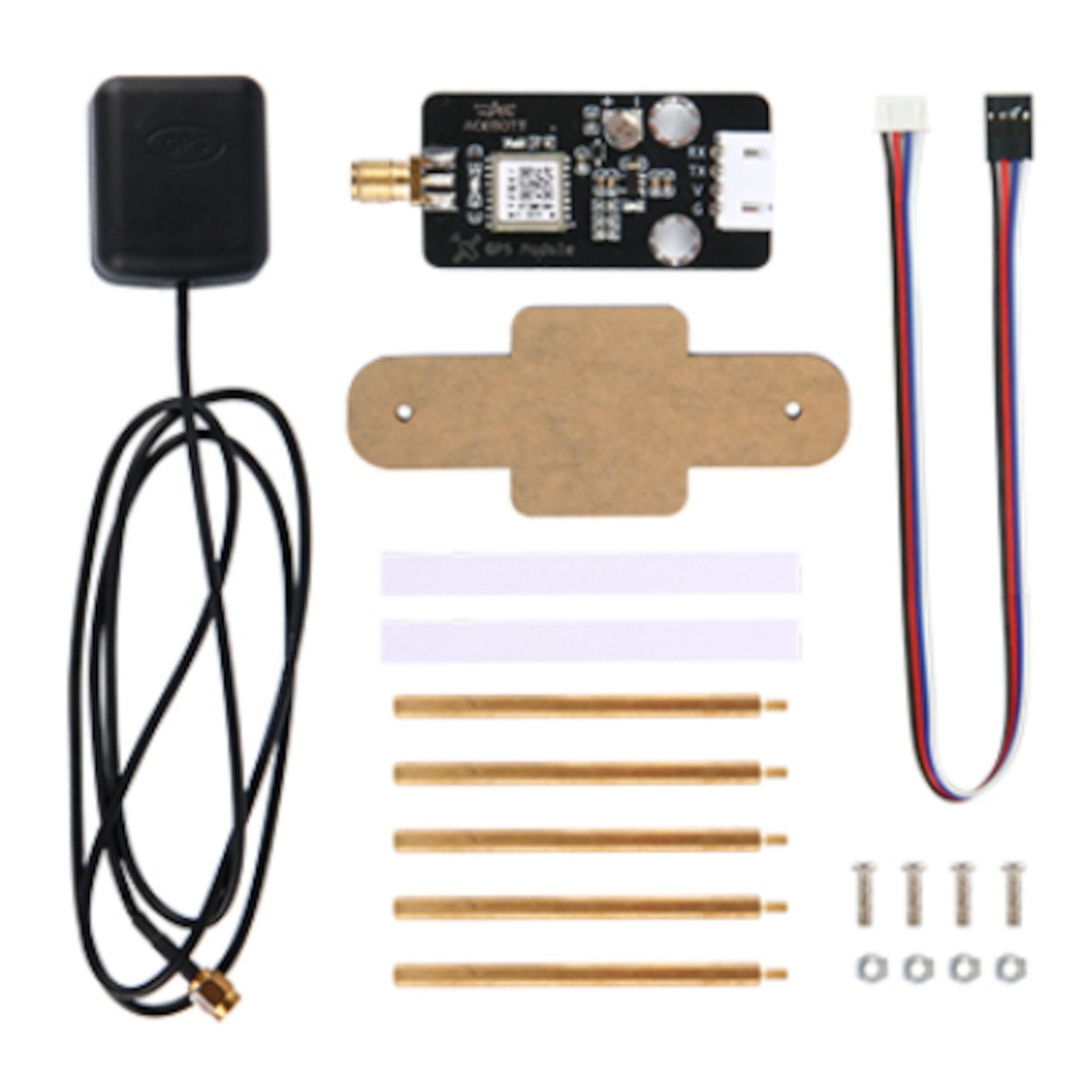
ACEBOTT QD009 GPS Expansion DIY Kit
GPS expansion kit with all necessary hardware for adding GPS to your drone build — perfect for enabling GPS Rescue Mode for the first time.
View on Zbotic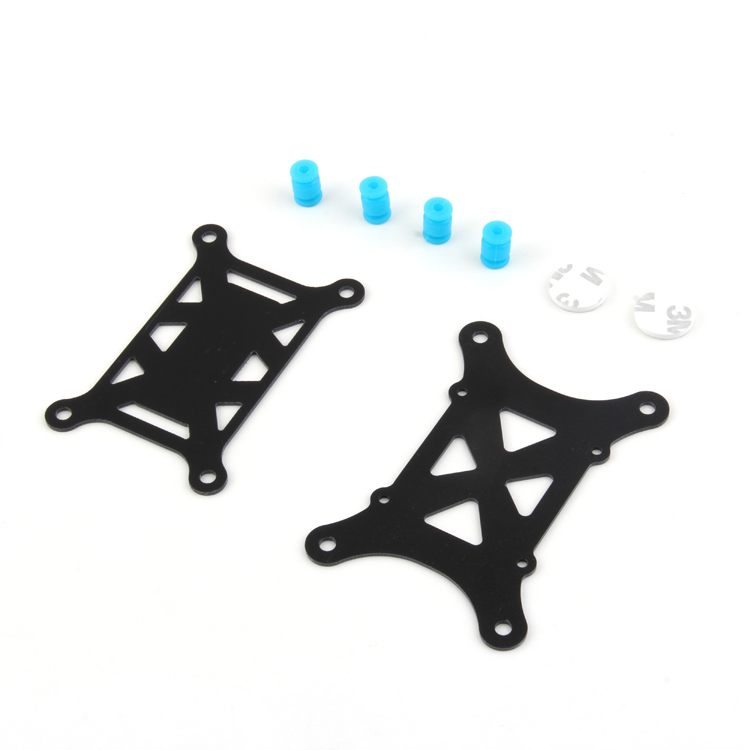
Anti-Vibration Shock Absorber for APM/KK/MWC/PixHawk
Vibration damping mounts protect GPS modules and barometers from frame vibrations that can disrupt altitude hold during GPS Rescue.
View on Zbotic12. Frequently Asked Questions
Q: Does GPS Rescue work with all Betaflight versions?
A: GPS Rescue was significantly improved in Betaflight 4.0 and again in 4.2+. Use Betaflight 4.2 or newer for reliable GPS Rescue. Earlier versions had known issues with heading accuracy and altitude hold.
Q: What happens if GPS Rescue activates and the battery dies mid-flight?
A: The drone will disarm and fall. GPS Rescue has a battery-monitoring sanity check that should detect critically low voltage and disarm rather than crash at full speed. However, this is why launching with sufficient battery charge is non-negotiable.
Q: Can GPS Rescue navigate around obstacles?
A: No. GPS Rescue flies a straight line from current position to home at the configured rescue altitude. Set rescue altitude higher than any obstacle between your flying area and your home point. Trees, buildings, and power lines are not detected.
Q: What minimum distance from home is required for GPS Rescue?
A: The gps_rescue_min_rescue_dth parameter defines this — default is 100 metres. If you trigger GPS Rescue when closer than this, it will disarm instead of attempting rescue. This prevents the quad from crashing into you at close range. Increase this to 50m maximum only if you understand the risks.
Q: Does GPS Rescue work with all GPS modules or only specific ones?
A: Betaflight GPS Rescue works best with UBlox NEO series modules (6M, 7M, 8M, M8N). The NMEA protocol (used by many generic GPS modules) is supported but the update rate is lower. For reliable GPS Rescue, use UBlox protocol at 57600+ baud.
Add GPS Rescue to Your Build Today
Zbotic stocks GPS modules, antennas, telemetry radios, and all the components you need to add reliable GPS Rescue Mode to your FPV drone. Shop now and fly with confidence.
Shop GPS & Navigation at Zbotic






Add comment