
Drone Magnetometer Calibration: Fix Compass Errors Fast
Nothing is more frustrating than watching your drone drift sideways, spin uncontrollably, or simply refuse to arm because of a compass error. Magnetometer calibration is one of the most misunderstood aspects of drone building in India, yet it is absolutely critical for safe, stable GPS-assisted flight. Whether you are flying an agricultural sprayer over paddy fields in Punjab or a surveillance drone above an industrial site in Pune, a properly calibrated compass is non-negotiable.
This guide covers everything you need to know about drone magnetometer calibration — from understanding what the compass actually does, to diagnosing the most common errors, and running through the exact calibration procedures for ArduPilot (Pixhawk-based), Betaflight, and DJI platforms. Read on and get your drone flying straight again.
1. What Is a Drone Magnetometer and Why Does It Matter?
A magnetometer is essentially a digital compass — it measures the direction and strength of Earth’s magnetic field to give the flight controller a reliable heading reference. Most modern flight controllers pair the magnetometer with GPS data to provide accurate position hold, return-to-home, and autonomous waypoint navigation.
Without a working compass, your drone cannot:
- Hold its position in GPS mode (it will drift or spin)
- Execute a reliable Return-to-Home (RTH)
- Fly autonomous waypoint missions
- Maintain a consistent heading when hovering
Most drones have two magnetometers — one built into the flight controller (internal) and one mounted externally on the GPS mast (external). The external compass is positioned away from the power wires and ESCs to reduce magnetic interference. ArduPilot and similar firmware use the external compass as the primary reference by default, falling back to the internal one if needed.
The compass must be calibrated not just once but every time you:
- Change your flying location significantly (different city or region)
- Add or remove metallic components or wiring
- Replace the GPS module or flight controller
- Update firmware
- Notice unusual yaw drift or heading errors
2. Common Compass Errors and What They Mean
Before calibrating, you need to correctly diagnose the problem. Here are the most frequent compass-related errors Indian drone builders encounter:
2.1 Compass Variance / Inconsistency Error (ArduPilot)
This appears as Compass variance in Mission Planner or GCS. It means the internal and external compasses are reading significantly different values. Causes include magnetic interference near the internal compass (usually from power cables), a damaged internal compass, or incorrect compass orientations set in firmware.
2.2 Bad Compass Health
This error means the flight controller cannot read the magnetometer sensor at all. Possible causes: broken I2C/SPI connection, damaged sensor, power supply issue, or incorrect compass port settings.
2.3 Compass Not Calibrated
A fresh install or firmware update resets calibration data. This is the simplest error — just run a fresh calibration.
2.4 High Magnetic Interference Warning
ArduPilot logs MAG_FIELD values. If the field strength fluctuates by more than 35% during flight (especially when throttle changes), you have electromagnetic interference from motors or power wires. Fix by physically moving the GPS/compass module further away from high-current wires.
2.5 Toilet-Bowling in GPS Mode
If your drone flies in expanding circles when set to Loiter or Position Hold, the compass heading is offset. This is usually caused by incorrect compass orientation settings (COMPASS_ORIENT parameter in ArduPilot) or an uncalibrated magnetometer.
2.6 Yaw Drift / Spin on Arm
If the drone slowly rotates on the ground or immediately after arming in stabilise mode, this may be a compass interference issue or the compass is being masked by a high-current motor test.
3. Before You Calibrate: Site Selection and Preparation
Calibration site selection is the most overlooked step, especially in India where urban environments are full of interference. Follow these rules:
- Go at least 5 metres away from any vehicle, reinforced concrete structure, power transformer, or metal fence. Rebar in concrete is a major source of magnetic disturbance.
- Avoid railway stations, metro construction sites, and high-tension power lines. These generate strong electromagnetic fields that corrupt calibration.
- Turn off all other RF equipment (mobile phones set to airplane mode, other transmitters powered down).
- Do not calibrate inside buildings. Steel-framed buildings and even tiled floors with metal content will skew your calibration.
- Use a wooden or plastic table if you need to set the drone down during calibration — avoid concrete floors with embedded metal.
- Remove any magnetic accessories — tool bags with magnetic closures, metal tool sets, etc.
- Connect your battery before calibration so the internal magnetic fields from current-carrying wires are included in the calibration model.
The best calibration sites in Indian cities are open sports grounds, rooftop terraces of low buildings, and rural open land. Early morning calibration (before peak traffic) also helps reduce ground-level RF noise.
4. ArduPilot / Pixhawk Compass Calibration (Mission Planner)
ArduPilot running on Pixhawk-style flight controllers (including Cube Orange, Pixhawk 4, Matek H743, etc.) has the most comprehensive compass calibration system available. Here is the full procedure:
Step 1 — Connect to Mission Planner
Open Mission Planner and connect via USB or telemetry radio. Navigate to Setup → Mandatory Hardware → Compass.
Step 2 — Check Compass Priority and Orientation
In the Compass screen, verify that your external GPS compass (typically labelled Compass 1 or External) is set as the primary compass with Priority 1. Ensure the orientation matches how your GPS module is physically mounted. Common orientations: ROTATION_NONE for standard mounting, or ROTATION_YAW_180 if mounted backwards. Getting this wrong will cause toilet-bowling even after a perfect calibration.
Step 3 — Start Onboard Calibration
Click Start next to the Onboard Mag Calibration option (preferred over older Offboard method). A progress bar will appear for each compass. You have 60 seconds per compass.
Step 4 — Rotate the Drone in All Axes
Pick up the drone and rotate it slowly and smoothly through all orientations. The goal is to expose all three magnetometer axes to Earth’s full magnetic field range. A reliable pattern:
- Hold level, rotate 360° (yaw sweep)
- Nose up, rotate 360°
- Nose down, rotate 360°
- Right side up (roll 90° right), rotate 360°
- Left side up (roll 90° left), rotate 360°
- Hold upside-down, rotate 360°
Move slowly — about 1 full rotation per 10 seconds. Jerky movements introduce noise. Think of it like tracing the surface of a sphere with the drone.
Step 5 — Check Calibration Results
On completion, Mission Planner shows Fitness scores for each compass. Target values:
- Excellent: Below 0.3
- Good: 0.3–0.6
- Acceptable: 0.6–1.0
- Fail/Retry: Above 1.0
Also check the Offsets (X, Y, Z). Values above ±600 indicate very strong local magnetic interference — locate and mitigate the source before flying.
Step 6 — Verify with Compass Rose
After rebooting, go to Mission Planner’s HUD and walk the drone in a cardinal direction (north, south, east, west) while watching the artificial horizon heading indicator. It should match your actual heading within ±5 degrees.
ArduPilot Compass Parameters Quick Reference
| Parameter | Description | Recommended Value |
|---|---|---|
| COMPASS_USE | Enable compass 1 | 1 |
| COMPASS_USE2 | Enable compass 2 | 1 |
| COMPASS_AUTODEC | Auto magnetic declination | 1 (enabled) |
| COMPASS_MOTCT | Motor compensation type | 2 (current-based) |
| COMPASS_ORIENT | External compass orientation | Match physical mount |

3DR 100mW Radio Telemetry 915MHz for APM PX4 Pixhawk
Stay connected to Mission Planner wirelessly during calibration and field operations. 915MHz penetrates better in Indian terrain — ideal for long-range ground station use.
5. Betaflight Compass Calibration
Most pure FPV racing drones running Betaflight do not use GPS or compass at all — they rely on gyro and accelerometer for stabilisation. However, if you are building an FPV freestyle or long-range drone with GPS rescue, you will need compass calibration.
Enabling Compass in Betaflight
Connect via Betaflight Configurator. Go to Configuration → Other Features and enable MAG (Magnetometer). Then under Ports, assign your GPS UART if using an external GPS+compass module.
Running Calibration
In Betaflight Configurator, navigate to the Setup tab. Click Calibrate Magnetometer. You have 30 seconds. Rotate the drone through all six faces (same pattern as ArduPilot above). Betaflight’s calibration is simpler but less robust than ArduPilot’s — try to be especially smooth and complete.
Verifying Compass Heading
After calibration, go to the Setup tab and watch the heading readout while physically rotating the drone. If north is pointing in the wrong direction, check your align_mag CLI setting. Common values:
set align_mag = CW0FLIP— standard GPS module mounted forwardset align_mag = CW180— GPS module mounted backwardsset align_mag = CW90— GPS module rotated 90° clockwise
6. DJI Drone Compass Calibration
DJI makes compass calibration very straightforward through the DJI Fly or DJI GO 4 app. The procedure is largely the same across Mavic, Mini, Air, and Phantom series:
Via DJI Fly App (Mavic 3, Mini 3, Air 3)
- Open DJI Fly → tap the three-dot menu → Safety tab
- Tap Compass → Calibrate
- Follow on-screen animation: hold drone level and rotate 360°, then nose-down and rotate 360°
- LED indicators confirm successful calibration (green solid light)
Via DJI Assistant 2 (Phantom 4, Inspire)
- Connect drone via USB to DJI Assistant 2
- Go to Tools → Compass Calibration
- Follow the same two-rotation procedure
DJI Compass Error Codes
- Yellow LED flashing: Compass calibration required
- Red LED flashing rapidly: Compass interference detected — move to a different location
- Solid red LED: Compass error — hardware fault possible, contact DJI support
7. Advanced Troubleshooting: When Calibration Keeps Failing
Sometimes calibration fails repeatedly despite your best efforts. Here is a systematic approach to find and fix the root cause:
7.1 Motor Compensation (ArduPilot)
Electric motors and their associated high-current wiring generate strong magnetic fields that change with throttle. ArduPilot has a built-in Motor Interference Compensation feature. Enable it by setting COMPASS_MOTCT = 2 (throttle-based compensation) or 1 (current-based). Then run the Motor Compass Calibration wizard in Mission Planner with props removed and at a safe location.
7.2 Check GPS Mast Height and Cable Routing
The GPS/compass module should be mounted at least 10–15cm above the main power distribution board and ESCs. Route the GPS cable away from power cables — if they must cross, do so at 90° to minimise inductive coupling. Use twisted-pair cable for power runs where possible.
7.3 Replace the GPS Module
GPS modules with embedded compasses can develop hardware faults, especially if exposed to vibration, water ingress, or physical shock. If offsets are consistently above ±600 and you have confirmed minimal interference, the sensor itself may be faulty.
7.4 Check I2C Bus Integrity
In ArduPilot, run the compass check via COMPASS_EXTERNAL and verify the I2C address is being detected. Intermittent I2C failures often appear as random compass health warnings. Keep I2C cables short (under 15cm) and use proper pull-up resistors if running long cable runs.
7.5 Magnetic Declination Setting
Magnetic declination is the angle between magnetic north and true north. In India, this varies from about -0.5° in the northwest (Rajasthan) to about +1.5° in the northeast. Enable COMPASS_AUTODEC = 1 in ArduPilot to automatically fetch the correct declination based on GPS location. Without this, your drone may consistently fly at a slight heading offset.
8. India-Specific Tips: Dealing with Local Interference
India presents some unique compass calibration challenges that pilots from other countries rarely face:
8.1 Iron-Rich Soil in Deccan Plateau
Parts of Maharashtra, Karnataka, and Andhra Pradesh have laterite soil with high iron content. This can cause localised magnetic field anomalies. If you notice your compass giving different readings at different spots on the same field, you may be dealing with this. Always calibrate away from the actual flight area and run a pre-flight compass consistency check.
8.2 Urban EMI in Mumbai, Delhi, Bengaluru
Metro rail systems, high-voltage transmission lines, and dense mobile tower networks all generate EMI. Choose calibration sites well away from these sources. If you must fly in dense urban areas, run calibration at a nearby park or open ground and do not recalibrate at the urban site.
8.3 Agricultural Areas and Tube Wells
Water pump motors and irrigation system pipelines (especially iron pipes) create magnetic anomalies. Calibrate on a clean site before reaching agricultural deployment zones.
8.4 Monsoon Season Considerations
Humidity does not directly affect compass calibration, but moisture ingress into GPS modules can cause sensor drift. Ensure your GPS module has an IP rating or is covered with a weather shield during calibration in humid conditions.
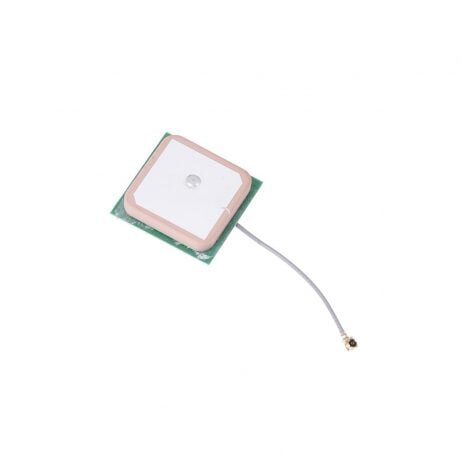
25x25x8mm 28dB High Gain Ceramic Active GPS Antenna for NEO-6M/7M/8M
High-gain active GPS antenna for reliable satellite lock in India’s challenging urban and semi-urban RF environments. Compatible with NEO-6M, 7M, and 8M modules.
9. Recommended Products for a Reliable GPS Setup
A good compass calibration starts with quality hardware. Here are the products from Zbotic that help you build a reliable GPS and navigation stack:
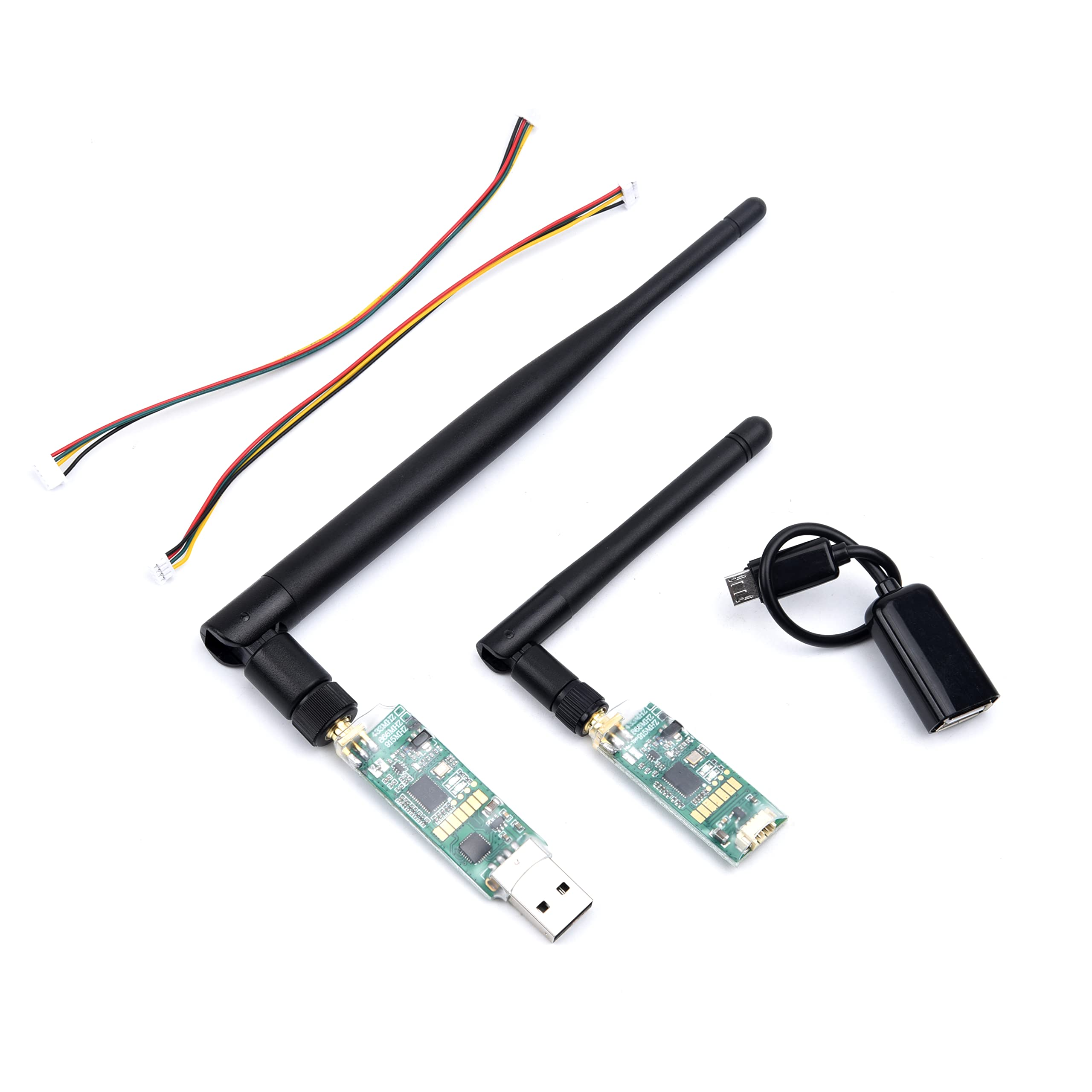
3DR Single TTL MINI Radio Telemetry 433MHz 500mW for Pixhawk/APM
500mW telemetry link at 433MHz for ground station connectivity. 433MHz is legal for drone telemetry in India and gives excellent range in open field conditions.
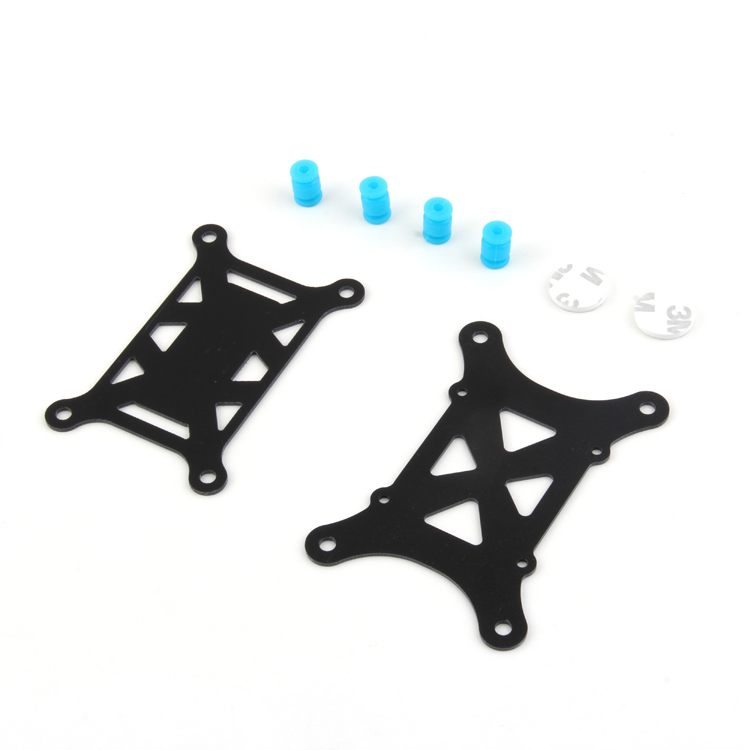
Anti-Vibration Shock Absorber for APM/KK/MWC/PixHawk
Silicone vibration damper to isolate your flight controller from motor vibrations. Reduced vibration means cleaner accelerometer and magnetometer readings — critical for accurate compass data.
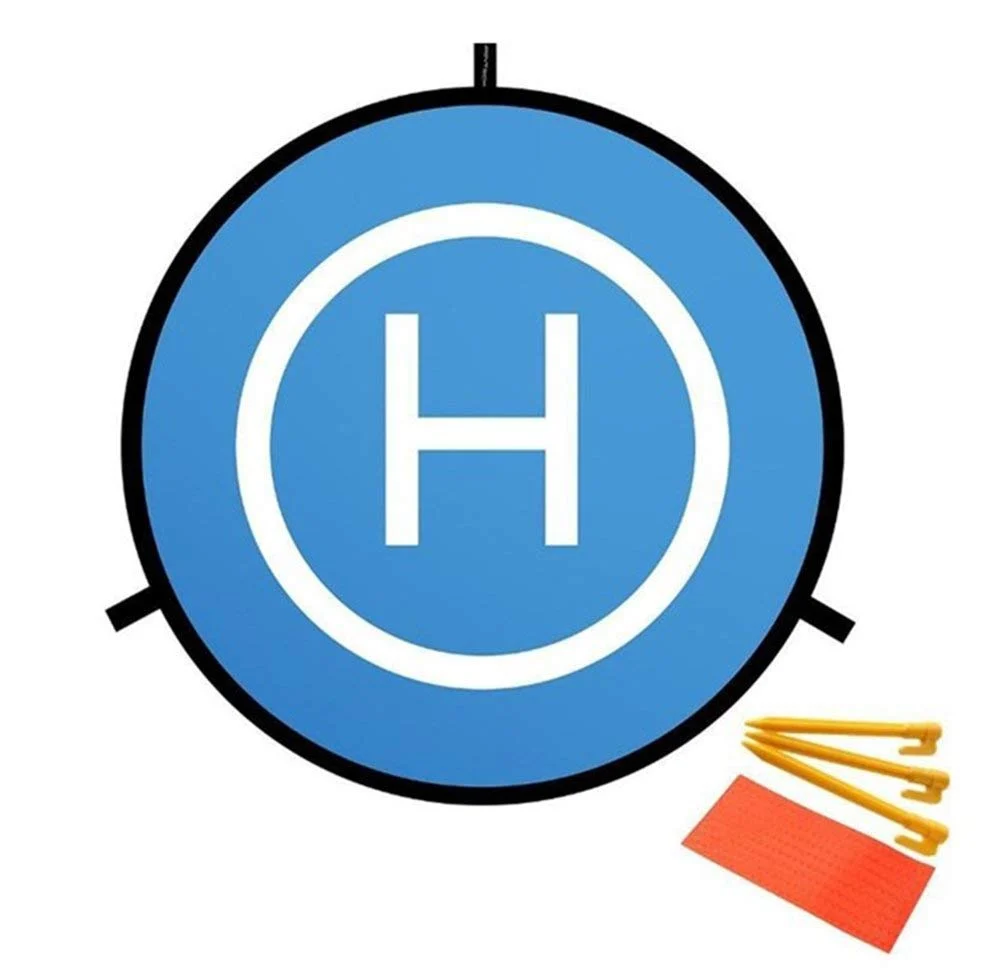
110cm Diameter Fast-fold Landing Pad / Helipad for RC Drone
A clean, magnetically neutral landing surface for calibration and operations. The bright orange/yellow surface is also DGCA-compliant for marking your take-off and landing zone.
10. Frequently Asked Questions
Q: How often should I calibrate my drone compass?
A: Calibrate before your first flight at any new location, after any firmware update, after any hardware changes (especially GPS or flight controller replacement), and any time you notice yaw drift or toilet-bowling behaviour. For regular use at the same location, monthly calibration is sufficient.
Q: Can I calibrate inside my workshop?
A: Generally no. Indoor environments contain steel rebar, metal shelving, power cables, and motor assemblies that all corrupt calibration data. Always calibrate outdoors on a clean site away from metal structures and high-current equipment.
Q: My calibration fitness score is 0.8 — is that acceptable?
A: It is borderline acceptable (0.3–0.6 is good, 0.6–1.0 is acceptable). Try to recalibrate in a less electromagnetically noisy location. A score of 0.8 may result in slight heading errors, especially after throttle changes.
Q: Why does my drone spin left after arming?
A: Post-arm yaw spin in stabilise/manual mode is usually a motor or ESC calibration issue, not compass. However, if it happens only in GPS-assisted modes, the compass orientation (COMPASS_ORIENT in ArduPilot) is likely incorrectly set. Verify the orientation of your external GPS/compass module.
Q: What is magnetic declination and do I need to set it for India?
A: Magnetic declination is the difference between magnetic north and true north. In India it is small (roughly -0.5° to +1.5° depending on location) but can cause minor heading offsets. Enable COMPASS_AUTODEC in ArduPilot (set to 1) and it will be set automatically using your GPS-derived location. Manual setting is rarely needed.
Q: My DJI drone says compass interference even in an open field. What do I do?
A: Check if you are wearing a watch, belt buckle, or have metal items in your pockets. Also check if your phone case has a magnetic clasp. Keep any magnetised items well away from the drone during calibration. If the error persists, try moving at least 50 metres from your current position and calibrating again.
Ready to Build a Rock-Solid GPS Drone?
Zbotic stocks all the components you need — from GPS modules and telemetry radios to flight controllers and vibration dampers. All products are available with fast shipping across India, including to Tier 2 and Tier 3 cities.







Add comment