
Bambu Lab has completely disrupted the consumer 3D printing market. For Indian makers, engineers, hobbyists, and small businesses, the question is no longer “should I buy a Bambu printer” but “which Bambu printer should I buy?” The Bambu X1 Carbon (X1C), P1S, and A1 each target a different buyer, and getting this decision wrong means either overspending for features you won’t use or regretting a purchase that doesn’t meet your needs.
This guide gives you an honest, India-specific comparison — including import costs, voltage compatibility, enclosure importance in Indian climates, and where to buy genuine Bambu filaments and spare parts locally.
Bambu Lab in India: The Context
Bambu printers are not yet officially distributed in India through a domestic network. Most buyers import through Amazon.in international shipping, grey-market resellers, or direct from Bambu’s website with courier import. This means:
- Import duty: Typically 18–25% GST + customs duty on declared value. A US$1,499 X1C can cost ₹1.6–1.9 lakh landed depending on declaration.
- Warranty: International warranty; Bambu Lab does provide support globally but Indian warranty service requires shipping abroad.
- Power supply: All Bambu printers support 100–240V, 50/60Hz — fully compatible with Indian power. No voltage converter needed.
- Plug type: Bambu ships with US/EU plugs. You will need a simple Type D (Indian) adapter — very cheap and available everywhere.
Given these import realities, the price difference between models is amplified. The gap between an A1 and X1C in the US is about US$1,000; in India that becomes roughly ₹85,000–₹95,000 after customs. This makes the P1S the most-discussed option among Indian buyers for good reason.
Bambu X1 Carbon: The Flagship
The X1 Carbon is Bambu Lab’s top-of-the-line printer and still their most feature-complete machine. It was the printer that launched Bambu Lab as a serious contender and introduced features that competitors are still catching up to.
Key Features
- Build volume: 256 × 256 × 256 mm
- Max print speed: 500 mm/s (20,000 mm/s² acceleration)
- Fully enclosed: Yes — carbon fibre-reinforced shell
- Lidar sensor: Yes — for first-layer inspection and spaghetti detection
- AI camera: Yes — integrated into the build chamber
- Vibration compensation: On-board accelerometers (auto-calibrated)
- Multi-material: AMS support (up to 16 colours with two AMS units)
- Hardened steel nozzle: Standard (can print abrasive filaments)
- Carbon fibre print bed: Yes
- Connectivity: LAN, WiFi, SD card, cloud (Bambu Cloud)
Who the X1C is For
The X1C makes most sense for professional users, small businesses doing multi-colour or engineering-grade parts, and makers who want the absolute best in print intelligence. The Lidar-based first-layer scan catches problems before they waste your time, and the AI spaghetti detection camera has saved many prints. If you are printing carbon fibre-reinforced nylon, PC, or other abrasive engineering materials regularly, the X1C’s standard hardened nozzle and high-temp chamber are worth it.
Bambu P1S: The Practical Choice
The P1S is essentially an X1C with the Lidar sensor removed and a few other intelligent features trimmed, at approximately 70% of the cost. For most users, including serious makers and light professional use, it is indistinguishable from the X1C in day-to-day printing.
Key Features
- Build volume: 256 × 256 × 256 mm (identical to X1C)
- Max print speed: 500 mm/s (same as X1C)
- Fully enclosed: Yes — important for ABS/ASA printing
- Lidar sensor: No — first-layer calibration is manual/visual
- AI camera: Yes — available (same camera as X1C)
- Vibration compensation: Yes (accelerometer-based, same as X1C)
- Multi-material: AMS compatible (up to 16 colours)
- Hardened steel nozzle: Optional (hotend upgrade available)
- Connectivity: LAN, WiFi, SD card, Bambu Cloud
P1S vs X1C: What You Actually Lose
The honest answer: very little for most use cases. The Lidar sensor on the X1C does two things — first-layer scan (identifies adhesion problems) and on-the-fly flow calibration. These are genuinely useful, but not irreplaceable. The P1S still has vibration compensation (the more impactful performance feature) and the full speed/acceleration envelope.
The P1S’s enclosure is slightly different material (no carbon fibre reinforcement), but functionally equivalent. Both maintain chamber temperatures sufficient for ABS and ASA printing.
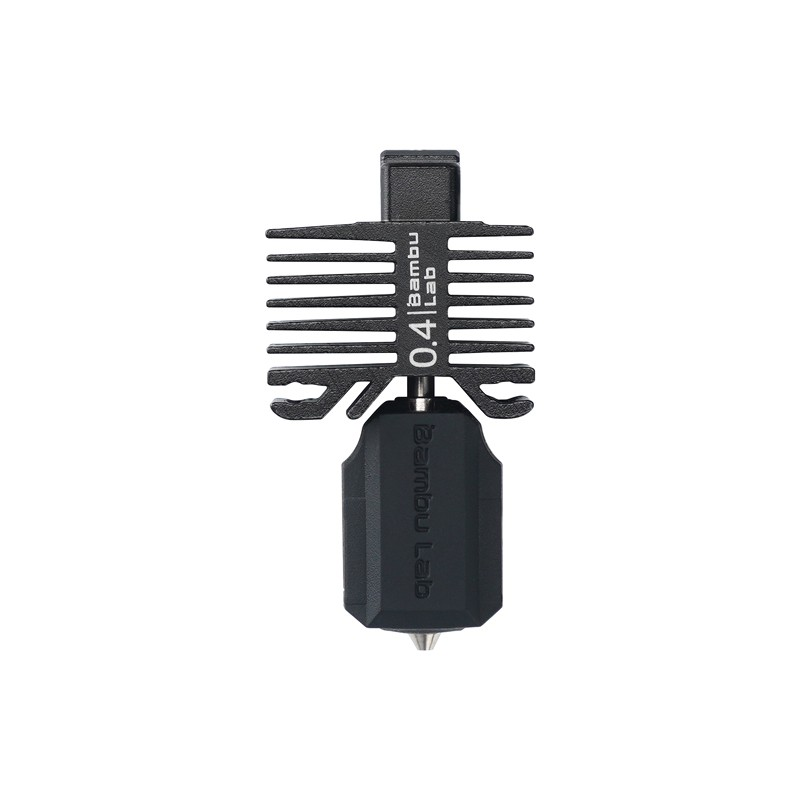
Bambu Lab Hotend with Hardened Steel Nozzle 0.4mm – for P1P, P1S, X1C
Upgrade your P1S or X1C with a genuine Bambu hardened steel hotend for printing carbon fibre, glow-in-dark, and abrasive filaments without nozzle wear.
View on ZboticBambu A1 & A1 Mini: The Budget Entry
The Bambu A1 is an open-frame CoreXY-ish printer (technically CoreXZ) that brings Bambu’s speed and AMS Lite multi-colour support to a significantly lower price. The A1 Mini is a smaller sibling with a 180 × 180 × 180 mm build volume.
Key Features (A1)
- Build volume: 256 × 256 × 256 mm
- Max print speed: 500 mm/s (same acceleration, same kinematics)
- Enclosure: No — fully open frame
- Lidar: No
- AI camera: Optional (purchasable add-on)
- Multi-material: AMS Lite compatible (4 materials, simpler design)
- Vibration compensation: Yes
- Nozzle: Standard brass (not hardened steel)
- Heated bed: Yes (up to 100°C)
A1’s Limitations
The A1 lacks an enclosure, which makes it unsuitable for ABS, ASA, or PC printing. These materials require a stable, warm chamber to prevent warping — without it, you will get delamination and lifted corners regardless of how good the printer’s motion system is. For PLA, PETG, and TPU, the A1 is essentially as capable as the X1C in terms of print quality.
Full Comparison Table
| Feature | X1 Carbon | P1S | A1 |
|---|---|---|---|
| Build Volume | 256³ mm | 256³ mm | 256³ mm |
| Max Speed | 500 mm/s | 500 mm/s | 500 mm/s |
| Enclosure | Yes (CF shell) | Yes | No |
| Lidar Sensor | Yes | No | No |
| AI Camera | Yes | Yes | Optional |
| AMS Support | AMS (up to 16 cols) | AMS (up to 16 cols) | AMS Lite (4 cols) |
| Prints ABS/ASA | Yes | Yes | Difficult |
| Hardened Nozzle Std | Yes | Optional | No |
| Approx India Price | ₹1.6–1.9 lakh | ₹1.1–1.4 lakh | ₹60k–80k |
Note: India prices are estimates based on import duty + customs. Actual prices vary by source and exchange rate.
AMS & Multi-Colour Printing
The AMS (Automatic Material System) is one of Bambu’s most compelling features and a major differentiator. For multi-colour or multi-material printing, understanding which AMS version comes with each printer matters:
AMS (full version): Comes with X1C and P1S. Holds 4 filament spools, uses a filament hub for dry storage, and enables full Bambu filament RFID detection (auto-load material settings). Up to 4 AMS units can be connected for 16 material slots.
AMS Lite: Comes bundled with the A1 combo. Simpler design, holds 4 spools but lacks the dryer-like sealed environment and RFID detection. Good enough for PLA multi-colour but not ideal for moisture-sensitive materials.
For Indian users doing decorative multi-colour prints (busts, signs, figurines), even AMS Lite is transformative. For engineering multi-material (printing support material in a different filament than the model), the full AMS is preferable.
Why Enclosure Matters in India
This section is India-specific and rarely discussed in global reviews. India’s climate creates two enclosure-related challenges:
Warping in Hot Environments
Paradoxically, in Indian summers (40–45°C ambient in many cities), even PLA can warp without proper cooling. However, for ABS and ASA, an enclosure maintains the 45–55°C chamber temperature needed to prevent layer delamination. Without this, no amount of brim or glue stick will save an ABS print in a non-enclosed environment.
If you plan to print ABS — whether for functional parts, automotive applications, or because you want to acetone-smooth parts — the P1S or X1C is non-negotiable. The A1 simply cannot reliably print ABS in Indian ambient conditions, especially with fans and AC running nearby.
Dust and Fume Containment
India’s urban air quality, especially in Delhi, Mumbai, Pune, and other large cities, means that an enclosed printer also protects the print from external particulates settling on hot surfaces. Additionally, the enclosed design keeps ABS and PETG fumes contained — an important consideration if printing in a bedroom or home office.
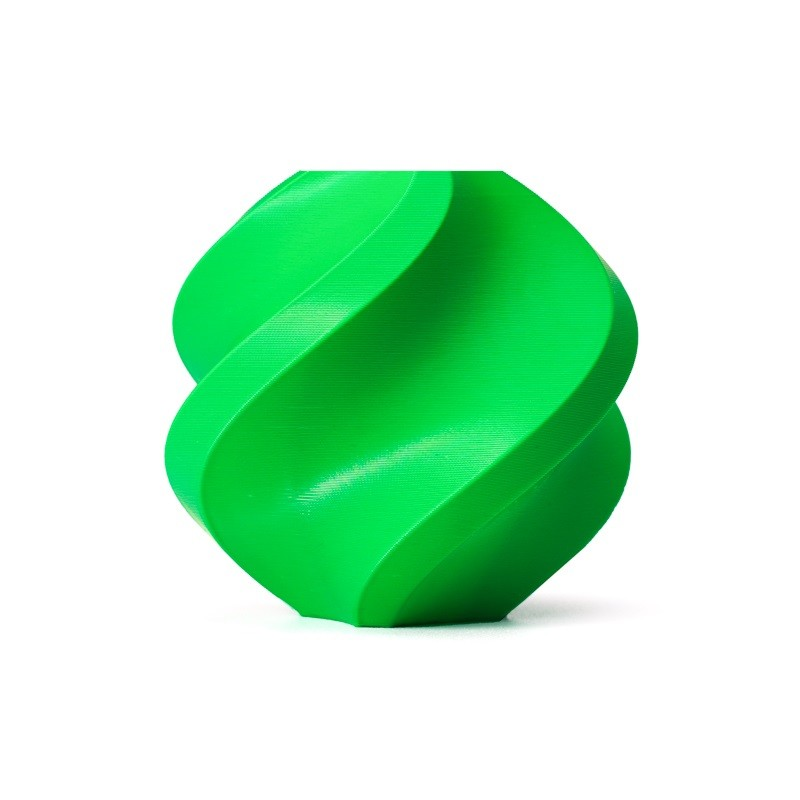
Bambu Lab ABS Filament – Bambu Green 1.75mm with Reusable Spool
Genuine Bambu Lab ABS formulated specifically for the X1C and P1S enclosures. RFID-chipped for automatic settings load in Bambu Studio. Available now in India via Zbotic.
View on ZboticPrint Quality & Speed Comparison
In real-world printing tests, the X1C, P1S, and A1 all produce virtually identical quality for PLA and PETG at their default quality settings. The speed is identical — all three use the same CoreXY motion system with the same advertised 500 mm/s top speed and 20,000 mm/s² acceleration.
Where differences emerge:
- First layer reliability: X1C wins due to Lidar scan. P1S and A1 require the bed to be properly levelled and occasionally need manual first-layer tuning.
- Exotic material printing: X1C and P1S win clearly. Carbon fibre nylon, polycarbonate, and ASA print consistently in the enclosed chamber.
- Multi-colour wasted material: All AMS-capable printers waste some filament during colour changes (the poop/purge). The X1C’s Lidar helps minimise this by detecting colour-change completion faster.
- Noise: All three Bambu printers are louder than entry-level printers at high speeds. Plan accordingly for shared spaces.
Which Bambu Should You Buy?
Here is a direct recommendation matrix for Indian buyers:
Buy the A1 if:
- Budget is the primary constraint (under ₹80k for printer + AMS Lite combo)
- You primarily print PLA and PETG
- Multi-colour printing is more important than engineering materials
- This is your first 3D printer upgrade from a budget FDM machine
Buy the P1S if:
- You want ABS/ASA/PC capability without paying X1C premium
- This is your primary/only printer and you want it to last and handle everything
- You are a maker, engineer, or small business where print reliability matters
- You want full AMS support (not just AMS Lite)
- This is the Zbotic recommendation for most Indian buyers
Buy the X1C if:
- You run a 3D printing service business and need maximum reliability
- You regularly print abrasive engineering filaments (CF nylon, CF PETG)
- First-layer failure detection is critical for your workflow
- Budget is not the deciding factor
Bambu Filaments Available in India
One of the underrated advantages of buying Bambu printers is that Bambu Lab filaments — with RFID chips for automatic profile loading — are now available in India through Zbotic. This eliminates the hassle of importing filament separately or finding suitable alternatives.
Bambu Lab PLA Filament Silver – 1.75mm with Reusable Spool
Premium Bambu PLA with RFID chip for automatic profile loading in Bambu Studio. Available in India — no import hassle, fast delivery via Zbotic.
View on Zbotic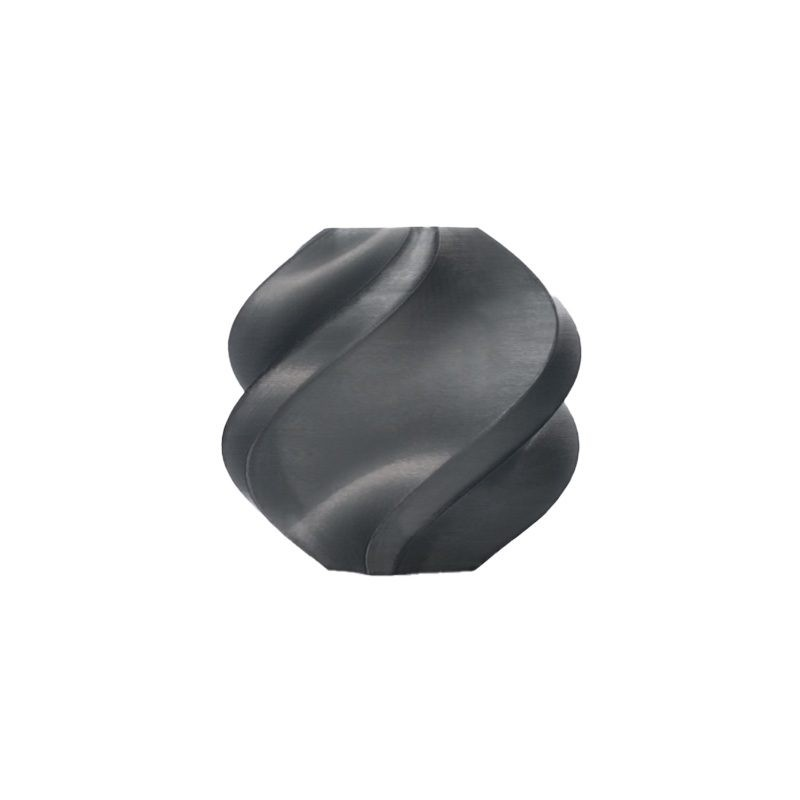
Bambu Lab ABS Filament Black – 1.75mm
Bambu ABS optimised for enclosed printers like P1S and X1C. Low-odour, high-strength, easy acetone smoothing — perfect for functional parts and housings.
View on Zbotic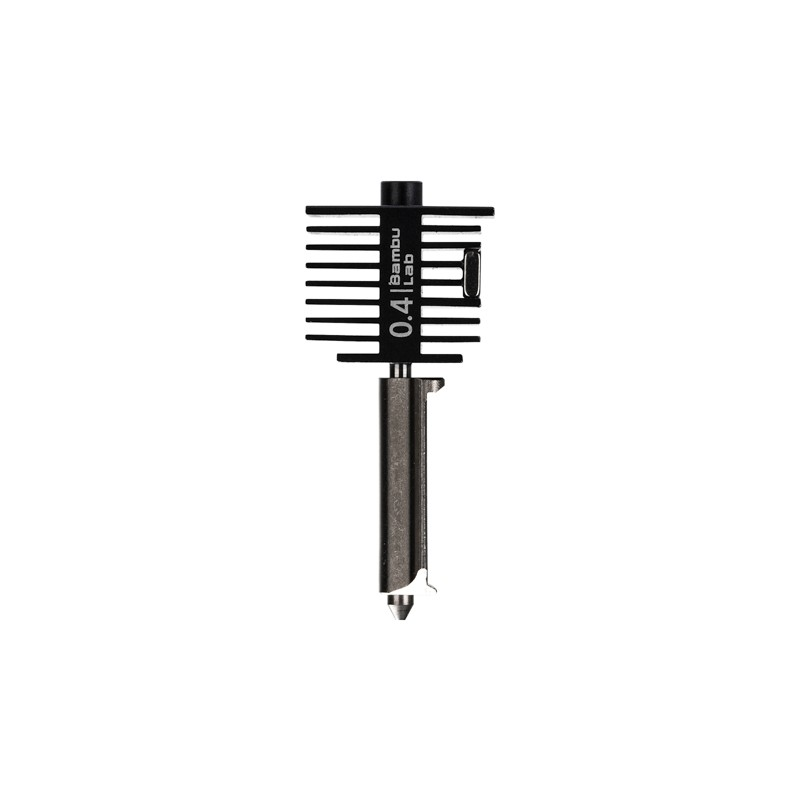
Bambu Lab Hotend with Hardened Steel Nozzle – 0.4mm
Genuine Bambu replacement hotend with hardened steel nozzle. Essential spare part if you print abrasive filaments on your Bambu printer.
View on ZboticFrequently Asked Questions
Is the Bambu P1S worth it over the X1C for Indian buyers?
For most Indian users, yes. The P1S delivers 95% of the X1C’s real-world performance at roughly 70–75% of the cost. The only users who should seriously consider the X1C are those printing high volumes of abrasive engineering materials where the hardened nozzle and Lidar failure detection pay for themselves over time.
Can I print ABS on the Bambu A1?
Technically yes, but it’s unreliable. ABS requires a warm, still chamber temperature of 40–55°C. The A1’s open frame lets air currents disrupt this, leading to warping and layer adhesion failures. You can DIY an enclosure for the A1, but you are essentially working around the printer’s design. If ABS is important to you, buy the P1S.
Do Bambu printers work without Bambu Cloud/internet?
Yes. All Bambu printers support full LAN-only mode. You can use Bambu Studio or OrcaSlicer over local network without any cloud dependency. This is important for users with data privacy concerns or unreliable internet — common situations in many Indian cities.
Where can I buy Bambu filaments in India without importing?
Zbotic.in stocks genuine Bambu Lab filaments (PLA, ABS) with fast delivery across India. This avoids the import hassle, customs uncertainty, and long wait times of ordering directly from Bambu’s website.
What Indian power supply considerations are there for Bambu printers?
All Bambu printers support 100–240V, 50/60Hz — perfect for India’s 230V/50Hz supply. No transformer or voltage regulator needed. Just use a simple Type D plug adapter (3-pin Indian plug). If you are in a voltage-unstable area, an online UPS with 1000VA or more is a good idea to protect the electronics.
Shop Bambu Lab Products & Spares in India
Zbotic.in carries genuine Bambu Lab filaments, hotends, and spare parts with pan-India delivery. No import wait, no customs surprises — just order and print.







Add comment