
Table of Contents
- Overview: The Ender 3 Story
- Full Specs Comparison Table
- Design and Build Quality
- Print Speed: The Biggest Difference
- Print Quality Comparison
- Ease of Use and Levelling
- Software, Firmware, and Connectivity
- Upgradability and Parts Availability
- Price and Value in India (2026)
- Final Verdict: Which Should You Buy?
- FAQ
The Creality Ender 3 launched in 2018 and became arguably the most influential consumer 3D printer ever made. It made quality FDM printing accessible to hobbyists worldwide at under $200 (₹15,000–18,000 in India at the time). In the years since, Creality has released numerous Ender 3 variants — Pro, V2, S1, Neo — and in 2023, they released the Ender 3 V3, a significant architectural redesign that competes with much more expensive machines.
If you are deciding between the original Ender 3 (still available in India as new old stock or second-hand) and the new Ender 3 V3, this comparison will help you make the right call. We cover specs, real-world print quality, ease of use, and value for Indian buyers specifically.
Overview: The Ender 3 Story
Original Ender 3
The original Ender 3 set the template for budget 3D printers: a Cartesian open-frame design, a 220×220×250mm build volume, a manually levelled heated bed, and a Bowden extruder. It ships mostly disassembled and takes 1–2 hours to build. Its main advantages were price and an enormous community — millions of users means unlimited tutorials, upgrade guides, and support forums.
Ender 3 V3
The Ender 3 V3 is a core XY design (like Bambu Lab’s architecture) rather than a traditional Cartesian setup. The bed only moves in the Z-axis; the toolhead moves in X and Y. This allows much higher printing speeds without sacrificing print quality. It includes automatic bed levelling (CR Touch), a direct drive extruder, and a significantly faster 32-bit mainboard. It is essentially a different class of printer wearing the Ender 3 name.
Note on variants: There is also an Ender 3 V3 KE (faster, includes WiFi/camera) and V3 SE (stripped-down, cheaper). This comparison focuses on the standard Ender 3 V3 vs the original Ender 3.
Full Specs Comparison Table
| Specification | Ender 3 (Original) | Ender 3 V3 |
|---|---|---|
| Architecture | Cartesian (bed-slinger) | Core XY |
| Build Volume | 220×220×250mm | 220×220×250mm |
| Max Print Speed | 50–80mm/s practical | 500mm/s (300mm/s typical) |
| Extruder Type | Bowden | Direct Drive (Sprite) |
| Bed Levelling | Manual (paper method) | Auto (CR Touch probe, 25-point mesh) |
| Hotend Temp | Max 255°C | Max 300°C |
| Bed Temp | Max 110°C | Max 100°C |
| Mainboard | 8-bit (ATmega1284) | 32-bit (STM32) |
| Input Shaping | No | Yes (resonance compensation) |
| Connectivity | microSD | microSD + USB-C |
| Display | Rotary knob + LCD | 4.3″ touchscreen |
| Frame Material | 2020 aluminium extrusion | 2020/2040 aluminium + improved gantry |
| Price in India (2026) | ₹8,000–12,000 (second-hand) | ₹22,000–28,000 (new) |
Design and Build Quality
Ender 3 (Original)
The Ender 3 is a classic Cartesian bed-slinger design. The bed moves backward and forward on the Y-axis; the toolhead moves left-right on X; and the entire X gantry moves up on Z. This means the bed carries the weight of the print plus its own inertia during Y-axis moves. At higher speeds, this bed mass causes vibration artefacts (called ringing or ghosting) in prints.
Build quality on the original Ender 3 is adequate for its price class. The extrusion frame is rigid enough for slow printing. The V-slot wheel-based motion system is simple but wears over time and requires occasional tightening. The heated bed is one of the best parts of the original — it heats quickly and holds temperature reliably.
Ender 3 V3
The V3 switches to a core XY motion system. Both X and Y motion are handled by the toolhead itself (via a belt system), while the bed only moves vertically (Z-axis). The bed carries no inertia during XY printing moves, which is why core XY machines can print so much faster without ringing artefacts.
The V3 also switches from wheel-based motion to linear rails (on some axes) and a significantly more rigid frame. The overall build quality is noticeably better — fewer plastic parts, tighter tolerances, less flex. The addition of input shaping (resonance compensation using an accelerometer) further reduces vibration at speed.
Print Speed: The Biggest Difference
This is where the V3 is in a completely different league. The original Ender 3 prints reliably at 50mm/s and can push to 80mm/s with some quality degradation. Anything higher causes visible ringing in the print due to the moving bed mass.
The Ender 3 V3, with its core XY architecture and input shaping, prints at 300mm/s in default mode with quality that matches the original Ender 3 at 50mm/s. It can push to 500mm/s for draft quality prints. In practical terms:
- A benchmarking Benchy (the famous test boat) takes about 90–100 minutes on an original Ender 3
- The same Benchy takes about 16–18 minutes on the Ender 3 V3 at standard settings
For someone printing regularly, this time difference is enormous. A full-day print on the Ender 3 becomes a 3-hour print on the V3.
Print Quality Comparison
At maximum quality settings (slow speed, fine layer height), both printers can produce excellent results. The V3’s direct drive extruder gives it an edge in:
- Flexible filament: The original Ender 3’s Bowden setup struggles badly with TPU — the long tube between extruder and hotend allows the flexible filament to buckle. The V3’s direct drive handles TPU far better.
- Stringing: Direct drive allows more precise retraction control, resulting in less stringing.
- Overhang performance: Better retraction and the Sprite direct drive extruder improve overhang quality.
The original Ender 3 can match the V3 on quality for simple PLA prints when printing slowly. The V3 just achieves similar quality much faster, and offers advantages with flexible and exotic filaments.
Ease of Use and Levelling
Original Ender 3: The Learning Curve
The original Ender 3’s manual bed levelling is the biggest pain point. The paper method works, but the bed drifts over time (especially after transport or if you accidentally bump the printer). Many users find themselves re-levelling before every print. For a complete beginner, this can be frustrating enough to cause early abandonment of the hobby.
The 8-bit board’s rotary knob interface is functional but basic. SD cards are finicky (exFAT not supported — must use FAT32).
Ender 3 V3: Dramatically Better User Experience
The V3’s automatic CR Touch bed levelling is a game-changer. A 25-point mesh scan takes about 2 minutes and compensates for any bed irregularities in software. You still need to set the Z-offset once, but after that the bed levelling is essentially maintenance-free. Prints stick reliably from day one.
The 4.3″ colour touchscreen is a significant upgrade. It runs Creality’s new OS (similar to Klipper-based setups) and provides a much better interface for monitoring prints, adjusting settings mid-print, and loading files.
Software, Firmware, and Connectivity
The original Ender 3 runs Marlin firmware (or modified versions). GRBL and Klipper ports exist, giving advanced users full control. The massive community means almost any modification has been documented somewhere.
The Ender 3 V3 runs Creality’s own firmware (based on Klipper). It supports OrcaSlicer, Creality Print, PrusaSlicer, and Cura — all free and excellent. The USB-C connectivity is convenient. WiFi is not built into the standard V3 (check V3 KE for that).
Upgradability and Parts Availability
This is where the original Ender 3 still has an advantage. The Ender 3 has one of the largest upgrade ecosystems in 3D printing history. Every component has been upgraded, redesigned, and documented:
- Direct drive conversion kits (add direct drive to the Bowden setup)
- All-metal hot end upgrades
- BL Touch / CR Touch auto-levelling add-ons
- 32-bit mainboard upgrades (SKR Mini E3)
- Silent stepper driver replacements
- Glass bed, PEI magnetic beds

3D Printer Build Platform Glass Retainer Heated Bed Clip (Pack of 4)
A popular Ender 3 upgrade — add a glass bed and secure it with these stainless steel retainer clips. Glass beds give better first-layer adhesion and a flatter surface than the stock flexible bed plate.
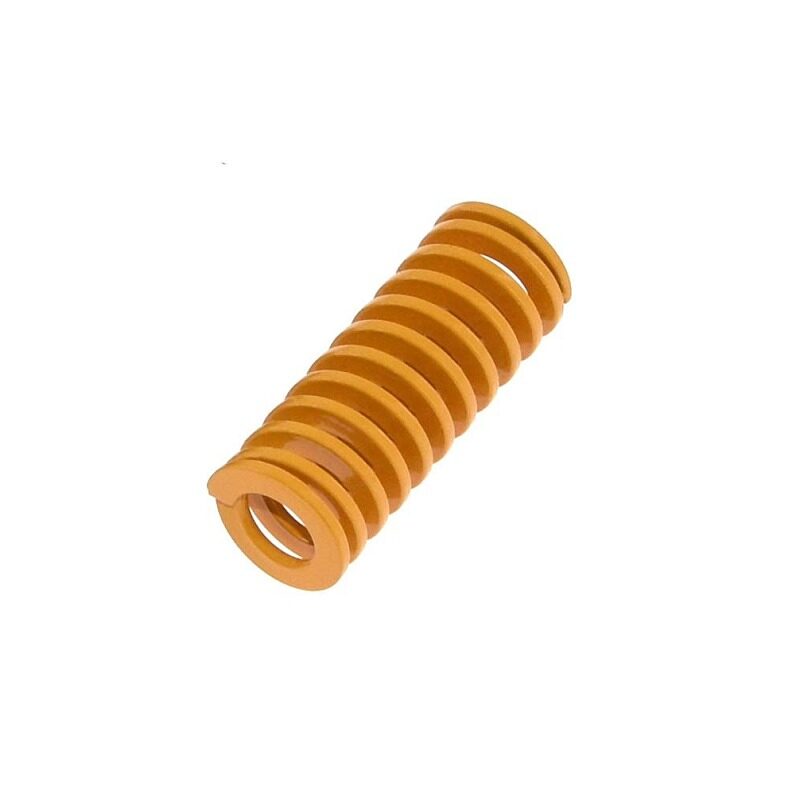
3D Printer Parts Spring for Heated Bed MK3 CR-10 Hotbed
Replace the soft stock springs on your Ender 3 bed with stiffer versions to maintain level longer between adjustments. A cheap but highly effective upgrade for original Ender 3 users.
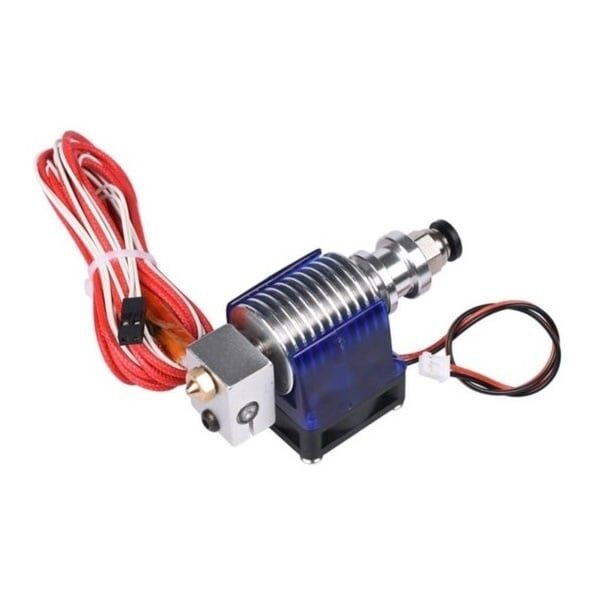
All Complete Bowden V6 with Fan Cable 30cm Length for 1.75mm Filament, 0.2mm Nozzle
Upgrade your original Ender 3’s hotend to a quality V6-style Bowden setup for better temperature stability and improved print quality — a worthwhile investment if you plan to keep your Ender 3 running long-term.
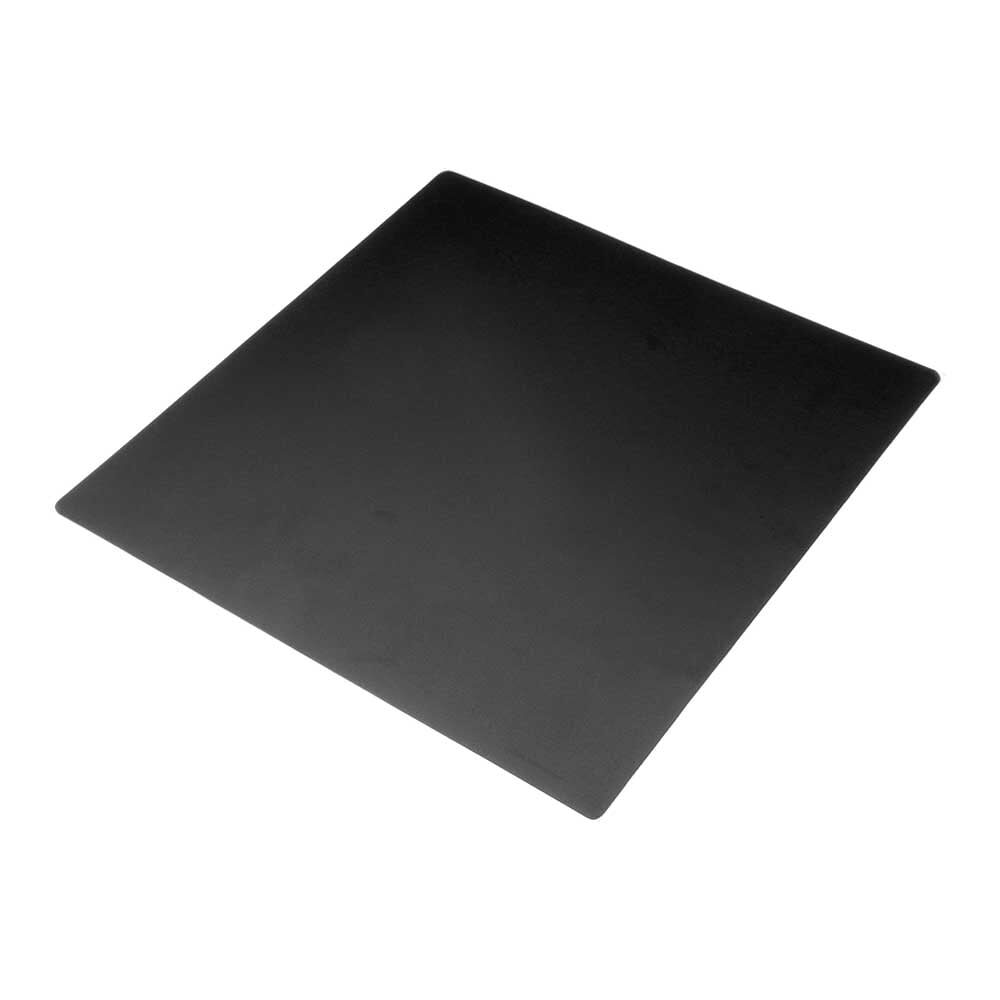
Frosted Heated Bed Sticker Build Plate Tape with Adhesive Backing – 220×220mm
Ideal bed surface upgrade for both Ender 3 and V3. The frosted texture grips PLA and PETG prints firmly while hot and releases cleanly on cooling. No more hairspray or glue stick needed.
The Ender 3 V3’s upgrade ecosystem is newer and smaller. Spare parts are available but fewer third-party modifications exist compared to the original. For most users this does not matter — the V3 comes with most desired features built in — but for tinkerers, the Ender 3’s hackability is a genuine appeal.
Price and Value in India (2026)
Here is the honest price picture for Indian buyers:
- Original Ender 3 (new): Hard to find new in 2026. Discontinued in most channels. Available second-hand on OLX/Facebook Marketplace for ₹5,000–12,000 depending on condition and upgrades included.
- Ender 3 V3 (new): Approximately ₹22,000–28,000 from authorised Indian dealers. Check Amazon India and electronics stores in your city.
- Ender 3 V3 SE (budget V3 variant): Around ₹16,000–20,000 — worth considering as a middle ground.
Import duties significantly affect Creality printer prices in India. Prices fluctuate with exchange rates and duty structures. Always buy from authorised dealers with a proper warranty — grey market imports may be cheaper but leave you stranded for service and genuine parts.
Final Verdict: Which Should You Buy?
The answer depends on your situation:
Buy the Original Ender 3 (used) if:
- Budget is very tight (under ₹12,000)
- You enjoy tinkering, upgrading, and learning from hands-on mechanical work
- You are fine printing PLA mainly, slowly and patiently
- You want to learn 3D printing fundamentals before investing in a better machine
- You found a well-upgraded used unit at a great price (with BL Touch, direct drive, silent board)
Buy the Ender 3 V3 if:
- Your time has value and you want prints done fast
- You are serious about 3D printing as a hobby or for business/prototyping
- You want reliable auto-levelling without fiddling
- You want to print flexible filaments (TPU) reliably
- You are entering 3D printing for the first time and want a modern, good-out-of-box experience
- Budget allows ₹22,000+
For most new buyers in India in 2026, the Ender 3 V3 is the right choice if the budget allows. The original Ender 3 is a piece of history but is outclassed as a new purchase. If you find a well-maintained, upgraded original Ender 3 second-hand for ₹7,000–9,000, it can still be a perfectly capable machine for a beginner.
Regardless of which you choose, a good quality filament makes a significant difference to print results.
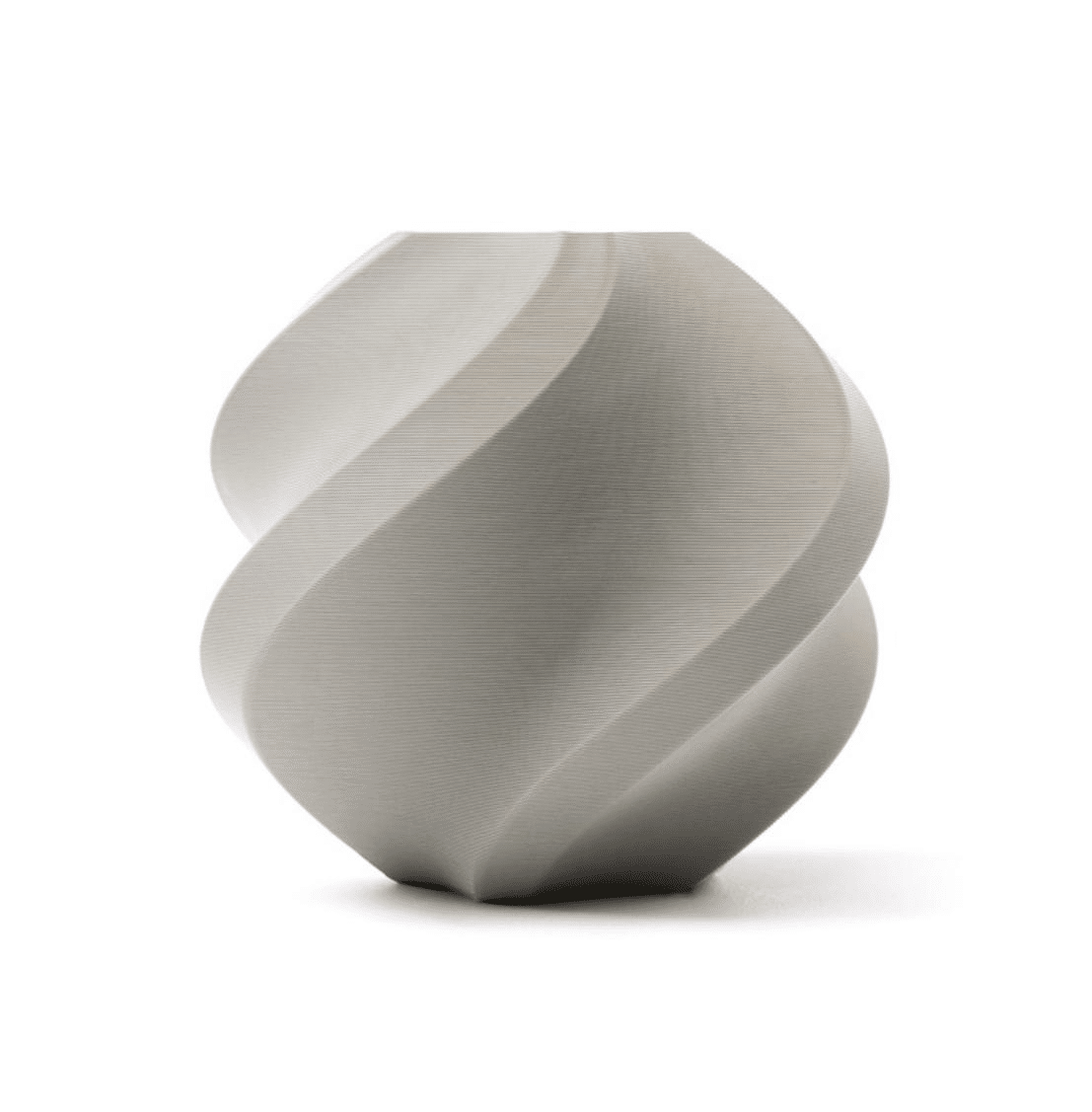
Bambu Lab PLA 3D Printer Filament – Grey 1.75mm with Reusable Spool
Premium PLA that works beautifully on both the original Ender 3 and the V3. Consistent diameter and excellent adhesion properties give you great prints on any Creality machine.
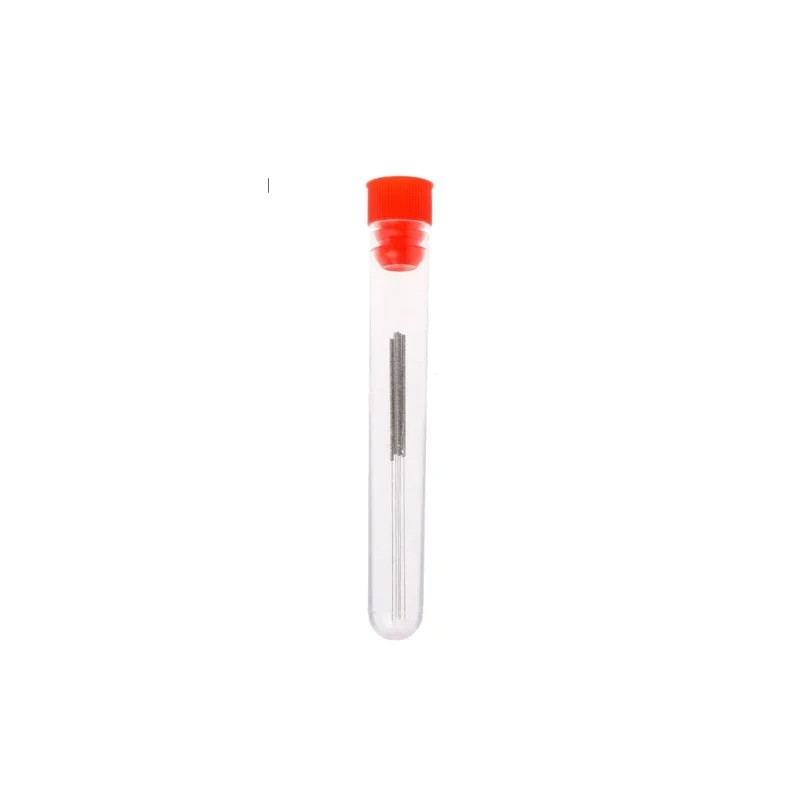
0.4mm Stainless Steel Nozzle Cleaning Needle for 3D Printer (Pack of 10 Pcs)
Essential maintenance kit for any 3D printer owner. Keep your nozzle clear of partial clogs that degrade print quality. Works on both Ender 3 and V3 standard 0.4mm nozzles.
Frequently Asked Questions
Is the Ender 3 V3 good for beginners?
Yes, the V3 is actually better for beginners than the original Ender 3 despite being more advanced. Auto-levelling eliminates the most common frustration source for new users. The touchscreen interface is intuitive. The faster printing speed means less waiting to see results. The main downside is the higher price.
Can the original Ender 3 be upgraded to match the V3?
In terms of features (auto-levelling, direct drive, better screen) — yes, with enough upgrades. In terms of core XY speed — no. The original Cartesian bed-slinger architecture fundamentally limits printing speed due to bed mass. You can get to 80–100mm/s with upgrades but not 300mm/s. At some point the upgrade cost approaches the price of a new V3.
Does the Ender 3 V3 support flexible filament (TPU)?
Yes. The V3’s direct drive extruder handles TPU well. The short distance between the extruder gear and nozzle prevents the filament from buckling. The original Ender 3’s Bowden setup can print TPU but requires very slow speeds (15–25mm/s) and tight settings, making it impractical for anything more than small TPU prints.
What filament brands work best on Creality Ender printers?
Bambu Lab, eSUN, and Sunlu all work well on Creality printers. Bambu Lab PLA and PETG are excellent choices for both Ender 3 and V3. eSUN PLA+ is particularly popular for parts that need more strength than standard PLA.
Is there a warranty on Creality printers bought in India?
Warranty depends on the retailer. Official Creality authorised dealers in India offer 1-year limited warranty. Grey market imports (bought from AliExpress shipped directly to India) may have no warranty support locally. Always verify warranty terms before purchasing.
How long do 3D printers last?
A well-maintained Ender 3 can run for thousands of hours over several years. Wear items (nozzle, PTFE tube, build plate) are cheap and replaceable. Original Ender 3 printers bought in 2018 are still printing in 2026 with original frames. The V3 uses higher quality motion components and should have an even longer service life with proper maintenance.
Get Your 3D Printer Accessories at Zbotic
Whichever Ender 3 you choose, Zbotic.in has the filaments, nozzles, bed clips, and spare parts to keep it running at its best. Browse our full 3D printing range with fast shipping across India.





Add comment