
ArduPlane is the world’s most capable open-source autopilot system for fixed-wing unmanned aerial vehicles. Developed by the ArduPilot community and trusted by professionals from hobbyist pilots to military researchers and humanitarian organisations, ArduPlane turns any RC airplane into a sophisticated autonomous flying machine capable of pre-programmed waypoint missions, terrain following, automatic take-off and landing, and real-time telemetry. This complete 2026 setup guide covers everything from hardware selection and initial configuration to field operations in India.
1. What Is ArduPlane and Who Uses It?
ArduPlane is the fixed-wing branch of the ArduPilot project, a comprehensive open-source autopilot platform that also covers multirotor (ArduCopter), rovers (ArduRover), boats, and VTOL aircraft. ArduPlane provides:
- Flight modes: Manual, Stabilize, FBW-A, FBW-B, Auto, Loiter, RTL, Circle, Cruise, ACRO, and more.
- Sensor fusion: Extended Kalman Filter (EKF3) combining GPS, IMU, barometer, airspeed sensor, and optionally terrain data for robust navigation.
- Mission execution: Programmed waypoint missions with conditional commands, camera triggers, survey patterns, and DO_ command sets.
- TECS: The Total Energy Control System simultaneously manages airspeed and altitude by coordinating pitch and throttle — the secret to ArduPlane’s exceptional flight efficiency.
In India, ArduPlane users range from IIT research teams building UAVs for rural delivery studies, to survey companies mapping mining sites in Chhattisgarh and Rajasthan, to passionate hobbyists in the thriving ArduPilot India community.
2. Required Hardware
A complete ArduPlane system requires these components:
| Component | Purpose | Budget Option (INR) |
|---|---|---|
| Flight Controller | Runs ArduPlane firmware | Matek F405-Wing: ~₹4,500 |
| GPS Module | Position and navigation | BN-880 / M8N: ₹1,500–3,000 |
| Airspeed Sensor | True airspeed for TECS | MS4525DO clone: ₹800–2,000 |
| Telemetry Radio Pair | MAVLink GCS link | 3DR 915MHz: ₹2,500–4,000 |
| RC Receiver | Pilot control input | ELRS EP1: ₹1,200 |
| Motor + ESC | Propulsion | Combo: ₹2,500–5,000 |
| Servos (×3–4) | Aileron, elevator, rudder | ₹300–800 each |
| Battery | Energy storage | 4S 5000mAh: ₹3,500–6,000 |
| RC Transmitter | Pilot control | RadioMaster Boxer: ₹8,000 |
| Ground Station (laptop) | Mission Planner, monitoring | Existing laptop |
3. Choosing an Airframe
ArduPlane works with virtually any fixed-wing airframe — from 1m foam trainers to 3m gliders. For a first ArduPlane build, these types work well:
- Classic trainer layout (high wing, flat bottom aerofoil): Stable, forgiving, easy to hand-launch. Examples: Bixler 1.1, Skyhunter, EasyStar clone. Ideal for learning ArduPlane without worrying about the aircraft itself.
- Flying wings: Skywalker X8, Reptile S800. Highly efficient, great for survey missions. ArduPlane fully supports elevon mixing for flying wings.
- VTOL hybrids (QuadPlanes): ArduPlane’s QuadPlane mode supports tilt-rotor and tail-sitter VTOL UAVs. More complex but eliminates the need for a runway.
For the purposes of this guide, we assume a conventional 3-surface trainer or flying wing — the most common first ArduPlane platform in India.
4. Flight Controller Options for ArduPlane 2026
Not all flight controllers support ArduPlane. The FC must have the appropriate flash size (2MB+ recommended) and be listed in the ArduPilot hardware matrix. Top choices in 2026:
- Matek F405-Wing: The most popular ArduPlane FC for DIY builders. Dedicated servo rail BEC (6V/3A), dual UART, barometer, onboard OSD. ~₹4,500. Perfect for beginner to intermediate builds.
- Pixhawk 6C / Cube Orange: Professional-grade. Redundant IMUs, hot-swap power modules, enterprise support. ₹15,000–35,000. Justified for commercial operations.
- Pixhawk 4 Mini: Compact Pixhawk form factor for tighter builds. ₹8,000–12,000.
- CUAV X7: High-end alternative to Cube Orange with thermal management and dual GPS support. ₹25,000+.
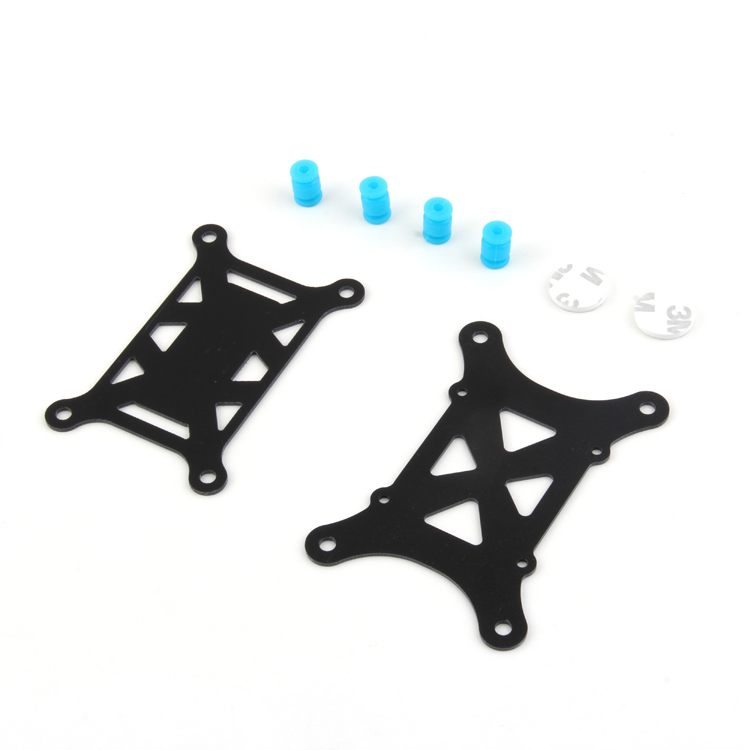
Anti-Vibration Shock Absorber for APM/KK/MWC/PixHawk
Essential vibration isolator for Pixhawk and APM flight controllers. Prevents engine and aerodynamic turbulence from corrupting IMU sensor readings.
5. GPS and Navigation Setup
GPS accuracy and lock speed are critical for ArduPlane. Best practices:
- Mount GPS on the highest point of the fuselage with a clear sky view above, away from the motor (avoid mounting directly over the engine).
- Separate the GPS cable from ESC/motor wiring — motor noise is the leading cause of GPS interference and erratic navigation.
- Use a GPS with compass — the external compass isolated from motor magnets is more accurate than the FC’s internal compass.
- In ArduPlane, set GPS_TYPE to match your module (1 for u-blox, 2 for MTK, etc.).
- Enable GLONASS in the u-blox configuration tool (u-center) for faster acquisition in India’s GPS constellation conditions.
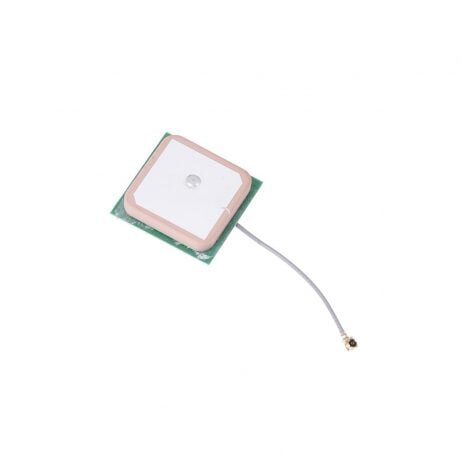
25x25x8mm 28dB High Gain Active GPS Antenna
High-sensitivity ceramic GPS antenna for NEO-6M, NEO-7M, NEO-8M GPS modules. Dramatically improves satellite acquisition for reliable ArduPlane navigation.
6. Telemetry Radio Setup
Telemetry radios carry the MAVLink protocol between the drone and your GCS laptop. ArduPlane requires telemetry for:
- Real-time monitoring of flight data, GPS lock, battery, airspeed, and altitude
- In-flight parameter changes
- Uploading and modifying mission waypoints mid-flight
- Geofence management and failsafe monitoring
Connect the air module to TELEM1 (UART1) on your FC. Connect the ground module to your laptop via USB. Mission Planner automatically detects the serial port and baud rate.

3DR 100mW Radio Telemetry 915MHz for APM PX4 Pixhawk
915MHz telemetry pair for ArduPlane builds. Provides reliable two-way MAVLink communication between your aircraft and Mission Planner ground station.
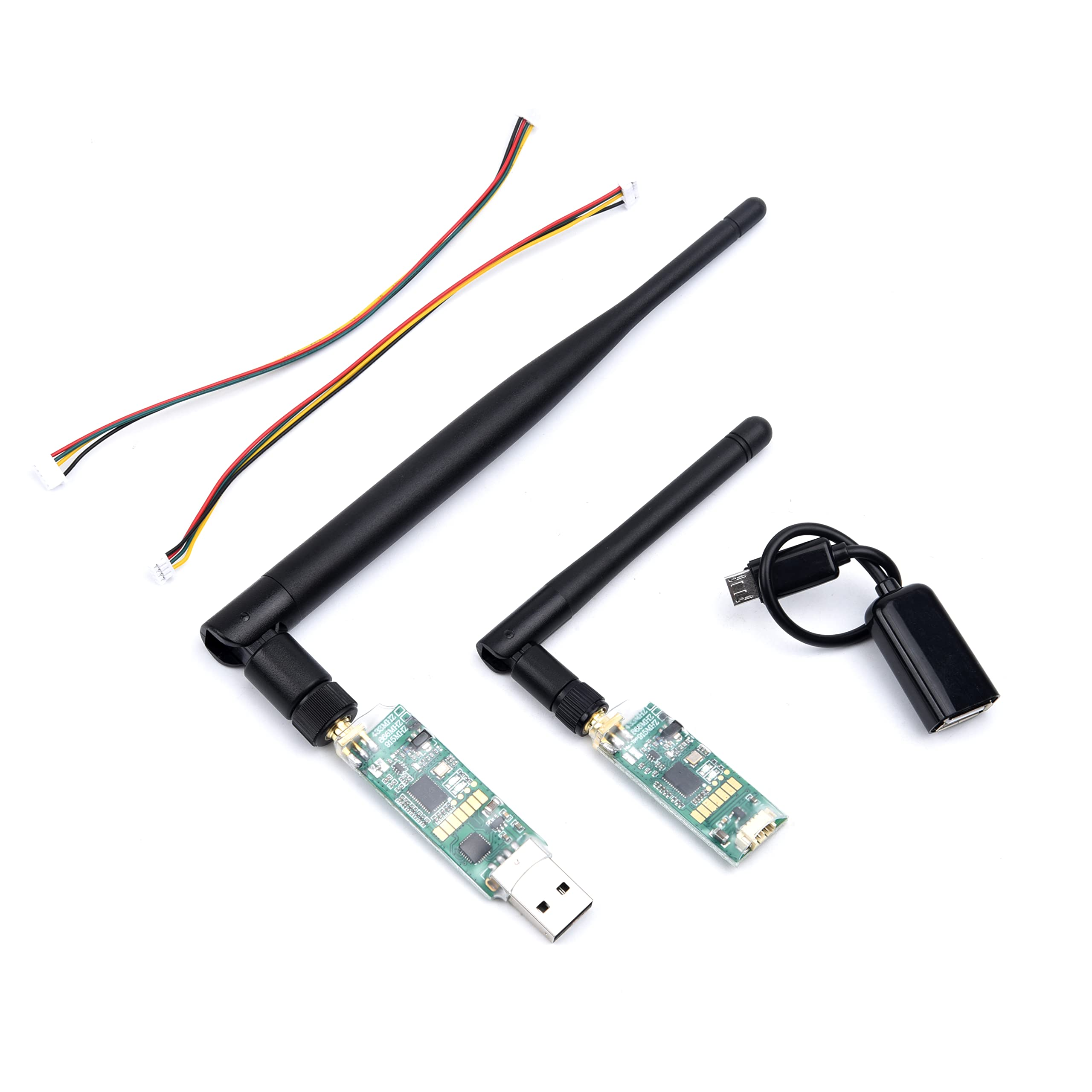
3DR Single TTL MINI Radio Telemetry 433MHz 500mW
Compact 433MHz, 500mW telemetry module for Pixhawk and APM. Long-range ISM band operation ideal for extended ArduPlane autonomous missions.
7. Mission Planner Installation & Initial Setup
Mission Planner is the primary Ground Control Station (GCS) for ArduPlane on Windows. Steps:
- Download Mission Planner from ardupilot.org/planner — always use the latest stable release.
- Connect your FC via USB. Windows will install the CH340 or FTDI driver automatically.
- Select your COM port and baud rate (115200 for USB direct). Click Connect.
- Navigate to Setup → Install Firmware and select ArduPlane for your FC board.
- After firmware flash, reconnect and proceed to mandatory hardware setup (compass, accelerometer, radio, ESC calibration).
For Linux/Mac users, QGroundControl (QGC) is an excellent cross-platform alternative that fully supports ArduPlane via MAVLink.
8. Calibration Sequence
ArduPlane requires these calibrations before first flight. Perform them in order:
- Accelerometer calibration: Hold the aircraft in 6 exact orientations (level, nose up, nose down, left side down, right side down, upside down). Takes 2–3 minutes.
- Compass calibration: Rotate the aircraft slowly through all axes. Use the new onboard compass calibration in Mission Planner (not the old external rotation method).
- Radio calibration: Move all TX sticks and switches to their extremes. This teaches ArduPlane your transmitter’s min/centre/max PWM values.
- ESC calibration: Most ESCs can be calibrated through ArduPlane’s all-at-once ESC calibration procedure. Set SERVO_AUTO_TRIM = 0 during initial setup.
- Airspeed sensor calibration: Cover the pitot tube (to zero the sensor in still air), then uncover. Verify reading in Mission Planner’s HUD against actual wind speed.
9. Servo Output Mapping
ArduPlane’s servo output mapping is one of the most confusing aspects for new users. In ArduPlane, each servo output is assigned a function number:
- Function 4: Aileron
- Function 19: Elevator
- Function 21: Rudder
- Function 70/73: Throttle
- Function 94/95: Elevon (left/right) for flying wing
Set these in Config → Full Parameter List as SERVO1_FUNCTION, SERVO2_FUNCTION, etc. Check directions: in Manual mode, verify that moving the stick right causes right aileron to go up (or equivalent). Reverse individual servos using the SERVOx_REVERSED parameter — never physically swap servo plugs on ArduPlane.
10. TECS: Total Energy Control System Explained
TECS is what makes ArduPlane dramatically more capable than simpler autopilots. Traditional autopilots treat altitude and airspeed as separate control loops (pitch for altitude, throttle for airspeed). TECS recognises that kinetic energy (airspeed) and potential energy (altitude) are interchangeable and manages them together:
- When the aircraft is too fast: reduce throttle and/or pitch up to convert airspeed into altitude.
- When the aircraft is too slow and too low: increase throttle (cannot trade altitude for airspeed — you are already low).
- When the aircraft is too slow but too high: pitch down slightly to convert altitude into airspeed before applying throttle.
Key TECS parameters to tune:
- TECS_CRUISE_SPEED: Your aircraft’s optimal cruise airspeed in m/s.
- TECS_PITCH_MAX / TECS_PITCH_MIN: Pitch authority limits. Start at ±15°, increase if aircraft struggles with climbs.
- TECS_TIME_CONST: Response speed (lower = faster response). Default 5 seconds is good for most platforms.
- TECS_THR_DAMP: Prevents throttle hunting. Start at 0.5.
11. AUTOTUNE and PID Configuration
ArduPlane 4.4+ includes an improved AUTOTUNE system that automatically tunes roll and pitch PIDs. Procedure:
- Set AUTOTUNE_LEVEL to 6 (default, medium aggressiveness).
- Fly in a calm, wide-open area in FBWA mode until control surfaces are stable.
- Switch to AUTOTUNE mode. The aircraft will perform a series of controlled roll and pitch manoeuvres.
- AUTOTUNE takes 10–20 minutes of flight time. Land and save parameters when complete.
- Test fly in Manual and FBWA modes before trusting the AUTO mode tune.
If AUTOTUNE is not available for your FC/firmware combination, start with conservative PIDs: P=0.1, I=0.05, D=0 for all axes, then increase P gradually until the aircraft tightens its response without oscillating.
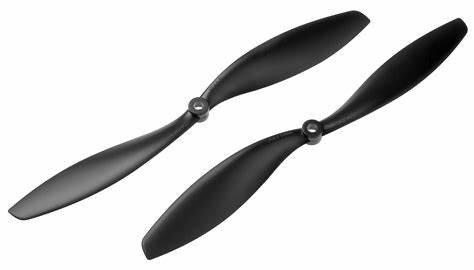
1045 2 Blades Carbon Fiber Propeller CW & CCW
Lightweight carbon fibre propellers compatible with many fixed-wing UAV motor setups. CW/CCW pair for tractor or pusher configurations.
12. Failsafe and Safety Setup
Safety configuration is non-negotiable before any autonomous flight:
- RC Failsafe (FS_SHORT_ACTN): Set to 1 (RTL) for short RC link loss (<FS_SHORT_TIMEOUT seconds).
- RC Failsafe (FS_LONG_ACTN): Set to 1 (RTL) or 2 (Glide) for extended RC loss.
- Battery Failsafe (BATT_FS_LOW_ACTION): Set to 2 (RTL) at low battery, 3 (Terminate) at critical — be cautious with Terminate; it shuts the motor off.
- GCS Failsafe (FS_GCS_ENABL): Optional. Triggers if telemetry link is lost for FS_SHORT_TIMEOUT.
- Fence (FENCE_ENABLE): Set a circular or polygon geofence — aircraft returns home if it leaves the zone.
- Pre-arm checks: Never disable ARMING_CHECK. Address every arming failure — they are there to protect you.
13. First Flight Checklist and Procedure
Follow this checklist every single flight — no exceptions:
- Check all control surfaces move in the correct direction (right stick = right aileron up, not down).
- Verify GPS lock — minimum 8 satellites, HDOP below 1.5.
- Confirm battery voltage full and telemetry showing correct voltage.
- Set the flight mode to MANUAL for launch.
- Point aircraft into the wind.
- Arm the aircraft. Verify throttle responds and motor spins in correct direction.
- Hand launch or runway roll-out. Apply full throttle smoothly.
- Once established in climb, switch to FBWA — let ArduPlane stabilise.
- Test LOITER and RTL at a safe altitude before switching to AUTO.
14. Planning Autonomous Missions
Mission Planner’s Flight Plan tab allows you to create complex waypoint missions. Best practices:
- Always include a TAKEOFF waypoint as the first mission command (altitude 30–50m minimum).
- Add a loiter waypoint near home before RTL — allows the GCS operator time to take manual control if needed.
- Set DO_CHANGE_SPEED commands between waypoints if you need variable speeds (slower near survey targets).
- Enable terrain following (TERRAIN_FOLLOW) for all missions over uneven ground.
- Download terrain data for your operating area before leaving home — unreliable internet in the field is common across rural India.
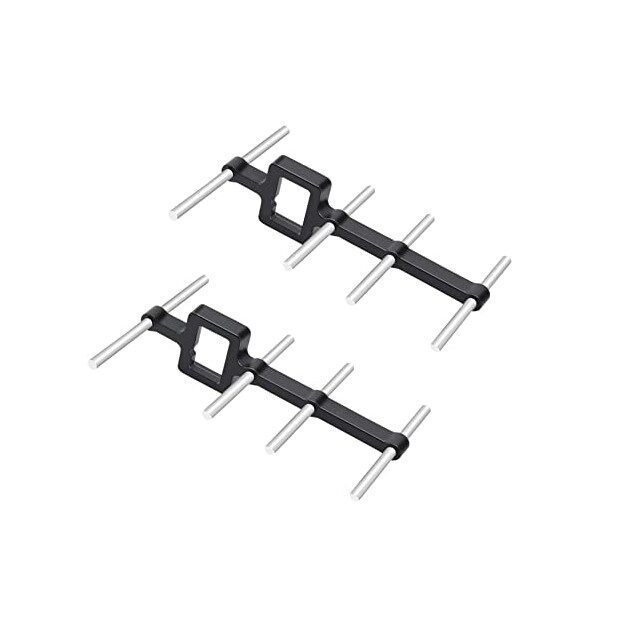
2.4GHz Yagi-UDA Drone Signal Booster
Directional Yagi antenna for extending your ground station RC and telemetry range during ArduPlane autonomous missions over large areas.
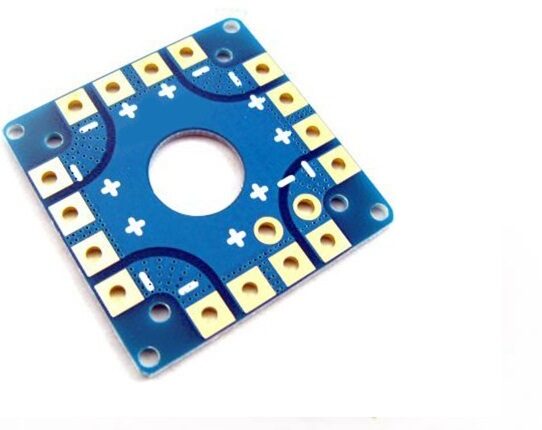
100A Multirotor ESC Power Distribution Battery Board
Handles peak current for large UAV builds. Clean power distribution ensures stable avionics during ArduPlane autonomous flight missions.
FAQ: ArduPlane Fixed Wing Autonomous UAV
What is the difference between ArduPlane and PX4 for fixed-wing UAVs?
ArduPlane is generally considered more mature for fixed-wing applications, especially for TECS-based autonomous missions and complex DO_ command sets in waypoint missions. PX4 has a cleaner architecture and is popular in research environments. Both use MAVLink and Mission Planner/QGC. For first-time builders, ArduPlane’s larger Indian community and documentation make it the better starting point.
Can ArduPlane do automatic take-off and landing?
Yes. ArduPlane supports automatic take-off (TKOFF mode or TAKEOFF mission command), automatic landing with glide slope and flare (LAND command), and VTOL take-off/landing for QuadPlane configurations. Auto-landing requires careful setup of the abort altitude and approach slope parameters.
Which airframe is best for a first ArduPlane build in India?
The Skywalker X8 (1.8m flying wing) and Bixler-style foam trainers are the most popular first ArduPlane platforms in India. The X8 is widely available, highly efficient, and has enormous battery space for long missions. Foam trainers are more forgiving for beginners who are still learning manual control.
Is an airspeed sensor mandatory for ArduPlane?
Not mandatory, but strongly recommended. Without an airspeed sensor, TECS uses GPS groundspeed as an approximation. In headwinds, the aircraft may slow dangerously trying to maintain GPS groundspeed. An airspeed sensor measures true airspeed regardless of wind, making TECS much more accurate and safe.
How do I join the ArduPilot community in India?
The ArduPilot Discuss forum (discuss.ardupilot.org) is the main international community. In India, Facebook groups like “ArduPilot India”, “UAV Builders India”, and the ArduPilot Discord server have active Indian members. IIT Bombay and IIT Kanpur also run UAV research groups with public workshops.
Build Your ArduPlane UAV with Components from Zbotic
Zbotic supplies GPS antennas, telemetry radios, vibration dampers, propellers, ESCs, and more for your ArduPlane build. All components are quality-checked and shipped fast across India. Start building your autonomous UAV today.





Add comment