
Voron Design Build Guide: Community Printer from Scratch
Building a Voron 3D printer is one of the most rewarding projects in the maker world. Unlike plug-and-play printers, a Voron is a community-designed, self-sourced, self-built machine — and the result is a printer that outperforms commercial machines costing 5–10× more. The Voron Design project (vorondesign.com) is entirely open source, with detailed BOMs, build manuals, and one of the most active Discord communities in 3D printing. This guide helps Indian makers navigate the Voron journey from choosing a model to making first print.
1. Choosing Your Voron Model
The Voron Design project has several printer models, each targeting different use cases:
Voron 0.2 (V0.2)
A tiny, adorable CoreXY machine with a 120×120×120mm build volume. Designed to be printed on an existing printer (all parts fit on a 180mm bed). Popular as a secondary printer or a gift project. Runs on a compact LDO or Fysetc kit. Best for: enthusiasts wanting a weekend build and a compact enclosure.
Voron Trident
Available in 250mm, 300mm, and 350mm cube sizes. Uses a CoreXY gantry with a three-point independent Z levelling system (3 stepper motors for Z). The automatic triple-Z tramming (G32 / Quad Gantry Level equivalent for 3 points) makes it arguably easier to maintain than the V2.4 for new builders. Best for: builders who want a V2.4-level machine with simpler Z mechanics.
Voron 2.4 (V2.4)
The flagship. Available in 250mm, 300mm, and 350mm cubes. Uses a fixed gantry with a moving bed (Z-only) and four independent Z motors with automatic quad-gantry levelling (QGL). This is the most mechanically precise Voron design, capable of holding tolerances across a 350mm heated build volume. Best for: serious makers wanting the highest performance.
Voron Switchwire
Converts an Ender 3 (or similar) into a CoreXZ motion machine (CoreXY’s cousin). A way to Voronize an existing printer rather than start from scratch. Best for: Ender 3 owners wanting maximum reuse of existing hardware.
Recommendation for Indian builders: The Voron 2.4 350mm (maximum build volume) or the Trident 300mm (simpler Z) are the most popular and best-supported for first-time Voron builds. Start with whichever size matches your use case.
2. Voron in India: Cost and Sourcing
Voron is sourced globally — no single vendor sells a complete official kit. Indian builders have several options:
Option 1: LDO or Fysetc Kit (Imported)
LDO Motors (ldo-kit.com) and Fysetc both sell complete Voron V2.4 kits: all hardware, extrusions, electronics, motion components, and optionally pre-printed parts. Expected India landed cost with import duties: ₹60,000–₹90,000 for a 350mm kit. Delivery via DHL/FedEx Express: 1–2 weeks.
Option 2: Self-Source from Aliexpress + Local
Experienced makers source components individually from Aliexpress (rails, extrusions, electronics), with some components from local Indian suppliers (fasteners, wire, PEI sheet from stationery shops). Total cost: ₹35,000–₹55,000 for 350mm. Requires careful cross-referencing against the BOM and 4–8 weeks shipping.
Option 3: Indian Voron Community Sourcing
The Indian 3D printing community (Telegram groups, Reddit r/india3Dprinting) has members who do group buys for Voron parts. This can reduce per-unit cost significantly. Components like MGN rails, linear rods, and V6 hotends are available from Indian distributors at competitive prices.
Budget Estimate (Voron 2.4 350mm, India)
| Category | Self-Source | Kit (LDO) |
|---|---|---|
| Frame extrusions | ₹3,000–₹5,000 | Included |
| Motion (rails, belts, pulleys) | ₹8,000–₹12,000 | Included |
| Electronics (BTT Octopus, Pi) | ₹10,000–₹15,000 | Included |
| Hotend (Stealthburner + Dragon) | ₹4,000–₹8,000 | Included |
| Bed (cast alu + heater + PEI) | ₹5,000–₹8,000 | Included |
| Panels + enclosure | ₹3,000–₹6,000 | Included (some) |
| Hardware + fasteners + wiring | ₹3,000–₹5,000 | Included |
| Total | ₹36,000–₹59,000 | ₹60,000–₹90,000 |
3. Printing Voron Parts Before You Build
One of Voron’s unique aspects: the plastic structural parts of the printer are 3D printed. You need access to a printer before you can build a Voron. This is the classic Voron chicken-and-egg — but there are solutions.
What Parts Are Printed?
Roughly 150–200 unique printed parts per V2.4 350mm, including: motor mounts, idler assemblies, toolhead components, cable chain anchors, electronics bay, Z drive assemblies, and panel clips.
Material Requirements
Official Voron spec calls for ABS or ASA — the printer’s enclosed chamber reaches 50–60°C during ABS printing, which would deform PLA printed parts. You can start with PETG for non-structural/non-heated-area parts, but ABS is required for anything near the heated bed or enclosure.
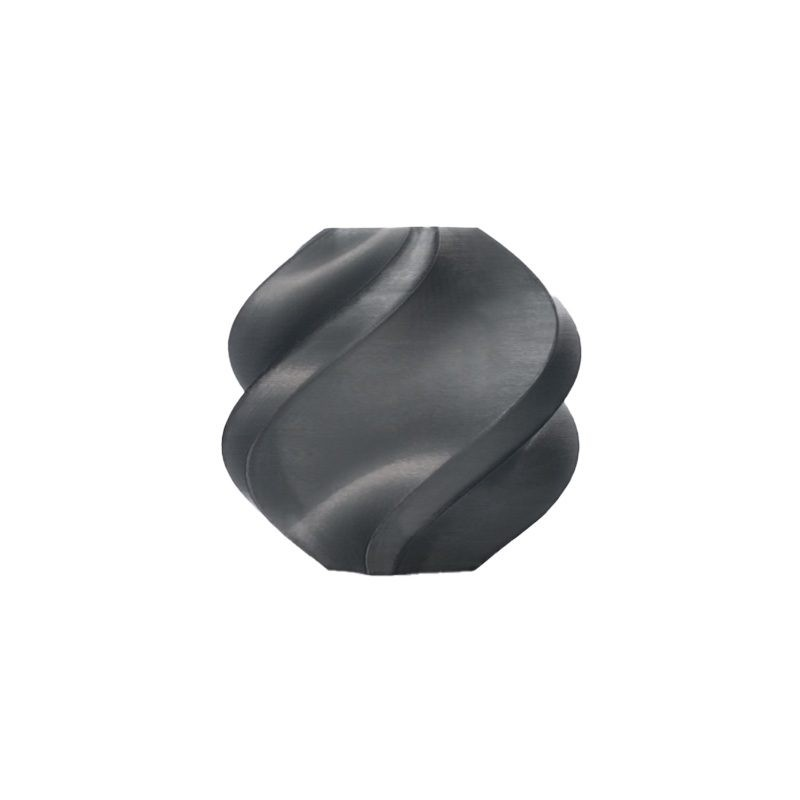
Bambu Lab ABS Filament – Black 1.75mm
Premium black ABS for printing Voron structural parts. Voron’s official accent colour scheme uses black as the primary body colour. Excellent layer adhesion for mechanical parts.
Print Settings for Voron Parts
- Layer height: 0.2mm
- Infill: 40% grid or gyroid
- Perimeters/walls: 4 perimeters
- Top/bottom layers: 5
- No supports — Voron parts are designed to print support-free
- ABS temperature: Hotend 240–250°C, Bed 100–110°C, enclosure 45–50°C
Printing all parts takes 120–160 hours of print time. Start early — begin sourcing hardware while the parts are printing.
4. Frame Assembly
The V2.4 frame is built from 2020 and 2040 aluminium extrusions with M5 T-nut connections. Key principles:
- Square the frame first. Measure diagonals — both diagonals should be within 1mm of equal. A square frame is the foundation of print accuracy.
- Do not fully tighten fasteners until the frame is squared. Use a procedure: assemble loosely → check diagonals → adjust → check again → tighten in stages.
- Use thread-locking compound (Loctite 243 or equivalent) on critical fasteners — motor mounts, Z drive assemblies, gantry rails.
- Pre-load T-nuts correctly. The V2.4 uses both drop-in T-nuts and roll-in T-nuts — know which is needed at each location (refer to the official assembly manual on GitHub).
5. Motion System: CoreXY and Z
The V2.4 CoreXY motion system is what makes the printer fast and precise.
CoreXY Gantry
Two stepper motors drive the X and Y motion simultaneously via a crossed belt arrangement. Getting the belt path correct is critical — an incorrect routing causes the X and Y axes to be coupled incorrectly, resulting in 45° skewed prints. Follow the official manual’s belt routing diagrams exactly.
Belt tension: Both A and B belts (the two long gantry belts) must be equal tension. Tension both to resonate at approximately 110Hz when plucked at the reference length (check Voron documentation for your size). Unequal tension causes X/Y axis skew.
Quad Gantry Level (QGL)
Four independent Z motors hold the gantry via 4-point kinematic mounts. Klipper’s QUAD_GANTRY_LEVEL macro automatically measures probe points near each Z motor and adjusts all four motors to level the gantry. This is one of the most impressive features of the V2.4 — run QGL before every print and the bed is perfectly trammed automatically.
6. Toolhead: Stealthburner and CW2
The Stealthburner (SB) toolhead is the current official Voron toolhead, replacing the older Afterburner. It features:
- CW2 (Clockwork 2) extruder — dual-drive direct extruder with excellent grip and minimal path from drive gear to hotend
- Stealthburner body — integrated 5015 blower fan for part cooling, 2510 hotend fan, and RGB LEDs
- Hotend compatibility — Dragon, Rapido, Revo Voron, Dragonfly all fit
Assembly of the Stealthburner requires patience — small components, precise alignment, and heat-set inserts. Use a proper soldering iron with a flat tip at 200–230°C to install heat-set inserts. Crooked inserts lead to motor mount misalignment and poor part cooling.
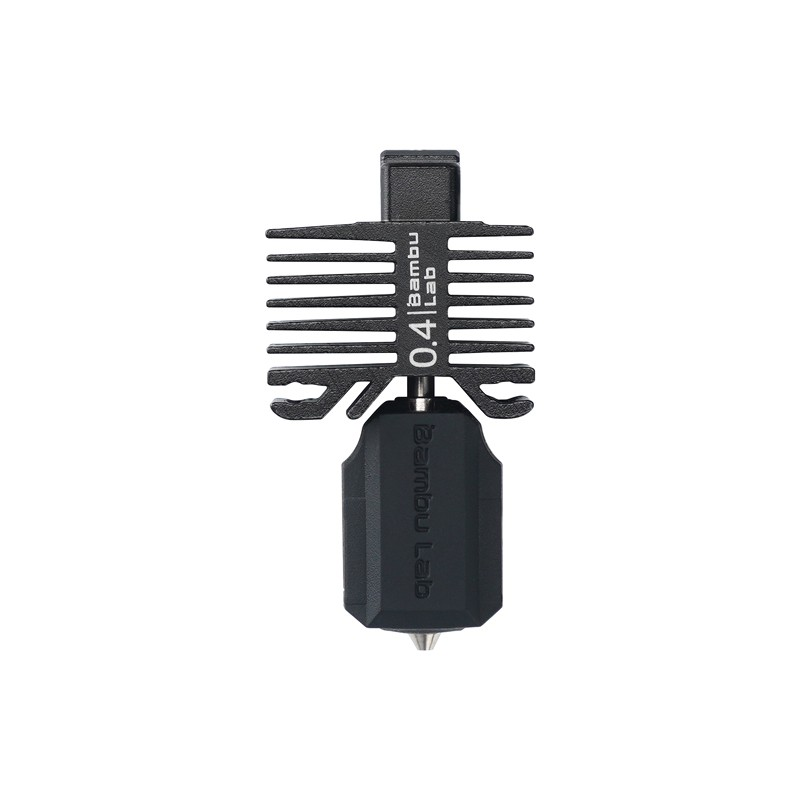
Bambu Lab Hotend with Hardened Steel Nozzle – 0.4mm for P1P, P1S, X1C
High-performance hardened steel nozzle hotend. While designed for Bambu printers, its design is compatible with Voron toolhead adapters for abrasive filament printing.
7. Electronics and Wiring
The V2.4’s electronics are housed in an integrated bay at the rear/bottom of the frame. Typical configuration:
- Main board: BTT Octopus 1.1 (most popular) — 8 stepper drivers, plenty of I/O for Z endstops, probe, fans, LEDs
- Stepper drivers: TMC2209 or TMC5160HV (for high-current Z motors)
- Host computer: Raspberry Pi 4 or BTT CB1
- Power supply: Mean Well LRS-350-24 (24V) + optional 5V for Pi
- Bed heater: Keenovo or Fermio silicone pad, 1000W for 350mm bed
- SSR (Solid State Relay): Required for AC bed heater control — use a quality Fotek or Crydom SSR, never cheap clones
Wiring Tips for Indian Builds
Indian mains is 230V/50Hz — verify your SSR and power supply are rated for 230V input. Use proper ferrule crimps for all terminal connections. Cable management matters: the V2.4’s cable chains carry live cables — use high-flex stranded wire (minimum 26AWG signal, 20AWG motor, 18AWG heater).
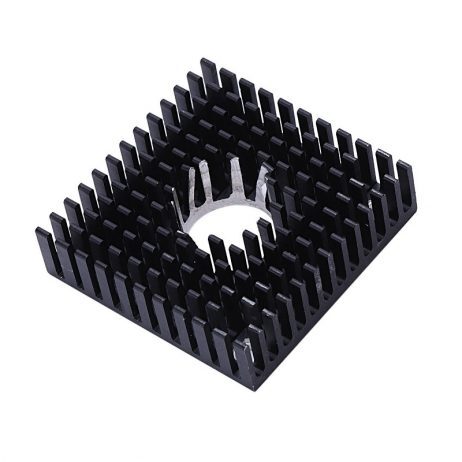
B Type Aluminium Heat Sink for MK7 MK8 Extruder
Effective aluminium heat sink for extruder cold zones. Proper thermal management is essential on Voron toolheads to prevent heat creep during high-temperature enclosure printing.
8. Klipper Configuration for Voron
The Voron Design GitHub repository provides a complete starting printer.cfg for each model. The Voron team maintains the Voron TAP probe system — a toolhead-mounted probe using optical switches that eliminates separate probe hardware and enables the toolhead itself to act as the Z probe.
Essential Voron Klipper Setup Steps
- Flash Klipper to your BTT Octopus via DFU mode
- Copy the starting printer.cfg from Voron GitHub for your specific model and size
- Run initial checks: Motor direction, endstop function, heater PID calibration
- Run QGL (Quad Gantry Level) to verify all 4 Z motors work and gantry levels correctly
- Calibrate Z offset using the Klipper paper test or TAP probe touchdown calibration
- Run INPUT_SHAPER calibration with ADXL345
- Calibrate PRESSURE_ADVANCE for your primary filament
9. Enclosure Panels and Sealing
The V2.4’s enclosure is formed by 3mm ACM (aluminium composite material) panels and clear polycarbonate or acrylic door panels. For Indian builders, locally sourced ACM is available at signage/advertising shops in most cities (₹300–₹500/sqft).
Sealing matters: For effective ABS printing, the enclosure must retain heat at 45–55°C. Use self-adhesive foam tape (3mm thick) on panel seams. Install a Nevermore activated carbon filter inside the enclosure — ABS emits styrene vapour that the Nevermore captures before it leaks out.
10. First Print and Initial Calibration
Your first Voron print should be the Voron logo cube — a small 20mm calibration cube included in the Voron repository. This verifies dimensional accuracy, layer adhesion, and surface quality simultaneously.
First Print Checklist
- QGL completed and Z offset set
- Bed mesh generated (5×5 minimum)
- PID tuning complete for extruder and bed
- Extruder e-steps calibrated (mark filament at 100mm, command 100mm, measure actual travel)
- First layer live adjustment (baby stepping) ready
- Chamber temperature at 45°C minimum for ABS
11. Popular Voron Mods
The Voron community on Printables and GitHub has thousands of mods. The most popular and practical for Indian builders:
Nevermore Micro / Stealth
Activated carbon air recirculation filter mounted inside the enclosure. Reduces VOC escape and helps stabilise chamber temperature. Print from PETG (heat resistant enough for the recirculation path).
SB2209 / EBB36 CANbus Toolhead
Reduces the entire toolhead wiring to a single 4-wire CAN cable (power + CAN H/L). Eliminates the complex cable chain wiring harness and significantly reduces cable failure risk on moving toolhead assemblies.
GE5C Z Joint
Replaces the printed plastic Z joint with a precision steel spherical bearing — improves Z accuracy on 350mm builds where thermal expansion is more significant.
Voron TAP (if not standard)
Toolhead-mounted optical probe for Z homing. More accurate than Klicky or inductive probes, no separate dock required.
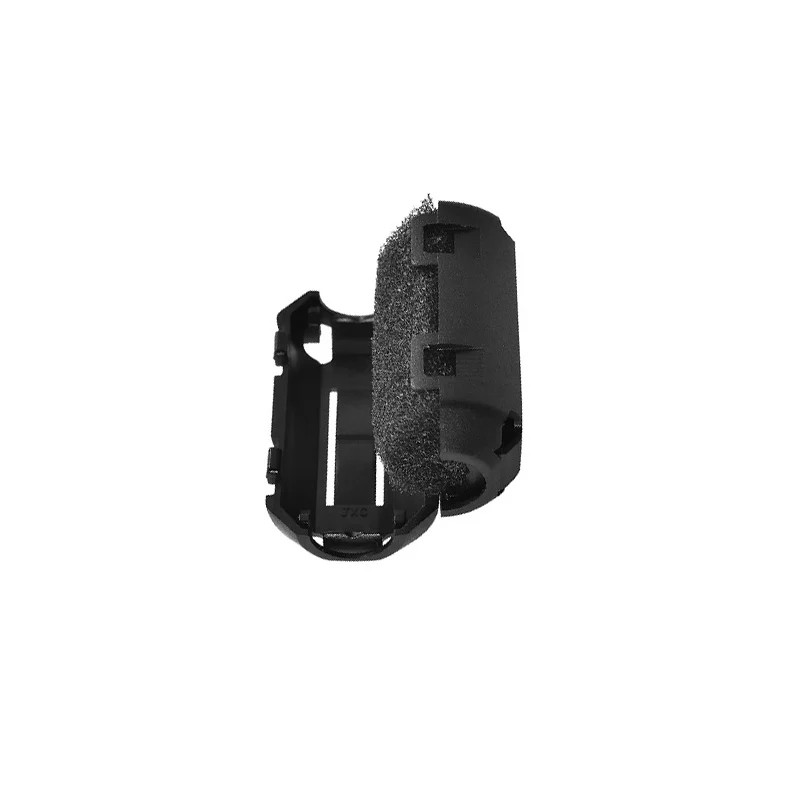
PLA PETG ABS Filament Filter Cleaner Dust Removal Block
Keep dust out of the Voron’s CW2 extruder during long ABS print sessions. Dust contamination during multi-hour prints causes extruder grinding and flow inconsistency.
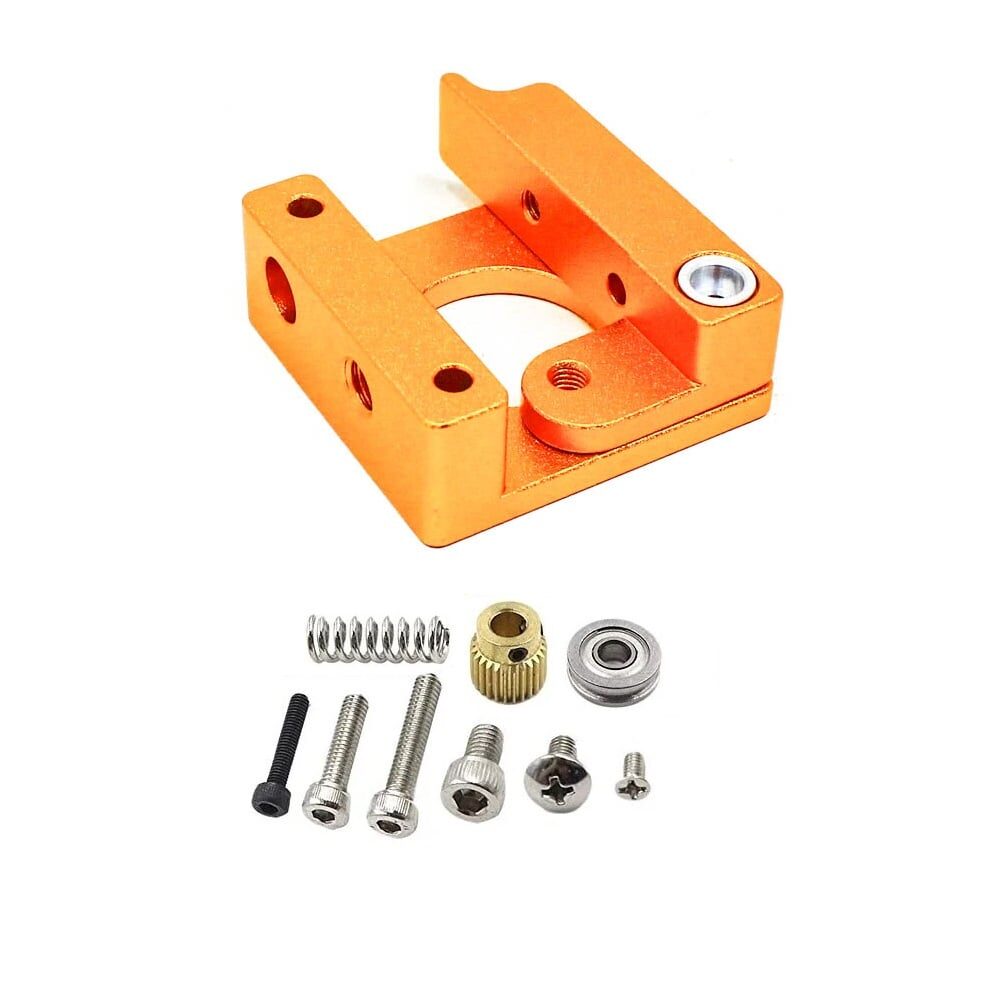
Left Side MK8 Extruder Aluminium 3D Printer Block
Aluminium heater block for MK8-compatible extruder setups. Useful for Voron conversions using MK8-compatible hotend components and for secondary workshop machines.
Frequently Asked Questions
Do I need prior experience to build a Voron?
Basic electronics knowledge (reading wiring diagrams, using a multimeter) and mechanical aptitude (following assembly instructions, using hand tools) are sufficient. No prior 3D printer assembly experience is required, but it helps. The Voron Discord and Reddit community (r/voroncorexy) are extremely helpful for first-time builders. Budget 40–80 hours for your first build.
Can I build a Voron in India without importing everything?
Partially. The main items that must be imported: LDO/CNA quality MGN12 linear rails, Hiwin-quality ball bearings, TMC stepper drivers, BTT Octopus board, mean well PSU (genuine). Items available locally in India: extrusions (aluminium profile suppliers in most industrial areas), M3 fasteners, wire, acrylic/polycarbonate panels, fans, PTFE tube.
Which Voron model is best for a first build?
The Voron Trident is now often recommended for first-time builders over the V2.4 — the 3-point Z levelling is mechanically simpler than QGL, and the build process is slightly less complex. For maximum build volume and prestige, the V2.4 remains the flagship.
Can I use PLA instead of ABS for Voron printed parts?
Only for non-structural parts and parts away from the heated zone. The enclosure during ABS printing reaches 50–60°C — PLA softens at 60°C and will deform. Motor mounts, cable chain anchors, and anything near the heated bed must be ABS or ASA minimum. PETG is acceptable for electronics bay and external parts only.
How long does a Voron 2.4 350mm take to build?
First-time builders typically spend 40–80 hours across 2–4 weekends on assembly, wiring, and initial Klipper configuration. Experienced builders who have done it before complete in 20–30 hours. Printing the parts first (120–160 hours of printing on another machine) is additional.
Is the Voron 2.4 worth building over buying a Bambu X1C?
Different tools for different people. The Bambu X1C is faster to first print (1 hour vs 60+ hours) and has better multi-material support with AMS. The Voron offers more customisability, larger build volume, open-source firmware, and a deeply satisfying build experience. Many serious Indian makers own both — Bambu for production speed, Voron for ABS engineering parts and the maker satisfaction of using a machine you built yourself.
Source Your Voron Consumables from Zbotic
Whether you are printing Voron parts in ABS, running test prints during calibration, or maintaining your completed build, Zbotic.in stocks the filaments, nozzles, thermistors, and accessories you need. Fast delivery across India means less waiting and more printing.







Add comment