
Sending automated email alerts from remote IoT devices is a game-changer for monitoring applications, and knowing how to use SIM800L to send email via SMTP with an Arduino unlocks this capability anywhere you have a 2G/GPRS signal — even in areas with no Wi-Fi. Indian agricultural, industrial, and security projects benefit enormously from GPRS-based email alerting because it works in rural areas where internet infrastructure is limited. This tutorial covers the complete workflow: GPRS bearer setup, SMTP AT command sequence, and a ready-to-use Arduino sketch.
How SIM800L Sends Email Over GPRS
The SIM800L GSM/GPRS module communicates via AT commands and includes built-in TCP/IP stack functionality. To send an email, it does the following:
- Connects to the internet via GPRS using your SIM card’s APN settings.
- Opens a TCP connection to an SMTP server (typically on port 25, 465, or 587).
- Follows the SMTP protocol handshake: EHLO, AUTH LOGIN, MAIL FROM, RCPT TO, DATA, QUIT.
- Closes the TCP connection and GPRS bearer.
The key limitation is that SIM800L supports only plain SMTP or SMTP with base64 authentication — it does not support TLS/SSL natively in the TCP send commands. This means you need an SMTP relay service that accepts connections on port 25 without encryption, OR use a service like smtp2go.com or SendGrid that offers unencrypted port 25 or port 587 STARTTLS relaying. For most hobbyist projects, using Gmail’s SMTP on port 587 with a dedicated App Password works after some configuration tricks.
A practical alternative popular in India is using the smtp.gmail.com on port 465 after enabling Less Secure App access (deprecated) or creating an App Password with 2FA. Many makers use smtp2go on port 2525 as it reliably accepts plain-text connections.
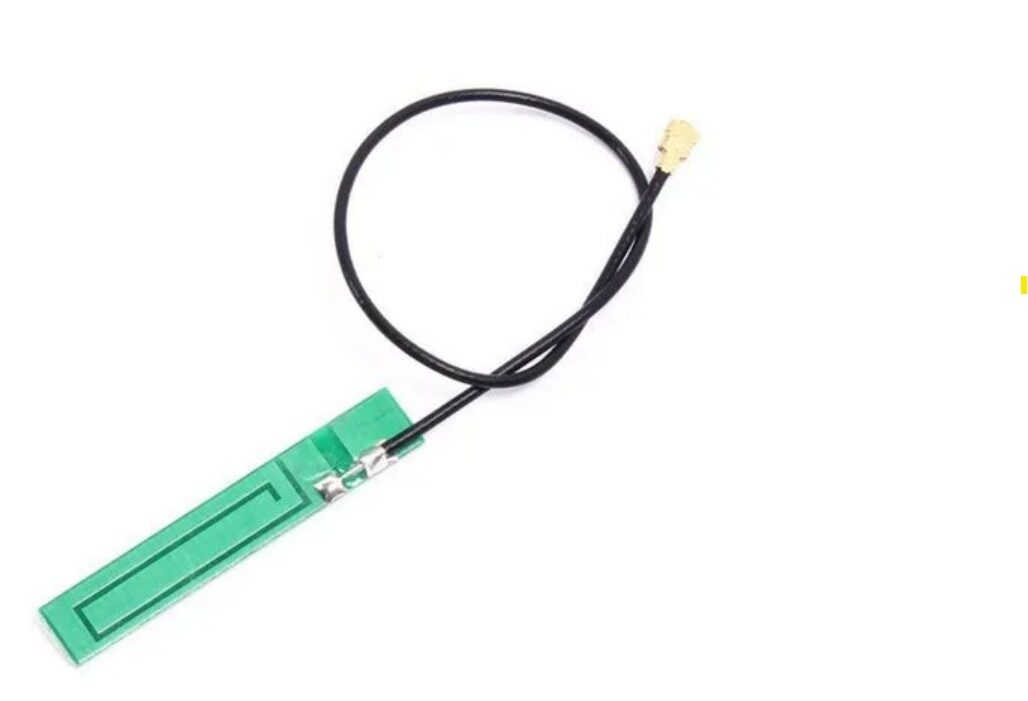
15cm 3DBI GSM/GPRS/3G PCB Antenna with IPEX Connector
Boost your SIM800L signal strength with this dedicated GSM/GPRS antenna — critical for reliable GPRS connections in areas with weak signal.
Hardware Requirements and Circuit
Components Needed
- SIM800L GSM/GPRS module (the mini version with SMD antenna pad)
- Arduino Uno, Nano, or Mega
- Active Airtel, BSNL, or Jio (2G compatible SIM — note Jio does NOT support 2G; use Airtel or BSNL)
- Lithium-Ion battery or dedicated 3.7–4.2V power supply capable of at least 2A peak
- 1000µF capacitor across power pins of SIM800L
- Jumper wires
Critical Wiring Notes
The most common reason SIM800L projects fail is inadequate power supply. The module spikes to 2A during GPRS transmissions. Arduino’s 3.3V regulator cannot supply this. You must power SIM800L separately:
| SIM800L Pin | Connection |
|---|---|
| VCC | 4.0V regulated (NOT 5V — max 4.4V) |
| GND | Common GND with Arduino |
| TXD | Arduino D2 (via 2kΩ + 3.3kΩ voltage divider) |
| RXD | Arduino D3 (direct — 3.3V logic is 5V tolerant for input) |
| RST | Arduino D4 (optional, for hard reset) |
Voltage divider for TX → SIM800L RXD: Arduino TX (5V) → 2kΩ → SIM800L RXD → 3.3kΩ → GND. This steps 5V down to ~3.3V so you do not damage the SIM800L’s logic pins.
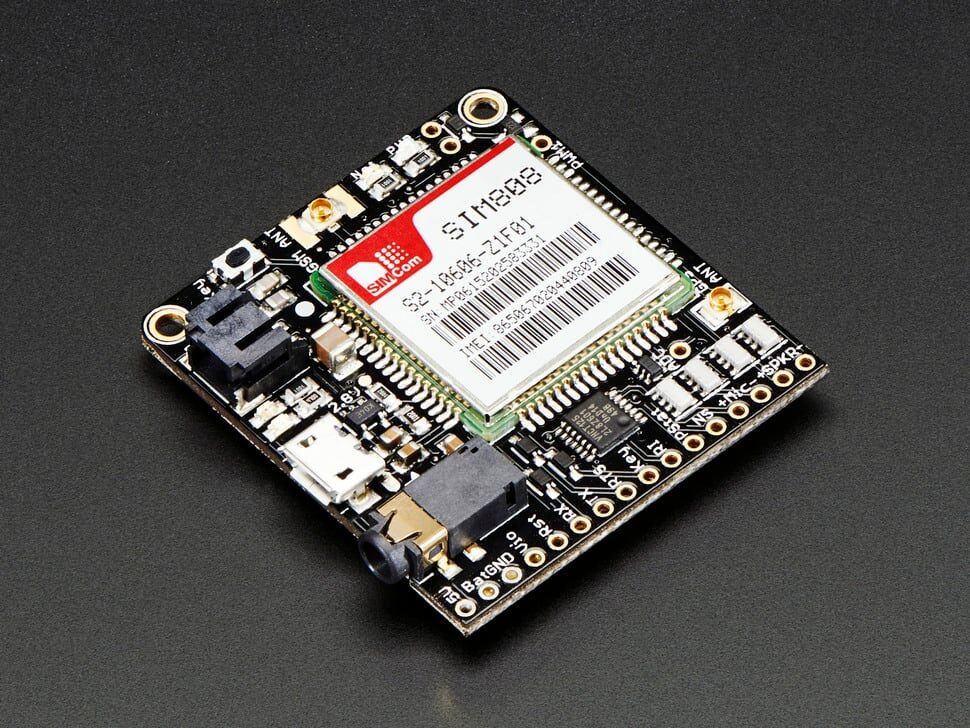
Adafruit FONA 808 – Mini Cellular GSM + GPS Breakout
An upgrade to bare SIM800L — FONA 808 combines GSM + GPS on one breakout with proper power regulation, making GPRS email + location alerts possible in one board.
APN and GPRS Bearer Setup
Before sending any email, you must connect SIM800L to the internet via GPRS. The APN (Access Point Name) differs by carrier in India:
| Carrier | APN | Username | Password |
|---|---|---|---|
| Airtel | airtelgprs.com | (blank) | (blank) |
| BSNL | bsnlnet | (blank) | (blank) |
| Vi (Vodafone Idea) | portalnmms | (blank) | (blank) |
The AT commands to establish GPRS bearer:
AT+SAPBR=3,1,"Contype","GPRS"     // Set bearer type
AT+SAPBR=3,1,"APN","airtelgprs.com"  // Set your APN
AT+SAPBR=1,1                         // Open bearer
AT+SAPBR=2,1                         // Check — should return IP address
SMTP AT Command Sequence
SIM800L’s built-in email stack uses the AT+SMTPSERV, AT+SMTPAUTH, AT+SMTPFROM, AT+SMTPRCPT, and AT+SMTPSEND commands. Here is the full sequence:
// 1. Set SMTP server and port
AT+SMTPSERV="mail.smtp2go.com","2525"

// 2. Set SMTP username/password (base64 or plain)
AT+SMTPAUTH=1,"your_smtp_user","your_smtp_password"

// 3. Set sender
AT+SMTPFROM="[email protected]","ESP Arduino Alert"

// 4. Set recipient
AT+SMTPRCPT=0,0,"[email protected]","Recipient Name"

// 5. Set subject
AT+SMTPSUB="Alert: High Temperature Detected"

// 6. Set body
AT+SMTPBODY=50                    // Allocate 50 bytes for body
// After > prompt, type body text:
Temperature: 38.5C  Humidity: 72%

// 7. Send
AT+SMTPSEND
// Returns +SMTPSEND: 1 on success
If your firmware version does not support the AT+SMTP* commands (older firmware may not), you can use the raw TCP approach with AT+CIPSTART and manually send SMTP protocol lines. Update your SIM800L firmware to version r14.18 or later for full SMTP stack support.
Complete Arduino Sketch
This sketch monitors an analog temperature sensor and sends an email alert when the temperature exceeds 35°C:
#include <SoftwareSerial.h>

SoftwareSerial sim(3, 2); // RX=D3, TX=D2

#define TEMP_PIN  A0
#define THRESHOLD 35.0

float lastAlertTemp = 0;
bool alertSent = false;

void sendAT(String cmd, unsigned long timeout = 3000) {
  sim.println(cmd);
  unsigned long t = millis();
  while (millis() - t < timeout) {
    while (sim.available()) {
      Serial.write(sim.read());
    }
  }
}

void setupGPRS() {
  sendAT("AT");
  sendAT("AT+CPIN?");
  sendAT("AT+CREG?");
  sendAT("AT+CGATT=1");
  sendAT("AT+SAPBR=3,1,"Contype","GPRS"");
  sendAT("AT+SAPBR=3,1,"APN","airtelgprs.com"");
  sendAT("AT+SAPBR=1,1", 10000);
  sendAT("AT+SAPBR=2,1");
  Serial.println("GPRS ready");
}

void sendEmail(float temperature) {
  Serial.println("Sending email alert...");
  sendAT("AT+SMTPSERV="mail.smtp2go.com","2525"");
  sendAT("AT+SMTPAUTH=1,"your_smtp2go_user","your_smtp2go_pass"");
  sendAT("AT+SMTPFROM="[email protected]","Zbotic Alert"");
  sendAT("AT+SMTPRCPT=0,0,"[email protected]","You"");
  sendAT("AT+SMTPSUB="Temperature Alert!"");

  String body = "Temp: " + String(temperature, 1) + "C - Threshold exceeded!";
  sim.println("AT+SMTPBODY=" + String(body.length()));
  delay(1000);
  sim.println(body);
  delay(500);
  sendAT("AT+SMTPSEND", 10000);
  alertSent = true;
  lastAlertTemp = temperature;
  Serial.println("Email sent!");
}

void setup() {
  Serial.begin(9600);
  sim.begin(9600);
  delay(3000);
  setupGPRS();
}

void loop() {
  int raw = analogRead(TEMP_PIN);
  float voltage = raw * (5.0 / 1023.0);
  float tempC   = (voltage - 0.5) * 100.0; // TMP36 formula

  Serial.print("Temp: ");
  Serial.print(tempC);
  Serial.println("C");

  if (tempC > THRESHOLD && !alertSent) {
    sendEmail(tempC);
  }
  // Reset alert latch when temp drops below threshold - 2
  if (tempC < (THRESHOLD - 2.0)) {
    alertSent = false;
  }
  delay(10000);
}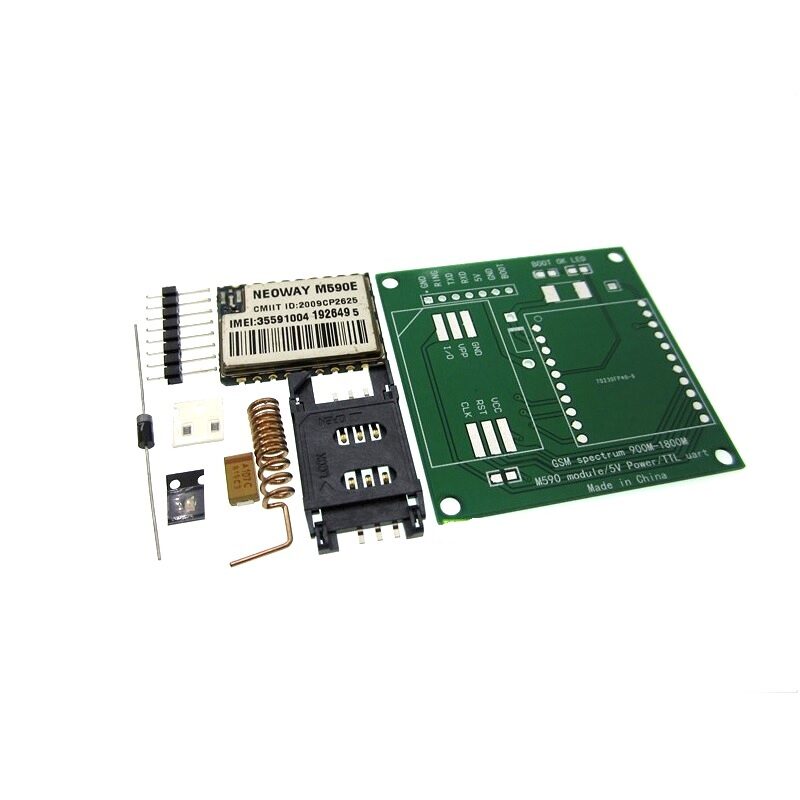
DIY GSM/GPRS M590E Module Kit
An alternative GSM/GPRS module to SIM800L — the M590E also supports GPRS data with AT commands, useful when SIM800L stock is unavailable.
Troubleshooting Common Issues
Module Not Responding to AT Commands
Check your baud rate — SIM800L default is 9600. If you see garbage characters, try 115200 or use auto-baud: send AT three times at different baud rates. Ensure your power supply can deliver 2A peak. A brown-out during GPRS registration causes the module to reset silently.
+CME ERROR: 10 (SIM not inserted) or +CME ERROR: 11
Physically re-seat the SIM card. Verify the SIM has an active GPRS data plan — most Indian carriers require a data pack even for 2G GPRS. Test by trying to make a call with the SIM first (ATD+91XXXXXXXXXX;).
GPRS Connected but SMTP Fails
Port 25 is blocked by most GPRS providers in India to prevent spam. Use port 2525 (smtp2go) or 587. Also ensure your SMTP credentials are correct — use the exact SMTP username assigned by your relay service, not your email address.
+SMTPSEND: 0 (Failure)
This usually means authentication failed or the SMTP server rejected the connection. Enable SMTP logging by checking the bearer IP (AT+SAPBR=2,1) first. If you get a valid IP but SMTP still fails, try switching to smtp2go on port 2525 — it is the most reliable service for SIM800L in India.
Practical Use Cases for Indian Projects
- Cold chain monitoring: Send email when a refrigerated medicine storage temperature rises above 8°C.
- Water tank overflow: Float sensor triggers an email when the overhead tank is full.
- Intrusion detection: PIR sensor triggers an email alert from a remote farm boundary.
- Power outage alerting: Detect mains power loss and send email via battery-backed SIM800L system.
- Soil moisture alerts: Send irrigation reminders when soil moisture drops below a threshold.
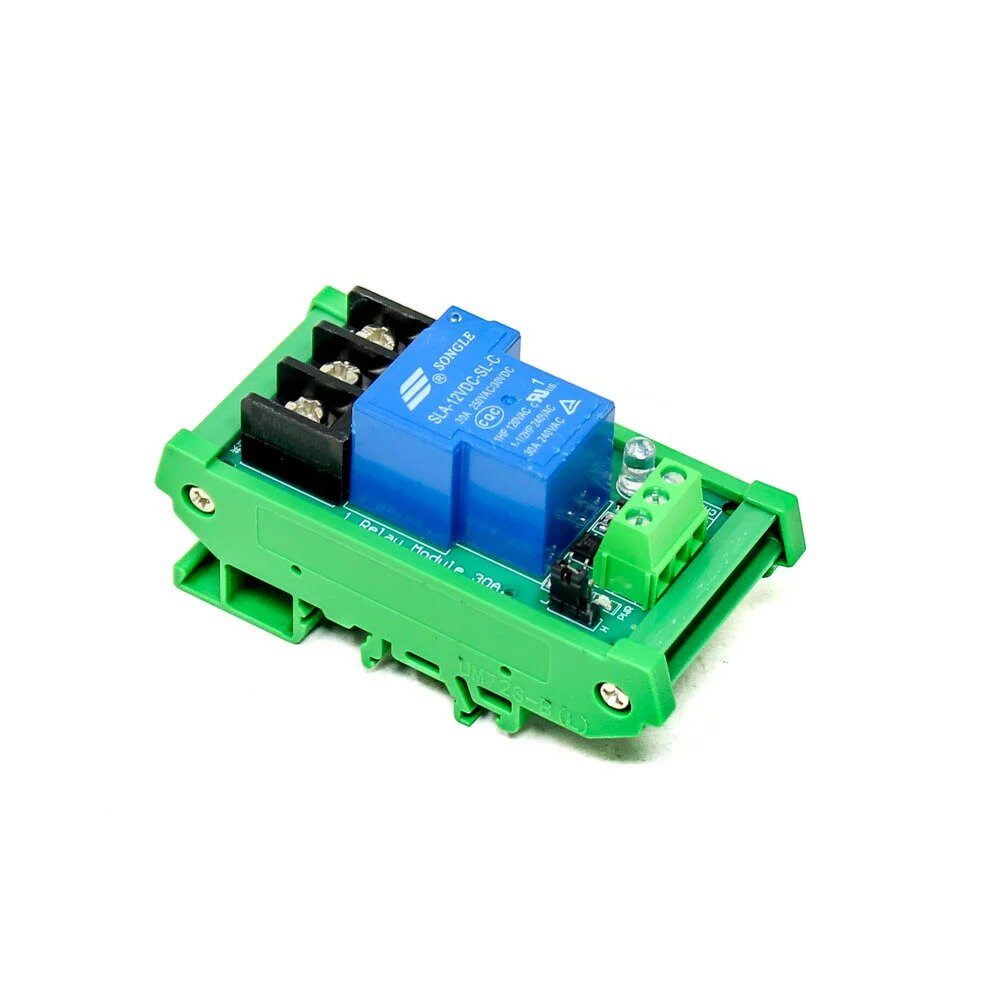
1 Channel 12V 30A Relay Module with Optocoupler and Guide Rail
Combine with SIM800L email alerts to create a remotely triggered relay — receive an email alert AND switch a load on/off via SMS command in the same project.
Frequently Asked Questions
Q: Does SIM800L work with Jio SIM in India?
No. Jio operates exclusively on 4G VoLTE and does not support 2G or 2.5G GPRS. SIM800L is a 2G-only module. Use Airtel, BSNL, or Vi (Vodafone Idea) prepaid SIMs with an active internet pack for GPRS functionality.
Q: Can SIM800L send emails with attachments?
The built-in AT+SMTP* commands do not support attachments. You can attach data by encoding it as Base64 in the body, but the body length is limited to a few hundred bytes in the AT command buffer. For attachments, upload data to a cloud server first (FTP via AT commands) and include a download link in the email body.
Q: What is the data cost for sending one email over GPRS?
A typical plain-text alert email uses roughly 2–5 KB of GPRS data including the TCP/SMTP handshake. With Indian data rates, this costs fractions of a paisa — effectively free on any active data plan.
Q: My SIM800L resets randomly during GPRS. How do I fix it?
Random resets during GPRS transmission are almost always caused by undervoltage. Add a 1000–4700µF electrolytic capacitor directly across the SIM800L’s VCC and GND pins. Use a dedicated TP4056-based LiPo charger with the battery connected directly to SIM800L power pins.
Q: Can I use SIM800L with ESP32 instead of Arduino?
Absolutely. Connect SIM800L TX/RX to ESP32’s UART2 (GPIO16/17) using hardware serial. Use 3.3V logic on ESP32 — SIM800L RXD input accepts 3.3V. The same AT command sequence works identically, and you benefit from ESP32’s superior processing speed for handling responses.
Get Your GSM Modules and Accessories
Shop SIM800L modules, antennas, and all the components you need for GPRS IoT projects at Zbotic — fast delivery across India.







Add comment