
The three-wire servo connector looks deceptively simple — power, ground, and signal. Yet that signal wire carries the precise timing information that determines exactly where your servo arm points. Get the PWM timing wrong, exceed the voltage level, or skip the level shifter and you will either get erratic movement or quietly fry the servo’s internal circuitry. This guide covers every aspect of the servo signal wire: what PWM timing actually means at the electrical level, why 3.3 V microcontrollers need level shifting, how to extend or split servo cables, and how to troubleshoot signal problems with nothing but a multimeter.
What Is PWM and Why Servos Use It
Pulse-Width Modulation (PWM) encodes information in the duration of a high pulse rather than in voltage magnitude. For position-controlled hobby servos the encoding scheme is simple: the width of a single positive pulse (measured in microseconds) maps to an angular position. A 1500 µs pulse means centre, 1000 µs means full left, 2000 µs means full right — for a standard 180° servo.
The servo’s internal electronics contain a comparator circuit that measures each incoming pulse, compares it to the position reported by the internal potentiometer, and drives the motor until the two match. Because the measurement is purely time-based, the circuit is immune to supply voltage sag: a servo running on 4.8 V behaves identically to one running on 6.0 V as far as position accuracy is concerned. This is the core reason servos have dominated RC control since the 1960s.
The pulse repeats at a fixed frame rate, typically 50 Hz (one pulse every 20 ms). Some high-speed digital servos accept 333 Hz or even 400 Hz frames, which shortens response latency significantly. Analogue servos, however, ignore additional pulses within the same frame and may behave erratically if driven faster than 50–100 Hz.
Standard PWM Timing: 1 ms to 2 ms Explained
The RC industry standardised around a pulse range of 1000–2000 µs (1–2 ms) with 1500 µs as neutral. In practice most servos have a slightly wider mechanical range and will respond to pulses from 500 µs to 2500 µs before hitting the mechanical stop. Sending pulses outside the rated range risks stripping gears or overloading the motor, so it is good practice to stay within 900–2100 µs unless you have confirmed the servo’s true limits.
The key PWM parameters and their typical values:
- Pulse period: 20 ms (50 Hz frame rate for standard analogue servos)
- Minimum pulse width: 1000 µs → full counter-clockwise
- Neutral pulse width: 1500 µs → centre position
- Maximum pulse width: 2000 µs → full clockwise
- Signal high voltage: 3.0–5.5 V (servo dependent)
- Signal low voltage: 0–0.4 V
Digital servos contain a microcontroller rather than a simple comparator. They sample the input signal and use a PID algorithm to drive the motor, giving crisper movement and holding torque. Their timing range is identical to analogue servos but they can accept faster refresh rates (up to 400 Hz) and will actively hold position under load rather than drifting.
For very precise applications such as gimbal stabilisation, manufacturers publish a pulse width per degree specification. A servo with 180° range and 1000–2000 µs travel has 1000 µs ÷ 180° ≈ 5.56 µs per degree. At 50 Hz the minimum step your Arduino’s 16 MHz timer can reliably produce is around 4 µs, so the theoretical angular resolution is roughly 0.7°, more than adequate for most projects.

TowerPro SG90 180 Degree Rotation Servo Motor
The benchmark standard PWM servo. Perfect for learning signal timing on 5 V systems with its wide 1–2 ms pulse range and built-in position feedback pot.
Signal Voltage Levels: 5 V vs 3.3 V
The signal wire carries a square wave between 0 V and the logic high voltage. Most hobby servos were designed around 5 V TTL logic because that was the voltage standard when the first RC receivers appeared. The servo’s signal input threshold is typically 1.8–2.5 V — any signal above that is treated as HIGH. This means a 3.3 V GPIO can usually drive a 5 V servo, but there are important caveats.
First, a 3.3 V signal has only a 1.5 V noise margin above the 1.8 V threshold. In an electrically noisy environment — a chassis with brushed DC motors, switching regulators on the same PCB, or long cable runs — this margin can easily be violated and the servo will receive spurious pulses or miss pulses entirely. The result is servo jitter, missed positions, or full-speed uncontrolled runaway.
Second, some servo brands specifically require a 5 V signal to guarantee correct operation. These servos have a higher input threshold (around 3.0 V) and will not register 3.3 V logic at all. Always check the datasheet before connecting a 3.3 V MCU (ESP32, STM32, Raspberry Pi) to an untested servo.
Third, the signal input of most servos is NOT 5 V tolerant on 3.3 V-native microcontrollers. Never connect the servo signal directly to a 3.3 V MCU’s GPIO if the GPIO is not 5 V tolerant — the internal ESD clamping diode in the servo may pull the pin above 3.3 V, potentially damaging the MCU.
Level Shifting: When and How to Do It
A bidirectional logic level converter shifts signals between two voltage rails while protecting both sides. For servo control — which is unidirectional (MCU drives servo) — a simpler one-way shifter suffices.
Option 1: BSS138-based bidirectional shifter (most common module)
The BSS138 N-channel MOSFET is self-biasing. Connect the low-voltage side (3.3 V) to LV, the high-voltage side (5 V) to HV, and the servo signal wire to the HV channel output. The BSS138 pulls the 5 V line low when the 3.3 V GPIO pulls low, and the 5 V pull-up resistor (typically 10 kΩ on the module) pulls the line high when the GPIO releases it. This produces a clean 0–5 V replica of the 3.3 V signal.
Option 2: 74AHCT125 buffer (fastest, cleanest)
The 74AHCT125 is a quad bus buffer that accepts 3.3 V logic (threshold ≈ 1.6 V) and outputs 5 V logic. It can drive up to four servo signal lines simultaneously, operates at speeds far above any servo PWM frequency, and costs about ₹8 per IC. Power it from 5 V and connect your 3.3 V GPIO to the A input and the servo signal wire to the Y output.
Option 3: Single transistor shifter (for one servo)
A 2N2222 or BC547 NPN transistor with a 1 kΩ base resistor and 10 kΩ collector pull-up to 5 V works as a simple inverting level shifter. Since the output is inverted, you must invert your PWM signal in firmware — set the GPIO high for the LOW period and low for the pulse period. This is cumbersome; prefer the 74AHCT125 for clean non-inverted operation.
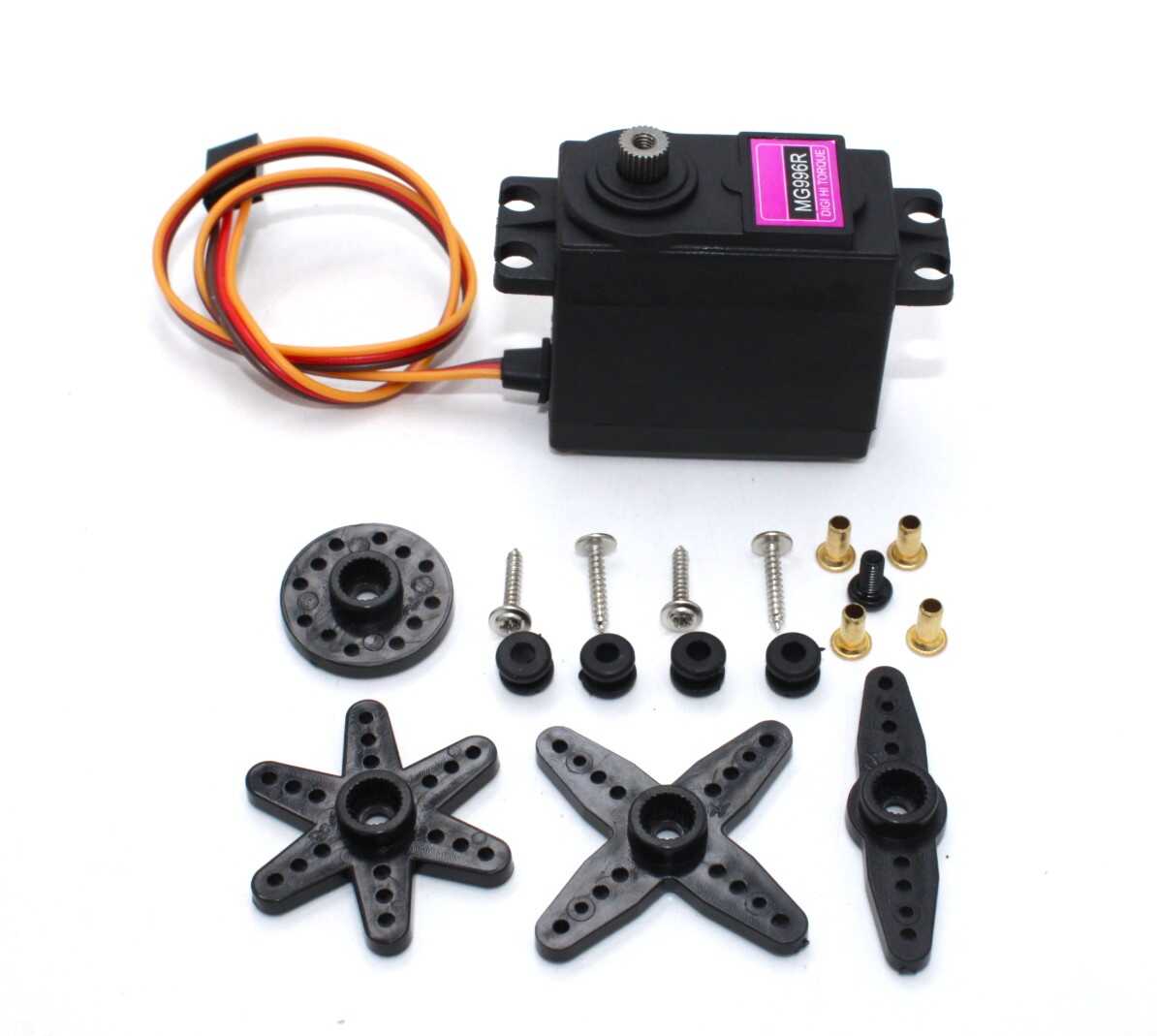
Servo MG996 13KG 180 Degree High Quality
High-torque metal-gear servo that demands clean 5 V signal levels. Ideal for testing level shifter circuits under real load conditions.
Servo Wire Types: JR, Futaba, and Extensions
Servo connectors come in two dominant flavours in the hobby market:
JR / Spektrum connector: 2.54 mm pitch, square housing, pin order from left to right (when facing the slot side) is Signal–Positive–Ground. The white or yellow wire is signal, red is positive, black or brown is ground. JR connectors are used by Spektrum, JR, and most Asian servo brands.
Futaba connector: Virtually identical housing to JR but with a small nub on one side for keying. Pin order is the same (Signal–Positive–Ground). The white or yellow wire is signal. Futaba connectors fit into JR sockets and vice versa with only minor friction difference — they are electrically and mechanically compatible for all practical purposes.
The wire gauge in a servo lead is important for current carrying capacity. Most short servo leads use 26 AWG or 28 AWG wire. This is fine for the signal line (current draw is negligible) but can be marginal for the power wires on high-torque servos drawing 500 mA or more at stall. For high-torque servos or long extensions, upgrade to 22 AWG or 24 AWG wire on the power pair.
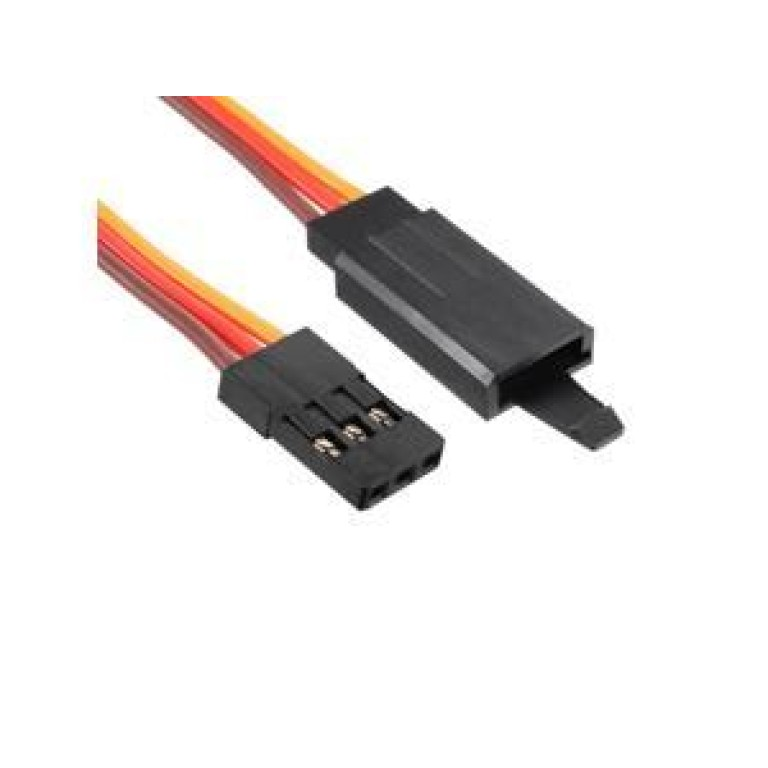
10cm 60-Core JR Male to Futaba Female Servo Extension Wire
60-strand high-flexibility wire. JR-to-Futaba adapter cable for mixing connector types in RC builds without signal loss.
How Wire Length Affects Signal Integrity
Servo signal wire has distributed capacitance and resistance that affect pulse shape. A 30 cm servo lead has negligible impact. A 1 m extension adds roughly 100 pF of capacitance, which begins to slow the rising edge of the pulse. At 50 Hz this is still negligible. At 400 Hz (digital servo high-speed mode), long cables can cause enough edge degradation that the servo’s sampling circuit misreads the pulse width.
Practical guidelines for long cable runs:
- Up to 1.5 m: standard 26 AWG cable, no special precautions needed at 50 Hz
- 1.5–3 m: use 22 AWG shielded cable, tie shield to ground at the MCU end only to avoid ground loops
- Over 3 m or in high-EMI environments: consider an RS-485 serial servo bus (Dynamixel protocol) or a local servo driver board near the servo cluster
- Always route signal wires away from motor power wires and switching regulators
- Add a 100 nF ceramic capacitor across the servo power pins close to the servo connector to filter noise
The 26 AWG servo extension leads from Zbotic use a 60-strand conductor (more strands = lower resistance per unit length = less voltage drop on the power wires). This is particularly important in multi-servo setups where current demand spikes simultaneously.
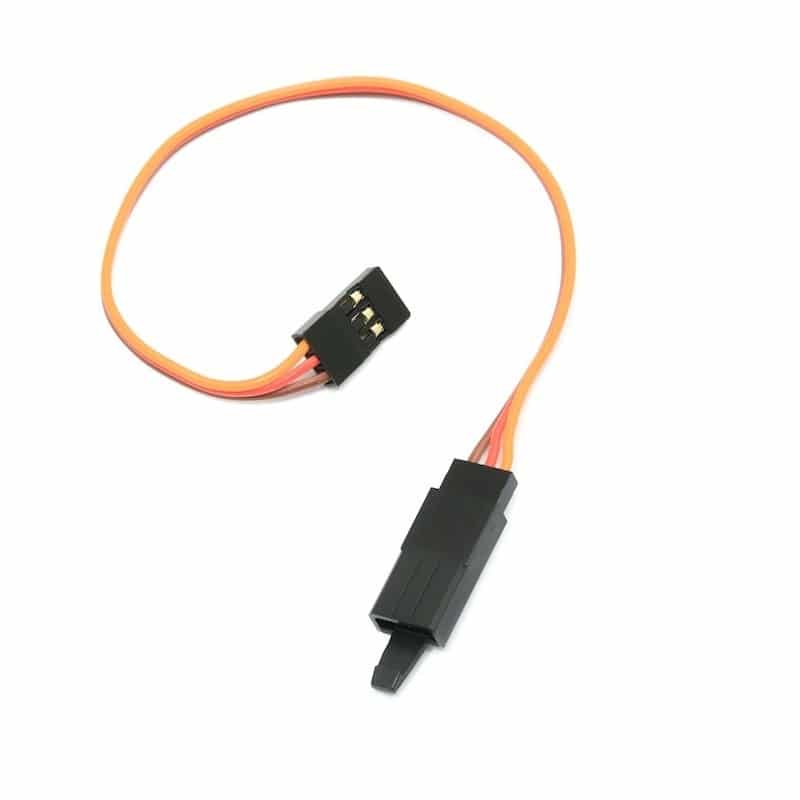
15cm 26AWG Servo Lead Extension (JR) Cable
26 AWG with sufficient strand count for clean power delivery. Use for moderate-distance servo runs where heavier gauge is not justified.
Y-Cables and Signal Splitting
A servo Y-cable splits one signal line into two, allowing one receiver channel or MCU output to control two servos simultaneously — common in pan-tilt rigs, dual-aileron setups, and mirrored mechanisms. The signal is simply connected in parallel on both outputs: both servos receive identical pulse widths and will move to the same position.
Important considerations when using Y-cables:
Current draw doubles: Both servos draw current from the same power line. If each servo draws 250 mA running, the shared power wire must handle 500 mA. Use Y-cables with adequately rated wire (22 AWG minimum for high-torque servos).
Signal loading is negligible: The signal wire connects to high-impedance inputs (the servo IC gate or comparator). Even with 4–5 servos on one signal line the driver output is not loaded meaningfully. There is no signal degradation from paralleling the signal line.
Mechanical opposition: If two servos move a symmetric mechanism in opposite physical directions, they fight each other. One servo must be either reversed in firmware (send 3000 µs − pulse_width to one servo) or have its horn mounted in reverse orientation.
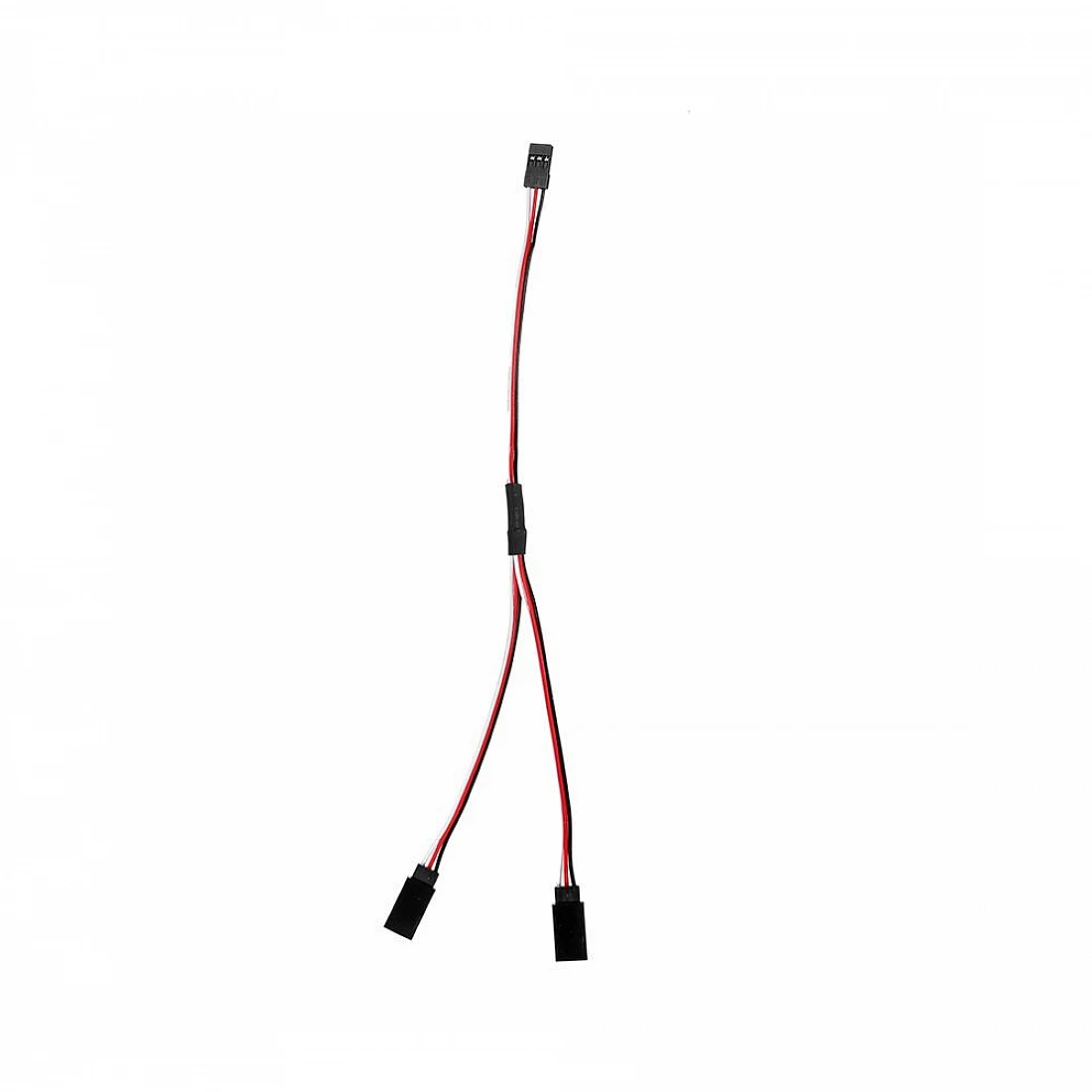
15cm 30-Core JR Male to 2× Futaba Female Y-Type Servo Wire
Ready-made Y-splitter for driving two servos from one receiver channel or MCU pin. Great for dual-aileron and pan-tilt applications.
Arduino Code and Timer Configuration
The Arduino Servo.h library uses hardware timers to generate precise PWM pulses. On an Uno (ATmega328P), it uses Timer 1. On a Mega (ATmega2560) it uses Timers 1, 3, 4, and 5. Using Servo.h on an Uno disables analogWrite() on pins 9 and 10 because Timer 1 is taken over.
#include <Servo.h>
Servo myServo;
void setup() {
  myServo.attach(9);           // Signal wire to pin 9
  // Optional: set min/max pulse width (µs)
  // myServo.attach(9, 1000, 2000);
}
void loop() {
  myServo.write(0);    // Full left (approx 1000µs)
  delay(1000);
  myServo.write(90);   // Centre (approx 1500µs)
  delay(1000);
  myServo.write(180);  // Full right (approx 2000µs)
  delay(1000);
}
For precise microsecond control use writeMicroseconds() instead of write(). This avoids the integer angle-to-microsecond mapping and gives you direct control over pulse width:
myServo.writeMicroseconds(1500);  // Centre
myServo.writeMicroseconds(1000);  // Full left
myServo.writeMicroseconds(2000);  // Full right
For ESP32 (3.3 V), use the ESP32Servo library which configures the LEDC hardware PWM channel. The ESP32’s 3.3 V GPIO is usually sufficient for 5 V servos but add a 74AHCT125 buffer for reliability in final designs.
Troubleshooting Servo Signal Problems
Servo jitters continuously: The servo is receiving noise on the signal line. Check that the signal wire is not routed next to motor power wires. Add a 100 nF capacitor from signal to ground at the servo connector. If using a 3.3 V MCU, add a level shifter. Verify the power supply can handle the servo’s peak current — brownouts on the power rail cause the servo’s internal MCU to reset and re-interpret the signal.
Servo moves to one extreme and stays: The pulse width is outside the servo’s expected range. Check your writeMicroseconds() values. A common mistake is inverting the mapping: sending 1000 µs when you meant 2000 µs, causing the servo to peg to the opposite end.
Servo does not respond at all: Measure signal voltage with a multimeter set to DC. You should see roughly 0.35–0.5 V (the average of a 50 Hz square wave with 1500 µs on-time = 1500/20000 = 7.5% duty, so 7.5% × 5 V ≈ 0.37 V). If you see 0 V, the MCU is not generating PWM. If you see 5 V, the output is stuck high.
Servo moves erratically only under mechanical load: Voltage drop on the power wires is causing the internal supply to sag. This corrupts the comparator reference voltage. Use heavier wire or add a 470 µF electrolytic capacitor across the servo power pins.
Noise on shared ground: If multiple servos share ground with the MCU and that ground is also carrying high motor current, the MCU will see ground bounce. Separate the servo/motor power ground from the logic ground, joining them at a single star point near the supply.

Servo Mount Holder Bracket for SG90/MG90 (Pack of 2)
Secure your servo mechanically while debugging signal issues. Eliminates movement variables so you can isolate electrical problems cleanly.
Frequently Asked Questions
What voltage should the servo signal wire carry?
Most hobby servos accept a signal between 3.0 V and 5.5 V as a valid HIGH level. The minimum threshold is typically 1.8–2.5 V. For reliable operation with any servo, use 5 V logic. When using a 3.3 V microcontroller like ESP32 or Raspberry Pi, add a level shifter to boost the signal to 5 V.
Can I use a long servo extension cable without signal degradation?
For standard 50 Hz analogue servos, cables up to 1.5 m cause no measurable degradation. For digital servos at 333–400 Hz refresh rates, keep cables under 1 m or use shielded wire. Add a 100 nF ceramic capacitor at the servo end to absorb any high-frequency noise picked up by the cable.
Why does my servo jitter when my motor is running?
Brushed DC motors generate significant electrical noise (commutator sparking) that couples onto nearby wires. Route the servo signal cable physically away from motor power wires, use shielded servo cable, add 100 nF across the motor terminals, and add a ferrite bead on the motor power leads. Most importantly, use a separate power supply for servos and motors if noise persists.
What is the difference between JR and Futaba servo connectors?
Both are 2.54 mm pitch 3-pin connectors with the same pin order (Signal–Power–Ground). Futaba connectors have a small alignment nub on the housing. They are electrically and mechanically compatible — a JR plug will fit a Futaba socket and vice versa. Use a JR-to-Futaba adapter cable when mixing brands in the same build.
How many servos can one Arduino control?
The Arduino Servo.h library supports up to 12 servos on an Uno and up to 48 on a Mega using dedicated hardware timer channels. Beyond that, use a dedicated I2C servo driver board (PCA9685) which handles up to 16 servos in hardware and frees all MCU pins and timers entirely.
Does PWM frequency matter for servo position accuracy?
For position accuracy the pulse width matters, not the frame rate. A servo at 50 Hz and the same servo at 333 Hz will reach the same position for a given pulse width. Higher frame rate reduces latency and improves responsiveness under load, which is why digital servos at 333 Hz feel noticeably crisper than analogue ones at 50 Hz.
Build Your Servo Project with Zbotic
Zbotic stocks a full range of servo motors, extension wires, Y-cables, and mounting hardware for every budget and application — from micro SG90s to heavy-duty MG996 servos.






Add comment