
It’s one of the most common questions in Indian maker forums and WhatsApp groups: should I buy a laser engraver or a CNC router? Both machines take a digital design and translate it into a physical object. Both are used extensively in Indian workshops, garages, small businesses, and educational institutions. Yet they work on fundamentally different principles and excel in very different applications.
This detailed comparison will help you make the right decision based on your specific goals, workspace, budget, and safety considerations. We’ll look at everything: cost, capability, safety, materials, speed, and the realistic experience of using each machine in Indian conditions.
How They Work: Fundamental Differences
Laser Engravers
A laser engraver focuses a high-intensity beam of light onto the material surface. The concentrated energy vaporises, burns, or ablates the material — removing it without any physical contact. The laser head moves on a gantry (X-Y) system while the laser power is modulated to control depth or create greyscale images.
Two types dominate the hobby market in India:
- Diode lasers — Semiconductor lasers available in 5W, 10W, 20W, and 40W optical power. Affordable (₹8,000–₹40,000), compact, and increasingly powerful. The xTool D1 Pro, Sculpfun S30, and various Chinese brands are popular in India.
- CO2 lasers — Glass tube gas lasers, far more powerful (40W–150W), used in professional cutting of acrylic, wood, leather, and fabric. Larger, require water cooling, and cost ₹40,000–₹3,00,000+. Used by small businesses for trophy making, gift engraving, and fabric cutting.
CNC Routers
A CNC router uses a spinning cutting tool (router bit or end mill) to physically cut away material. The spindle can move in X, Y, and Z axes, allowing it to cut three-dimensional profiles, pockets, and complex shapes. Unlike a laser, a CNC router has physically remove chips from the workpiece, making it capable of much deeper cuts and true 3D machining.
Materials: What Each Machine Can Process
Laser Engraver Material Capabilities
| Material | Diode Laser | CO2 Laser |
|---|---|---|
| Wood (engraving) | Excellent | Excellent |
| Wood (cutting through) | Thin ply only (3–6mm) | Up to 20mm |
| Acrylic | Limited (blue diode reflects) | Excellent cutting & engraving |
| Leather | Good engraving | Excellent cut & engrave |
| Anodised aluminium | Good engraving | Poor (metal reflects CO2) |
| Stainless steel | With coating only | No (requires fiber laser) |
| PCB | Limited (copper reflects) | Poor for copper traces |
| Fabric/textiles | Good | Excellent |
CNC Router Material Capabilities
| Material | Desktop CNC | Professional CNC |
|---|---|---|
| Wood (all thicknesses) | Excellent | Excellent |
| MDF/plywood | Excellent | Excellent |
| Acrylic | Good | Excellent |
| PCB (copper milling) | Excellent | Excellent |
| Aluminium | Light passes only | Good |
| Foam/EPP | Excellent | Excellent |
| Stone/granite | No | With diamond bits |
Cost Comparison for Indian Buyers
Entry Level (Under ₹20,000)
Laser engraver: Diode laser engravers at this price point (xTool D1, Sculpfun S9, Ortur LM3) offer 5W–10W optical power and working areas of 400×400mm to 400×800mm. Capable of quality engraving on wood, leather, and anodised metals, and cutting thin plywood and balsa.
CNC router: 3018-type desktop CNC machines in this range offer 300×180mm working area with a weak 775 motor spindle. Limited cutting capability in hardwood, but suitable for PCB milling, engraving, and soft materials.
Winner at this price: Laser engraver, by a significant margin. You get much more useful capability for the money.
Mid Range (₹20,000–₹60,000)
Laser engraver: 20W–40W diode lasers (Sculpfun S30 Ultra, xTool D1 Pro) or entry CO2 lasers. Cut 10mm plywood, engrave at impressive speed, handle a wider range of materials.
CNC router: 500×500mm to 600×600mm machines with proper spindles (400W–800W), aluminium extrusion frames, and lead screw drives. Genuine cutting capability in hardwood, MDF, and aluminium.
Winner: Depends entirely on use case. For engraving and cutting — laser. For 3D carving and PCB work — CNC router.
Professional Range (₹60,000–₹2,00,000)
At this level, both machines become serious production tools. A CO2 laser at ₹80,000 can run a small trophy and gifts business. A 1000×1000mm steel-frame CNC router at ₹1,00,000 can handle furniture production. The choice here is almost entirely determined by what you make.
Speed and Productivity
Laser engravers are significantly faster than CNC routers for engraving operations. A diode laser can engrave a 100×100mm image in 5–15 minutes. A CNC router doing equivalent V-carving might take 30–60 minutes due to the mechanical limitations of chip-load and feed rate constraints.
However, for through-cutting, especially in thicker materials, the speed advantage reverses. A CNC router cuts a complex shape in 12mm plywood in a single rapid pass. A diode laser might need 10–20 slow passes to cut through the same material, burning the edges and potentially charring the wood.
For PCB work, a CNC router mills traces in real time with no chemistry. There is no viable laser alternative for producing proper isolated copper traces on PCB blanks.
Safety Considerations in India
This section is critically important for Indian users, where workplace safety practices may be less formalised than in Western contexts.
Laser Safety
Laser engravers — even diode lasers — produce radiation that can cause permanent, instant blindness with even a brief unprotected exposure. This is not a minor risk — it is a severe, life-altering hazard. Proper laser safety glasses rated for your laser’s wavelength (445nm for blue diodes, 10,600nm for CO2) must be worn at all times during operation.
Additionally, laser cutting produces smoke and fumes that can be toxic — burning PVC produces chlorine gas, and burning certain plastics produces carcinogenic compounds. In Indian apartments and small workshops with limited ventilation, this is a serious concern. Proper ventilation or a fume extractor is mandatory, not optional.
Fire risk is also significant. Never leave a laser unattended during operation. Keep a small fire extinguisher nearby. Many workshop fires in India have been attributed to unattended laser cutters.
CNC Router Safety
CNC routers have mechanical hazards — spinning router bits that can cause serious cuts, flying chips and debris, and noise levels that require ear protection. However, the risks are more intuitive and manageable than laser radiation.
Wood dust from CNC routing is a significant health hazard with long-term exposure. A proper dust collection system and respiratory protection are important. The machine should never be left unattended during cutting.
Space and Workshop Requirements
Both machines require roughly similar footprints for comparable work areas. A 600×400mm laser engraver and a 600×400mm CNC router are similar in size.
The key differences:
- Laser engravers require excellent ventilation or a fume extractor. They’re quieter (no mechanical cutting noise) but produce smoke and smell.
- CNC routers produce significant noise (spindle + cutting) and require dust collection. They can be used in apartments with some noise reduction measures only if you use quiet spindles and silent stepper drivers (TMC2208/2209).
- Laser engravers are generally simpler to set up and require less workholding hardware.
- CNC routers require workholding clamps, sacrificial spoilboards, and more workshop infrastructure.
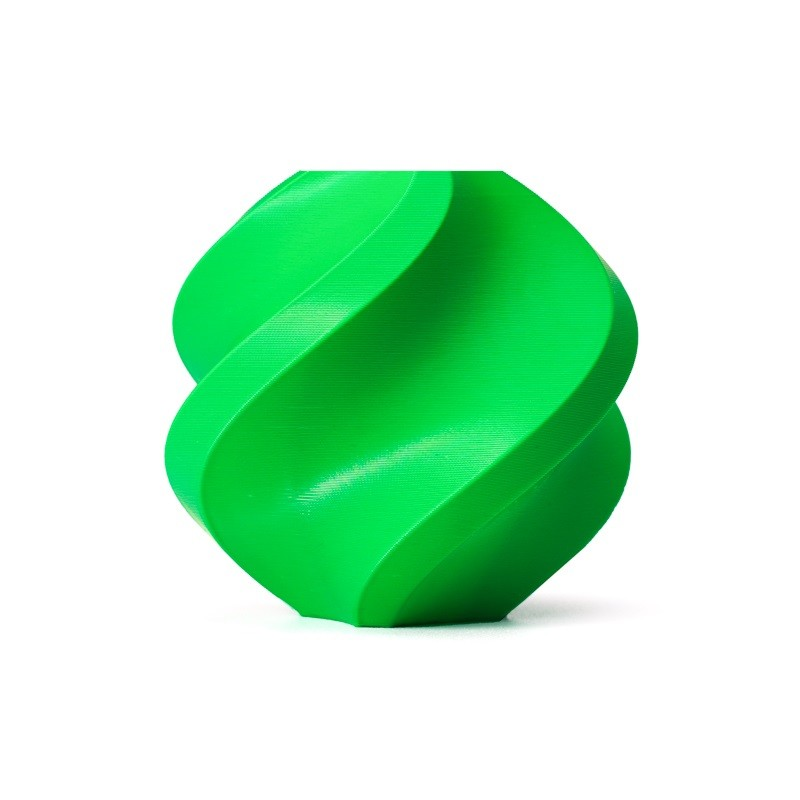
Bambu Lab ABS 3D Printer Filament Bambu Green – 1.75mm with Reusable Spool
ABS filament for making custom jigs, fixtures, and workholding parts for your CNC or laser setup — 3D printing and CNC work together in a complete maker workshop.
Use Case Analysis: Which Is Right for You?
Choose a Laser Engraver If You:
- Want to personalise gifts, trophies, and awards (name engraving, logos)
- Work primarily with thin wood, leather, fabric, or acrylic
- Run a small business in the gifts and personalisation segment
- Need to cut out shapes from thin sheet material quickly
- Have limited workshop space and need a cleaner (dust-free) operation
- Process images and photographs on wood (greyscale photo engraving)
- Want to get started quickly with minimal setup complexity
Choose a CNC Router If You:
- Work with thick wood, MDF, or plywood for furniture and cabinetry
- Need to mill your own PCBs without chemical etching
- Want to do 3D carving and relief work in wood
- Need to cut or machine aluminium parts
- Produce complex shapes with pockets, through-holes, and 3D profiles
- Want to create signs with V-carved lettering in solid wood
- Have a proper workshop with dust collection and adequate space
Industry-Specific Recommendations for India
- Furniture workshop: CNC router — clear winner
- Gift and trophy business: CO2 laser engraver
- Electronics prototyping: CNC router (PCB milling)
- School/college lab: Diode laser engraver (safer, more versatile for demonstrations)
- Jewellery design: Both have value — laser for engraving, CNC for wax/foam pattern making
- Sign making: CNC router for carved wood signs; CO2 laser for acrylic and backlit signs
Can You Have Both? The Hybrid Approach
Increasingly, Indian makers and small businesses are choosing to run both a laser engraver and a CNC router in the same workshop. The combination is extraordinarily powerful — each machine handles what it does best, and together they cover virtually every fabrication need.
A practical entry-level hybrid setup for an Indian maker might be:
- Diode laser engraver (20W, ₹25,000) for engraving and thin cutting
- 3018 CNC router (₹12,000) for PCB milling and small engraving jobs
- A 3D printer (₹15,000–₹40,000) for complex geometries
Total investment under ₹75,000 for a remarkably complete fabrication capability. Add a second-hand oscilloscope and you have a respectable electronics lab too.
Product Recommendations from Zbotic
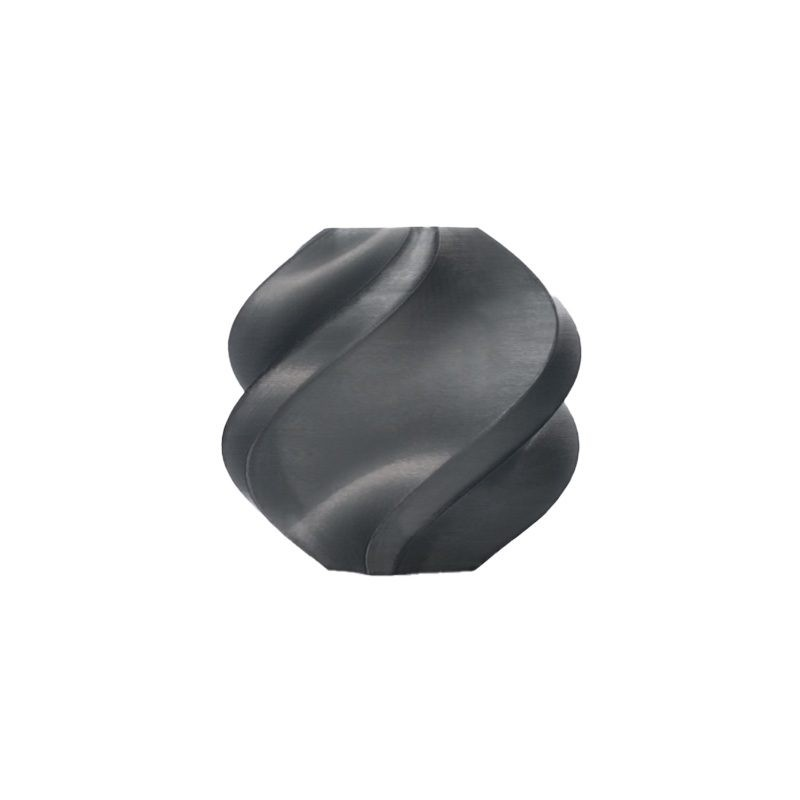
Bambu Lab ABS 3D Printer Filament Black – 1.75mm
Premium ABS for 3D printing enclosure parts, safety guards, and custom fixtures for your laser engraver or CNC router build.
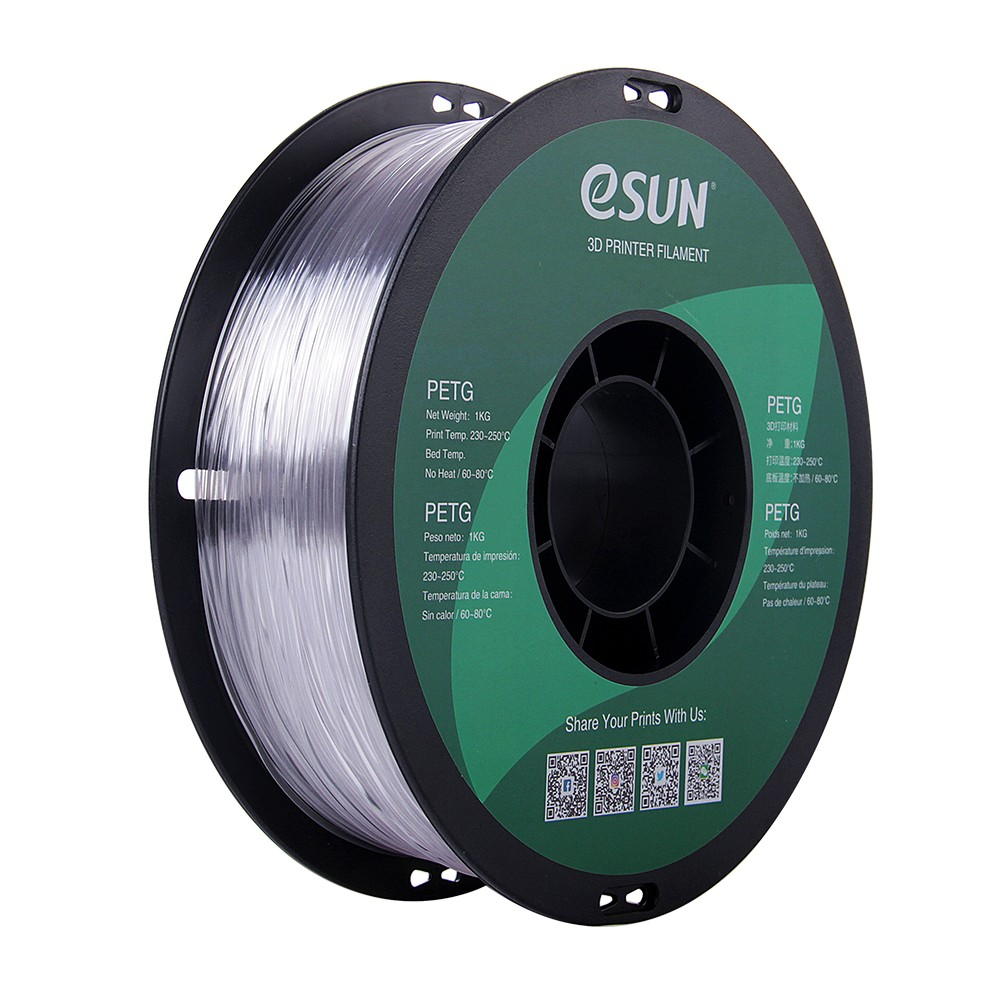
eSUN PETG 1.75mm 3D Printing Filament 1kg – Clear
Clear PETG is ideal for printing laser-safe viewing windows and protective covers for enclosures — PETG has good heat resistance and reasonable optical clarity.
Frequently Asked Questions
Can a laser engraver replace a CNC router for woodworking?
Not for most woodworking tasks. A laser can engrave decorative patterns on wood beautifully and cut thin pieces, but cannot create the 3D profiles, pockets, dadoes, and joinery cuts that define furniture and cabinetry work. For structural woodworking, a CNC router is irreplaceable.
Is a laser engraver legal to operate in India?
Consumer-class diode and CO2 laser engravers can be legally purchased and operated in India. However, there are no standardised regulations specifically governing their use in small workshops — users are responsible for following general workplace safety, fire safety, and electrical safety standards. Operators should be aware of their state’s factory/workshop regulations if operating commercially.
Which machine is better for a small business in India?
A CO2 laser engraver at ₹50,000–₹80,000 typically offers the fastest path to business revenue in India — gifts, trophies, signage, promotional items, and personalised goods are high-demand categories. The learning curve is lower and the market is well-established. A CNC router for furniture production requires more capital investment but serves a different (and also large) market.
Do I need a licence to operate a CO2 laser cutter in India?
CO2 laser cutters used in business require compliance with standard commercial workshop regulations. If your machine has a laser power exceeding certain thresholds, some states may classify it under specific industrial equipment regulations. Consult your local municipal authority for specifics. For educational institutions, additional oversight may apply.
How do import duties affect pricing in India?
Laser engravers and CNC routers both attract significant import duties in India — typically 18–28% GST plus basic customs duty. A laser engraver listed at $300 USD can land in India at ₹40,000+ after all duties and shipping. Buying from Indian distributors or locally-assembled machines often provides better after-sales support and total cost.
Equip Your Indian Maker Workshop with Zbotic
From 3D printer filaments and electronics components to maker accessories — Zbotic supports Indian hobbyists and small businesses with quality products and fast delivery nationwide.






Add comment