
How to Register a Drone in India on the DigiSky Portal (2026 Guide)
India’s drone regulations have evolved significantly over the past few years. The DGCA (Directorate General of Civil Aviation) launched the Digital Sky platform — now known as DigiSky — to streamline drone registration, operator certification, and flight zone permissions. If you own a drone above 250 grams in India, registration is mandatory. This guide walks you through the complete process for 2026, including documents required, fees, step-by-step portal navigation, and tips for a smooth application.
Why You Must Register Your Drone
India’s drone regulations are governed by the Drone Rules 2021, notified by the Ministry of Civil Aviation and enforced by DGCA. The rules apply to all Remotely Piloted Aircraft Systems (RPAS) — which includes everything from small FPV racing drones to large commercial agricultural sprayers.
Flying an unregistered drone above 250g in India is a legal offence under the Aircraft Act, 1934. Penalties can include fines and seizure of equipment. More practically, unregistered drones that are involved in incidents (accidents, flyaways, airspace violations) leave the owner with zero legal protection and full liability.
Registration is also straightforward and has become significantly easier since the portal’s redesign. There is no good reason to fly without it.
Drone Categories Under Indian Law
The Drone Rules 2021 divide drones into five categories based on maximum all-up weight (AUW), which includes the drone, payload, and battery:
| Category | Weight | Registration Required? | Common Examples |
|---|---|---|---|
| Nano | Up to 250g | No (exempted) | Tiny whoops, toy drones |
| Micro | 250g – 2kg | Yes (UIN required) | DJI Mini 3, 5-inch FPV racer |
| Small | 2kg – 25kg | Yes (UIN + operator permit) | DJI Phantom, agricultural drones |
| Medium | 25kg – 150kg | Yes (full permits required) | Large agricultural/cargo drones |
| Large | Above 150kg | Yes (full Civil Aviation Requirements) | Cargo/passenger UAVs |
Most FPV racers (5-inch fully equipped) weigh 550–800g and fall into the Micro category. Agricultural drones like the EFT E410P (10L) fall into the Small category. Understanding your category determines exactly which permits you need.
Who Needs to Register?
Registration requirements in India apply to:
- Indian citizens owning drones above 250g
- Companies and organisations operating drones commercially
- Foreign nationals operating drones in India (special permissions apply)
Exemptions as of 2026 include:
- Nano drones (under 250g) operated below 50 feet in uncontrolled airspace
- Defence and intelligence agency drones
- Drones operated by the National Technical Research Organisation
Documents and Information You Need
Before logging in to DigiSky, gather the following:
For Individual Hobbyists (Micro category drone)
- Aadhaar card (for identity verification and e-KYC)
- Mobile number linked to Aadhaar (for OTP verification)
- Email address
- Drone manufacturer name and model number
- Drone serial number (typically on a sticker on the frame or FC)
- Drone MTOW (maximum take-off weight in kg)
- Colour and appearance photo of the drone (optional but recommended)
For Commercial Operators (Small category and above)
- All above documents
- GST registration certificate (if applicable)
- Company PAN card
- Third-party insurance certificate
- Authorised signatory details and ID proof
- Drone manufacturer’s declaration of conformance (some models)
Step 1: Create Your DigiSky Account
The DigiSky portal is accessible at digitalsky.dgca.gov.in. Here is how to create your account:
- Visit digitalsky.dgca.gov.in on a desktop browser (mobile browser may have issues with some forms).
- Click Register in the top-right corner.
- Select your user type: Individual (for personal/hobby use) or Organisation (for commercial operators).
- Enter your mobile number and complete Aadhaar-based e-KYC verification by entering the OTP sent to your Aadhaar-linked mobile number.
- Create a username and strong password.
- Verify your email address through the confirmation link sent to your inbox.
Common issue: If your Aadhaar is not linked to your current mobile number, you will need to visit an Aadhaar centre (UIDAI centre or post office) to update your mobile number before proceeding. This is a one-time requirement and takes 24–48 hours to update in the UIDAI system.
Step 2: Apply for UIN (Unique Identification Number)
The UIN is the registration number that legally identifies your drone. Every drone above 250g requires a UIN before it can be legally flown in India.
- Log in to your DigiSky account.
- Navigate to RPAS Registration → Apply for UIN.
- Enter drone details:
- Manufacturer name (e.g., “DJI”, “EFT”, or “Self-built” for custom drones)
- Model number
- Serial number (for custom builds, create a unique identifier using your initials + frame size + build year, e.g., “JSS250FPV2026”)
- MTOW in kg
- Category (Micro / Small — auto-filled based on MTOW)
- Purpose of operation: Hobby, Photography, Agriculture, Survey, Delivery, etc.
- Upload required documents (Aadhaar copy, drone photo if requested).
- Pay the applicable fee (see fee table below).
- Submit the application.
The UIN is typically issued within 7–15 working days. You will receive it via email and it will appear in your DigiSky dashboard. Once issued, mark your drone with the UIN — either by printing a label or engraving it on the frame. The UIN must be visible externally.
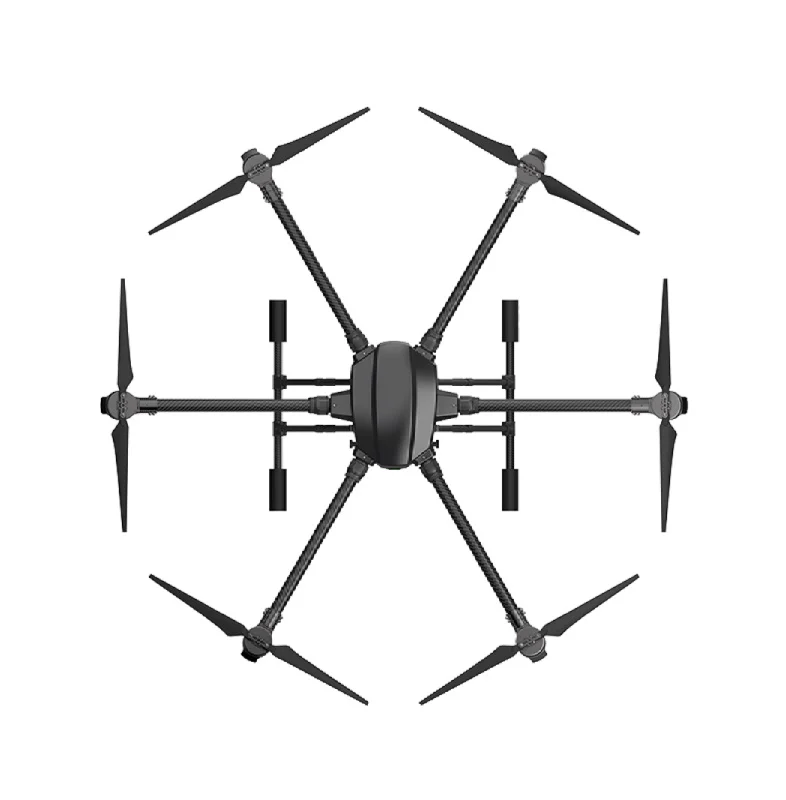
EFT 6120 Multifunction Surveillance Drone Frame
Robust professional drone frame for surveillance applications. If you are building a registered commercial drone, start with a high-quality frame designed for reliability.
View on ZboticStep 3: Pilot Certification (RPTO Exam)
For Micro and above category drones used for non-recreational purposes, the pilot must hold a Remote Pilot Licence (RPL). For recreational/hobby flying with Micro drones under self-supervision, a full RPL is not mandatory but awareness of DGCA rules is expected.
How to Get a Remote Pilot Licence
- Enrol with a DGCA-authorised Remote Pilot Training Organisation (RPTO). There are several RPTO training centres now operational across India in cities like Delhi, Mumbai, Bangalore, Hyderabad, Chennai, and Pune.
- Complete the required ground training (usually 2–5 days) covering:
- DGCA rules and airspace regulations
- Meteorology and weather awareness
- Emergency procedures
- Maintenance and pre-flight checks
- Complete the required practical flight training (varies by drone category).
- Pass the DGCA online examination through DigiSky.
- Apply for the RPL through DigiSky portal and pay the applicable fee.
For hobbyists flying Micro drones recreationally, the practical requirement is relaxed — you still need to demonstrate basic knowledge of the rules but a full RPTO training course is generally not required for casual hobby flying. Always check the current DGCA circular for the latest requirements, as rules are updated periodically.
Step 4: RPAS Operator Permit (for Commercial Use)
If you are flying a Small, Medium, or Large category drone for commercial purposes (aerial photography, agriculture, survey, delivery), you need an RPAS Operator Permit (ROP) in addition to the UIN and RPL.
- In your DigiSky account, navigate to Operator Permit → Apply for ROP.
- Upload your organisation/company documents.
- List all drones (by UIN) to be operated under the permit.
- List all pilots (by RPL number) who will operate the drones.
- Provide details of your operational area and standard operating procedures (SOP).
- Submit and pay the applicable fee.
The ROP is valid for 5 years and can be renewed. This is mandatory for any commercial drone service company operating in India.
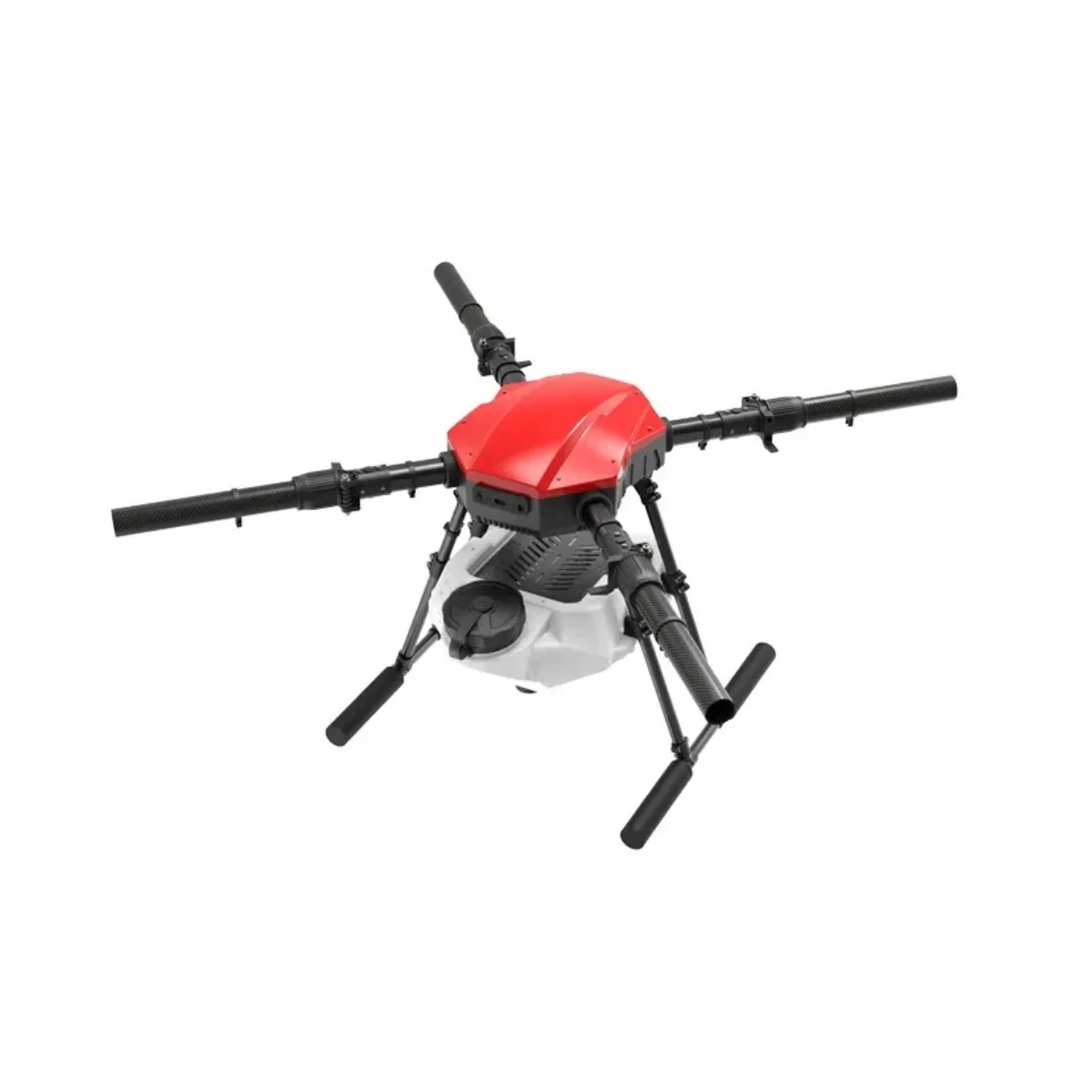
EFT E410P 10L 4 Axis Agricultural Drone Frame
A purpose-built agricultural sprayer frame for 10L payload — falls in the Small drone category. Requires UIN + ROP for commercial agricultural operations in India.
View on Zbotic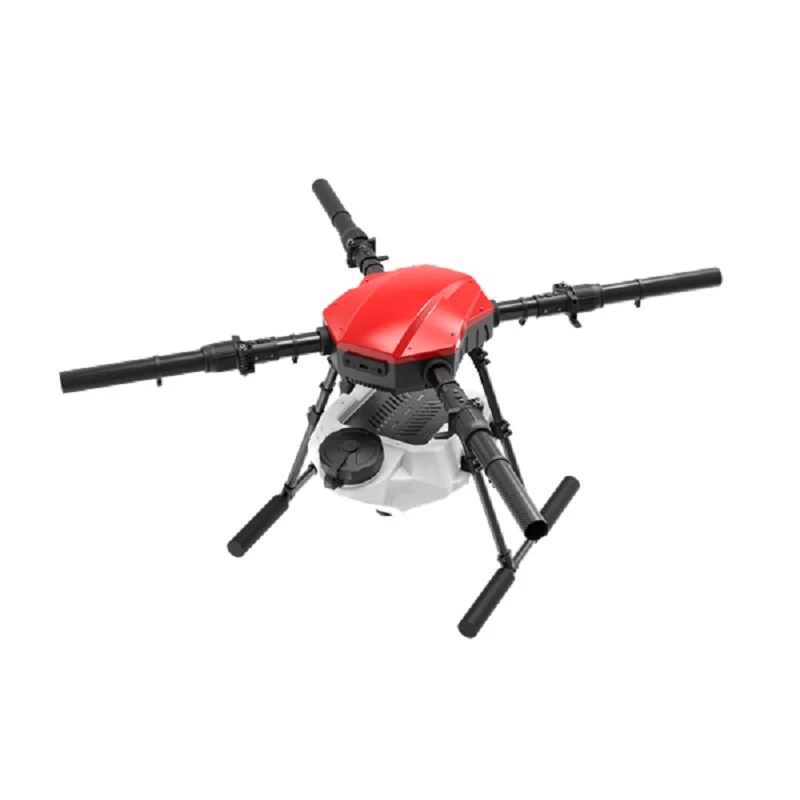
EFT E416P 16L 4 Axis Agricultural Drone Frame
Heavy-duty 16L agricultural frame for large-scale crop spraying operations. For commercial use, ensure full DGCA registration and operator permit compliance.
View on ZboticStep 5: Obtaining Flight Permissions
For flights in Green Zones (most rural and semi-urban areas below 400 feet AGL, away from airports and sensitive areas), no advance permission is required. You can fly after completing registration and certification steps.
For Yellow Zones (within 8–12km of airports, some urban areas), you need to obtain a Permission for Flight (PFF) through DigiSky at least 24 hours in advance.
For Red Zones (airports, military areas, border zones, state secretariats), flying is prohibited without specific authorisation from multiple authorities, which is rarely granted for civilian operations.
How to Apply for Permission for Flight (Yellow Zone)
- In DigiSky, go to Permission for Flight → New Permission Request.
- Enter your drone UIN, pilot RPL number, and proposed flight details (date, time, location, altitude, purpose).
- Draw the proposed flight area on the map interface.
- Submit at least 24 hours before the planned flight.
- Permissions are usually granted or denied within 24 hours for standard requests.
The DigiSky mobile app (available on Play Store and App Store) allows you to check zone colours for any location in real-time — an essential tool before heading to any new flying site.
Fees and Processing Timeline
| Service | Fee (approx.) | Processing Time |
|---|---|---|
| UIN — Nano (exempt) | ₹0 | — |
| UIN — Micro | ₹100 | 7–15 working days |
| UIN — Small | ₹1,000 | 15–30 working days |
| Remote Pilot Licence | ₹100–₹500 | 7–14 working days after exam |
| RPAS Operator Permit | ₹1,000–₹25,000 | 30–60 working days |
| Permission for Flight | ₹0 | 24 hours |
Note: Fees are subject to revision. Always check the current fee schedule on the official DigiSky portal before applying.
Understanding No-Fly Zones in India
India has extensive no-fly zones that every drone owner must understand:
- Airport exclusion zones: 5km radius around all airport perimeters is a Red Zone. The zone from 5–8km is Yellow. Both require advance permissions or are prohibited.
- International borders: 25km from international borders — completely restricted for civilian drones.
- State capital areas: Several state secretariats and government buildings have local restrictions.
- Military zones: Any area near military installations, including cantonment areas.
- Vijay Chowk, Delhi: The area around India Gate and Parliament is a permanent Red Zone.
- Coastal areas: Within 500m of the coastline in certain states.
Always check the DigiSky app before flying anywhere new. The interactive map clearly shows Green, Yellow, and Red zones. Do not rely on memory or assumption — zones change periodically.
Get Your Drone Flight-Ready with Zbotic

3DR 100mW Radio Telemetry 915MHz for APM PX4 Pixhawk
Telemetry radio for long-range ground station communication with Pixhawk-based registered drones. Essential for commercial agricultural and survey operations.
View on Zbotic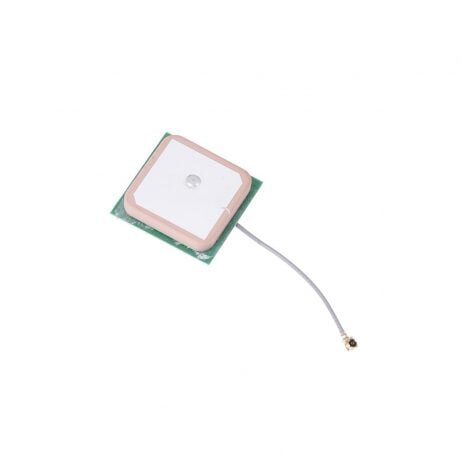
25x25x8mm 28dB High Gain GPS Antenna for NEO-6M/7M/8M
High-gain active ceramic GPS antenna for autonomous drone operations. Required for position hold, return-to-home, and waypoint navigation on registered commercial drones.
View on Zbotic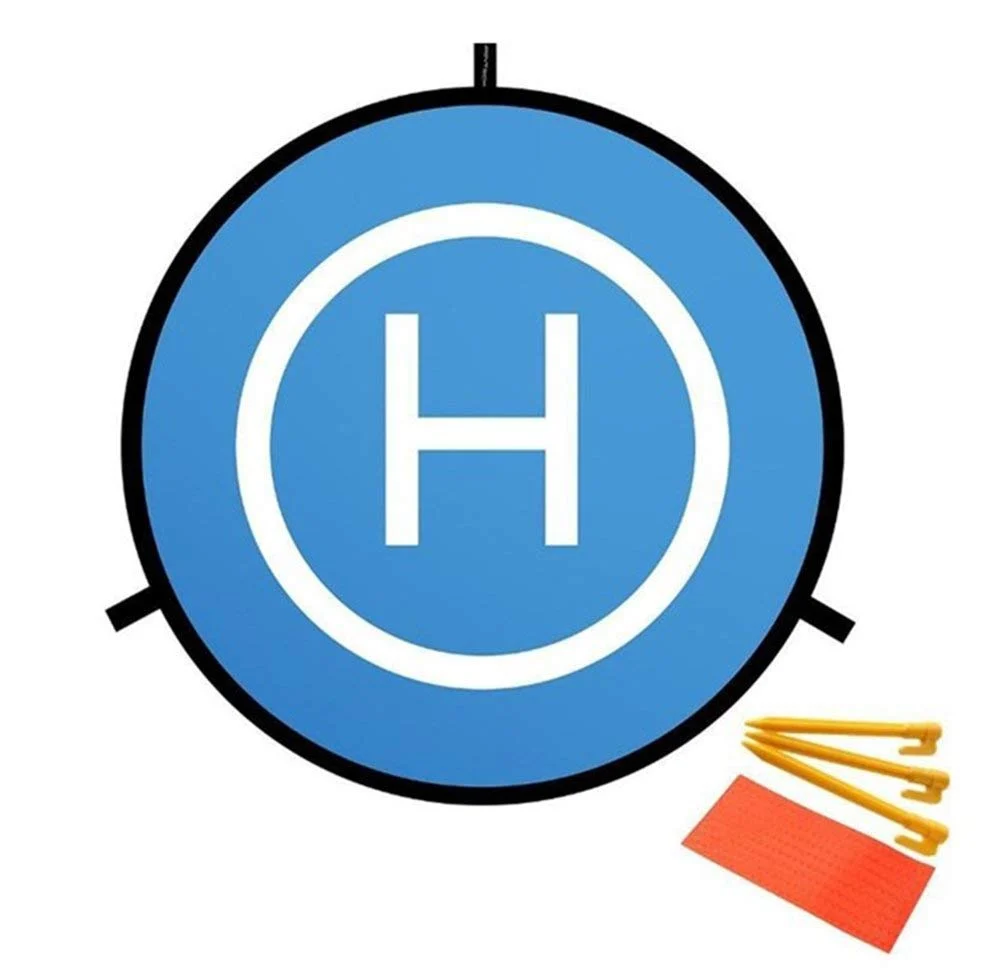
110cm Fast-fold Landing Pad / Helipad for RC Drone
Standardised landing pad that demonstrates professional operation — important when flying commercially in areas where authorities may be present. Fast-fold for easy transport.
View on ZboticFrequently Asked Questions
Q: I built a custom FPV drone. How do I register it since there is no serial number?
For custom/self-built drones, the DigiSky portal allows you to enter the manufacturer as “Self-made” or the frame manufacturer’s name. For the serial number, create a unique identifier yourself — using a combination of your initials, the drone type, and year (e.g., “RAMKV5FPV2026”). Write this on your drone frame or mark it on the flight controller. The system will accept a custom serial number for self-built drones.
Q: My drone weighs exactly 250g. Do I need to register?
The Nano exemption applies to drones up to 250g — meaning 250g and below are exempt. A drone weighing exactly 250g does not require registration. A drone weighing 251g requires registration. Weigh your drone including battery, props, and all accessories before deciding.
Q: Can I fly my FPV drone in First Person View (FPV mode) legally in India?
FPV flying where the pilot loses direct visual contact with the drone is technically in a grey area under current DGCA rules, which require VLOS (Visual Line of Sight) operations. For hobby FPV flying in unpopulated open spaces below 400 feet in Green Zones, enforcement is limited. For any commercial FPV operations, BVLOS (Beyond Visual Line of Sight) permits are required and are currently only granted to specific approved entities. Always fly responsibly.
Q: What happens if I am caught flying an unregistered drone?
Penalties under the Aircraft Act 1934 for violation of drone regulations include fines up to ₹1 lakh and potential seizure of equipment. In practice, most hobbyists caught with unregistered drones in non-sensitive areas receive warnings and are asked to register. Near airports or sensitive areas, penalties are enforced more strictly.
Q: How long is the UIN valid?
The UIN is permanent and linked to the specific drone — it does not expire. However, if you sell the drone, the UIN must be transferred to the new owner through the DigiSky portal. If the drone is destroyed or written off, the UIN should be deregistered.
Q: Is there a DigiSky mobile app for checking zones before flying?
Yes. Search for “Digital Sky” on the Google Play Store or Apple App Store. The official DGCA app shows the airspace map with real-time zone classifications (Green/Yellow/Red) based on your GPS location. It also allows you to submit and track flight permission requests directly from your phone.
Conclusion
Registering your drone in India on the DigiSky portal is a straightforward process that takes less than 30 minutes for a Micro category drone. The ₹100 UIN fee and 7–15 day processing time are minimal investments compared to the legal protection and peace of mind that registration provides. For commercial operators running agricultural or survey drone businesses, the RPAS Operator Permit is a business necessity that opens the door to legitimate, scalable drone operations across India.
India’s drone ecosystem is growing rapidly in 2026, with new use cases in agriculture, delivery, infrastructure inspection, and emergency response emerging regularly. Getting properly registered today positions you to participate fully in this expanding industry. At Zbotic, we supply the drone components, frames, GPS modules, and telemetry equipment you need to build registered, compliant drones for both hobby and commercial use.
Build a Legal, Compliant Drone with Zbotic
All the drone frames, GPS modules, telemetry systems, and components you need — delivered across India.
Shop Drone Components






Add comment