
If you have ever lost an expensive microcontroller or IC to invisible static electricity, you already know the pain. An ESD mat and wristband for PCB work are not optional accessories — they are the first line of defence between your expensive components and the silent destroyer called electrostatic discharge. Whether you are assembling an Arduino project, repairing a smartphone motherboard, or building a custom PCB in your Indian workshop, proper ESD protection can save you thousands of rupees and hours of frustrating troubleshooting.
What Is ESD and Why Does It Destroy Components?
Electrostatic discharge (ESD) is the sudden flow of electricity between two electrically charged objects. In everyday life, you feel it when you touch a doorknob after walking on carpet. In electronics, however, even a discharge of 10 to 100 volts — far below what the human body can sense — is enough to permanently damage CMOS gates, MOSFET transistors, microcontrollers, and other sensitive ICs.
The human body can accumulate 1,000 to 35,000 volts of static charge depending on humidity and flooring type. India’s hot and often dry conditions during winter months (especially in North India) make static buildup worse than you might expect. A single touch of an unprotected CMOS chip can cause a hard failure immediately or — far more dangerously — create a latent defect that causes intermittent failures weeks later.
ESD damage is especially common with:
- Microcontrollers (ATmega, ESP32, STM32, RP2040)
- MOSFET transistors and gate drivers
- Op-amps and precision analog ICs
- Flash memory and EEPROM chips
- RF modules and sensitive antenna circuits
ESD Mat Explained: How It Works
An ESD mat is a specially formulated rubber or vinyl surface with carefully controlled electrical resistance. Unlike regular rubber which is a perfect insulator (and thus accumulates charge), an ESD mat has a surface resistance of 10^6 to 10^9 ohms — enough to allow static charge to drain slowly and safely to ground without creating a spark or damaging your components.
Most quality ESD mats have two layers: a dissipative top layer that safely bleeds static away from your components, and a conductive bottom layer that connects to ground via a snap connector and a ground cord. The slow resistive path is critical — it prevents a sharp discharge pulse that would damage sensitive devices.
When shopping for an ESD mat in India, look for:
- Size: At least 60×40 cm for a standard workbench. Larger is better.
- Dual-layer construction: Dissipative top, conductive bottom.
- Snap connectors: For the ground cord and wristband cord.
- Heat resistance: Rated for at least 150°C if you are soldering near the mat.
- Colour: Green or blue are standard ESD mat colours (not cosmetic — these formulations are well-tested).
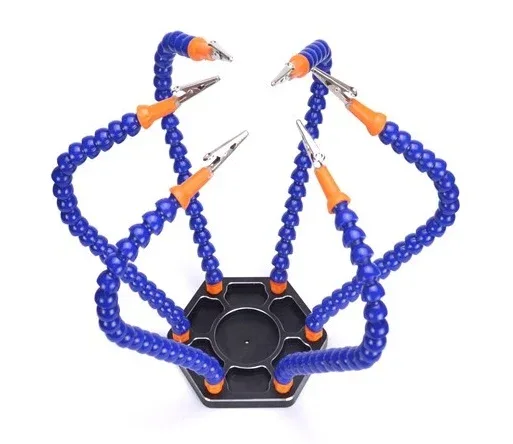
6 Flexible Arms Soldering Station With Swiveling Alligator Clip
A stable helping hands soldering station that keeps your PCB steady while you work — pairs perfectly with your ESD mat setup for clean, grounded soldering sessions.
ESD Wristband: Your Personal Ground Connection
The ESD mat handles your bench surface, but what about your body? Every movement you make — reaching for a component, adjusting your chair, even breathing — can regenerate static charge on your skin and clothing. The ESD wristband (also called an antistatic wrist strap) is your personal ground connection.
A wristband consists of a conductive strap that sits snugly on your wrist, connected via a coil cord (typically 1.8 to 2.4 metres long) to a snap connector on your mat or directly to a ground point. Inside the cord there is a 1 MΩ series resistor — this is a critical safety feature that prevents electrocution if you accidentally touch live mains voltage while grounded.
Key factors for a good ESD wristband in India:
- Snug but comfortable fit: The strap must make full contact with skin. Wearing it over clothing defeats the purpose.
- Built-in 1 MΩ resistor: Safety is non-negotiable. Never use a wristband without this resistor.
- Coil cord length: 1.8 m gives good freedom of movement at most workbenches.
- Continuity tester: Some wristbands include an LED tester. Worth having.
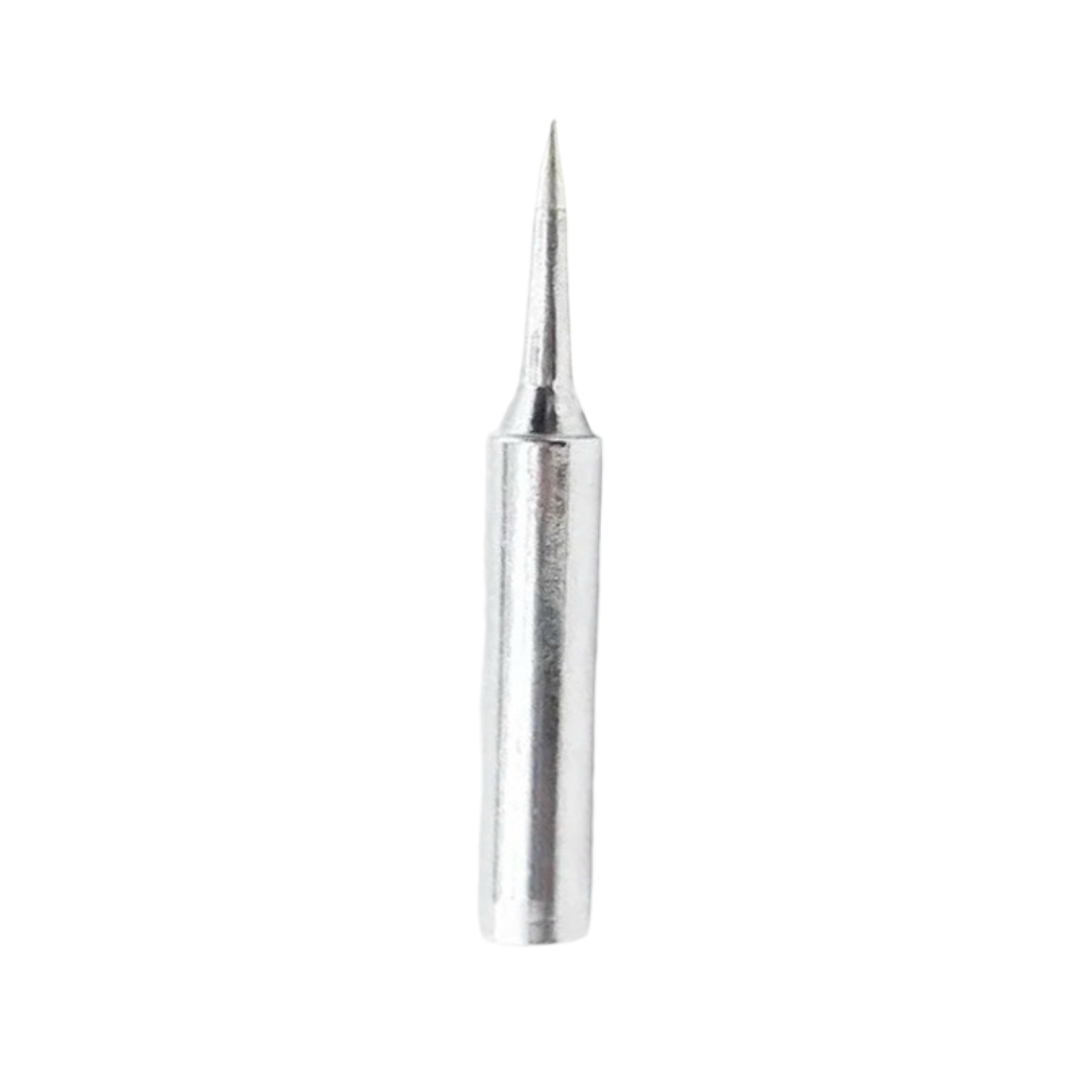
BAKON Soldering Iron Tip 900M-T-I
High-quality soldering iron tip compatible with 900M series stations. A well-tinned, grounded iron tip is itself part of ESD-safe soldering — pair it with your wristband for complete protection.
Setting Up an ESD-Safe Workstation in India
Building a proper ESD-safe workstation does not require expensive imported equipment. Here is how to set one up effectively in an Indian home workshop or repair shop:
Step 1: Ground Your Mat
Connect your ESD mat to a proper earth ground. In India, the earth pin (the round pin in the three-pin plug) is your ground point. Use a ground cord with a 1 MΩ resistor that connects from the mat’s snap connector to a three-pin plug with only the earth pin connected. Never connect to the live or neutral pins.
Step 2: Connect Your Wristband to the Mat
Snap your wristband coil cord to the second snap connector on your mat (most mats have two snaps). This creates a single ground path for both mat and body. Alternatively, connect it to the same ground point as the mat.
Step 3: Ground Your Soldering Iron
A quality soldering station with a grounded tip is part of ESD protection. If your soldering iron has a three-pin plug, ensure the iron’s barrel (and thus the tip) is connected to earth ground.
Step 4: Handle Components Correctly
- Always pick up ICs by their body, not their pins.
- Keep sensitive ICs in their antistatic bags until ready to solder.
- Touch the mat before reaching for a component to equalise any residual charge.
- Keep synthetic clothing away from the bench area (polyester is the worst offender).
Step 5: ESD-Safe Storage
Store unused components in antistatic pink foam or antistatic bags. Standard bubblewrap and styrofoam are actually ESD hazards — they generate triboelectric charge as you pull components out.
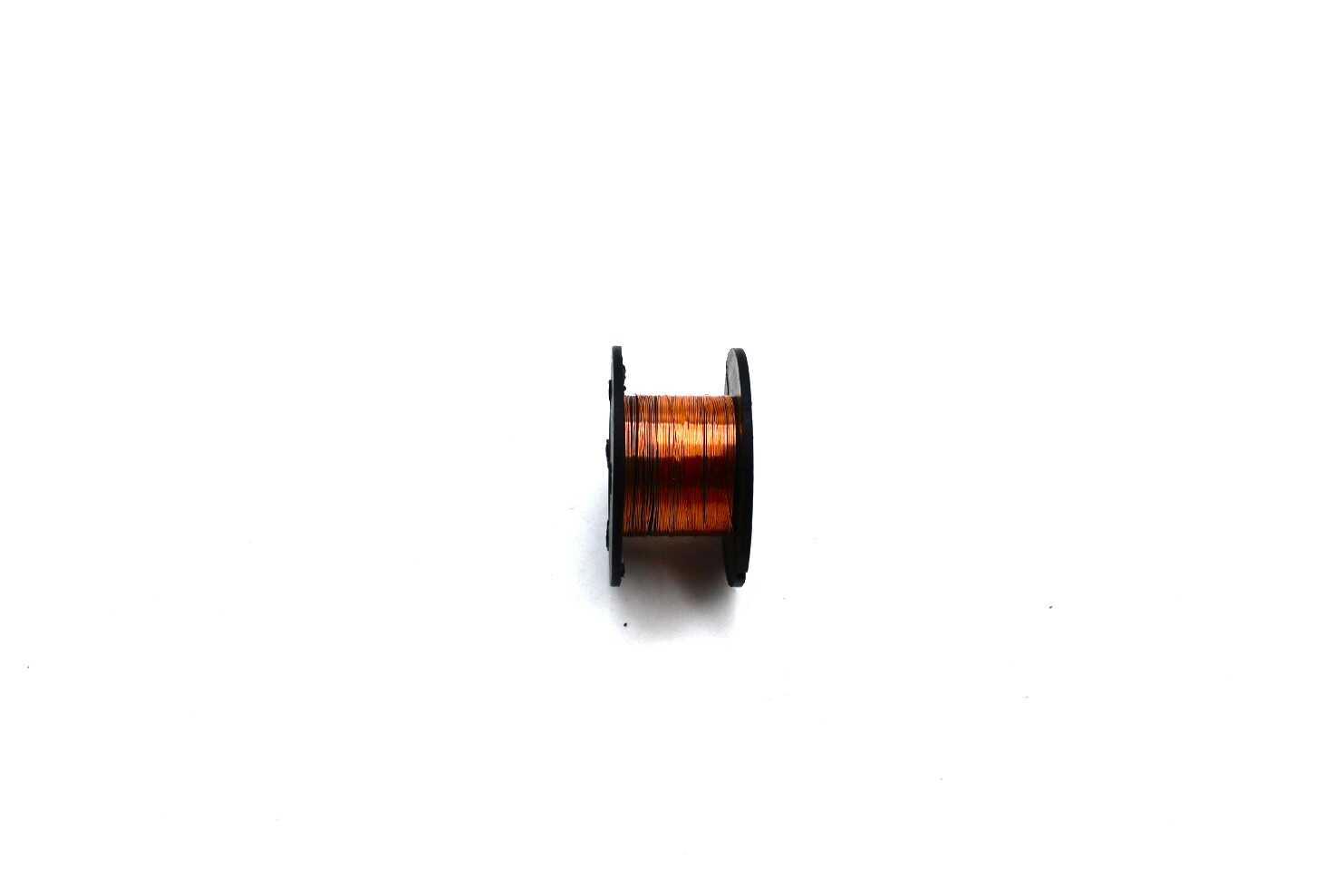
0.1MM Copper Soldering Solder PPA Enamelled Repair Reel Wire
Ultra-thin 0.1mm enamelled copper wire for delicate PCB repair work. Ideal for SMD jumper repairs on smartphone boards and fine-pitch PCBs where ESD protection is most critical.
Common ESD Protection Mistakes to Avoid
Even experienced hobbyists and repair technicians make these errors:
- Wearing the wristband over clothing: The strap must touch bare skin to drain charge from your body. Over a sleeve, it does nothing.
- Using an ungrounded mat: A mat that is not connected to earth ground is just a rubber mat. It provides no ESD protection at all.
- Incorrect ground point: In India, many older buildings have two-pin sockets without a proper earth. If your earth is not connected to a real ground, your ESD setup is ineffective. Test with a socket tester before relying on it.
- Working on the floor: Carpet and synthetic rugs are enormous static generators. Always work at a properly grounded bench.
- Skipping the wristband for “just a quick task”: ESD damage happens in milliseconds. One grab without the wristband is enough to kill a chip.
- Never testing the wristband: Coil cords can break internally without visible damage. Test continuity through the cord periodically.
When Does ESD Matter Most?
ESD risk is highest in these scenarios:
- Low humidity environments: In Indian winter (humidity below 40%), static charge accumulates much faster. Air-conditioned rooms are especially low humidity.
- Handling bare ICs: Chips directly from tubes or tape-and-reel are most vulnerable before they are soldered to a PCB.
- SMD work: Surface-mount components have almost no ESD tolerance due to their tiny gate oxide thicknesses.
- RF and high-frequency work: RF transistors and MMIC amplifiers are among the most ESD-sensitive devices, with damage thresholds sometimes as low as 100 V.
- Replacing ICs on assembled boards: Even though the PCB itself provides some protection, a hot-air or soldering iron touch without grounding can inject charge through the traces.
Buying Guide: Choosing the Right ESD Gear
When buying ESD protection equipment in India, here is what to prioritise:
Mat Budget Tiers
- Entry level (₹300–700): Basic green vinyl mats with a single snap connector. Adequate for occasional hobbyist use.
- Mid-range (₹800–2,000): Dual-layer mats with two snap connectors, better heat resistance, and proper dissipative surface resistance rating. Best value for serious hobbyists and small repair shops.
- Professional (₹3,000+): Large-format mats, certified surface resistance (tested), heat-resistant to 200°C. For professional repair or production environments.
Wristband Tips
Spend at least ₹150–300 on a wristband with a proper 1 MΩ resistor in the cord. Cheap wristbands from untrusted sources may use lower-quality snap connectors or skip the safety resistor entirely — a dangerous oversight.
The Complete Kit
Buy a mat-and-wristband kit together. Most kits include the mat, one coil cord for the wristband, and one ground cord for the mat. Kits are usually better value than buying separately, and the connectors are guaranteed to be compatible.
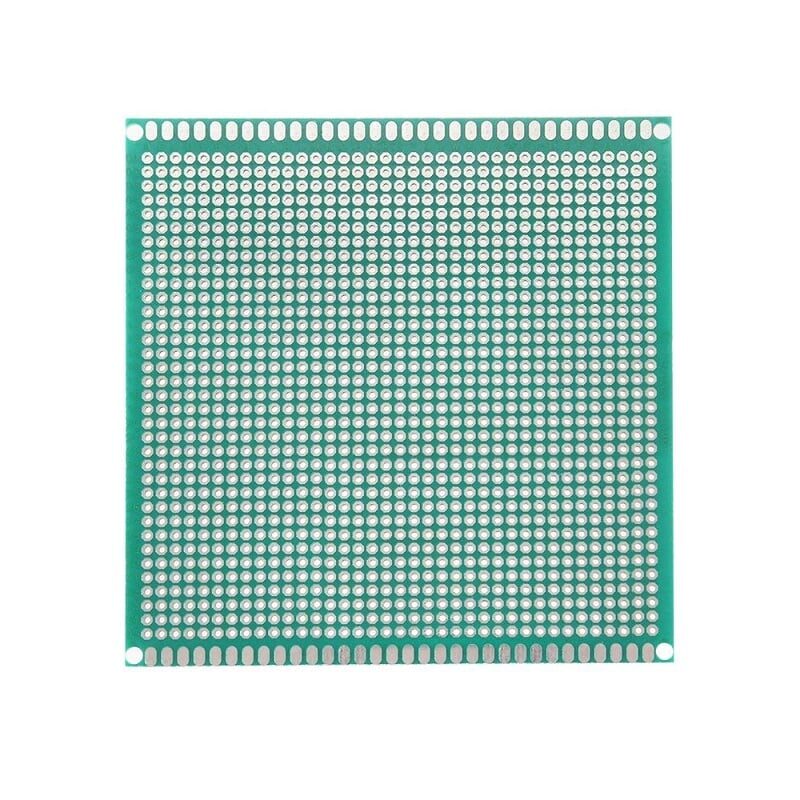
10 x 10 cm Universal PCB Prototype Board Single-Sided 2.54mm Hole Pitch
Perfect for prototyping circuits on the bench. Handle this while wearing your ESD wristband to prevent accidental component damage before your project is even complete.
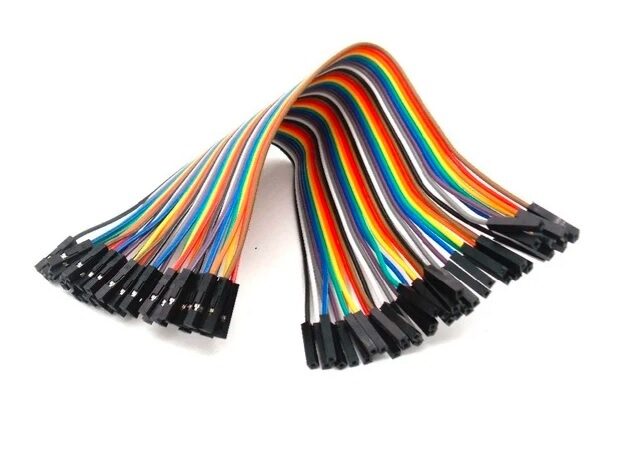
10CM Female To Female Breadboard Jumper Wires 2.54MM – 40Pcs
Essential breadboarding wires for prototyping. Keep a set on your ESD mat for connecting modules and sensors to your development board without risking static damage.
Frequently Asked Questions
Do I need an ESD mat for Arduino projects?
Yes, especially when handling bare Arduino boards, shields, or when inserting/removing ICs from sockets. The ATmega and ESP chips on Arduino-compatible boards are ESD-sensitive devices.
Can I use a regular rubber mat instead of an ESD mat?
No. Regular rubber is an insulator, which actually helps build up static charge. An ESD mat has a carefully controlled resistivity that allows slow, safe charge drainage. They look similar but work in completely opposite ways.
Does an ESD wristband work without grounding?
No. Without a ground connection, a wristband simply equalises the charge between your body and the mat — but if neither is grounded, you are not truly protected. Always verify your ground connection before working.
How often should I replace my ESD wristband?
Test the cord continuity every few months. Replace the wristband if the cord or snap connector shows physical wear, or if a continuity test fails. A broken wire inside the coil cord is the most common failure point.
Is ESD protection needed for 3.3V and 5V microcontroller boards?
Absolutely. Operating voltage has nothing to do with ESD sensitivity. Most modern 3.3V microcontrollers use very thin gate oxides and are highly sensitive to ESD damage well below the voltage their inputs can withstand in normal operation.
What is the difference between antistatic and ESD-safe?
“Antistatic” means the material resists charge build-up (typically surface resistance of 10^9 to 10^12 Ω). “ESD-safe” or “dissipative” means it allows charge to drain slowly to ground (10^6 to 10^9 Ω). ESD-safe materials are better for active component handling; antistatic materials are fine for storage bags and packaging.
Build Your ESD-Safe Workstation Today
An ESD mat and wristband kit costs a fraction of a single damaged microcontroller. If you are serious about electronics work — whether hobby projects, repair, or professional development — proper ESD protection is non-negotiable. Shop Zbotic’s complete selection of electronics tools and accessories to build the workstation your projects deserve.






Add comment