
You have a budget, an interest in making things, and three very different machines being recommended by three different corners of the internet. CNC routers, laser engravers, and 3D printers each have passionate communities, impressive capability demos, and compelling price points. But they don’t do the same things, they suit different skills and materials, and the wrong choice leads to a machine that spends more time on the shelf than the workbench. This guide cuts through the marketing to help you decide which machine — or combination — actually fits your situation.
How Each Machine Works
CNC Router
A CNC (Computer Numerical Control) router is a subtractive machine — it removes material. A spinning cutting tool (bit) moves in X, Y, and Z axes under computer control, carving into wood, MDF, aluminium, acrylic, foam, PCB material, or other workpieces. The workpiece is clamped or vacuum-held to the table while the spindle removes material in precisely programmed paths called toolpaths.
Desktop CNC routers like the Shapeoko, X-Carve, 3018 CNC, and Genmitsu range from ₹12,000 for basic machines to ₹1,50,000+ for larger, more rigid systems. A spindle (router) is the cutting tool; smaller machines use a Dremel-type router, while larger machines use proper industrial-grade spindles with collets for standard shank sizes.
Laser Engraver / Cutter
A diode laser engraver focuses a high-power laser beam onto material, either engraving (marking) the surface by burning or ablating it, or cutting through thin materials by applying enough energy to vaporise the material along the cut path. Most consumer laser engravers in India use diode lasers (5–33W optical output power), while more powerful CO2 laser cutters (40W–150W) handle thicker materials and a broader range of substrates.
Diode laser engravers (xTool, Sculpfun, Atomstack) range from ₹12,000–₹50,000. CO2 laser cutters start at ₹50,000 for Chinese K40-class machines and go up to ₹3,00,000+ for larger, better-built systems. The laser itself has no moving cutting tool — it’s a beam of light, so no mechanical contact with the workpiece and no cutting force to account for.
3D Printer (FDM)
As covered in detail in our FDM vs SLA vs MSLA guide, a 3D printer is an additive machine — it builds up objects layer by layer from a digital model. FDM printers melt thermoplastic filament and deposit it precisely on a build platform. There is no workpiece to prepare; you simply load a digital file and hit print. The output is a three-dimensional object.
Desktop FDM printers range from ₹8,000–₹15,000 for beginner machines to ₹60,000–₹1,50,000 for high-performance CoreXY designs. Materials include PLA, PETG, ABS, TPU, Nylon, and composites.
What Each Machine Can Actually Make
This is the most important section. The best machine is the one that makes what you actually want to make.
What CNC Routers Make Best
- Wooden signs, decorative panels, relief carvings
- Furniture parts (joints, shaped panels, inlays)
- PCB milling (circuit boards from copper clad)
- Aluminium brackets, spacers, and plates (on rigid, larger machines)
- Foam patterns for casting and moulding
- Guitar and musical instrument bodies and necks
- Custom jigs and fixtures
- Acrylic signage with machined edges
What CNC routers struggle with: fine surface detail, complex internal geometry, objects larger than the machine bed, anything requiring multiple axes without manual workpiece repositioning (3-axis machines are limited).
What Laser Engravers Make Best
- Personalised gifts: wood engraved name plates, photo engravings, customised mugs (with rotary)
- Leather engraving and cutting for accessories, bags, belts
- Acrylic cutting for decorative items, LED edge-lit signs
- Paper and cardstock cutting for invitations, packaging, craft
- Fabric cutting for garments and home textiles
- Anodised aluminium engraving (phone cases, tools, trophies)
- Rubber stamps
- Thin plywood cutting for architectural models, puzzles, boxes
What laser engravers struggle with: thick metal cutting (diode lasers cannot cut steel; CO2 cannot cut highly reflective metals like bare aluminium or copper), glass (needs special greyscale technique or marking spray), transparent acrylic engraving (needs masking), highly reflective surfaces.
What 3D Printers Make Best
- Custom-fit enclosures and brackets for electronics projects
- Drone parts: frames, motor mounts, landing gear, camera mounts
- Mechanical assemblies: gears, levers, hinges, snap-fits
- Miniatures, figurines, and artistic objects
- Replacement parts for appliances, vehicles, and tools
- Prototypes for product development
- Educational models (anatomical, scientific, architectural)
- Custom tools, jigs, and gauges
- RC car bodies, bumpers, accessories
What 3D printers struggle with: large flat objects (faster by laser or CNC), highly precise dimensions without post-machining, parts requiring very smooth surfaces without post-processing, production volume (print speed limits throughput).
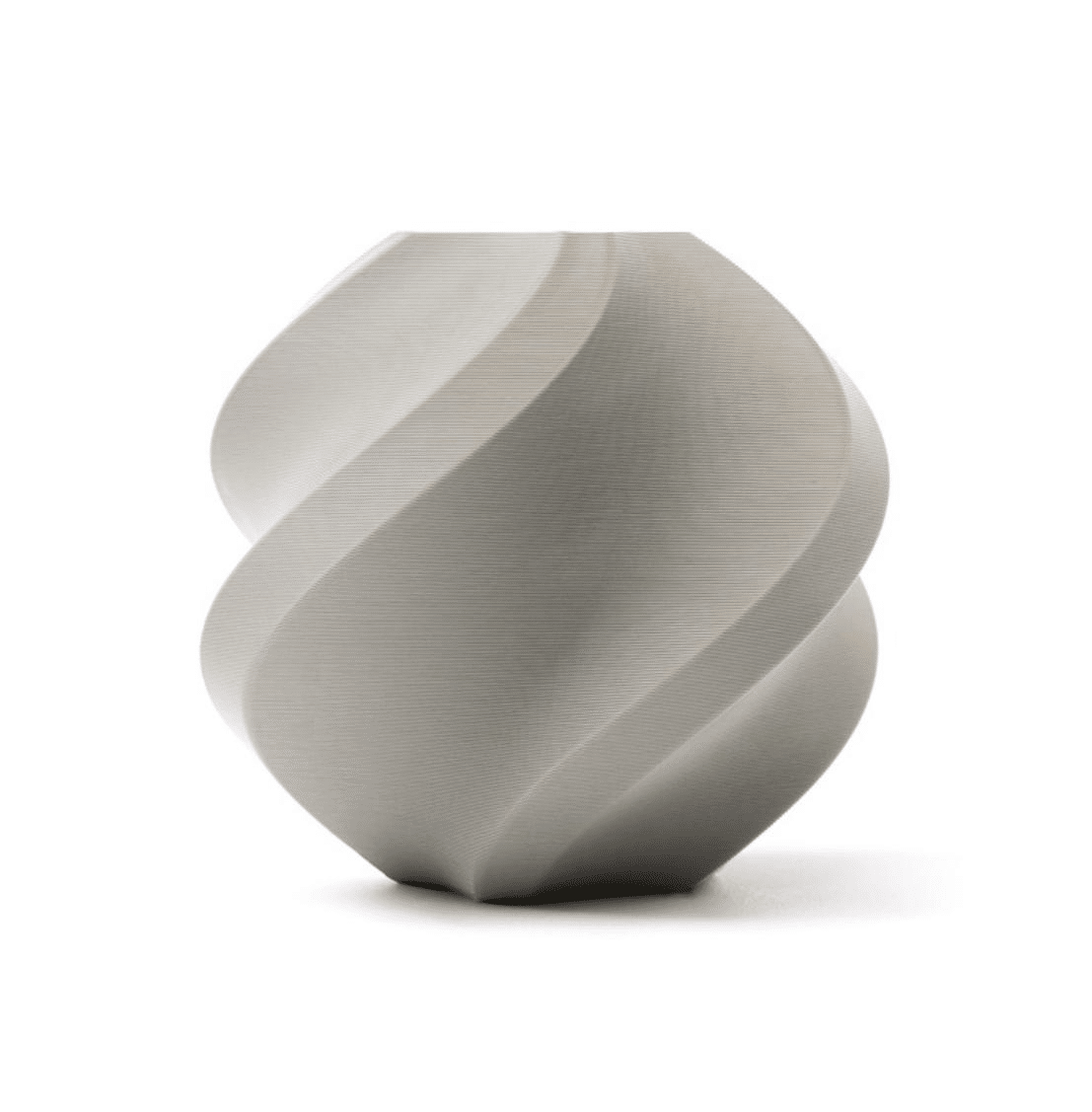
Bambu Lab PLA 3D Printer Filament – Grey 1.75mm
Start your 3D printing journey with premium PLA from Bambu Lab. Consistent diameter, excellent adhesion, and clean results right out of the box. Reusable eco spool included.
Materials Each Machine Handles
| Material | CNC Router | Diode Laser | CO2 Laser | FDM 3D Printer |
|---|---|---|---|---|
| Wood / MDF | Excellent | Good (engrave/cut thin) | Excellent | No |
| Acrylic | Good | Good (cut), Poor (engrave) | Excellent | No |
| Leather | Possible | Excellent | Excellent | No |
| Aluminium | Good (rigid machine) | Mark only (anodised) | No (reflective) | No |
| Steel / Brass | Limited (small chips) | No | No | No |
| Foam / Cardboard | Good | Good | Good | No |
| Thermoplastics (print) | No | No (fumes) | No (fumes) | Excellent |
| Glass | No | No (transparent) | Good (engrave) | No |
Critical safety note on laser cutting: Never laser-cut PVC, chlorinated plastics, or ABS — these release chlorine gas and hydrogen cyanide respectively. Always verify material safety before laser cutting. This is a life-safety issue, not just a machine-safety issue.
Workspace and Safety Requirements
CNC Router
CNC routers are loud (80–95 dB during operation), produce chips and sawdust in volume, and vibrate significantly. You need: a dedicated workshop space or garage (not a bedroom or open-plan home), dust collection (shop vac or dedicated dust extractor), hearing protection, eye protection, and proper workpiece clamping. Aluminium cutting produces sharp metal chips that can damage surfaces. Most Indian apartment dwellers cannot use a CNC router without neighbour complaints.
Laser Engraver
Laser engravers produce smoke and fumes that must be exhausted outside or filtered. All diode lasers produce hazardous eye-damaging radiation — proper goggles (matched to your laser wavelength) are mandatory. The beam can instantly blind you or start a fire. Work in a fire-resistant area, have a fire extinguisher on hand, and never leave a laser running unattended. Enclosed laser cutters (like the xTool S1 or Bambu Lab Laser Module enclosure variants) are significantly safer than open-frame designs. Noise level is low compared to CNC, but fume management is critical.
3D Printer (FDM)
The least demanding in terms of workspace. A 3D printer can run in a room or dedicated corner of an apartment. PLA emits minimal harmful compounds. The main nuisances are noise during operation (40–60 dB, similar to a fan) and occasional burning smell if a print fails. An enclosure with HEPA filter is recommended for ABS or resin printing. No cutting forces, no chips, no sparks. The machine can run unattended overnight safely with basic precautions (thermal runaway protection enabled — standard in modern firmware).
Cost Comparison for Indian Buyers
Here is a realistic total cost of entry for each technology in India, accounting for accessories, safety equipment, and consumables for the first year:
- CNC Router (3018 Pro, basic): Machine ₹12,000–₹18,000 + dust shoe ₹1,500 + work holding ₹2,000 + bits ₹2,000–₹5,000 + dust extraction ₹3,000–₹8,000. Total: ₹20,000–₹38,000.
- CNC Router (Shapeoko 3 equivalent, mid-range): Machine ₹60,000–₹1,20,000 + accessories ₹15,000–₹30,000. Total: ₹75,000–₹1,50,000.
- Diode Laser Engraver (xTool D1 Pro / Sculpfun S30): Machine ₹20,000–₹40,000 + enclosure ₹8,000–₹15,000 + safety goggles ₹1,500 + honeycomb bed ₹2,000 + first material stock ₹3,000. Total: ₹35,000–₹60,000.
- FDM 3D Printer (Ender 3 class): Machine ₹9,000–₹14,000 + first filament spools ₹2,000 + bed adhesion ₹500 + spare nozzles ₹500. Total: ₹12,000–₹18,000.
- FDM 3D Printer (Bambu Lab A1 / P1S class): Machine ₹45,000–₹80,000 + filaments ₹3,000–₹5,000. Total: ₹48,000–₹85,000.
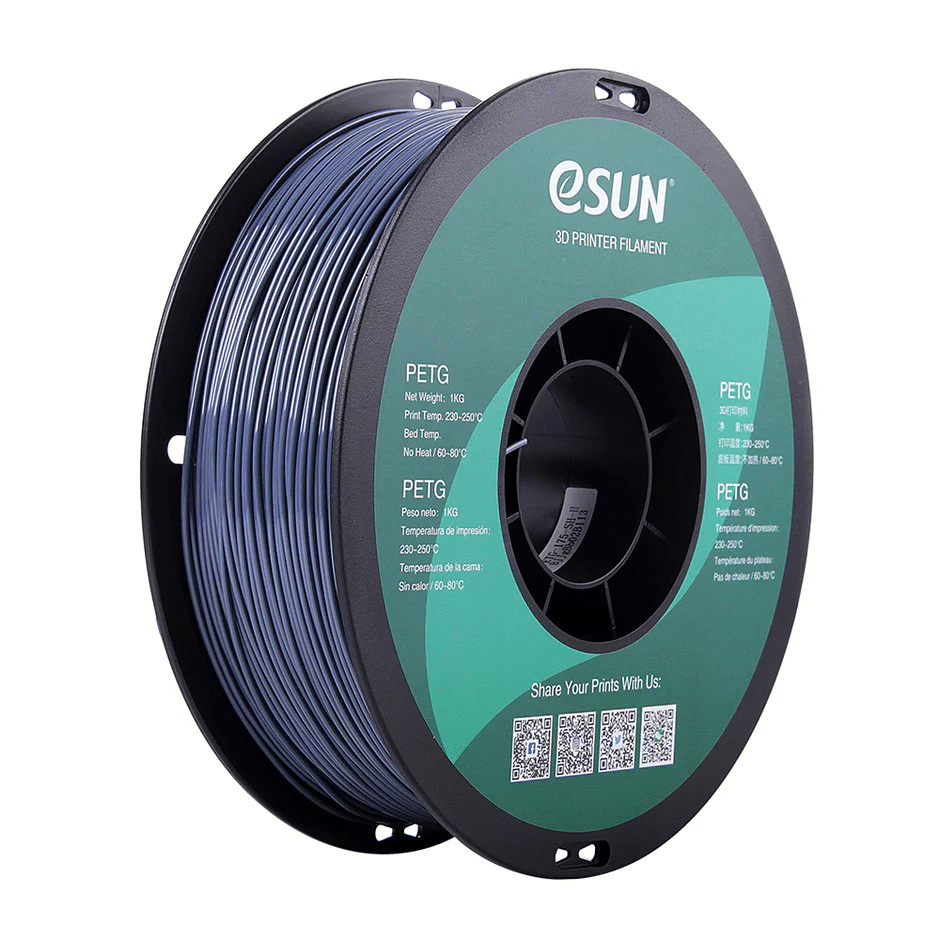
eSUN PETG 1.75mm 3D Printing Filament 1kg – Grey
PETG offers superior durability over PLA for functional 3D printed parts — ideal for brackets, enclosures, and mechanical components that need to last. eSun’s grey PETG is reliable and affordable.
Learning Curve and Skill Requirements
3D Printer — Easiest to Start
The barrier to creating something with a 3D printer is the lowest of the three. Download a model from Thingiverse or Printables.com, open it in a slicer (Bambu Studio, PrusaSlicer, or Cura — all free), click slice, send to printer. Your first successful print can happen in under 2 hours of setup. The learning deepens as you explore bed adhesion, support settings, and material choices — but the entry is very forgiving. You can create immediately without drawing or CAD skills by using others’ designs.
Learning your own CAD designs takes longer: FreeCAD, Fusion 360 (free for hobbyists), or Tinkercad (browser-based, excellent for beginners) are the main tools. 3D modelling is a skill that pays dividends across all three machines.
Laser Engraver — Moderate
Laser engravers are relatively accessible, but the learning curve involves understanding laser settings (power, speed, passes), material behaviour, and design principles for engraving versus cutting. LightBurn is the dominant software (₹4,500 one-time licence) and is well-documented with an active community. The main learning investment is understanding how different materials respond at different power/speed combinations — this requires experimentation with scrap material.
Design skills matter more with laser engraving because you’re applying images and vectors to flat surfaces — graphic design sensibility produces better results. A basic understanding of vector graphics (Inkscape is free) accelerates your learning significantly.
CNC Router — Steepest Learning Curve
CNC routing has the highest entry complexity. You need to understand: CAM software (converting 3D models to toolpaths), bit selection (dozens of bit types for different operations and materials), feeds and speeds (spindle RPM, cut depth, feed rate — wrong settings snap bits and ruin workpieces), work holding (how to secure material so it doesn’t move during cutting), and machine-specific GRBL/Mach3/LinuxCNC settings. The time investment before reliable results is typically 2–4 weeks of intensive learning.
Fusion 360 includes free CAM capability and is the most commonly recommended tool for desktop CNC in India. Estlcam is a simpler alternative for 2.5D work (engraving, pocketing, profiling on flat material).
Business and Income Potential in India
All three machines can generate income, but the markets and margins differ considerably:
3D Printer: Custom drone parts, replacement parts for appliances, product prototyping service. The competitive market for custom gifts has compressed margins. More profitable niches: engineering prototyping service for SMEs (₹2,000–₹15,000 per print job), dental model printing in partnership with dental clinics (high volume), and customised electronics enclosures for automation companies. Monthly revenue potential for a part-time operation: ₹15,000–₹60,000.
Laser Engraver: The personalised gift market in India is large and growing. Wedding favours, corporate gifts, restaurant menu boards, and trophy engraving are bread-and-butter revenue. A CO2 laser cutter adds acrylic signage and packaging to the mix. The business scales well with marketing investment. Throughput is high — a laser can engrave 20–50 items per hour for simple designs. Monthly revenue potential for a focused home business: ₹25,000–₹1,00,000+.
CNC Router: Highest average job value — custom furniture pieces, signage, architectural millwork, and PCB prototyping command ₹5,000–₹50,000 per job. But setup time per job is longer, and the market requires local sales relationships (harder to sell nationally for heavy items). Specialising in a niche (guitar bodies, architectural mouldings, custom boxes) is the path to consistent revenue. Monthly revenue potential for a part-time operation: ₹30,000–₹1,50,000+ at scale.
Decision Framework: Which to Buy First
Use this framework to make your decision:
Buy a 3D Printer first if:
- You live in an apartment or have limited workspace
- Your projects involve 3D objects (enclosures, parts, prototypes, models)
- You want to learn CAD and fabrication with the lowest cost of mistakes
- You’re interested in drones, electronics, robotics, or RC hobbies
- Your budget is under ₹20,000
- You want to start immediately with minimal setup
Buy a Laser Engraver first if:
- You want to start a gift or product personalisation business quickly
- You primarily work with flat sheet materials (wood, leather, acrylic, fabric)
- You have graphic design or artistic skills you want to apply to physical objects
- You have a ventilated workspace (garage, workshop, outdoor setup)
- Your budget is ₹30,000–₹60,000 including enclosure and accessories
Buy a CNC Router first if:
- You work with wood, aluminium, or PCB materials specifically
- You have or plan to build a proper workshop space
- You have patience and time to invest in the learning curve
- You need to machine materials that cannot be 3D printed or laser-cut
- You have prior machining or woodworking experience
The Case for Multiple Machines
For serious makers and small businesses, combining machines multiplies capability. Common productive combinations used by Indian makers:
3D Printer + Laser Engraver: Print 3D structures and use the laser to engrave surfaces, cut flat components for assembly, or personalise printed objects. This combination covers an enormous range of projects and is the most popular pairing in the Indian maker community. Total investment: ₹40,000–₹80,000 for a capable setup.
Laser Engraver + CNC Router: The laser handles detail work, personalisation, and thin materials; the CNC handles thick wood, aluminium, and 3D relief carving. A powerful combination for furniture and signage businesses. Higher investment and space requirements.
All Three: The full maker trifecta. If you run a makerspace, prototyping service, or serious product business, all three machines complement each other with minimal overlap. Each handles what the others cannot. The investment (₹80,000–₹2,00,000 for good machines across all three) is justified by the breadth of work possible.
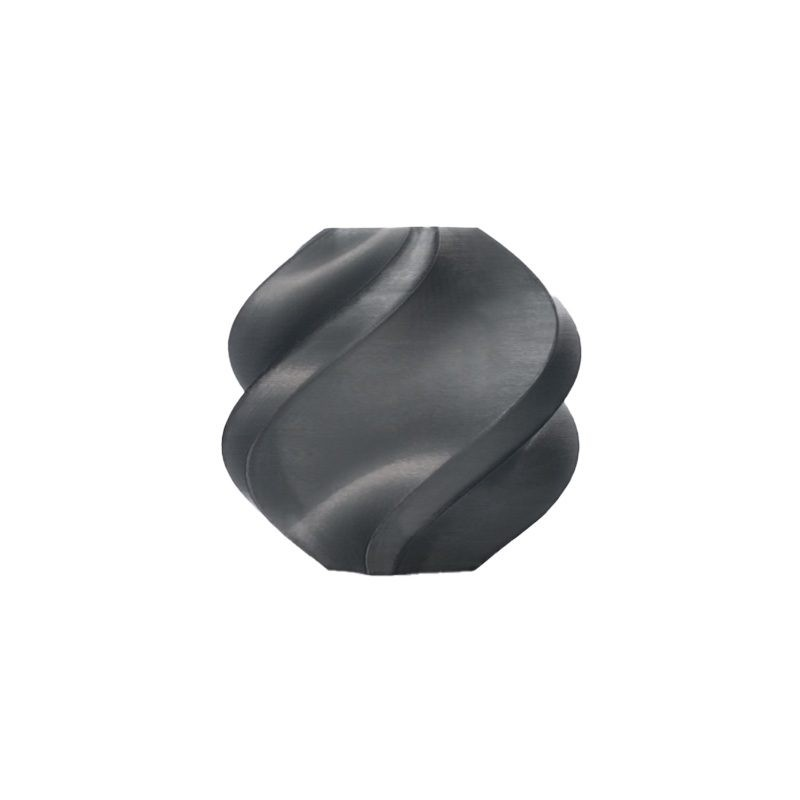
Bambu Lab ABS 3D Printer Filament – Black 1.75mm
When your 3D printer is part of your maker setup, use reliable ABS for durable functional parts. Bambu Lab’s ABS delivers consistent results for enclosures, brackets, and heat-resistant components.
Frequently Asked Questions
Can a laser engraver replace a CNC router?
For thin materials (under 6 mm wood, acrylic), a CO2 laser cutter does many of the same cuts as a CNC router, faster and with cleaner edges. However, lasers cannot machine thick stock, create 3D relief, or work with metals like aluminium. For flat 2D cutting and engraving, a laser is often better; for 3D machining and metal work, you need a CNC router.
Is a 3D printer or laser engraver better for a small business in India?
Laser engravers generally have faster ROI for personalised gift businesses because the market is larger, throughput is higher, and the products (engraved wood, leather, metal) have broad consumer appeal. 3D printing businesses in India are growing but serve more technical niches (prototyping, engineering, dental). Both can be profitable — the best choice depends on your existing skills and network.
What CNC machine is best for a beginner in India?
The 3018 CNC (also sold as Genmitsu 3018 or 3018 Pro) at ₹12,000–₹18,000 is the most common beginner CNC in India. It is limited in rigidity and suitable only for soft materials (wood, acrylic, PCB), but it provides a complete introduction to CAM workflow, feeds and speeds, and GRBL control. Expect to upgrade within 1–2 years if you get serious about CNC.
Are 3D printers, laser engravers, and CNC routers allowed in Indian apartments?
3D printers (FDM with PLA) are generally apartment-compatible with minor noise and no hazardous outputs. Diode laser engravers require ventilation and fire safety awareness but can be used in apartments with an enclosure and fan exhausted out a window. CNC routers are generally not suitable for apartment use due to noise levels and chip/dust production — they belong in a workshop or garage.
How long does it take to learn each machine?
A 3D printer user can make their first successful print in 2–4 hours of setup and learning. Creating custom designs requires ongoing CAD learning over weeks to months. A laser engraver user can do their first engraving in 2–3 hours; becoming proficient with material-specific settings takes 2–4 weeks. A CNC router user should plan 2–4 weeks before reliably completing projects without wasted material or broken bits.
Start Your Making Journey with Zbotic
Whether you choose a 3D printer as your first machine or are looking to stock up on filaments and accessories for your existing setup, Zbotic has everything you need. Browse our full range of 3D printing filaments, nozzles, hotend components, and maker supplies.





Add comment