
Table of Contents
- Introduction
- Specs at a Glance
- Design & Build Quality
- Print Speed & Performance
- Print Quality
- Software & Ecosystem
- Filament Compatibility
- Setup & Calibration
- Noise & Footprint
- Price & Value in India
- Verdict: Which Should You Buy?
- FAQ
Introduction
The consumer 3D printer market has never been more exciting — or more competitive. Two machines consistently top the shortlist for beginners in 2026: the Bambu Lab A1 Mini and the Creality K1. Both promise fast, high-quality prints with minimal fuss, but they take very different approaches to achieving that goal. If you are shopping for your first 3D printer in India and are trying to decide between these two, this in-depth guide will walk you through every angle — specs, print quality, software experience, filament compatibility, noise levels, and overall value for money.
We will be direct about the trade-offs. The A1 Mini is a premium, polished experience from a company that has redefined expectations in the hobby space. The K1 is a capable speed demon at a lower entry price. Depending on your priorities, either could be the right call — and by the end of this article you will know exactly which one suits you.
Specs at a Glance
| Spec | Bambu Lab A1 Mini | Creality K1 |
|---|---|---|
| Build Volume | 180 × 180 × 180 mm | 220 × 220 × 250 mm |
| Max Speed | 500 mm/s | 600 mm/s |
| Max Acceleration | 10,000 mm/s² | 20,000 mm/s² |
| Hotend Temp | 300 °C | 300 °C |
| Bed Temp | 100 °C | 100 °C |
| Auto Bed Leveling | Yes (Multi-Point) | Yes (CR Touch) |
| Enclosure | Open (partial covers) | Fully Enclosed |
| Multi-Colour (AMS) | Yes (AMS Lite add-on) | No (single colour) |
| Connectivity | Wi-Fi, LAN, SD Card | Wi-Fi, USB |
| Slicer | Bambu Studio (or OrcaSlicer) | Creality Print (or OrcaSlicer) |
Design & Build Quality
The Bambu Lab A1 Mini immediately conveys a sense of premium engineering. Its injection-moulded frame, cable management channels, and magnetic build plate feel like a product designed from the ground up by people who obsess over detail. The footprint is compact — fitting comfortably on a student desk. Assembly out of the box takes under 15 minutes and largely amounts to attaching the spool holder and plugging in cables.
The Creality K1, in contrast, ships as a fully enclosed cube. That enclosure is one of its biggest differentiators: it allows the K1 to handle ABS, ASA, and PA (Nylon) out of the box without the warping headaches common on open machines. The build is solid but the fit-and-finish is a tier below Bambu. Screws sometimes require extra tightening, and the touchscreen interface can feel sluggish compared to Bambu’s snappier UI.
Both machines have a direct-drive extruder, which is a non-negotiable for flexible filaments like TPU. The A1 Mini’s extruder mechanism is noticeably lighter, contributing to its ability to maintain quality at high accelerations without excessive ringing artefacts.
Print Speed & Performance
On paper, the K1 wins with a 600 mm/s maximum speed versus the A1 Mini’s 500 mm/s. In real-world printing, however, the difference is less dramatic than the marketing suggests. Both machines use input shaping (resonance compensation) and pressure advance to maintain quality at high speeds. The A1 Mini’s acceleration profile is tuned more conservatively out of the box, but its prints at 250 mm/s — a typical fast-but-quality setting — come out cleaner than the K1 at the same speed.
A typical 3D Benchy (a standard calibration boat model) prints in around 17–20 minutes on both machines at quality settings. At maximum speed, both can do it in under 10 minutes, though artefacts increase. For practical everyday parts and functional prototypes, the A1 Mini tends to deliver more consistent results without manual tuning.
The K1 does shine when you need to print large, fast — its bigger 220 × 220 × 250 mm build volume means you can batch-print more parts in one go, and its enclosure keeps the chamber warm for better layer adhesion on engineering filaments.
Print Quality
Both machines deliver excellent print quality for beginners. In side-by-side tests, the A1 Mini produces slightly crisper overhangs and bridges without support, owing to its superior part-cooling fan arrangement (dual fans, 360° coverage). The K1’s enclosure means its cooling is inherently more limited, making overhangs marginally worse on PLA — though this is rarely an issue for functional prints.
Where the K1 wins back ground is on surface finish for ABS and ASA. The enclosure prevents layer delamination and warping, producing smooth, warp-free parts that would be very difficult on the open A1 Mini without a DIY enclosure.
Layer adhesion on both machines is excellent. First-layer adhesion is near-perfect on the A1 Mini thanks to its textured PEI magnetic spring steel plate — one of the best bed surfaces on any printer in this price bracket. The K1’s PC flexible magnetic plate performs similarly well, though it can be slightly trickier to dial in first-layer Z-offset initially.
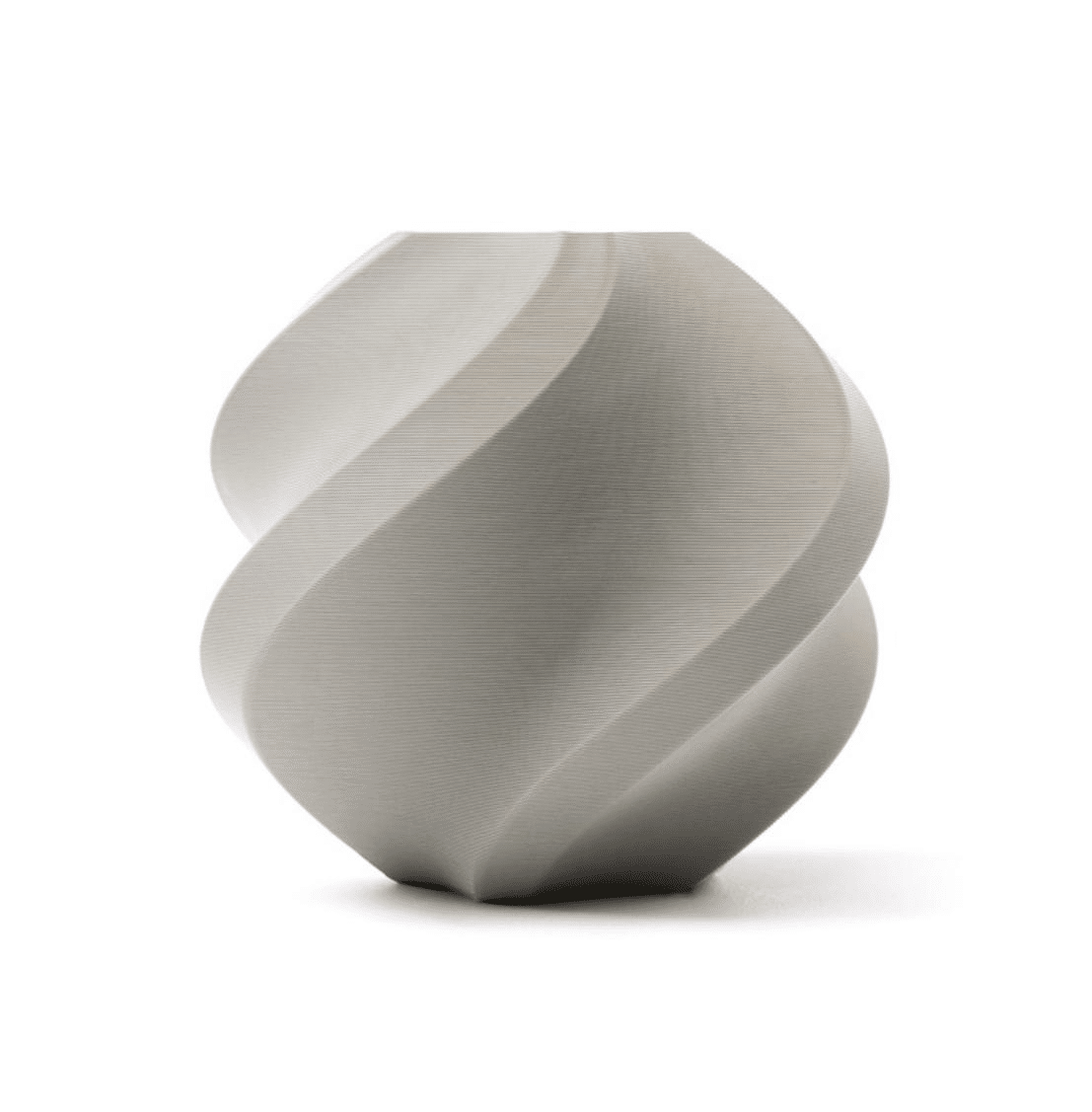
Bambu Lab PLA Filament Grey – 1.75mm with Reusable Spool
The official Bambu Lab PLA is optimised for A1 Mini’s print profiles — expect near-perfect first layers right out of the box.
Software & Ecosystem
This is where the two machines diverge most significantly. Bambu Lab has invested heavily in its Bambu Studio slicer and cloud ecosystem. The slicer is beginner-friendly with excellent preset profiles for common filaments. The Bambu Handy mobile app lets you monitor prints remotely with a built-in camera feed. The AI-powered failure detection can pause a print when it detects spaghetti or a detached layer — an incredibly useful feature for unattended long prints.
Creality Print has improved considerably in recent versions, but it still trails behind Bambu Studio in polish and feature completeness. The good news for both machines is that OrcaSlicer — a powerful open-source fork of Bambu Studio — supports both printers with excellent community-maintained profiles. If you want the deepest control over print parameters, OrcaSlicer is the preferred choice regardless of which machine you buy.
The K1 runs a modified version of Klipper firmware under the hood, which means advanced users can SSH into the machine and customise it deeply. The A1 Mini runs Bambu’s proprietary firmware, which is more locked down — though Bambu has been opening up API access gradually in response to community pressure.
Filament Compatibility
Both machines are rated to 300 °C at the hotend, making them compatible with PLA, PETG, ABS, ASA, TPU, and PA at a hardware level. However, in practice the K1’s enclosed chamber makes it significantly better suited to ABS and ASA printing without warping. The A1 Mini can print ABS in a well-ventilated but warm room, but results are less consistent.
For PLA, PETG, and TPU — the three most common filament types for beginners — both machines perform equally well. The A1 Mini’s AMS Lite multi-colour system works exclusively with Bambu’s first-party filaments for colour-change prints, though regular single-colour spools from any brand work fine.
One important note for Indian buyers: moisture is the enemy of filament quality in India’s humid climate. Both machines benefit from a filament dryer or sealed spool storage. Bambu’s reusable spool design helps with storage, but active drying before printing PETG, PA, or TPU is always recommended.
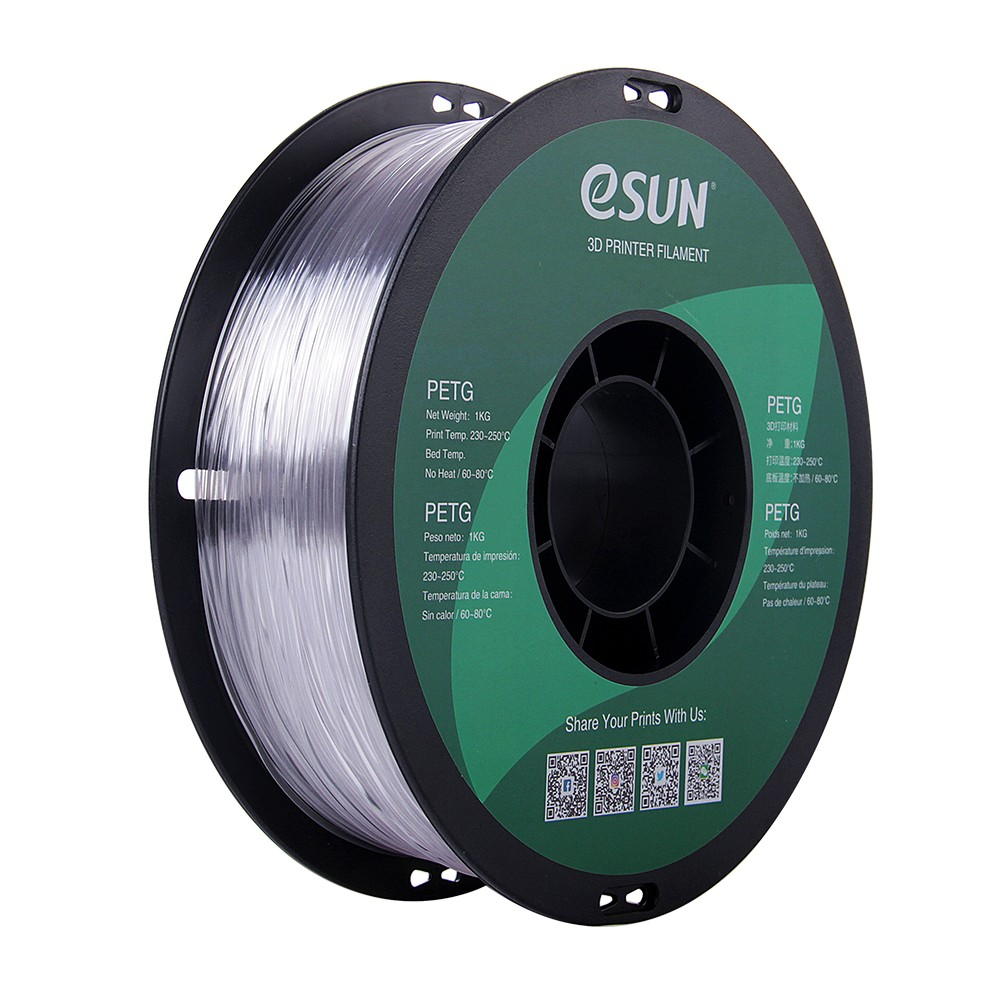
eSUN PETG 1.75mm 3D Printing Filament 1kg – Clear
PETG is the ideal all-rounder for functional parts — stronger than PLA and easier to print than ABS on both machines.
Setup & Calibration
Out-of-box setup is where the A1 Mini truly earns its premium. Turn it on, follow a 10-minute guided setup wizard on its colour touchscreen, run the auto-calibration sequence (which takes around 8 minutes and covers bed levelling, flow calibration, vibration compensation, and Z-offset), and you are ready to print. For a complete beginner who has never touched a 3D printer before, this workflow is genuinely stress-free.
The K1 setup is more involved. The enclosed design means you need to unbox it correctly, attach the spool holder, and cable-manage through a side port. Auto-levelling works well, but dialling in the Z-offset and getting a perfect first layer often requires 2–3 test runs. The community has documented this process thoroughly, so it is not a dealbreaker — but it is a steeper initial learning curve.
Noise & Footprint
Both machines are significantly quieter than older generation printers like the Ender 3, but the K1’s enclosure gives it a clear noise advantage. At full speed the K1 measures around 45–48 dB — roughly equivalent to a quiet conversation. The A1 Mini measures around 45 dB at normal print speeds as well, but without an enclosure, mechanical vibration noise transmits more directly to the desk surface.
For apartment dwellers or shared workspaces in India where noise is a concern, the K1’s enclosure is a genuine advantage. That said, neither printer is disruptive enough to prevent overnight printing in most settings.
Footprint-wise, the A1 Mini is considerably smaller. Its 347 × 315 × 365 mm dimensions make it one of the most compact fast printers available. The K1 at 355 × 355 × 480 mm is notably taller and takes up more vertical clearance — relevant if you plan to store it in a cabinet or on a shelf.
Price & Value in India
As of early 2026, the A1 Mini retails in India at approximately ₹29,000–₹32,000 depending on the reseller, while the K1 is available in the ₹22,000–₹26,000 range. The price gap is real and meaningful, especially for students or first-time buyers on a budget.
However, value is not just about the sticker price. The A1 Mini’s seamless out-of-box experience means you spend less time troubleshooting and more time printing. Its superior filament ecosystem and AMS Lite upgrade path add long-term value. The K1’s enclosure, on the other hand, means you save money on an aftermarket enclosure if you plan to print engineering filaments — enclosures for open machines like the A1 Mini can cost ₹3,000–₹8,000 extra.
For maintenance, both machines use standard 0.4 mm brass nozzles that are inexpensive and widely available. The A1 Mini’s hardened steel nozzle upgrade is straightforward if you want to print abrasive filaments like carbon-fibre composites.
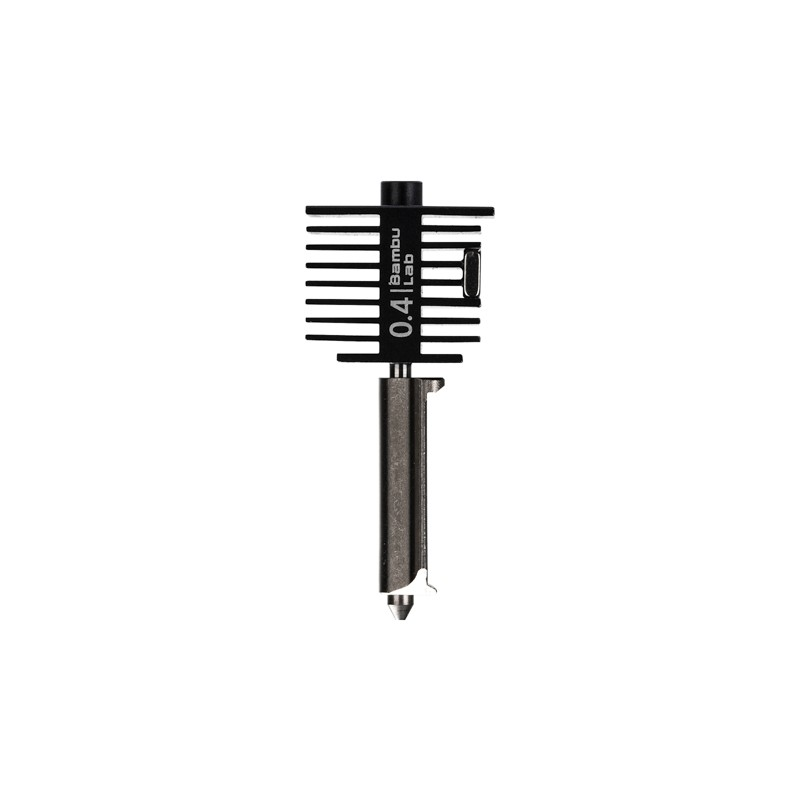
Bambu Lab Hotend with Hardened Steel Nozzle – 0.4 mm
Upgrade your Bambu Lab printer’s hotend to print abrasive filaments like carbon-fibre PLA, glow-in-dark, and metal-fill with zero wear.
Verdict: Which Should You Buy?
Choose the Bambu Lab A1 Mini if:
- You are a complete beginner who wants the fastest, most hassle-free path to great prints.
- You primarily print PLA, PETG, and occasional TPU.
- You value a polished app ecosystem, remote monitoring, and AI failure detection.
- You want the option to expand to multi-colour printing later via AMS Lite.
- Desk space is limited and you want the most compact footprint.
Choose the Creality K1 if:
- Budget is a primary constraint and you are comfortable with a slightly steeper initial setup.
- You plan to print ABS, ASA, or Nylon and want an enclosed machine out of the box.
- You want a larger build volume for bigger parts or batch printing.
- You are interested in deep Klipper-based firmware customisation.
- Noise reduction via enclosure is important in your workspace.
For most Indian beginners in 2026, the Bambu Lab A1 Mini is the safer, more rewarding first printer. It removes virtually every pain point that has historically made 3D printing frustrating for newcomers. The K1 is a strong value pick for the technically curious buyer who wants more for less and is willing to invest some time in the learning curve.
Frequently Asked Questions
Is the Bambu Lab A1 Mini worth the extra cost over the Creality K1?
For beginners who want an out-of-box experience with zero frustration, yes. The A1 Mini’s automated calibration, superior slicer, and build quality justify the price premium. If you are comfortable tinkering and want a larger build volume, the K1 offers better value.
Can the Bambu Lab A1 Mini print ABS?
It can, but it is not ideal on the open A1 Mini without an enclosure. ABS warps easily in open-air environments. The Creality K1’s enclosed chamber handles ABS far more reliably out of the box.
Does the Creality K1 support multi-colour printing?
Not natively. The K1 is a single-filament machine. You would need a third-party multi-material upgrade like the ERCF (Enraged Rabbit Carrot Feeder) for multi-colour, which is a complex modification for beginners.
Which printer is easier to repair in India?
The K1 uses more standard Creality components that are widely available. Bambu Lab parts are increasingly available through authorised resellers in India, but the ecosystem is still maturing. Both machines have strong community documentation online.
What filament should I start with on either printer?
PLA is universally recommended for beginners — it is the easiest to print, available in every colour, and suitable for most hobbyist applications. Once comfortable, move to PETG for functional parts that need heat resistance or flexibility.
Ready to Start 3D Printing?
Browse Zbotic’s full range of 3D printer filaments, spare parts, and accessories — everything you need to get started and keep printing. Fast shipping across India.







Add comment