
If you work with electronics — whether you’re a hobbyist building Arduino projects or a professional assembling custom enclosures — a Dremel rotary tool for electronics is one of the most versatile instruments you can own. From trimming PCBs and drilling precise holes in plastic enclosures to deburring metal chassis, a rotary tool handles tasks that no soldering iron or multimeter ever could. This guide covers everything you need to know: the best bits, safe operating speeds, and practical techniques tailored for Indian electronics makers and engineers.
Table of Contents
- What Is a Dremel Rotary Tool?
- Why Electronics Work Needs a Rotary Tool
- Best Dremel Bits for Electronics Work
- Cutting and Trimming PCBs
- Working on Plastic and Metal Enclosures
- Speed Settings and Safety Tips
- Essential Accessories for Electronics Use
- Frequently Asked Questions
What Is a Dremel Rotary Tool?
A Dremel rotary tool is a handheld power tool that spins a collet-mounted bit at high speed — typically between 5,000 and 35,000 RPM. Unlike a standard drill that runs at a few hundred to a few thousand RPM, the rotary tool’s ultra-high speed makes it ideal for precision cutting, engraving, grinding, polishing, and sanding on small workpieces.
In the Indian electronics market, both genuine Dremel-brand tools and affordable alternatives from brands like Bosch, Black+Decker, and various Chinese OEM suppliers are widely available. For light electronics work — occasional PCB trimming, enclosure drilling, component deburring — even a budget rotary tool in the ₹1,500–₹4,000 range will serve you well. For daily professional use, investing in a genuine Dremel 3000 or 4300 series (₹5,000–₹12,000) makes sense due to better motor life and bit compatibility.
Why Electronics Work Needs a Rotary Tool
Standard hand tools struggle with several tasks that are routine in electronics assembly:
- Cutting fibreglass PCB substrates — FR4 and CEM-1 PCBs are notoriously hard on hand saws and snap poorly. A rotary cutter wheel goes through them cleanly.
- Drilling holes in plastic project boxes — A regular drill bit tends to crack thin ABS plastic. A Dremel at high speed with a small spiral bit gives you crisp, burr-free holes for switches, LEDs, and connectors.
- Enlarging existing holes — When a DB9 connector doesn’t quite fit your enclosure knockout, a cylindrical grinder bit opens the hole in seconds.
- Removing old solder and flux — Wire brush attachments clean oxidised pads on through-hole PCBs before resoldering.
- Engraving labels — Engrave serial numbers, polarity markings, or circuit labels directly onto metal or plastic enclosures.
- Cutting slots for panel-mount displays — OLED and LCD modules need rectangular cutouts that no round drill bit can make. A Dremel with a fiberglass cutting bit does it neatly.
Best Dremel Bits for Electronics Work
The bit you choose determines the quality of your result. Here’s a breakdown of the most useful attachments for electronics applications:
1. Fiberglass Cutting Wheel (EZ409 or 420)
The go-to for cutting FR4 PCBs. These reinforced cutting discs run at 15,000–20,000 RPM and slice through fibreglass without delaminating the copper layers. Always wear a dust mask — PCB dust contains fibreglass particles that are hazardous to inhale.
2. High-Speed Cutter Bits (194, 196, 199)
Carbide-tipped high-speed cutters are perfect for enlarging holes, routing channels, and removing material from plastic enclosures. The 194 (cylindrical) and 196 (ball-nose) are the most commonly used in electronics work.
3. Drill Bits (628 series, 1/32″ to 1/8″)
Dremel’s dedicated drill bits are thinner than standard jobber bits and are designed for use at high RPM without wandering. Use them for pilot holes in PCBs, mounting holes in enclosures, and ventilation slots in chassis.
4. Grinding Stone (932, 952)
Aluminium-oxide grinding stones are great for deburring metal chassis, smoothing cut PCB edges, and light material removal on aluminium enclosures. Use at 15,000–25,000 RPM.
5. Wire Brush (530, 531, 532)
Stainless steel or carbon wire brushes clean oxidised component legs, remove rust from metal enclosure panels, and prep surfaces for soldering or painting. Use at 15,000 RPM maximum to avoid splaying the bristles.
6. Polishing Wheel (414 Felt Wheel + 421 Compound)
After cutting and grinding, a polishing pass gives plastic enclosures a professional finish and removes micro-scratches from acrylic panels used in LED displays.
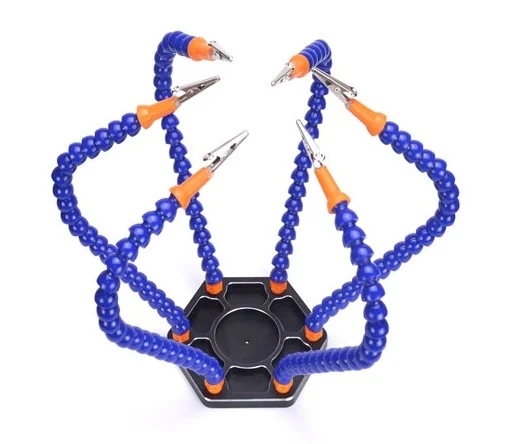
6 Flexible Arms Soldering Station With Swiveling Alligator Clip
Hold your PCB, wires, or components securely while you cut and drill with a rotary tool. Six adjustable arms keep everything in place.
Cutting and Trimming PCBs
Cutting a PCB with a Dremel rotary tool is one of the most practical applications for electronics makers. Here’s how to do it cleanly and safely:
- Mark your cut line using a fine-tip permanent marker or a scribe. Leave at least 3mm clearance from any copper trace or component pad.
- Secure the PCB in a vice or clamp it to a cutting mat. Never hold it in your hands — the cutting wheel can grab and shatter FR4 unexpectedly.
- Set speed to 15,000–18,000 RPM. Too low and the disc drags; too high causes excess heat that can delaminate copper.
- Make multiple shallow passes rather than one deep cut. Score the line 2–3mm deep per pass until you cut through.
- Wear eye protection and a dust mask. FR4 dust is fine and carcinogenic if inhaled. Work near an open window or use a small fan to carry dust away from you.
- Smooth the cut edge with a grinding stone or sandpaper (400 grit) to remove sharp corners and prevent future handling cuts.
Pro tip: For scoring thin PCBs (1mm or less), a carbide scribe followed by snap-breaking is often faster and cleaner than a rotary cut. Use the Dremel only for thicker boards (1.6mm+) or complex curved cuts.
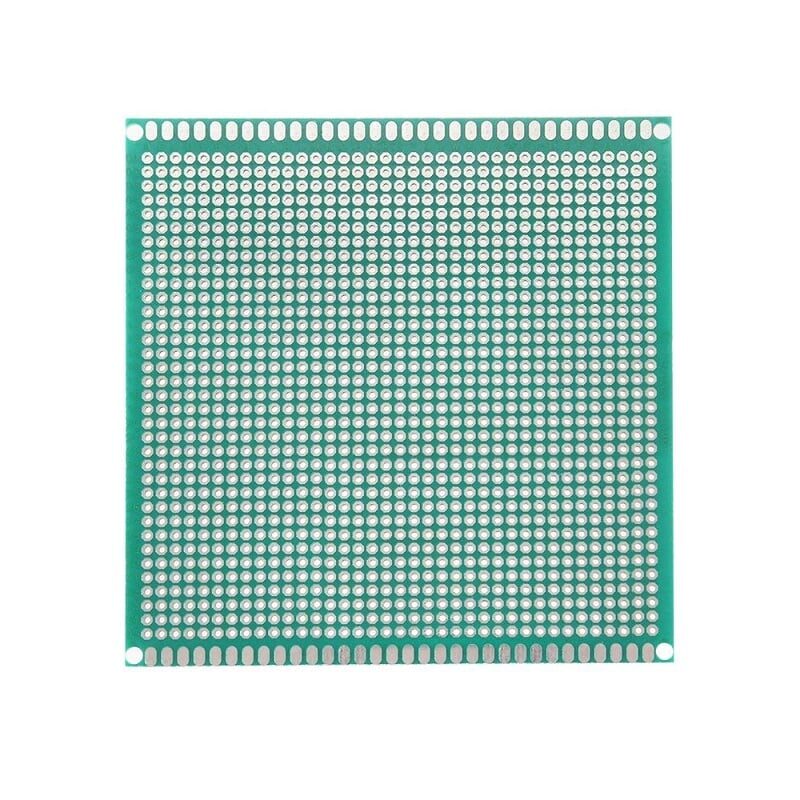
10 x 10 cm Universal PCB Prototype Board Single-Sided 2.54mm
Standard FR4 prototype boards that can be easily trimmed to custom shapes with a rotary tool. Perfect for custom Arduino shield designs.
Working on Plastic and Metal Enclosures
Project enclosures are where a rotary tool truly shines. Generic ABS project boxes often have no pre-drilled holes, and you need clean, precise openings for USB ports, DC jacks, switches, LEDs, and displays.
Drilling Holes in ABS Plastic
ABS plastic melts at relatively low temperatures, so high friction from a slow drill bit creates rough, melted edges. A Dremel running at 20,000+ RPM with a sharp spiral bit cuts before the heat builds, giving you clean holes. For holes larger than 10mm, drill a pilot hole first, then use a step drill or a cylindrical carbide bit to enlarge it.
Cutting Rectangular Slots (Display Cutouts)
Use a fiberglass cutting wheel or carbide straight router bit to cut straight sides. Drill a small pilot hole in each corner first to allow the cutting wheel to change direction. Take your time — rushing causes the bit to wander and widens the slot beyond spec.
Aluminium Enclosures
Aluminium is soft and cuts easily with carbide bits, but it loads up quickly on grinding wheels. Use a cutting speed of 10,000–15,000 RPM and apply a drop of light machine oil or WD-40 to the cutting point to reduce heat and loading. After cutting, deburr all edges with a grinding stone — aluminium burrs are razor-sharp.
Speed Settings and Safety Tips
Running your rotary tool at the wrong speed is the most common cause of broken bits, rough cuts, and damaged workpieces. Here’s a quick reference for electronics work:
| Task | Recommended RPM | Bit Type |
|---|---|---|
| PCB cutting (FR4) | 15,000–18,000 | Fiberglass cutting wheel |
| Plastic enclosure drilling | 20,000–25,000 | Spiral drill bit |
| Aluminium cutting | 10,000–15,000 | Carbide cutter or cutting wheel |
| Grinding/deburring | 15,000–25,000 | Grinding stone |
| Polishing plastic | 10,000–15,000 | Felt polishing wheel |
| Wire brushing | 10,000–15,000 | Wire brush |
Safety essentials:
- Always wear safety goggles — cutting wheels can shatter at high RPM
- Wear a dust mask when cutting PCBs or composites
- Never exceed the maximum RPM printed on the bit/wheel
- Keep the collet nut tight — a loose bit at 30,000 RPM becomes a projectile
- Work away from flammable materials — sparks are common when grinding metal
- Let the tool cool down after sustained use — small motors overheat quickly
Essential Accessories for Electronics Use
Beyond bits, a few accessories dramatically improve your rotary tool workflow in electronics:
- Flex shaft attachment: Turns the handheld tool into a pendant drill that’s far easier to control for fine engraving and PCB work. The motor stays stationary on your bench while only the lightweight handpiece moves.
- Rotary tool stand/workstation: Converts the tool into a small drill press for perfectly vertical holes in enclosures and PCBs. Indispensable for repeatable, accurate drilling.
- Dust port attachment: Connects to a vacuum hose to capture FR4 and aluminium dust at the source. Keeps your workspace and lungs cleaner.
- Collet set (1/32″ to 1/8″): Ensures you can use any standard-shank bit without adapters. Most rotary tools come with only one or two collets.
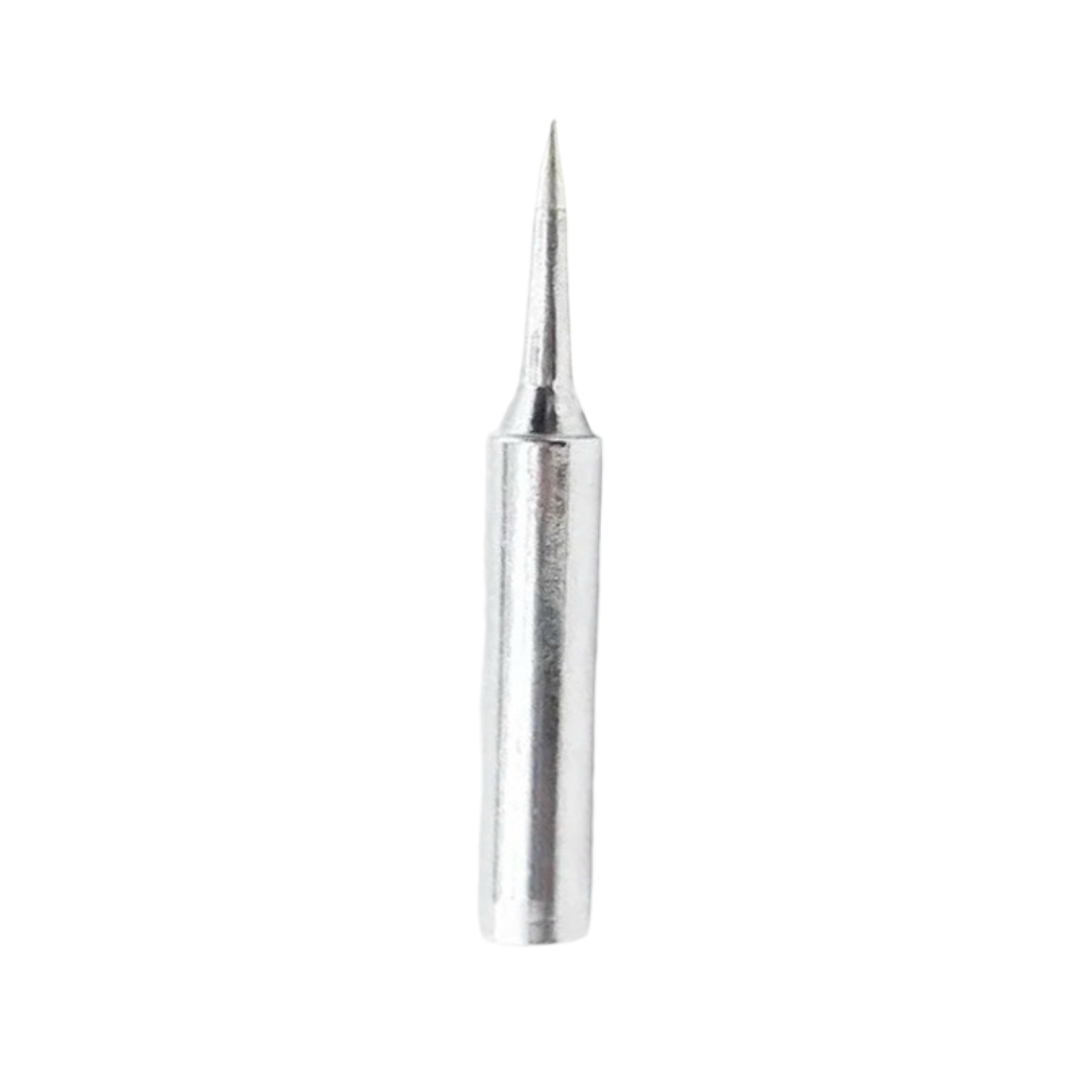
BAKON Soldering Iron Tip 900M-T-I
After trimming your PCB with a rotary tool, clean up component joints with a precision soldering iron. This BAKON tip is ideal for fine SMD and through-hole work.
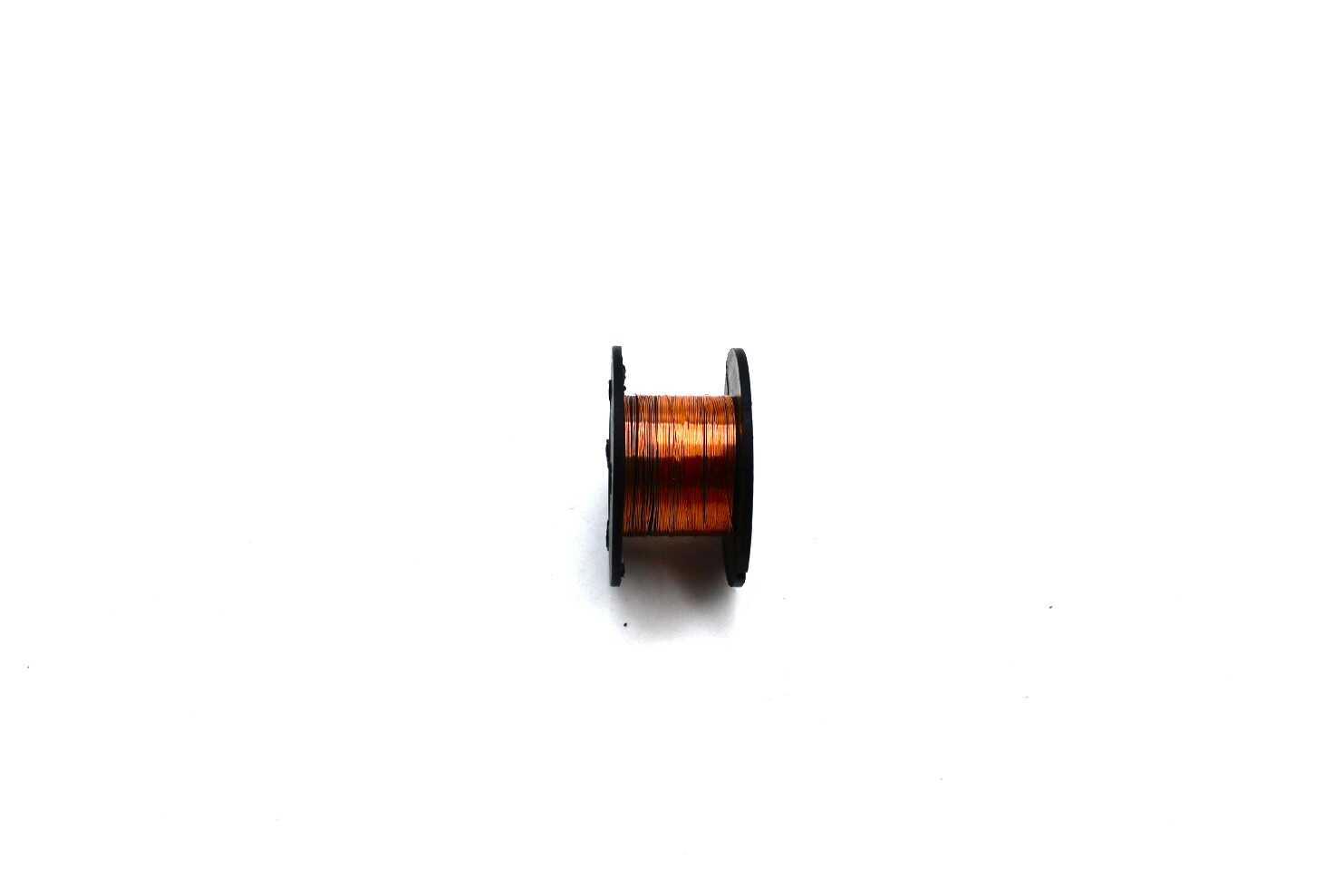
0.1MM Copper Soldering Enamelled Repair Reel Wire
Ultra-fine enamelled copper wire for repair work after PCB cutting and trimming. Essential for bridging broken traces and adding fine wire jumpers.
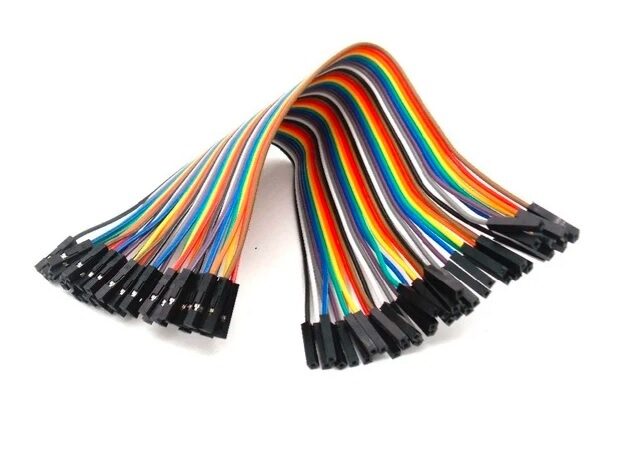
10CM Female To Female Breadboard Jumper Wires 2.54MM – 40Pcs
Connect your freshly built custom PCBs and enclosures to breadboards or development boards quickly with these quality 40-piece jumper wire sets.
Frequently Asked Questions
Can I use a Dremel to cut copper clad boards?
Yes. Use a fiberglass cutting wheel (EZ409 or reinforced 420 disc) at 15,000–18,000 RPM. Make multiple shallow passes and always wear eye protection and a dust mask. The copper layer itself cuts easily; it’s the fibreglass substrate that generates hazardous dust.
What is the best Dremel bit for drilling holes in an ABS plastic project box?
Use a spiral high-speed drill bit (628 series) at 20,000–25,000 RPM. For large holes (>10mm), start with a small pilot hole and enlarge with a carbide cylindrical cutter. Avoid running at low speeds — slow rotation causes melting and rough edges in thermoplastics.
Is a Dremel safe to use near PCB components?
Use caution. At high RPM, cutting wheels produce sparks and debris. Always cover nearby components with a cloth or cardboard shield when cutting or grinding close to populated PCB areas. Ground yourself with an ESD wrist strap to avoid static discharge near CMOS components.
What speed should I use for engraving aluminium enclosures?
For engraving aluminium with a diamond-tip engraver bit, run at 10,000–15,000 RPM and move the tool slowly. Faster speed with slow movement removes more material cleanly; slower speed causes chatter and uneven lines.
Can a budget Chinese rotary tool replace a genuine Dremel for electronics work?
For occasional light work (a few projects per month), a budget tool works fine. The drawbacks are shorter motor life, lower collet accuracy (causes vibration), and inconsistent speed control. If you use the tool weekly or for professional production work, a genuine Dremel or Bosch tool will last significantly longer and give more consistent results.
Final Thoughts
A Dremel rotary tool for electronics work is not a luxury — it’s a practical necessity for anyone who builds custom circuits, prototypes hardware, or repairs consumer electronics in India. Once you have the right bits (fiberglass cutter, spiral drill bits, carbide cutter, and grinding stone) and understand basic speed settings, you’ll find yourself reaching for it constantly. Pair it with a good soldering station, quality prototype PCBs, and the right jumper wires, and your electronics workbench becomes capable of handling almost any fabrication task in-house.
Browse the Tools & Equipment category at Zbotic for prototype PCBs, jumper wires, soldering accessories, and more to complete your electronics workshop setup.







Add comment