
A wall-following robot using IR sensors and Arduino is one of the most educational robotics projects for beginners and intermediates alike. It teaches closed-loop control, sensor fusion, and algorithm design — all fundamental concepts in autonomous robotics. The robot uses infrared proximity sensors to measure its distance from a wall and continuously adjusts its steering to maintain a fixed gap. In this tutorial, you will build one from scratch with full wiring, algorithm explanation, and Arduino code.
How Wall-Following Works
The wall-following algorithm belongs to a family of reactive navigation techniques. The robot does not have a map — it simply reacts to sensor readings in real time. The core idea is:
- Measure distance from the right-side wall (or left-side, depending on the variant you choose).
- Compare to a desired set-point distance (e.g., 15 cm).
- If too close, steer left; if too far, steer right; if at set-point, go straight.
This simple feedback loop lets the robot navigate corridors, office hallways, and maze passages without any prior knowledge of the environment. Combined with a front-facing sensor for obstacle detection, the robot can also handle corners and dead ends.
Wall-following is the basis for maze-solving strategies: “left-hand rule” (always follow the left wall) and “right-hand rule” (always follow the right wall) are both guaranteed to solve simply-connected mazes.
Choosing IR Sensors
Two types of IR sensors are commonly used:
Digital IR Proximity Sensors (e.g., TCRT5000, FC-51)
These output a HIGH/LOW digital signal based on a potentiometer-set threshold. They are cheap and easy to use, but give only binary close/far information — not a distance measurement. Suitable for the simple bang-bang algorithm.
Analog IR Distance Sensors (e.g., Sharp GP2Y0A21YK0F)
These output an analog voltage proportional to distance (typically 10–80 cm range). They give actual distance readings, enabling the more precise PID algorithm. The voltage-to-distance relationship is non-linear — use a lookup table or the formula from the datasheet for accurate conversion.
For this tutorial, we use analog IR sensors for the PID variant, and digital sensors for the bang-bang starter version.
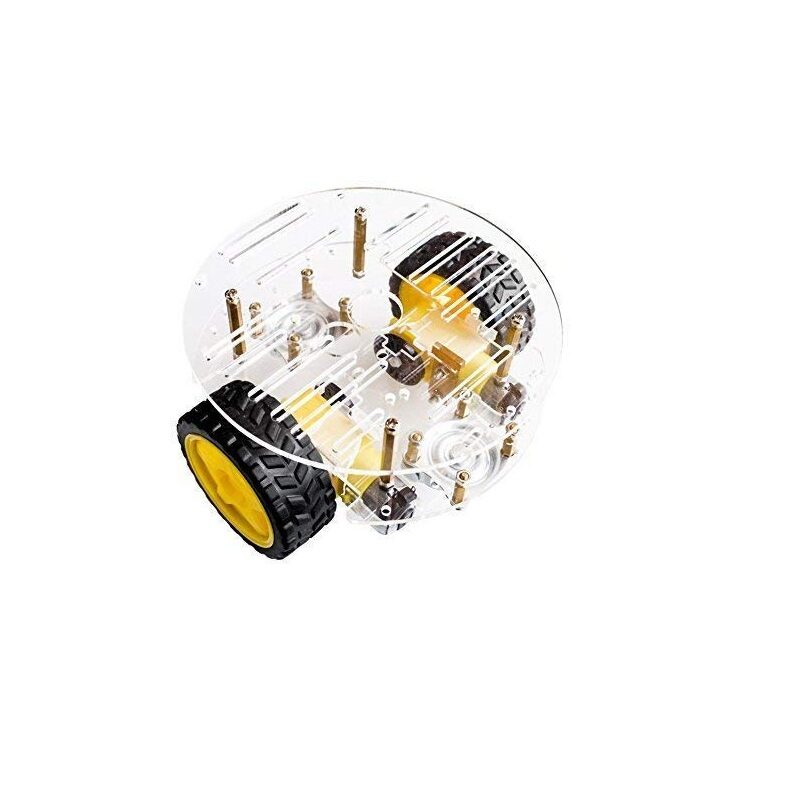
2WD Mini Round Double-Deck Smart Robot Car Chassis DIY Kit
Compact 2WD chassis perfect for corridor and maze navigation — fits standard doorways with room to mount side and front IR sensors.
Components Needed
- 1× Arduino Uno or Nano
- 2× Sharp GP2Y0A21 analog IR sensors (right-side and front) OR 3× digital FC-51 IR modules
- 1× L298N motor driver module
- 1× 2WD robot chassis with DC motors and wheels
- 1× 7.4V LiPo or 4× AA battery holder
- Jumper wires, breadboard or prototype board, mounting standoffs
For a right-hand wall follower: mount one IR sensor on the right side (facing the wall) and one at the front (for obstacle/corner detection). Optionally add a left-side sensor for bidirectional wall following.
Wiring and Assembly
IR Sensors to Arduino
- Right IR sensor (analog): VCC → 5V, GND → GND, OUT → A0
- Front IR sensor (analog): VCC → 5V, GND → GND, OUT → A1
L298N Motor Driver to Arduino
- IN1 → D4, IN2 → D5 (left motor)
- IN3 → D6, IN4 → D7 (right motor)
- ENA → D9 (PWM left speed)
- ENB → D3 (PWM right speed)
- 12V → battery positive, GND → common ground
- 5V out → Arduino Vin
Sensor placement tip: Mount the right-side IR sensor perpendicular to the wall (pointing directly sideways). Mount the front sensor angled 10–15° downward to detect floor-level obstacles early. Use standoffs to keep sensor height consistent — IR sensors are sensitive to surface angle.
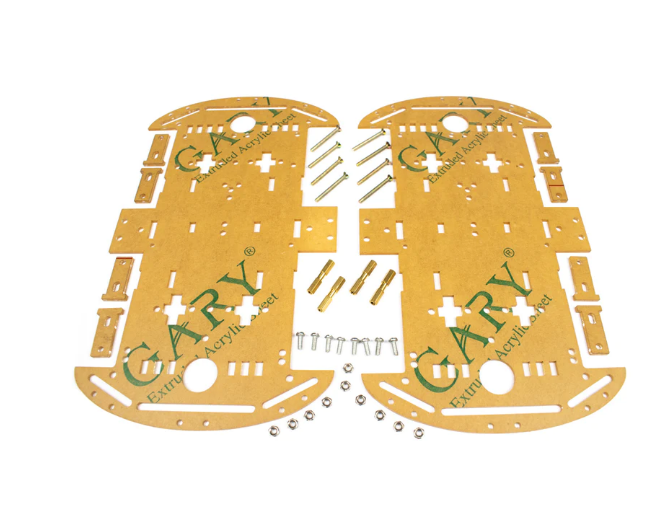
4 Wheels Car Chassis Acrylic Frame
Four-wheel acrylic frame with multiple mounting points — easy to position IR sensors at precise angles on the sides and front.
Bang-Bang Algorithm
The bang-bang (on/off) controller is the simplest wall-following implementation. It uses digital IR sensors — the output is either 0 (wall detected / too close) or 1 (no wall / too far).
const int RIGHT_IR = 2; // digital pin
const int FRONT_IR  = 3;
const int BASE_SPEED = 180;

void loop() {
  bool frontBlocked = (digitalRead(FRONT_IR) == LOW);
  bool rightClose   = (digitalRead(RIGHT_IR) == LOW);

  if (frontBlocked) {
    // Turn left to avoid obstacle / handle corner
    setMotors(0, BASE_SPEED); // stop left, run right
    delay(400);
  } else if (rightClose) {
    // Too close to wall: steer left
    setMotors(BASE_SPEED - 80, BASE_SPEED);
  } else {
    // Too far from wall or wall lost: steer right
    setMotors(BASE_SPEED, BASE_SPEED - 80);
  }
}
This works well in simple corridors but produces a characteristic zigzag motion. The robot constantly oscillates slightly left and right around the set-point distance. It is fine for maze-solving competitions where speed matters more than smooth motion.
PID Algorithm for Smooth Following
With analog IR sensors giving actual distance values, you can apply PID control to follow the wall smoothly without zigzagging.
const float Kp = 8.0, Ki = 0.02, Kd = 3.0;
const float setPoint = 150.0; // analog ADC value for ~15 cm
float integral = 0, prevError = 0;

void loop() {
  int rawRight = analogRead(A0); // higher value = closer to wall
  float error = rawRight - setPoint; // positive: too close; negative: too far
  integral += error;
  integral = constrain(integral, -500, 500);
  float derivative = error - prevError;
  float correction = Kp*error + Ki*integral + Kd*derivative;
  prevError = error;

  int leftSpeed  = constrain(150 + correction, 0, 255);
  int rightSpeed = constrain(150 - correction, 0, 255);
  setMotors(leftSpeed, rightSpeed);
  delay(20);
}
The PID output is added/subtracted from a base speed (150 here), creating differential speed that steers the robot without stopping either motor completely — resulting in smooth, graceful corridor following.
Tuning sequence: Set Ki = Kd = 0, increase Kp until the robot tracks but oscillates. Halve Kp, then add Kd to damp oscillation. Add Ki only if the robot settles at a distance consistently offset from the set-point.
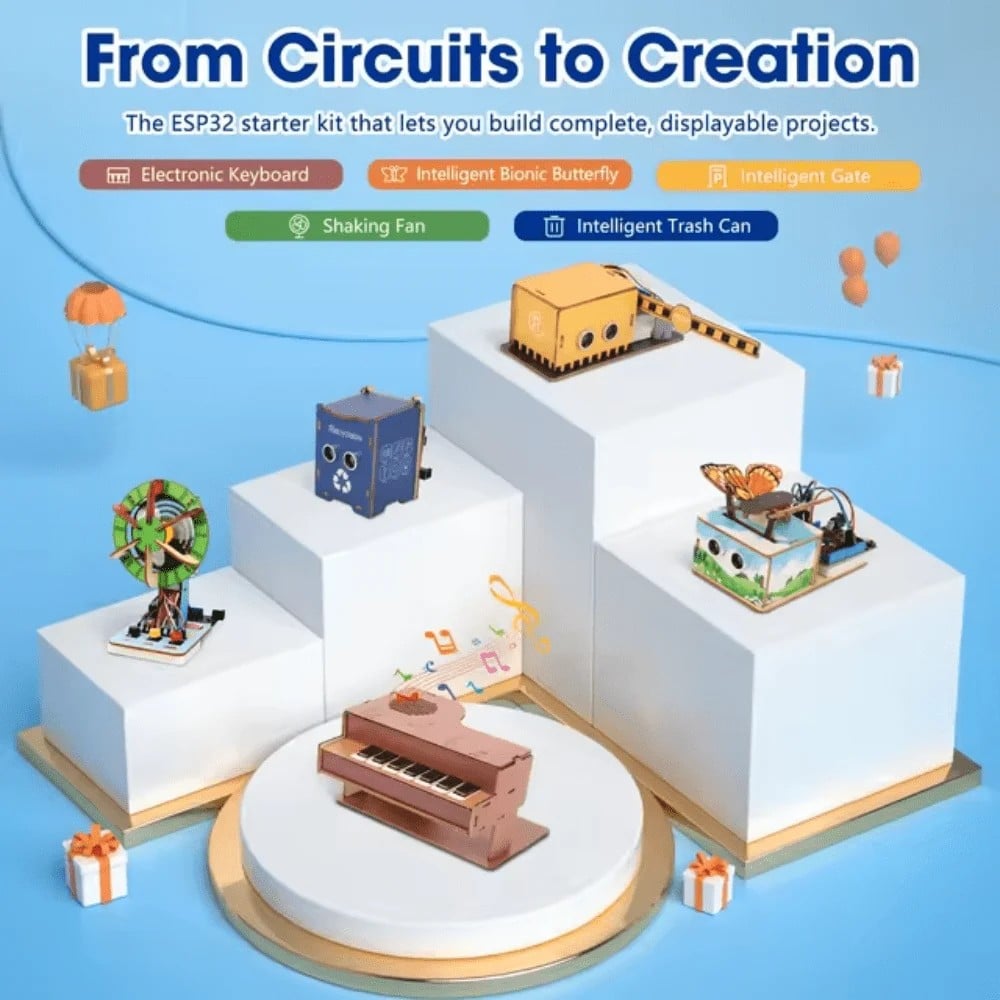
ACEBOTT ESP32 Basic Starter Kit (QE201)
ESP32 starter kit with multiple sensors — use with this project to add Bluetooth real-time PID tuning via serial monitor on your phone.
Handling Corners and Dead Ends
Corners require special logic on top of the wall-following algorithm:
Right-Turn Corner (wall turns away to the right)
The right-side IR sensor reads a suddenly large distance (wall gone). Condition: right sensor reads > threshold AND front sensor clear. Action: steer right (turn 90° clockwise) to find the new wall face. Re-engage wall-following after turn.
Left-Turn Corner (wall comes toward front)
Front sensor detects an obstacle. Action: rotate left in place until front sensor clears, then resume wall-following. This handles dead ends too (rotate 180°).
if (frontDistance < FRONT_THRESHOLD) {
  // Rotate left until front clears
  setMotors(-BASE_SPEED, BASE_SPEED);
  while (analogRead(A1) < FRONT_THRESHOLD) { delay(10); }
  setMotors(0, 0);
  delay(100);
} else if (rightDistance > LOST_WALL_THRESHOLD) {
  // Turn right to follow new wall face
  setMotors(BASE_SPEED, -BASE_SPEED);
  delay(300);
}
Fine-tune the delay times based on your chassis turn radius. Use a 90° fixed-time turn or an encoder/gyro for precise turn angles in competition robots.
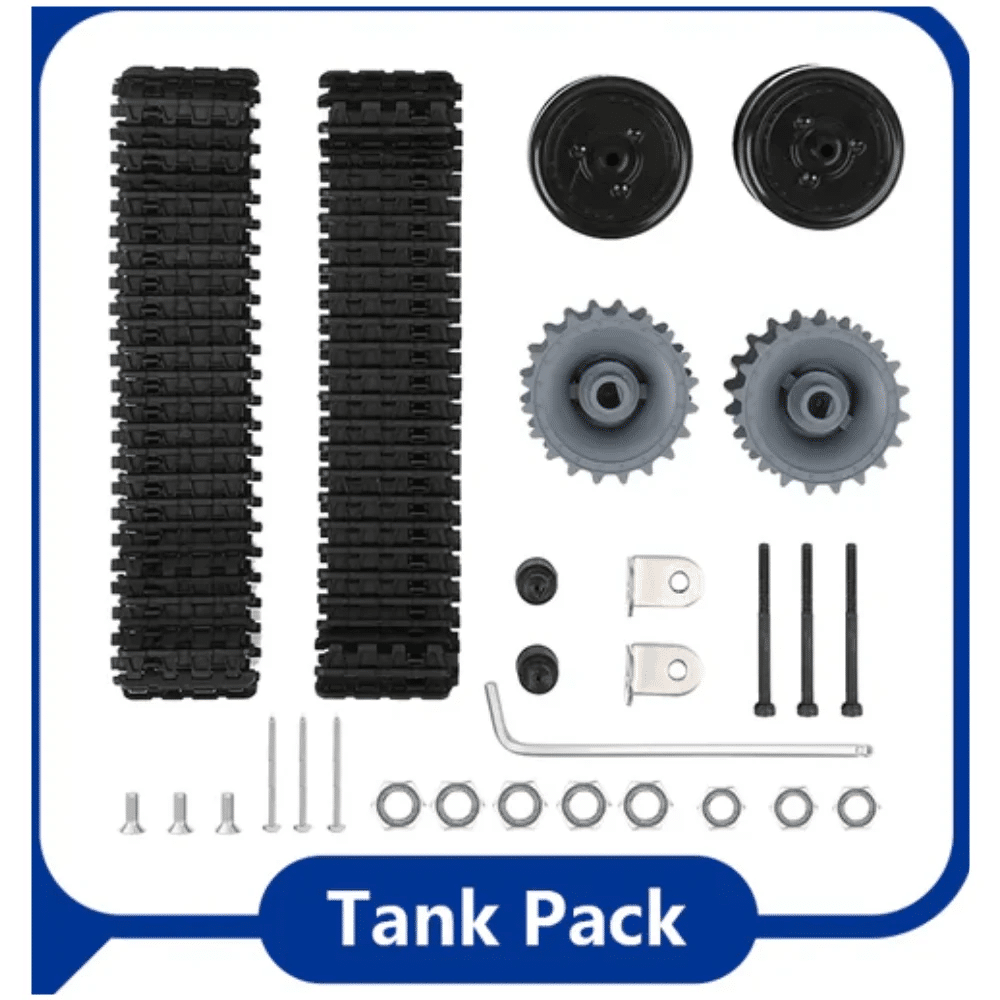
ACEBOTT ESP32 Tank Robot Car Expansion Pack
Tank tracks provide zero-radius turns — ideal for maze corners where differential-drive turns need precise in-place rotation.
Frequently Asked Questions
What is the best sensor distance to set as the wall-following set-point?
Generally 10–20 cm from the wall works well. Too close (under 5 cm) and the robot risks scraping the wall on slight mis-alignment. Too far (over 30 cm) and in narrow corridors the robot may drift to the opposite wall. 15 cm is a good starting value for most school and competition mazes.
Why does my robot oscillate even with PID?
Most commonly the derivative gain is too low or the proportional gain is too high. Also check that your loop runs at a consistent rate — irregular delay() usage causes the derivative term to be incorrect. Use millis() timing instead of delay() for the control loop.
Can I use ultrasonic sensors instead of IR?
Yes. HC-SR04 ultrasonic sensors give 2–400 cm range, are less affected by surface colour than IR, and work well in wall following. The downside is a minimum 25 ms measurement cycle (compared to <1 ms for analog IR), which limits your control loop to ~40 Hz maximum.
How do I solve a maze with a wall-following robot?
Apply the left-hand rule: always keep your left hand on the wall. Program the robot to follow the left wall, handle left turns (follow the turn), right corners (extend straight), and dead ends (U-turn). This reliably solves all simply-connected mazes (no isolated islands inside).
Can I add encoders for better corner handling?
Absolutely. Wheel encoders let you execute precise 90° turns by counting ticks instead of using fixed delays. This makes the robot’s maze traversal far more consistent across different battery voltages and surface conditions.
Get Your Wall-Following Robot Components
Zbotic carries all the electronics you need for robotics projects — chassis, motor drivers, sensors, and Arduino boards. Order online with fast delivery across India.






Add comment