
Table of Contents
- What Is Spaghetti in 3D Printing?
- Why Automatic Detection Matters
- How AI Failure Detection Works
- Obico (The Spaghetti Detective): Setup Guide
- Bambu Lab’s Built-In AI Camera
- OctoPrint + Obico for Ender, CR-10 and Prusa
- Klipper + Moonraker Integration
- Other Detection Methods
- Preventing Spaghetti Before It Starts
- Essential Hardware for Reliable Printing
- Frequently Asked Questions
- Conclusion
What Is Spaghetti in 3D Printing?
Every 3D printer owner has experienced it — you start a print, walk away, come back hours later expecting a finished part, and instead find the printer faithfully extruding filament into thin air while the actual model detached from the bed long ago. The tangled mass of randomly extruded plastic draped over the print head and filling the printer looks exactly like a bowl of cooked spaghetti, which is where the nickname comes from.
Spaghetti prints are not just aesthetically displeasing. They represent wasted filament (sometimes hundreds of grams for a large overnight print), wasted electricity, wasted time, and — in the worst cases — real safety hazards. Filament can wrap around stepper motors and drive shafts, jam extruders, clog PTFE tubes and, in severe cases involving heated beds and enclosures, create fire risks if the tangled mess bridges hot components.
For Indian makers who run printers overnight or unattended during work hours to maximise throughput, automatic print failure detection is not a luxury — it is an essential part of responsible printing.
Why Automatic Detection Matters for Indian Makers
Many Indian hobbyists and small businesses run their printers for 8–20 hours per print. Filament costs ₹800–₹2,500 per kilogram. A failed overnight print on a large model can waste 200–400g of filament and 10–15 hours of electricity — a real financial hit. More importantly, printers left running overnight in apartments are a safety concern, and a spaghetti failure left undetected for hours can cause mechanical damage that requires expensive repairs.
AI-based failure detection changes this equation entirely. When a print starts to fail, the system detects the anomaly within a few layers and either pauses the print, sends you a notification, or both. You can review the situation remotely and decide whether to continue or abort. A 10-minute intervention window can save an entire print, or at minimum prevent a minor failure from becoming a catastrophic one.
How AI Failure Detection Works
Modern AI print failure detection is built on computer vision — specifically, convolutional neural networks (CNNs) trained on large datasets of both successful and failed prints. The AI analyses a live camera feed of the print in progress, looking for visual anomalies that indicate a failure:
What the AI Looks For
- Detached prints: When a print lifts from the bed, subsequent layers print into air, creating irregular hanging structures that look very different from the clean, parallel layer lines of a healthy print.
- Spaghetti accumulation: Loose strands of extruded filament hanging from the print head or draped around the model are a clear indicator.
- Layer shifting: Misaligned layers (caused by belt slip, stepper motor skipping or collision) create a characteristic staircase pattern that AI can detect.
- Blob formation: Excessive material accumulation (often caused by extruder issues) appears as unusual bulges that deviate from the expected model profile.
The Detection Pipeline
Frames are captured from the printer camera at regular intervals (typically every 30–60 seconds). Each frame is passed through the neural network, which assigns a confidence score for failure. When the confidence score crosses a threshold over several consecutive frames (to avoid false positives from lighting changes or camera artifacts), the system triggers an action: pause, stop, or notify.
Bambu Lab’s proprietary implementation runs inference directly on a neural processing unit built into the printer’s mainboard. Third-party solutions like Obico run inference on a remote server (cloud or self-hosted) and communicate with the printer via its API.
Obico (Formerly The Spaghetti Detective): Complete Setup Guide
Obico is the most widely used open-source AI print monitoring platform. It works with virtually any printer that runs OctoPrint, Mainsail (Klipper), or Bambu Connect, and supports both cloud hosting (free tier available) and fully self-hosted deployment.
Free Cloud Tier vs. Self-Hosted
Obico’s free cloud tier provides 10 AI detection hours per month — sufficient for a few prints per week. The Pro tier (around $10/month) provides unlimited detection and additional features like time-lapses and detailed analytics. Self-hosting is completely free and unlimited — ideal for Indian makers who print heavily and want to avoid subscription costs. A Raspberry Pi 3B or 4 can host the Obico server comfortably for 1–2 printers.
Step 1: Install OctoPrint (for FDM Printers)
If your printer (Ender 3, CR-10, Prusa MK3, Artillery, etc.) does not already run OctoPrint, flash the OctoPrint image to a microSD card and run it on a Raspberry Pi connected to your printer via USB. OctoPrint is the control layer that Obico talks to.
Step 2: Install the Obico Plugin in OctoPrint
In OctoPrint’s Plugin Manager, search for “Obico” (or “The Spaghetti Detective” if using an older version). Install it and restart OctoPrint. During setup, you will be prompted to create an Obico account and link your printer using a 6-digit verification code.
Step 3: Mount a Camera
Camera placement is critical for detection accuracy. The camera should have a clear view of the entire print area with no obstructions. Side-mount views often work better than top-down views for detecting spaghetti (which hangs downward). A simple USB webcam (720p or 1080p) works well. Ensure the camera is rigidly mounted — a moving camera gives the AI false positives. If your printer is enclosed, mount the camera inside the enclosure for unobstructed views.
Step 4: Configure Detection Sensitivity
In the Obico plugin settings, you will find a sensitivity slider. Higher sensitivity catches failures faster but produces more false positives. Start at the default (medium) and adjust based on experience. For high-stakes overnight prints, increase sensitivity. For prints with complex overhangs that might confuse the AI, lower sensitivity slightly.
Step 5: Set Up Notifications
Configure Obico to send notifications via email, Telegram, Discord webhook, or push notification (via the Obico mobile app). For immediate awareness of failures, Telegram bot notifications are highly recommended — they arrive in under 30 seconds of detection and include a snapshot of the problem.
Step 6: Define the Failure Response
Choose what Obico does when it detects a failure: pause the print (recommended), stop the print, or notify only. Pause is usually best — it stops the situation from getting worse while giving you time to remotely review the snapshot and decide whether to resume or abort.
Bambu Lab’s Built-In AI Camera System
Bambu Lab printers (X1C, X1E, P1S, P1P) include a built-in AI camera with hardware-accelerated inference running directly on the printer’s processor. No external server, no Raspberry Pi, no plugin installation required.
What Bambu’s AI Detects
Bambu’s AI monitoring detects spaghetti, detached first layers, and nozzle clogs. It also monitors first layer quality specifically — the most critical layer in any print. The system analyses the first layer in real-time and alerts you (via the Bambu Handy app) if it detects poor adhesion or inconsistent extrusion before the failure can propagate.
Enabling AI Monitoring on Bambu Printers
In Bambu Studio or OrcaSlicer, go to Device Settings and enable “AI Detection.” In the Bambu Handy app, configure notification preferences. The system works out of the box without any additional hardware. For the X1C, the camera also enables automatic calibration, vibration compensation and live view during printing.
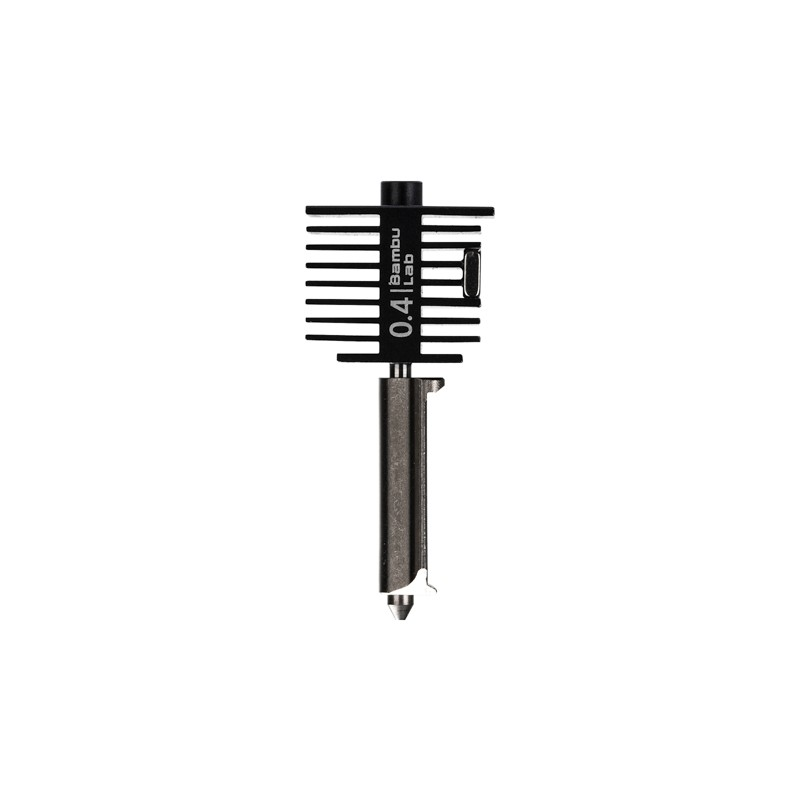
Bambu Lab Hotend with Hardened Steel Nozzle – 0.4mm
Genuine Bambu Lab hotend assembly for A1/A1 Mini printers. Prevents clogs and maintains consistent extrusion — a common root cause of spaghetti failures. Hardened steel nozzle handles abrasive filaments.
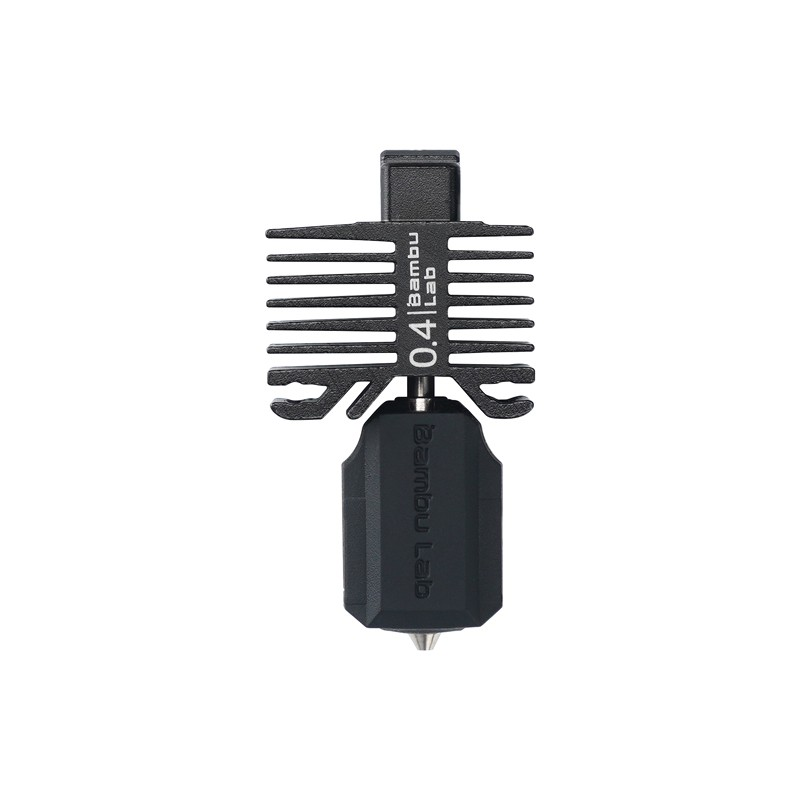
Bambu Lab Hotend with Hardened Steel Nozzle – 0.4mm for P1P, P1S, X1C
Factory-spec replacement hotend for Bambu’s flagship P1 and X1 series. Keeps the printer running at peak performance, reducing failure rates and ensuring the AI camera has fewer false alerts from clog-induced anomalies.
OctoPrint + Obico for Ender, CR-10, Prusa and Similar Printers
Hardware Requirements
A Raspberry Pi 3B+ or Pi 4 running OctoPrint is the standard setup. Connect the Pi to your printer via USB, and connect a USB webcam to the Pi. A Pi Zero 2W can work but may be slow for simultaneous camera streaming and plugin processing. The total cost of a Raspberry Pi 4 + enclosure + USB webcam is around ₹5,000–₹8,000 in India, which pays for itself after preventing just one or two significant print failures.
Camera Positioning for Best Detection
Mount the camera at the same height as the mid-point of your tallest typical print, aimed at the print from a 20–45 degree angle. This gives the AI a clear view of layer buildup without being directly top-down (which can make early spaghetti hard to see). For printers with enclosures, an interior mount is essential — exterior cameras looking through tinted or scratched doors give the AI poor-quality frames and reduce accuracy.
Klipper + Moonraker Integration
Klipper users running Moonraker (the API layer) can install the Obico for Klipper plugin directly. The setup process is similar to OctoPrint: install the plugin from the Moonraker configuration, link your printer to your Obico account, and configure the camera. Klipper’s macro system allows more sophisticated responses to detected failures — for example, you can write a G-code macro that parks the nozzle, turns off the hotend and bed, and sends a detailed status report when a failure is detected.
Other Failure Detection Methods
Filament Runout Sensors
While not AI-based, filament runout sensors are an essential hardware complement to visual failure detection. They detect when the spool runs out during a long print and pause the printer, allowing you to load a new spool and resume. Many modern printers include these as standard; for older printers like the Ender 3 V1 or CR-10, they are an inexpensive add-on.
Power Loss Recovery
Most modern printer firmwares (Marlin 2.x, Klipper) support power loss recovery — the printer saves its state periodically to non-volatile memory and can resume from roughly where it left off after a power cut. In India where power outages are still common in many regions, this feature is particularly important. Enable it in your slicer settings (usually a checkbox under “Printer Settings” in PrusaSlicer, OrcaSlicer or Bambu Studio).
Thermal Runaway Protection
This is not spaghetti detection, but it is the most important safety feature in any 3D printer firmware. Thermal runaway stops the printer if the hotend or heated bed temperature deviates significantly from the set point — which can indicate a loose thermistor, failed heater cartridge or disconnected cooling fan. Always verify that thermal runaway protection is enabled in your firmware. It has prevented countless printer fires.
Preventing Spaghetti Before It Starts
Detection is the safety net. Prevention is the real goal. Most spaghetti failures trace back to a small set of root causes:
First Layer Adhesion
The single most important factor. A print that sticks perfectly to the bed will almost never produce spaghetti. Level your bed precisely (or use auto-levelling). Clean the bed surface with isopropyl alcohol before every print. Use the right bed surface for your material: PEI sheet for PLA and PETG, glass with glue stick for ABS and ASA, specialized plates for flexible materials.
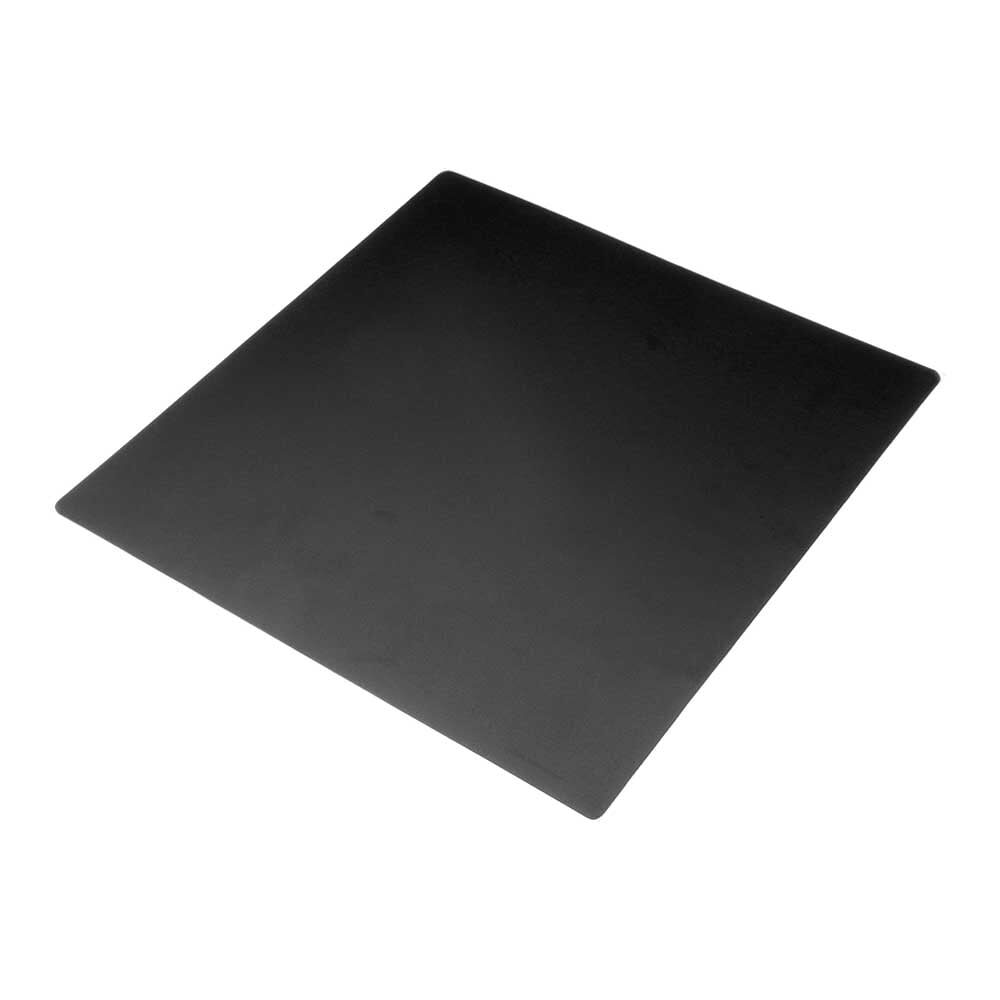
Frosted Heated Bed Sticker Build Plate – 220x220mm with Adhesive Backing
Frosted surface build plate sticker for Ender 3 and similar printers. Excellent first layer adhesion for PLA and PETG reduces spaghetti risk at the root cause — poor bed adhesion.
Nozzle Health
A partially clogged nozzle causes under-extrusion, which can cause prints to lose structural integrity and detach from the bed or previous layers. Inspect your nozzle regularly and clear partial clogs with the cold pull method or a nozzle cleaning needle. Replace nozzles when they show signs of wear (inconsistent extrusion, rough surface finish, reduced flow).
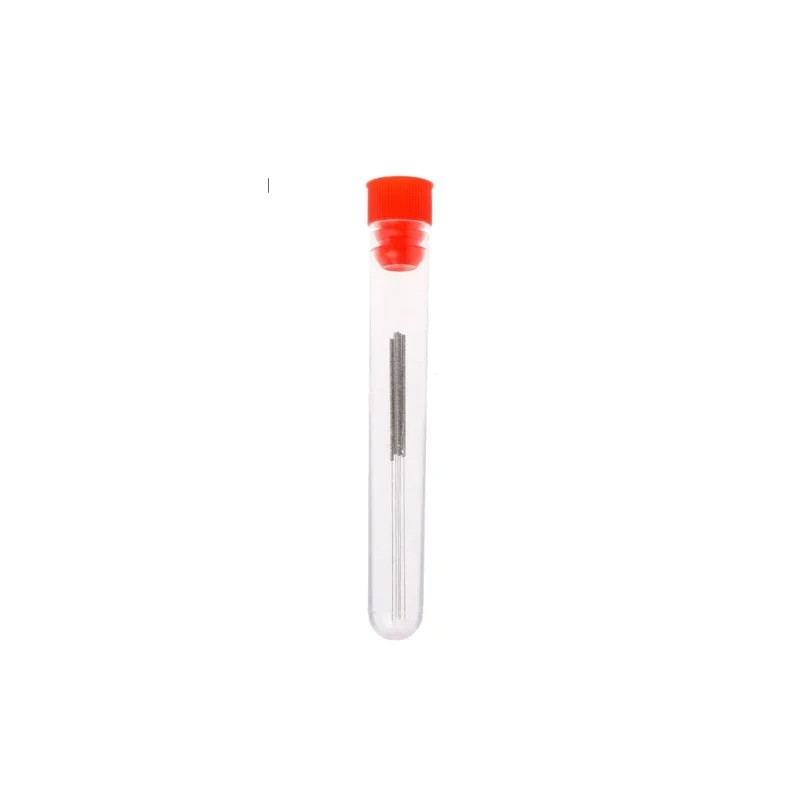
0.4mm Stainless Steel Nozzle Cleaning Needle – Pack of 10
Essential maintenance tool for clearing partial nozzle clogs before they cause print failures. Pack of 10 stainless steel needles for standard 0.4mm nozzles on Ender, CR-10, Prusa and similar printers.
Filament Quality and Dryness
Moist filament causes popping, poor layer adhesion and inconsistent extrusion — all of which increase spaghetti risk. Store filament in sealed containers with desiccant. Dry filament that has been exposed to humidity before long prints. Consistent diameter and quality filament extrudes more predictably, reducing failure rates dramatically.
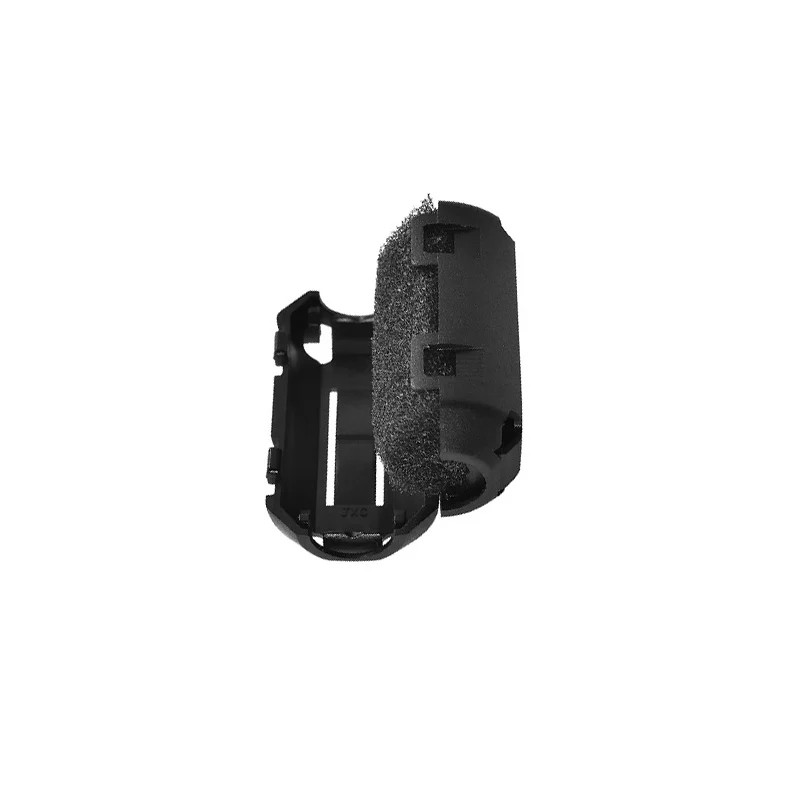
ABS PLA PETG Filament Filter Cleaner – Dust Removal Block
Removes dust and fine particles from filament before it enters the hotend. Cleaner filament means more consistent extrusion, fewer partial clogs and a significant reduction in mid-print failures.
Frequently Asked Questions
Q: Does AI spaghetti detection work well in low light conditions?
A: Most AI detection systems perform significantly better with consistent, adequate lighting. Add a small LED strip inside your printer enclosure or near the print area for best results. Many Bambu Lab printers include built-in lighting for exactly this reason. With poor lighting, the AI has difficulty distinguishing print anomalies from shadows, leading to both missed detections and false positives.
Q: Can Obico detect layer shifting?
A: Yes, the trained model can detect significant layer shifts as they create visual anomalies. However, subtle early-stage layer shifts (1–2mm) may not be caught immediately. Combine AI monitoring with properly tensioned belts, calibrated stepper current settings and physical anti-vibration measures to reduce the frequency of layer shifts in the first place.
Q: I have an Ender 3 without OctoPrint. Can I still use AI detection?
A: You need OctoPrint (or Klipper with Moonraker) as the intermediary. Installing OctoPrint on a Raspberry Pi is a well-documented process with excellent community support. Alternatively, some standalone AI print monitoring cameras are emerging that connect directly without a controller — but these are less mature than the Obico ecosystem.
Q: How accurate is AI spaghetti detection? Will I get many false alarms?
A: At default sensitivity, Obico reports a false positive rate of under 5% and detects genuine spaghetti failures with over 90% accuracy. False positives are more common with unusual model geometries, large overhangs, or poor camera placement. Tuning sensitivity and camera position over 2–3 weeks typically brings false positives very close to zero for your specific setup.
Q: Can AI detection stop a print if I’m asleep?
A: Yes, this is precisely the use case it was designed for. Configure Obico or Bambu’s system to automatically pause (not just notify) on high-confidence failure detection. The print pauses, the hotend retracts, and no further damage occurs until you wake up and review the situation. You can then remotely command the printer to abort if needed.
Conclusion
AI-based spaghetti detection has moved from an impressive novelty to an essential tool for anyone printing long jobs unattended. Whether you use Bambu Lab’s built-in system, Obico on OctoPrint, or Klipper-based detection, the technology is mature, accessible and genuinely effective at preventing the filament waste and potential hardware damage that failed prints cause.
Combine AI monitoring with solid preventive practices — properly levelled beds, clean nozzles, dry filament and quality filament filters — and your print success rate will improve dramatically. The peace of mind of knowing your printer will stop itself when something goes wrong is worth every minute of setup time.
Explore our complete range of 3D printing supplies and spare parts at Zbotic to keep your printer running reliably and your failure rates low.







Add comment