
The ROS2 introduction robot operating system beginners topic is one of the most searched robotics subjects in India, and for good reason: ROS2 is the standard middleware platform used in research labs, startups, and industry for building complex robotic systems. If you have built a basic Arduino or Raspberry Pi robot and want to take it to the next level — adding navigation, perception, planning, and multi-robot coordination — ROS2 is the bridge. This guide demystifies ROS2 for absolute beginners and shows you how to install it, write your first nodes, and connect real hardware.
What is ROS2 and Why Does it Matter?
ROS (Robot Operating System) is not an operating system in the traditional sense. It is a middleware framework — a collection of tools, libraries, and conventions that standardise how robotic software components communicate. Think of it as a structured messaging bus where each part of your robot (motor controller, camera, LIDAR, planner) publishes and subscribes to data streams without needing to know the internal details of any other part.
ROS2 is the second-generation rewrite of ROS, addressing the original’s shortcomings around real-time performance, multi-robot support, and production deployment. Key improvements:
- DDS (Data Distribution Service): Industry-standard communication middleware replaces ROS1’s custom TCP stack. DDS provides QoS (Quality of Service) settings, real-time data delivery, and built-in discovery.
- No roscore: ROS2 has no single master process. Nodes discover each other automatically, making multi-robot systems more resilient.
- Real-time support: ROS2 can run on real-time OS kernels with sub-millisecond jitter, enabling safety-critical applications.
- Active long-term support: ROS2 Humble Hawksbill (Ubuntu 22.04) has LTS until 2027. ROS1 reached end-of-life in May 2025.
For students and makers in India, ROS2 opens the door to tools like Nav2 (autonomous navigation), MoveIt2 (arm motion planning), OpenCV integration, and simulation in Gazebo — all maintained by a global community.
Core ROS2 Concepts Explained Simply
Before touching a terminal, understand these five building blocks:
Nodes
A node is a single executable process that does one focused task: read a sensor, control a motor, run an algorithm. A robot system is made of many nodes running simultaneously. Each node has a unique name within the ROS2 network.
Topics
Topics are named data channels. A publisher node sends messages to a topic; zero or more subscriber nodes receive those messages asynchronously. This is a one-to-many broadcast pattern. Example: a camera node publishes /camera/image_raw; a vision node and a recording node both subscribe to it independently.
Messages
Messages are typed data structures. ROS2 provides hundreds of standard message types: std_msgs/msg/String, geometry_msgs/msg/Twist (velocity commands), sensor_msgs/msg/LaserScan (LIDAR data). You can also define custom message types.
Services
Services are synchronous request–response calls between nodes. Client sends a request, server processes it, client waits for the response. Use services for configuration changes and one-off queries, not for continuous data streams.
Actions
Actions extend services for long-running tasks. A navigation action (“go to (3, 5)”) streams feedback (current position) while executing and returns a result when complete. You can cancel an action mid-execution.
Installing ROS2 Humble on Ubuntu
ROS2 Humble runs on Ubuntu 22.04 LTS (Jammy). On a Raspberry Pi 4, install Ubuntu Server 22.04 arm64 first. On a desktop or laptop, Ubuntu 22.04 Desktop works perfectly.
# 1. Set locale
sudo locale-gen en_US en_US.UTF-8
sudo update-locale LC_ALL=en_US.UTF-8 LANG=en_US.UTF-8

# 2. Add ROS2 apt repository
sudo apt install curl -y
sudo curl -sSL https://raw.githubusercontent.com/ros/rosdistro/master/ros.key
  -o /usr/share/keyrings/ros-archive-keyring.gpg
echo "deb [arch=$(dpkg --print-architecture) signed-by=/usr/share/keyrings/ros-archive-keyring.gpg]
  http://packages.ros.org/ros2/ubuntu $(. /etc/os-release && echo $UBUNTU_CODENAME) main"
  | sudo tee /etc/apt/sources.list.d/ros2.list > /dev/null

# 3. Install ROS2 Humble Desktop
sudo apt update && sudo apt upgrade -y
sudo apt install ros-humble-desktop -y

# 4. Source setup in every terminal (add to ~/.bashrc)
echo "source /opt/ros/humble/setup.bash" >> ~/.bashrc
source ~/.bashrc

# 5. Test: run the talker demo in terminal 1
ros2 run demo_nodes_py talker

# 6. Run the listener demo in terminal 2
ros2 run demo_nodes_py listener
If you see the listener printing “I heard: Hello World [N]” in response to the talker, your ROS2 installation is working correctly. The two demo nodes are communicating over the /chatter topic via DDS discovery — no configuration needed.
Writing Your First ROS2 Node in Python
ROS2 nodes are typically written in Python (rclpy) or C++ (rclcpp). Python is more accessible for beginners. Here is a minimal publisher node that sends a counter every second:
# minimal_publisher.py
import rclpy
from rclpy.node import Node
from std_msgs.msg import String

class MinimalPublisher(Node):
    def __init__(self):
        super().__init__('minimal_publisher')
        self.publisher_ = self.create_publisher(String, 'robot_status', 10)
        self.timer = self.create_timer(1.0, self.timer_callback)
        self.count = 0

    def timer_callback(self):
        msg = String()
        msg.data = f'Robot status count: {self.count}'
        self.publisher_.publish(msg)
        self.get_logger().info(f'Publishing: "{msg.data}"')
        self.count += 1

def main(args=None):
    rclpy.init(args=args)
    node = MinimalPublisher()
    rclpy.spin(node)
    node.destroy_node()
    rclpy.shutdown()

if __name__ == '__main__':
    main()
Run it with python3 minimal_publisher.py in a sourced terminal. In a second terminal, subscribe with ros2 topic echo /robot_status to see the messages arriving live.
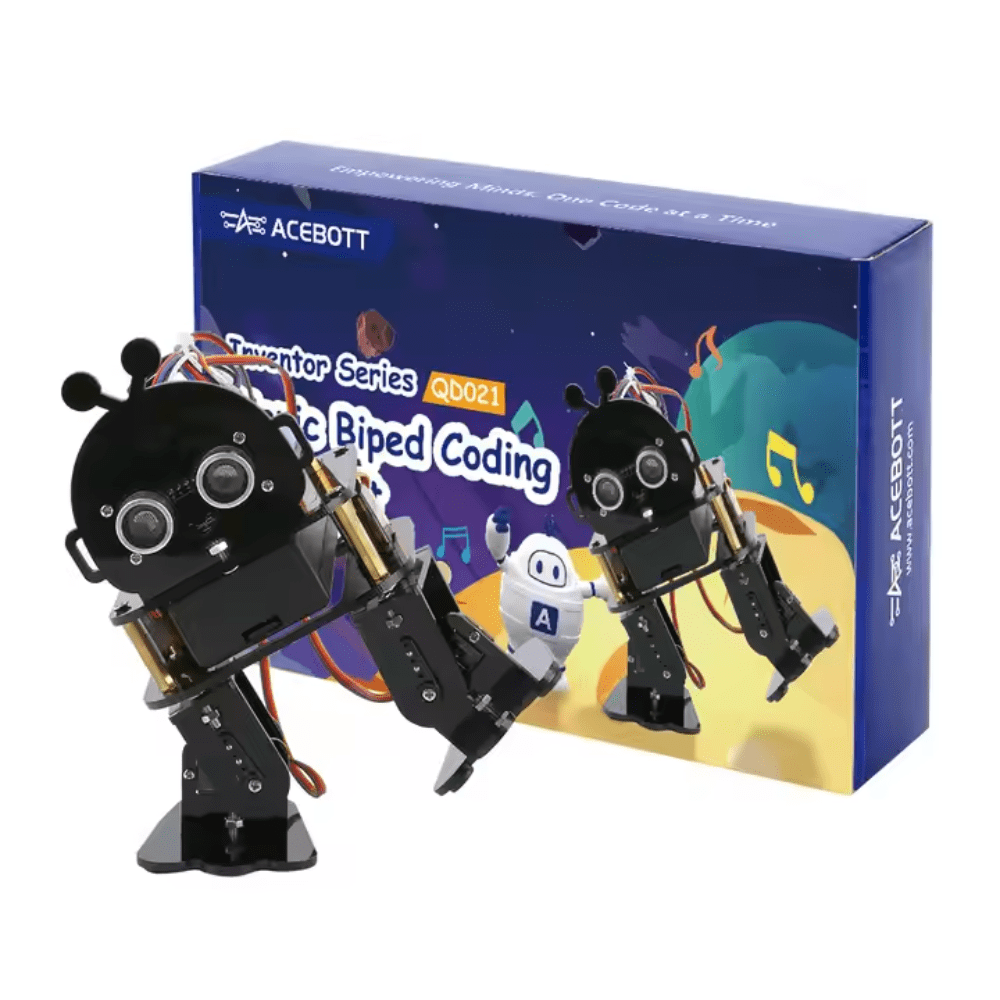
ACEBOTT Biped Robot Kit – QD021
Complete biped robot kit with ESP32 — an ideal physical platform to pair with ROS2 for studying locomotion and sensor integration.
Topics: Publisher and Subscriber Pattern
The pub/sub pattern is ROS2’s most common communication style. It is asynchronous and decoupled — the publisher does not know how many subscribers exist, and subscribers do not know when the publisher will send data. This makes components independently replaceable.
For a robot, this typically looks like:
- /cmd_vel (geometry_msgs/Twist) — velocity commands from navigation stack or joystick
- /odom (nav_msgs/Odometry) — position estimate published by wheel encoder node
- /scan (sensor_msgs/LaserScan) — LIDAR distance data
- /tf — coordinate frame transforms, broadcast by the robot state publisher
You can inspect any running topic with CLI tools:
ros2 topic list          # list all active topics
ros2 topic info /cmd_vel # message type and publisher/subscriber count
ros2 topic echo /cmd_vel # print live messages
ros2 topic hz /scan      # measure publish frequency
Services and Actions
While topics are fire-and-forget broadcasts, sometimes you need a direct question-and-answer between nodes. ROS2 services serve this purpose using a client-server model.
A common use case is a parameter service: your motor controller node exposes a /set_max_speed service. From the command line or another node, you call it once with the new value and wait for a success/failure response:
ros2 service call /set_max_speed std_srvs/srv/SetBool "{data: true}"
Actions are used for long-running tasks like navigation goals. The Nav2 stack accepts NavigateToPose action goals. While the robot is travelling, the action server streams back the current (x, y) position as feedback. If an obstacle blocks the path, you can cancel the action and send a new goal to an alternative destination.
Connecting ROS2 to Arduino and Raspberry Pi
Most beginners want to run ROS2 on a laptop or Raspberry Pi while controlling motors via an Arduino Mega. The standard tool for this is micro-ROS, which runs a lightweight ROS2 client directly on microcontrollers. Alternatively, the Arduino handles low-level motor/sensor I/O and communicates with the Raspberry Pi over USB serial using a custom serial bridge node.
Serial Bridge Approach
- Arduino Mega reads encoders, publishes wheel speed over UART as a JSON or CSV string at 115200 baud.
- Raspberry Pi runs a Python node using
pyserialto read the UART and publish/odomand/wheel_speedtopics to ROS2. - The navigation stack on the Pi publishes
/cmd_vel(linear.x, angular.z). - The serial bridge node converts these to PWM commands and sends them to the Arduino over UART.
micro-ROS Approach
Install the micro-ROS library in the Arduino IDE. Configure the Arduino as a micro-ROS node that publishes sensor data directly as ROS2 messages over USB. A micro-ros-agent running on the Pi routes these messages into the DDS network. This approach eliminates the custom serial bridge but requires more setup.
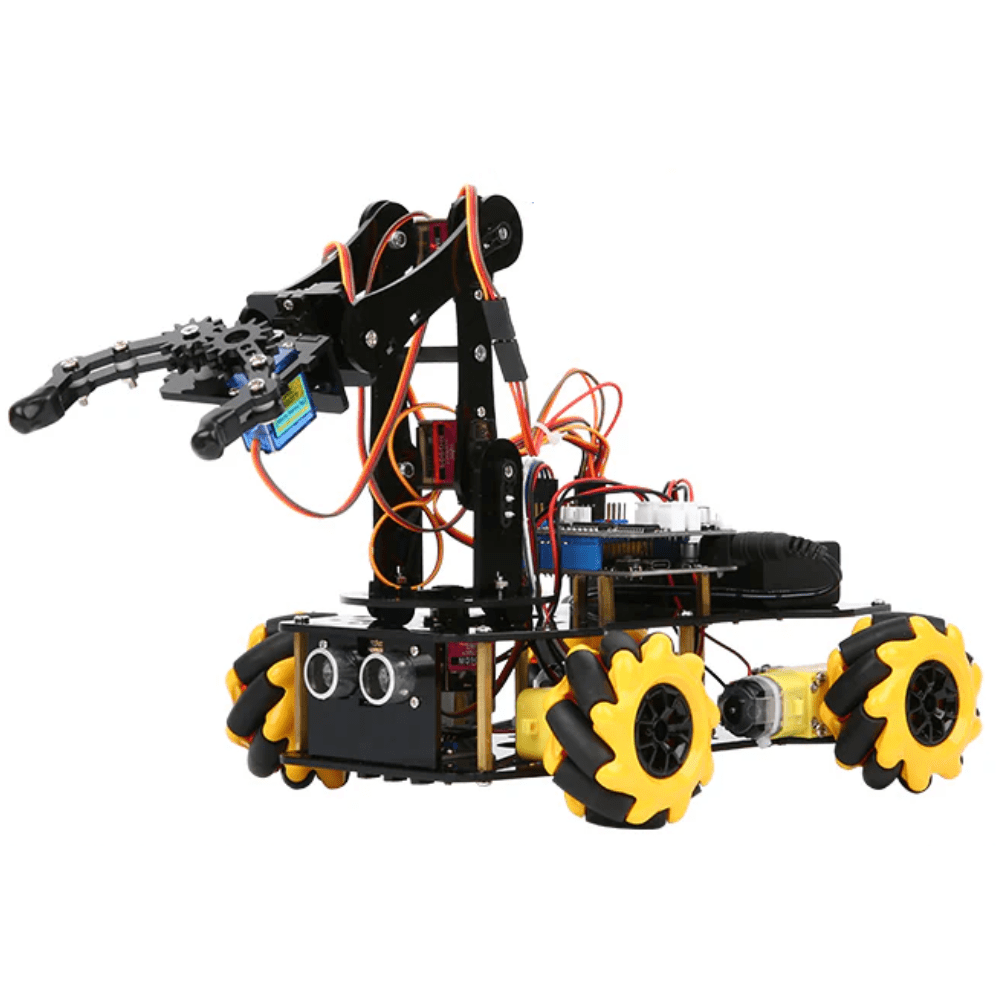
ACEBOTT ESP32 5-DOF Robot Arm Kit Expansion Pack – QD007
5-DOF robot arm kit with ESP32 — pair this with ROS2 MoveIt2 to explore motion planning and arm control on real hardware.
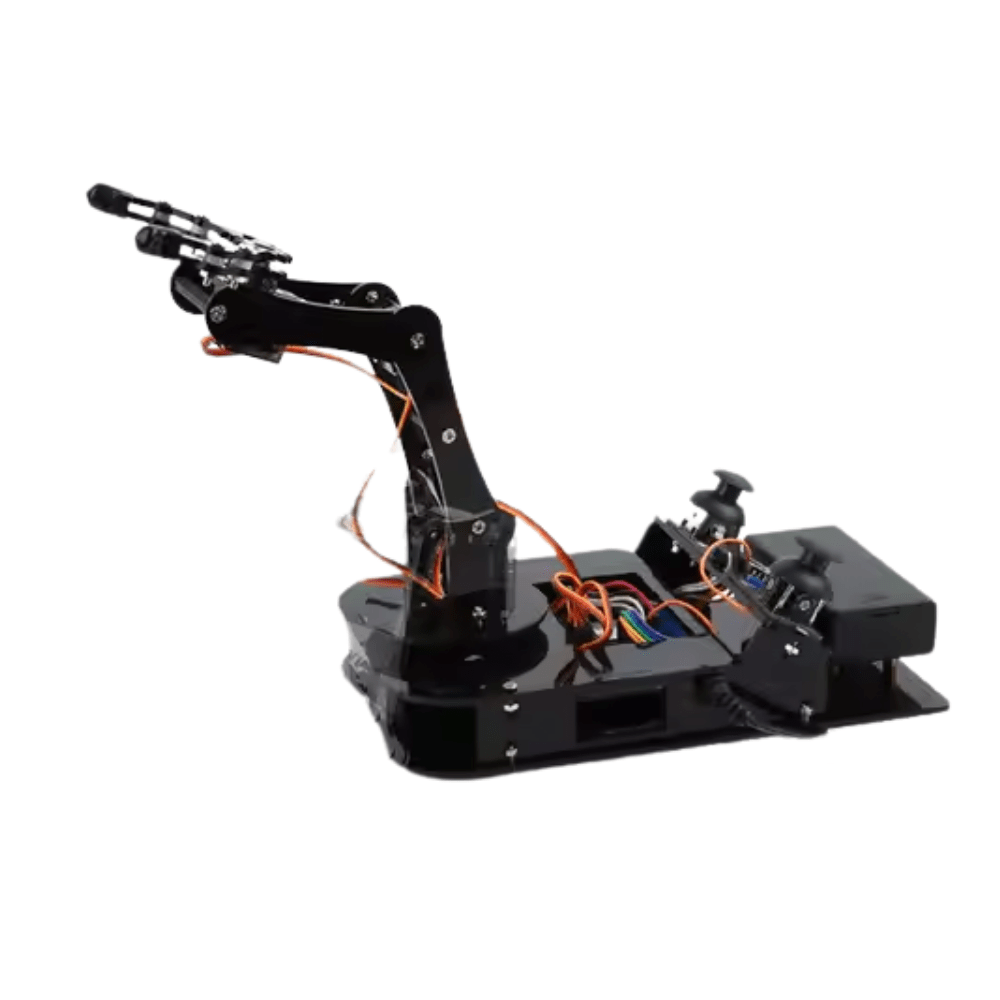
ACEBOTT ESP32 Programmable Robot Arm Kit – QD022
Beginner-friendly ESP32 robot arm with structured coding curriculum — bridge to ROS2 MoveIt2 after mastering basic kinematics.
Frequently Asked Questions
Do I need Linux to use ROS2?
Linux (Ubuntu 22.04) is strongly recommended and the best-supported platform. ROS2 does have Windows and macOS builds, but package availability is limited and community support for non-Linux issues is sparse. For beginners in India, install Ubuntu on a dual-boot partition or in a VM on Windows.
Can a Raspberry Pi 4 run ROS2?
Yes. A Raspberry Pi 4 with 4 GB RAM running Ubuntu Server 22.04 arm64 handles ROS2 Humble comfortably for mobile robotics: Nav2, sensor drivers, and custom nodes all run well. The 8 GB variant is recommended if you plan to add a camera and run basic image processing onboard.
What is the difference between ROS1 and ROS2?
ROS1 relies on a central roscore process and custom networking. ROS2 uses DDS for decentralised, standard communication. ROS2 supports real-time operation, multi-robot environments, and has active LTS releases. ROS1 reached end-of-life in May 2025 — all new projects should use ROS2.
Is ROS2 used in Indian robotics competitions?
Yes, increasingly. e-Yantra (IIT Bombay) runs ROS-based challenges. Several IISER, IIT, and NIT labs use ROS2 for research. Private robotics competitions and hackathons are also adopting ROS2 as a standard, especially in the autonomous ground vehicle and drone categories.
How long does it take to learn ROS2?
With 1–2 hours per day, a student who can already write basic Python and has basic Linux familiarity can write functional pub/sub nodes in 1 week, build a simulated robot in Gazebo in 3–4 weeks, and implement Nav2 autonomous navigation in 6–8 weeks. The ROS2 documentation and the free “ROS2 for Beginners” course on Udemy are the best structured resources.
Ready to build your ROS2 robot platform? Shop robot kits, servo motors, ESP32 boards, and sensor modules at Zbotic.in – Robotics & DIY. All components ship fast across India.







Add comment