
Choosing the right operating system is one of the most consequential decisions when setting up a Raspberry Pi ROS2 robot. The debate between Ubuntu vs Raspberry Pi OS (formerly Raspbian) for ROS2 robotics is active in every maker forum, and for good reason — the OS choice affects everything from real-time performance and network stack latency to ease of setup and long-term package support. This guide gives you a definitive, technical comparison so you can pick the right OS and get your robot running faster.
What ROS2 Actually Needs from the OS
ROS2 (Robot Operating System 2) is middleware, not a traditional OS. It runs on top of a Linux distribution and uses DDS (Data Distribution Service) as its communications backbone. Understanding what ROS2 demands from the underlying OS clarifies why the Ubuntu vs Raspberry Pi OS debate matters.
ROS2 key requirements:
- glibc version: ROS2 Jazzy (2024 LTS) and Humble (2022 LTS) require glibc 2.31+ — satisfied by Ubuntu 22.04 and Debian Bullseye/Bookworm.
- Python 3.10+: Required for rclpy and most ROS2 tools. Ubuntu 22.04 ships Python 3.10 natively. Raspberry Pi OS Bookworm ships Python 3.11.
- DDS middleware: Fast-DDS (default) and Cyclone DDS both work on ARM64. Performance varies with network interface and system load.
- Real-time scheduling: For hard real-time control loops (motor control, sensor polling), a PREEMPT_RT-patched kernel is ideal — neither stock Ubuntu nor stock Raspberry Pi OS provides this, but both can be patched.
- 64-bit kernel: ROS2 runs on 64-bit (aarch64) for full address space and better performance. Raspberry Pi 3B+ and newer support 64-bit.
Ubuntu on Raspberry Pi for ROS2: Pros and Cons
Ubuntu is the officially supported and recommended OS for ROS2 by Open Robotics. Binary packages (apt-installable debs) are available for Ubuntu only — this is the single biggest practical advantage.
Advantages of Ubuntu for ROS2
- Official binary packages:
sudo apt install ros-humble-desktoporros-jazzy-ros-base— no compilation. ROS2 installs in minutes instead of hours. - Full Tier-1 support: All ROS2 packages are tested against Ubuntu. Bug reports and fixes target Ubuntu first.
- LTS alignment: ROS2 Humble aligns with Ubuntu 22.04 LTS; ROS2 Jazzy aligns with Ubuntu 24.04 LTS. 5-year support windows match perfectly.
- Larger community: Most ROS2 tutorials, Docker images, and CI pipelines target Ubuntu. Debugging is easier because your environment matches everyone else’s.
- 64-bit default: Ubuntu Server for Raspberry Pi ships as 64-bit by default, maximizing performance.
Disadvantages of Ubuntu on Raspberry Pi
- Higher RAM usage: Ubuntu Server uses ~350MB RAM at idle; Raspberry Pi OS Lite uses ~120MB. On a 1GB Pi 3B+, this matters significantly.
- Slower boot: systemd on Ubuntu initializes more services. Boot time is 25–40s vs 15–20s for Raspberry Pi OS.
- Camera and GPIO:
libcamera,raspi-config, and VideoCore GPU acceleration require extra setup on Ubuntu. Raspberry Pi OS has these out of the box. - No recommended Pi-specific tools:
raspi-gpio,pigpio, and some I2C tools need manual installation and configuration.
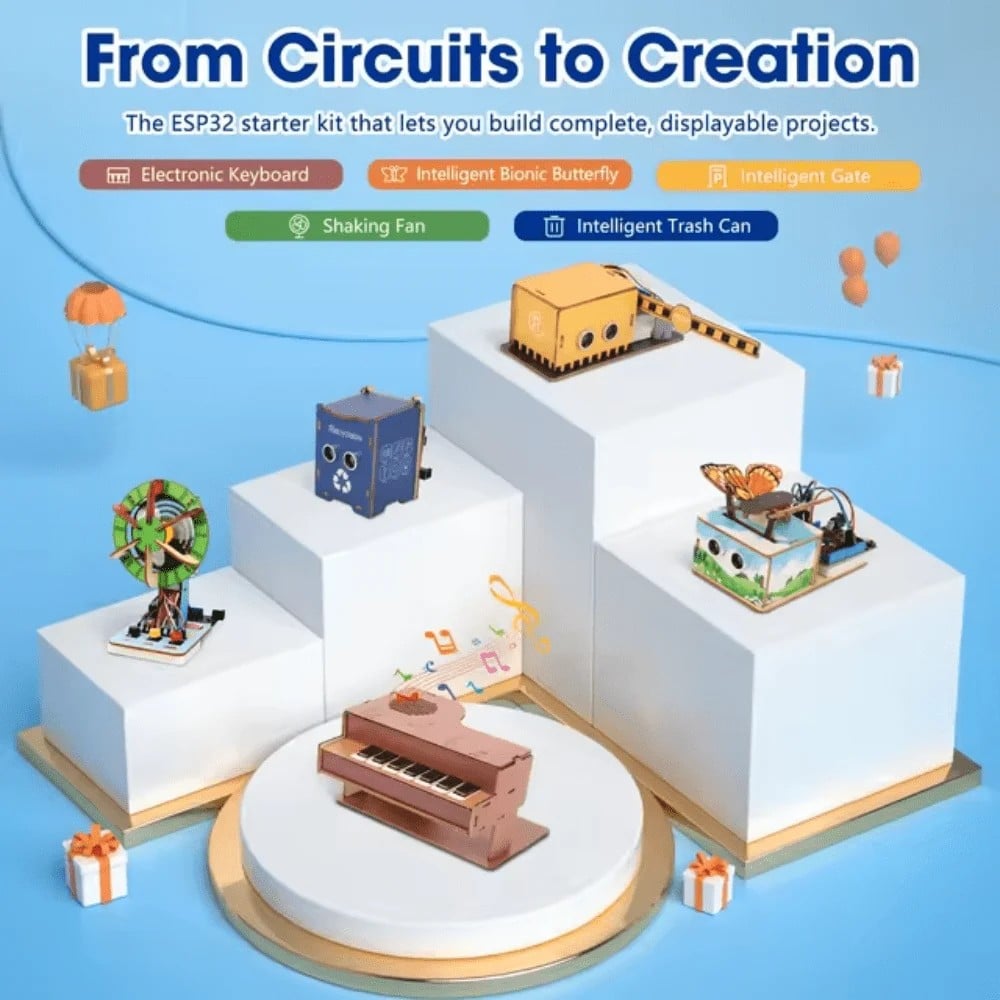
ACEBOTT ESP32 Basic Starter Kit (Project Expansion Pack) – QE201
Pair your Raspberry Pi ROS2 setup with this ESP32 kit as a real-time co-processor for motor control and sensor interfacing.
Raspberry Pi OS for ROS2: Building from Source vs Binary
Raspberry Pi OS (formerly Raspbian) is Debian-based and optimized specifically for Raspberry Pi hardware. It is not an official ROS2 Tier-1 platform, which means there are no apt-installable binary packages from the ROS2 repositories. However, this situation has improved significantly.
Options for Running ROS2 on Raspberry Pi OS
- Build from source: The traditional approach. Clone ROS2 repositories, install build dependencies, run
colcon build. On a Raspberry Pi 4, this takes 2–4 hours for a full desktop install. Memory-intensive — swap must be expanded. - RoboStack: conda-based ROS2 packages that work on any Linux including Raspberry Pi OS. Install via
mamba. Packages are community-maintained and may lag behind official releases by weeks to months. - Docker: Run official Ubuntu ROS2 Docker images on Raspberry Pi OS. Excellent approach — combines Raspberry Pi OS host (full hardware support) with Ubuntu ROS2 containers. Overhead is minimal on Pi 4+.
- Unofficial debs: Community repositories like
https://s3.amazonaws.com/autonomylabprovide pre-built debs for Debian/Raspberry Pi OS. Use with caution — no official testing.
The Docker Hybrid Approach
Many experienced ROS2 users run Raspberry Pi OS as the host for hardware access (GPIO, camera, I2C) and run ROS2 nodes inside Docker containers based on the official Ubuntu ROS2 images. This gives you the best of both worlds: native hardware drivers and officially supported ROS2 binaries. The main consideration is that Docker adds ~50–100ms cold-start latency per container, which is acceptable for most non-hard-real-time workloads.
Performance Comparison: Latency, RAM, Boot Time
Here is a practical comparison on Raspberry Pi 4 (4GB) running ROS2 Humble with ros2 topic hz benchmark at 100Hz publish rate:
| Metric | Ubuntu 22.04 Server + ROS2 | RPi OS + Docker ROS2 | RPi OS + Source Build |
|---|---|---|---|
| Idle RAM usage | ~380MB | ~250MB (host) + container | ~160MB |
| Boot to shell | ~35s | ~18s | ~18s |
| ROS2 topic latency (local) | ~1.2ms avg | ~1.5ms avg (host net) | ~1.2ms avg |
| ROS2 install time | ~8 min (apt) | ~15 min (Docker pull) | ~3 hours (colcon build) |
| GPIO access | Requires setup | Native (host OS) | Native |
| Camera (libcamera) | Requires setup | Native (host OS) | Native |
Real-Time Considerations for Robot Control
One of the most overlooked aspects of robot OS selection is real-time performance. A general-purpose Linux kernel uses a tickless scheduler optimized for throughput, not latency. For robot control loops that must execute at precise intervals (e.g., 1kHz motor control), this can cause jitter of 1–10ms, which translates to position errors in servo-driven systems.
PREEMPT_RT Patch
The PREEMPT_RT patch converts Linux’s partially preemptible kernel to a fully preemptible real-time kernel. Worst-case scheduling latency drops from ~10ms to ~100–200μs. Both Ubuntu and Raspberry Pi OS kernels can be compiled with PREEMPT_RT — neither ships with it by default.
The micro-ROS Alternative
For hard real-time requirements, the recommended ROS2 architecture is:
- Raspberry Pi (Ubuntu or RPi OS): Runs ROS2 for high-level tasks — path planning, SLAM, perception, navigation.
- ESP32 or STM32 (micro-ROS): Runs hard real-time motor control, PID loops, encoder reading, sensor polling at 1kHz+.
- Communication: micro-ROS agent on the Pi bridges the two over serial or UDP.
This split architecture is used by serious DIY robots and professional platforms alike. It eliminates the real-time OS problem by moving time-critical tasks to a dedicated microcontroller where you have deterministic execution.
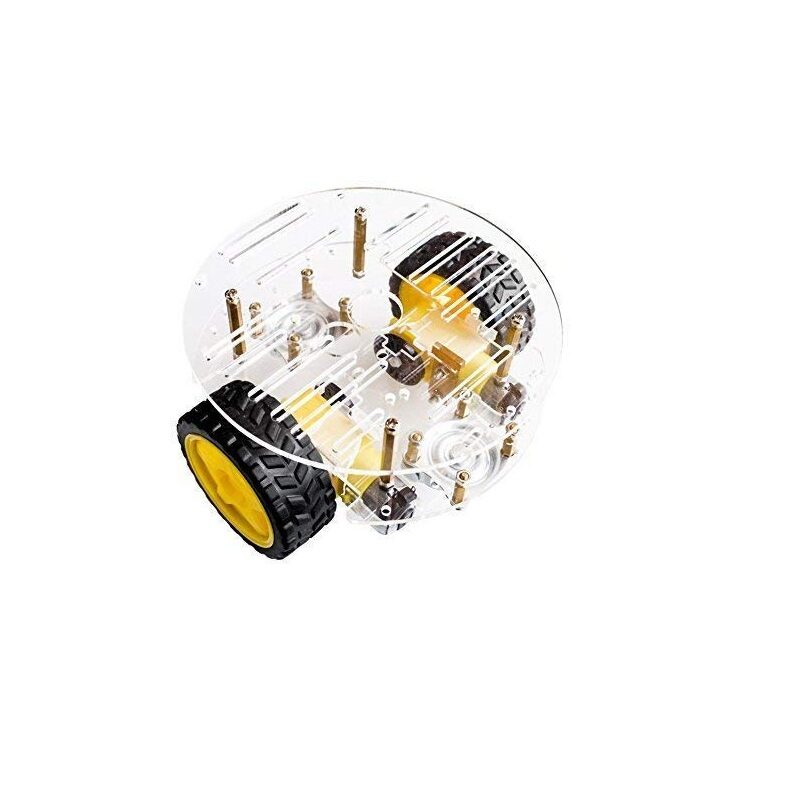
2WD Mini Round Double-Deck Smart Robot Car Chassis DIY Kit
Build your first ROS2 mobile robot on this 2WD chassis — mount a Raspberry Pi on the upper deck and run ROS2 navigation stack.
GPIO, Camera, and Hardware Support Differences
The biggest day-to-day friction when using Ubuntu on a Raspberry Pi for robotics comes from hardware support gaps:
GPIO
- Raspberry Pi OS:
RPi.GPIO,gpiozero,pigpio, andlgpioall work out of the box. The device tree overlays needed for I2C, SPI, UART, and hardware PWM are pre-configured. - Ubuntu:
gpiod(character device GPIO) andlibgpiodwork natively.RPi.GPIOrequires therpi.gpiopackage and may need manual device tree overlay configuration via/boot/firmware/config.txt.
Camera
- Raspberry Pi OS:
libcameraandpicamera2Python library work natively with all Pi camera modules.rpicam-appssuite included. - Ubuntu: libcamera works but requires manual installation of firmware and overlay configuration. USB cameras work identically on both.
Hardware PWM and I2C
Both OSes support hardware PWM and I2C, but Raspberry Pi OS has these enabled by default via raspi-config. On Ubuntu, you edit /boot/firmware/config.txt directly and add overlays — a minor friction point that trips up beginners.
Recommended Setup for Common Robot Use Cases
Based on the comparison above, here are concrete OS recommendations:
- Learning ROS2 concepts, simulation, and development: Use Ubuntu 22.04 Server. Apt-based ROS2 install is the fastest path from zero to running nodes. Connect via SSH, write code in VS Code Remote.
- Mobile robot with SLAM and Nav2 (Pi 4 or Pi 5): Use Ubuntu 22.04 Server. Nav2, slam_toolbox, and robot_localization are all well-tested on Ubuntu. Hardware overhead is acceptable on Pi 4+.
- Robot with camera pipeline (Pi Camera Module 3): Use Raspberry Pi OS Bookworm + Docker ROS2. Native camera support on the host, ROS2 in container — best combination.
- Resource-constrained Pi 3B+ or Pi Zero 2W: Use Raspberry Pi OS Lite + source build or RoboStack. RAM is too tight for Ubuntu. Build only the ROS2 packages you need (
ros_base). - Production robot, long-term deployment: Use Ubuntu 22.04 LTS. Official security patches, predictable package updates, and LTS support through 2027 (extended to 2032) make it the responsible choice for anything running continuously.
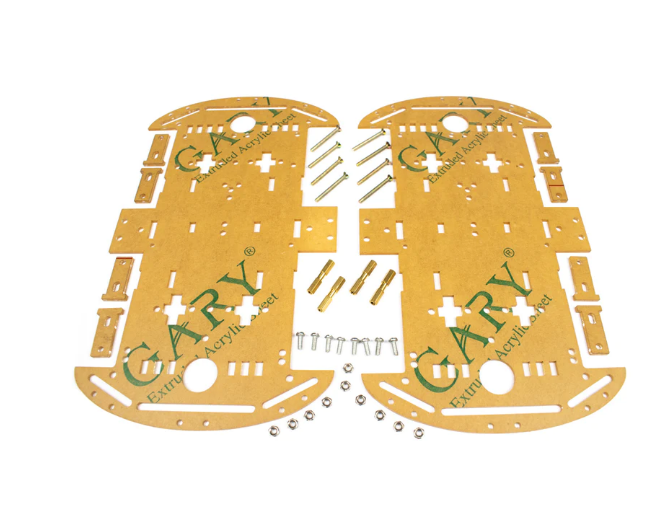
4 Wheels Car Chassis Acrylic Frame
Solid 4-wheel chassis for your ROS2 mobile robot — accommodates Raspberry Pi, motor drivers, and battery pack in one clean frame.
Frequently Asked Questions
Can I run ROS2 on Raspberry Pi OS without building from source?
Yes. The two best approaches are: (1) Docker — pull official Ubuntu ROS2 images and run them on Raspberry Pi OS host, giving you full hardware access plus official ROS2 packages; (2) RoboStack — conda-based ROS2 packages that install on Raspberry Pi OS in minutes. Building from source is also viable but takes 3–4 hours on a Pi 4.
Which ROS2 version should I use in 2025?
Use ROS2 Jazzy (Ubuntu 24.04 LTS, supported until 2029) for new projects on Pi 5. Use ROS2 Humble (Ubuntu 22.04 LTS, supported until 2027) if Pi 4 compatibility and a larger existing tutorial base matter more to you.
Is a Raspberry Pi fast enough for ROS2 SLAM?
Yes — a Raspberry Pi 4 (4GB) can run slam_toolbox in localization mode and Nav2 simultaneously. Mapping mode is more CPU-intensive but feasible. A Raspberry Pi 5 is significantly faster and recommended for SLAM + vision tasks combined.
Do I need a 64-bit OS for ROS2?
ROS2 Humble and newer officially support only 64-bit (aarch64) on ARM. Running on 32-bit (armhf) requires building from source with modifications and is not recommended. Always use the 64-bit image for your chosen OS.
What is micro-ROS and when should I use it?
micro-ROS brings ROS2 to microcontrollers (ESP32, STM32, Arduino). Use it when you need hard real-time motor control or sensor polling that cannot tolerate Linux scheduling jitter. The micro-ROS agent running on the Pi bridges micro-ROS nodes on the MCU into the full ROS2 graph.
Ready to build your ROS2 robot? Get the hardware you need from Zbotic — robot chassis, ESP32 kits, servo motors, and more. Shop the Robotics & Automation collection and start your build today.






Add comment