
If you have ever wondered why your Arduino remembers data even after power loss, the answer lies in non-volatile memory — and specifically in the EEPROM vs Flash memory debate. Both technologies store data without power, but they work quite differently and are used for completely different purposes inside microcontrollers. Whether you are building a data logger, a smart home controller, or an IoT node on an ESP32, understanding the difference between EEPROM and Flash memory will help you write better firmware and avoid frustrating bugs.
What Is EEPROM?
EEPROM stands for Electrically Erasable Programmable Read-Only Memory. As the name suggests, it can be erased and rewritten electrically — byte by byte — without removing it from the circuit. This makes it ideal for storing small amounts of configuration data that change occasionally, such as user settings, calibration values, or device serial numbers.
Key characteristics of EEPROM:
- Byte-addressable: You can read or write a single byte at a time.
- Erase granularity: Individual bytes or small pages can be erased independently.
- Endurance: Typically rated for 100,000 erase/write cycles per byte.
- Retention: Data is typically retained for 10–40 years at room temperature.
- Speed: Slower write speed (5–10 ms per byte is common on microcontrollers).
- Size: Usually small — the ATmega328P (Arduino Uno’s MCU) has only 1 KB of EEPROM.
EEPROM is available both as an on-chip peripheral in microcontrollers and as a standalone IC (like the popular 24C02, 24C256) accessible via the I2C bus. Many hobbyist projects use external I2C EEPROM chips when the internal EEPROM is too small.
What Is Flash Memory?
Flash memory is also a form of non-volatile memory, but it was designed for high density and lower cost — not for frequent small writes. Flash is the technology behind your SSD, pen drives, SD cards, and, most relevantly, the program memory of virtually every modern microcontroller.
Flash was derived from EEPROM technology but made a key trade-off: instead of erasing individual bytes, Flash erases entire sectors or blocks (often 4 KB, 64 KB, or 128 KB at a time). This block-erase constraint dramatically reduces the size of control circuitry, making it much cheaper per bit.
Key characteristics of Flash memory:
- Block-erase: You must erase a whole sector before you can write new data to it.
- High density: Modern MCUs have 256 KB to several MB of Flash; external NOR/NAND Flash chips go to GB range.
- Endurance: NOR Flash (used in MCUs) typically rated for 10,000–100,000 erase cycles per block; NAND Flash (SSDs, SD cards) can be lower per cell but managed by wear levelling.
- Speed: Fast reads; writes/erases are slower and must be done in blocks.
- Two types: NOR Flash (random read access, used for code execution) and NAND Flash (sequential access, used for data storage like SD cards).
Key Differences: EEPROM vs Flash Memory
Here is a side-by-side comparison to make things crystal clear:
| Feature | EEPROM | Flash Memory |
|---|---|---|
| Erase granularity | Byte or page | Sector/block (4KB–128KB) |
| Write endurance | ~100,000 cycles/byte | ~10,000–100,000 cycles/block |
| Density | Low (bytes to KB) | High (KB to GB) |
| Cost per bit | Higher | Lower |
| Primary use in MCU | Config, settings, small data | Program (firmware) storage |
| In-circuit rewrite | Yes, per byte | Yes, but must erase block first |
| Read access | Random (byte-level) | Random (NOR) / Sequential (NAND) |
| Data retention | 20–40 years | 10–20 years (NOR), varies (NAND) |
How Microcontrollers Use Both
Most modern microcontrollers contain both types of non-volatile memory, each serving a distinct role:
Flash for Firmware
When you upload a sketch to your Arduino, the compiled binary goes into the MCU’s Flash memory. The ATmega328P has 32 KB of Flash, the ATmega2560 has 256 KB, and modern 32-bit MCUs like the ESP32 use an external SPI Flash chip (typically 4 MB or more). The CPU fetches and executes instructions directly from Flash on NOR-type devices.
On many ARM Cortex-M MCUs (STM32, RP2040), there is no separate EEPROM — instead, they emulate EEPROM by using a small reserved Flash sector. The firmware writes to this sector in a carefully managed way to simulate byte-granular writes while respecting the block-erase requirement.
EEPROM for Persistent Data
EEPROM in AVR microcontrollers (ATmega series) is a separate memory array from the Flash. The Arduino EEPROM library lets you call EEPROM.write(address, value) and EEPROM.read(address) to store single bytes. Common uses include:
- Storing WiFi credentials on an ESP8266/ESP32
- Saving the last known state of a smart switch
- Storing calibration data for a sensor
- Recording the number of times a device has been reset
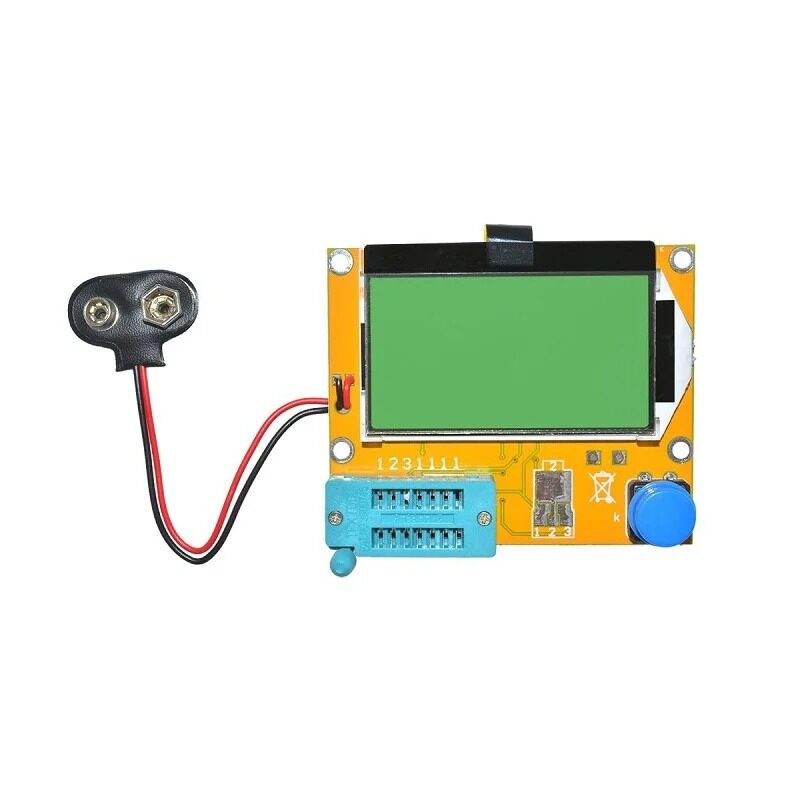
9V Battery LCR-T4 Graphical Component Tester
Test transistors, capacitors, resistors and more. Great for verifying components on your MCU prototyping bench.
Write Endurance and Wear Levelling
One of the most critical practical concerns when using non-volatile memory in embedded projects is write endurance — how many times you can write to the same location before it wears out.
EEPROM Endurance Tips
The ATmega328P’s EEPROM is rated for 100,000 write cycles per cell. This sounds like a lot, but if your code writes to the same EEPROM byte every second (imagine logging a sensor reading every second), you will exhaust those cycles in about 27 hours. Best practices:
- Write infrequently: Only save data when it changes, not on every loop iteration.
- Use EEPROM.update(): The Arduino EEPROM library’s
update()function reads first and only writes if the value has changed. - Spread writes: If you must write frequently, rotate through multiple EEPROM addresses (wear levelling in software).
Flash Endurance Tips
For devices like the ESP32 that emulate EEPROM using Flash, the Preferences library or SPIFFS/LittleFS filesystem already implement wear levelling internally. However, the underlying NOR Flash is still rated for around 10,000–100,000 erase cycles per block. For high-frequency logging, use a microSD card (NAND Flash with hardware wear levelling) instead.
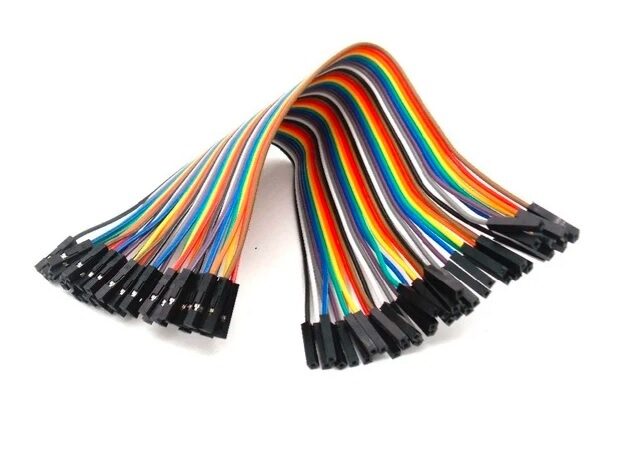
10CM Female To Female Breadboard Jumper Wires – 40Pcs
Essential for connecting I2C EEPROM chips to your Arduino or microcontroller on a breadboard without soldering.
Practical Use Cases for Hobbyists
Here are some real-world scenarios that Indian makers commonly encounter, along with guidance on which memory type to use:
Use EEPROM When:
- Saving WiFi credentials: Store your SSID and password so the device auto-connects after power loss. On ESP32, use the Preferences library (Flash-based but byte-granular).
- Remembering device settings: LED brightness levels, alarm thresholds, display modes.
- Tracking operational data: Total run hours, error counts, last known sensor value.
- Small data logging: A few hundred readings at infrequent intervals (e.g., daily temperature logs for 6 months).
Use Flash (External or File System) When:
- Storing firmware updates: OTA (Over-The-Air) updates partition data in Flash sectors.
- Web server files: HTML, CSS, JavaScript files for an ESP32 web server stored in SPIFFS or LittleFS.
- Audio or image data: Look-up tables, audio samples, bitmap images for displays.
- Configuration files: JSON config files too large for EEPROM.
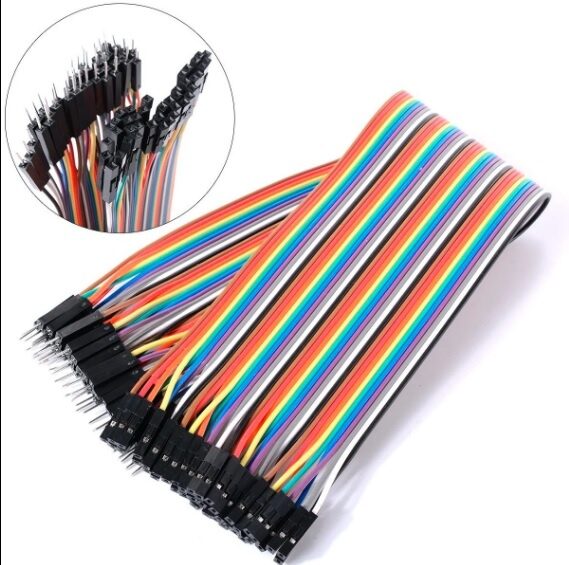
10CM Male To Female Breadboard Jumper Wires – 40Pcs
Perfect for connecting sensors and modules to your microcontroller during prototyping. A must-have in every maker’s kit.
Which One Should You Use?
The honest answer is: you will usually use both, as they serve complementary purposes. Here is a quick decision guide:
- Storing your program code → Flash (no choice, that’s where it goes)
- Saving a few bytes of config that change occasionally → EEPROM
- Logging hundreds of readings over time → External EEPROM via I2C (if small) or SD card / external Flash (if large)
- OTA firmware updates, file systems → Flash
- ESP32 / ESP8266 “EEPROM” usage → Actually Flash-backed, managed transparently by the SDK
For beginners, the most important takeaway is this: do not write to EEPROM in a loop without a good reason. Always check if the value has changed before writing. This simple habit extends the life of your device dramatically.
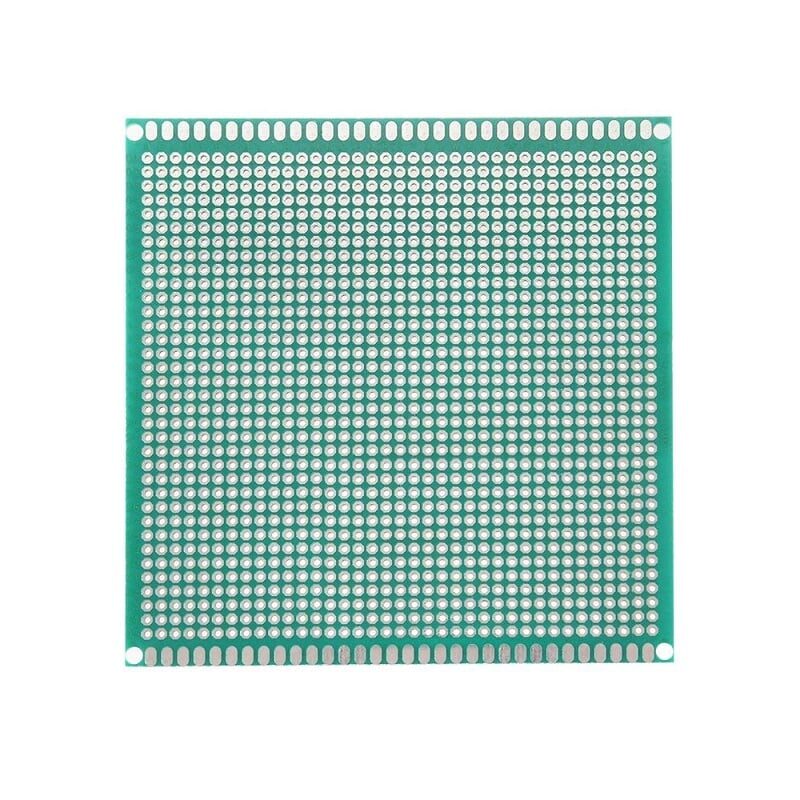
10x10cm Universal PCB Prototype Board Single-Sided
Ideal for soldering your final microcontroller circuit with external EEPROM chips once your breadboard design is validated.
Frequently Asked Questions
Q1: Does the Arduino Uno have Flash memory?
Yes. The ATmega328P has 32 KB of Flash (where your sketch is stored) and a separate 1 KB of EEPROM. Both are non-volatile, but they serve different purposes as explained above.
Q2: Can I execute code from EEPROM?
Not on standard AVR microcontrollers. EEPROM is a data memory space — you cannot fetch and execute instructions from it. Only Flash (program memory) is connected to the CPU’s instruction fetch pipeline.
Q3: How do I read and write EEPROM in Arduino?
Include the EEPROM library: #include <EEPROM.h>. Use EEPROM.write(addr, val) to write a byte and EEPROM.read(addr) to read. Use EEPROM.put(addr, data) and EEPROM.get(addr, data) for multi-byte types like float or structs.
Q4: Is the ESP32 EEPROM the same as Arduino EEPROM?
No. The ESP32 has no dedicated EEPROM hardware. When you use the EEPROM library or Preferences library on ESP32, it emulates EEPROM using a reserved Flash partition. The Preferences library is recommended for ESP32 as it handles wear levelling and namespace management automatically.
Q5: What is the difference between NOR Flash and NAND Flash?
NOR Flash allows random byte-level reads and is used for code execution in MCUs. NAND Flash is denser and cheaper but requires sequential access — it is used in SD cards, SSDs, and USB drives where a filesystem (with wear levelling) manages the hardware details.
Zbotic stocks a wide range of microcontroller boards, prototyping tools, sensors, and electronics components shipped fast across India. Browse Electronics Components at Zbotic and get everything you need to bring your ideas to life.





Add comment