
Teaching a robot to “see” and act on what it sees is one of the most rewarding steps in robotics. OpenCV color detection tracking robot projects are the most accessible entry point into machine vision because they work in real time on a Raspberry Pi, require no expensive GPU, and produce immediately visible, satisfying results. In this tutorial, you’ll learn the full pipeline — from capturing a frame to moving your robot toward a detected colour target — with practical code and specific hardware recommendations for Indian makers.
Why OpenCV for Robot Vision?
OpenCV (Open Source Computer Vision Library) is the world’s most widely used computer vision library, with over 2,500 optimised algorithms and a massive community. For robotics, its key advantages are:
- Real-time performance: Colour detection and basic tracking runs at 30+ FPS on a Raspberry Pi 4 at 640×480 resolution.
- Python bindings: Write concise, readable Python code using
cv2bindings rather than complex C++. - Hardware-agnostic: Works with USB webcams, Pi Camera, CSI cameras, and even IP camera streams.
- No internet required: Runs entirely offline on your robot — critical for autonomous deployments.
- Free and open source: Zero licensing cost, which matters when your project budget is tight.
Color detection is specifically powerful for robotics because it allows the robot to identify and follow specific objects (a coloured ball, a coloured line, a coloured target) without needing complex neural networks or GPUs.
Hardware Setup for a Vision Robot
You’ll need the following components to build a colour-tracking robot:
Processing Unit
Raspberry Pi 4 (2 GB or 4 GB RAM) is the standard choice. It runs OpenCV at usable frame rates and has GPIO pins for motor control. Raspberry Pi 3B+ also works but is noticeably slower with larger frame sizes. Orange Pi and Jetson Nano are alternatives, but Pi has the best community support for beginners.
Camera
Raspberry Pi Camera Module v2 (8 MP) gives the best latency via the CSI interface. A USB webcam (720p) also works and is easier to position. Avoid extremely wide-angle fisheye cameras for tracking — they distort colour regions near the edges.
Motor Controller
L298N dual H-bridge or L9110S are the standard motor driver ICs for Raspberry Pi GPIO-based control. The Pi GPIO can output PWM signals to control motor speed. Use Python’s RPi.GPIO or gpiozero library.
Chassis
A standard 2WD or 4WD car chassis works well. The chassis needs to be wide enough to mount a camera with a clear forward view. A camera mount at 15–25 cm height provides a good field of view on flat surfaces.
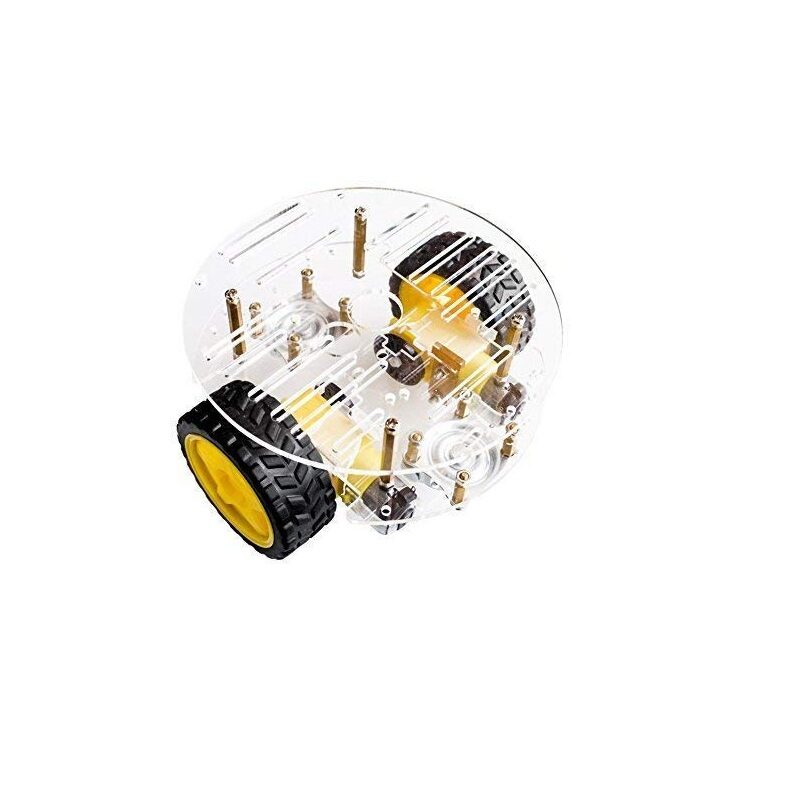
2WD Mini Round Double-Deck Smart Robot Car Chassis DIY Kit
Compact double-deck 2WD chassis with upper deck for mounting Raspberry Pi and camera module. Ideal base for a colour-tracking vision robot.
Installing OpenCV on Raspberry Pi
The fastest way to get OpenCV running is via pip:
sudo apt update && sudo apt install -y python3-pip python3-numpy
pip3 install opencv-python-headless
The headless variant skips GUI dependencies, saving about 150 MB on the Pi. If you need to display frames locally (debugging), install the full package instead:
pip3 install opencv-pythonVerify installation:
python3 -c "import cv2; print(cv2.__version__)"You should see version 4.x.x printed. Installation takes 2–5 minutes on a Pi 4 with a good internet connection.
Understanding HSV Color Space
OpenCV colour detection works in the HSV (Hue, Saturation, Value) colour space rather than RGB/BGR. This is a critical concept — here’s why it matters:
- RGB describes colour as a combination of red, green, and blue light intensities. Lighting changes affect all three channels simultaneously, making it unreliable for object detection under varying light.
- HSV separates colour (Hue) from brightness (Value). A red ball appears with nearly the same Hue value whether in bright sunlight or dim indoor lighting. Only Value changes. This makes HSV-based detection far more robust.
OpenCV HSV ranges are: Hue 0–179 (360° of colour wheel compressed to 180), Saturation 0–255, Value 0–255. Key hue ranges to memorise:
- Red: 0–10 and 170–179 (wraps around)
- Orange: 10–25
- Yellow: 25–35
- Green: 40–80
- Cyan: 80–100
- Blue: 100–130
- Purple/Violet: 130–160
Color Detection Pipeline (with Code)
Here is a complete, working colour detection script that identifies a green object and draws a bounding box around it:
import cv2
import numpy as np

# Open camera (0 = first USB/CSI camera)
cap = cv2.VideoCapture(0)
cap.set(cv2.CAP_PROP_FRAME_WIDTH, 640)
cap.set(cv2.CAP_PROP_FRAME_HEIGHT, 480)

# Define HSV range for green
lower_green = np.array([40, 70, 70])
upper_green = np.array([80, 255, 255])

while True:
    ret, frame = cap.read()
    if not ret:
        break

    # Convert BGR to HSV
    hsv = cv2.cvtColor(frame, cv2.COLOR_BGR2HSV)

    # Create mask for green pixels
    mask = cv2.inRange(hsv, lower_green, upper_green)

    # Morphological cleanup — remove small noise
    kernel = np.ones((5, 5), np.uint8)
    mask = cv2.erode(mask, kernel, iterations=1)
    mask = cv2.dilate(mask, kernel, iterations=2)

    # Find contours of green blobs
    contours, _ = cv2.findContours(mask, cv2.RETR_EXTERNAL,
                                    cv2.CHAIN_APPROX_SIMPLE)

    if contours:
        # Find the largest contour (biggest green blob)
        largest = max(contours, key=cv2.contourArea)
        area = cv2.contourArea(largest)

        if area > 500:  # ignore tiny blobs
            x, y, w, h = cv2.boundingRect(largest)
            cx = x + w // 2  # centroid X
            cy = y + h // 2  # centroid Y

            cv2.rectangle(frame, (x, y), (x+w, y+h), (0, 255, 0), 2)
            cv2.circle(frame, (cx, cy), 5, (0, 0, 255), -1)
            cv2.putText(frame, f'X:{cx} Y:{cy}', (x, y-10),
                        cv2.FONT_HERSHEY_SIMPLEX, 0.5, (0,255,0), 1)

    cv2.imshow('Color Detection', frame)
    if cv2.waitKey(1) & 0xFF == ord('q'):
        break

cap.release()
cv2.destroyAllWindows()
The morphological erosion and dilation steps are crucial. Erosion removes small white noise pixels from the mask; dilation then expands the remaining regions back to their original size, leaving only substantial green blobs.
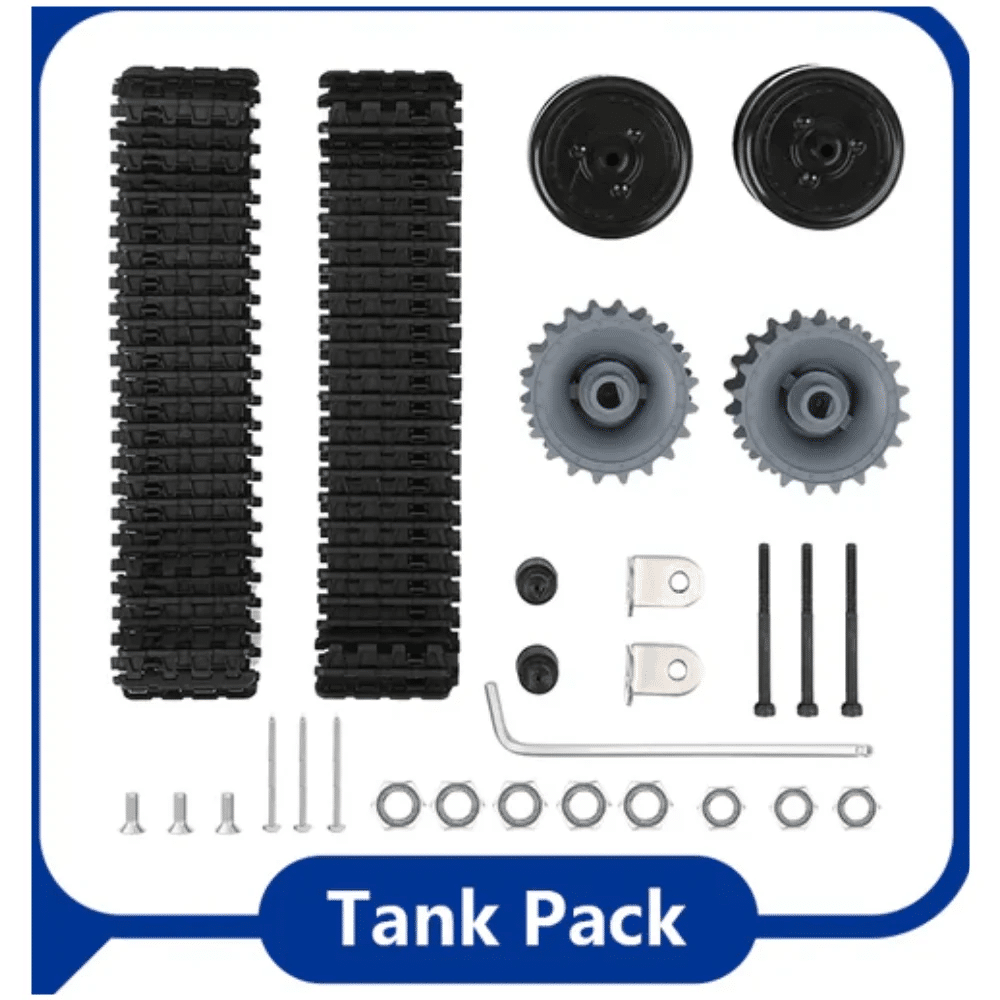
ACEBOTT ESP32 Tank Robot Car Expansion Pack
Programmable tank chassis that can receive drive commands from a Raspberry Pi vision system over serial or Wi-Fi, perfect for colour-tracking upgrades.
Tracking and Driving the Robot
Once you have the centroid cx of the detected object, you can implement proportional control to drive the robot toward it:
import RPi.GPIO as GPIO
import time

# Motor pins (example: L298N)
IN1, IN2, ENA = 17, 27, 18  # Left motor
IN3, IN4, ENB = 22, 23, 13  # Right motor

GPIO.setmode(GPIO.BCM)
for pin in [IN1, IN2, ENA, IN3, IN4, ENB]:
    GPIO.setup(pin, GPIO.OUT)

pwm_left  = GPIO.PWM(ENA, 100)
pwm_right = GPIO.PWM(ENB, 100)
pwm_left.start(0)
pwm_right.start(0)

FRAME_WIDTH = 640
DEADBAND    = 30     # pixels either side of centre
BASE_SPEED  = 60     # % PWM

def drive(left_speed, right_speed):
    GPIO.output(IN1, GPIO.HIGH)
    GPIO.output(IN2, GPIO.LOW)
    GPIO.output(IN3, GPIO.HIGH)
    GPIO.output(IN4, GPIO.LOW)
    pwm_left.ChangeDutyCycle(max(0, min(100, left_speed)))
    pwm_right.ChangeDutyCycle(max(0, min(100, right_speed)))

def stop():
    pwm_left.ChangeDutyCycle(0)
    pwm_right.ChangeDutyCycle(0)

# In your main detection loop, after getting cx:
error = cx - (FRAME_WIDTH // 2)   # negative = target is left

if abs(error) < DEADBAND:
    drive(BASE_SPEED, BASE_SPEED)  # drive straight
else:
    correction = int(error * 0.2)  # proportional gain
    drive(BASE_SPEED + correction, BASE_SPEED - correction)
This is a proportional controller (P-controller). The error is the horizontal distance of the target from the frame centre. If the target is to the right (error > 0), the right motor slows down and the left motor speeds up, turning the robot to the right. The gain factor (0.2) controls how aggressively the robot reacts — tune this value on your actual hardware.
Adding a Forward/Stop Behaviour
Use the contour area as a proxy for distance. When the detected object area exceeds a threshold (e.g., 20,000 pixels at 640×480), the robot is close enough and should stop. When area is below a lower threshold, drive forward. This creates a simple three-mode behaviour: turn to face target → drive forward toward target → stop when close.
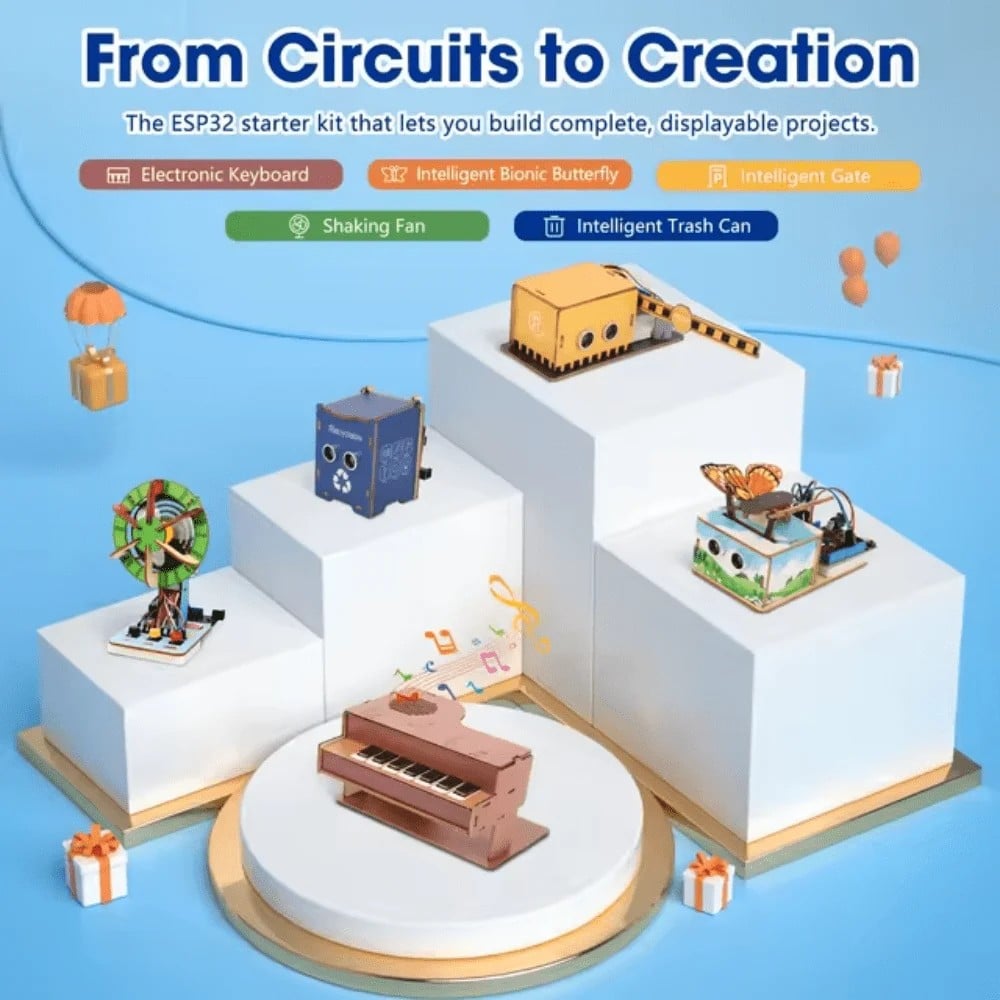
ACEBOTT ESP32 Basic Starter Kit (QE201)
ESP32 starter kit with breadboard and sensors — prototype your vision robot’s electronics and test motor control logic before mounting everything on the chassis.
Advanced Techniques: Multiple Objects, Shape Filtering
Tracking Multiple Colours Simultaneously
Define multiple HSV ranges and create a separate mask for each colour. Use Python’s cv2.bitwise_or() to combine masks if you want to detect any of several colours, or process each mask separately to track distinct objects. For each colour, maintain a separate contour list and centroid calculation.
Shape Filtering to Reduce False Positives
A traffic cone and a red shirt might have the same hue range. Add shape filtering to distinguish them:
cv2.minEnclosingCircle()— check if contour is approximately circular.cv2.approxPolyDP()— check for square/rectangular shapes.- Aspect ratio filter:
w / hthreshold removes elongated noise contours. - Solidity filter:
area / convex_hull_area— solid shapes (>0.8) vs irregular shapes.
Kalman Filtering for Smooth Tracking
When the target briefly leaves the frame or is occluded, raw centroid detection jumps to zero. A Kalman filter predicts the likely next position of the target based on velocity history, keeping the robot’s steering smooth during brief losses of detection. OpenCV includes a built-in cv2.KalmanFilter class.
Deploying on ESP32 with Camera
If a Raspberry Pi is too expensive or heavy, the ESP32-CAM module provides a camera-equipped ESP32 that can stream JPEG frames. Process the frames on a laptop and send drive commands back to the ESP32 over Wi-Fi. This splits computation from mobility, reducing onboard weight and cost significantly.
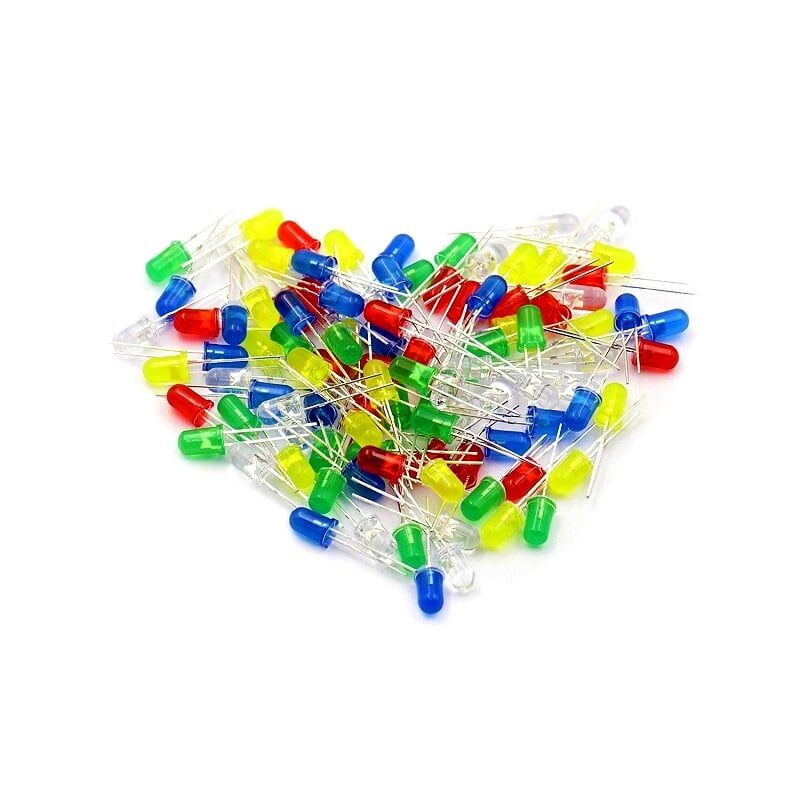
100pcs 5mm LED Assorted Kit (White/Yellow/Red/Green/Blue)
Use coloured LEDs as high-contrast tracking targets for your OpenCV robot. A green LED cluster is one of the easiest and most reliable colour targets for indoor detection experiments.
Frequently Asked Questions
Can OpenCV colour detection work in low light?
Performance degrades significantly in low light because Value (brightness) in HSV drops, and the Saturation also appears lower. Solutions include adding an LED ring light near the camera, widening the Value lower bound in your HSV range, or using adaptive histogram equalisation (CLAHE) as a pre-processing step.
What is the processing frame rate achievable on a Raspberry Pi 4?
At 640×480 with a simple colour detection pipeline (no deep learning), a Pi 4 processes 30–60 FPS in Python. Dropping to 320×240 reaches 80–120 FPS if your application requires very high speed tracking.
How do I find the correct HSV values for my specific target colour?
Use a calibration script with trackbars (cv2.createTrackbar) to interactively adjust Hue/Saturation/Value min and max while viewing the mask in real time. Save the values once you have a clean mask with no noise. Doing this calibration under your actual working lighting conditions is essential.
Is OpenCV suitable for detecting multiple objects of the same colour?
Yes. cv2.findContours() returns all separate contours, each of which represents a detected blob. Sort by area to prioritise the largest, or track all of them with individual IDs using a simple nearest-neighbour association algorithm.
Can I use OpenCV for face detection on a robot?
Yes. OpenCV includes pre-trained Haar cascade classifiers for face detection. It runs at 5–15 FPS on a Pi 4 — fast enough for a social robot that turns to face a detected person. For more accuracy, use a lightweight deep learning model via OpenCV’s DNN module (e.g., MobileNet-SSD).
Zbotic stocks robot chassis, ESP32 boards, motor drivers, and electronics components with fast shipping across India. Browse the full Robotics collection and start your OpenCV project this week.






Add comment