
Table of Contents
- Budget 3D Printers in India: What ₹15,000 Gets You in 2026
- What to Check Before Buying
- Top 3D Printers Under ₹15,000
- Best Filaments to Use with Budget Printers
- Essential Accessories to Buy with Your First Printer
- Maintenance Tips to Extend Printer Life
- Where to Buy in India
- Frequently Asked Questions
Budget 3D Printers in India: What ₹15,000 Gets You in 2026
The 3D printing market in India has changed dramatically over the last three years. Printers that would have cost ₹40,000–50,000 in 2020 are now available under ₹15,000, and the print quality has improved enormously at the same time. For students, hobbyists, small business owners, and professionals looking to prototype ideas without expensive outsourcing, a sub-₹15,000 printer is now a genuinely practical investment.
India’s maker community has grown significantly in tier-1 and tier-2 cities, fuelled by engineering college projects, drone racing clubs, product startups, and the growing awareness of additive manufacturing in manufacturing SMEs. The ₹15,000 price point sits comfortably where a working professional can justify the purchase as a productivity tool without it being a major financial commitment.
This guide evaluates the best FDM (fused deposition modelling) printers available in India under ₹15,000 in 2026. We focus on build quality, print size, community support (critical for beginners), and real-world usability for Indian conditions including power reliability, heat, humidity, and dust.
What to Check Before Buying
Build Volume
The physical maximum print size. A 220×220×250 mm volume is the standard for budget printers and is large enough for the vast majority of hobbyist and prototype prints. If you know you need to print very large objects (enclosures, large props), look for a printer with at least 300 mm in the Z-axis.
Bed Type: Heated vs Unheated
A heated bed is essential for printing ABS (required) and significantly improves PLA adhesion. Every printer worth considering under ₹15,000 in 2026 should have a heated bed. Avoid any printer that does not offer this.
Frame: Metal vs Plastic
Metal-frame printers (all-metal, aluminium extrusion) are significantly more rigid and produce better prints than plastic-frame printers. All the printers in this guide use metal frames.
Extruder: Bowden vs Direct Drive
Bowden extruders separate the motor from the print head — the motor sits on the frame and feeds filament through a PTFE tube to the hot-end. This reduces moving mass and allows faster print speeds, but requires longer retraction distances. Direct drive places the motor directly on the print head, making flexible filaments (TPU) much easier to print. Most sub-₹15,000 printers use Bowden setups.
Community and Spare Parts Availability
This matters enormously in India. A printer with a large global community means thousands of tutorials, mods, and troubleshooting guides are available. Spare parts availability in India (on Zbotic, Amazon India, and local electronics markets) is also important — you will eventually need to replace a nozzle, thermistor, or heating element.
Top 3D Printers Under ₹15,000
1. Creality Ender 3 — The Best All-Rounder (₹8,000–11,000)
The Ender 3 remains the single best recommendation for a first 3D printer in India in 2026. It has been on the market since 2018, which means it has accumulated an extraordinary body of tutorials, mods, community profiles, and spare parts availability. Its weaknesses — the flexible magnetic bed warping, the stock Bowden tube — are all well-documented and have cheap, proven fixes.
Specs: 220×220×250 mm build volume, heated bed, all-metal frame, 0.4 mm nozzle, MK8 extruder.
What it prints well: PLA, PETG, TPU (with modifications), basic ABS with enclosure.
Ideal for: Students, hobbyists, anyone printing their first 3D object and wanting maximum community support.
2. Creality Ender 3 V2 — Upgraded Experience (₹11,000–14,000)
The V2 improves on the original Ender 3 with a glass bed, a better mainboard with silent TMC2208 stepper drivers, a redesigned extruder knob, and a quieter operation. If the price difference is within your budget, the V2’s silent steppers alone justify the upgrade for home printing where noise is a concern.
What’s better: Quieter operation, glass bed included, improved cable management, better UI.
What’s the same: Same build volume, same hot-end, same print quality.
3. Creality Ender 3 S1 Lite — Direct Drive at the Limit (₹13,000–15,000)
The S1 Lite brings direct drive to the budget segment. The Sprite direct extruder handles flexible filaments (TPU) far better than Bowden setups, and the dual Z-axis lead screws dramatically improve print stability. If you are interested in printing flexible or experimental filaments, this is worth stretching to.
What’s better: Direct drive (great for TPU), dual Z-axis, CR Touch auto bed levelling.
Downside: Slightly heavier print head means lower maximum speed on the direct drive version.
4. Anycubic Kobra — Auto Levelling at This Price (₹10,000–13,000)
Anycubic’s Kobra brings automatic bed levelling (using a strain gauge on the nozzle) to the sub-₹15,000 segment. For beginners who find manual bed levelling frustrating — which is most people in the first two weeks — this is a genuinely attractive feature. The Kobra also has a direct drive extruder.
Best for: Users who want to skip the manual bed levelling learning curve.
Downside: Smaller community than Ender 3, fewer India-specific tutorials available.
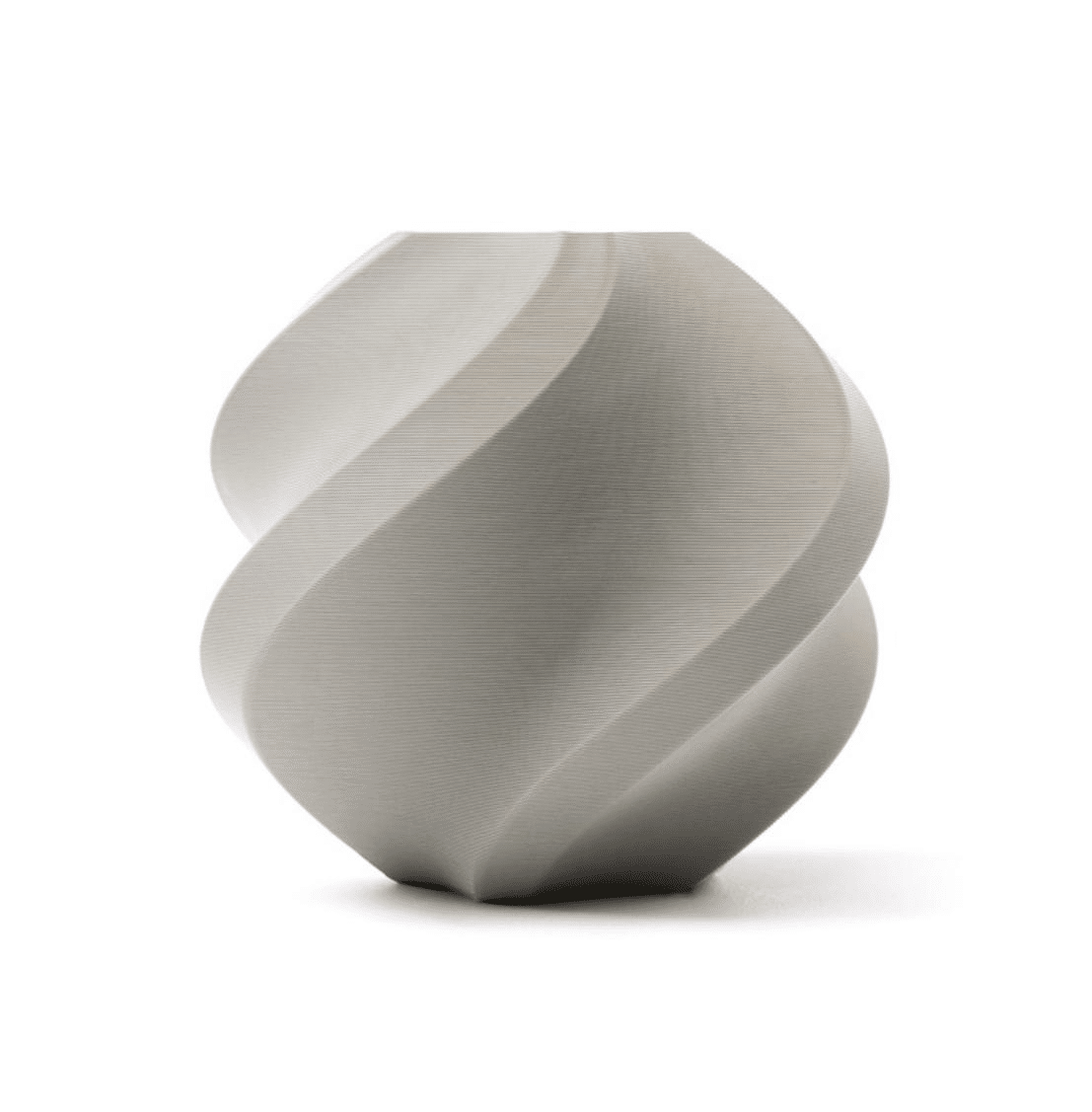
Bambu Lab PLA Filament Grey — 1.75mm with Reusable Spool
High-quality PLA to pair with your new printer. Consistent 1.75mm diameter means fewer clogs and more reliable prints from your first roll onwards.
Best Filaments to Use with Budget Printers
Once you have your printer, the filament you choose significantly affects both print quality and your learning experience. Here is what to use at each stage:
Start with PLA
PLA (Polylactic Acid) is the easiest filament to print. It prints at 195–215 °C, does not warp, emits minimal fumes, and works well without an enclosure. Every beginner should spend their first few kilograms with PLA before attempting other materials. Premium PLA brands like Bambu Lab and eSUN have tight diameter tolerances that reduce the variables you need to troubleshoot.
Move to PETG for Functional Parts
PETG combines PLA’s ease of printing with much better heat and chemical resistance. If you are making outdoor parts, food-contact items, or anything that will be exposed to higher temperatures (like inside a car in Indian summer), PETG is the right choice. Print temperature 230–250 °C, bed 70–85 °C.
ABS for High-Heat or Post-Processed Parts
ABS is harder to print (requires enclosure, high bed temp, fume extraction) but produces strong parts that can be sanded, painted, and acetone-vapour smoothed for a near-injection-moulded finish. Only attempt ABS once you are comfortable with your printer and have an enclosure.
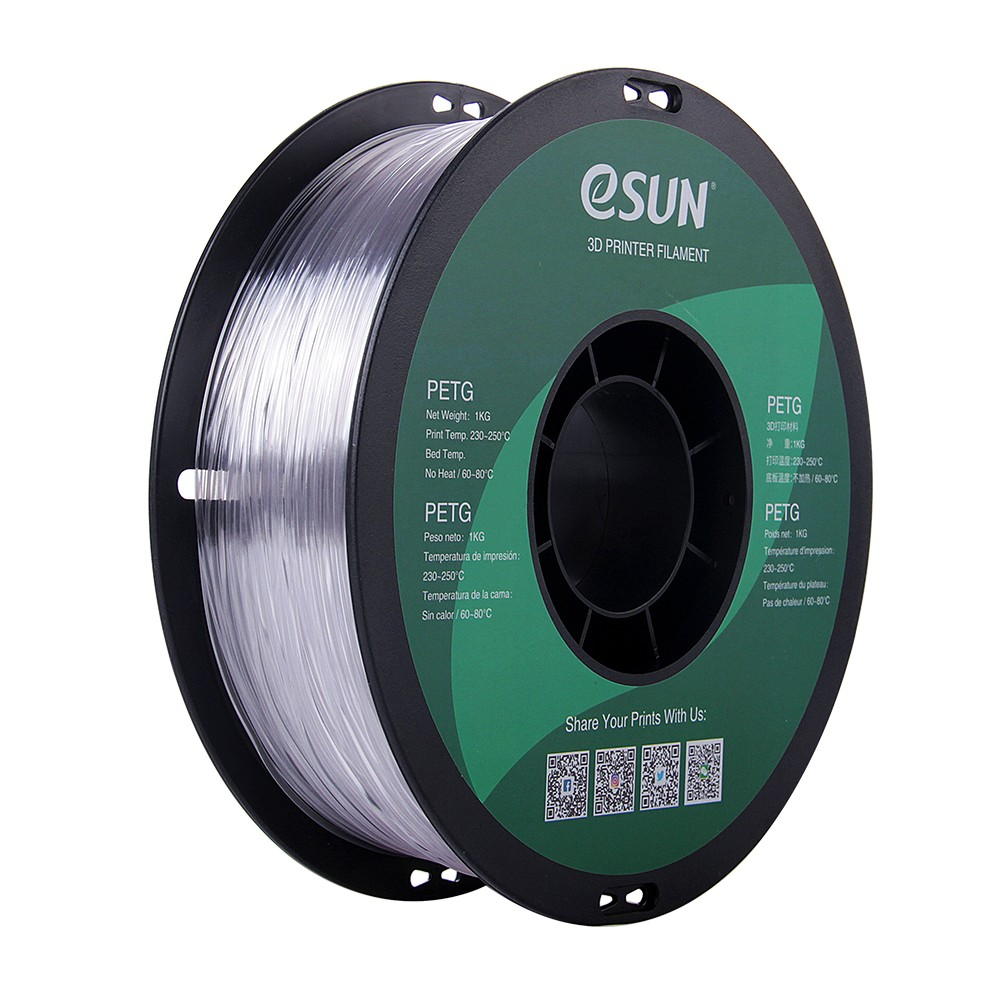
eSUN PETG 1.75mm 3D Printing Filament 1kg — Clear
Once you have mastered PLA, PETG is your next step. eSUN’s PETG prints smoothly with minimal stringing and produces strong, heat-resistant functional parts.
Essential Accessories to Buy with Your First Printer
Budget printers often come with the bare minimum. These accessories are cheap but make a significant difference to your experience:
- Filament dust filter: India’s dust levels are higher than most countries the printer manuals assume. An inline filament cleaner removes dust before it enters the extruder and nozzle, significantly reducing clog frequency.
- Spare nozzles (pack of 10): Nozzles wear out, especially with abrasive filaments. A stock of spare 0.4 mm brass nozzles means a clog never halts your project for a day waiting for shipping.
- Bed springs: Replace the soft stock springs with stiffer competition springs. Bed level stays accurate for weeks instead of days.
- Build plate sticker: The frosted PEI-style build plate sticker improves first-layer adhesion dramatically over bare glass or worn stock surfaces.
- Nozzle cleaning needles: For clearing partial clogs without full disassembly. A pack of 10 in various diameters costs very little and saves significant time.
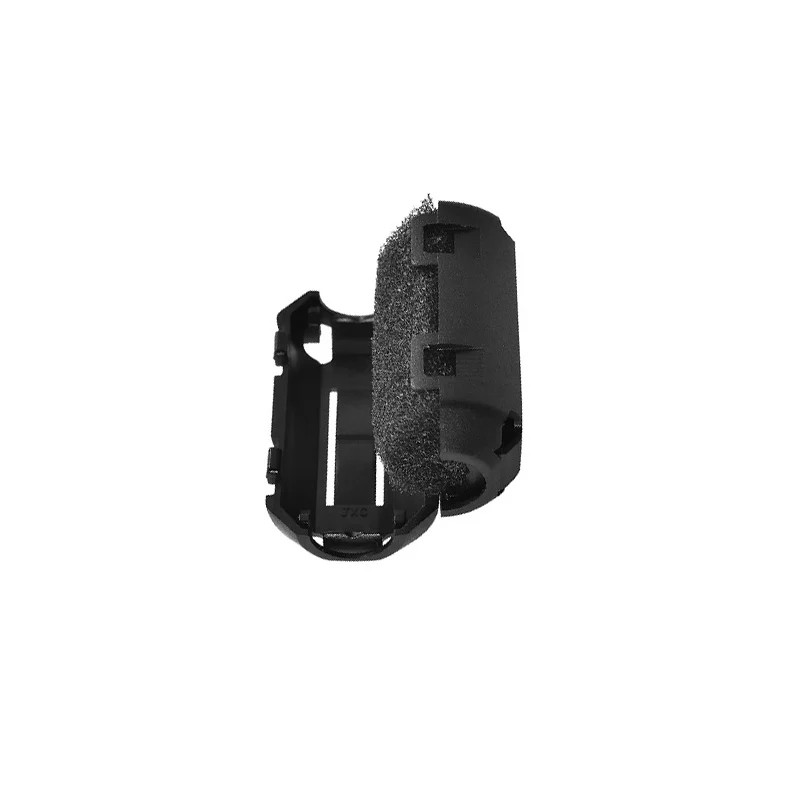
Filament Filter and Dust Cleaner for Ender 3, CR-10, Prusa i3
Essential for Indian printing environments. Removes dust from filament before it reaches the nozzle, drastically reducing the frequency of clogs and failed prints.
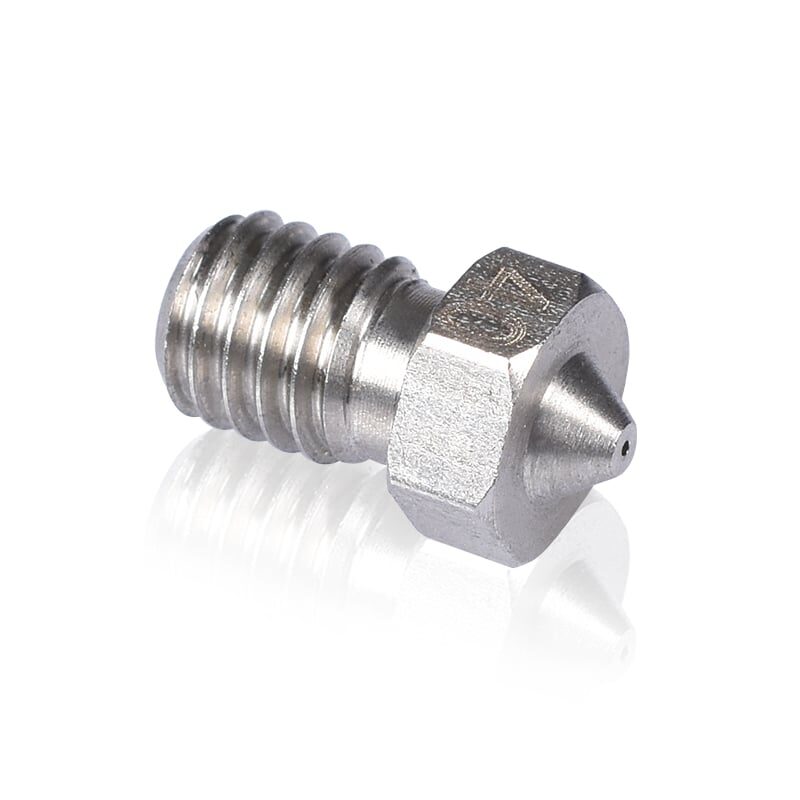
3D Printer Stainless Steel Nozzle 0.4mm
Stainless steel nozzles last longer than brass and handle slightly abrasive filaments better. Stock up before you need them — nozzle failure mid-print is frustrating.
Maintenance Tips to Extend Printer Life
A budget printer maintained well will outlast an expensive printer that is neglected. Indian printing environments have specific challenges:
- Clean the nozzle regularly: Cold pulls and cleaning needles every 10–15 printing hours prevent the buildup of carbonised material that causes sudden mid-print clogs.
- Re-tension belts monthly: X and Y axis belts stretch with use and temperature cycling. A belt tensioner or manual tightening takes two minutes and prevents layer shifts.
- Lubricate the Z-axis lead screw: Apply a thin coat of PTFE-based lubricant (not WD-40) to the lead screw every 50 hours of printing. Dry lead screws cause Z-banding artefacts.
- Store filament correctly: India’s humidity levels are far higher than European or North American climates. Even PLA, which is relatively resistant, absorbs moisture in Mumbai and coastal cities. Use sealed bags with silica gel, or invest in a dry box for spools in use.
- Check PTFE tube condition: The PTFE Bowden tube degrades at temperatures above 240 °C and develops a gap at the hot-end connection over time. Replace it every 6 months of regular use or when you start seeing clogs near the hot-end.
Where to Buy in India
Budget 3D printers can be purchased through several channels in India, each with trade-offs:
- Zbotic.in: India-focused electronics store with a growing range of 3D printing filaments, nozzles, spare parts, and accessories. Fast domestic shipping, no customs complications.
- Amazon India: Available for printers and some accessories. Prices are competitive. Check seller ratings carefully for third-party filament brands.
- Robu.in / Evelta / Electronicscomp: Indian electronics distributors that carry 3D printing accessories and some printers.
- Direct from Creality India: Creality has an official India website with local warranty support — worth considering for the printer itself.
For consumables — filament, nozzles, PTFE tubing, springs, and build plate surfaces — buying from Indian retailers avoids customs delays and reduces per-unit cost. Import duties on 3D printing accessories from China can add 20–30% to the apparent price.
Frequently Asked Questions
Can I print engineering-grade parts on a ₹15,000 printer?
Yes, with the right filament and settings. PETG, ABS, and ASA are all printable on these machines and produce parts with good mechanical properties. For truly demanding applications (high heat, chemical resistance, load-bearing structural parts), you would need speciality filaments like nylon or polycarbonate, which require a higher-temperature hot-end than most stock budget printers provide.
How much does 3D printing cost per kg of filament in India?
Budget PLA filament starts around ₹700–900/kg. Mid-range brands like eSUN run ₹1,200–1,800/kg. Premium brands like Bambu Lab are ₹2,000–2,800/kg. For comparison, a 1 kg spool at 20% infill can produce dozens of typical-sized prints depending on size.
What can I make with a budget 3D printer?
The list is vast: replacement parts for broken household items, custom electronic enclosures, PCB holders, RC vehicle frames and mounts, drone frames, jewellery prototypes, educational models, art pieces, phone stands, cable management clips, and much more. The constraint is your imagination and willingness to learn 3D modelling (or source models from Thingiverse/Printables).
Is a 3D printer safe to use at home in India?
PLA is considered the safest filament for indoor use — it emits very low levels of VOCs. Print in a ventilated space (near a window) and you are fine. ABS emits styrene and requires dedicated ventilation. The printer itself consumes 250–400 W during operation — comparable to a desktop computer.
Does humidity affect 3D printing quality?
Yes, significantly. Filament absorbs moisture from the air, which causes bubbling, steam during extrusion, rough surfaces, and reduced strength. In high-humidity Indian cities (Mumbai, Kolkata, Chennai, Kochi), store filament in sealed containers with silica gel and consider a filament dry box for active spools.
Get everything for your 3D printing journey in one place. From quality filaments to spare nozzles and bed accessories, Zbotic’s 3D Printing store ships across India with fast delivery and genuine products.





Add comment