
ABS (Acrylonitrile Butadiene Styrene) is the second most widely used 3D printing filament after PLA, and for good reason: it is tough, impact-resistant, heat-tolerant, and can be post-processed with acetone for exceptionally smooth surfaces. It is the material of choice for functional mechanical parts, enclosures, brackets, and anything that will be used outdoors or in warm environments.
But ABS has a well-deserved reputation for being difficult to print. Warping, delamination, cracking, and fume issues make it the material that frustrates beginners and even catches experienced makers off-guard when they switch printers or locations. In India, where ambient temperatures and humidity vary dramatically by season and region, these challenges are amplified further.
This guide covers every practical ABS filament printing tip you need to prevent warping and cracking and get reliable, strong prints consistently.
Why ABS Warps and Cracks
Before diving into solutions, it helps to understand the underlying physics. ABS has a high coefficient of thermal expansion — it shrinks significantly as it cools. When the bottom layers of a print cool and contract while the upper layers are still hot and dimensionally stable, differential stress builds up across the print. This stress lifts the corners off the bed (warping) or creates horizontal cracks between layers (delamination).
The problem is compounded by drafts and uneven airflow around the print. If one side of your print is cooled by a room air current while the other side stays warm, the stress distribution becomes asymmetric and warping is severe. Even opening a door or window while ABS is printing can cause a print to fail.
Layer adhesion in ABS also requires the previous layer to remain above the glass transition temperature (~105°C for ABS) when the new layer is deposited. In a cold, open environment, layers cool too fast and bond weakly, which causes the delamination cracks that look like the layers are splitting apart.
The Enclosure: Non-Negotiable for ABS
If you take nothing else from this guide, take this: printing ABS on an open-frame printer is fighting against physics. An enclosure is the single most important factor in successful ABS printing because it:
- Maintains a stable, elevated ambient temperature around the print (typically 40–60°C inside the enclosure)
- Eliminates drafts and airflow that cause differential cooling
- Allows the part cooling fan to be reduced or turned off entirely, preventing surface layer cracking
- Contains fumes, making extraction easier and safer
You do not need an expensive commercial enclosure. A cardboard box, a modified IKEA LACK table enclosure, or a homemade plywood box all work effectively. The chamber temperature should ideally reach 45–55°C during printing — warm enough that ABS layers remain pliable long enough to bond well without causing heat creep in the cold zone of the hotend.
If your enclosure gets too hot (above 60°C), you may experience heat creep in PTFE-lined hotends. All-metal hotends with a proper heat break manage this much better. This is one reason why ABS printing is an excellent incentive to upgrade your hotend.
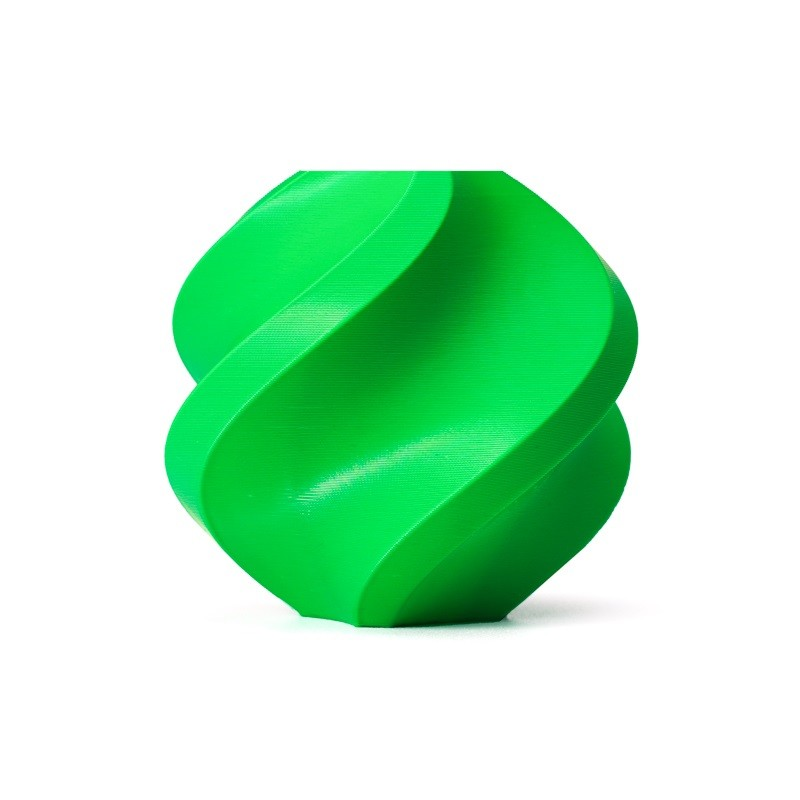
Bambu Lab ABS 3D Printer Filament – Bambu Green, 1.75mm with Reusable Spool
Premium ABS from Bambu Lab with tight diameter tolerance (±0.03mm) for consistent extrusion. The reusable spool reduces plastic waste and stores cleanly between prints.
Bambu Lab ABS 3D Printer Filament – Black, 1.75mm
Black ABS filament with Bambu Lab’s quality control standards. Black ABS absorbs heat slightly better than lighter colours, which can marginally improve layer bonding in borderline enclosure setups.
Bed Adhesion: Getting the First Layer to Stick
Even with an enclosure, first-layer adhesion is frequently the limiting factor for ABS. The combination of a hot bed, the right surface, and the right adhesive gives you the best foundation.
Bed Temperature
ABS requires a heated bed. The typical range is 100–115°C, with 105–110°C being the sweet spot for most brands. Too cold and corners lift. Too hot and the first layer squishes out and creates an elephant’s foot (an enlarged, flared base).
Bed Surface Options
Glass with ABS juice or hairspray: ABS juice is a solution of ABS filament dissolved in acetone (about 5–10g per 100ml). Apply a thin coat to glass, let it dry, and the first layer bonds aggressively when warm and releases when cool. Hairspray (unscented, non-conditioning) works similarly as a quick alternative.
PEI surface: A textured PEI sheet grips ABS very well at printing temperatures and releases when cooled to room temperature. This is the cleanest, most repeatable solution. Keep the surface clean with IPA — oils from hands dramatically reduce adhesion.
Kapton tape: The classic ABS bed surface. A smooth Kapton tape layer provides good adhesion with minimal effort and is still a reliable choice for printers without PEI sheets.
First Layer Settings
Print the first layer at 20–30% slower than normal speed. Increase first layer height slightly (0.25–0.3mm instead of 0.2mm) to allow more material to spread and grip the surface. Reduce fan speed to 0% for the first 3–5 layers so they do not cool too fast and lift.
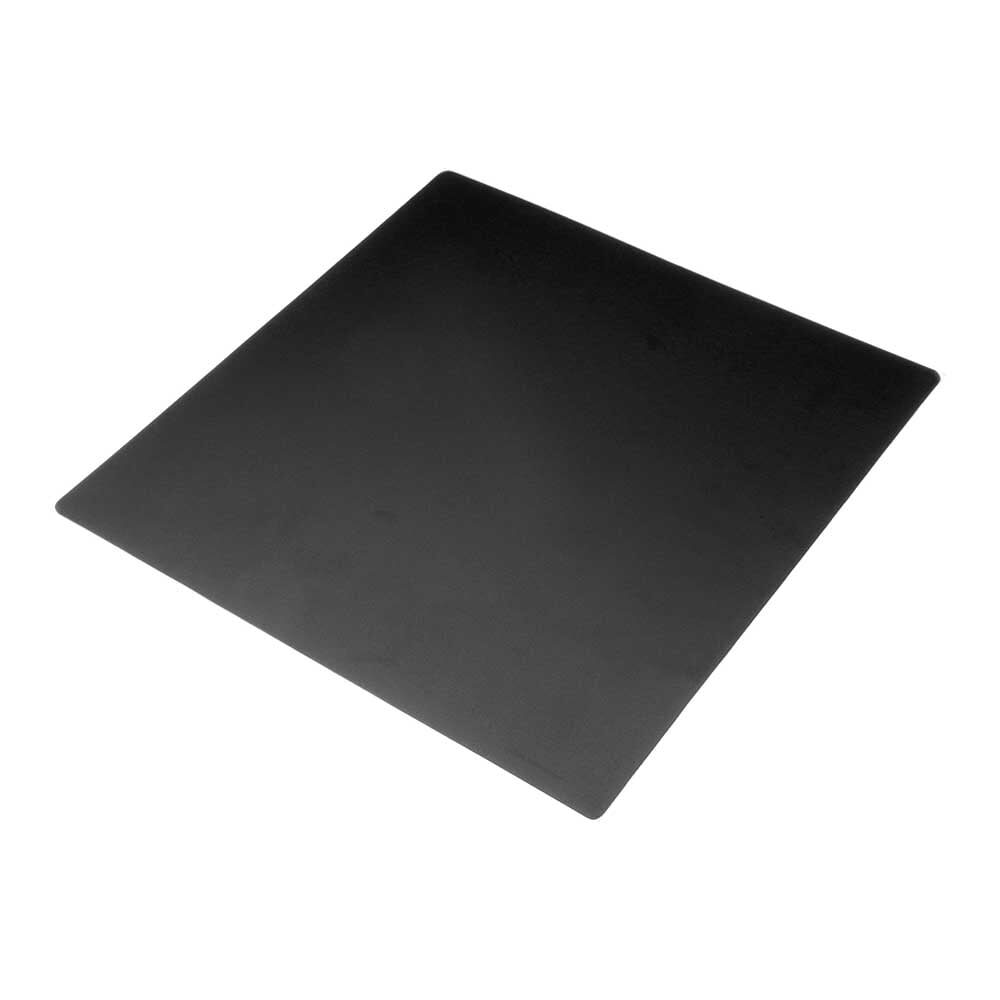
Frosted Heated Bed Sticker Build Plate Tape with Adhesive Backing
A textured 220×220mm bed surface with adhesive backing. Works well as a base layer for ABS with hairspray or ABS juice applied on top for improved first-layer grip.
Temperature Settings for ABS
Getting temperatures right is critical because ABS is sensitive to both ends of the range. Too cool and you get poor layer adhesion and brittle parts. Too hot and you get stringing, oozing, and increased warping from thermal stress.
Nozzle temperature: 230–250°C is the standard range. Start at 240°C and adjust based on your specific filament brand. Bambu Lab ABS prints well at 240–250°C. Generic budget ABS may need 245–250°C to flow properly.
Bed temperature: 105–110°C for most ABS. Use 100°C for thin, small parts that tend to over-stick. Use 110–115°C for large footprint parts that struggle to adhere.
Chamber/enclosure temperature: 40–55°C is ideal. This is a passive result of the heated bed warming the enclosed air — you do not usually need an active chamber heater for desktop-scale printers.
Cooling fan: This is where ABS differs most dramatically from PLA. For ABS, run the part cooling fan at 0–25% maximum. Many people print ABS with 0% cooling fan throughout the entire print, and it produces better layer adhesion than using fan cooling. The enclosure keeps ambient temperature high enough that active cooling is unnecessary and counterproductive.
Slicer Settings That Help ABS
Beyond temperature, several slicer settings significantly affect ABS print success:
Brim: Use a brim of 5–15mm for all ABS prints. The brim increases the surface area of the first layer, distributing the adhesion force over more contact area and dramatically reducing corner lift. It is removed easily after printing with a flush cutter. This is the single most effective in-slicer anti-warp measure.
Print speed: Slower is better for ABS. 40–60mm/s for outer walls, 60–80mm/s for infill. High speed increases nozzle cooling from movement and reduces time for layers to bond before the next layer is deposited.
Layer height: 0.2–0.25mm for general purpose prints. Thicker layers (0.3mm) actually improve layer bonding in ABS because there is more material to fuse per layer.
Infill pattern and percentage: Gyroid or honeycomb infill at 20–40% is ideal for ABS. These patterns distribute stress more evenly than rectilinear infill, which can create stress concentration lines that crack along infill paths.
Wall count: 3–4 walls for structural parts. More walls = better layer-to-layer bonding paths and increased resistance to cracking from mechanical stress.
Filament Quality and Storage
Low-quality ABS is significantly harder to print than premium brands. Budget ABS often has variable diameter (±0.1mm or worse), inconsistent composition, and moisture-absorbing packaging that makes the filament brittle before you even begin. These factors compound all the existing challenges of ABS printing.
Premium ABS from manufacturers like Bambu Lab has tight diameter tolerances (±0.03mm) and consistent melt characteristics. This makes the difference between a material that prints reliably with minor tuning and one that requires constant experimentation.
ABS absorbs moisture from the air, which causes bubbling, popping noises during printing, and surface defects. Store opened spools in sealed bags with silica gel desiccant. If your ABS spool has been open for more than a week in a humid environment (common during Indian monsoon season), dry it in an oven at 70–80°C for 4–6 hours before printing. A food dehydrator works well for this purpose and is widely available in India.
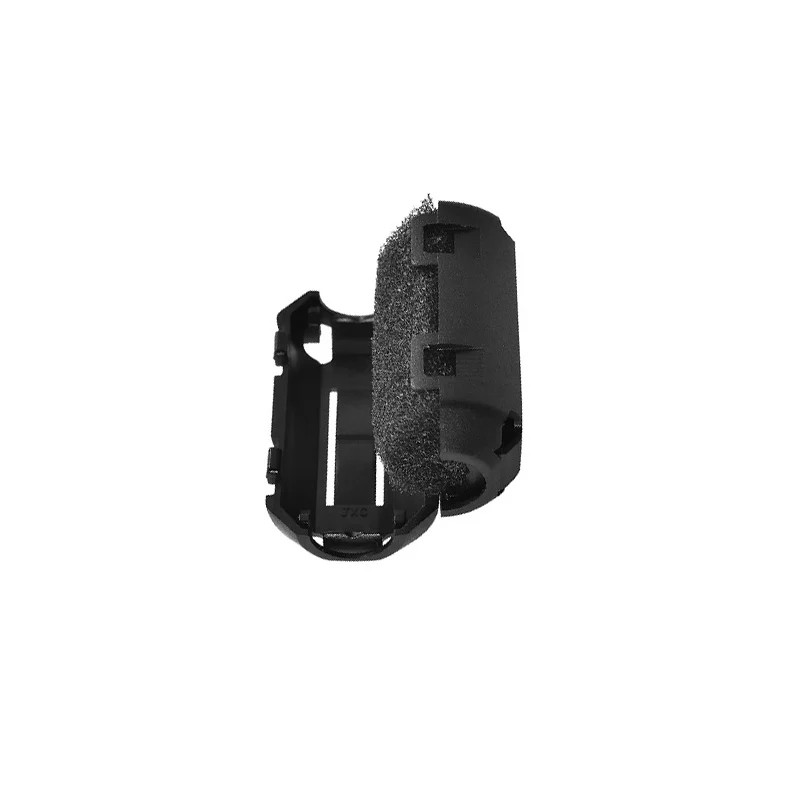
ABS PLA PETG 1.75mm Filament Filter Cleaner – Dust Removal Block
Keeps filament clean as it feeds into the hotend. Particularly useful for ABS, where nozzle contamination causes clogs that are harder to clear than with PLA.
Managing ABS Fumes Safely
ABS printing produces styrene vapour, which has been identified as a potential carcinogen with extended exposure. This is not a reason to never print ABS, but it is a reason to take ventilation seriously. In India, where workshop spaces are often compact and poorly ventilated, this is particularly important.
Minimum requirements: print in a room with a window, with a fan exhausting air outside during the print. Better: use an enclosed printer with an activated carbon filter attached to the enclosure exhaust. Best: dedicated ventilated enclosure or a space with mechanical ventilation.
Do not print ABS in a bedroom or any room where people sleep or spend extended time. A garage, workshop, or well-ventilated utility room is much more appropriate.
Post-Processing ABS: Acetone Smoothing
One of ABS’s biggest advantages over PLA is that it dissolves in acetone. This enables acetone vapour smoothing — a process where ABS parts are exposed to acetone vapour in a sealed container, causing the surface layers to slightly dissolve and reflow into a smooth, glossy finish.
The process removes layer lines completely and produces surfaces that look injection-moulded rather than 3D printed. It also slightly increases part density and surface strength. The trade-off is dimensional accuracy — parts shrink slightly and fine details are softened.
For a practical acetone smoothing setup: place a small amount of acetone (nail polish remover works) in the bottom of a glass container, place your ABS part on a platform above the acetone (not touching it), seal the container, and wait 5–30 minutes depending on desired smoothness. Always work in a well-ventilated area — acetone vapour is highly flammable.
ABS Troubleshooting Quick Reference
| Problem | Most Likely Cause | Fix |
|---|---|---|
| Corner warping | No enclosure / draft / insufficient brim | Add enclosure, increase brim to 10mm, check for drafts |
| Layer cracking / delamination | Cooling too fast, fan too high, low nozzle temp | Reduce fan to 0–10%, increase nozzle temp 5°C, use enclosure |
| Popping / crackling during printing | Wet filament | Dry filament at 70–80°C for 4–6 hours |
| Elephant foot (flared base) | Bed too hot, Z offset too close | Lower bed temp by 5°C, increase Z offset slightly |
| Stringing | Temperature too high, insufficient retraction | Lower nozzle temp 5°C, increase retraction distance 0.5mm |
Zbotic stocks Bambu Lab ABS and other quality filaments for makers who demand consistent results. Browse our 3D printing filament range.
Shop ABS Filament at Zbotic
Frequently Asked Questions
Can I print ABS without an enclosure?
Technically yes, but reliability suffers dramatically. Small, compact, thin-walled ABS parts may print successfully on an open printer in a still room during summer (when ambient temperatures are naturally high). Large prints, parts with wide flat bases, and prints in air-conditioned rooms almost always warp without an enclosure.
What is the best ABS filament for beginners in India?
Bambu Lab ABS offers excellent consistency for the price. Their tight diameter tolerances (±0.03mm) make a genuine difference for beginners, since diameter variation is one of the hidden causes of under-extrusion and print failures that beginners often misattribute to temperature or retraction settings.
How does ABS compare to PLA for strength?
ABS is tougher and more impact-resistant than PLA. It handles temperatures up to 105°C versus PLA’s ~60°C. However, properly printed PLA has higher tensile strength than poorly printed ABS. For functional parts, PLA+ or ASA (a weather-resistant ABS alternative) may be better choices for beginners who cannot yet print ABS reliably.
Is ABS safe to print in India’s climate?
ABS is more sensitive to humidity than many materials. During monsoon season (June–September), keep filament sealed with desiccant. Print in air-conditioned or climate-controlled spaces when possible, or dry filament before printing. The high ambient temperatures of Indian summer (35–42°C) can actually help with enclosure temperatures if the room is not air-conditioned.
Why does my ABS keep clogging the nozzle?
ABS clogs usually result from one of three causes: heat creep (the filament softening too high in the cold zone, often from a hot enclosure with a PTFE-lined hotend), wet filament expanding in the hotend, or carbonised ABS from previous over-temperature events building up in the nozzle. Address heat creep with an all-metal hotend, dry wet filament, and perform a cold pull to clear carbon deposits.







Add comment